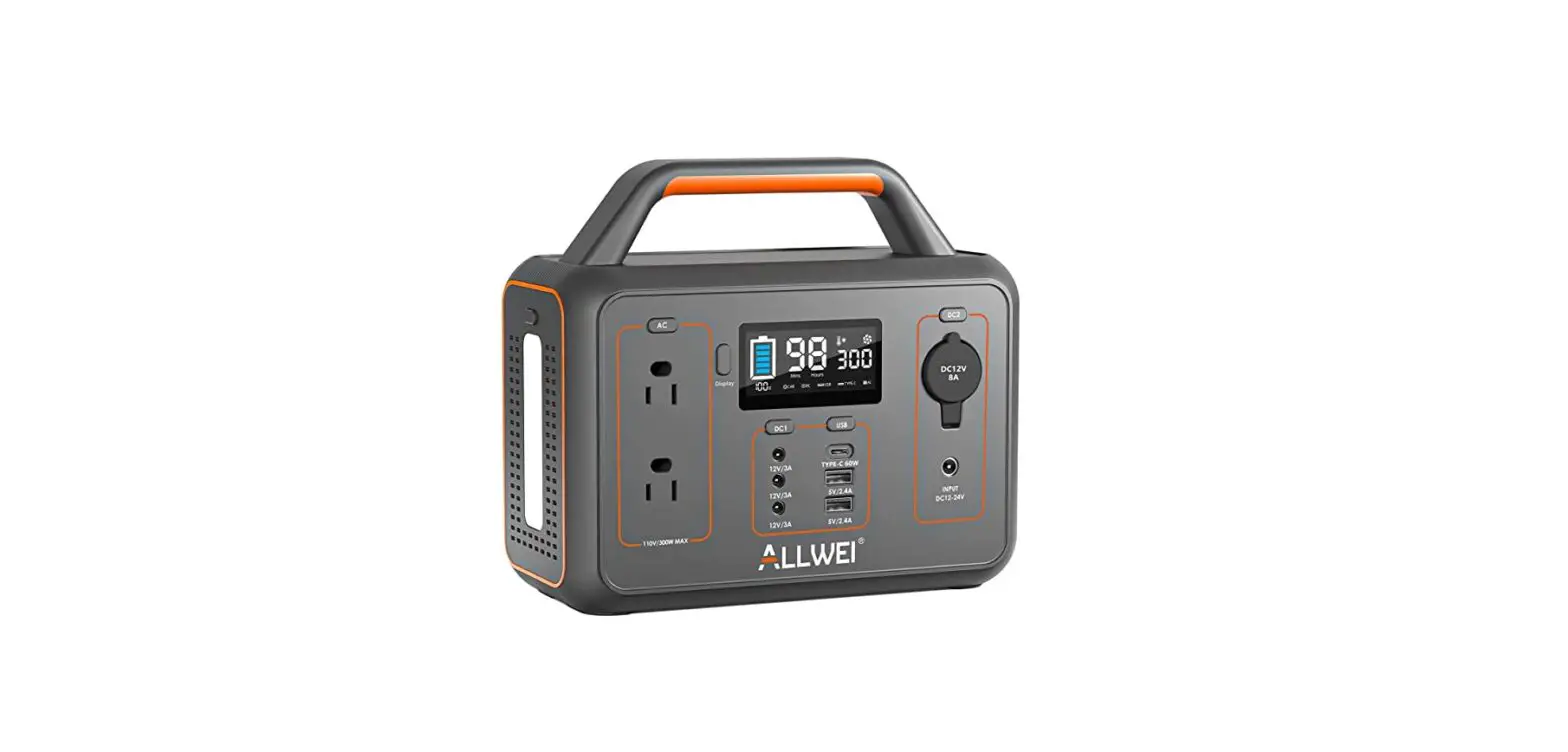
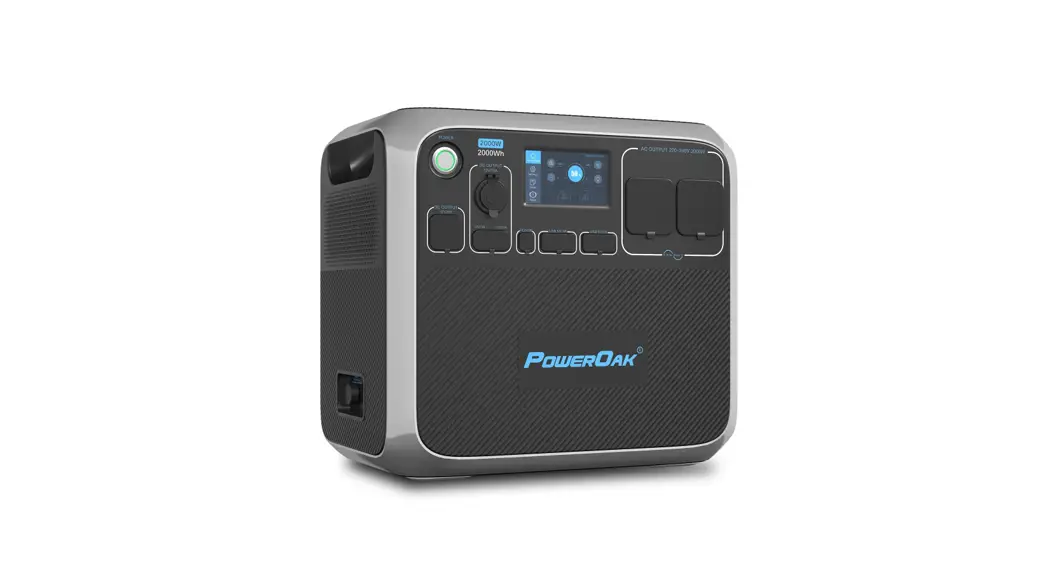
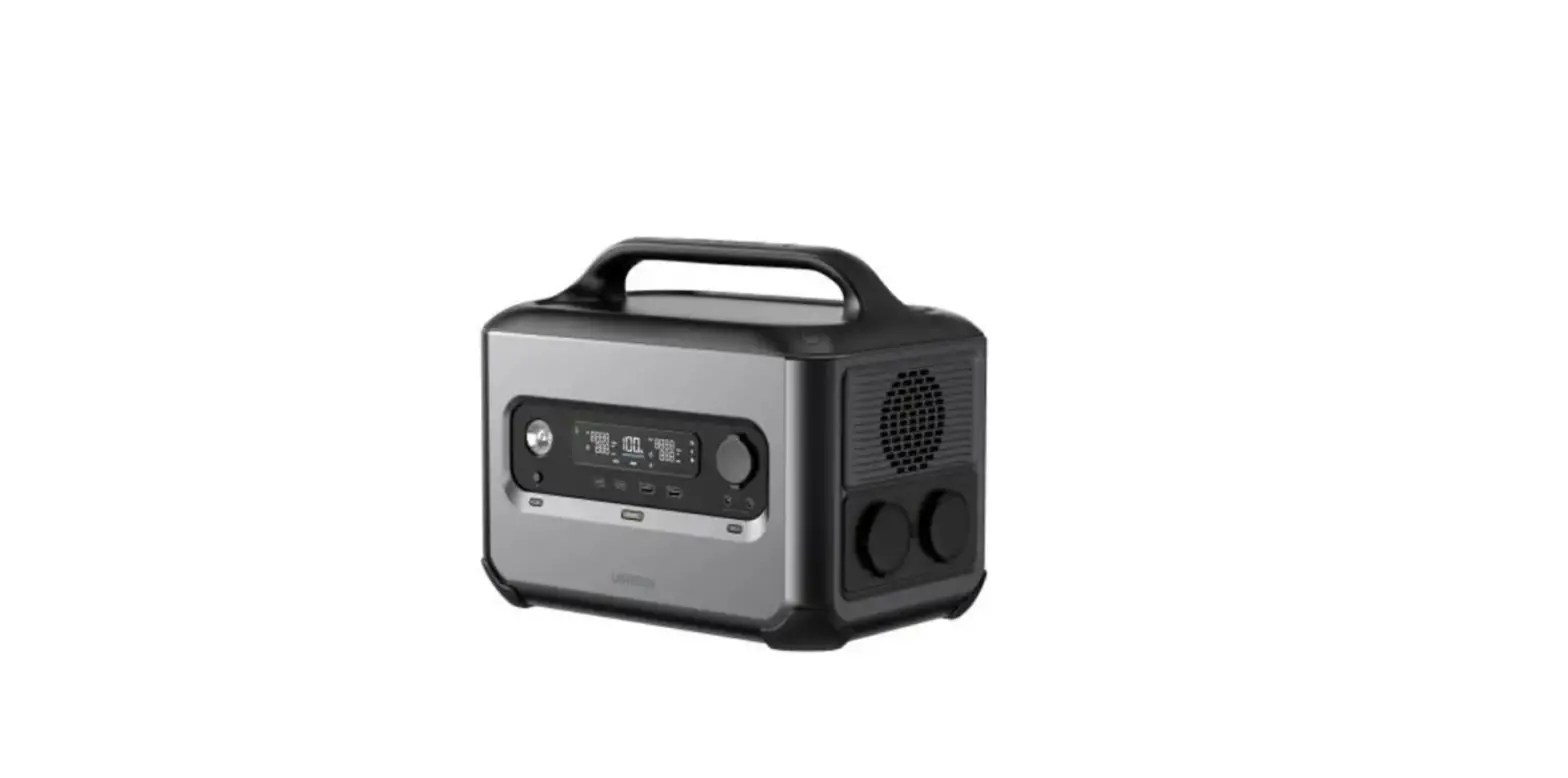
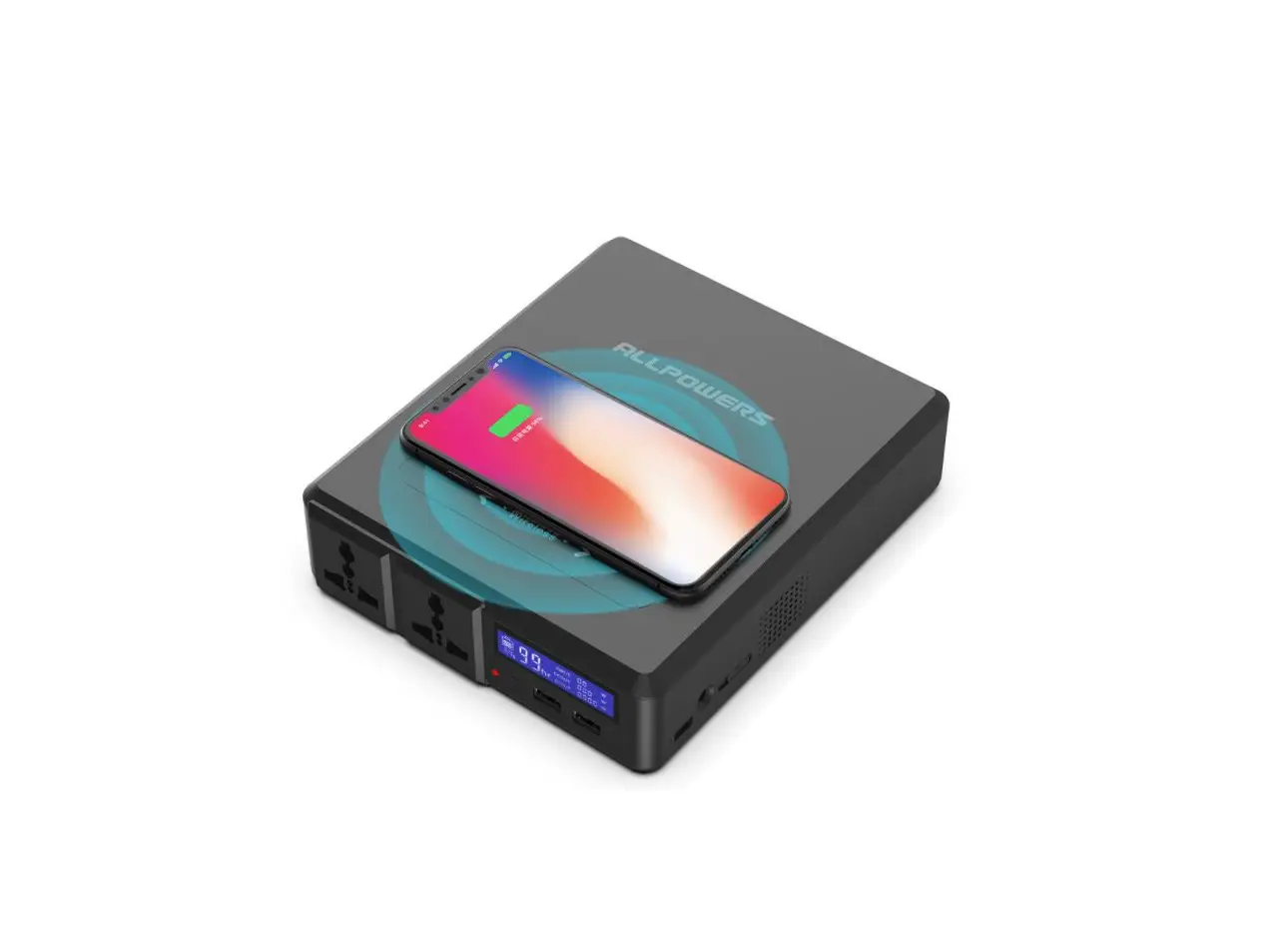
NEPTUNE PPS-400W 400W/80000mAh Portable Power Station
Product Information:
- Product Name: NEPTUNE PPS-400W Portable Power Station
- Power Capacity: 80000mAh / 296Wh
- Design: Fashionable and alluminium design
- Charging Options: Solar charging, vehicle charging, USB
interface - Fast Charging: Supports mobile phone fast charging
- SOS Function: Flash call light for emergency situations
- Features: Simple and compact design with soft handle
- Material: Aluminum alloy design with high-quality texture
- Color Options: Multiple color choices including black, red,
blue, etc - Interface Layout: Reasonable interface layout for easy
operation - Battery Type: Lithium battery with high performance (18650
ternary lithium battery) - Supports Charging for Multiple Devices Simultaneously
- Inverter Output: Sine wave 110V/220V 400W
- Charging Input: 18V 3A Max54W
- Lighting: 1W LED (white light) with SOS flash
- Protection Features: Overload, overcurrent, over temperature,
and short circuit protection - Real-time Status Display: Indicator shows the working
status - Product Size: Weight – 3300g
Product Usage Instructions:
- Connect the power station to a power source using the DC input
port. - To power electronic devices, use the following output options:
- DC Output: Connect the device to the DC output port.
- USB Output: Connect the device to the USB output
interface. - Type-C Output: Connect the device to the Type-C output
interface. - AC Output: Connect the device to one of the two AC output
ports.
- For specific charging requirements, refer to the power capacity
and output specifications of your device. - To charge the power station itself:
- Use solar charging by connecting compatible solar panels to the
power station. - Use vehicle charging by connecting the power station to a
vehicle’s power source. - Use the USB interface to charge the power station using a
compatible USB cable.
- Use solar charging by connecting compatible solar panels to the
- The power station has an LED lighting feature. Press the LED
lighting button to activate it. - The SOS flash function can be activated by pressing the LED
lighting button for emergency situations. - The power station includes protection features such as
overload, overcurrent, over temperature, and short circuit
protection. - Monitor the battery display to check the remaining power level
of the power station.
NEPTUNE PPS-400W
Portable Power Station 400W/80000mAh
INTRODUCTION
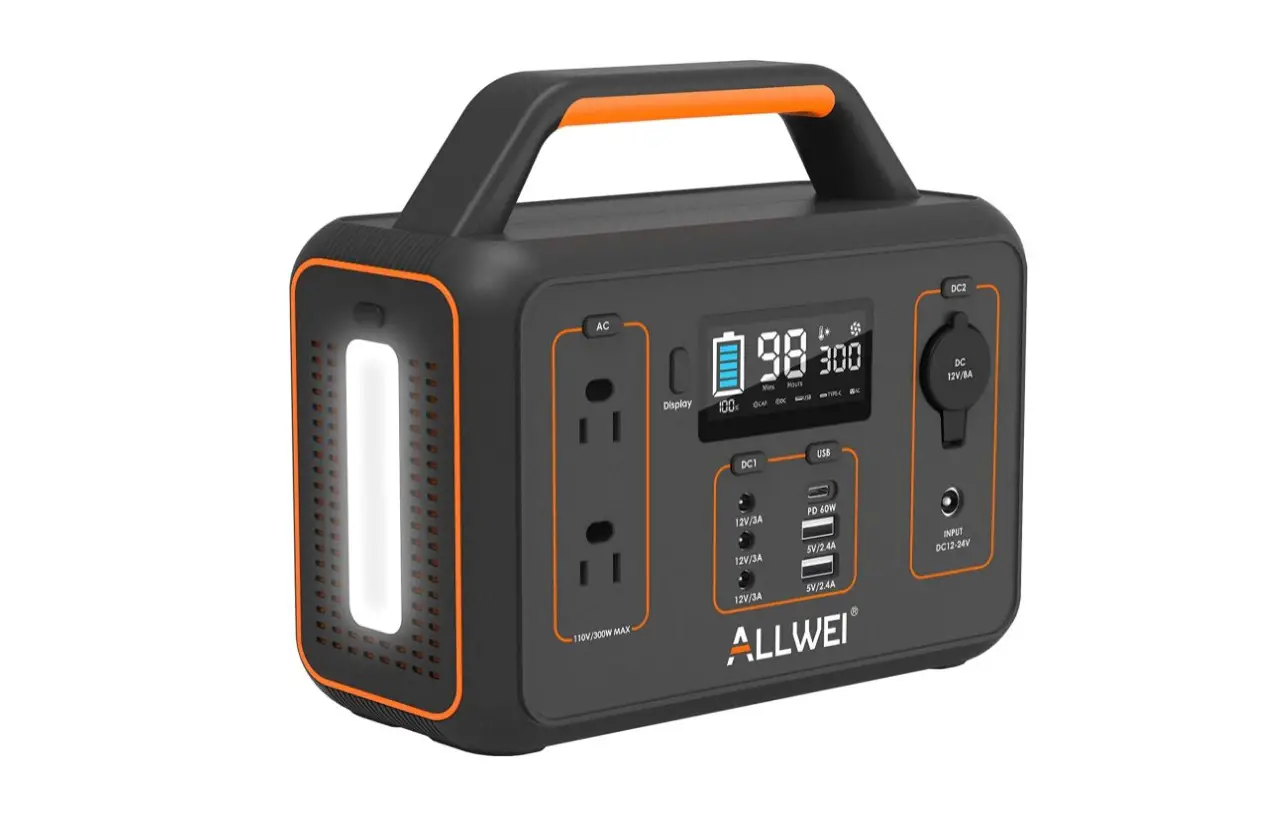
Fashionable and alluminium design, supports solar charging/ vehicle charging/usb interface/ mobile phone fast charging/sos flash call light
FEATURES
Simple an compact design with soft handle, easy to carry Aluminum alloy design with high-quality texture Multiple color choice, black, red, blue,etc Reasonable interface layout, easy to operate Lithium battery with high performance Support charging for multiple electronic devices at the same time
Speci cations
Battery capacity
80000mAh 296Wh
USB output Type-C output DC output
5V/3A×1 QC2.0,PD3.0 5V3A/9V3A/12V3A/15V3A/20V3A Max60W 12~16.8V 9A Max150w
Inverter output
Sine wave 110V/220V 400W
Charging input
18V 3A Max54W
lighting Protection Display
1W LED (white light) with SOS flash
Overload, overcurrent, over temperature and short circuit protection
Real time working status display of indicator
Product size
256×132×132mm
Weight Colour:
3300g
18650 ternary lithium battery
Support input and output (2 Type-C ports)
Two AC ports Charging time: 6.5H
Spotlight
WHAT CAN THEY POWER ?
MacBook 13(61W)
Drone (60W)
iPhone 12 (20W)
Camera (10W)
Pellet Grill (60W)
WiFi Router (25W)
DSLR Camera (18Wh)
Head Lamp (5Wh)
Mini Fridge (35W) Full Size Refrigerator (71W)
1 Power Switch
2 DC input port
3 AC output indicator
4 DC output port
1
14
5 DC Car output port
13
2
12
6 LED lighting
3
11 10
7 Usb-2 output interface
4
8 2AC output port-1
9 8
9 Usb-1 output interface
7
10 Type-c input/output interface60W
5
11 Usb-output port indicator light
6
12 2AC output port-1
13 AC output port-1 indicator
14 Battery display