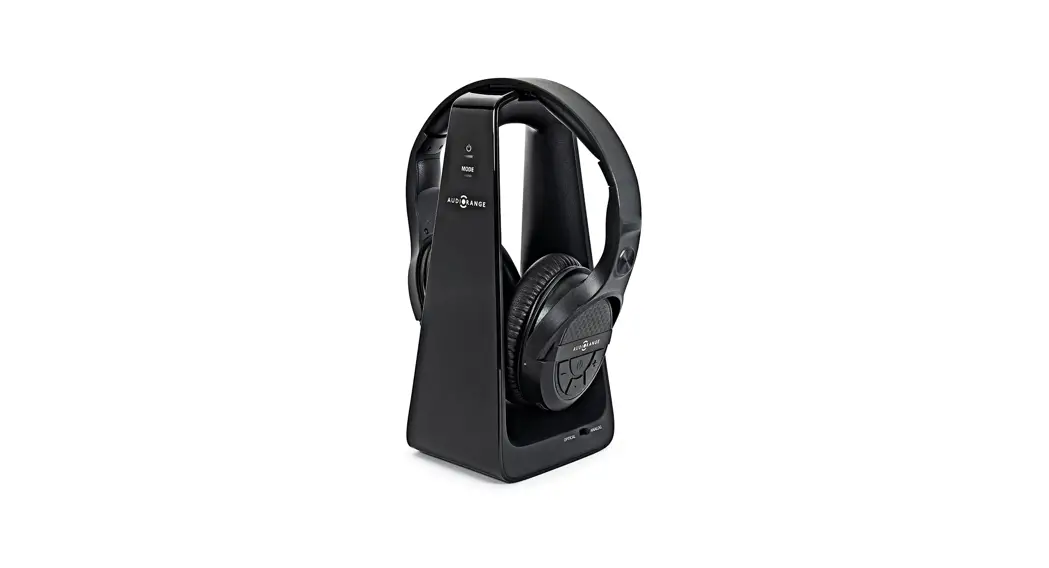
 AudioRange OTE 1000
Wireless TV Headphones
Easy Setup Guide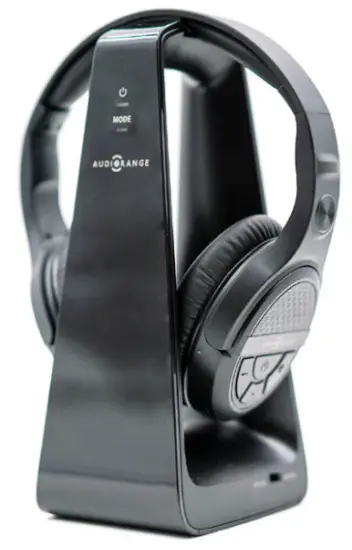
Important Safety Instructions
Please read these safety instructions carefully before using your the Audiorange OTE-1000
WARNING: Consult your doctor or physician if you have a pacemaker before using This device is intended for home and personal use only.
- Keep the device dry and away from water. Water may damage the device.
- Do not open the unit or battery. Opening the battery compartment violates this product’s warranty.
- The Wireless TV Speakers use a lithium-ion battery. Do not burn or place used batteries/devices in household trash.
- Do not pull on the cord to unplug this device, doing so may damage the cord.
- The device should not be used if damaged or malfunctioning.
- Make sure the device is unplugged when cleaning.
- Consult your doctor or physician when using this device around medical equipment such as a pacemaker.
Set-up Preparations
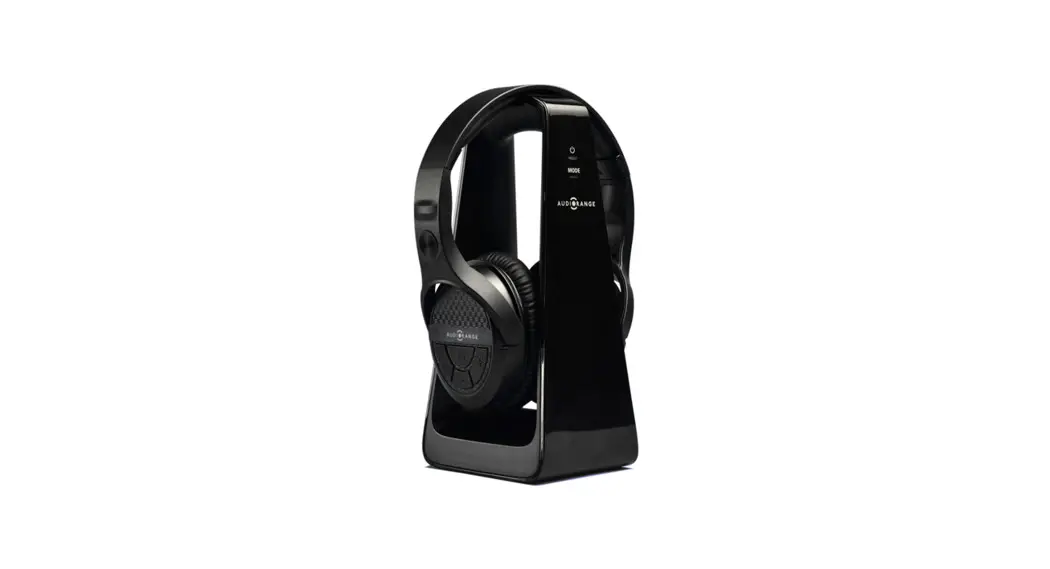
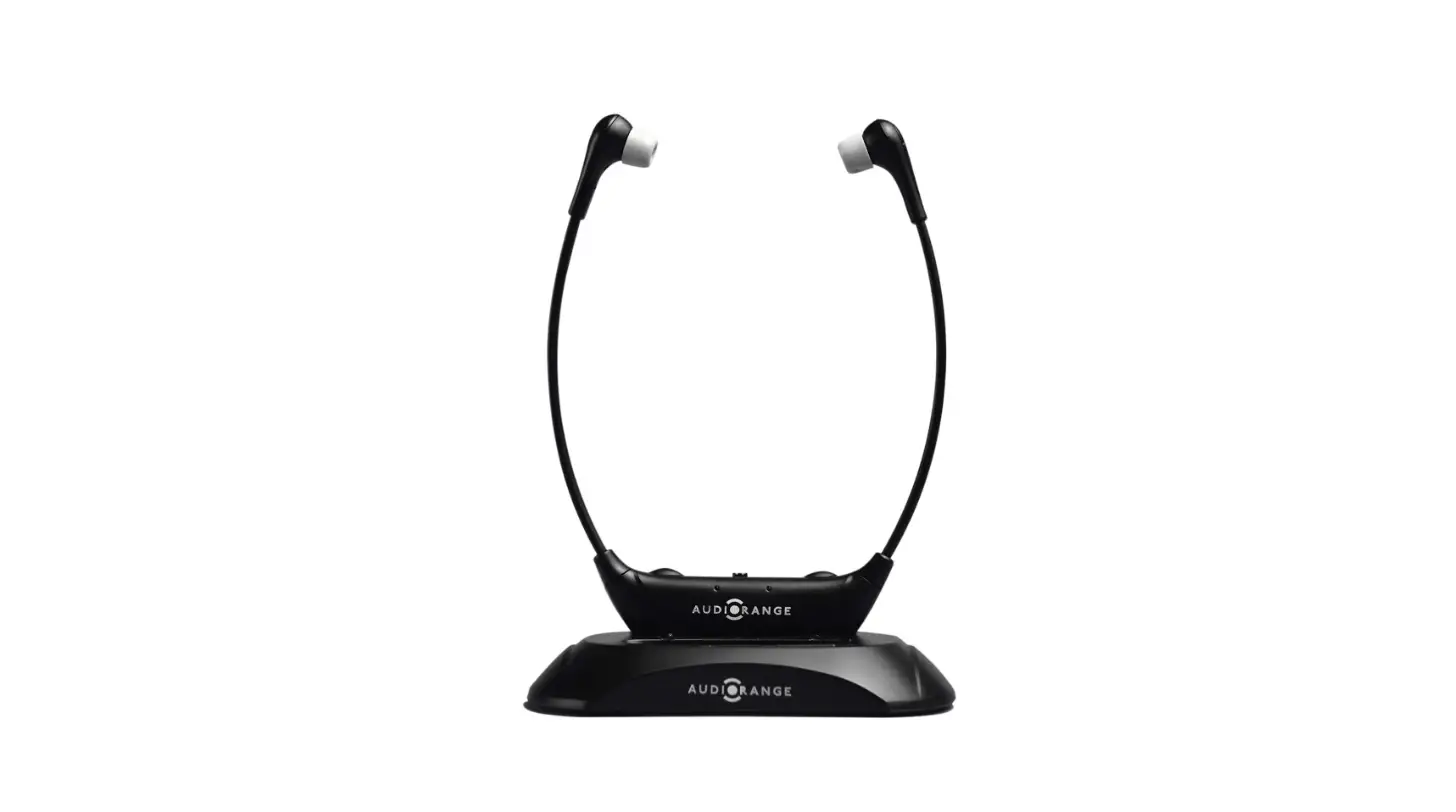
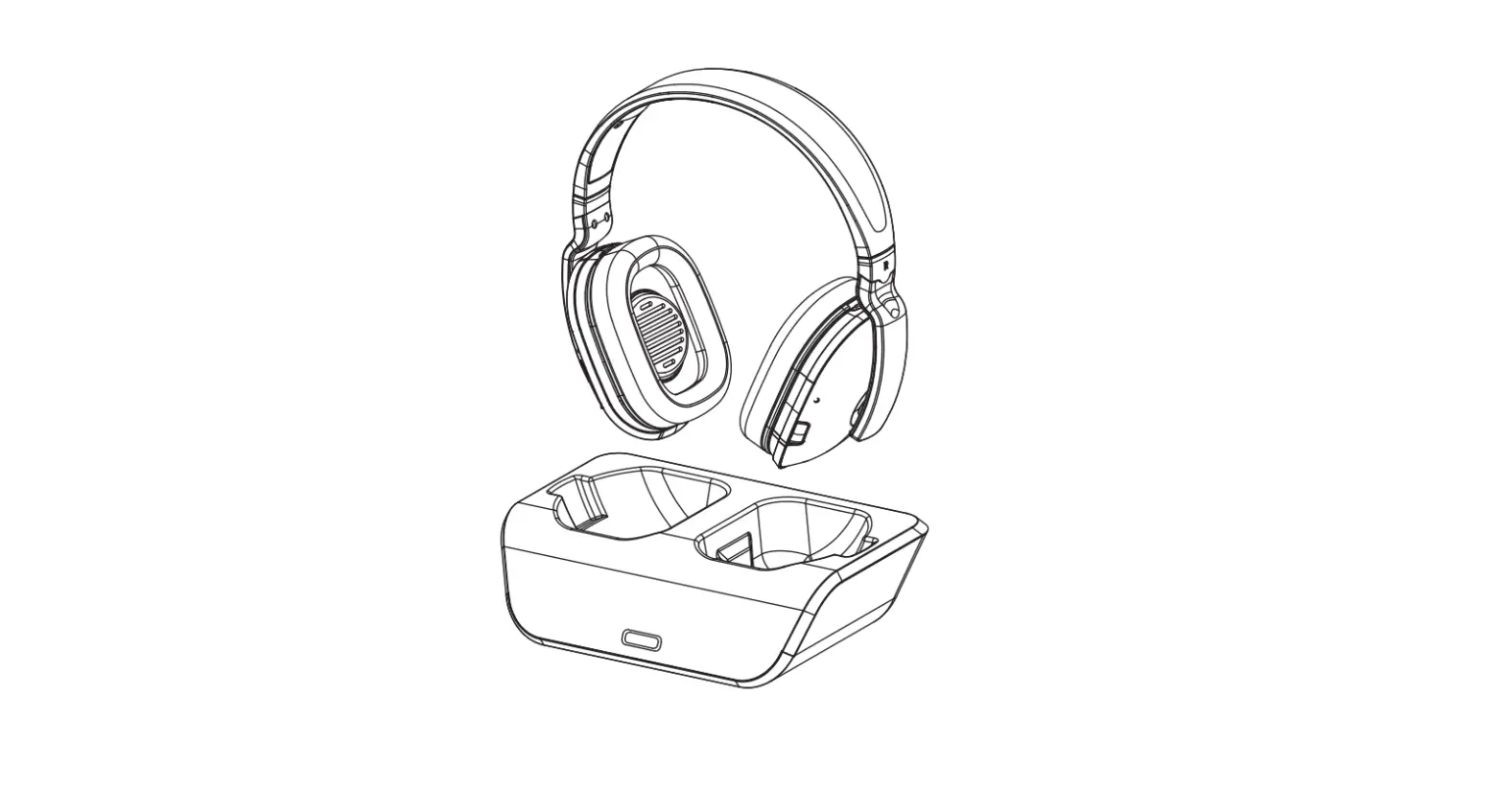
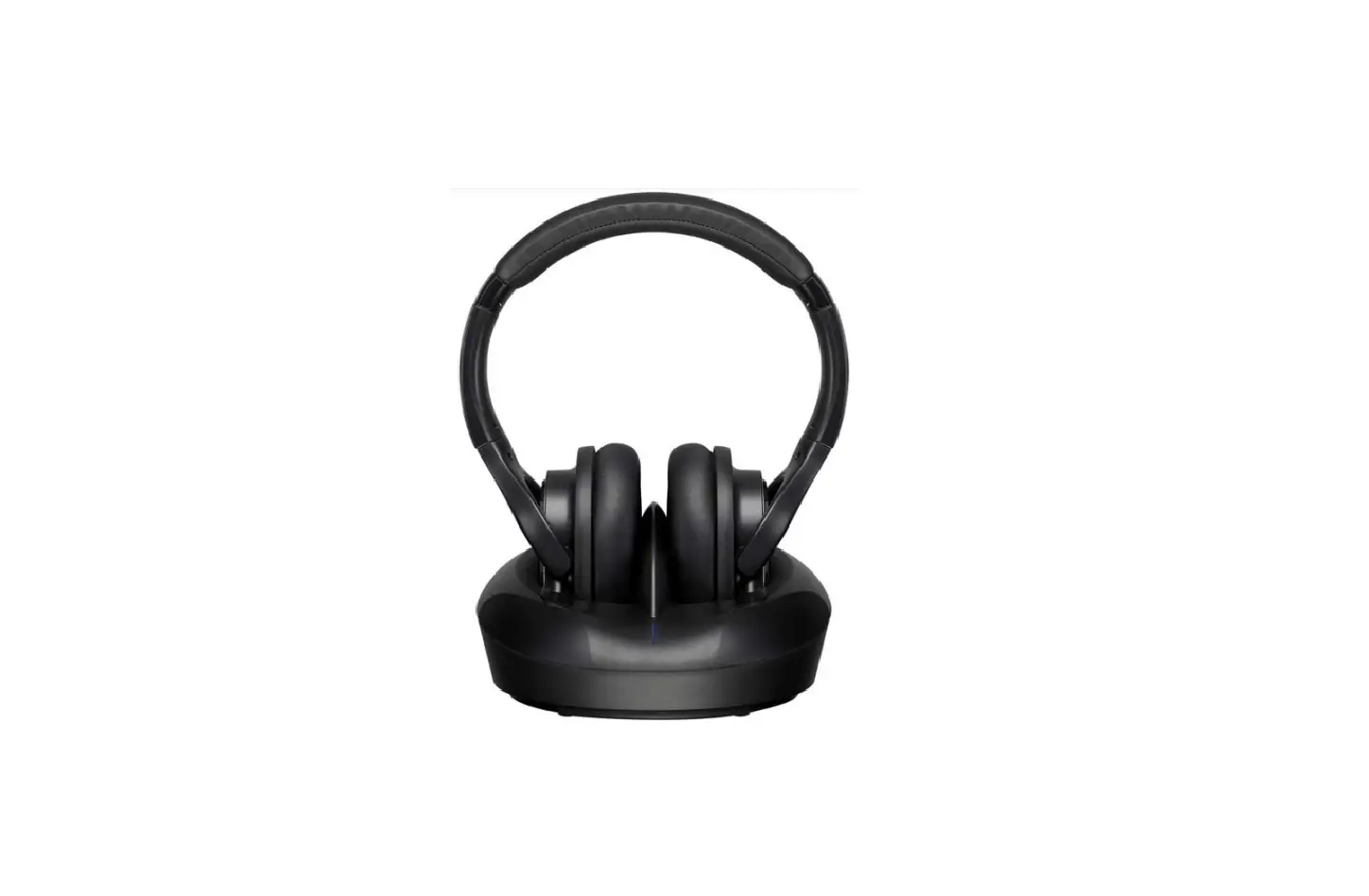
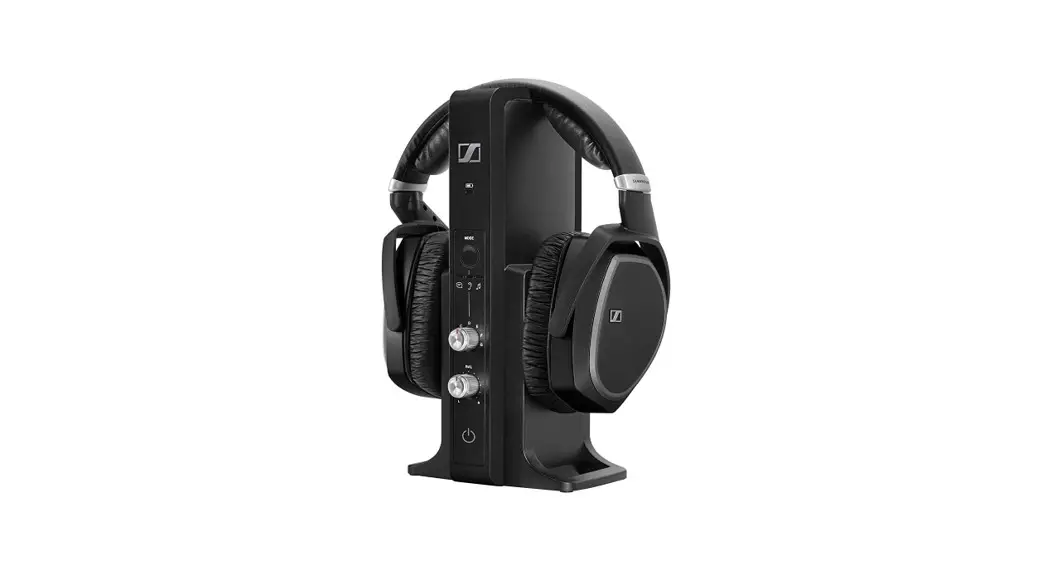
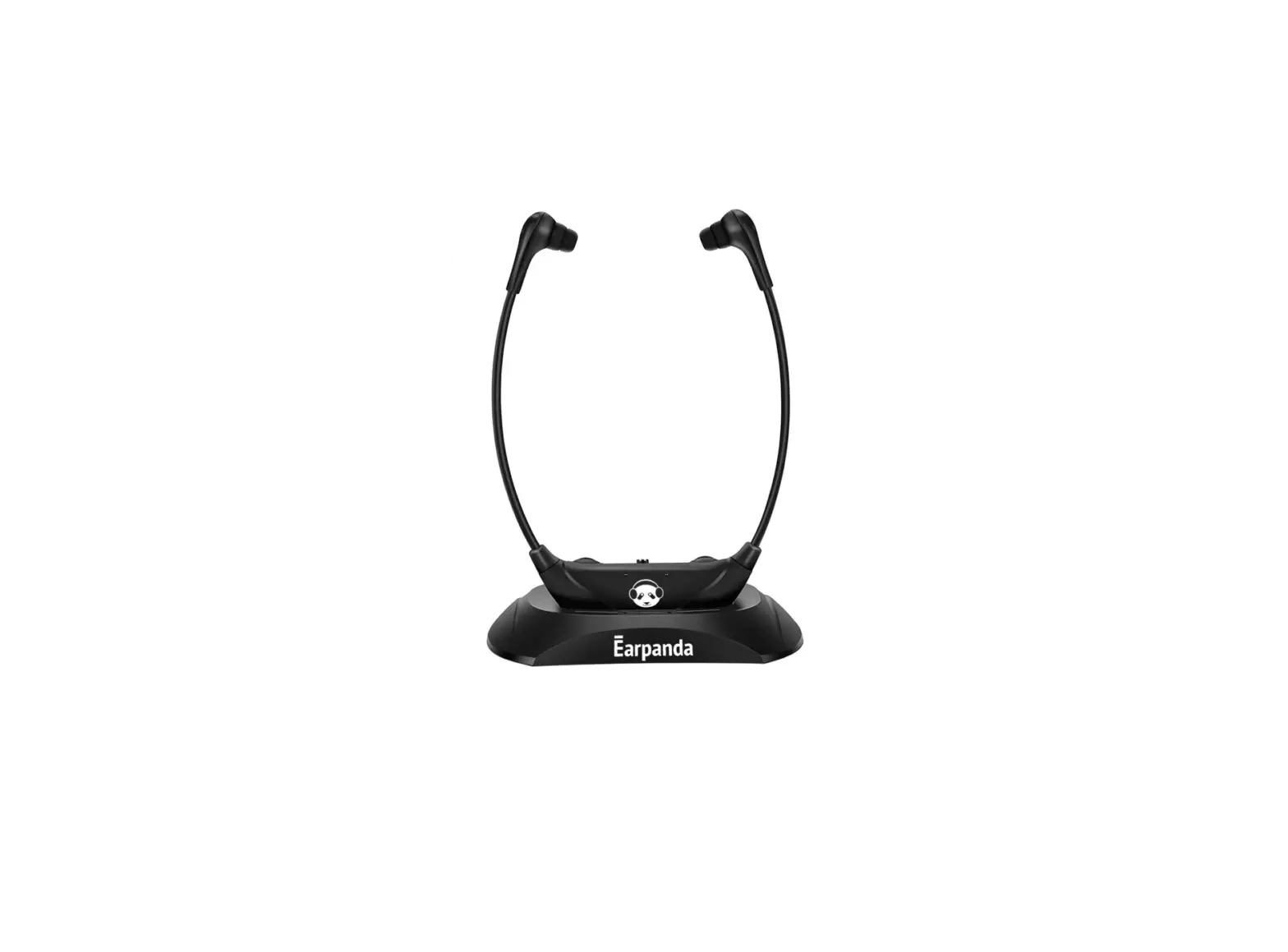
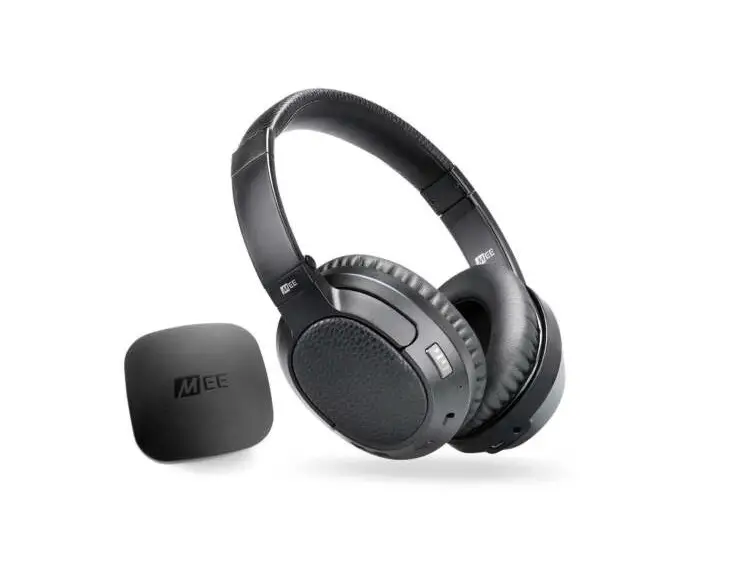
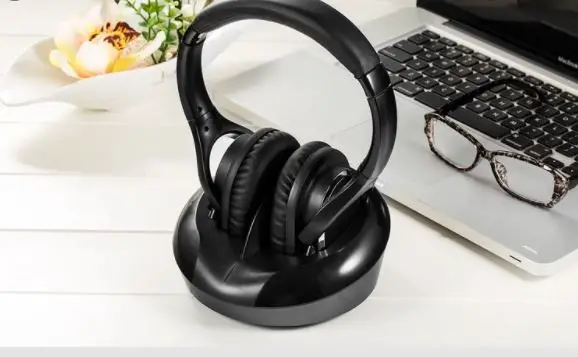
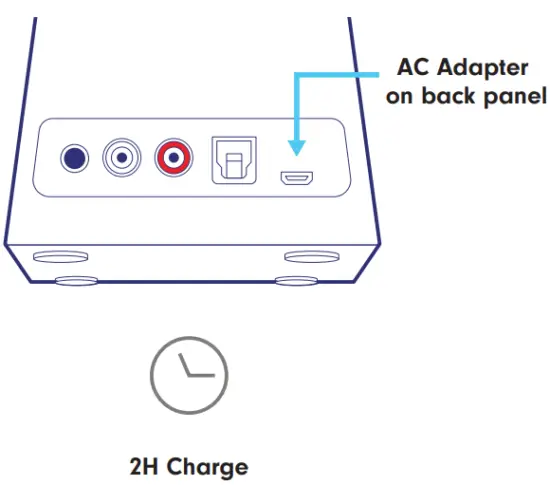
Plug AC adapter into dock and place headphones on the dock to begin charging.
A blue LED will flash as the headphones charge.
Allow up to 2 hours to charge.
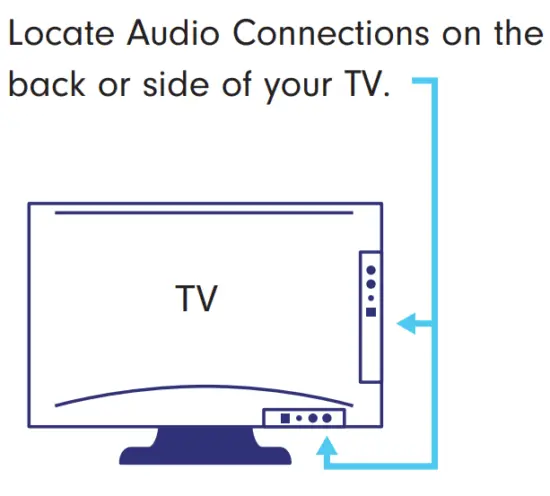
 | If you are using RCA connections please start with STEP 1a. |
 | if you are using the 3.5mm headphone connection please start with STEP 1a. |
 | If you are using an Optical connection please start with STEP 1b. |
Installation using ANALOG Outputs
STEP 1a:
Turn on the TV.
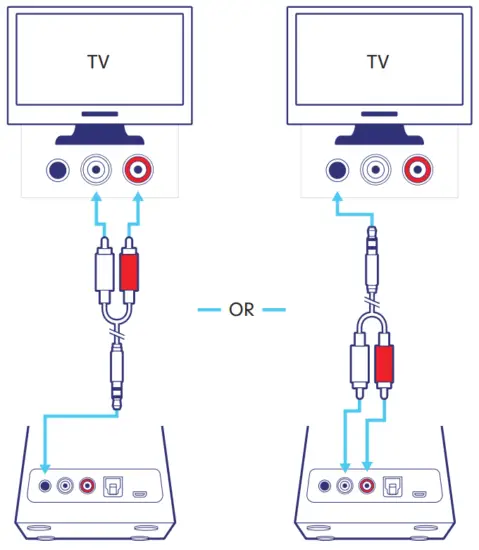
There are two options for using the 3.5mm/RCA cable depending on your TV’s connections.
Option 1: Plug the red/white RCA cables into the matching ports on the TV. Then plug the 3.5mm in-line jack into the dock.
Option 2: Plug the 3.5mm in-line jack into the TV. Then plug the red/white RCA cables into the matching ports on the dock.
STEP 2a
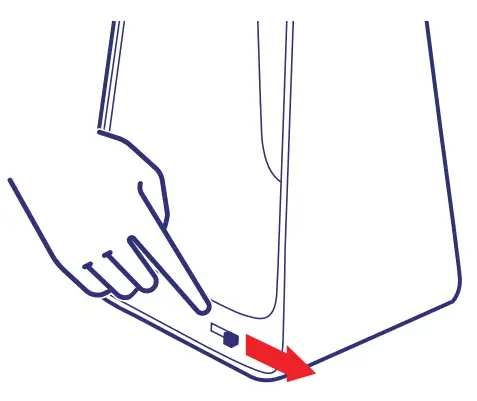
On the side of the dock, there is a switch for ANALOG or DIGITAL.
Slide the switch to ANALOG.
STEP 3a
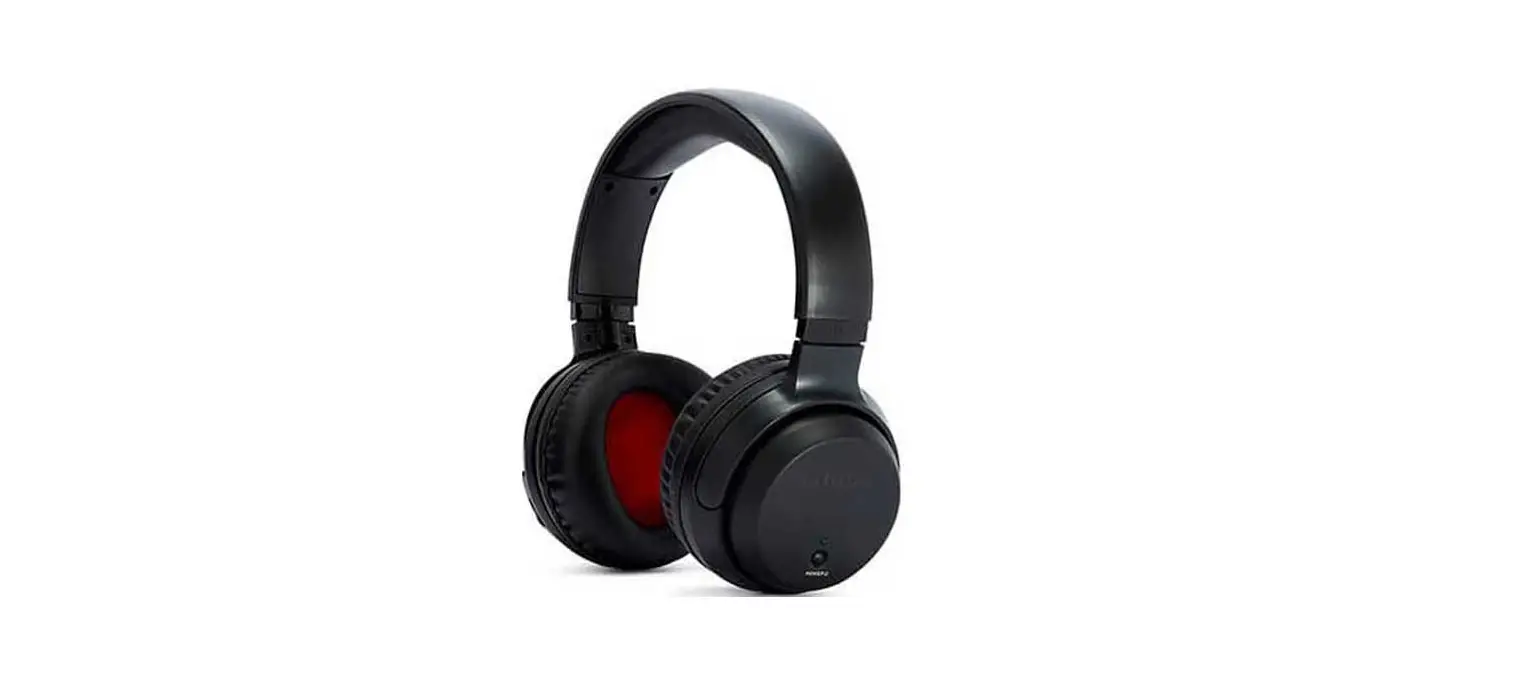
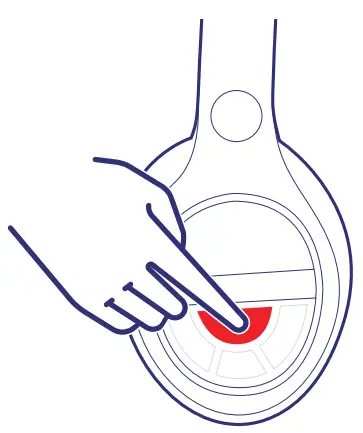
Remove headphones from the dock and hold the power button for 3 seconds to turn the headphones on.
After 3-7 seconds you should begin to hear audio.
STEP 4a
You have successfully set up your Audio range OTE-1000.
If you cannot hear any sound:
- Increase the volume on your headphone
- Increase the volume on the TV
- Check that your TV’s audio settings are set to an external speaker
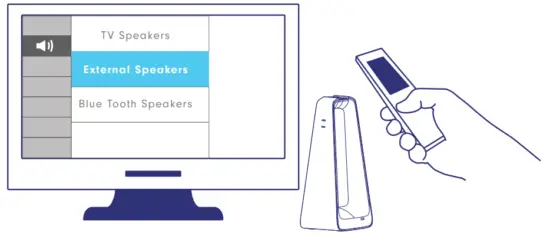
 IMPORTANT: If you cannot access your TV’s audio settings, please refer to your TV manual for help.
Installation using DIGITAL Outputs
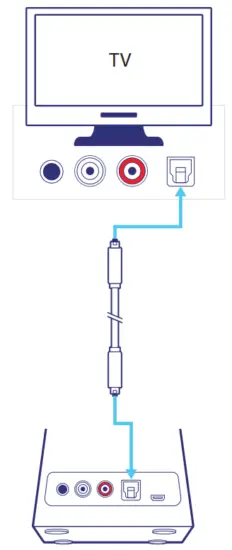
STEP 1b
Turn on the TV.
Plug the optical cable* into the TV and dock.
*Remove plastic protective tips at the ends of the cord.
STEP 2b
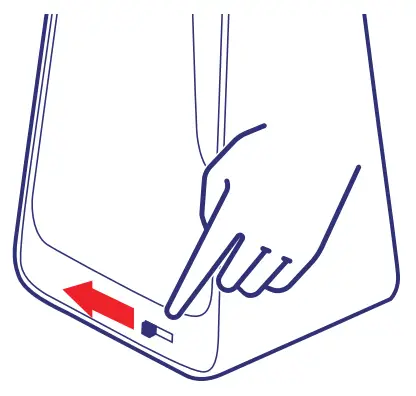
On the side of the dock, there is a switch for ANALOG or DIGITAL.
Slide the switch to DIGITAL.
STEP 3b
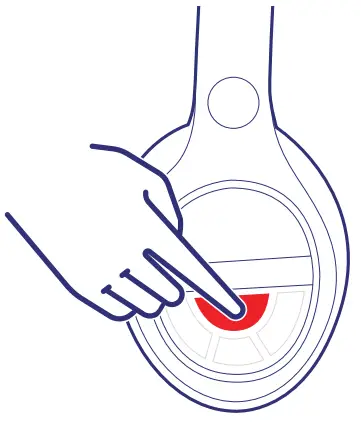
Remove headphones from the dock and hold the power button for 3 seconds to turn the headphones on.
After 3-7 seconds you should begin to hear audio.
STEP 4b
You have successfully set up your Audio range OTE-1000.
If you cannot hear any sound:
- Increase the volume on your headphone
- Increase the volume on the TV
- Check that your TV’s audio settings are set to an external speaker
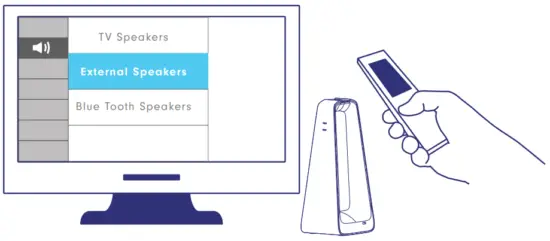
IMPORTANT: If you cannot access your TV’s audio settings, please refer to your
TV manual for help.