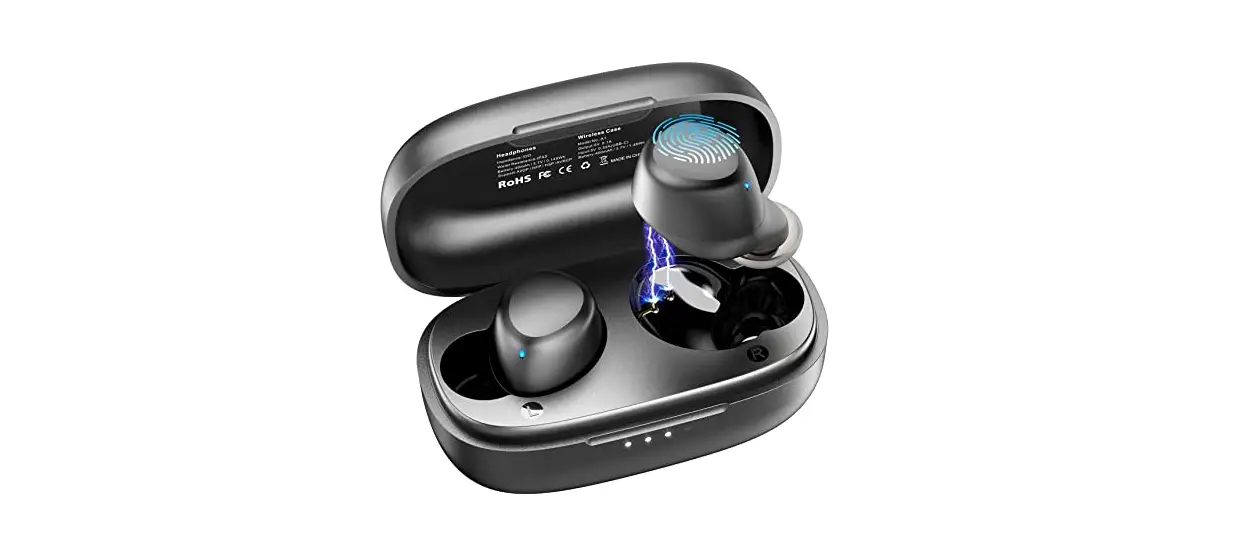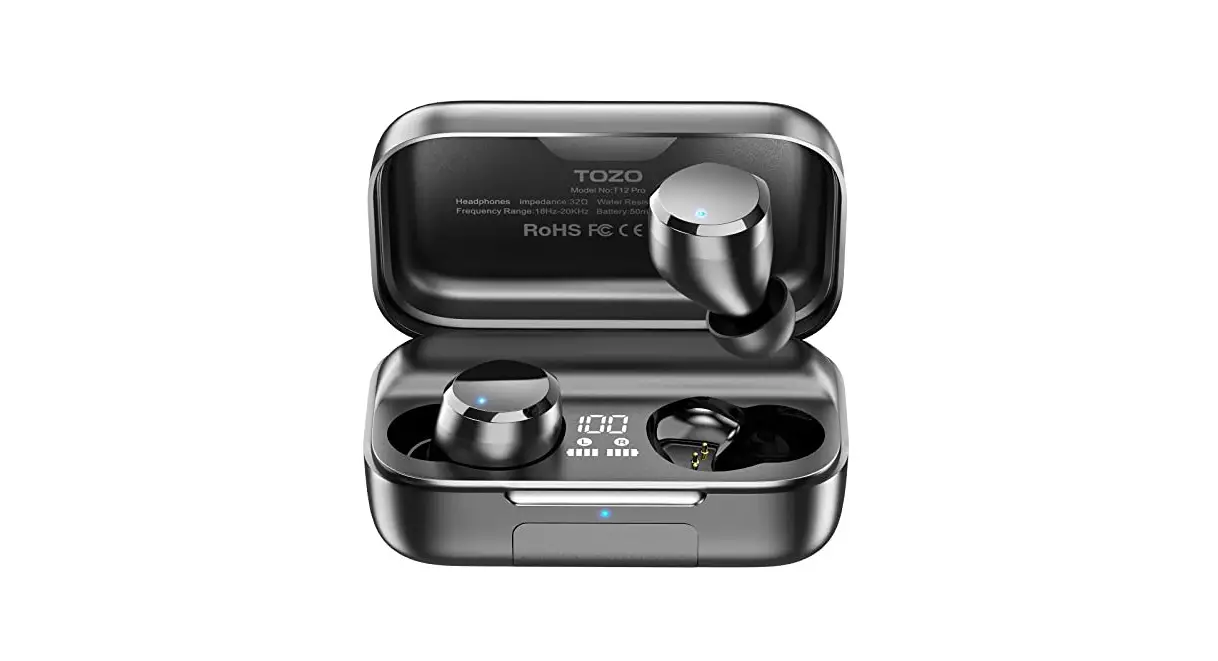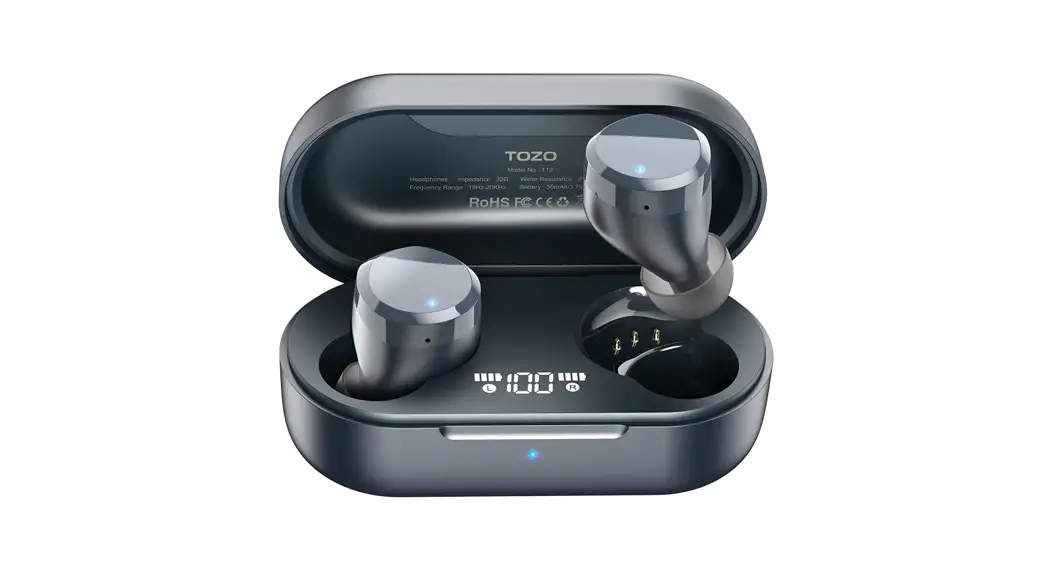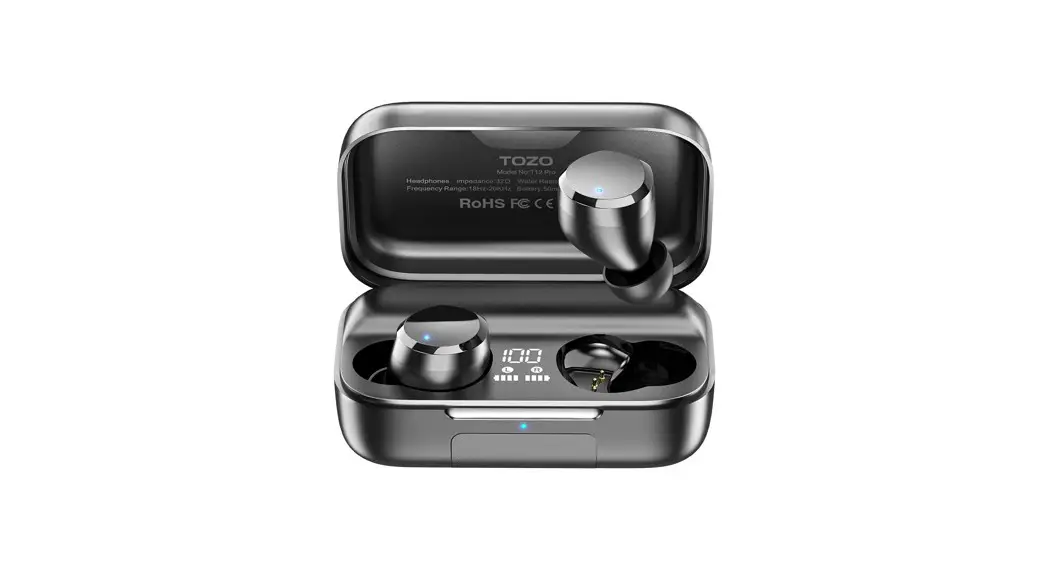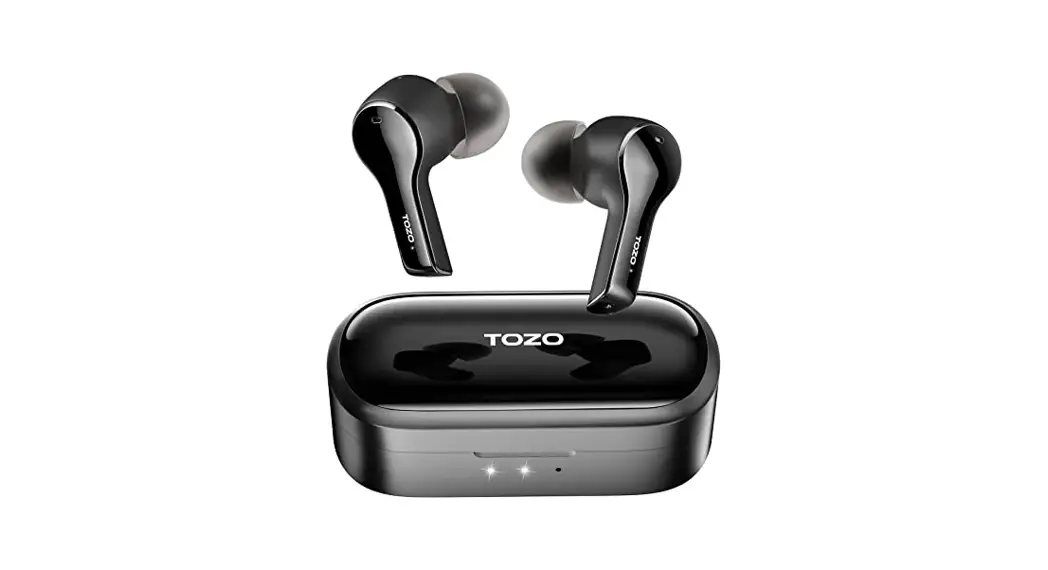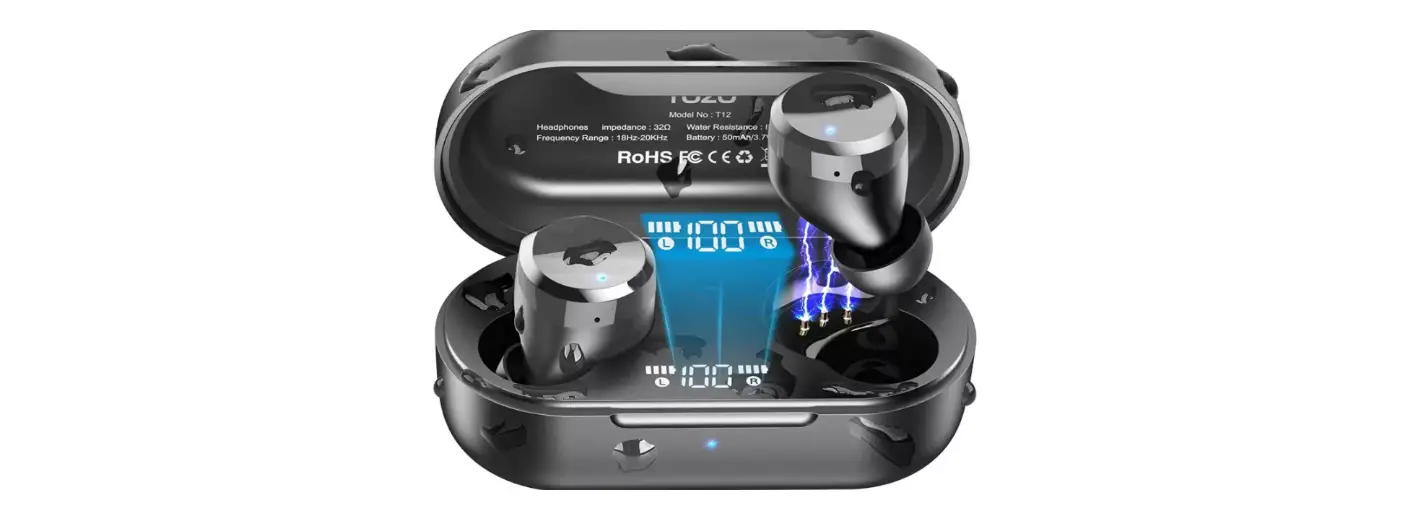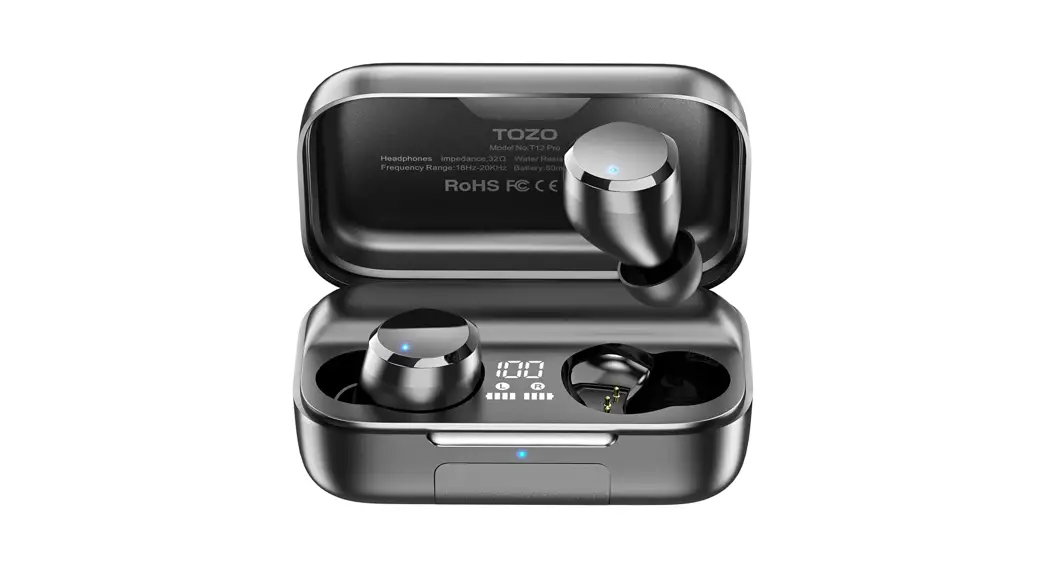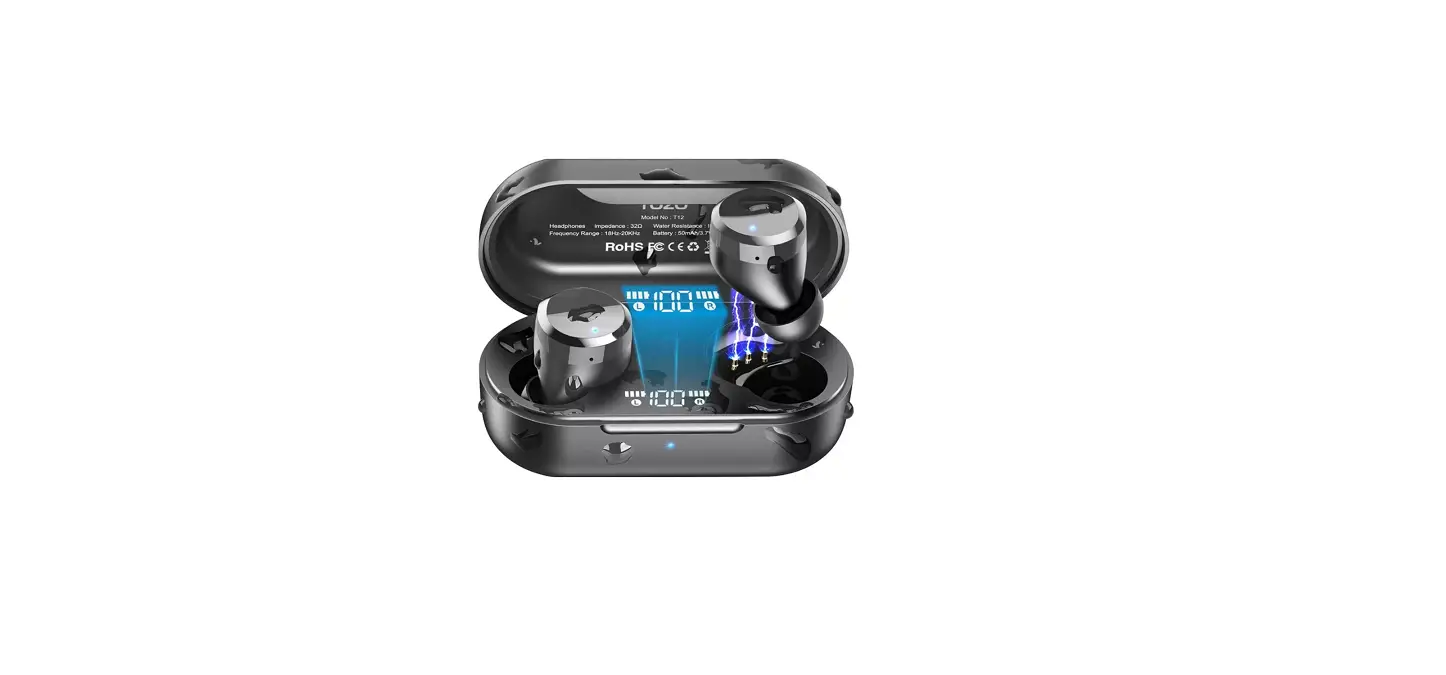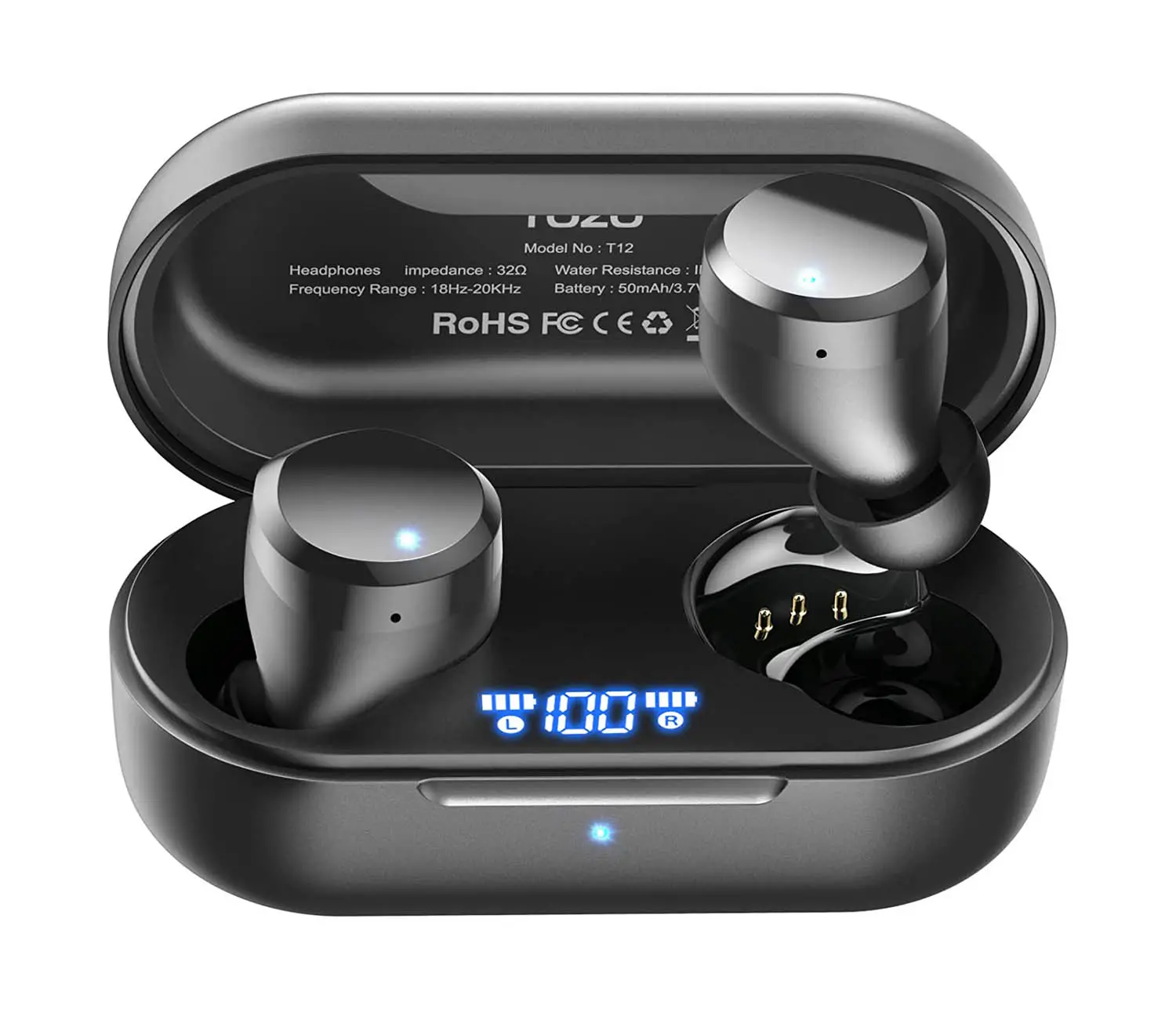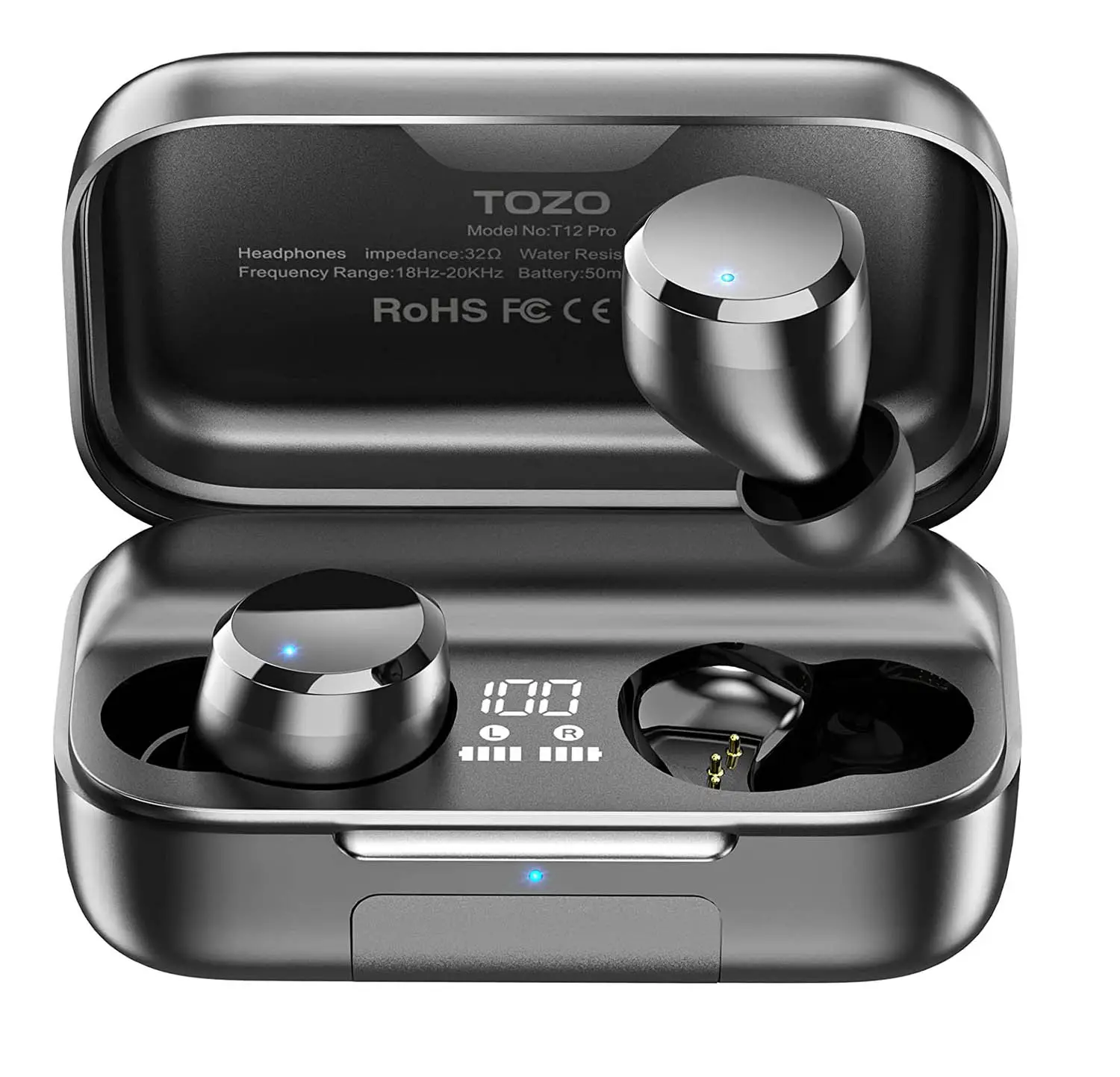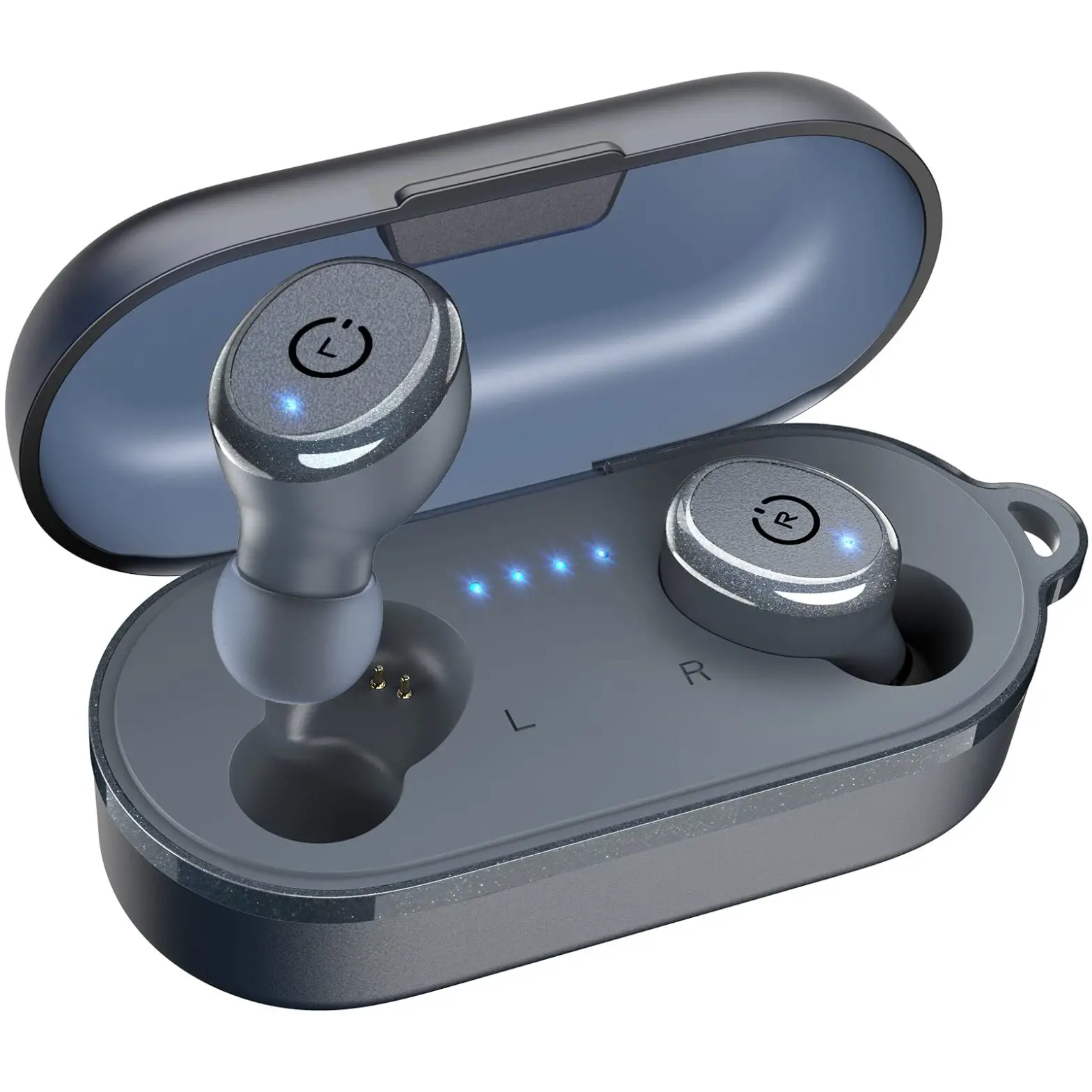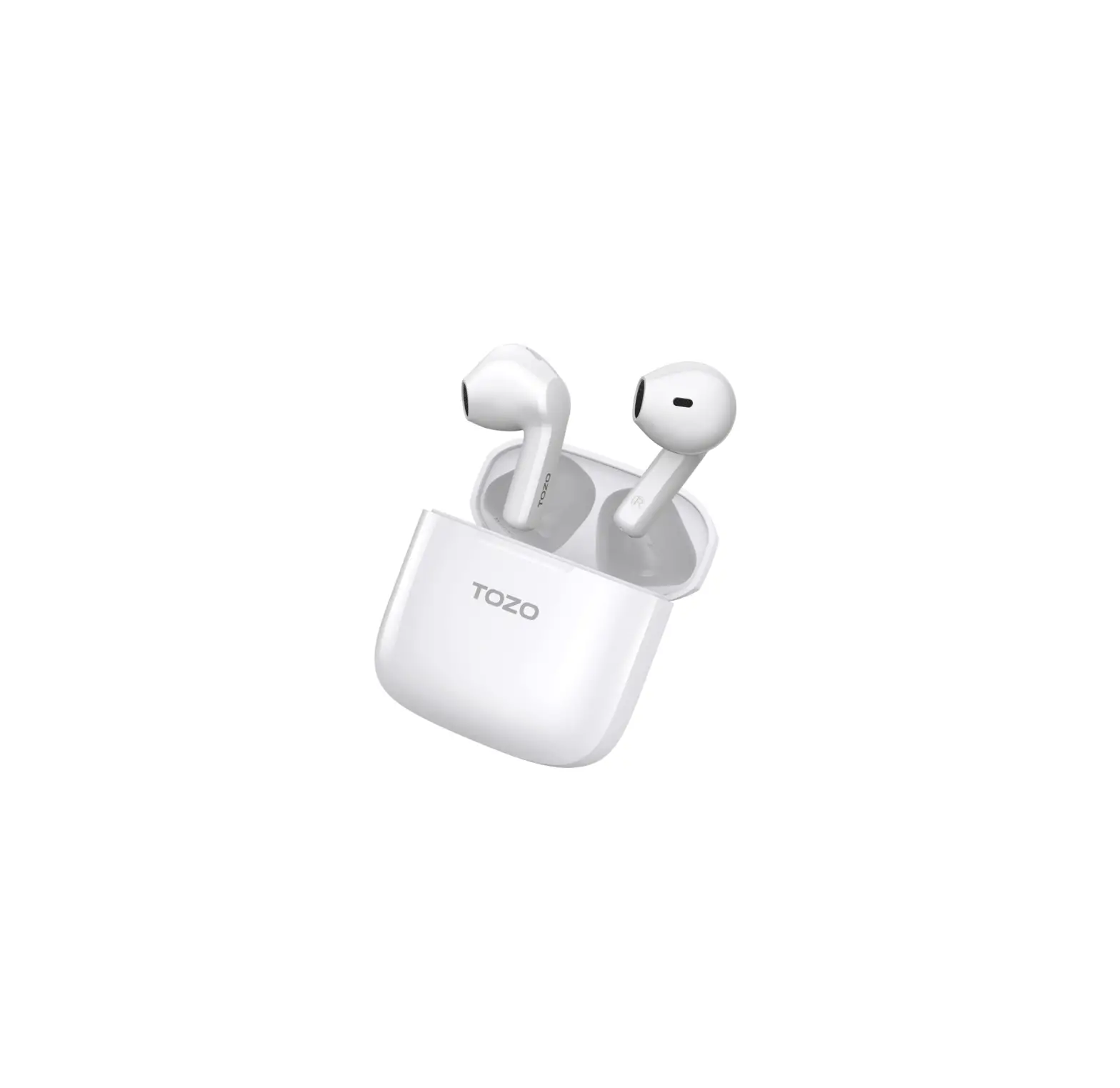

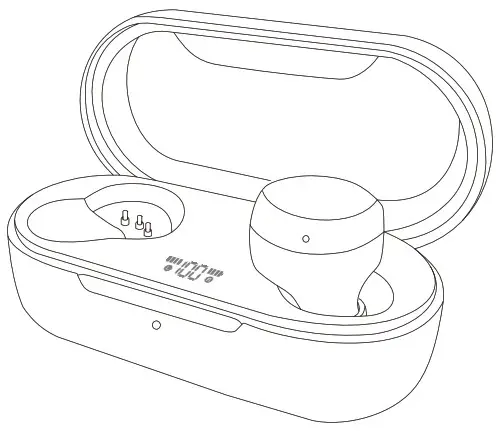
TI2PrO 20
Hi-Fi stereo sound quality Earbuds
Quick Start Guide
How to wear your TOZO earbuds
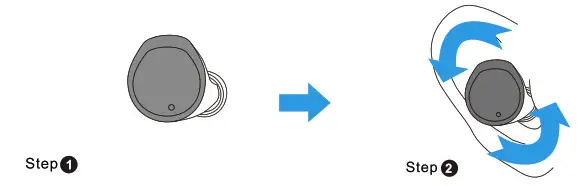
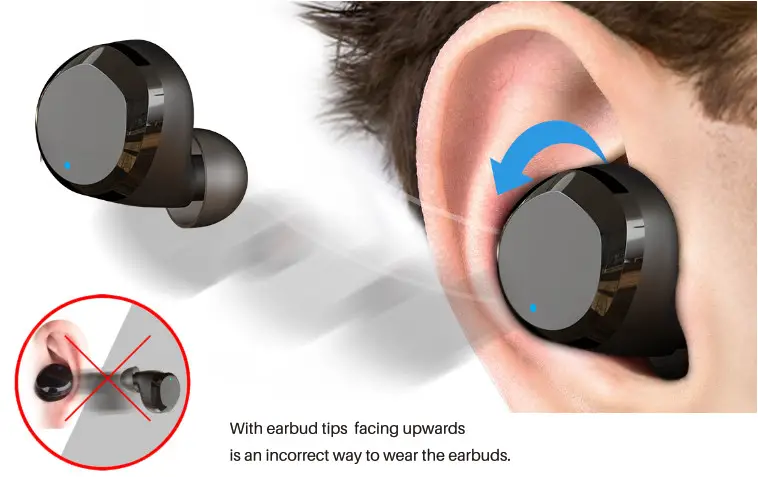
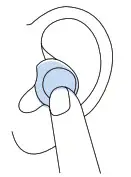
Step 1: Ensure the earbud tip facing downwards, then place earbuds into ear.
Step 2: Rotate earbuds back to auricle side to fit snugly.
How To Pair
- TWS Auto Pairing
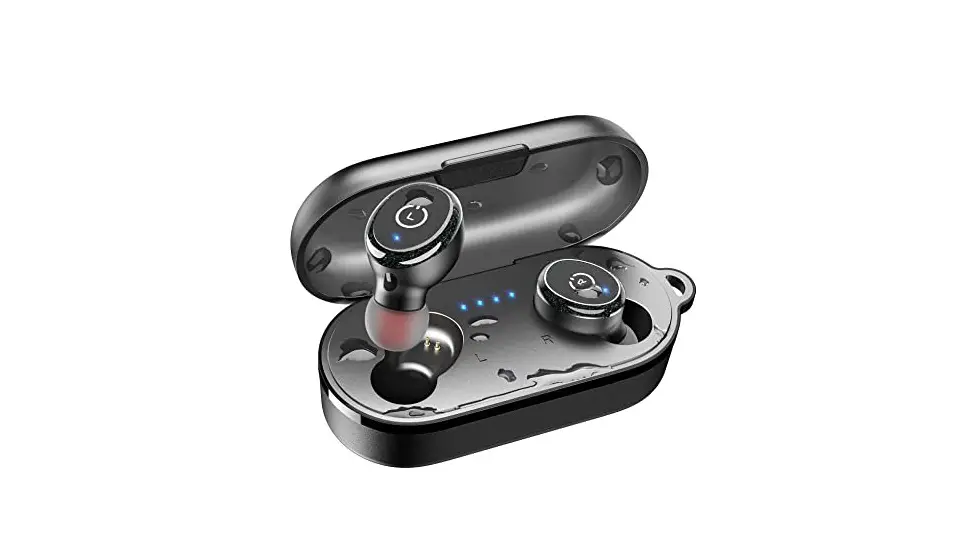
- Open the charging box, the two of headphones will turn on automatically and link to each other within 10 seconds.

- The left earbud flashes red and blue alternately (pairing mode).
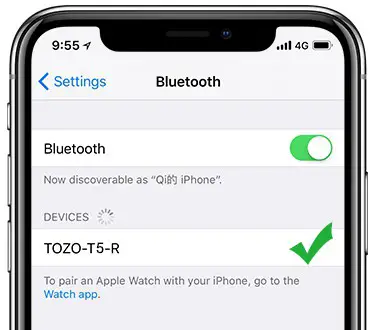
- Search for the name of earbuds [TOZO-T12 ] and select it on your phone.

- Smart charging case, after successfully connecting to the phone for the first time, you only need to open the charging case cover to use it again, and earbuds will automatically connect to the phone.

- Open the charging box, the two of headphones will turn on automatically and link to each other within 10 seconds.
- Clear the pairing list
If earbuds have been paired, double-tap and hold for 2 seconds to unpair. - Reset
When charging, the pairing will be automatically reset.
Note: if one of the earbuds does not play, please put both earbuds back to the charging case, and try again.
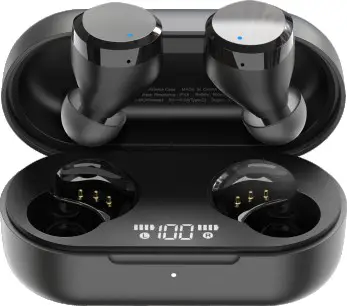
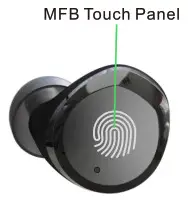
Left Earbud
 Power On: Pick up earbud from the charging case.
Power Off: Put both earbuds back into the charging case to power off and recharge automatically.
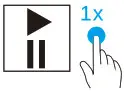 | Play/Pause | 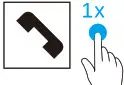 | Accept |
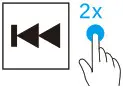 | Previous | 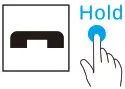 | End |
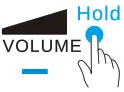 | Adjusting the volume | 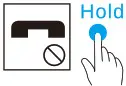 | Reject |
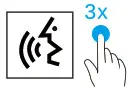 | Activation the voice assistant. |  | The voice assistance will be automatically active depends on different OS in mobile system. |
Right Earbud
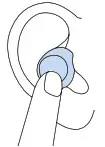
Power On: Pick up earbud from the charging case, both earduss will be on automatically.
Power Off: Put both earbuds back into the charging case to power off and recharge automatically.
| Play/Pause | | Accept |
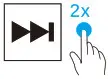 | Next | | End |
 | Adjusting the volume | | Reject |
| Activation the voice assistant. | | The voice assistance will be automatically active depends on different OS in mobile system. |
Thank you for purchasing the TOZO authentic product.
For more latest products, parts and accessories, please visit: www.tozostore.com
For any assistance please contact Email: [email protected]