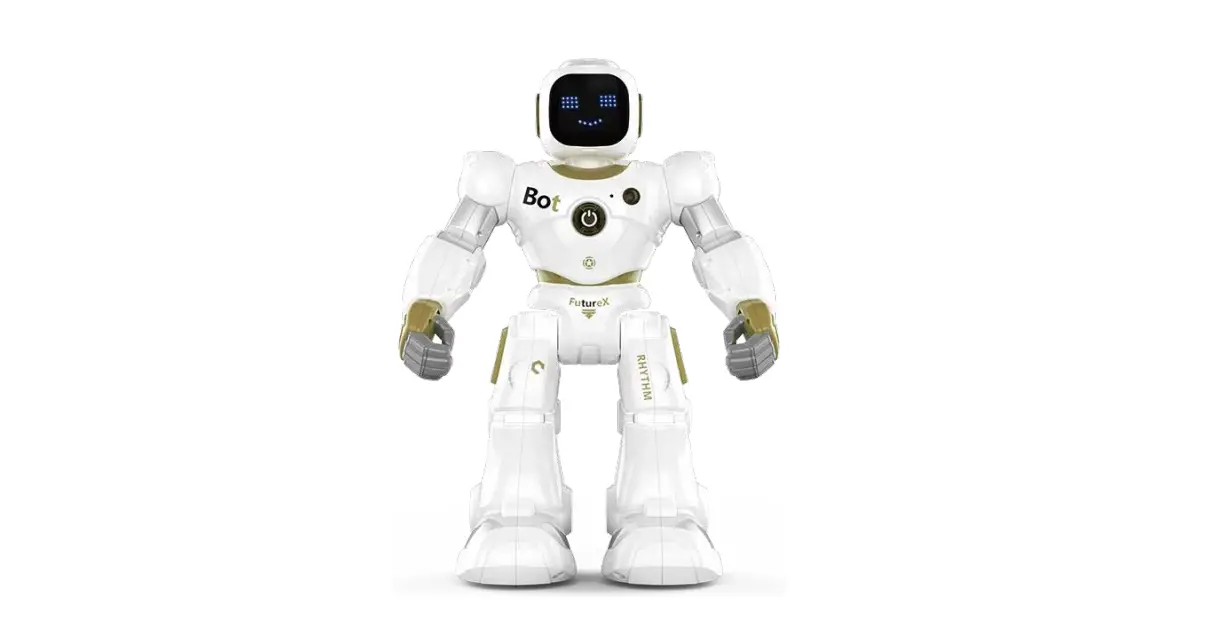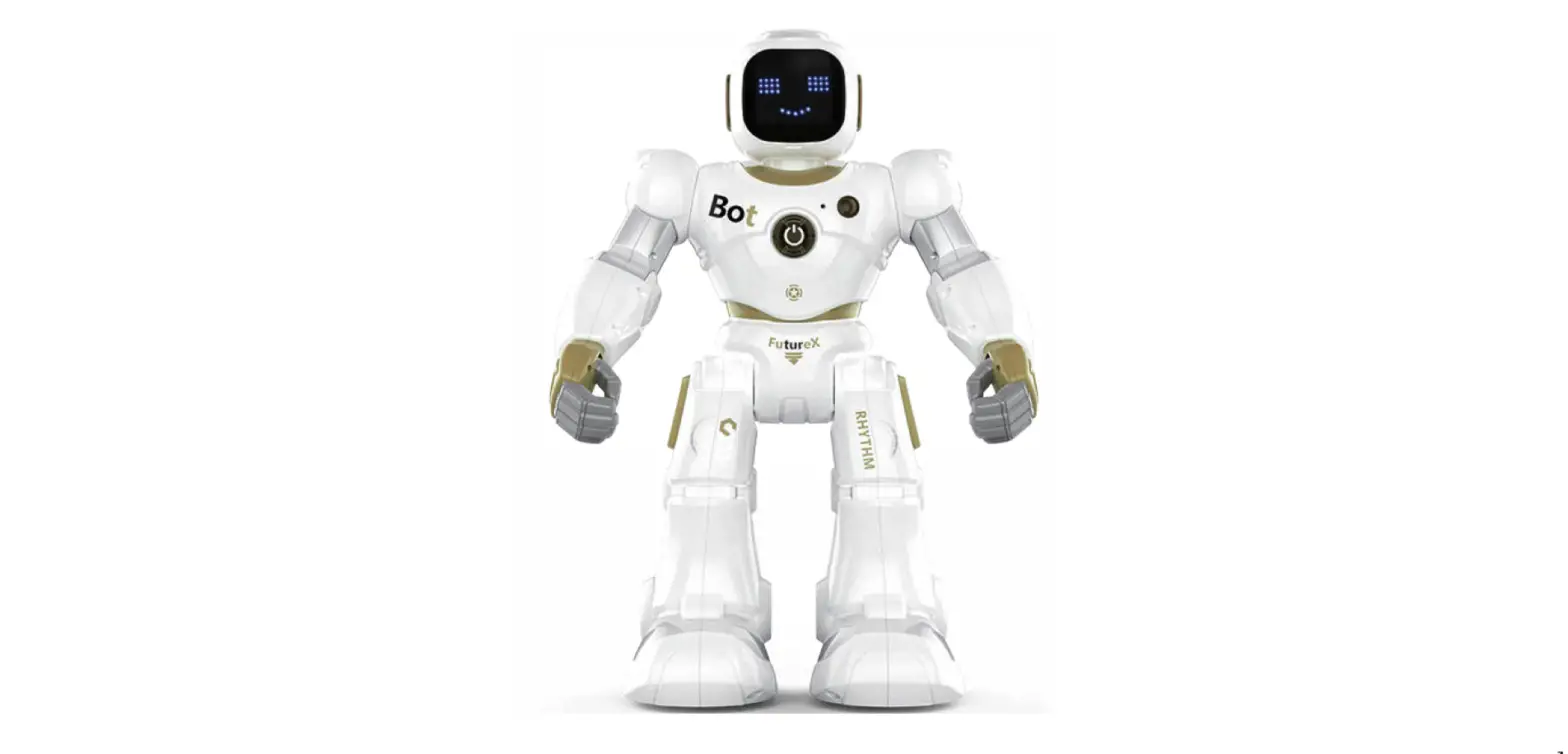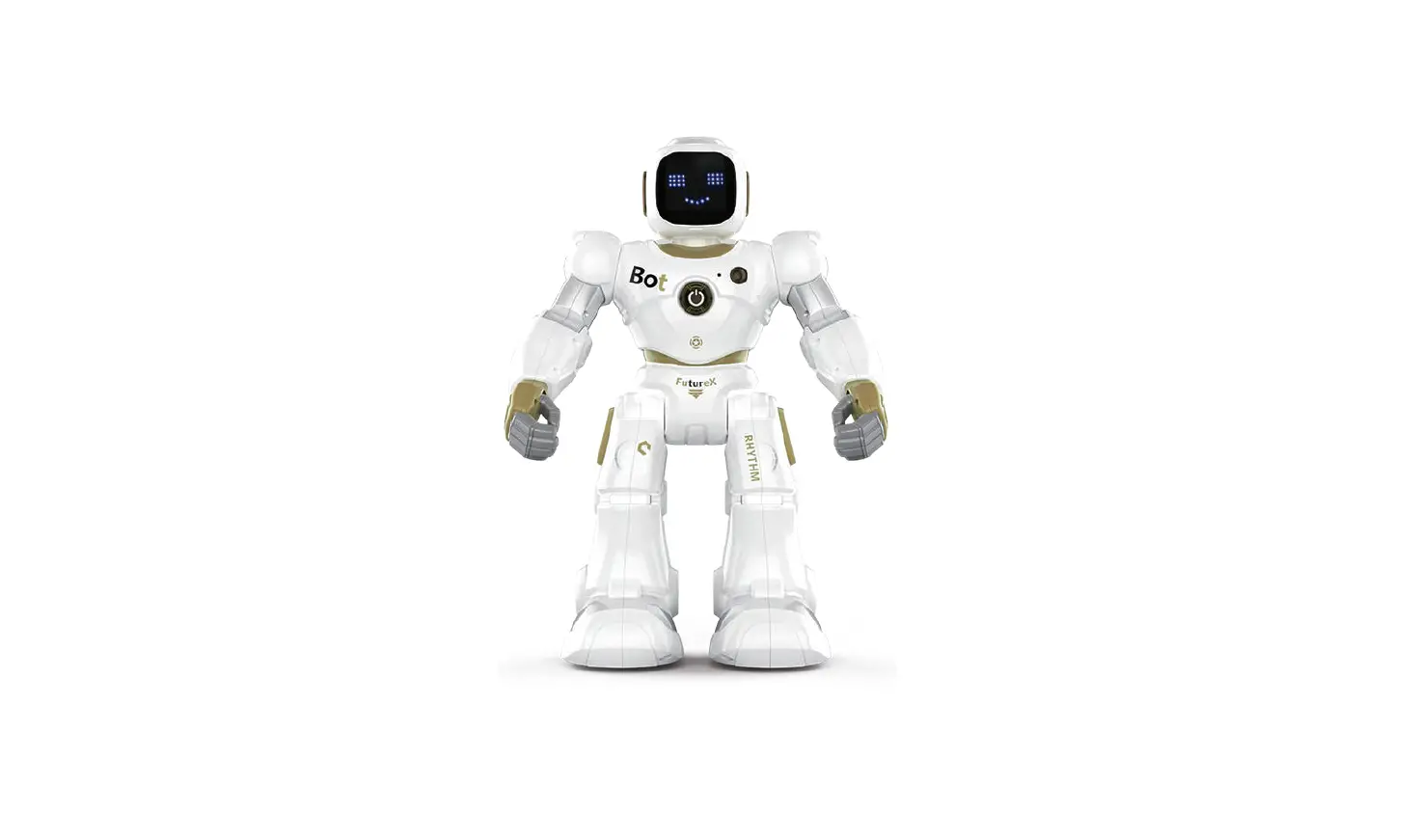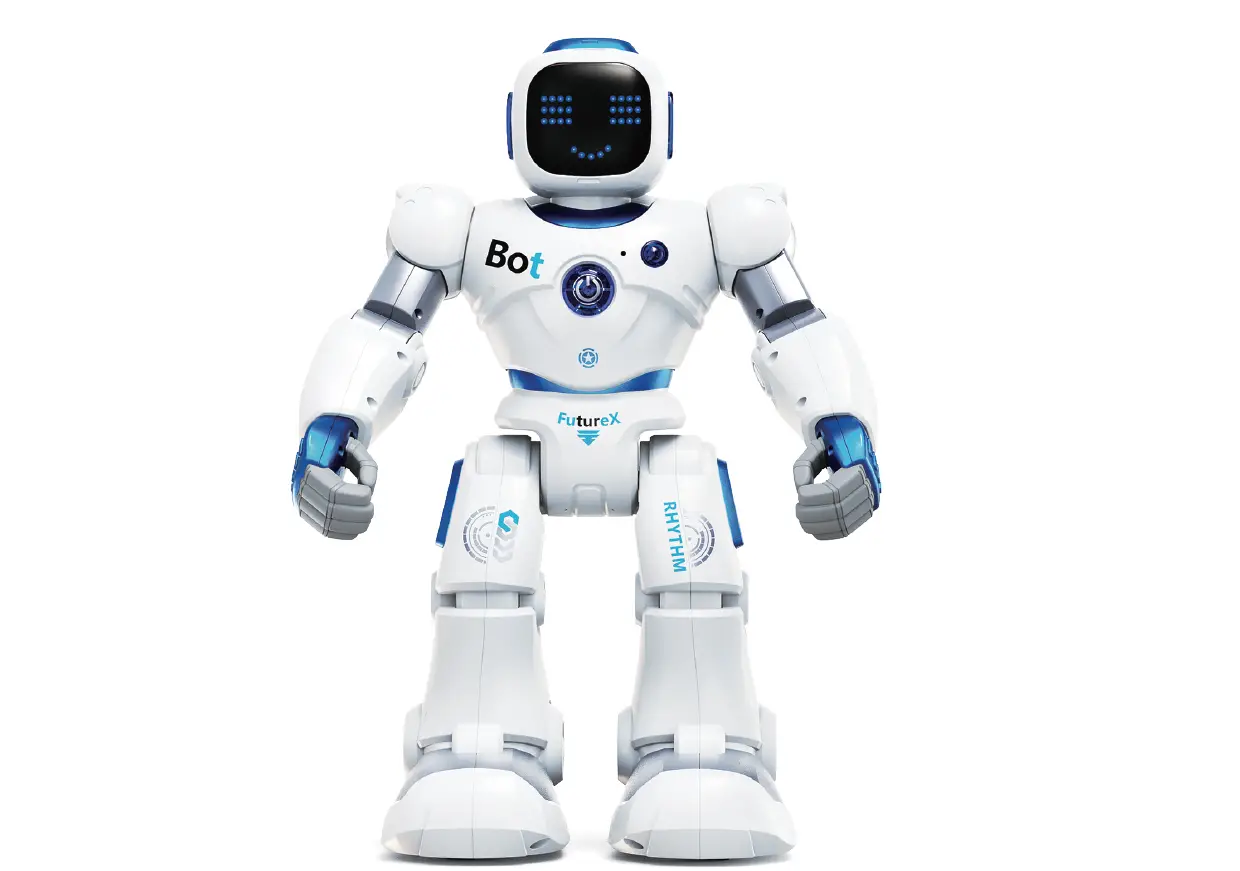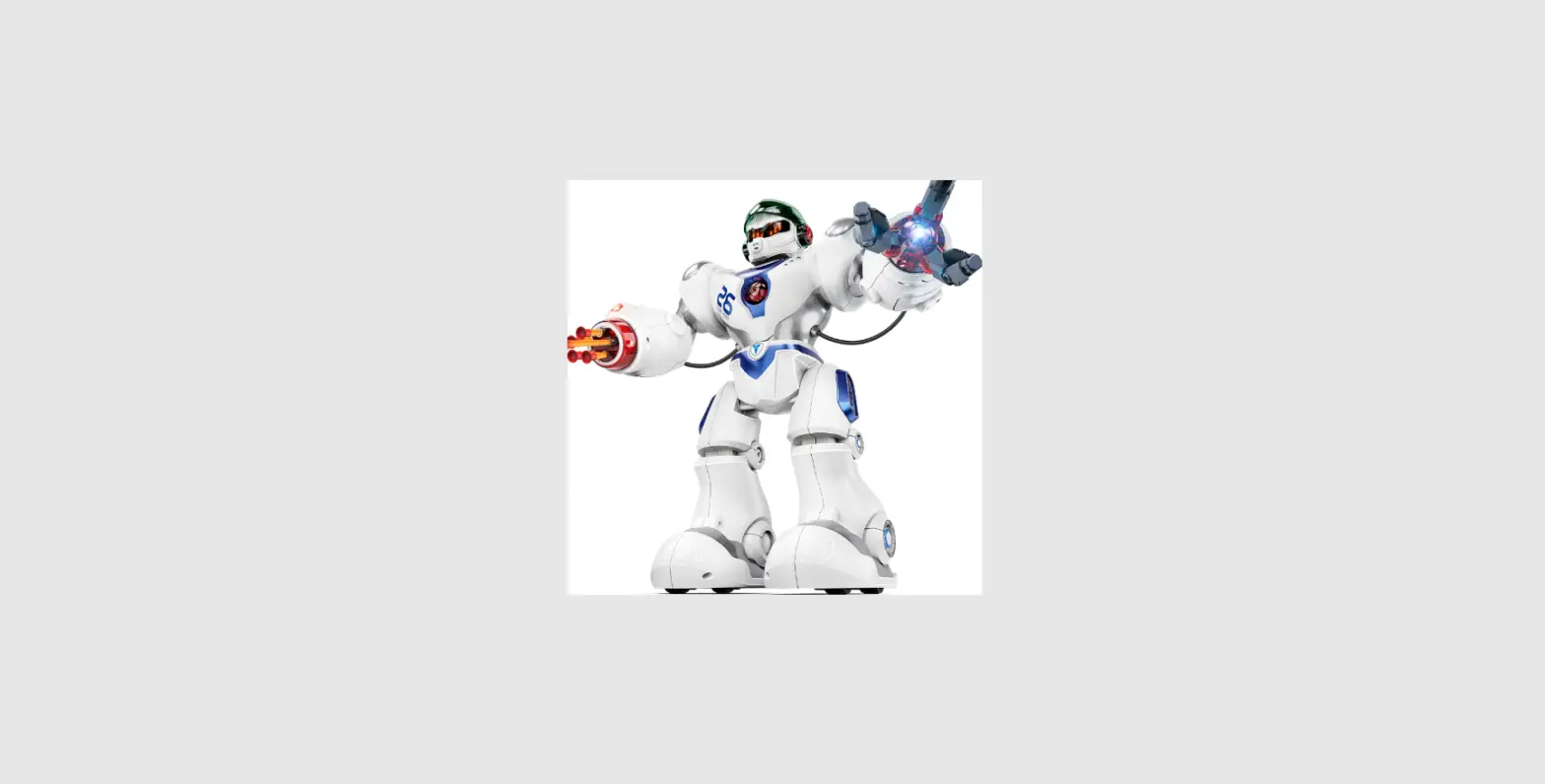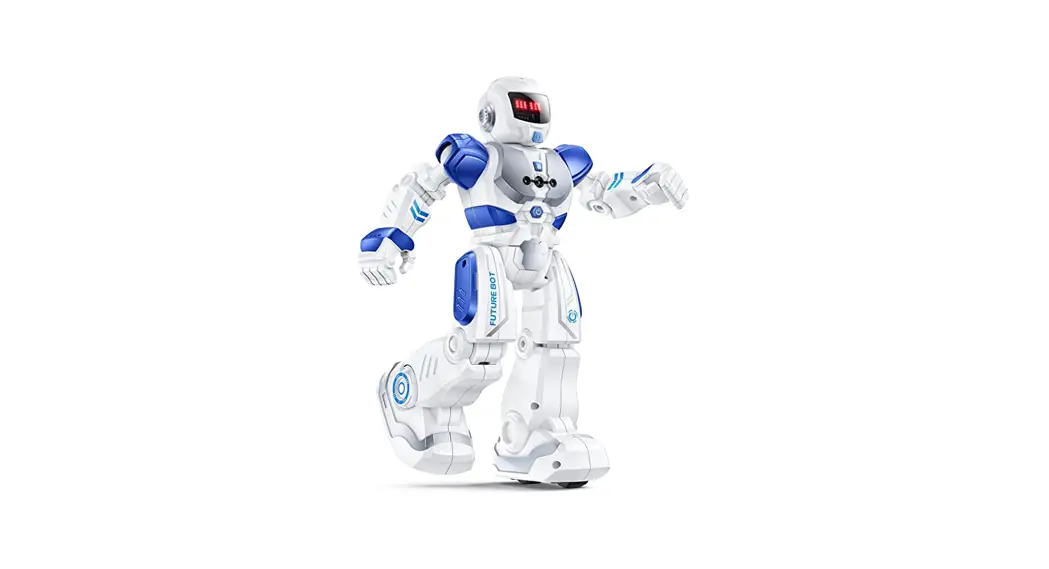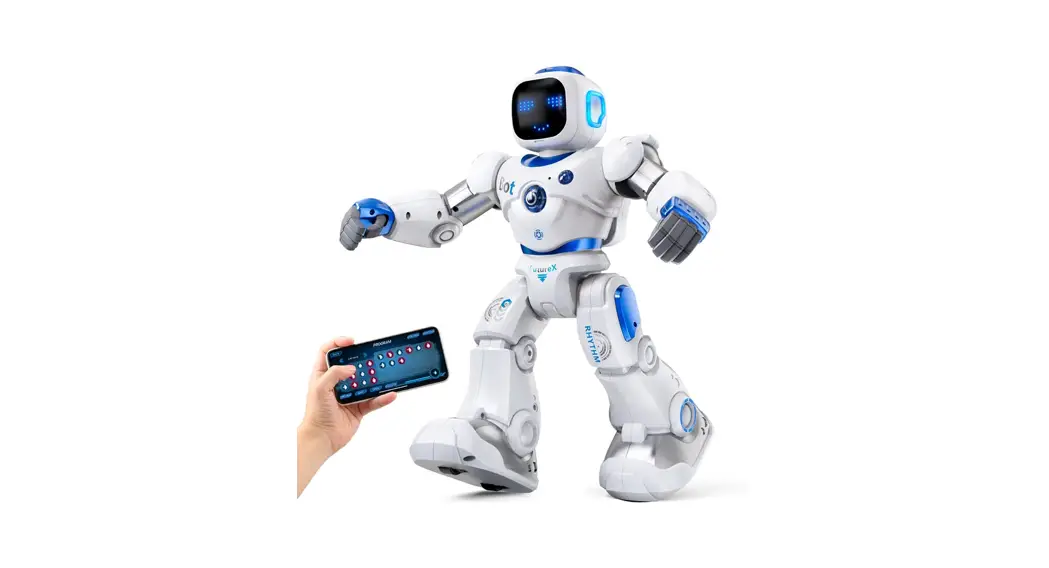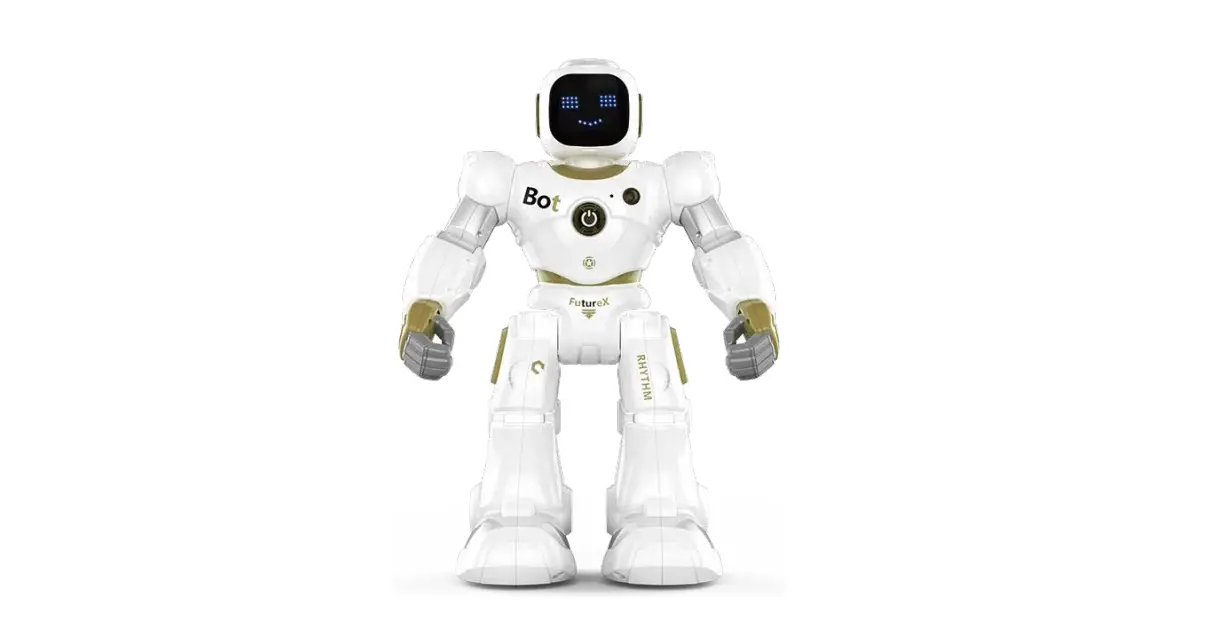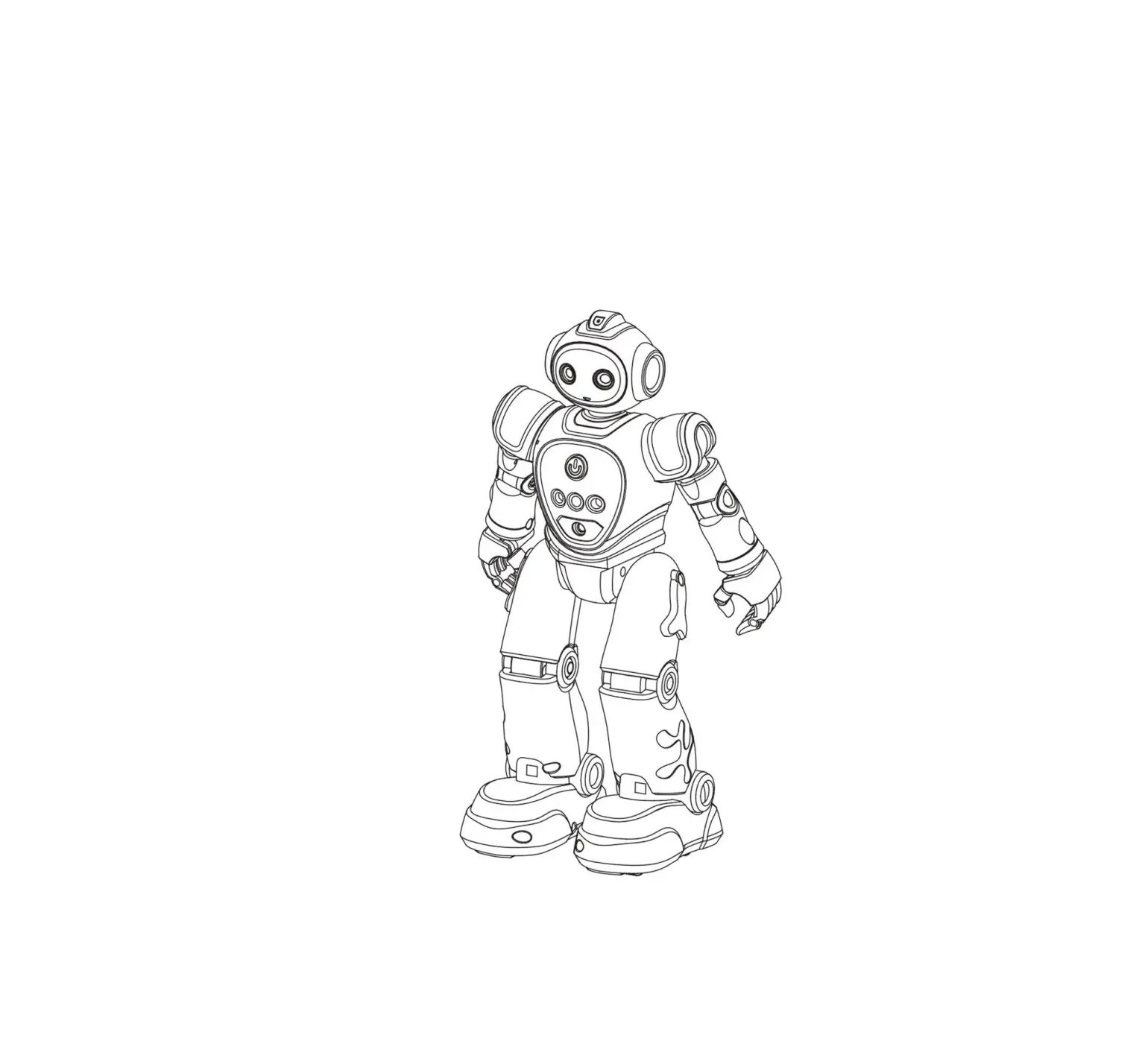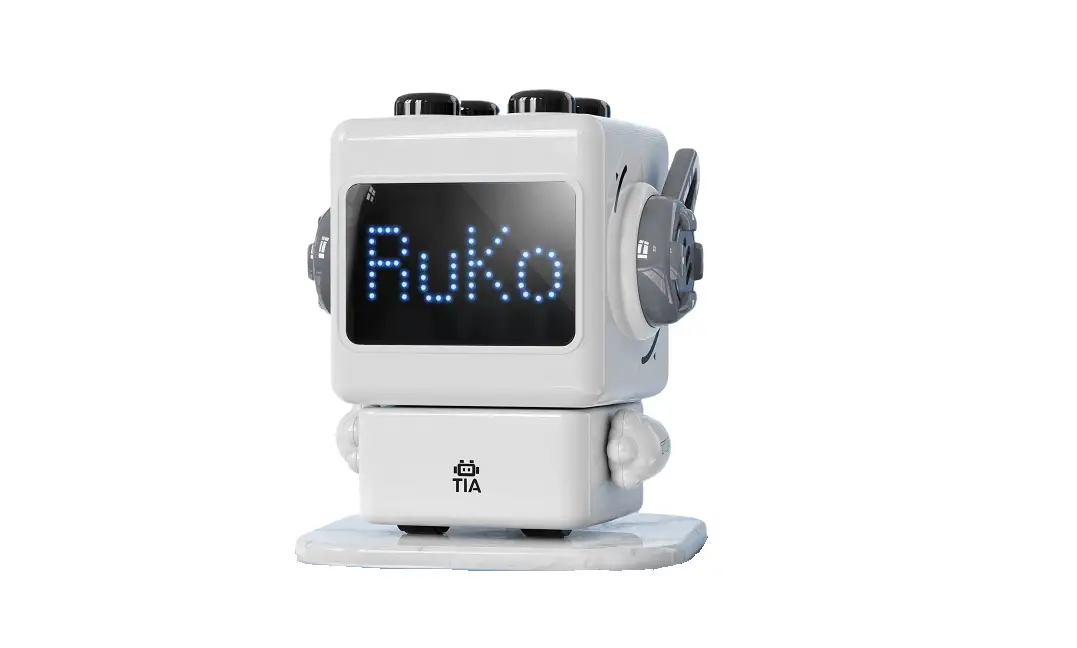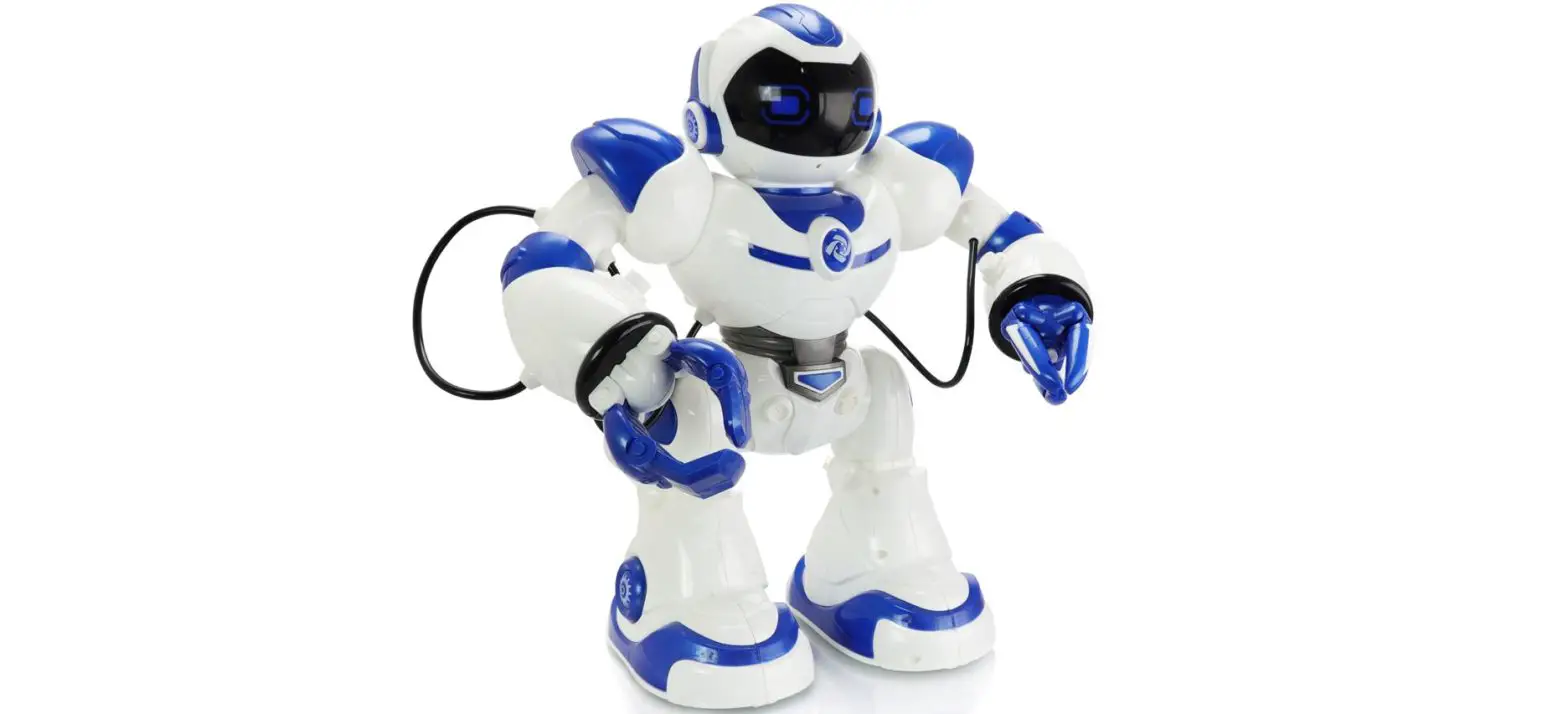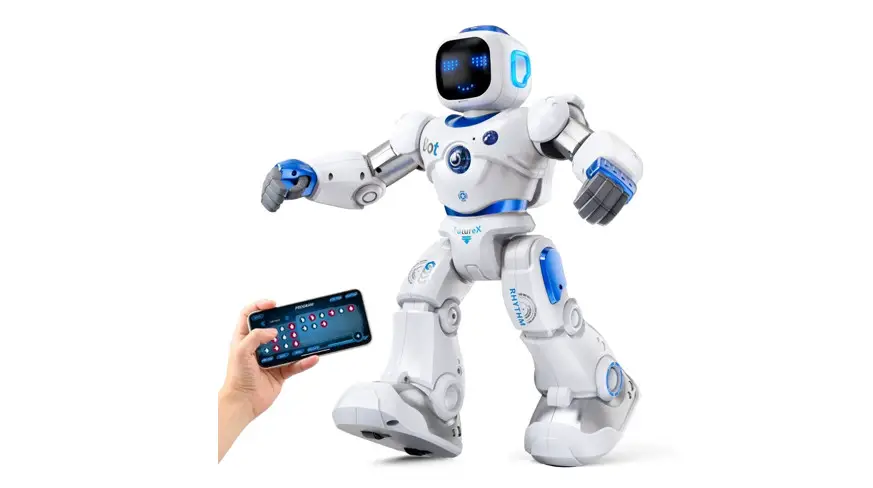
Ruko Ru4413 Carle Smart Robots For Kids Large Programmable Interactive Rc Robot User Guide

Ruko Ru4413 Carle Smart Robots For Kids Large Programmable Interactive Rc Robot User Guide

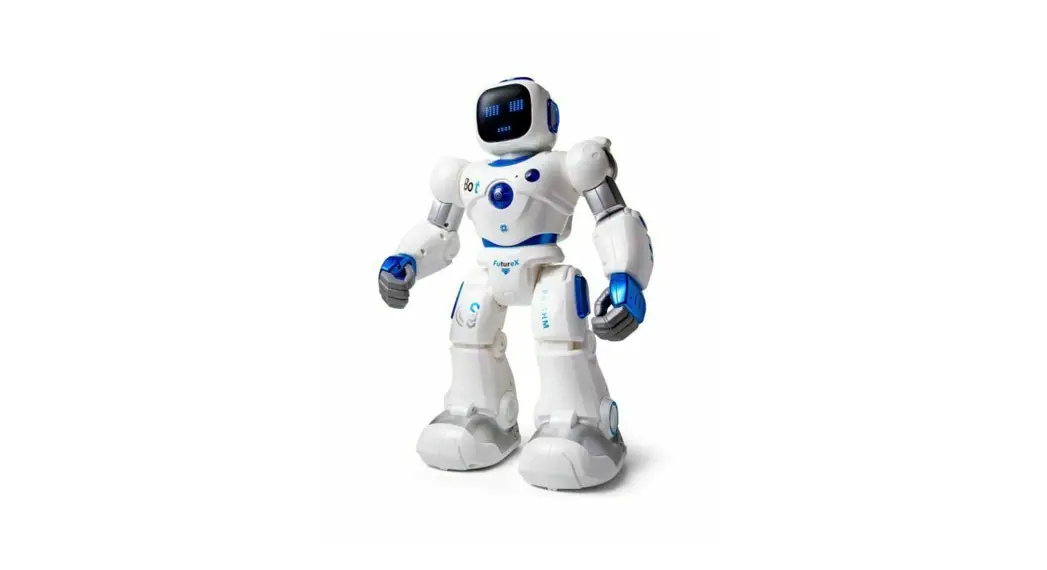
Ru4413 Carle Smart Robots for Kids Large Programmable Interactive RC Robot

Ruko - logo

3+for age
Quick Start Guide

V1.0.2021.08 Carle
Carle

If you have any questions about this product, please contact Ruko by sending a message to [email protected]

www.rukotoy.com

Please read the instructions before playing and refer to the user manual for details.

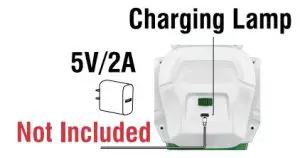
  1. Charging the I robot (about 2h)
    Ruko Ru4413 Carle Smart Robots for Kids Large Programmable Interactive RC Robot - fig
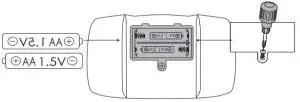
  2. install batteries for the transmitter
    Batteries Not Included
    Ruko Ru4413 Carle Smart Robots for Kids Large Programmable Interactive RC Robot - fig 1
  3. Download and install APPRuko Ru4413 Carle Smart Robots for Kids Large Programmable Interactive RC Robot - qr codehttps://d.ihunuo.com/app/psss
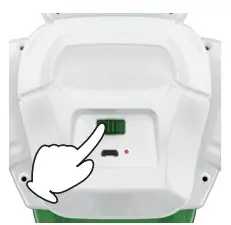
  4. Turn on the robot switch Ruko Ru4413 Carle Smart Robots for Kids Large Programmable Interactive RC Robot - fig 2
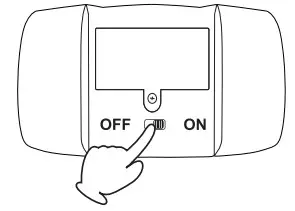
  5. Turn on the transmitter switchRuko Ru4413 Carle Smart Robots for Kids Large Programmable Interactive RC Robot - fig 4
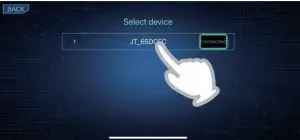
  6. Connect Bluetooth (JT-XXX)Ruko Ru4413 Carle Smart Robots for Kids Large Programmable Interactive RC Robot - fig 5
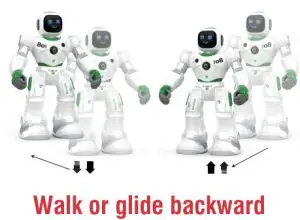
  7. Remote Control the robotRuko Ru4413 Carle Smart Robots for Kids Large Programmable Interactive RC Robot - fig 6
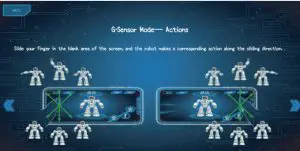
  8. App Control the robot

Ruko Ru4413 Carle Smart Robots for Kids Large Programmable Interactive RC Robot - fig 7Copyright ©2021 Ruko All Rights Reserved.

Documents / Resouces

Download manual
Here you can download full pdf version of manual, it may contain additional safety instructions, warranty information, FCC rules, etc.


Related Manuals