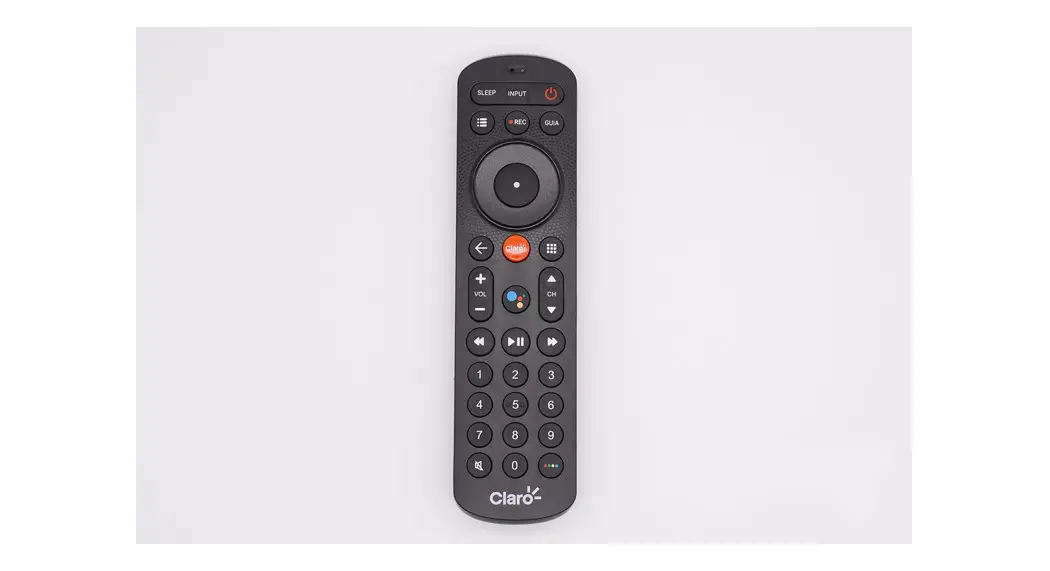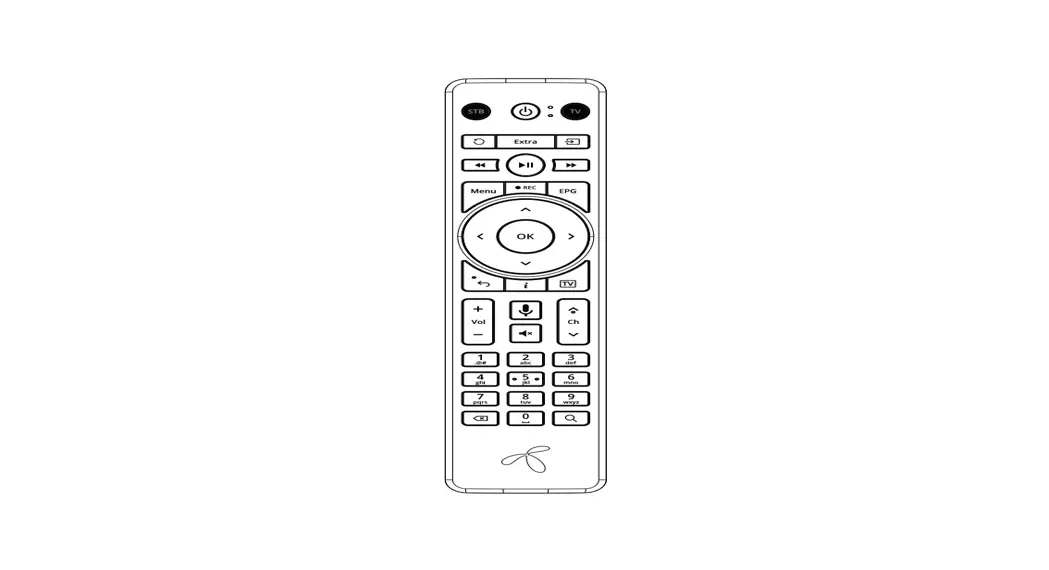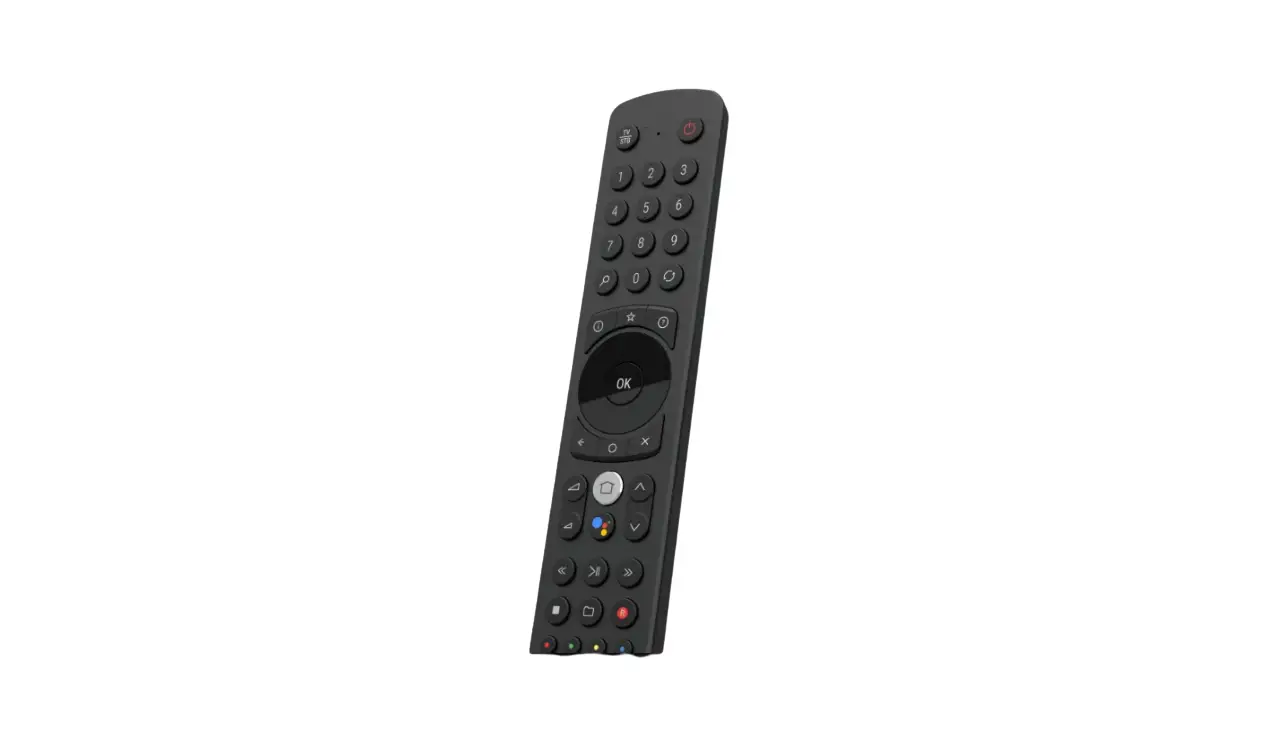
Remote Controller Manual
Instructions | Function | Show | Function Description | ||||
| Press the key | Switch machine | Switch machine | |||||
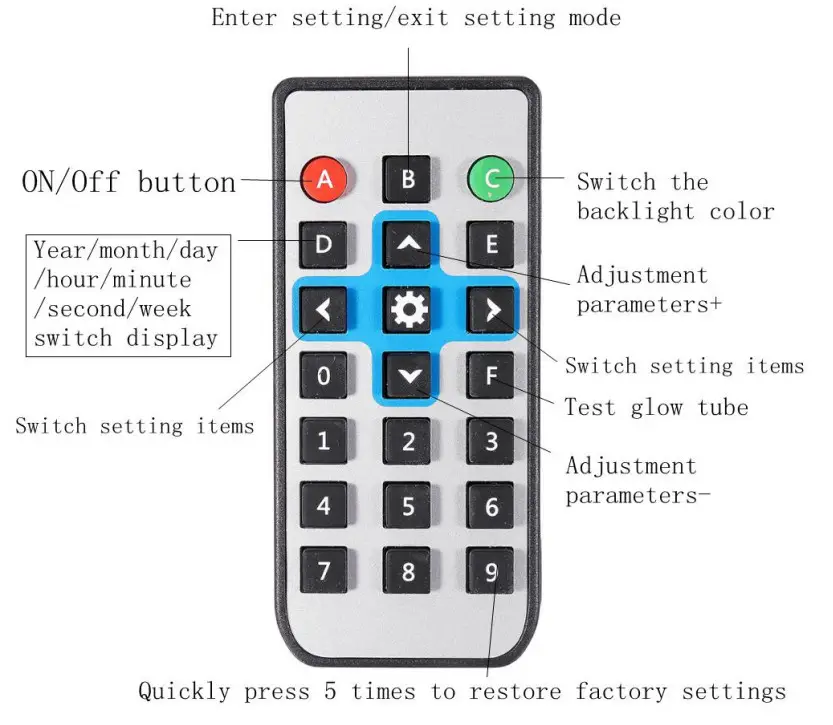
| Press the adjust-key | Antivirus 1 time | 00-99 00-99 | Manual antivirus 1 time | ||||
| Press the adjustment + key | LED light color switch | LED lights red-green-blue-yellow-cyan-purple-ora nge-white-off-gradient | |||||
| Press the menu key | Switch display mode | Second week | Displays the second day of the week | ||||
| 20 years | Show year | ||||||
| Month Day | Display month day | ||||||
| Hour: minute | Show current time | ||||||
| Long press menu key for 2 seconds to enter setting mode | Set mode | Enter setting mode | |||||
| (After entering the setting mode)Short press the menu button once | Year setting | 20 years | Set the year by (adjustment + key) or adjustment-key) | ||||
| (After entering the setting mode)Short press the menu button twice | Month setting | Month Day | Set the month through (adjustment +key) or (adjustment-key) | ||||
| (After entering the setting mode)Short press the menu button 3 times | Day setting | Month Day | Set the day by (adjustment + key) or(adjustment-key) | ||||
| (After entering the setting mode)Short press the menu button 4 times | Hour setting | Hour: minute | Set the hour by (adjustment + key) or(adjustment-key) | ||||
| (After entering the setting mode)Short press the menu key 5 times | Minute setting | Hour: minute | Set the minutes by (adjustment + key)or (adjustment-key) | ||||
| (After entering the setting mode)Short press the menu button 6 times | Second setting | Second week | Set the second by (adjustment + key)or (adjustment-key) | ||||
| (After entering the setting mode)Short press the menu button 7 times | Week setting | Second week | Set the day of the week through(adjustment + key) or (adjustment-key) | ||||
| (After entering the setting mode) Short press the menu button 8 times | Antivirus time setting | 1 | 00 | Turn off function | the | automatic | antivirus |
| 1 | 01 | Automatic antivirus every 1 minute | |||||
| 1 | 05 | Automatic antivirus every 5 minutes | |||||
| 1 | 10 | Automatic antivirus every 10 minutes | |||||
| 1 | 20 | Automatic antivirus every 20 minutes | |||||
| 1 | 30 | Automatic antivirus every 30 minutes | |||||
| (After entering the setting mode) Short press the menu button 9 times | Shutdown time setting | 2 | 00 | Turn off automatic shutdown | |||
| 2 | 01 | 1-minute automatic shutdown | |||||
| 2 | 02 | Automatic shutdown in 2 minutes | |||||
| 2 | 05 | 5 minutes automatic shutdown | |||||
| 2 | 10 | Automatic shutdown in 10 minutes | |||||
| 2 | 30 | Automatic shutdown in 30 minutes | |||||
| 2 | 60 | 60 minutes automatic shutdown | |||||
| (After entering the setting mode) Short press the menu button 10 times | 12 hours/24 hours switch | 3 | 12 | Set the time format by (adjust + key) or (adjust-key) | |||
| 3 | 24 | ||||||
| (After entering the setting mode)Short press the menu button 11 times | Hour 10th hidden | 4 | 0 | Not hidden | |||
| 4 | 1 | Hide | |||||
| (After entering the setting mode) Short press the menu key 12 times | Time decimal setting | 5 | 0 | Time decimal flashes | ||
| 5 | 1 | Time decimal does not flash | ||||
| (After entering the setting mode) Short press the menu button 13times | Automatic setting | power-on | hour | Hour and minute | Set by (adjust + key) or (adjust-key). Display 00:00 to turn off the automatic power-on function | |
| (After entering the setting mode)Short press the menu button 14 times | Automatic power-on minute setting | Hour and minute | ||||
| (After entering the setting mode) Short press the menu button 15times | Automatic setting | shutdown | hour | Hour and minute | Set by (adjust + key) or (adjust-key). Display 00:00 to turn off the automatic shutdown function | |
| (After entering the setting mode) Short press the menu button 16times | Automatic shutdown minute setting | Hour and minute | ||||
| (After entering the setting mode) Short press the menu button 17times to exit the setting mode | Return to display the current time | Hour and minute | Return to display the current time | |||
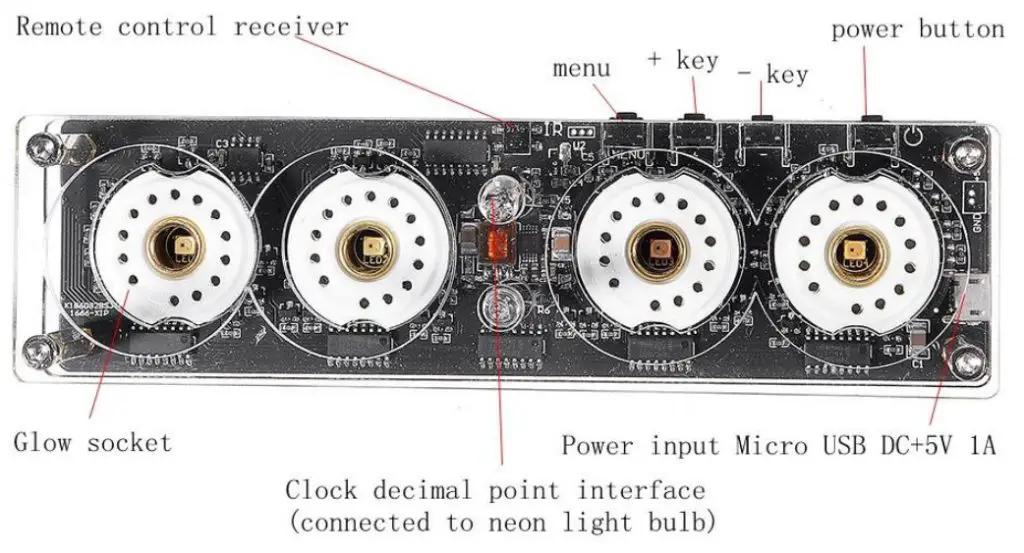
Note: This glow clock supports (QS30-1, SZ-8, SZ3-1, ZM1020, Z560M) and other types of glow tubes