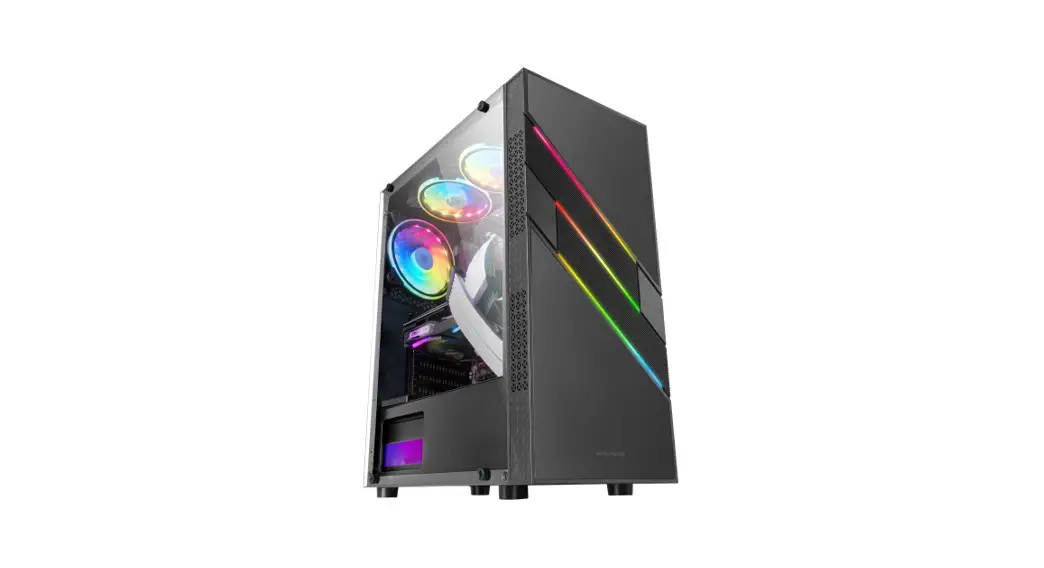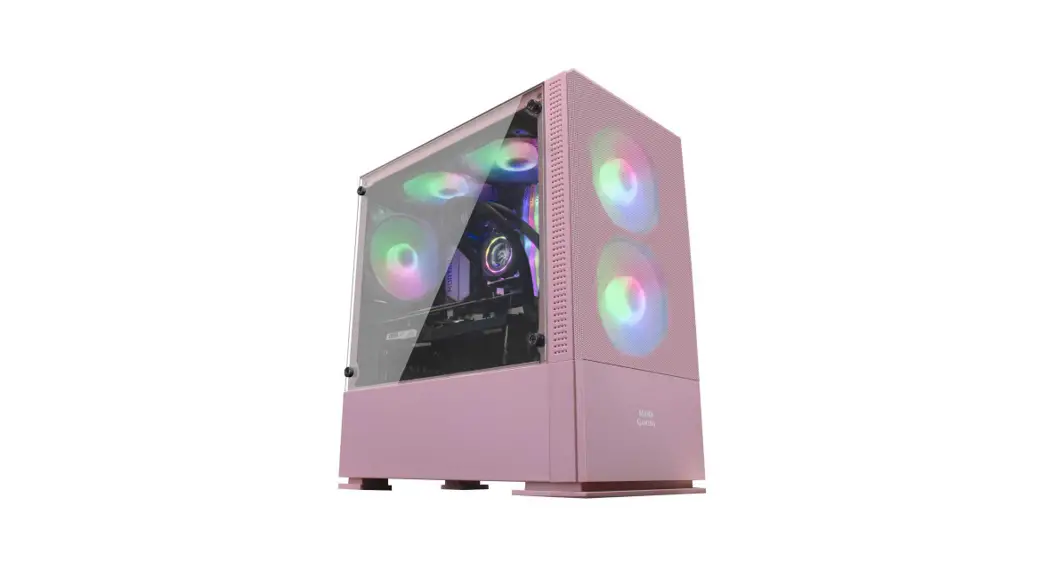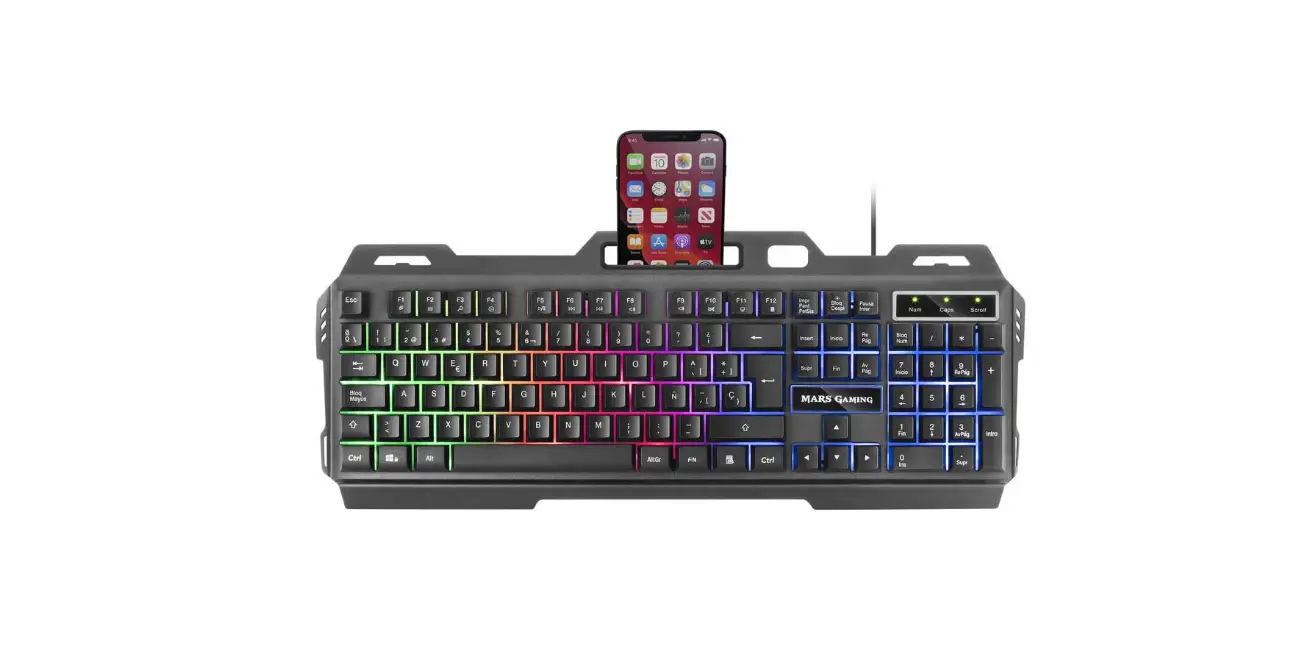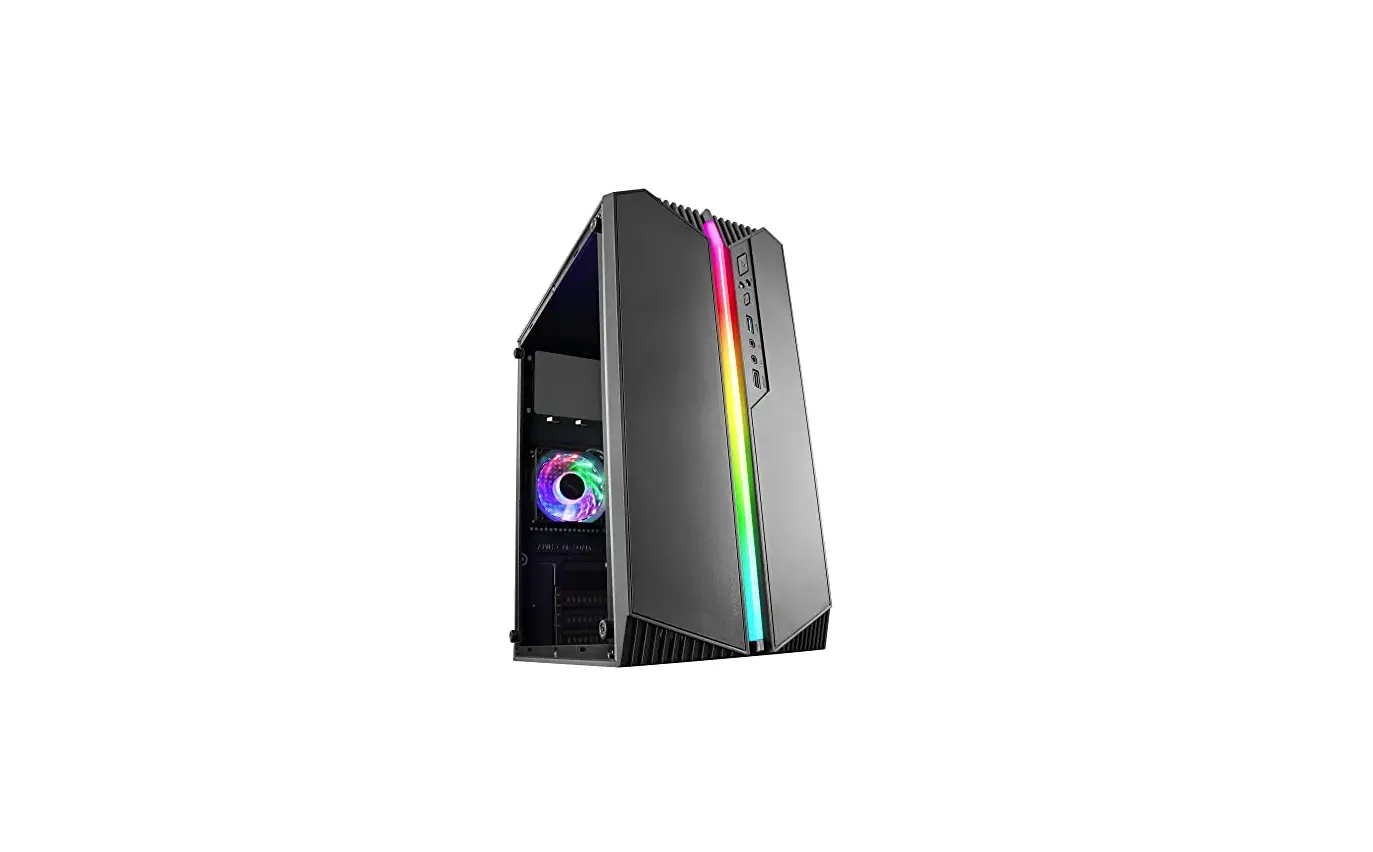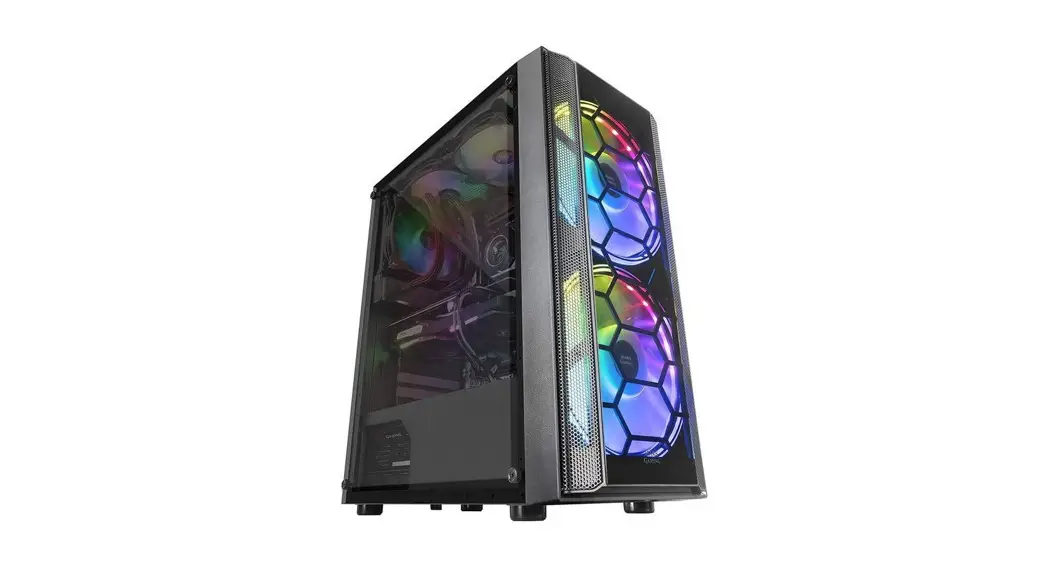

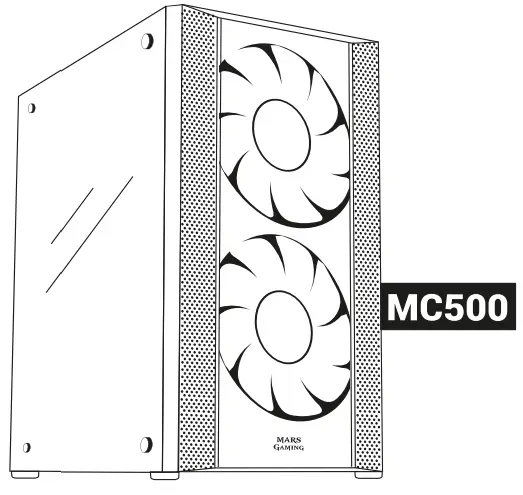
 user’s Manual
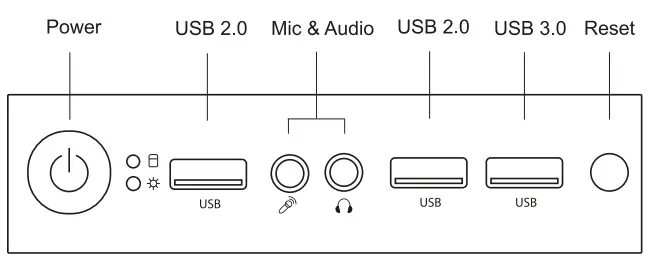
I/O Panel
 Accessory Bag Contents
 Accessory Bag Contents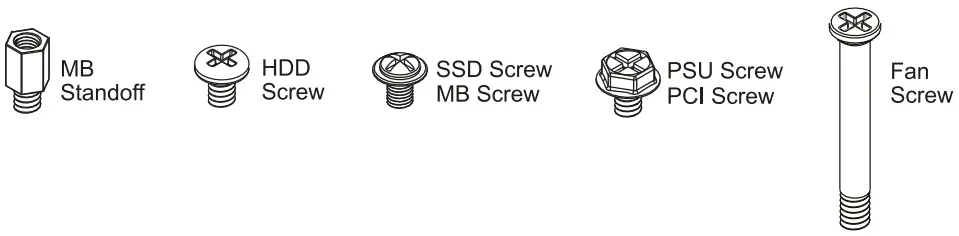
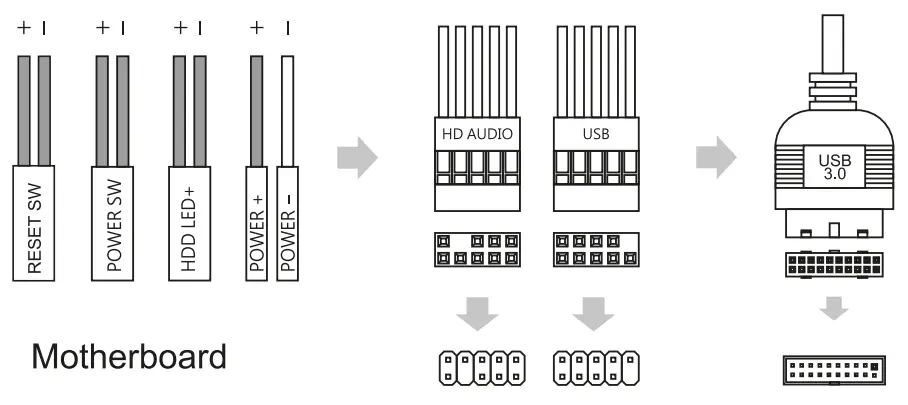
Front I/O Panel Cable Connection
(Please refer to the motherboards manual for further instructions).
Front Panel Connector
How to Install Guide
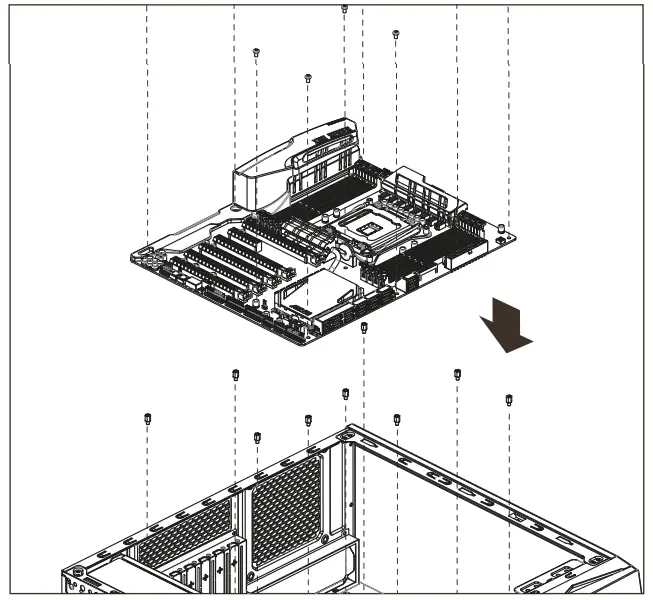
1. Motherboard
Install Motherboard
2. PSU
Install PSU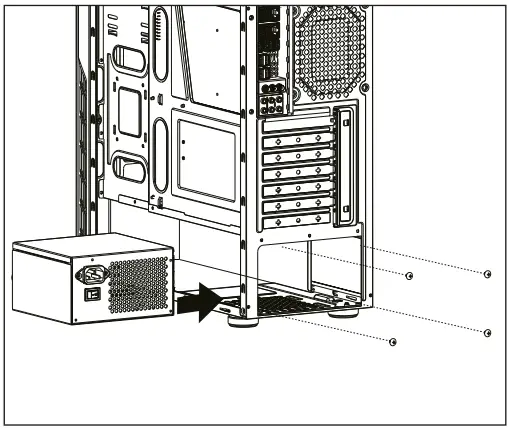
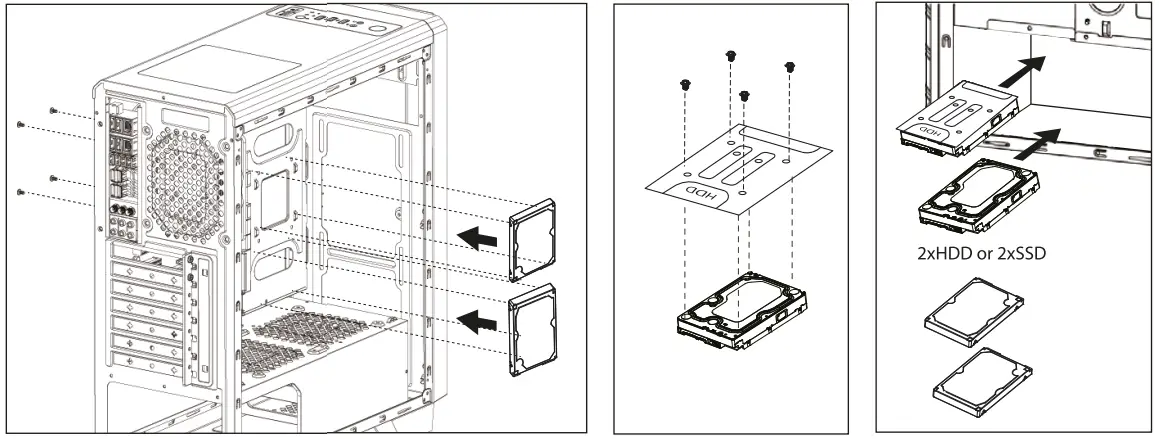
3. 2.5″ SSD x 4 / 3.5″ HDD x 2
Install 3.5″ HDD
Install 2.56 SSD
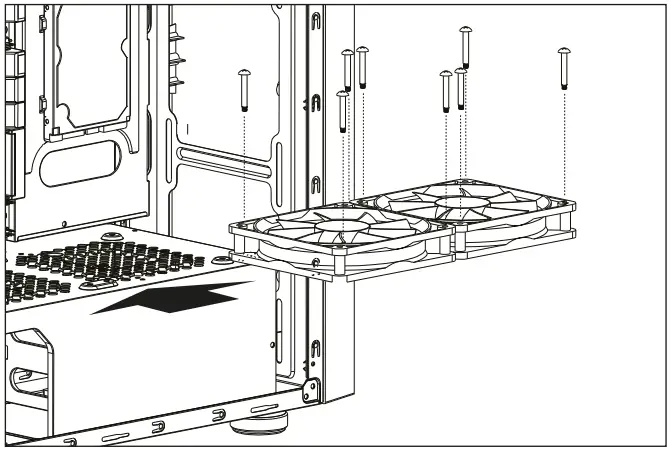
4. 120mm fans on cage
Fan installation
From the Mars Gaming team: we want to thank you for the purchase of this product! We try to improve every day to offer the best service and the best quality on our peripherals. Thank you for your trust!
ARE YOU HAPPY WITH YOUR PURCHASE?

Rate us in your marketplace and share your experience in your social media

 @MarsGaming_
 marsgaming
 MarsGaming0fficial
Please contact our technical support service by sending an e-mail to [email protected]