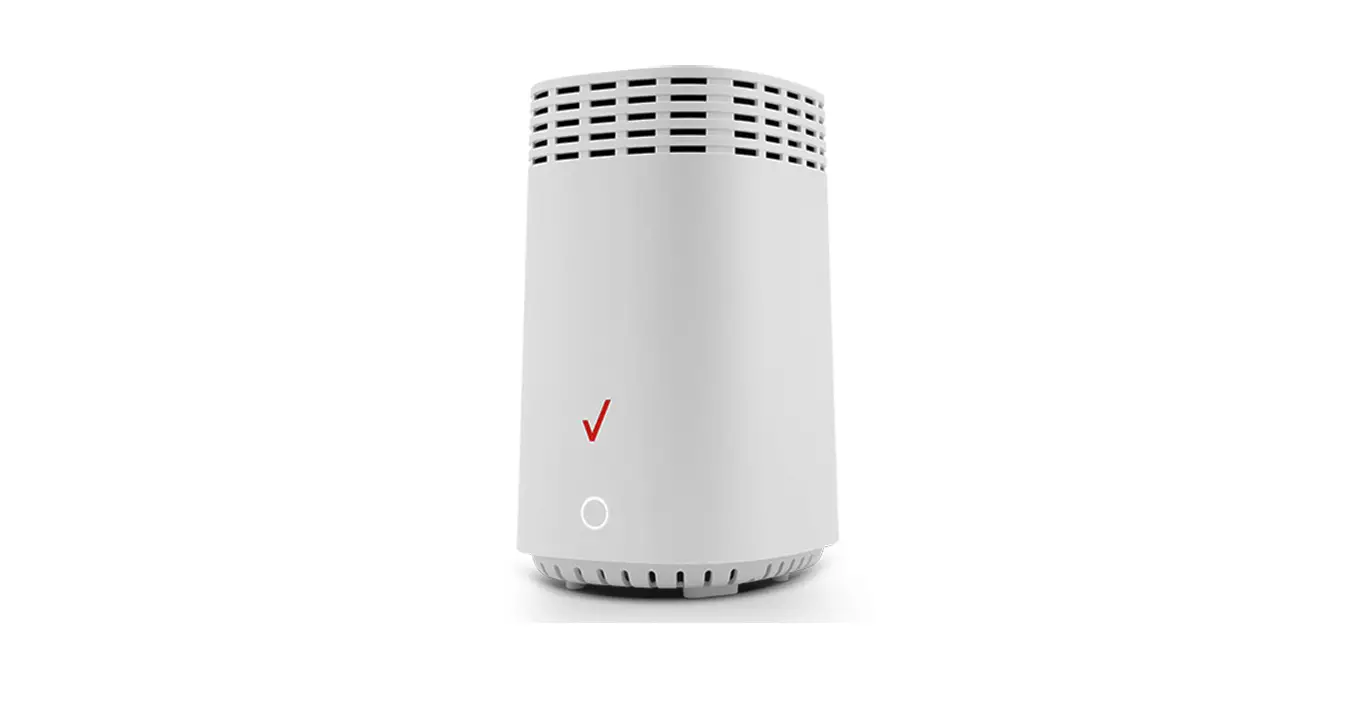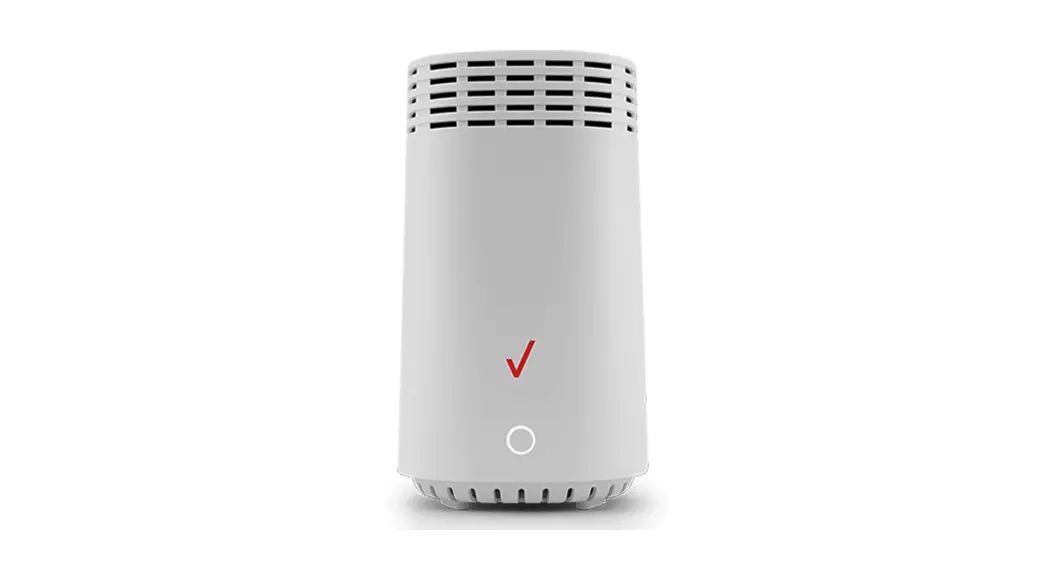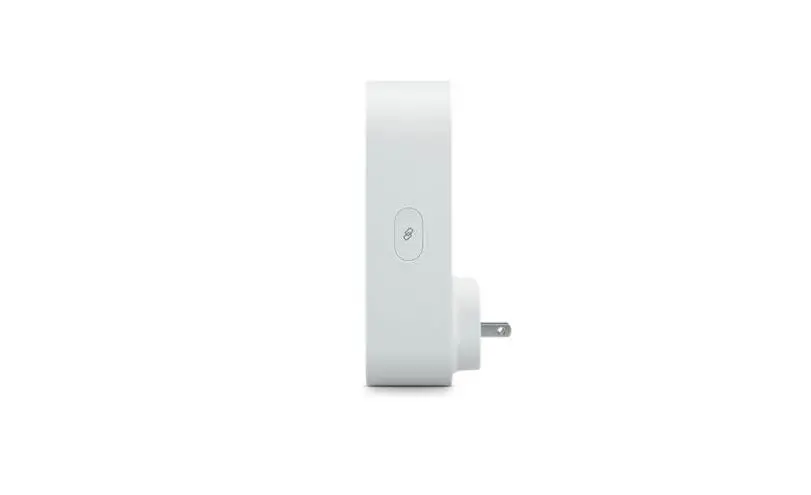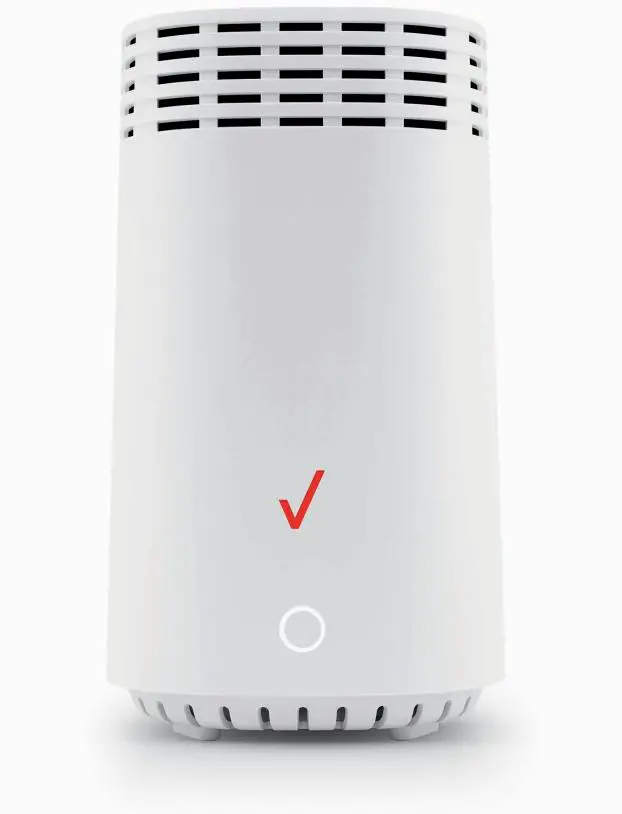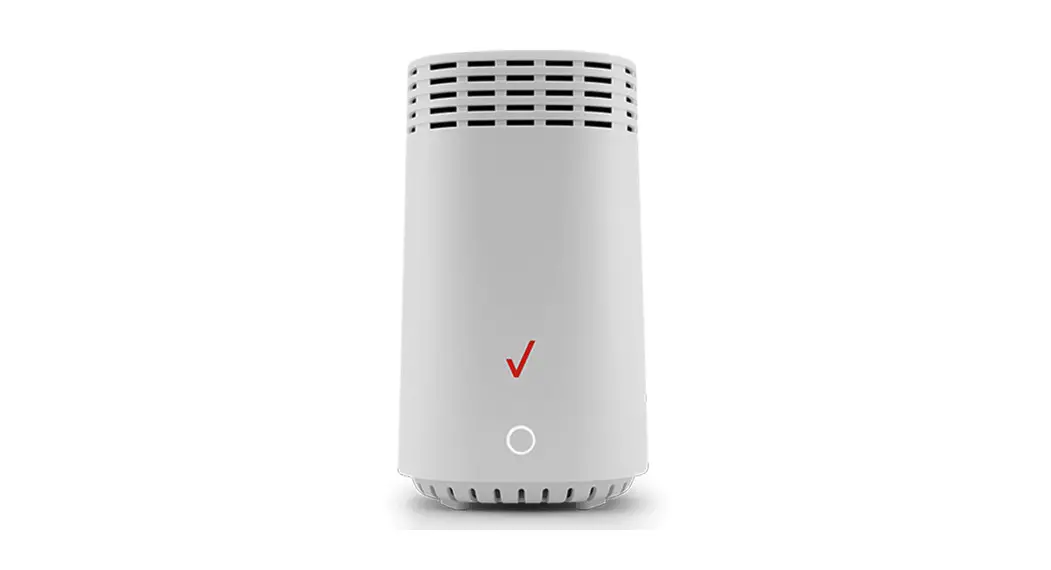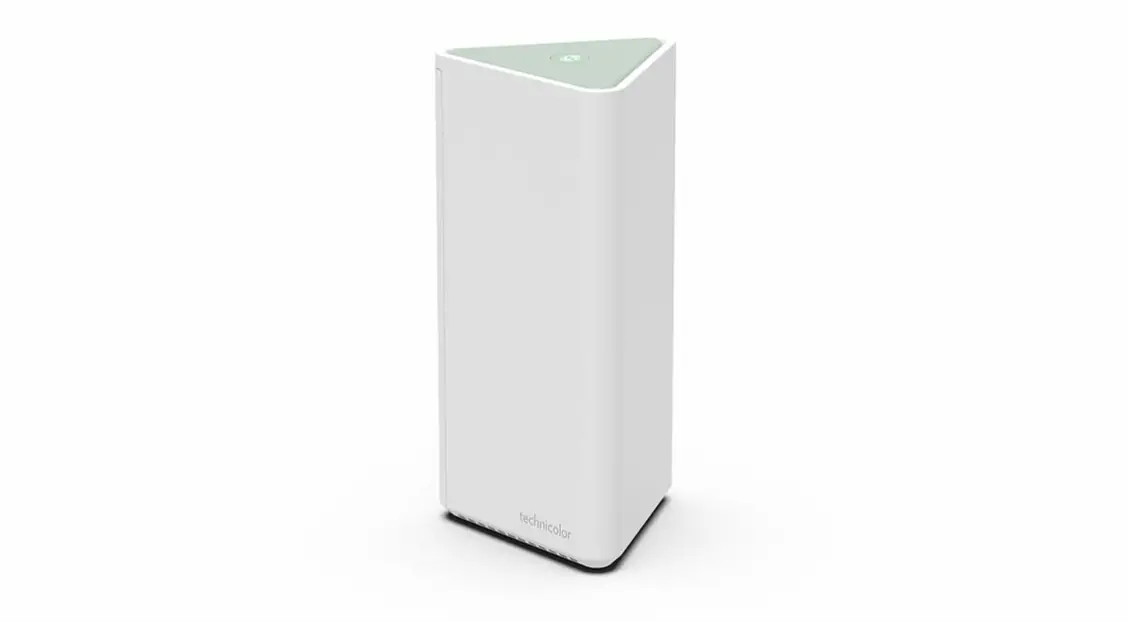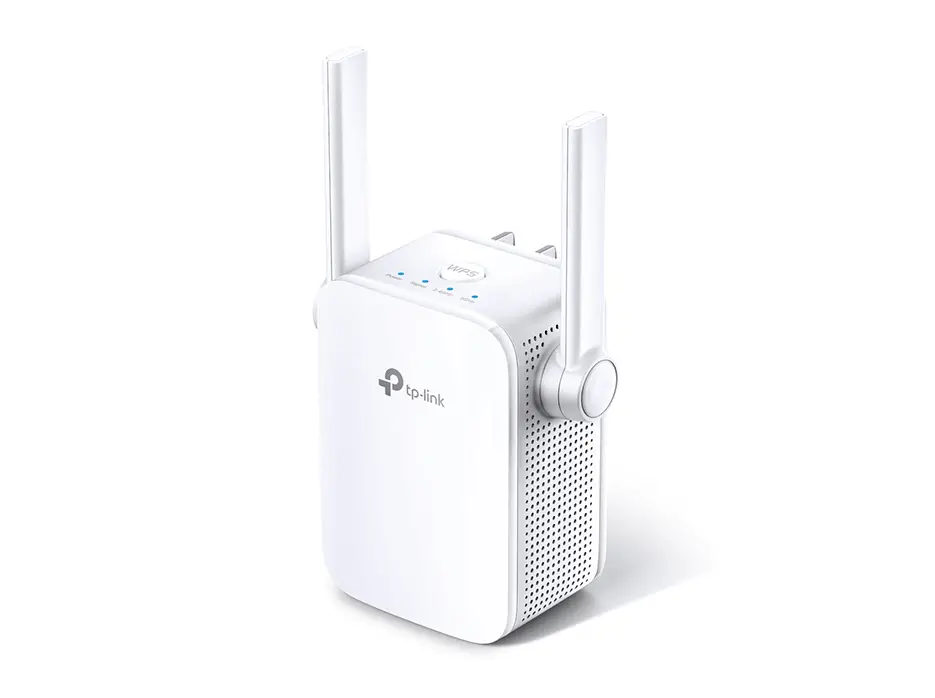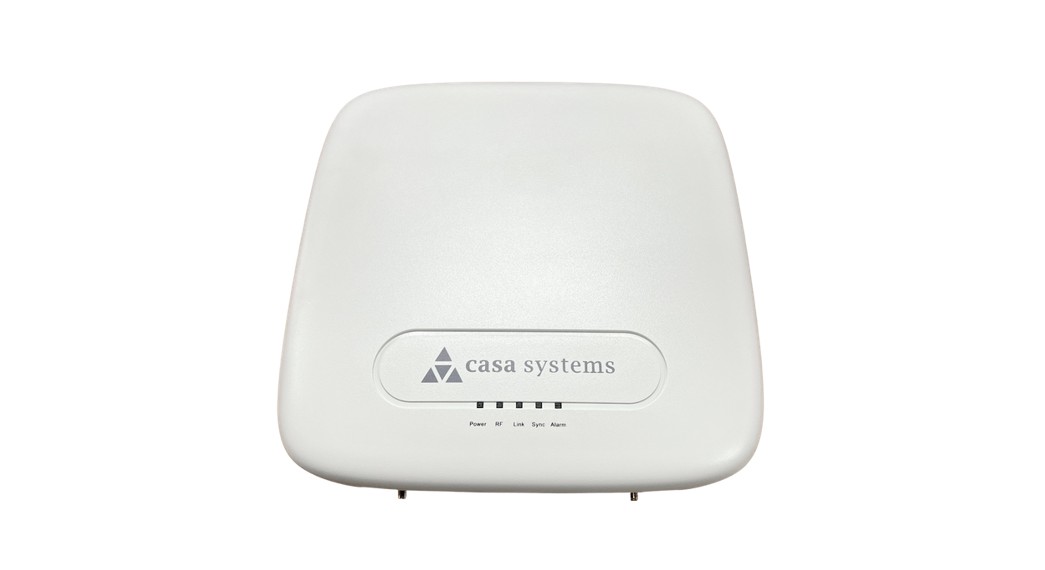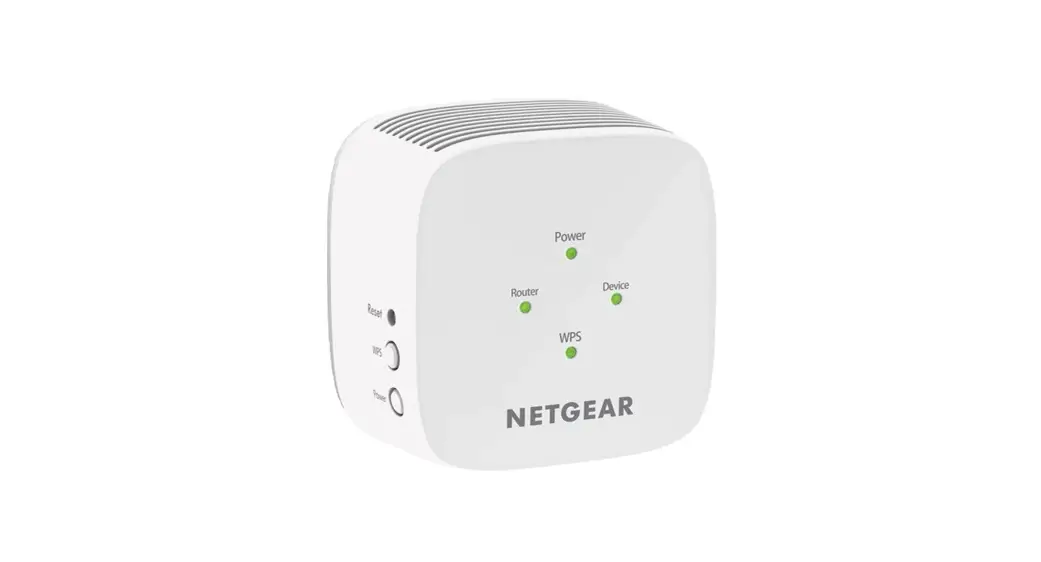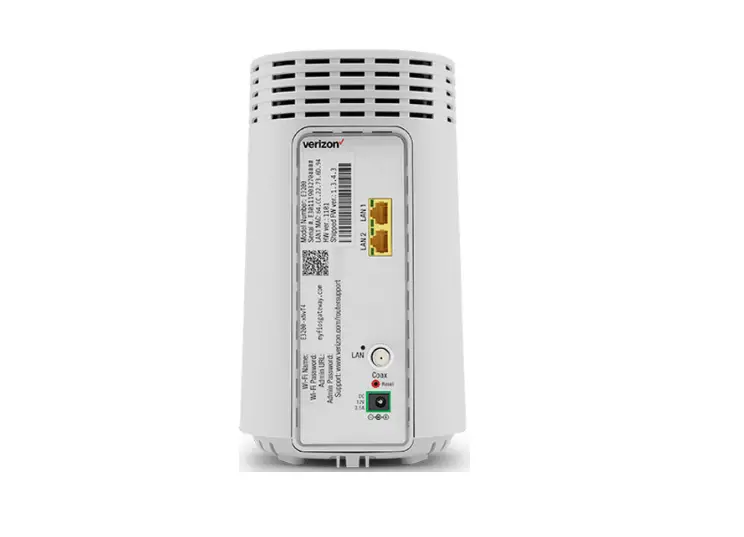

verizon E3200 Fios Extender and Router
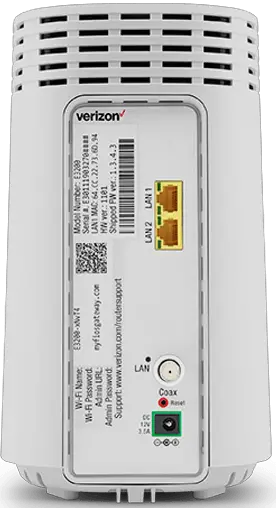
Wired
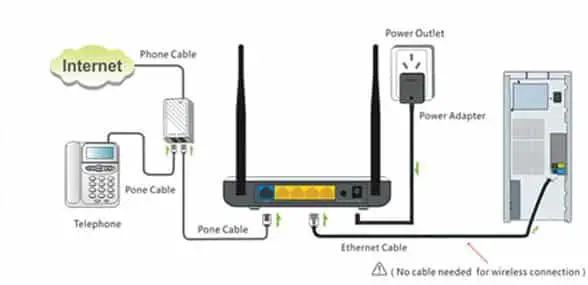
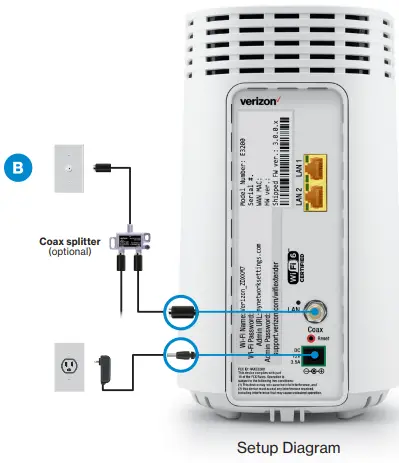
- A. Connect the Verizon Router to a coax outlet. (If the coax outlet is already in use, use the coax splitter included in the box.)
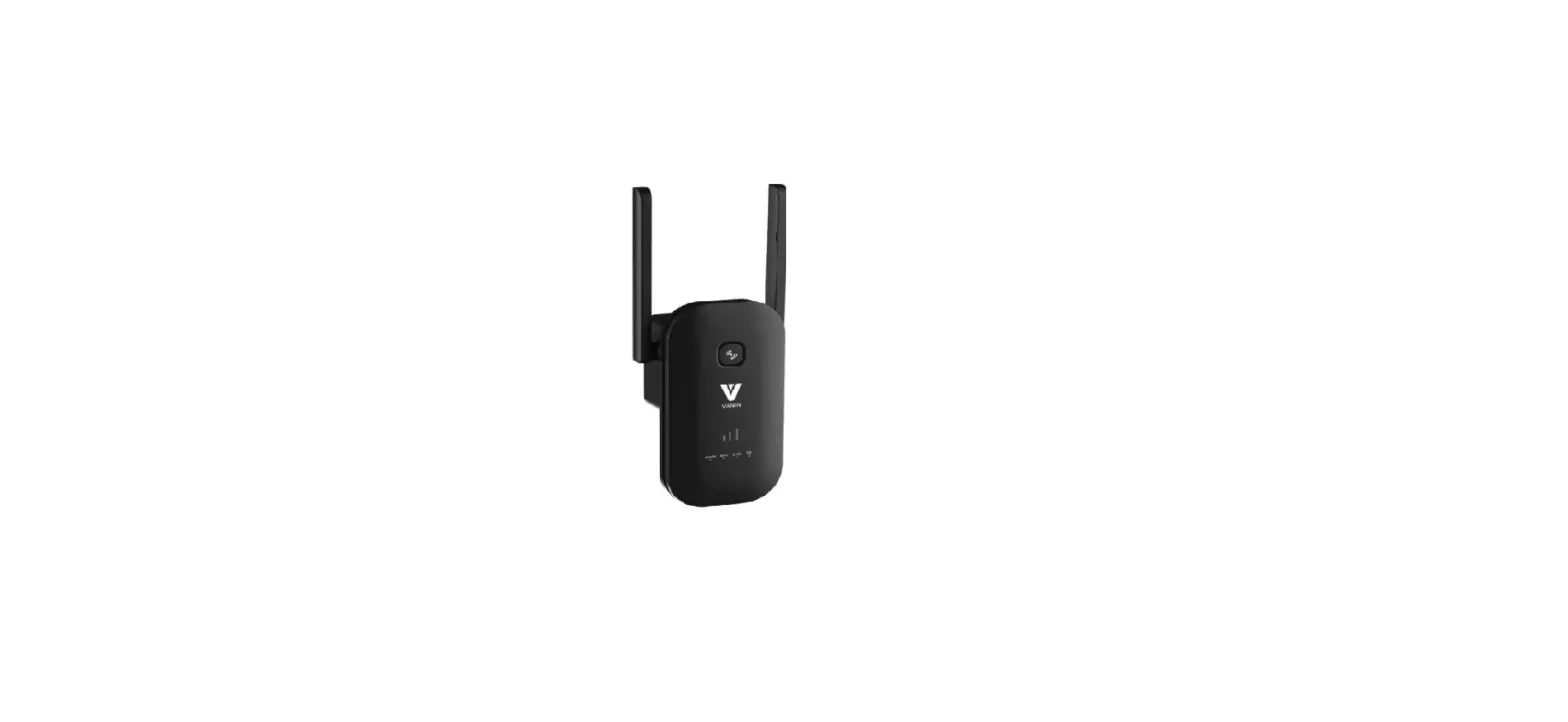
- B. Connect the Fios Extender to a coax outlet —ideally in an area with spotty Wi-Fi coverage.
- C. Connect the power cords from the router and extender to an electrical outlet.
- D. After 10 minutes, the light on the extender should turn solid white, indicating the connection is complete.
Note: If using Ethernet wiring, follow the same steps as above with an Ethernet cable instead of a coax cable.
Troubleshooting
- Solid yellow – no connection to the router
- Please check that both the Verizon Router and Fios Extender are using the same type of connection (coax or Ethernet.)
If you need technical support, visit support.verizon.com/wifiextender
SETUP DIAGRAM
 Fios Network Extenders | Verizon Internet Support