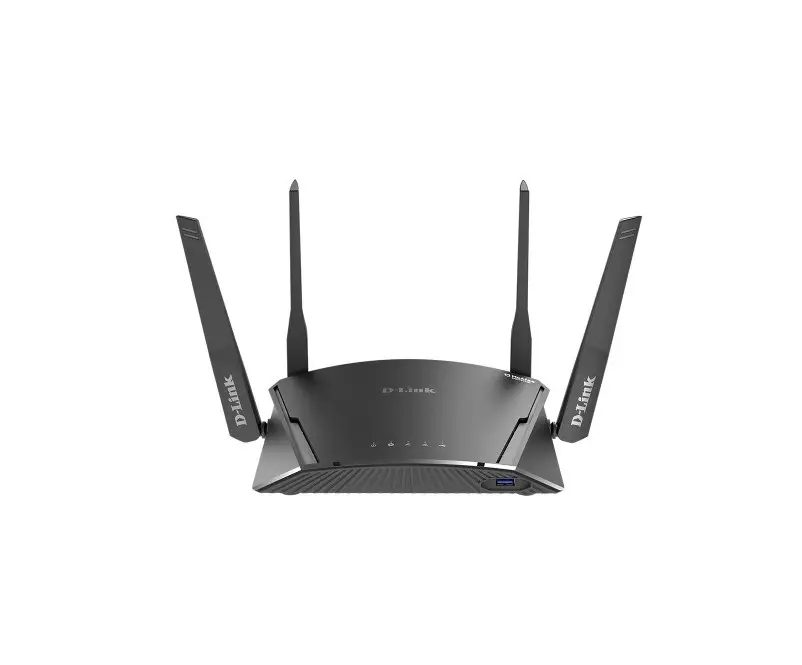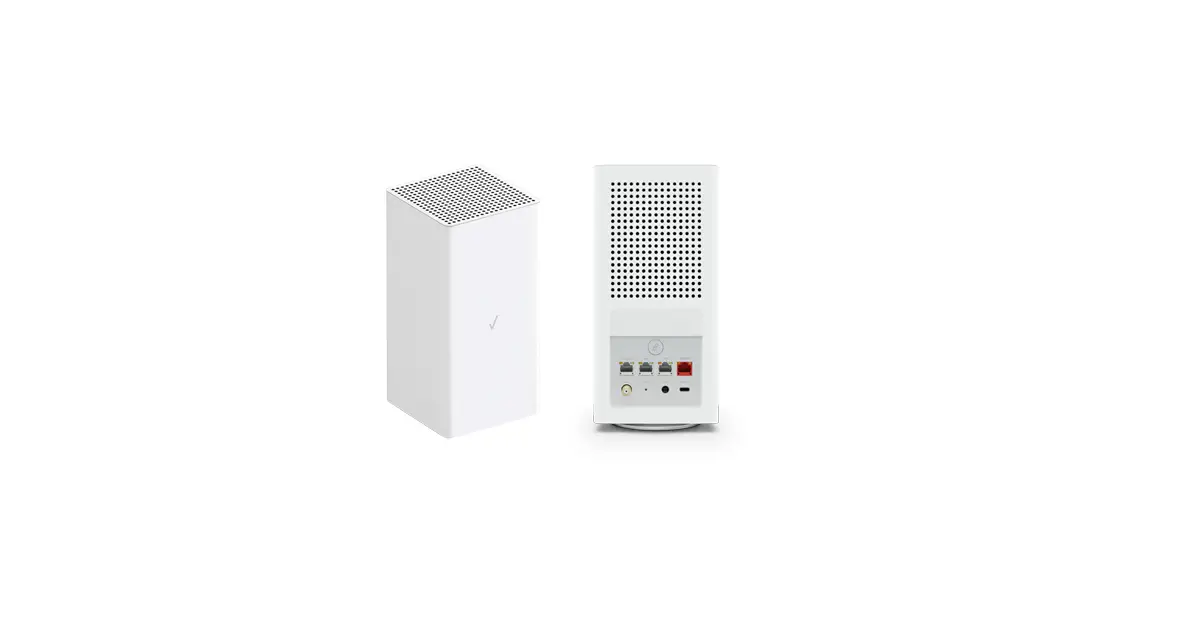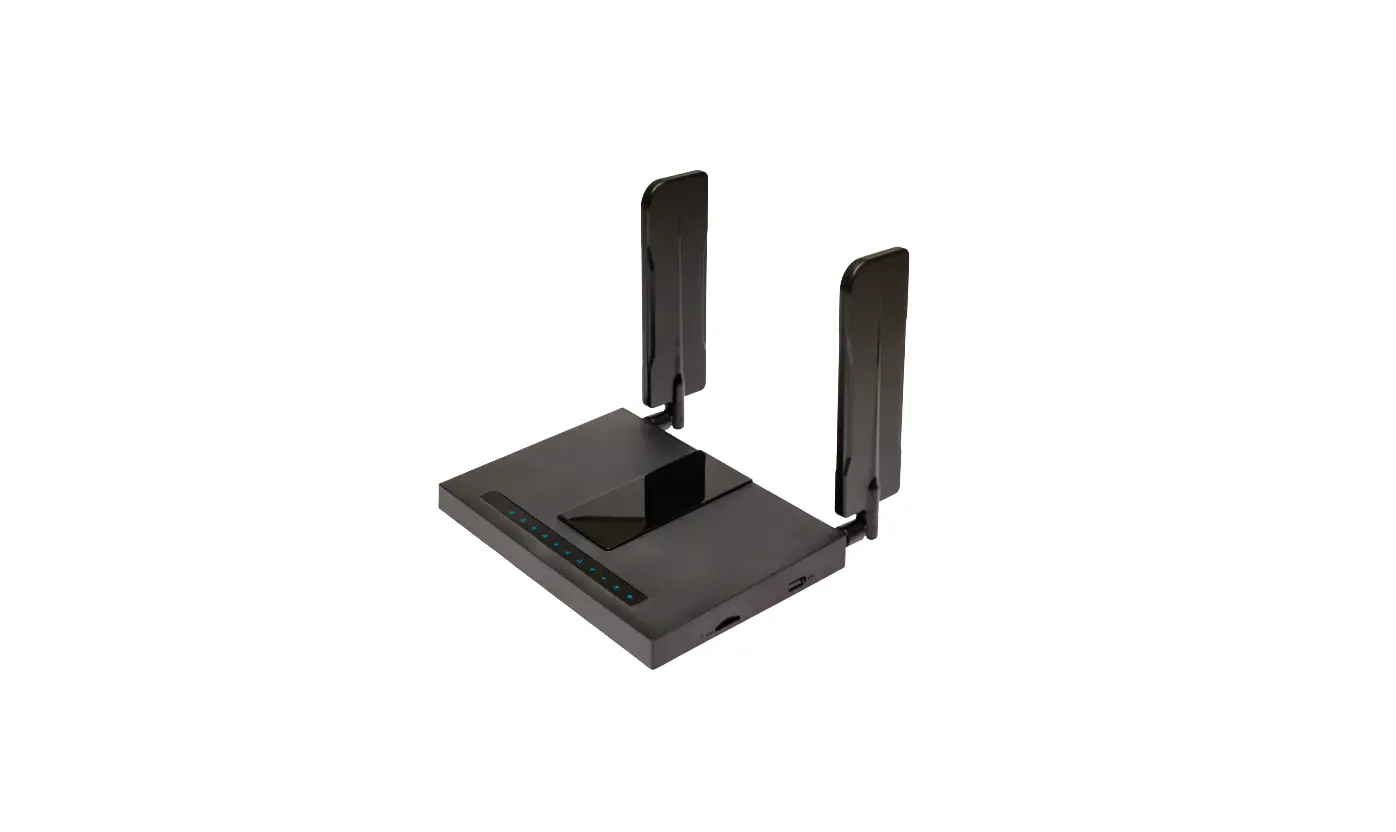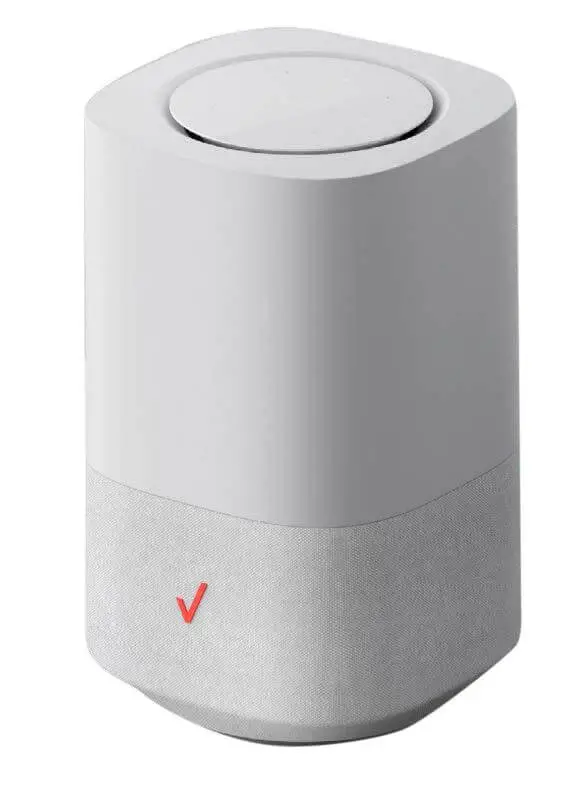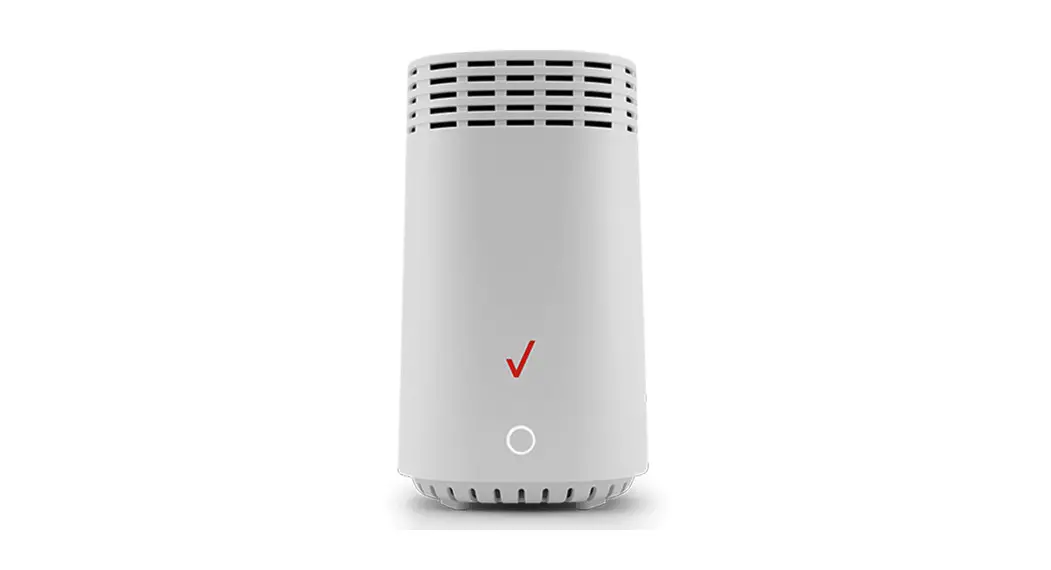
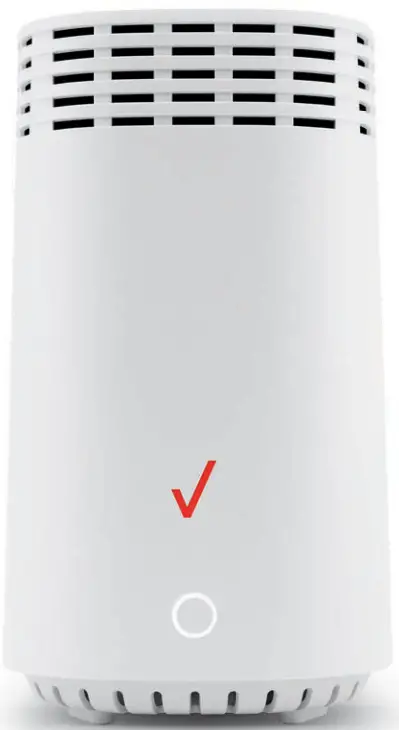
 Fios Router
Action required
Download and install the My Fios app for personalized setup instructions.

https://l.ead.me/bbPJaE
Don’t have internet access?
Use the installation instructions inside.
Includes:
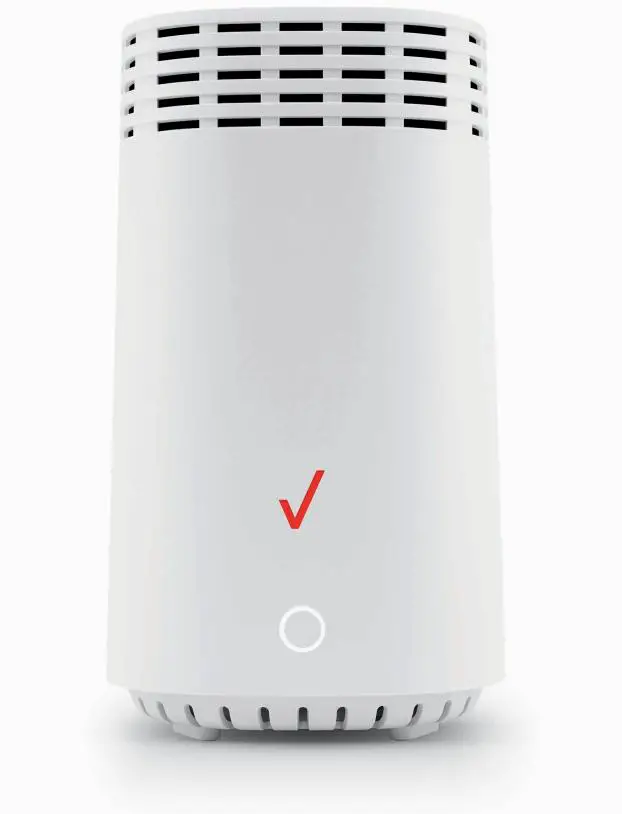
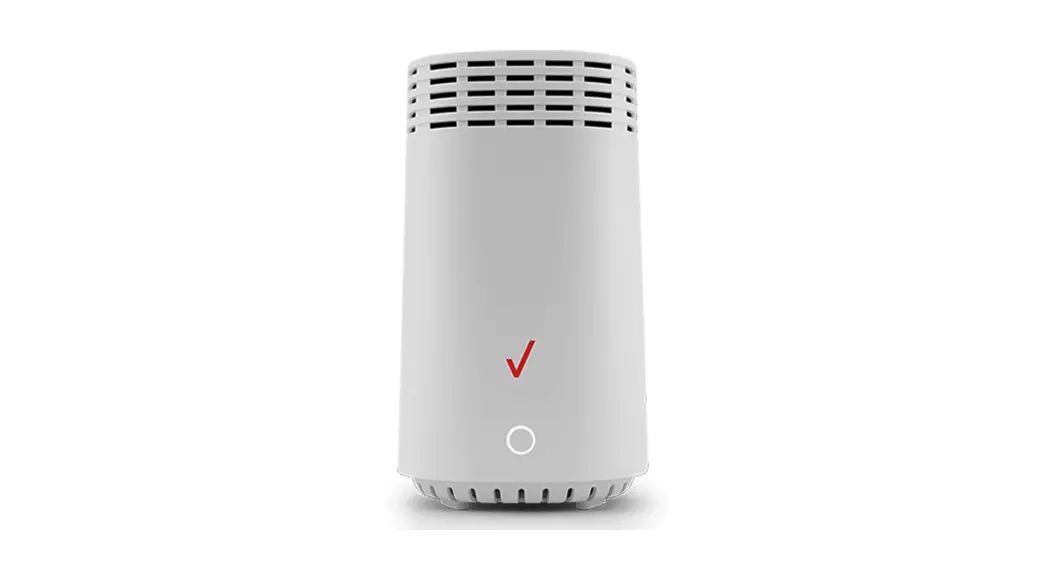
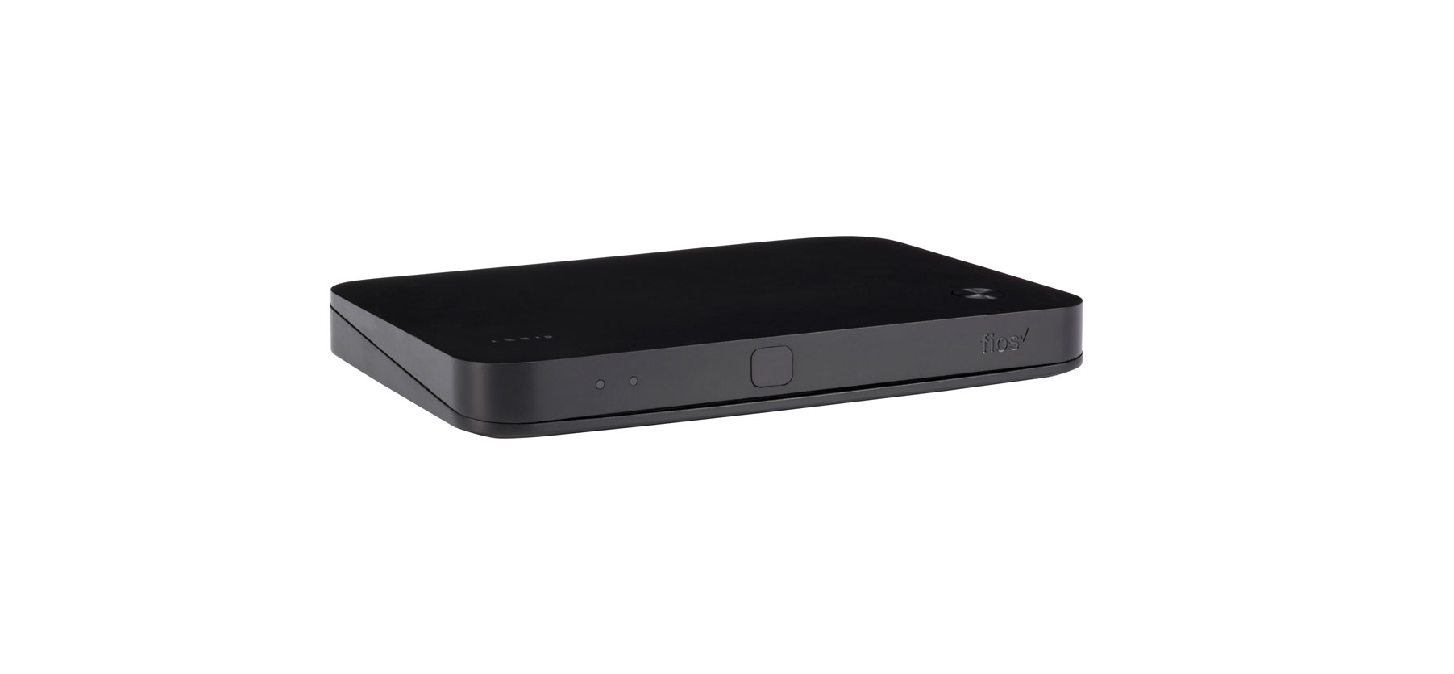
Fios Router ( 1 )
Power adapter ( 1 )
Ethernet cable ( 1 )
Troubleshooting
If the light is red or flashing red, Verizon support is needed.
For installation help, use the My Fios app or visit verizon.com/fiosbusinessrouter
Installation instructions
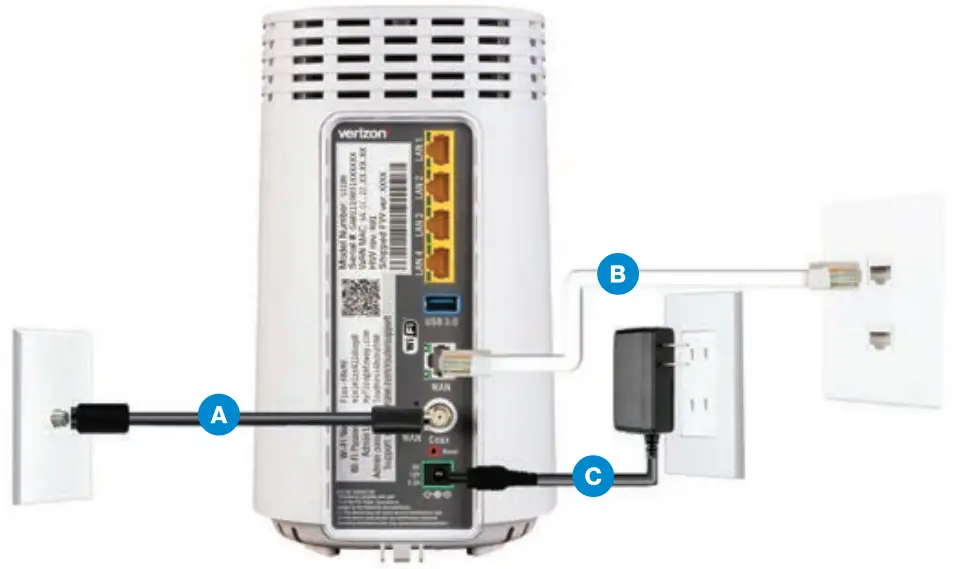
Connect your cables
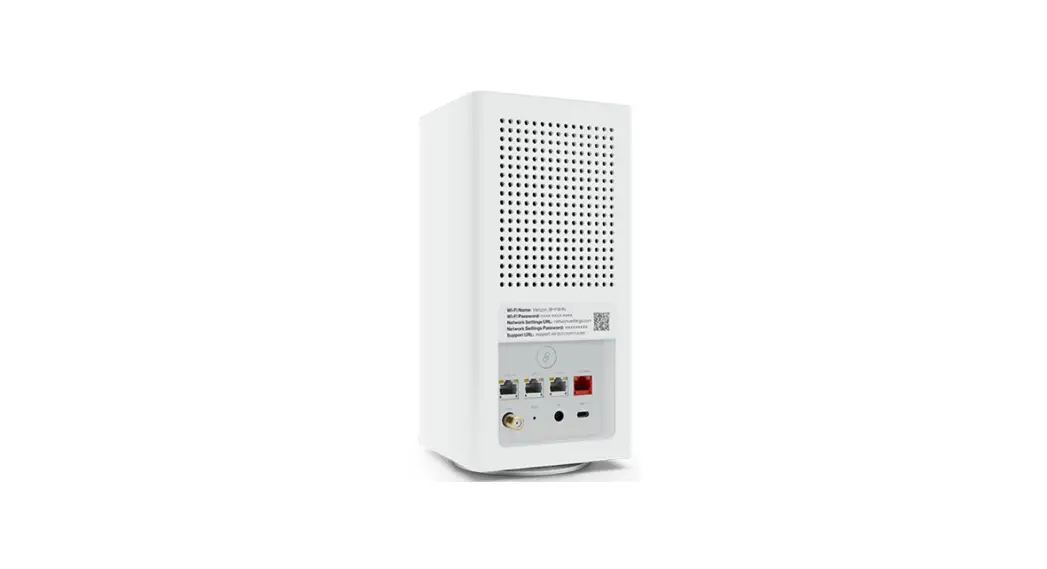
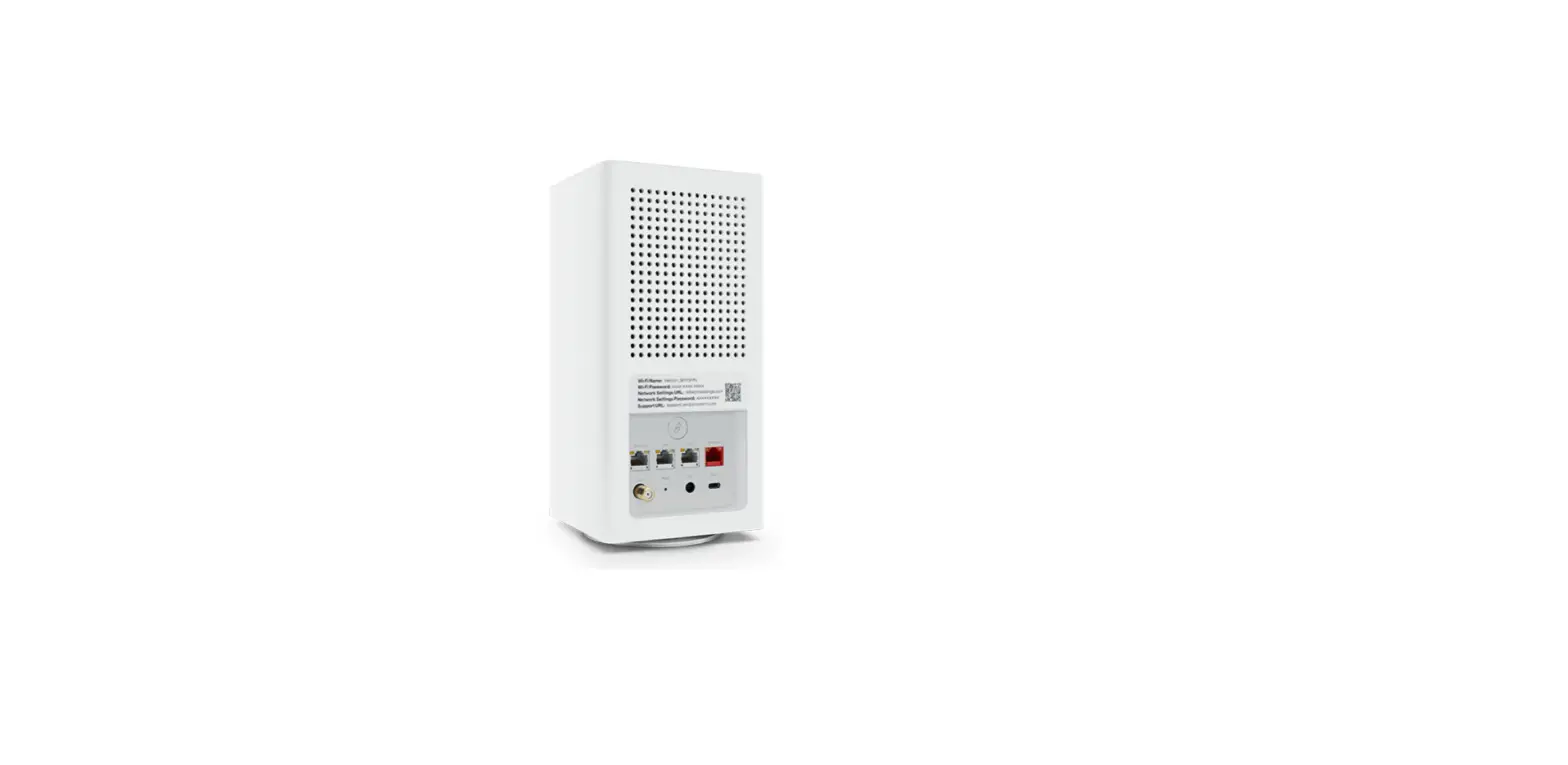
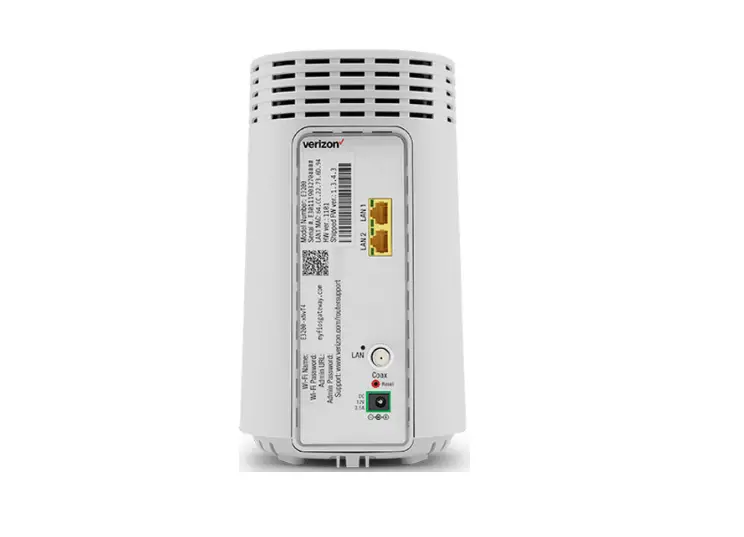
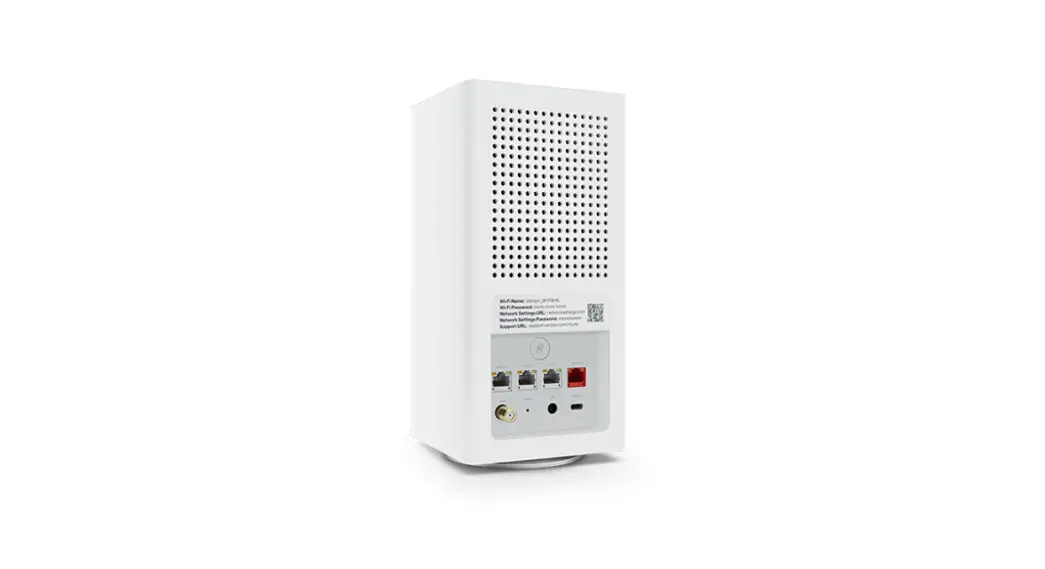
A. Connect the coax cable from the coax port on your router to a coax outlet. (Required for Fios TV)
B. Connect the Ethernet cable from your router’s WAN port to an Ethernet outlet. (Required for speeds greater than 100 Mbps)
C. Connect the power cord from the router to an electrical outlet.
D. Router will take up to 10 minutes to power up completely. Move on when the front light is solid white.
Connect your devices Wired or Wi-Fi? Your choice.
Wired
A. Connect the Ethernet cable to any yellow LAN port on your router.
B. Connect the other end to your computer.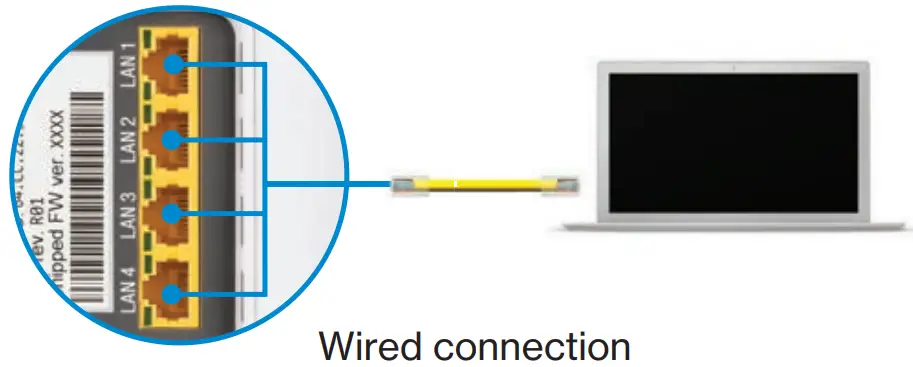
Wi-Fi
A. Get the Wi-Fi name and password off the label on your router.
B. On your device, choose your Wi-Fi name when it appears.
C. Enter the Wi-Fi password exactly as it appears on your router label.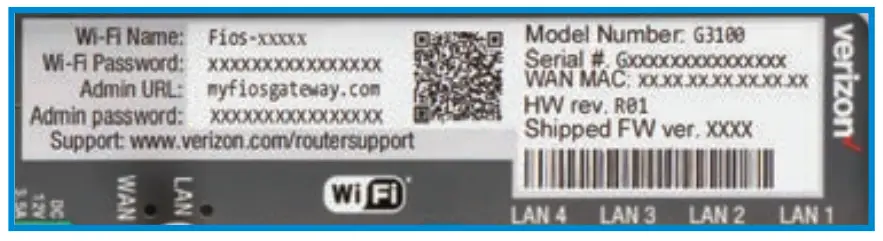
Wi-Fi network
The Fios Router has one Wi-Fi name supporting 2.4 GHz and 5 GHz signals. The Self-Organizing Network (SON) feature lets your devices move between the two signals automatically for an optimized Wi-Fi connection.
Complete activation
Activate your router by opening a web browser on your computer and following the prompts.
©2020 Verizon. All rights reserved.