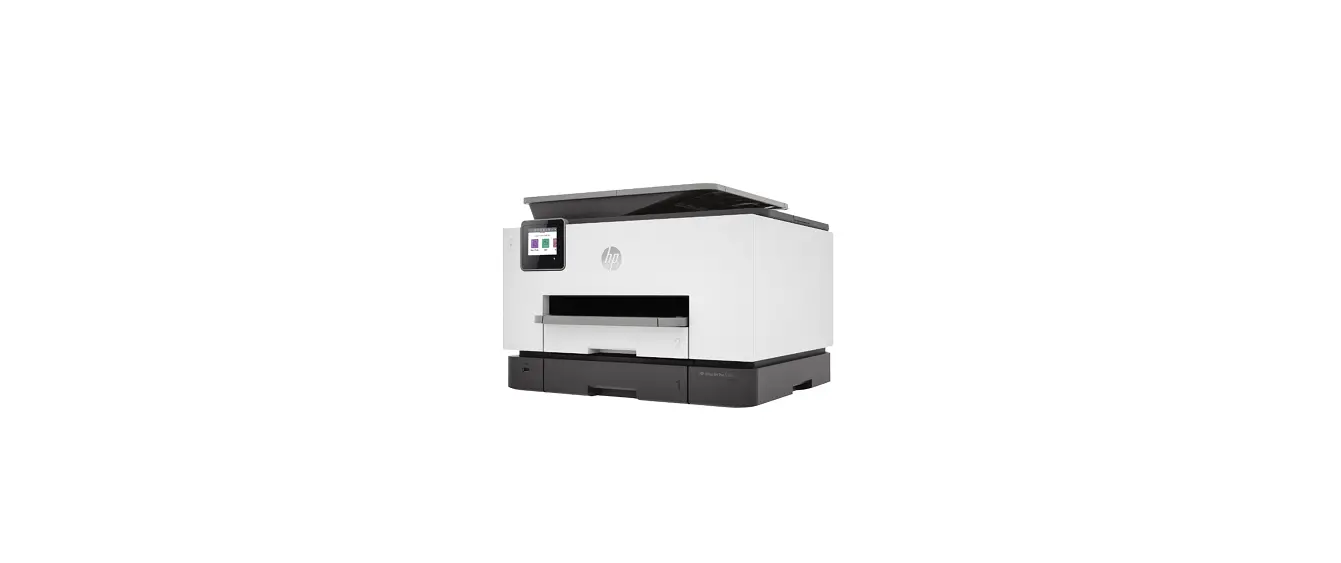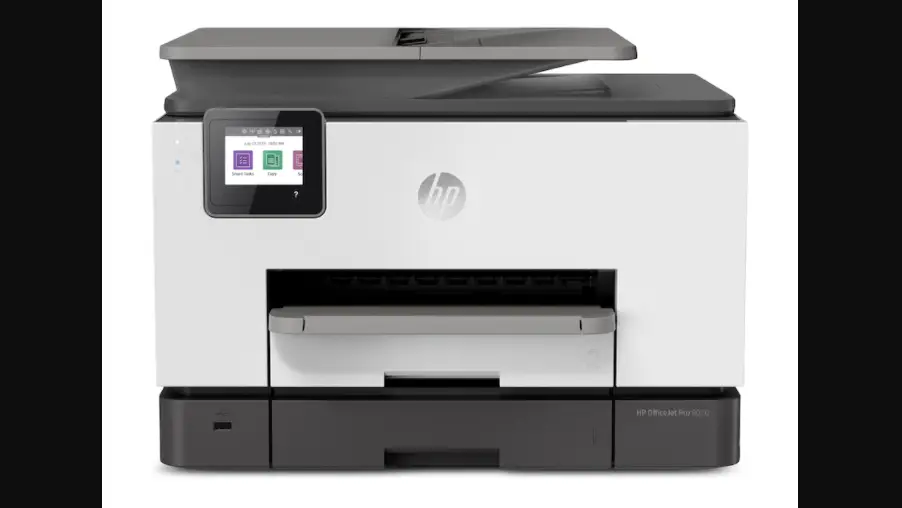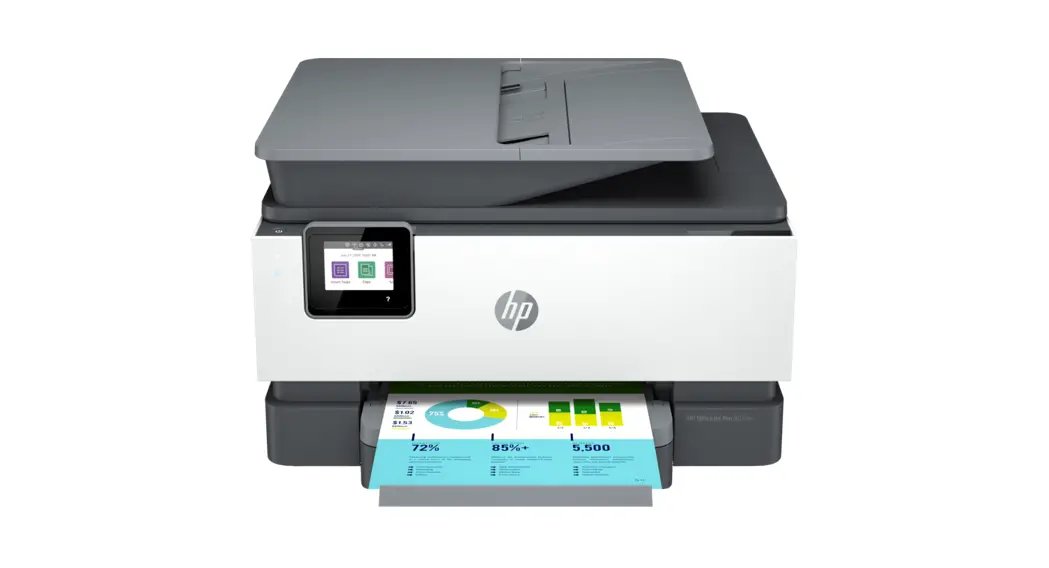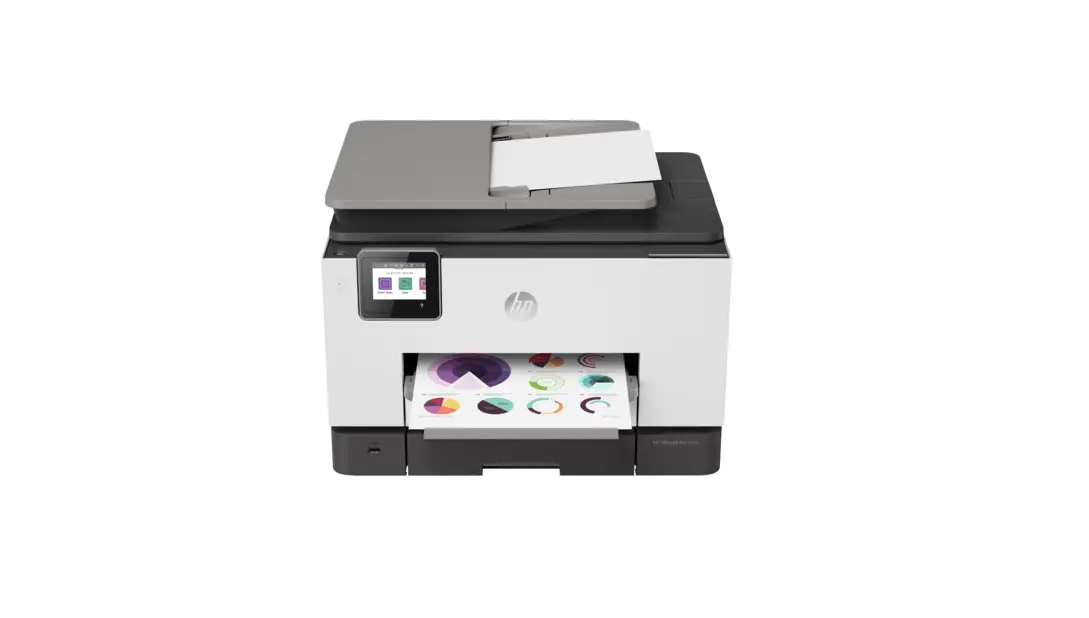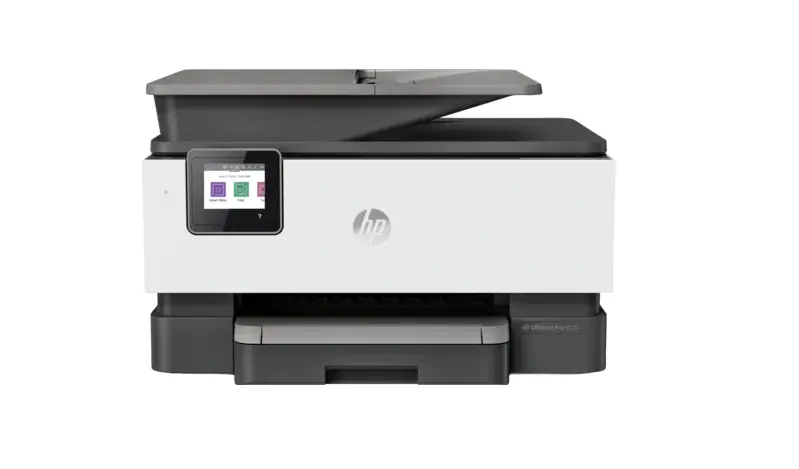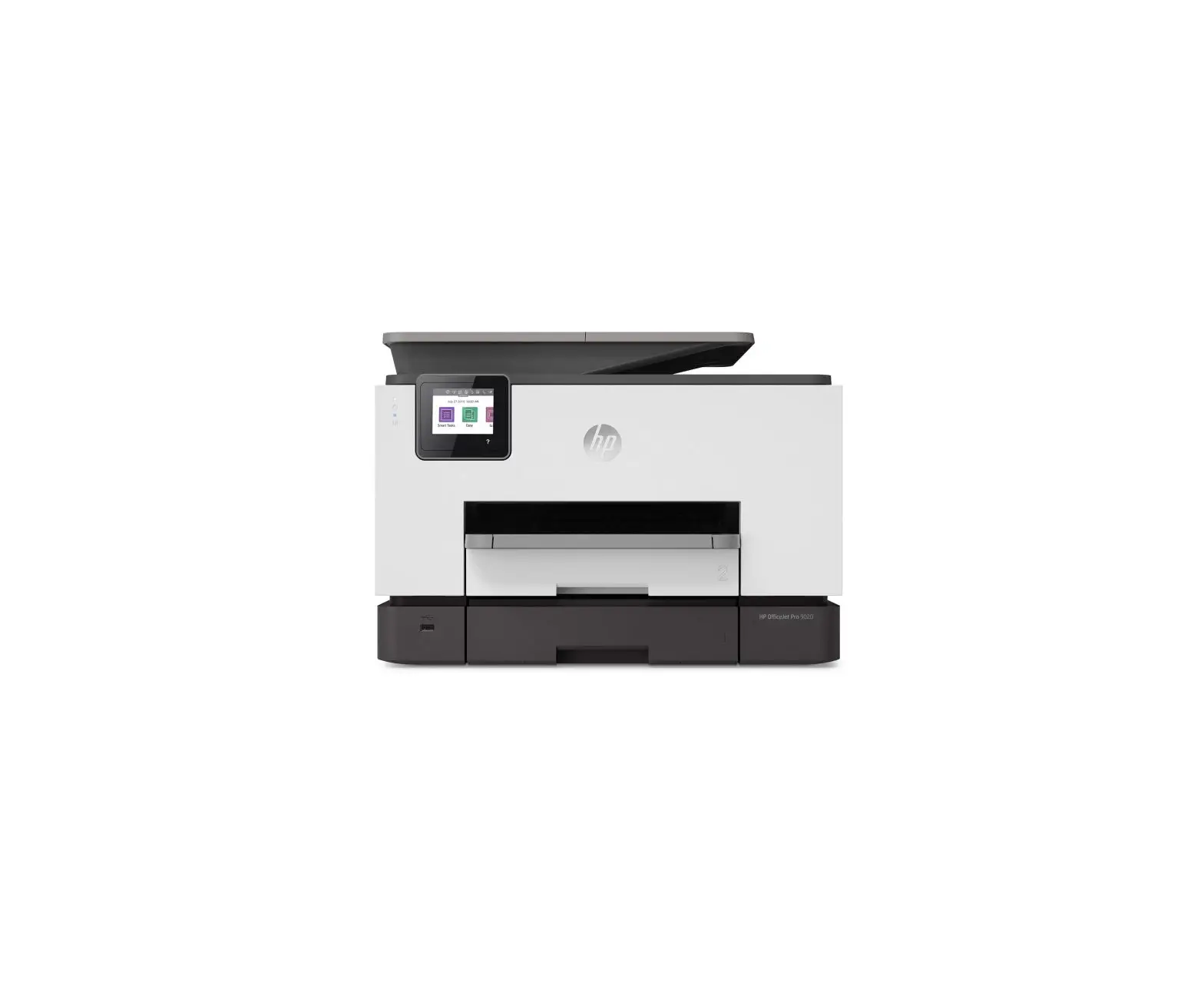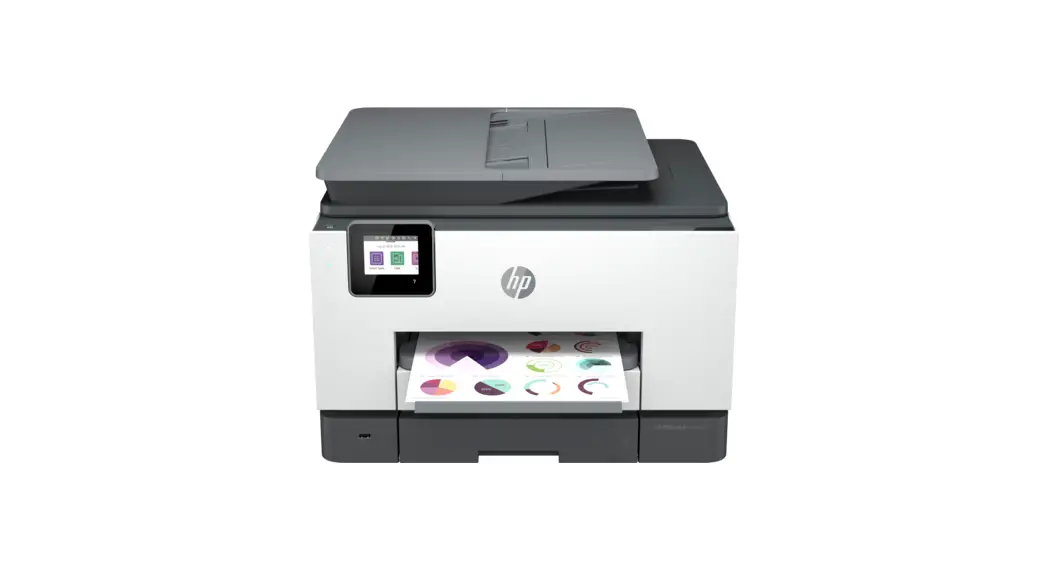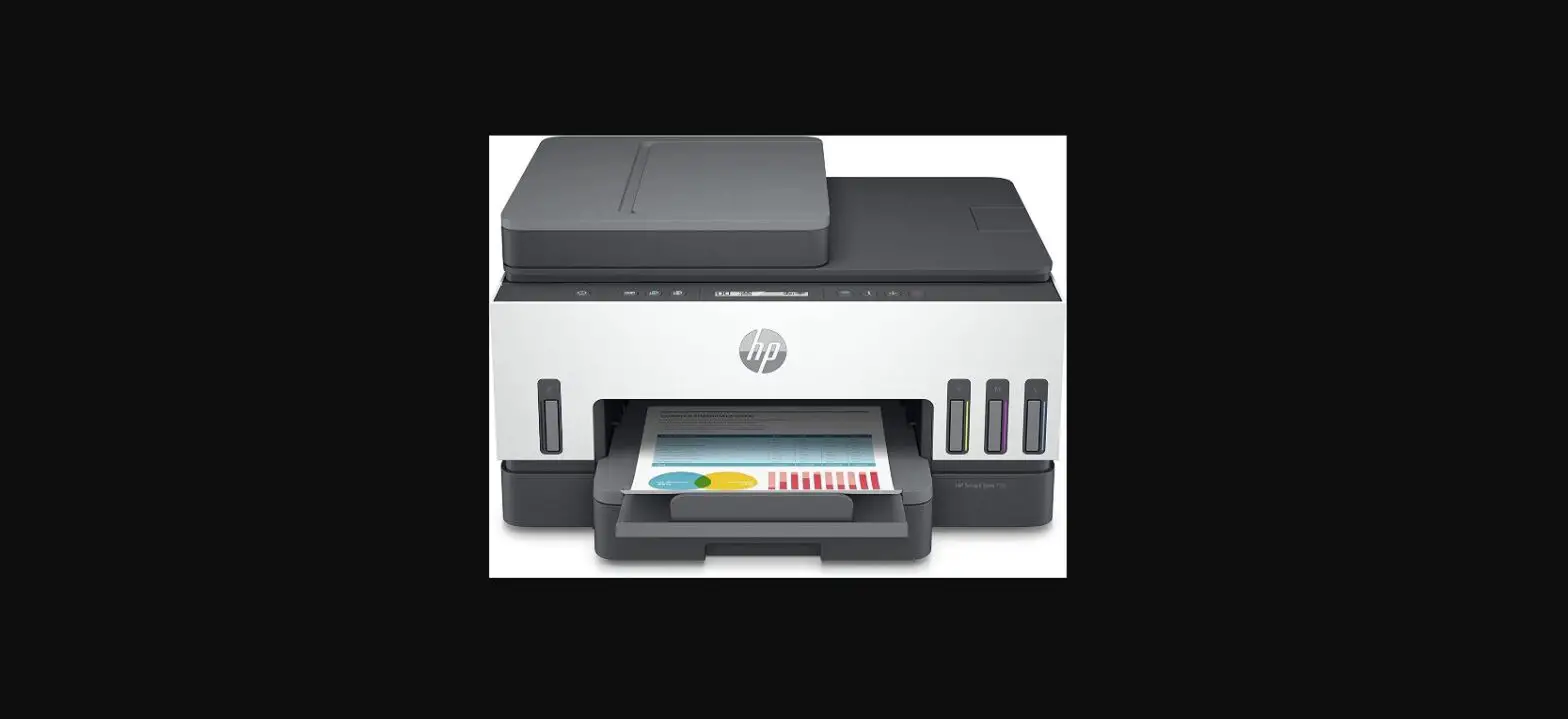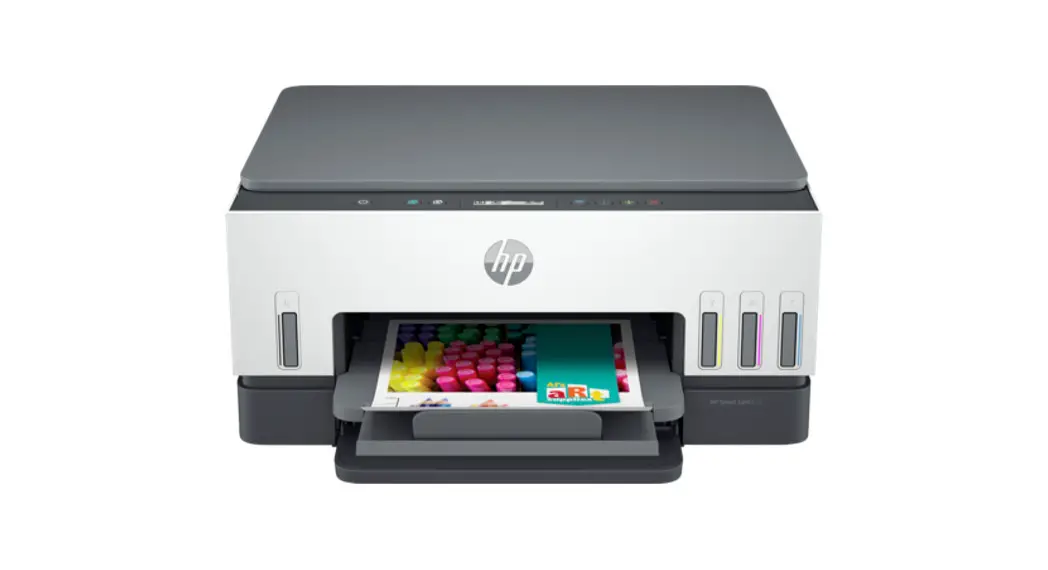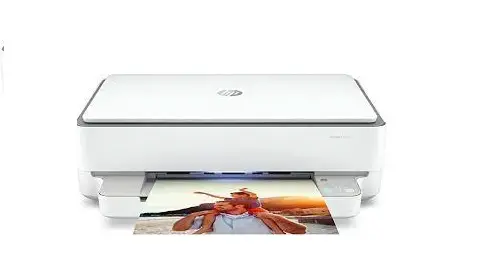

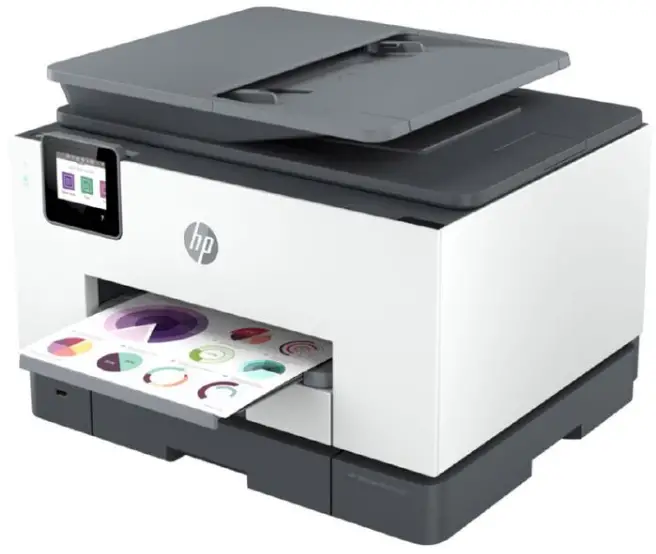
hp 9020e Series All-In-One Printer
INSTALLATION
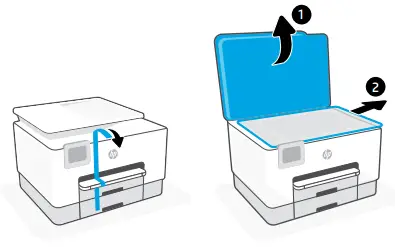
- Remove all tape and packaging material.

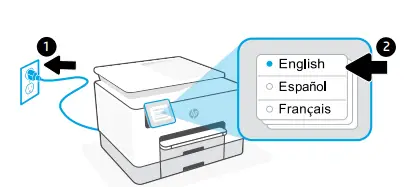
- Plug in to automatically power on. Select language and country/region.

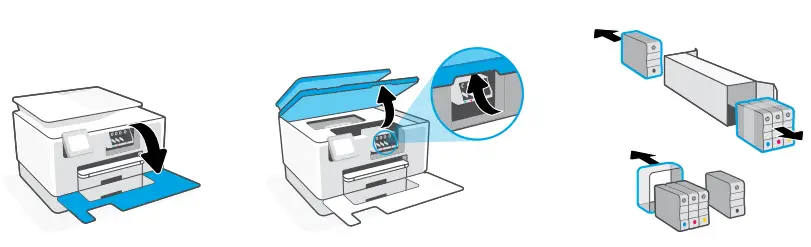
- Open the front door and then lift the carriage access door by the scanner lid. Unpack cartridges.

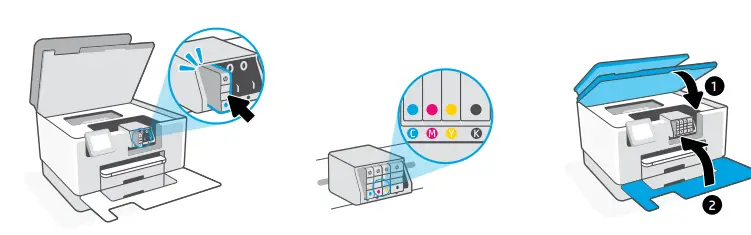
- Insert each cartridge securely into the indicated slot. Close both doors.
Note: Make sure to use the cartridges provided with the printer for setup.
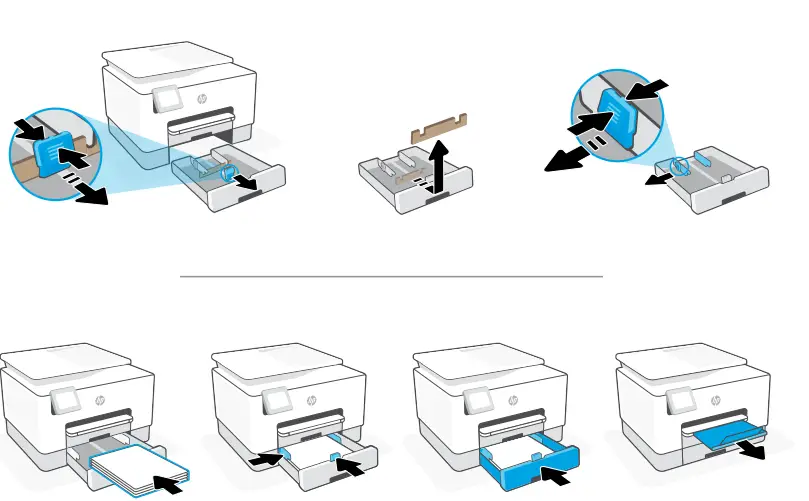
- Open the paper tray. Slide out the front length guide, remove the cardboard, and slide out the width guides. Load a Letter or A4 paper and adjust the guides. Close the tray and pull open the output tray extender.

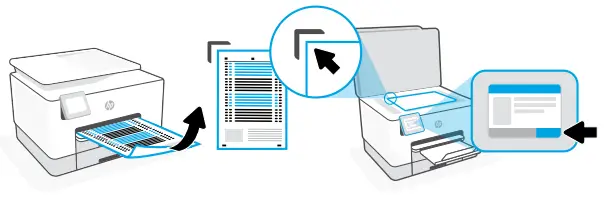
- Use the control panel to print and scan the alignment page.

DOWNLOAD APP
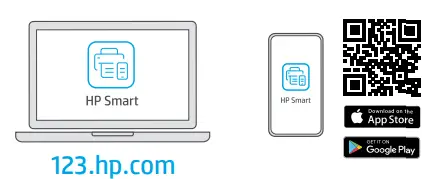
- Install the required HP Smart software from 123.hp.com or your app store on a computer or mobile device.

CONNECT
- Follow the instructions in HP Smart to connect the printer to a network and activate HP+ features.

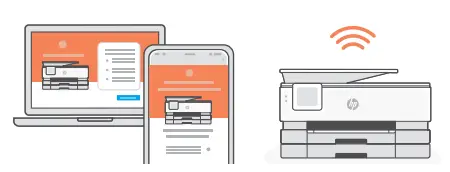
If connecting the printer to Wi-Fi, your computer or mobile device must be near the printer during the setup. See Reference Guide for Wi-Fi troubleshooting and tips.
Get help with setup
Find setup information and videos online.
hp.com/support/printer-setup
 123.hp.com - HP Smart
 hp.com/support/printer-setup