
Hp Deskjet 3700 All-in-one Series User Guide

Hp Deskjet 3700 All-in-one Series User Guide

HP logo

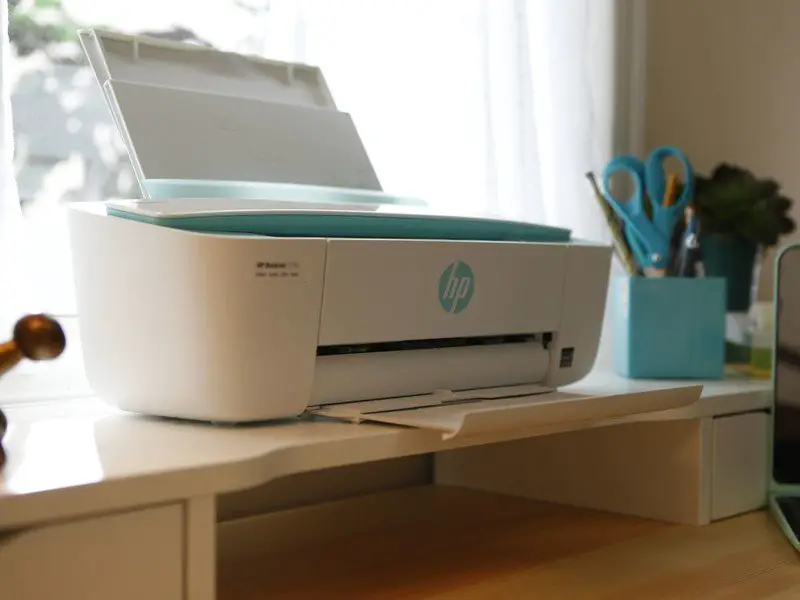
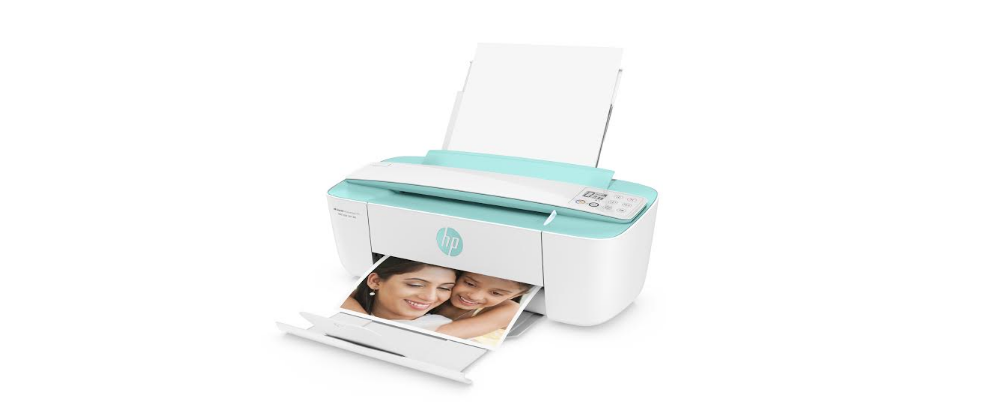
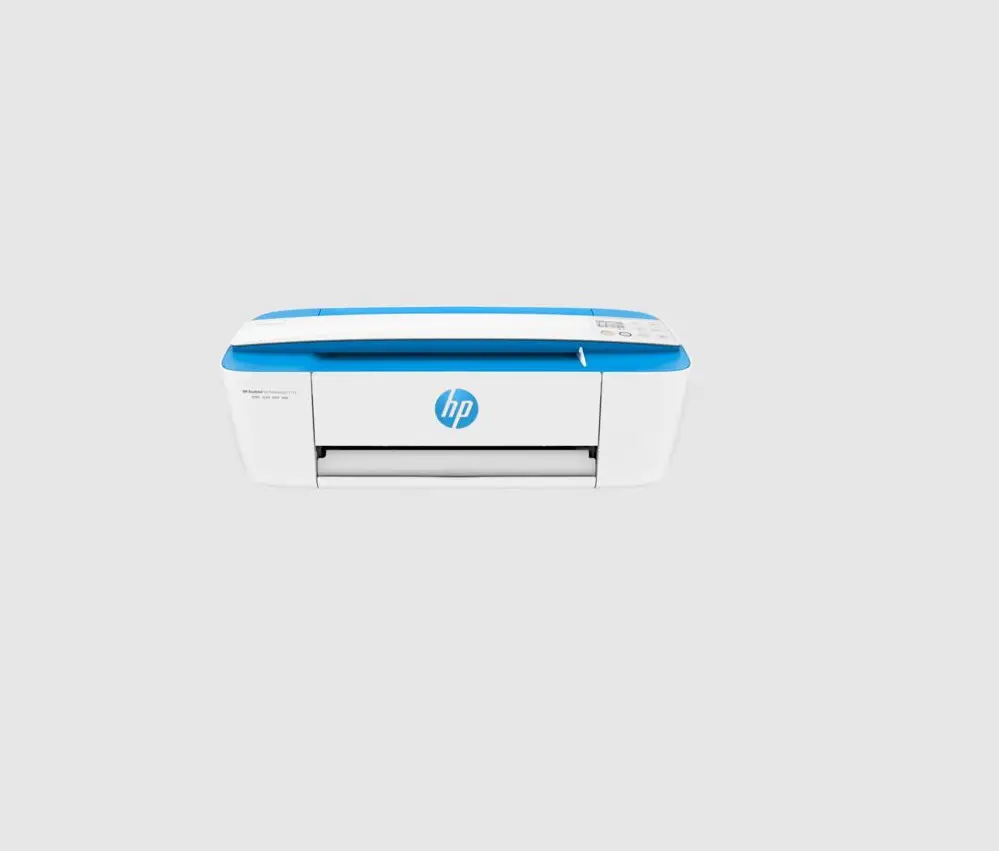
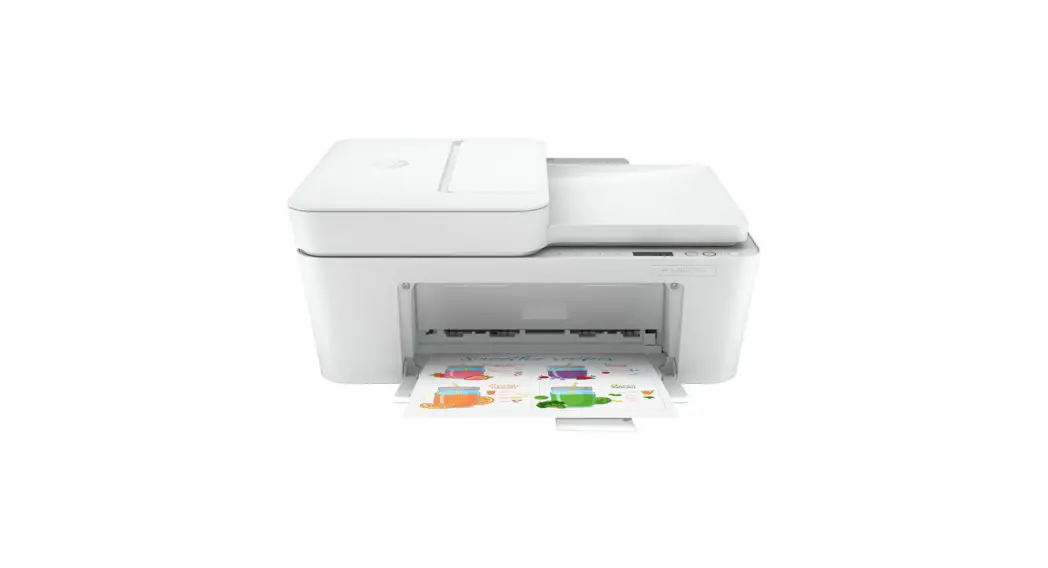
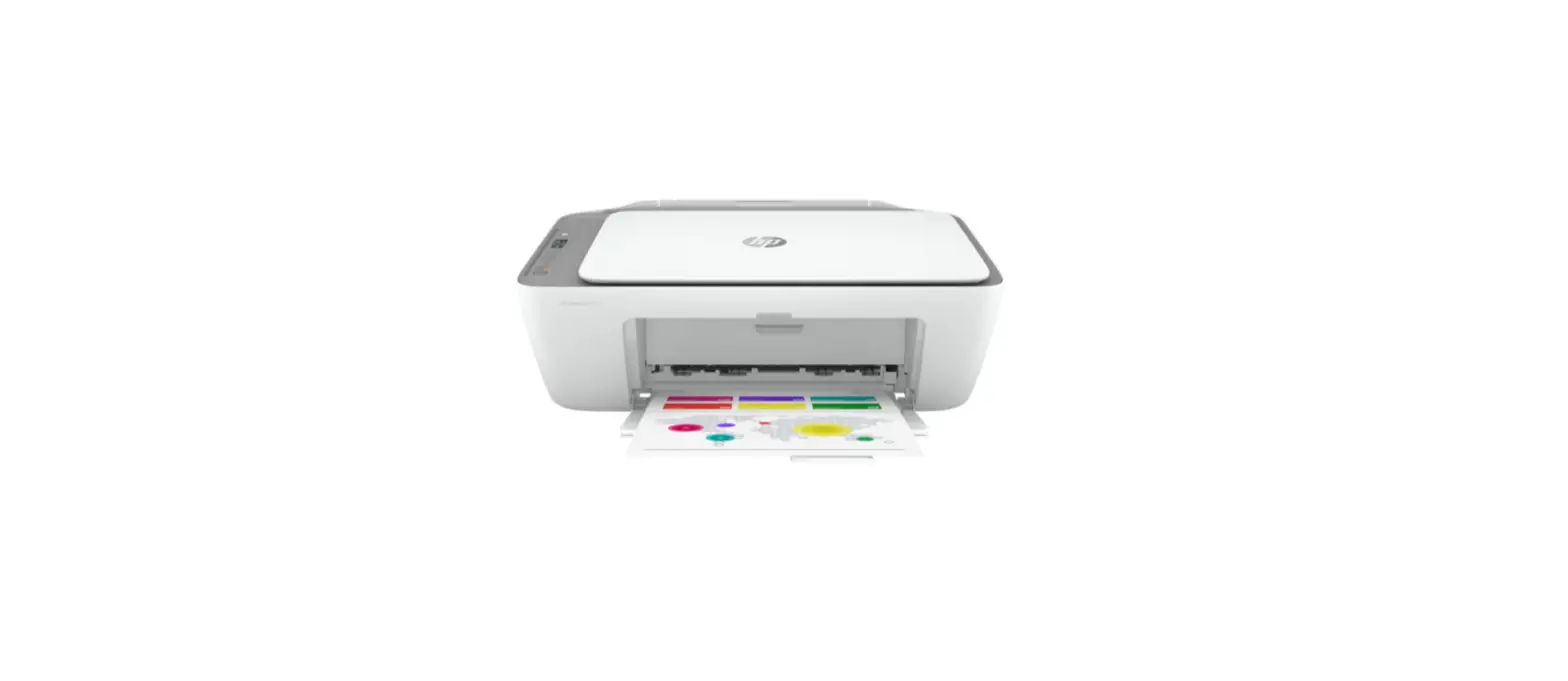
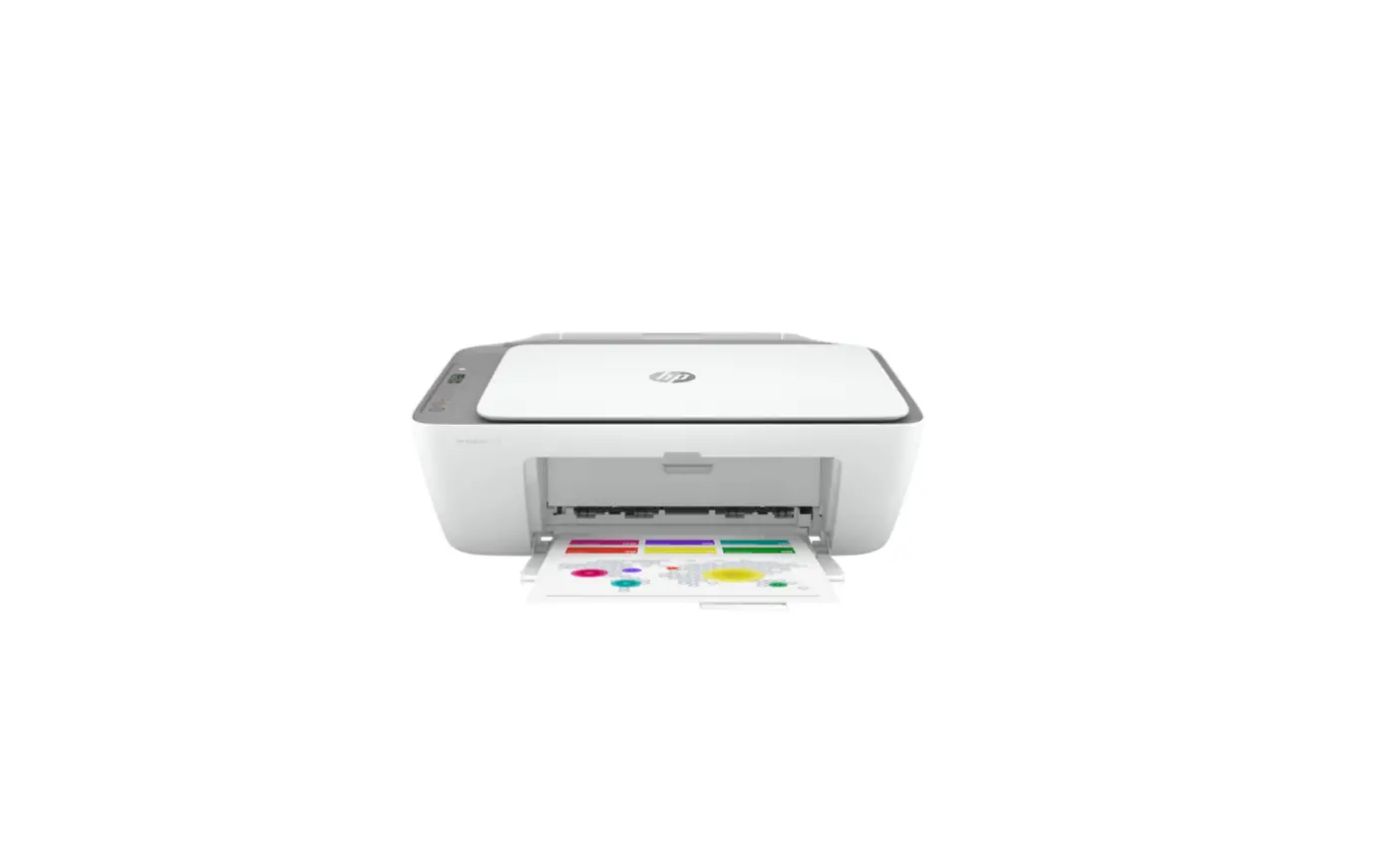
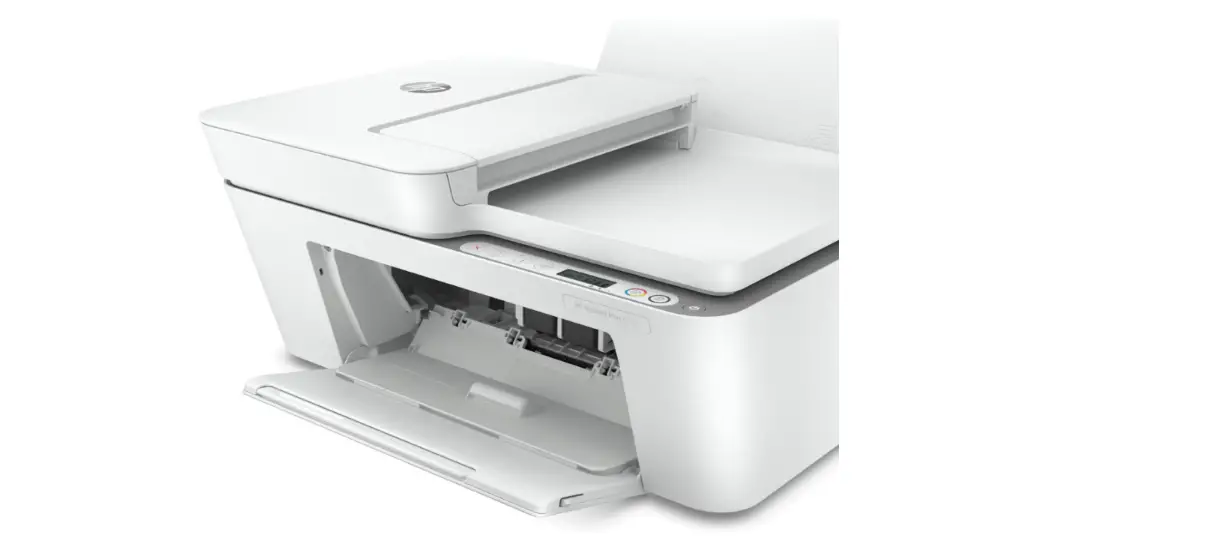
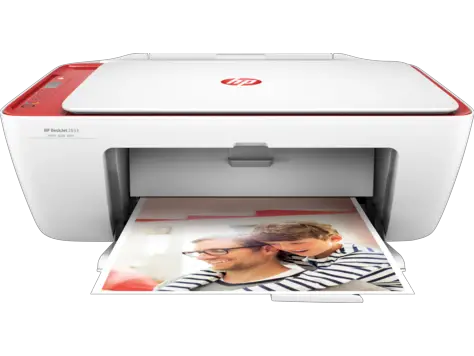
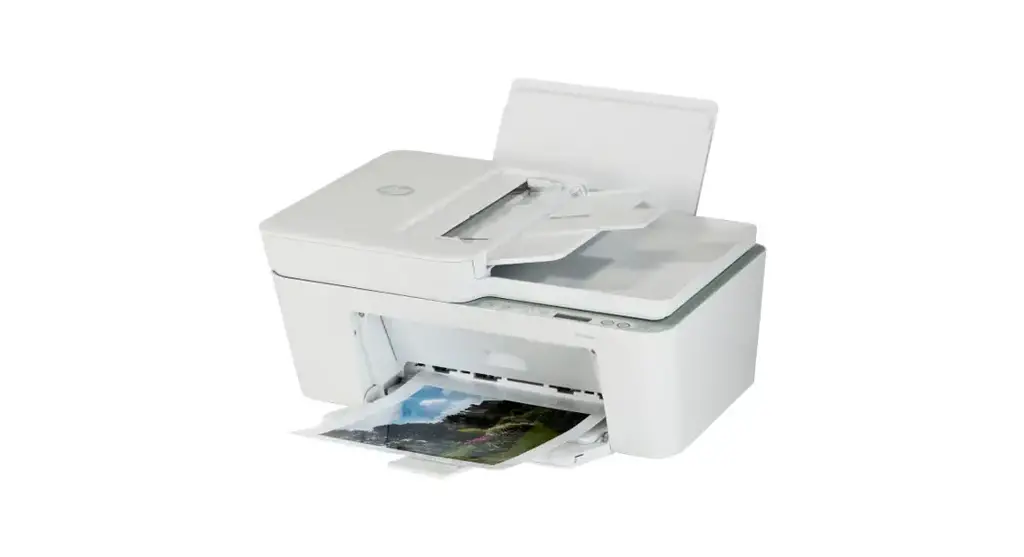
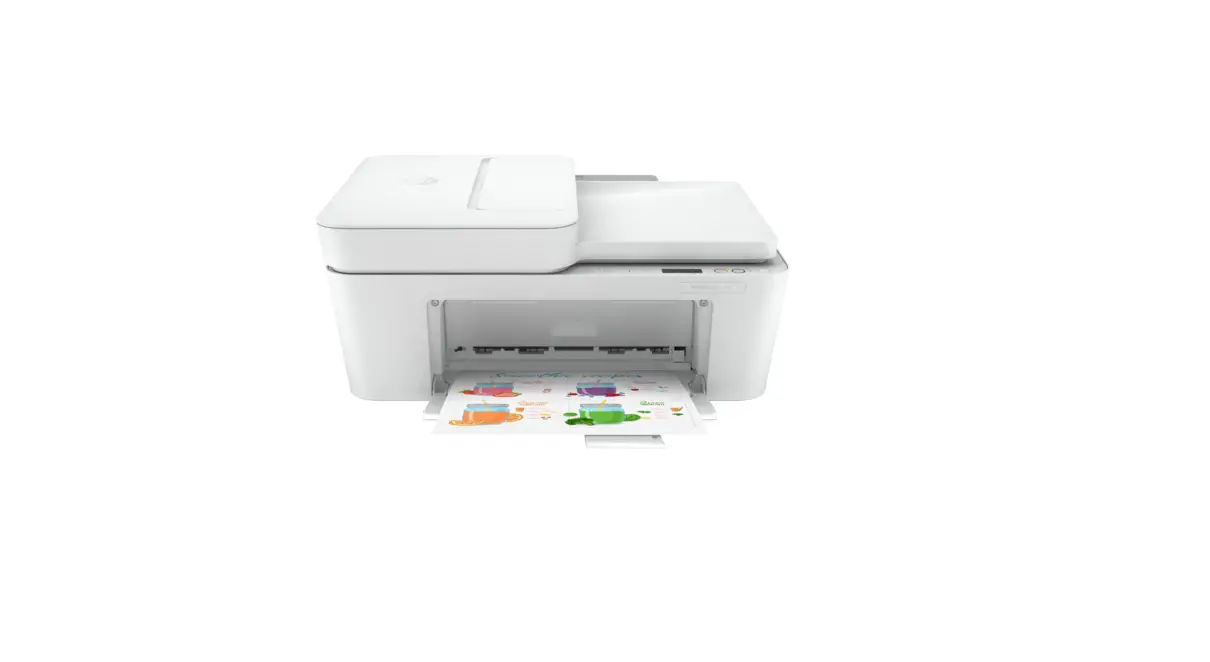
HP DeskJet 3700 All-in-One series

1
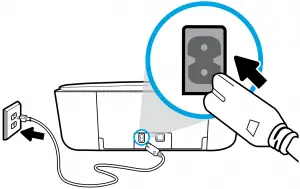
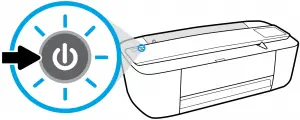
HP DeskJet 3700 All-in-One Series - 1a      HP DeskJet 3700 All-in-One Series - 1b


2

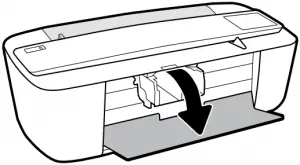
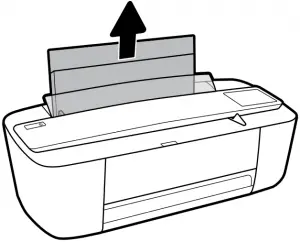
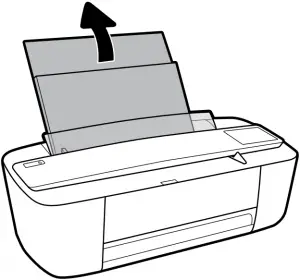
HP DeskJet 3700 All-in-One Series - 2a     HP DeskJet 3700 All-in-One Series - 2b

—————————————————————————————

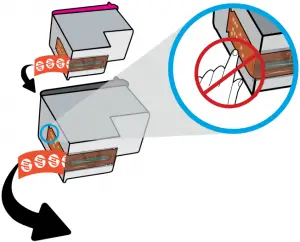
HP DeskJet 3700 All-in-One Series - 2c    HP DeskJet 3700 All-in-One Series - 2d   HP DeskJet 3700 All-in-One Series - 2e


3

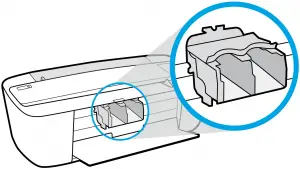
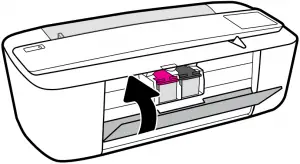
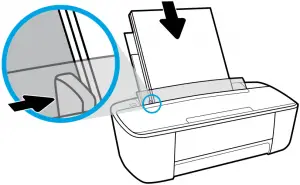
HP DeskJet 3700 All-in-One Series - 3a        HP DeskJet 3700 All-in-One Series - 3b

—————————————————————————————


Bar Code (with no.)Arrow Blue


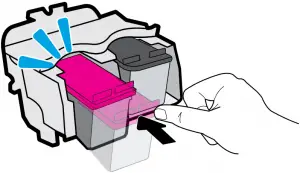
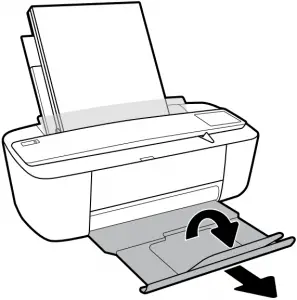
HP DeskJet 3700 All-in-One Series - 3c          HP DeskJet 3700 All-in-One Series - 3d


4

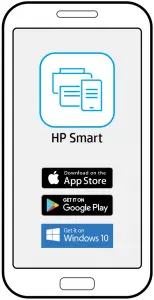
HP DeskJet 3700 All-in-One Series - 4

device can used with Go to 123.hp.com to complete printer setup.

  123.hp.com

HP DeskJet QR Code


 Question mark  www.hp.com/support/dj3700  HP DeskJet QR Code 2

Windows is either a registered trademark or trademark of Microsoft Corporation in the United States and/or other countries. The Apple logo is a trademark of Apple Inc., registered in the U.S. and other countries. App Store is a service mark of Apple Inc. Android, Google Play, and the Google Play logo are trademarks of Google Inc.

References

Documents / Resouces

Download manual
Here you can download full pdf version of manual, it may contain additional safety instructions, warranty information, FCC rules, etc.


Related Manuals