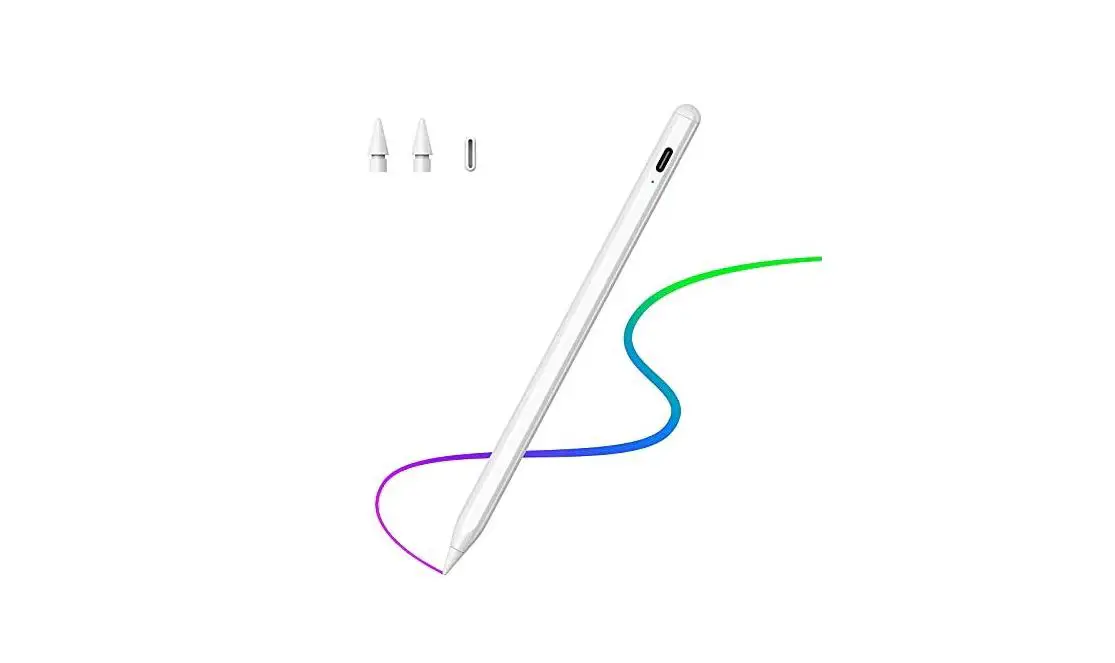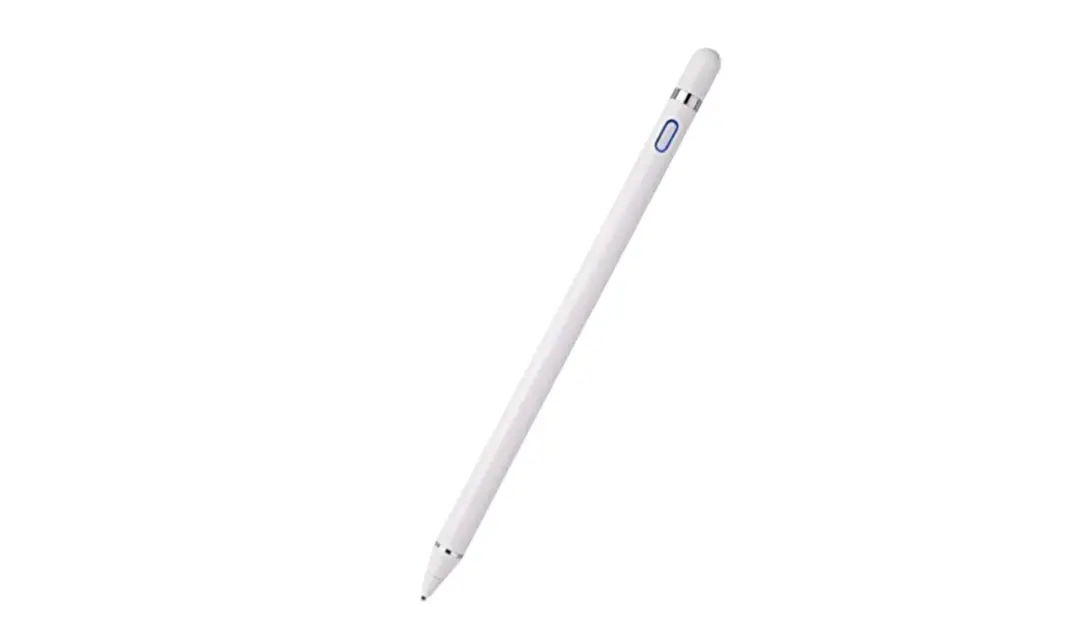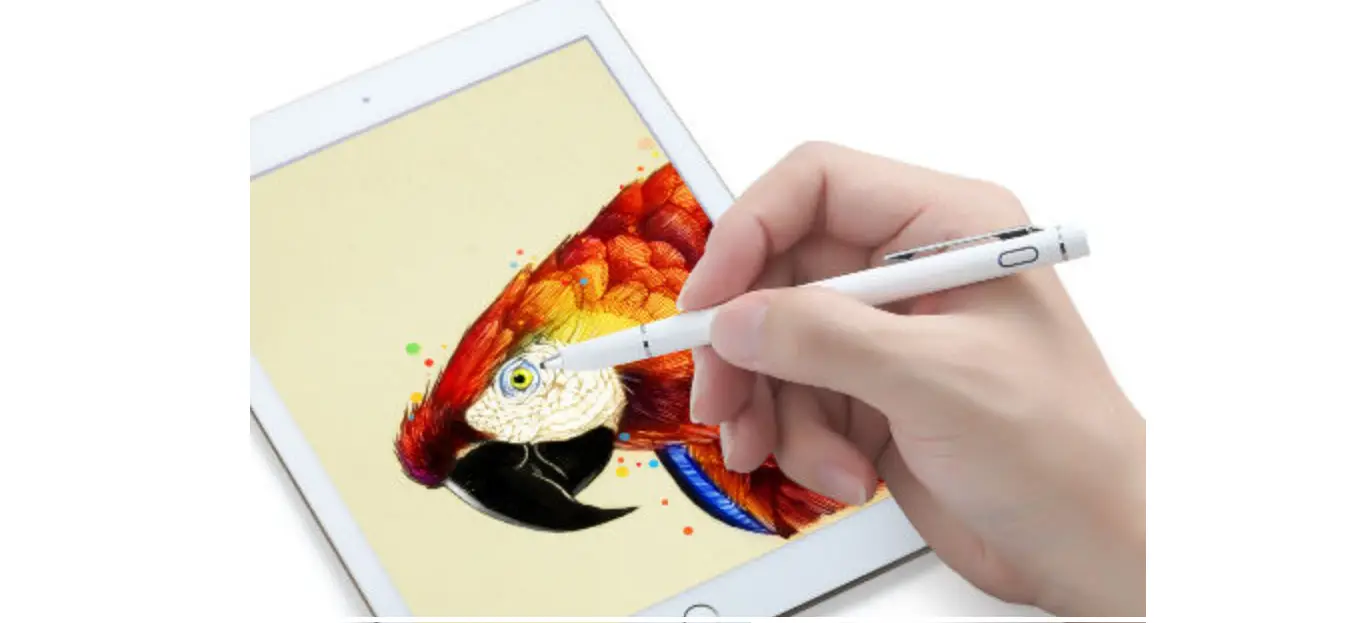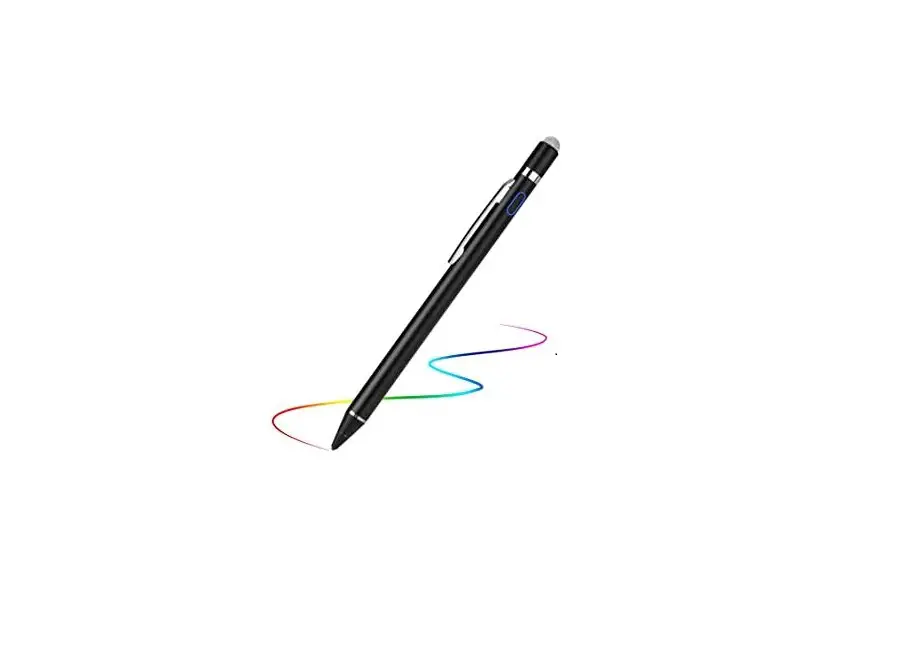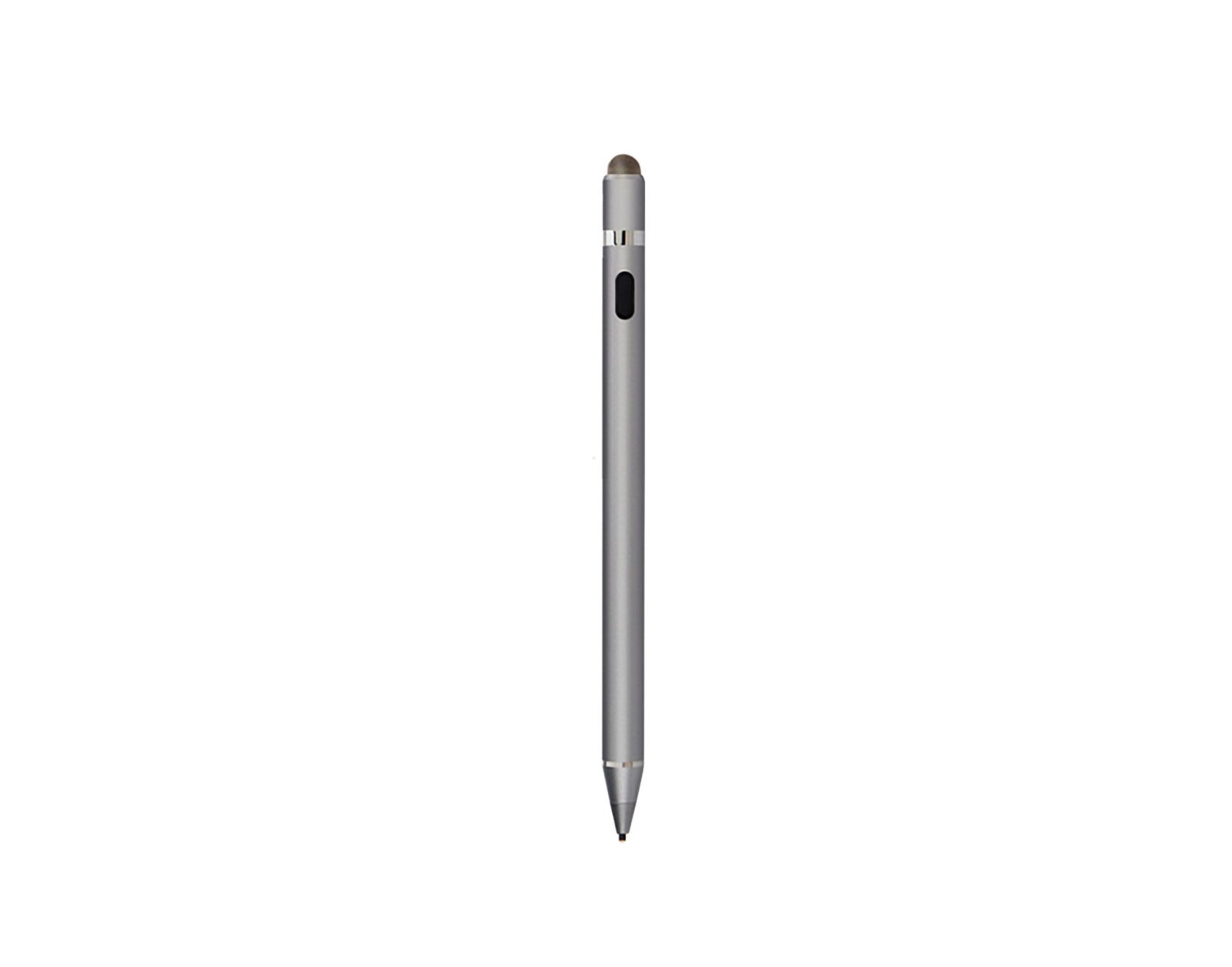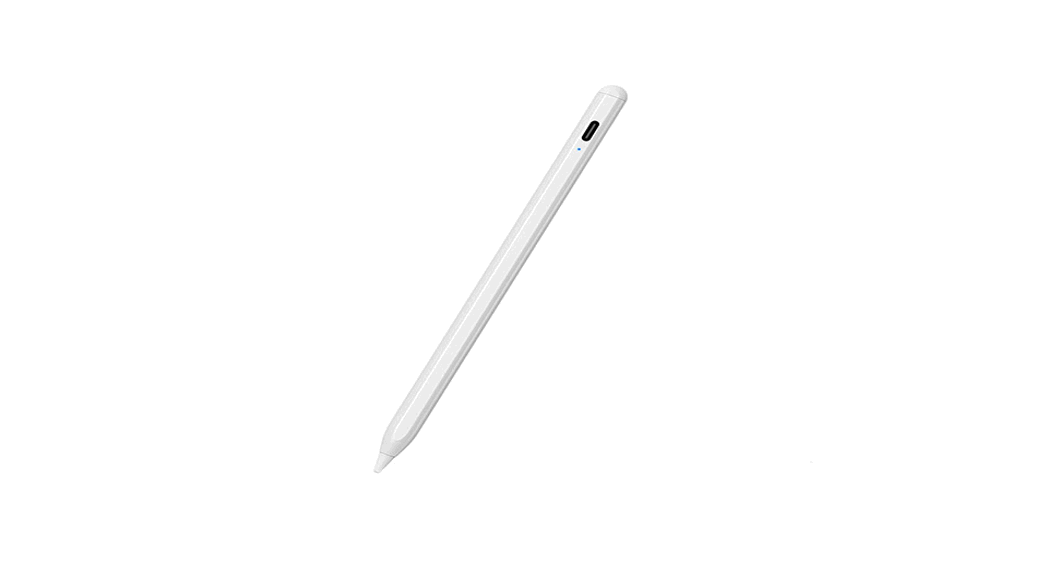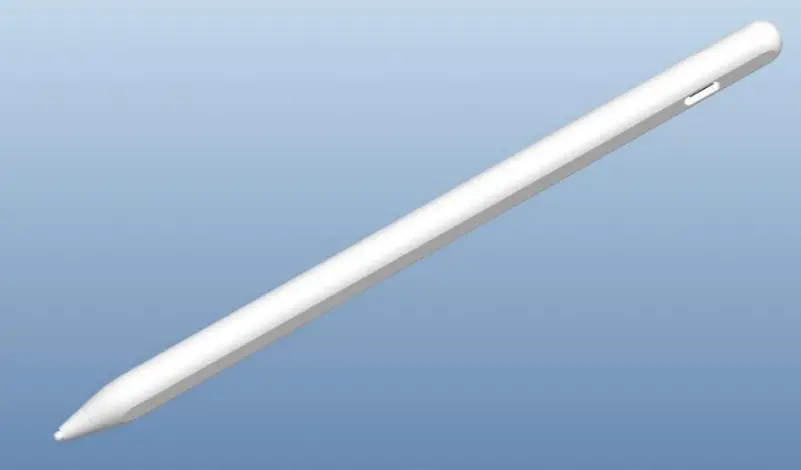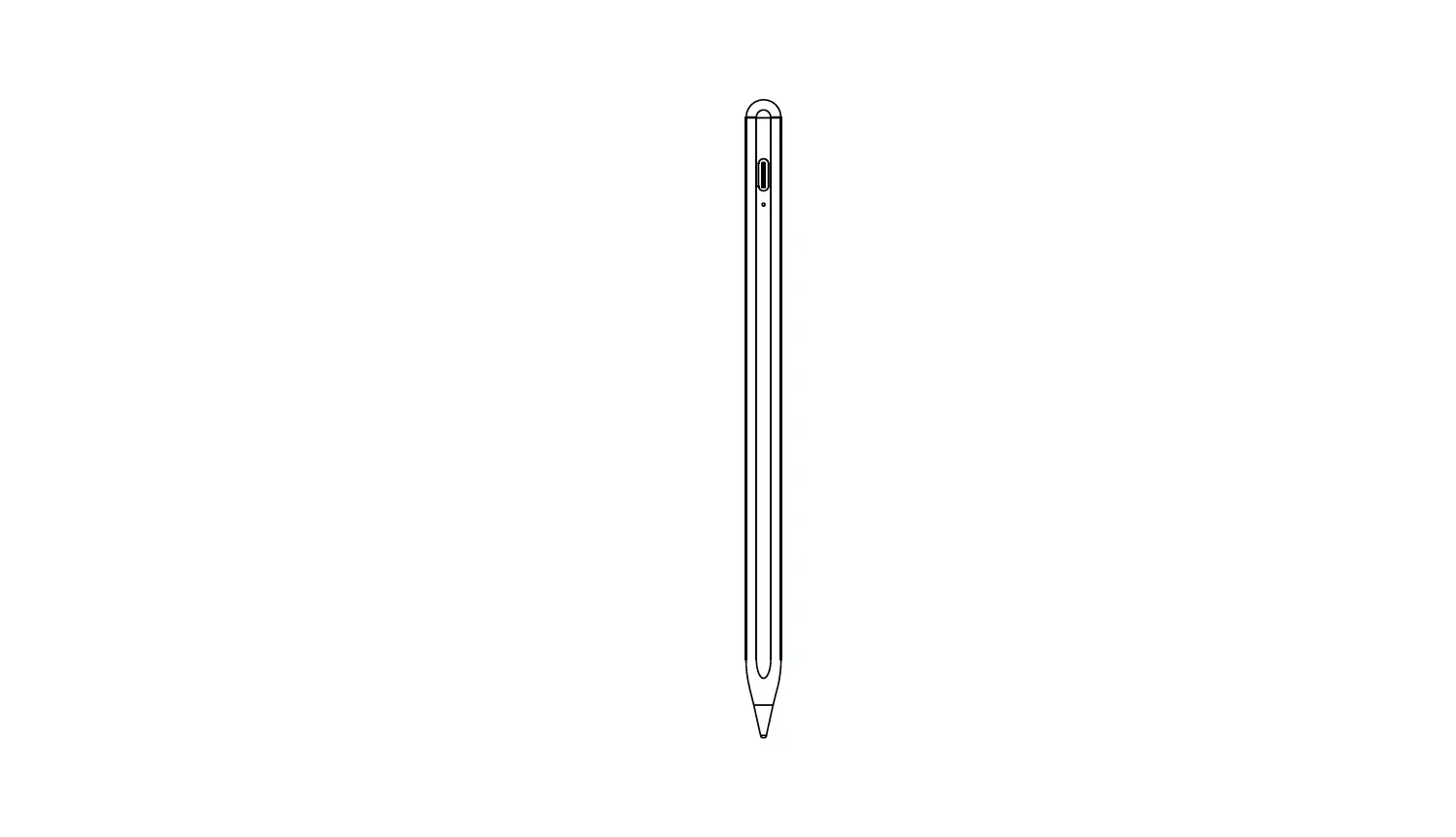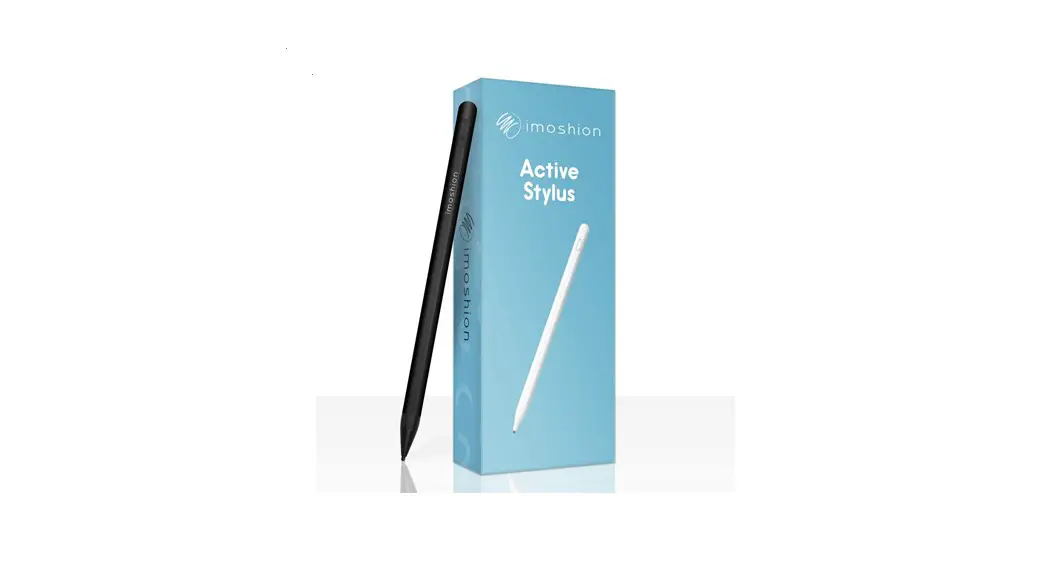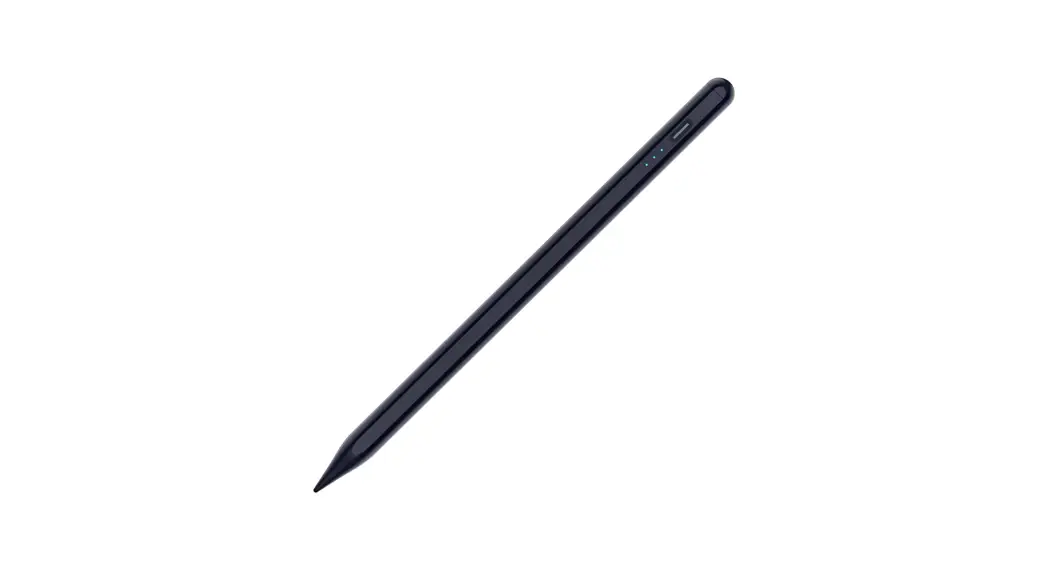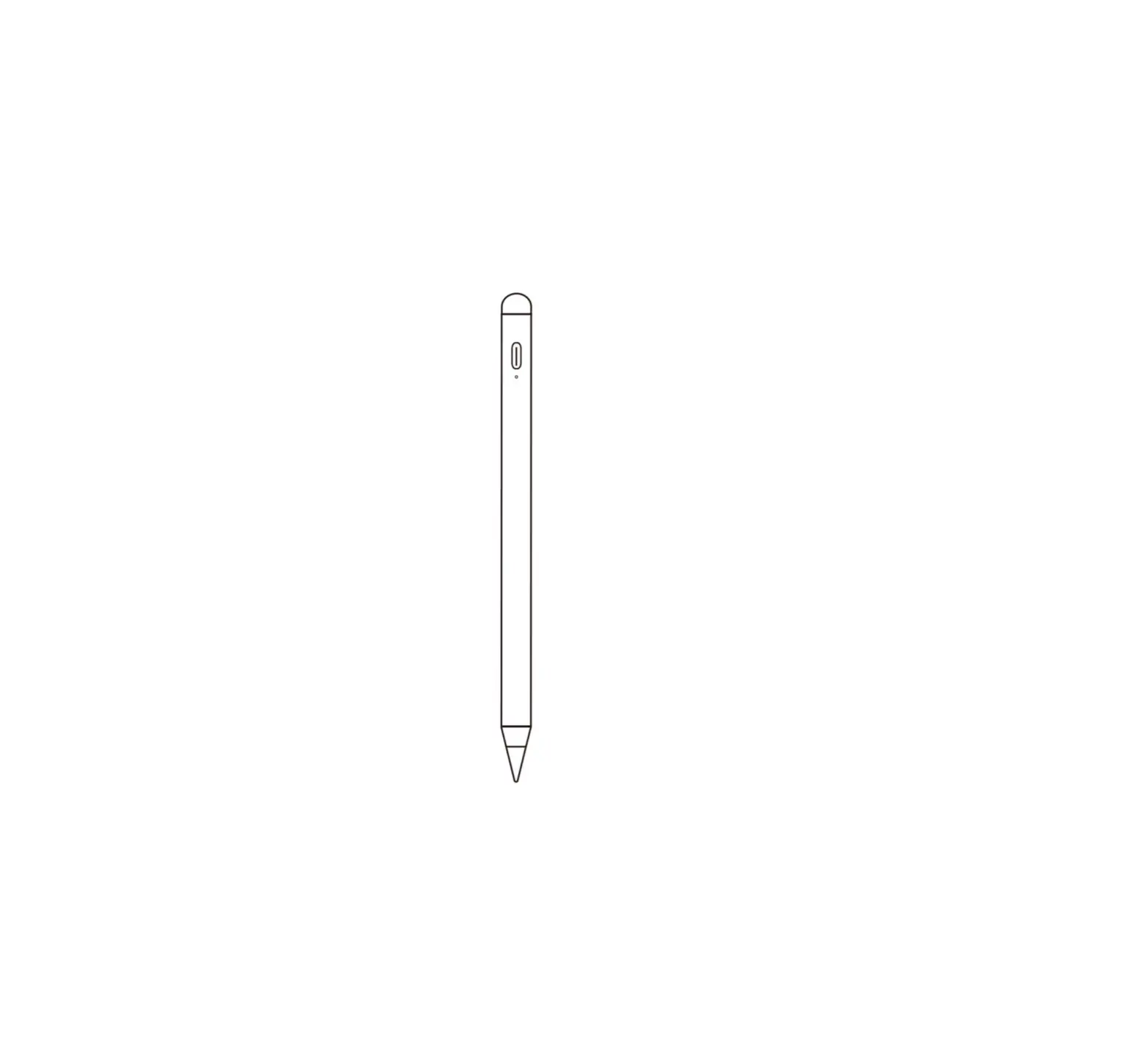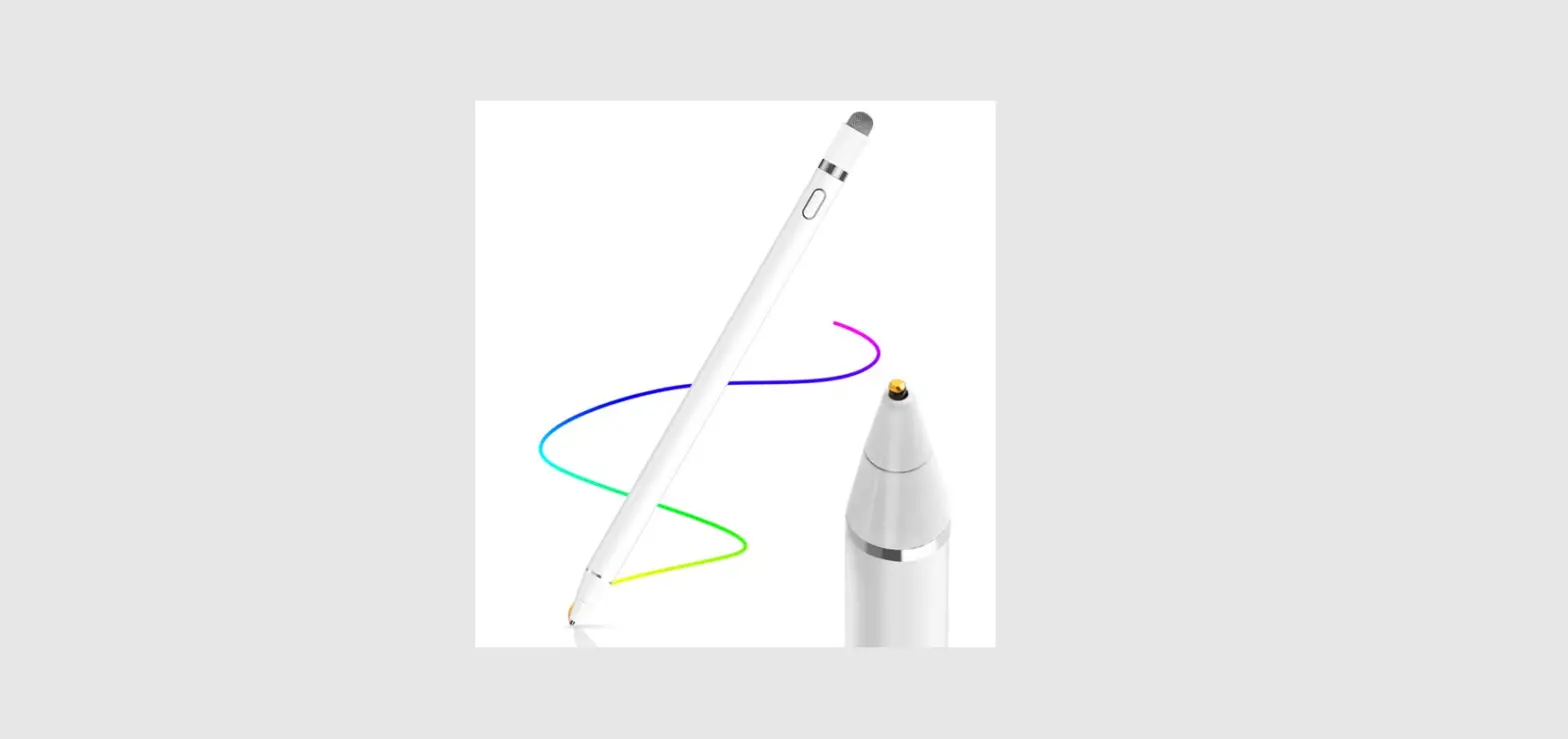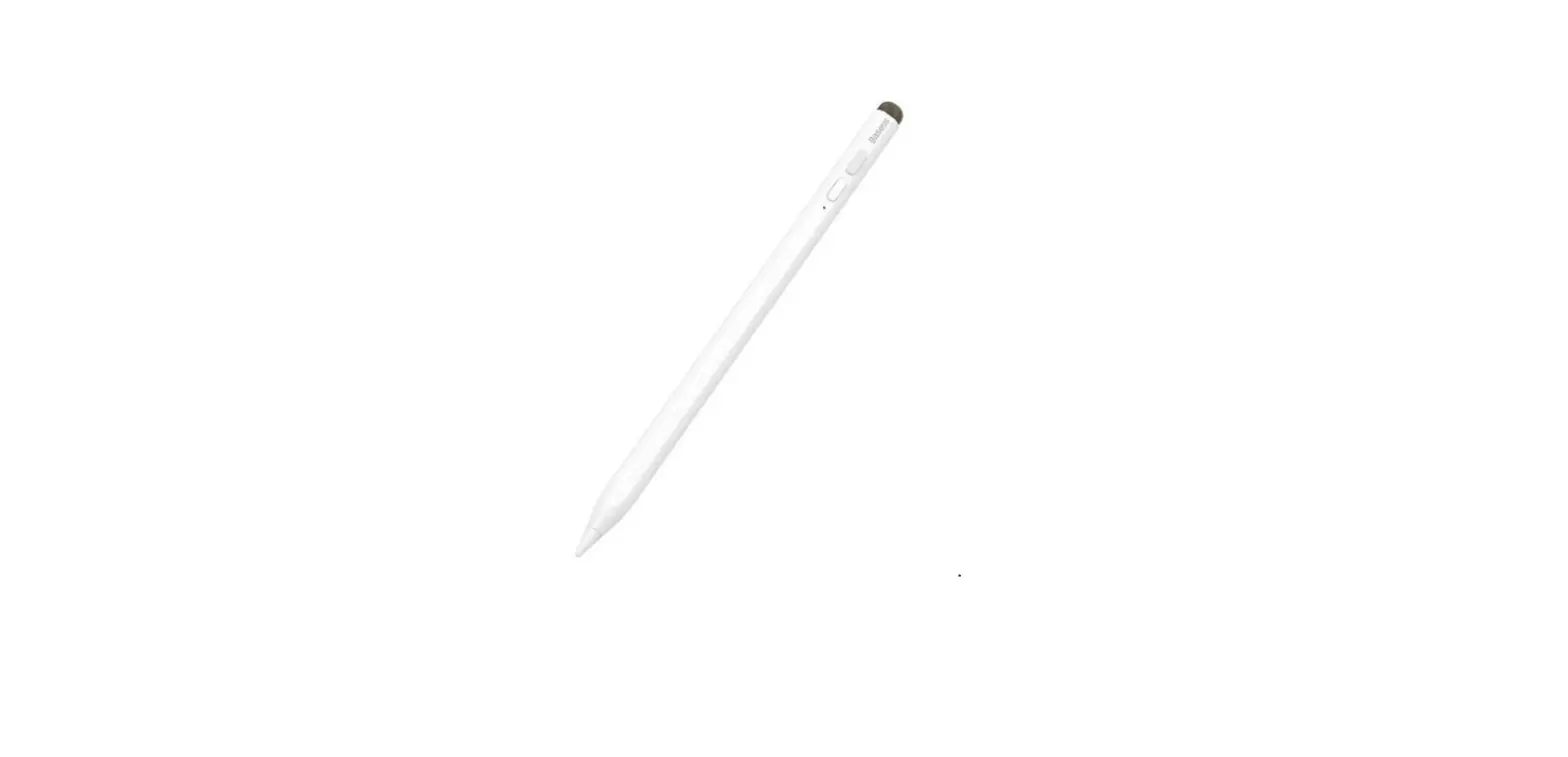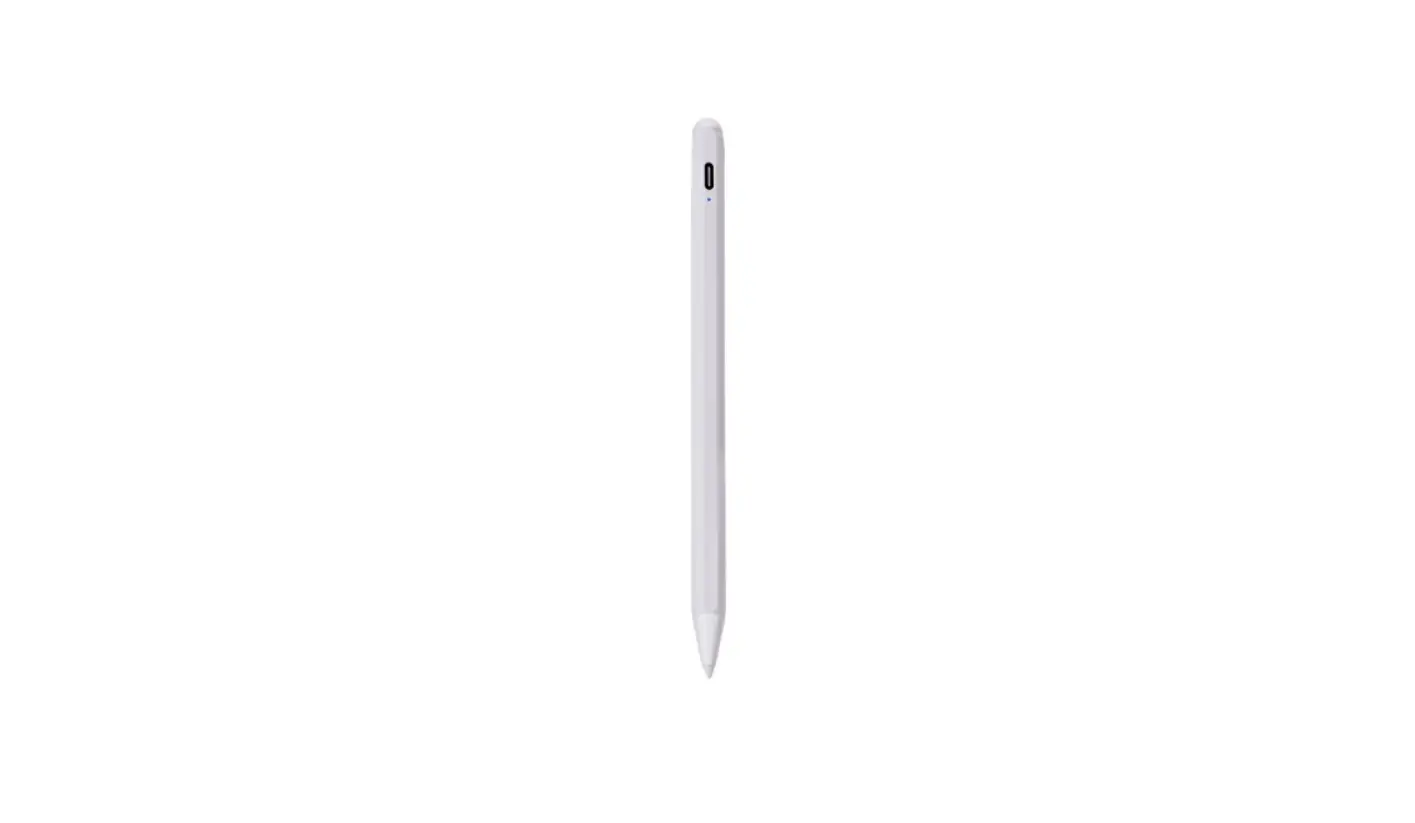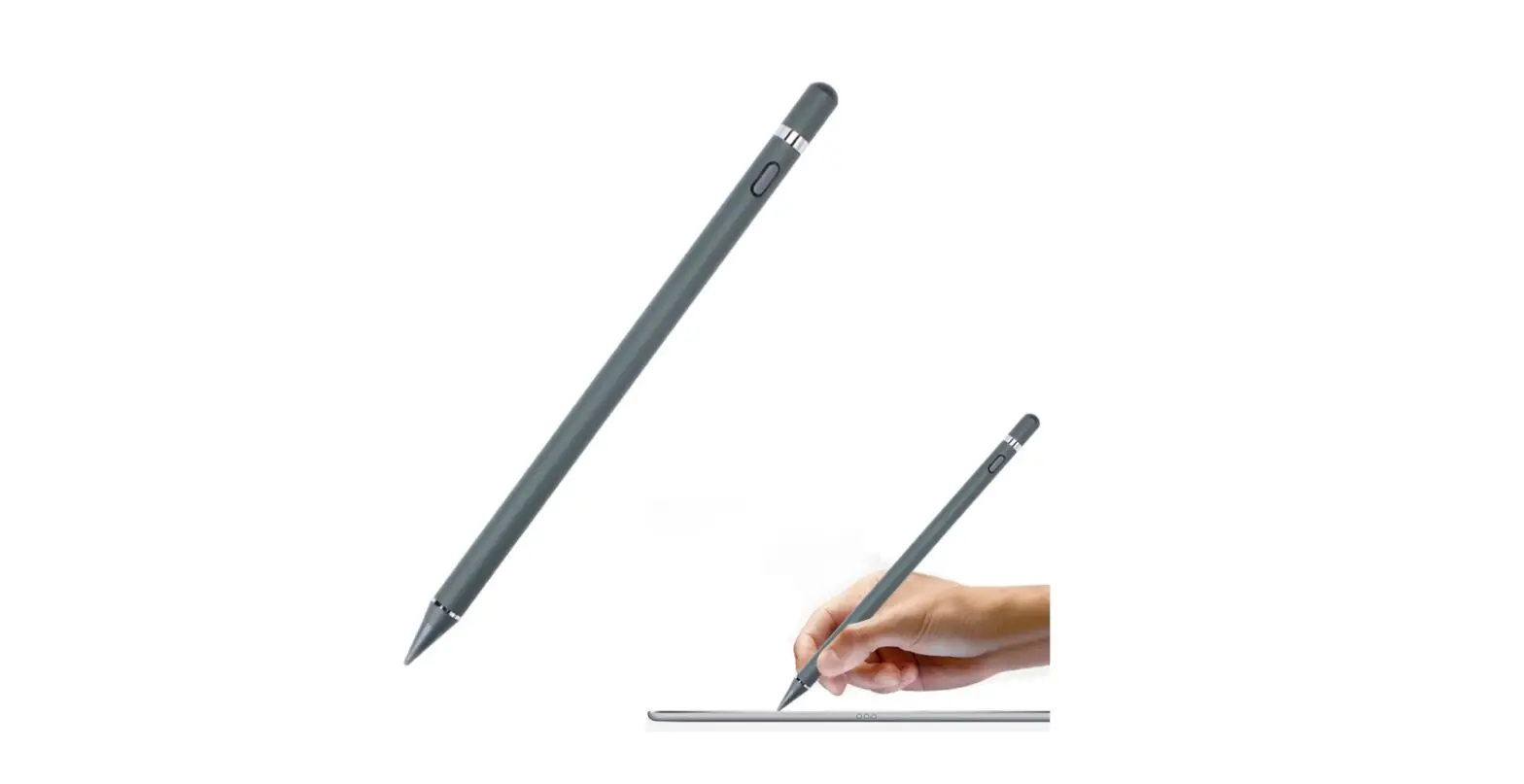

Shenzhen Ruidian Technology ID730 Ipad Active Capacitive Pen
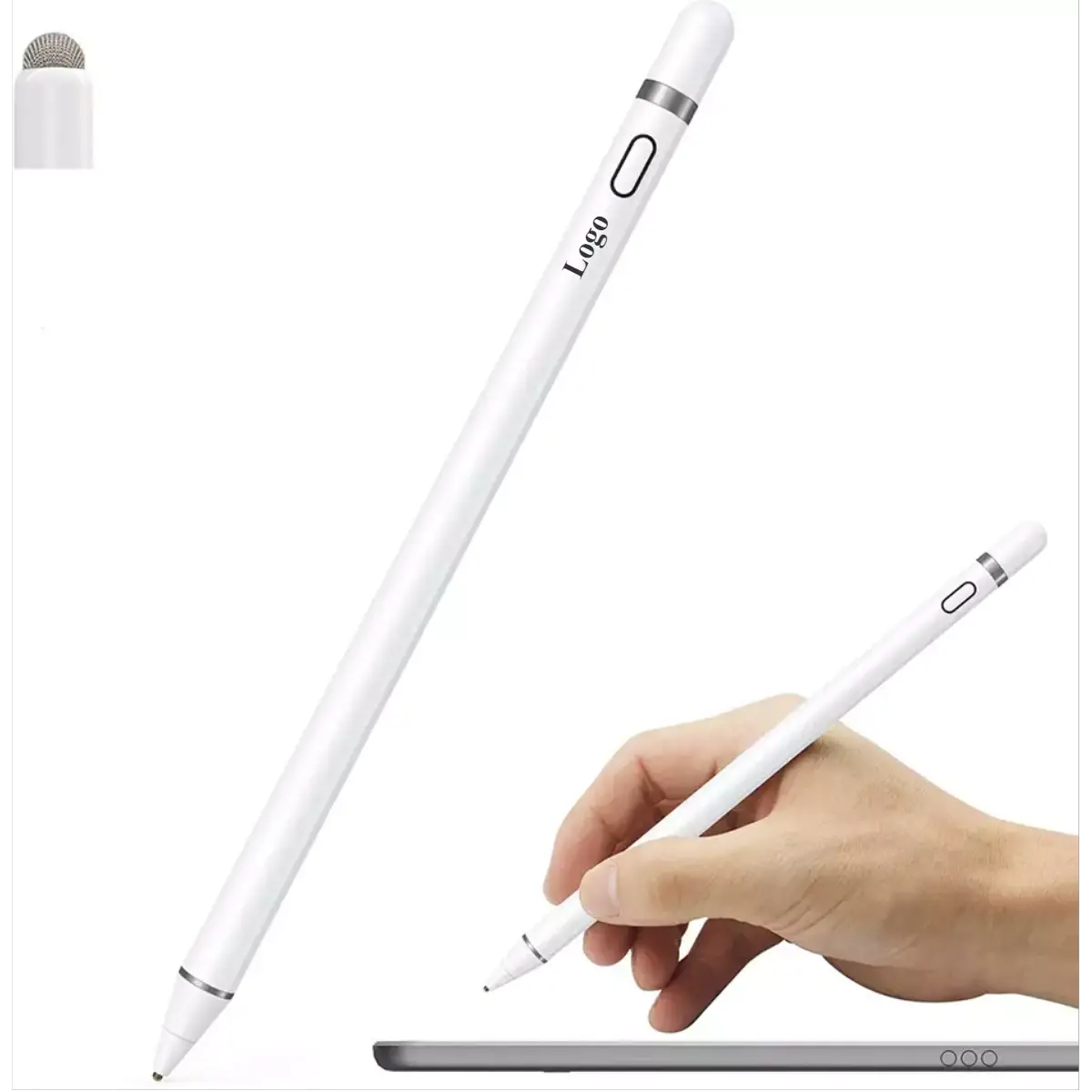
Product parameter
- Model N0: Active capacitive pen
- Material: ABS
- Input: 5V-0.2A
- Tilt pressure feeling: Yes
- Bluetooth: Yes
- Pen head: Replaceable pen head
- Applicable model:
- ipad mini (version6)
- A2567/A2568/A2569
- ipad Air(version4)
- A2316/A2324/A2325/A2072
- ipad Air(version5)
- A2588/A2589/A2591
- ipad Pro(11 inches)
- A1980/A2013/A1934/A1979
- ipad pro11 inches(version2)
- A2228/A2068/A2230/A2231
- ipad pro11 inches(version3)
- A2377/A2301/A2459/A2460
- ipad Air(version5)
- A2588/A2589/A2591
- ipad Pro(11 inches)
- A1980/A2013/A1934/A1979
- ipad pro11 inches(version2)
- A2228/A2068/A2230/A2231
- ipad prol1 inches(version3)
- A2377/A2301/A2459/A2460
- ipad Pro12.9 inches(version3)
- A1983/A2014/A1895/A1876
- ipad pro12.9 inches(version4)
- A2229/A2069/A2232/A2233
- ipad pro12.9 inches(version5)
- A2378/A2379/A2461/A2462
Please confirm that the above models are common, other models are invalid, you can confirm the model on the back of the IPAD device
Product Features
- Adsorbed on the side of the iPad, it can charge the capacitive pen, and connect to Bluetooth to display the power in real-time
- Replaceable pen design, no fear of wear! (Pencil pen tip can be replaced)
- Fashion simple style, ABS material, calm and luxurious, new, and durable
- Products compatible with iPad 2018 after model (specific model to see product parameters) can be written, painted, recorded
- Continuous use for up to 8-10 hours (for reference only), 5 minutes without smart sleep
Product Details
Instructions for use
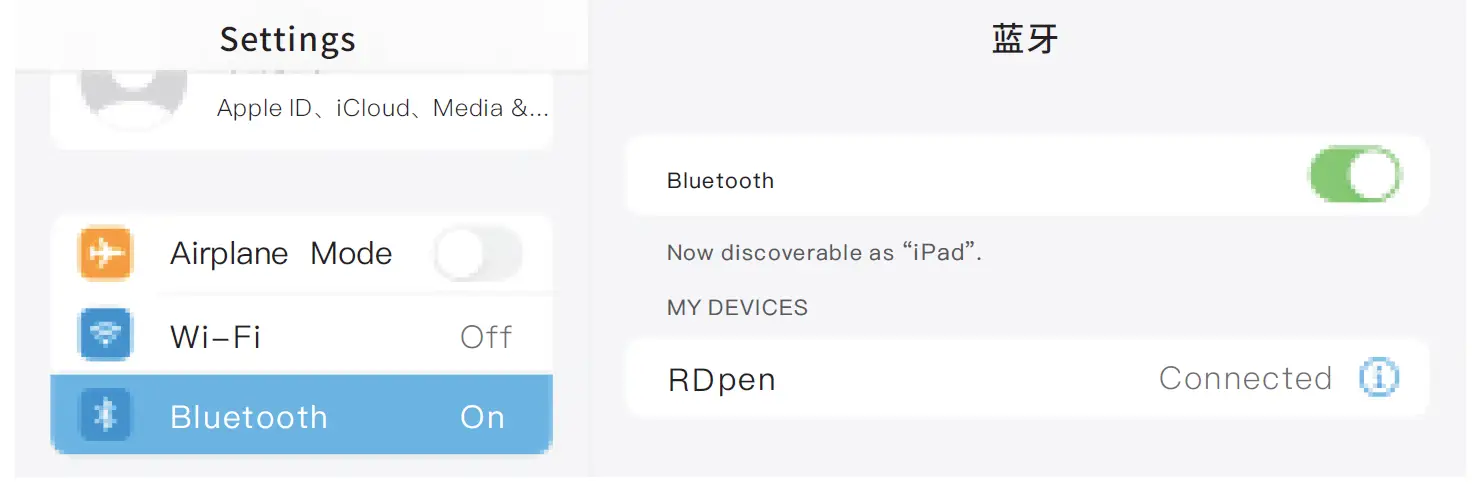
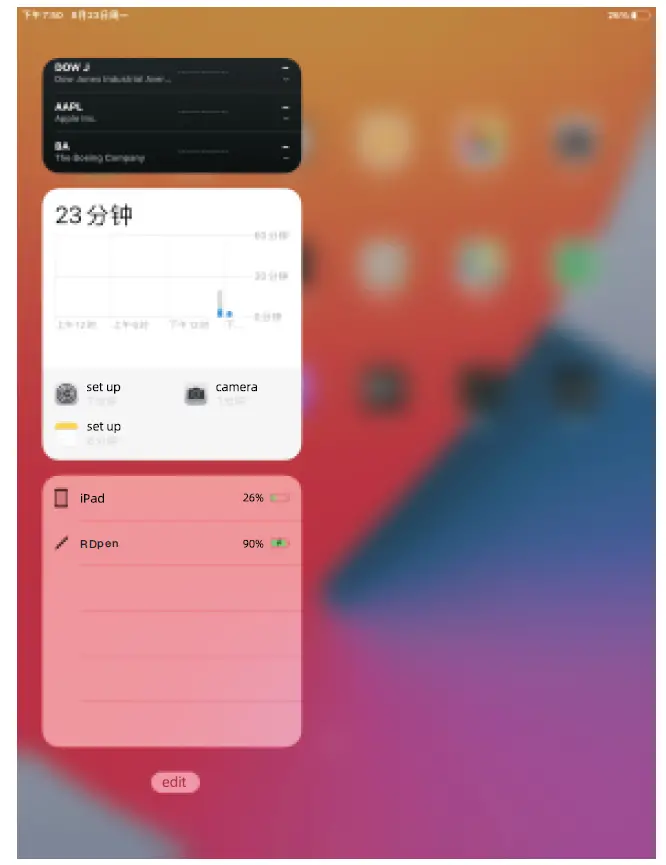
- Open Settings-Bluetooth-Turn on, find the device named RDpen, and click Connect

- Long press the screen to add a battery widget to display the remaining power of the capacitive pen in real-time
- Capacitive stylus can be charged by attaching to the tablet, and the charged amount can be displayed in real-time

How to Use
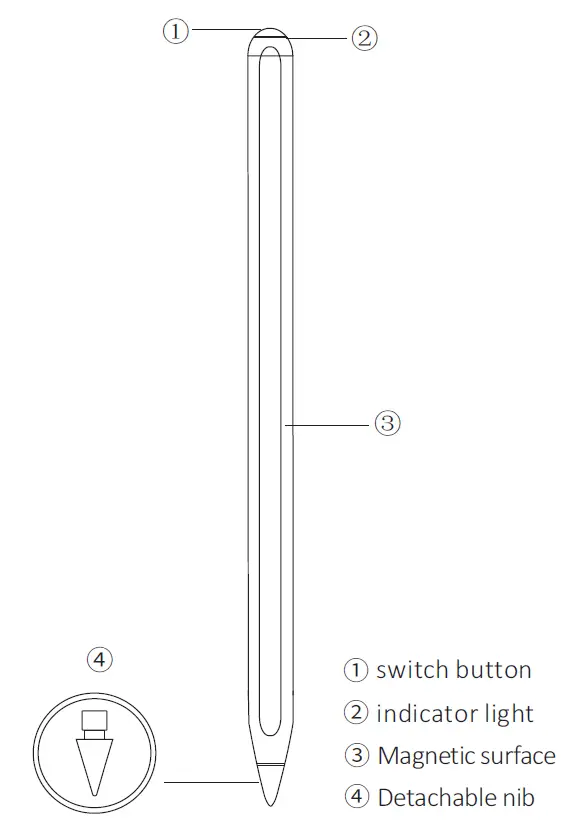
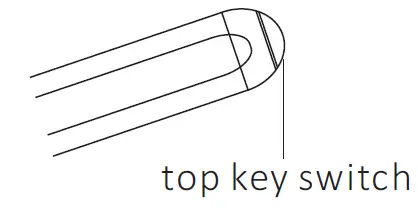
- Press the top of the capacitive pen to start the machine, the indicator light will be on and start to use. Press and hold the top of the capacitive pen again to turn off the,.machine and the indicator light will be off

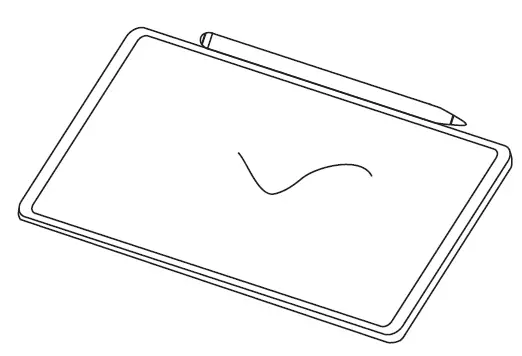
- With magnetic adsorption function, it can be adsorbed with a single release, and the capacitive pen can be charged after adsorption

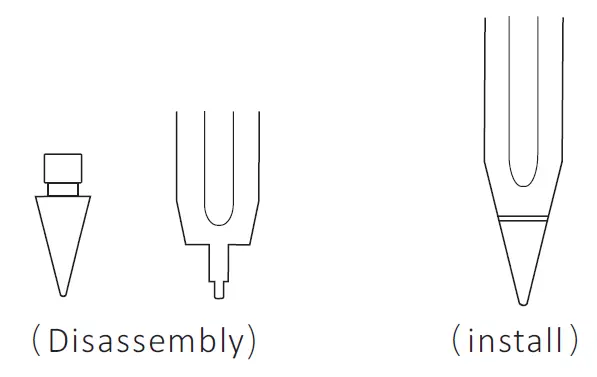
- Detachable and replaceable nib design, no need to worry about wear and tear! (Lightly twist the nib for easy removal/installation)

How to Charge
The capacitive pen can be charged under the volume button on the side of the iPad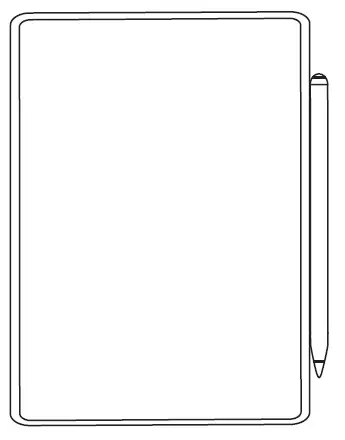
Adsorption charging only applies to:
- iPad mini (version6) iPad pro series
- iPad Air (version4) iPad Air (version5)
Indicator light battery reminder
| jobs | Indicator light green | Battery level 100%-70% |
| Indicator light blue | Battery level 70%-20% | |
| Indicator light Red | Battery is less than 20% | |
|
Recharge | Flashing green | Battery level 100%-70% |
| Blue light flashing | Battery level 70%-20% | |
| Flashing red | The battery is less than 20% | |
| full | Steady green | Battery level 100% |
FCC Warning Statement
Changes or modifications not expressly approved by the party responsible for compliance could void the user’s authority to operate the equipment. This equipment has been tested and found to comply with the limits for a Class B digital device, pursuant to Part 15 of the FCC Rules. These limits are designed to provide reasonable protection against harmful interference in a residential installation. This equipment generates uses and can radiate radio frequency energy and, if not installed and used in accordance with the instructions, may cause harmful interference to radio communications. However, there is no guarantee that interference will not occur in a particular installation. If this equipment does cause harmful interference to radio or television reception, which can be determined by turning the equipment off and on, the user is encouraged to try to correct the interference by one or more of the following measures:
- Reorient or relocate the receiving antenna.
- Increase the separation between the equipment and receiver.
- Connect the equipment into an outlet on a circuit different from that to which the receiver is connected.
- Consult the dealer or an experienced radio/TV technician for help.
This device complies with part 15 of the FCC Rules. Operation is subject to the following two conditions:
- This device may not cause harmful interference, and
- this device must accept any interference received, including interference that may cause undesired operation.
The device has been evaluated to meet general RF exposure requirements.