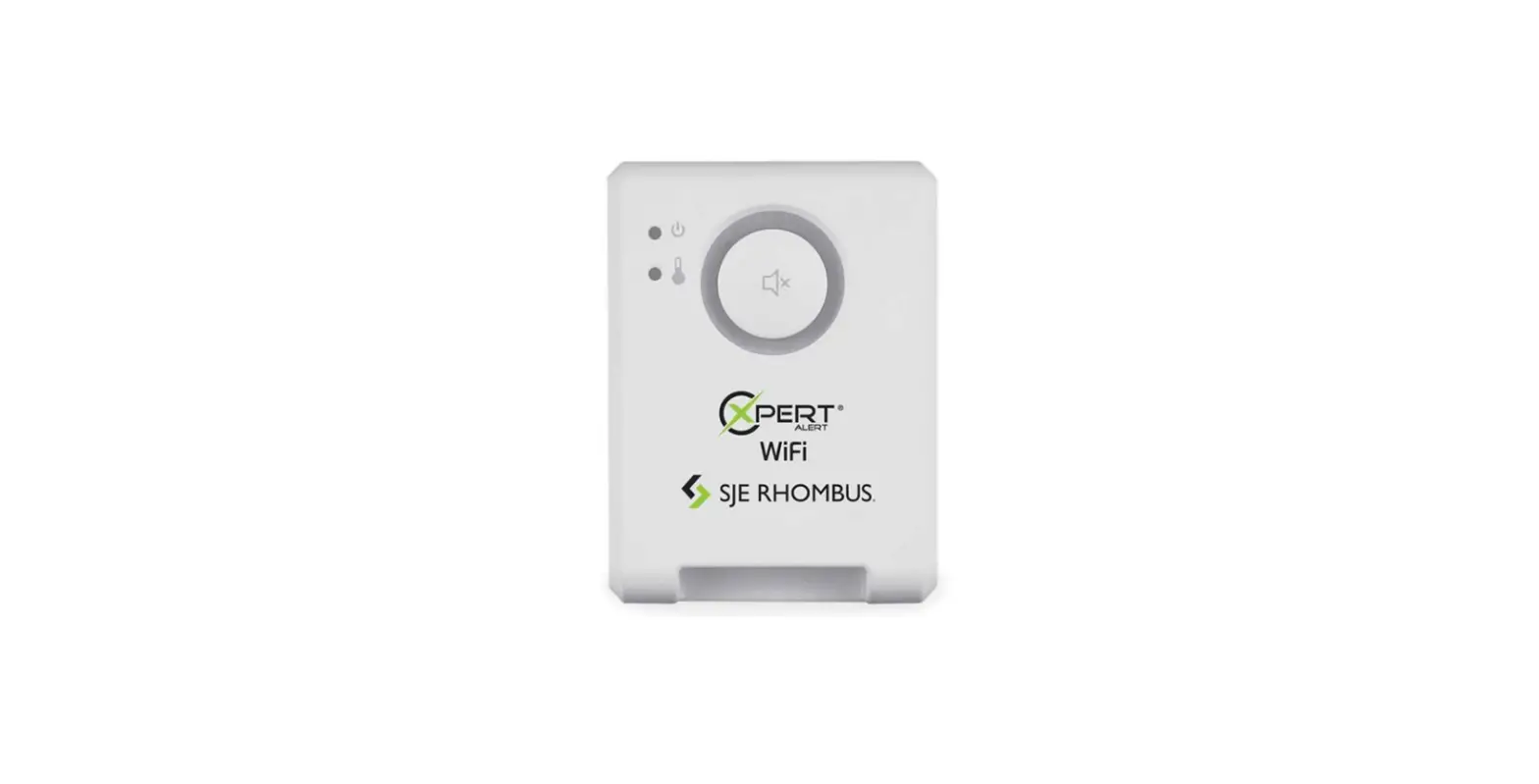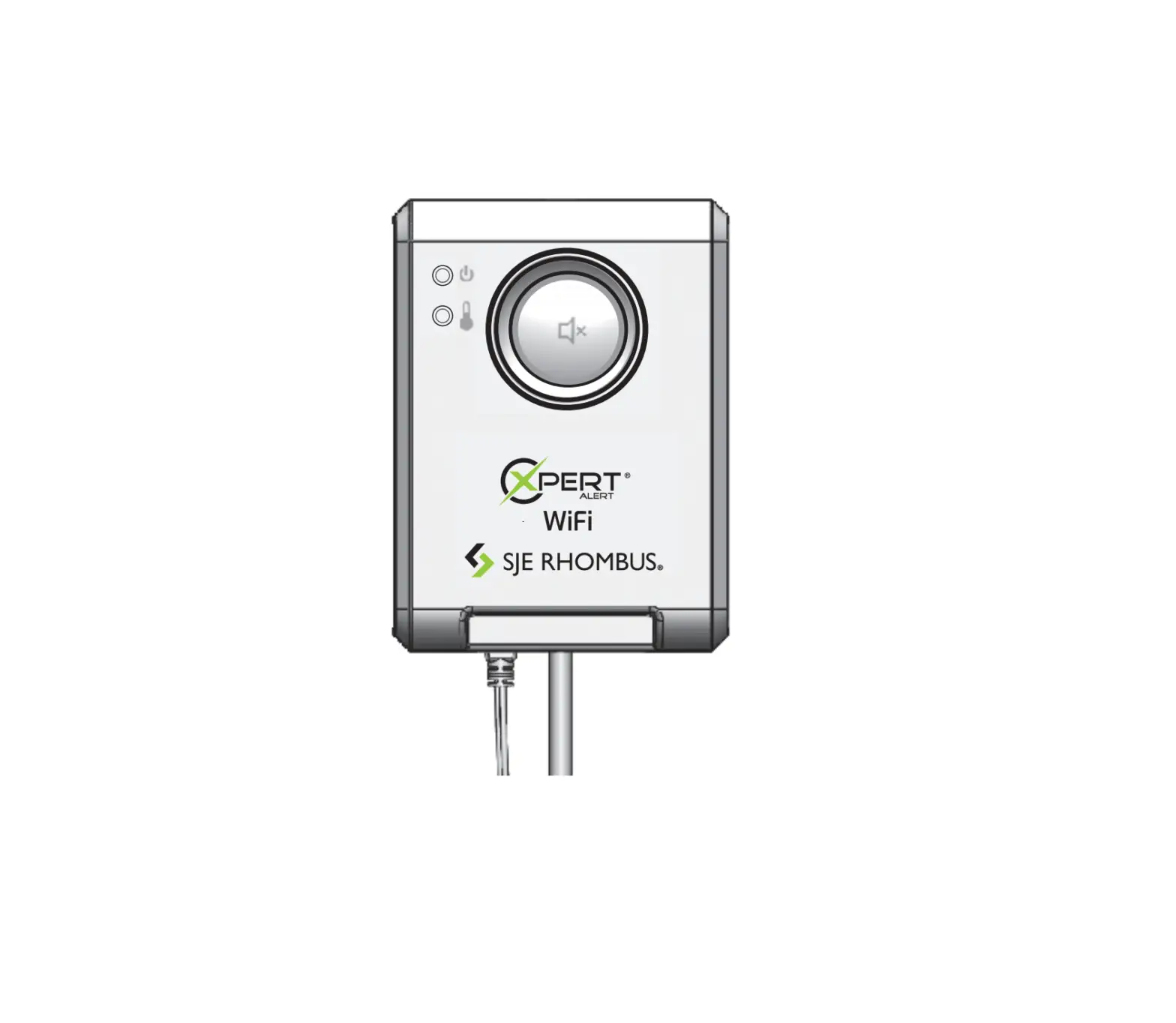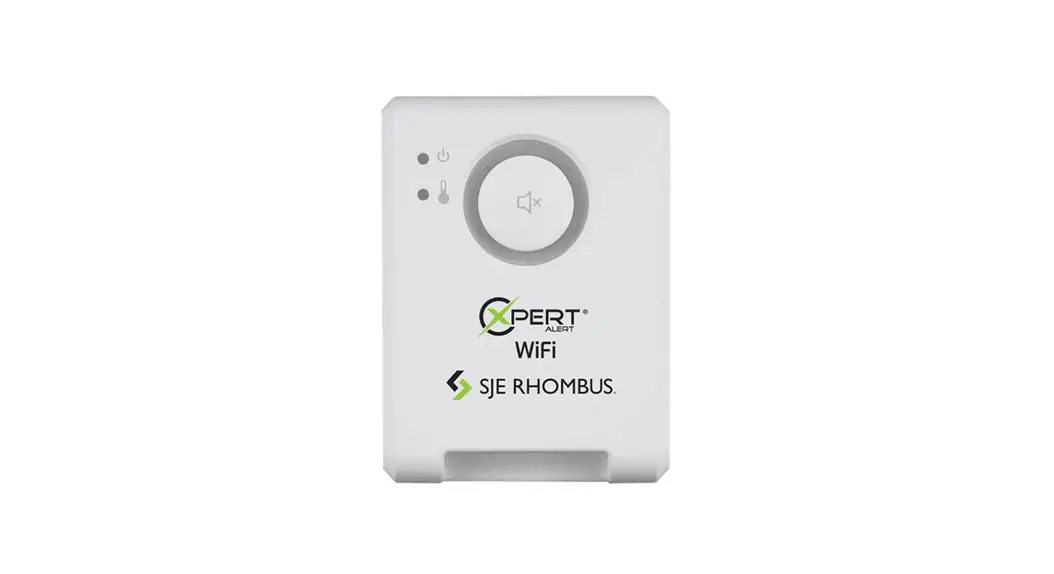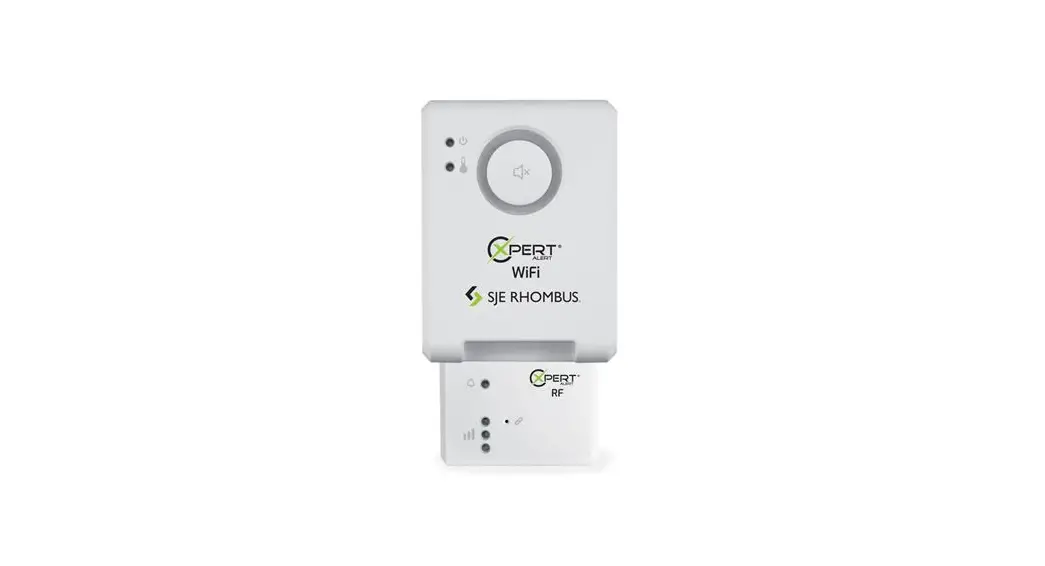
 Expert Alert RF Alarm System
Installation Guide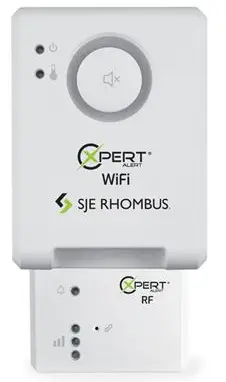
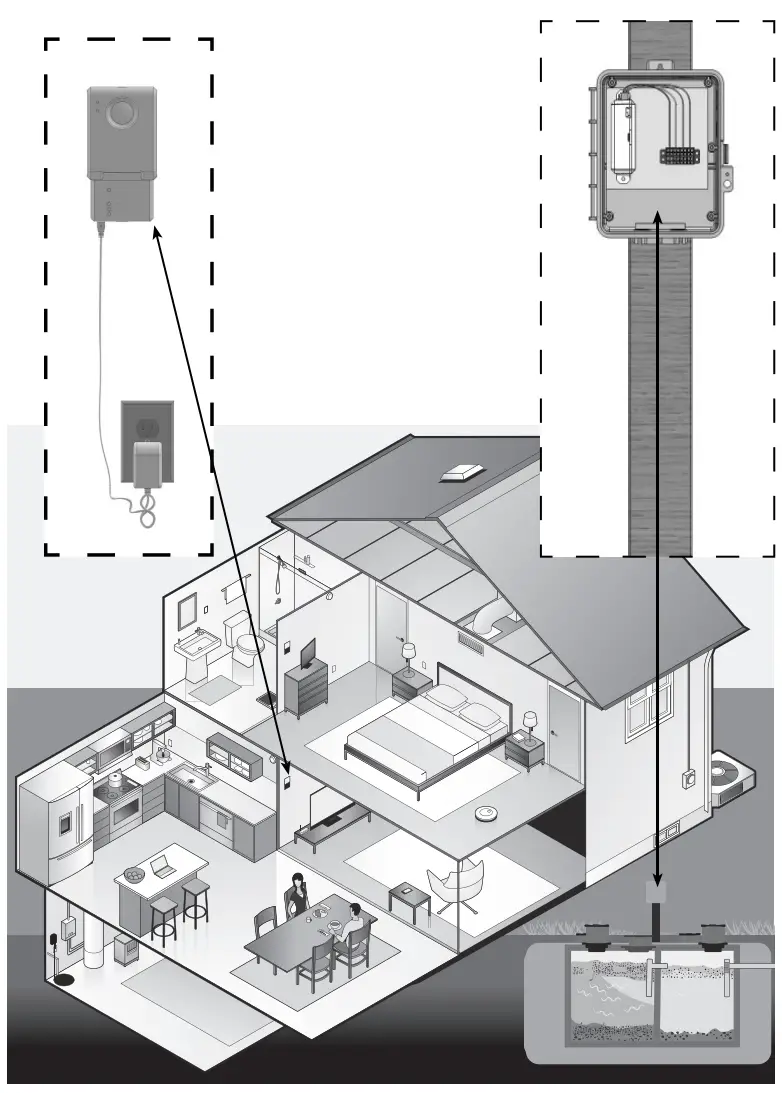
Expert Alert® RF Alarm System
Installation Instructions 1069212A 3/2022
Expert Alert RF Alarm System
SJE RHOMBUS
FIVE-YEAR LIMITED WARRANTY
Five-Year Limited Warranty.
For complete terms and conditions, please visit www.sjerhombus.com.
Operation / Features
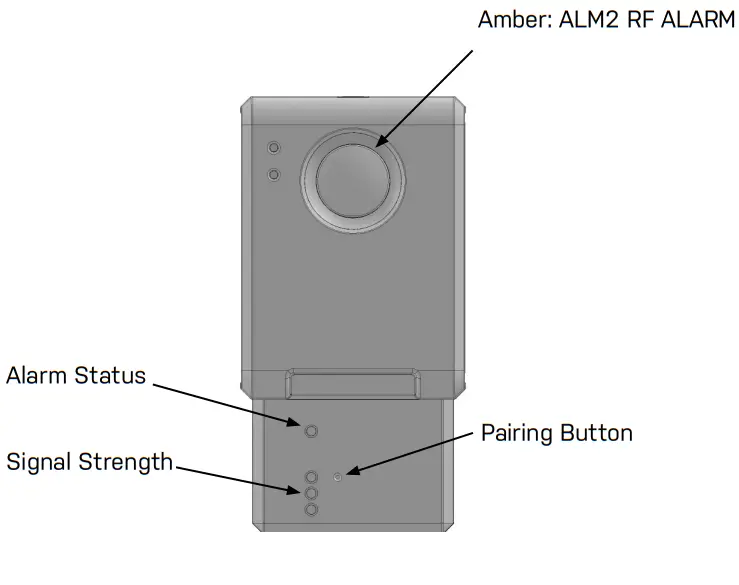
Use this product only with the USB power supply provided.
Electrical Warnings /
Failure to follow these precautions could result in serious injury or death. Replace the float switch immediately if cable becomes damaged or severed. Keep these instructions with warranty after installation. This product must be installed in accordance with National Electric Code, ANSI/NFPA 70 so as to prevent moisture from entering or accumulating within boxes, conduit bodies, fittings, float housing, or cable.
 WARNING WARNING | ELECTRICAL SHOCK HAZARD Disconnect power before installing or servicing this product. A qualifi ed service person must install and service this product according to applicable electrical and plumbing codes. | WARNING | EXPLOSION OR FIRE HAZARD Do not use this product with fl ammable liquids. Do not install in hazardous locations as defined by National Electrical Code, ANSI/NFPA 70. |
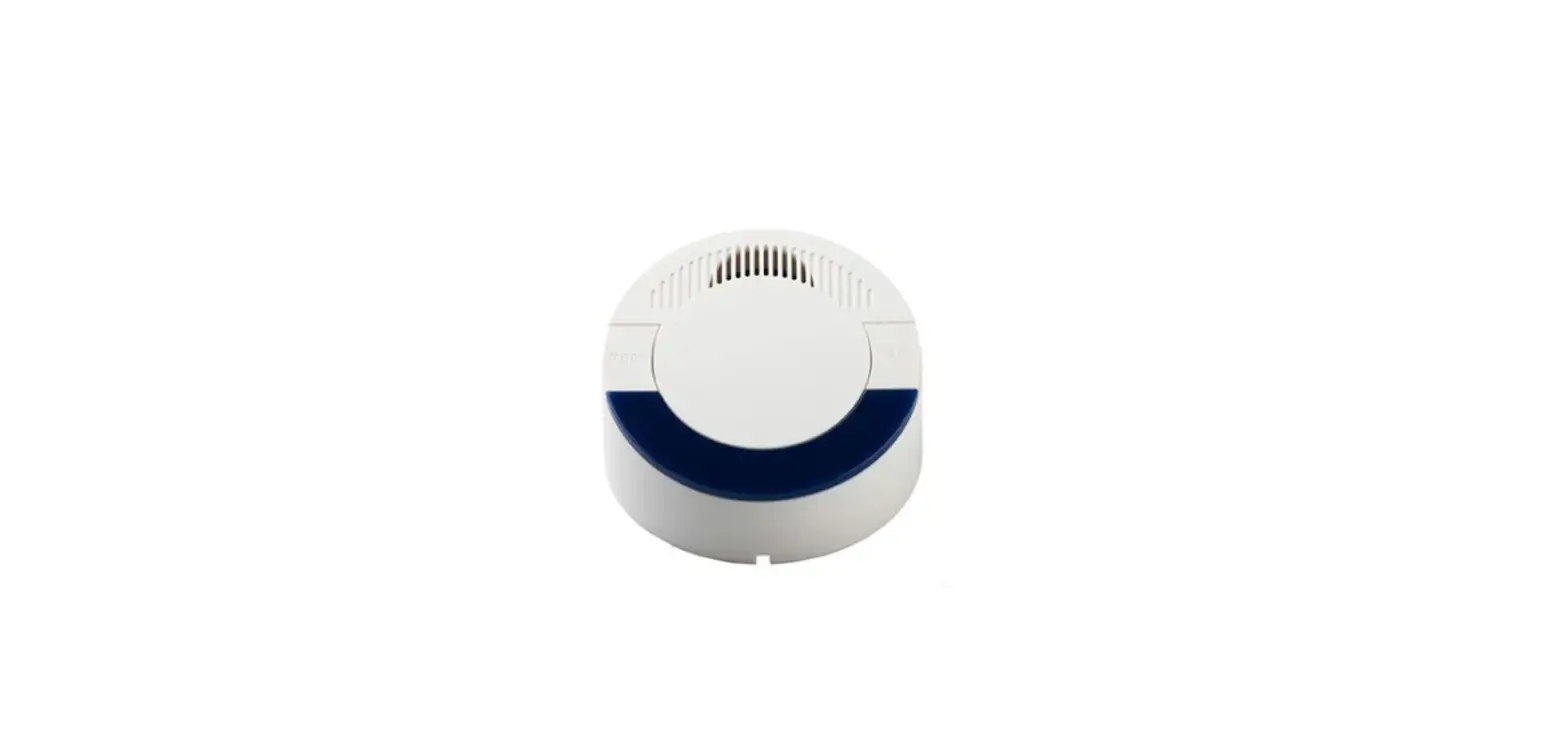
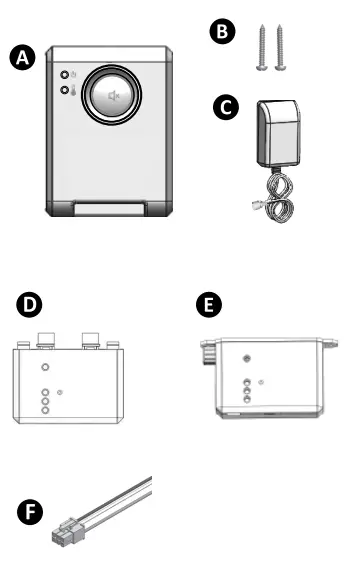
Included with alarm
 Specifications
 Specifications
| Alarm Power: USB Adapter: | 5VDC, 200mA Max Input Voltage: 100-240VAC, 50/60Hz Output Voltage: 5VDC, 1A. Micro USB |
| Enclosure: | Type 1 indoor |
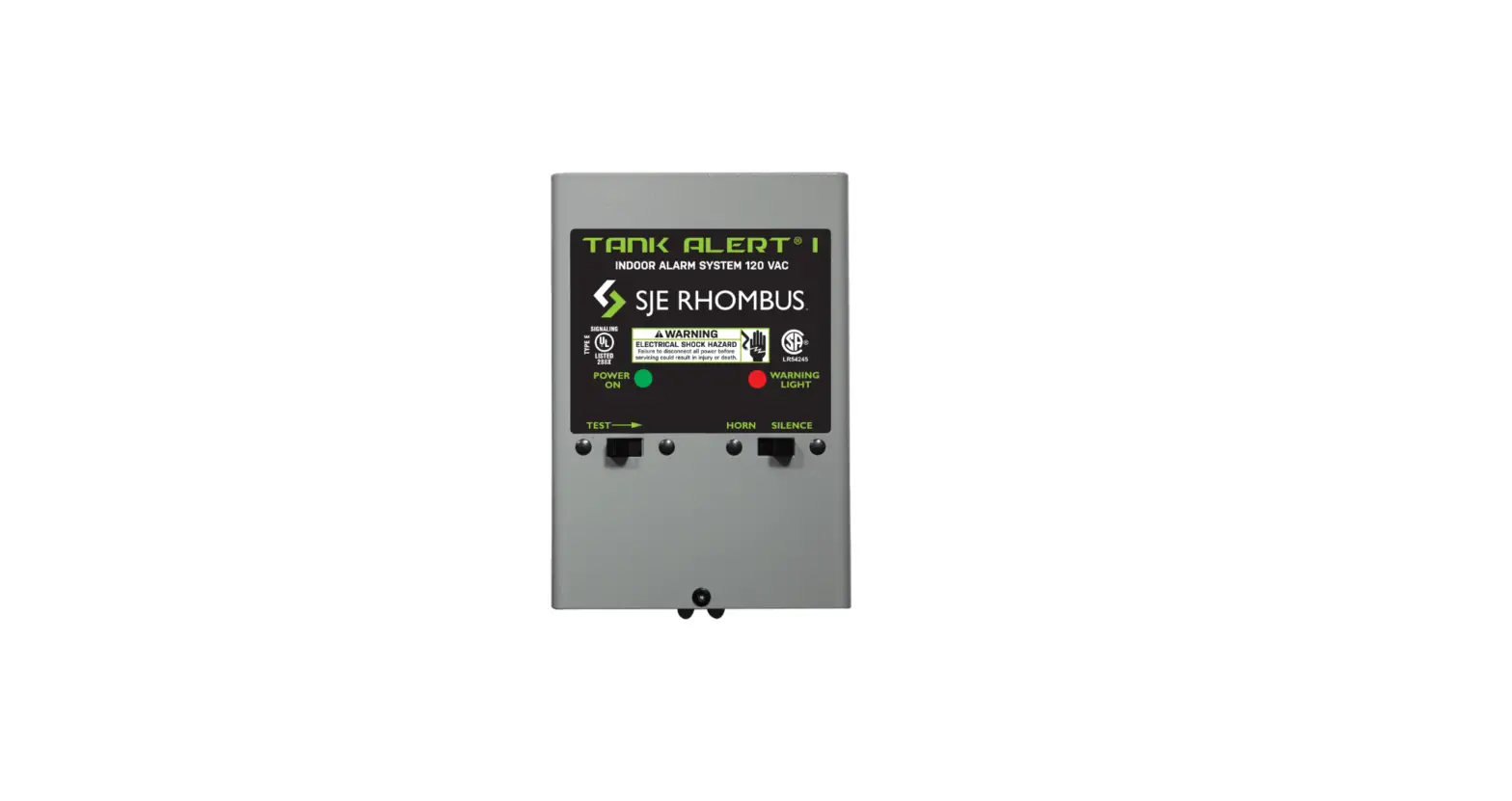
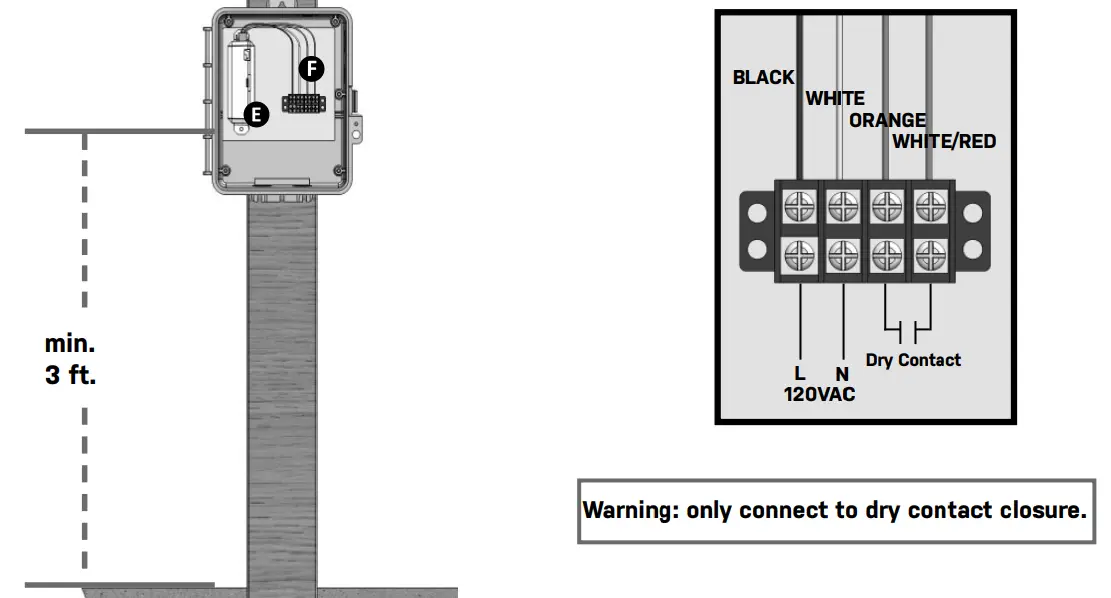
| Panel Module Power: | 120VAC, 60Hz |
| Wire Harness: | 24 inches, 18 gauge |
Panel Installation
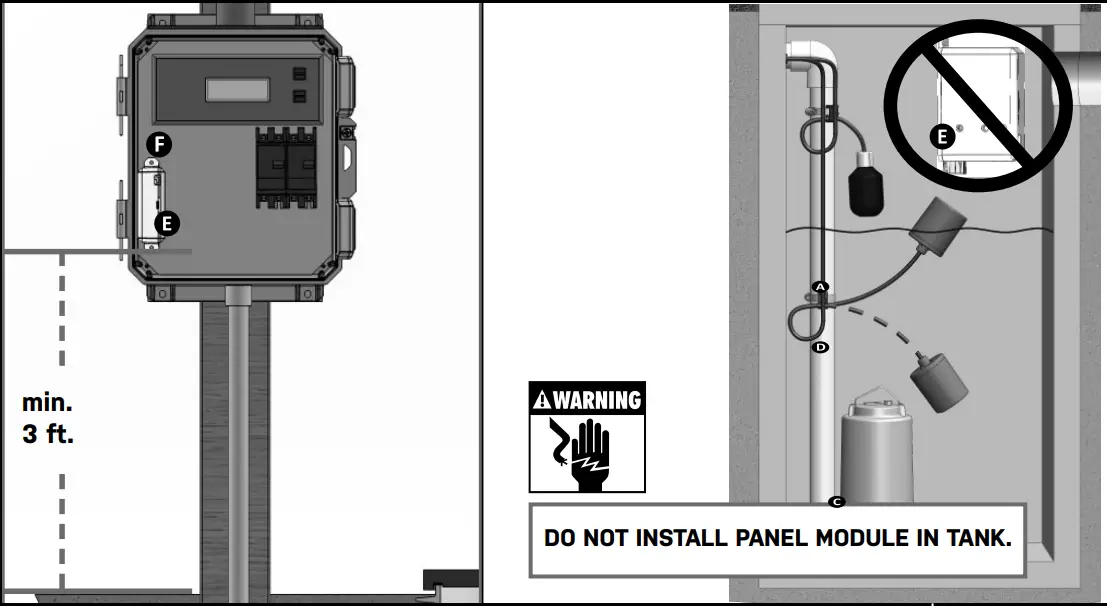
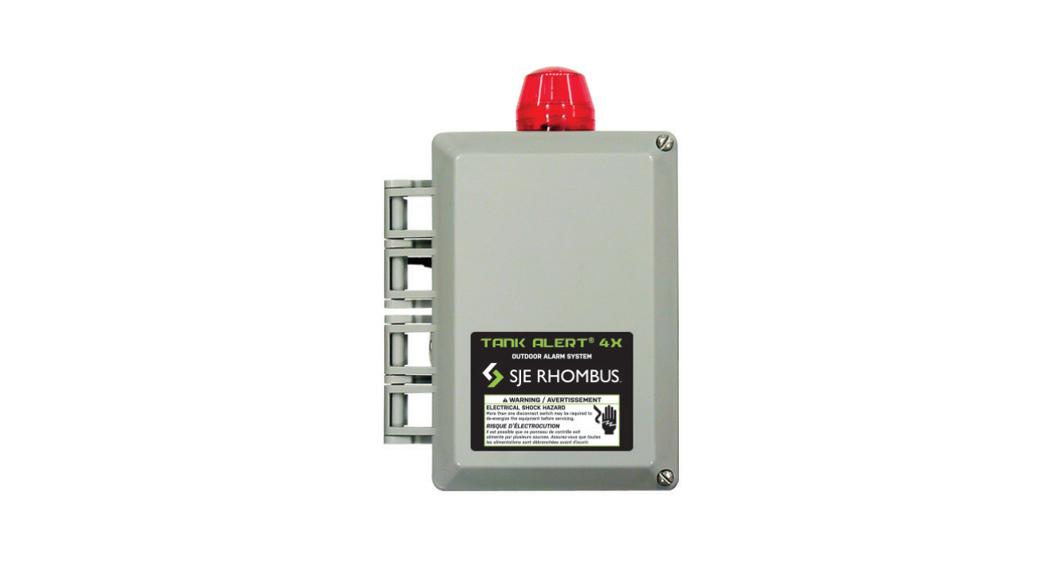
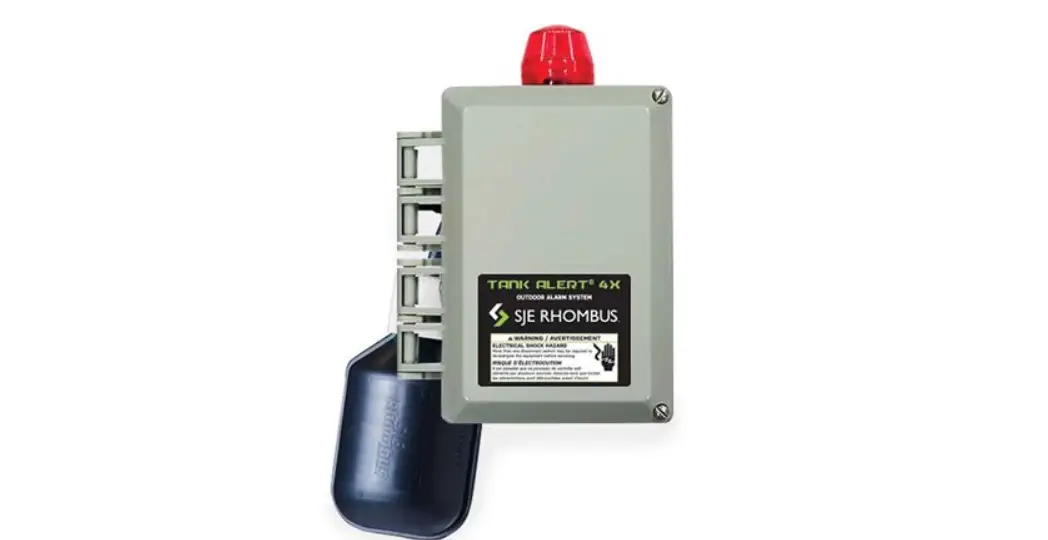
4X Installation
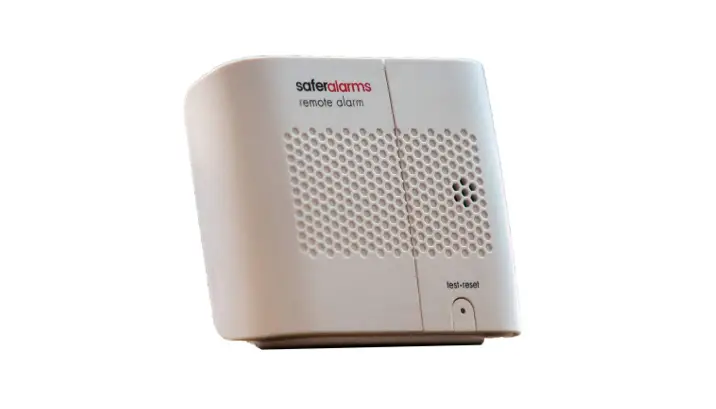
Remove Expert Alert® alarm cover. Insert alarm module into the USB port. Mount alarm (indoor only) using keyhole on the back of the unit. 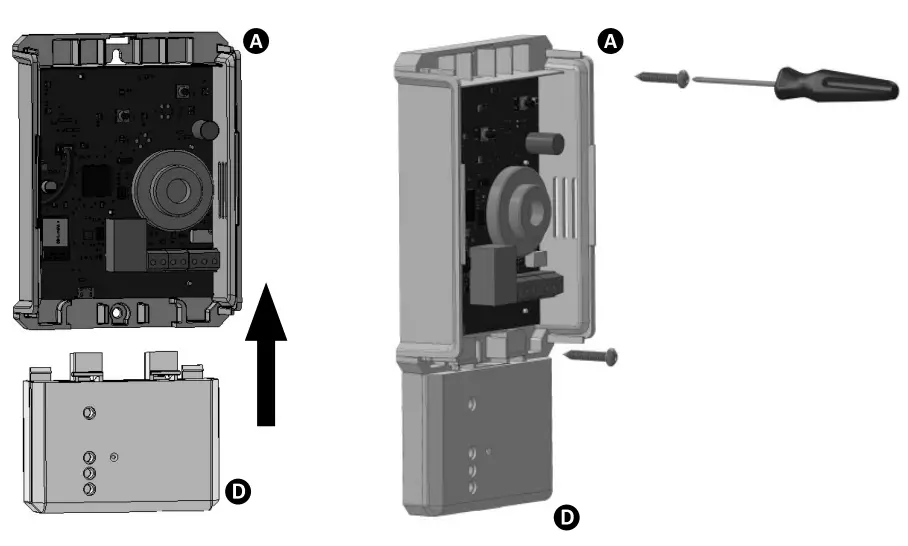
Replace cover and connect USB power cable.
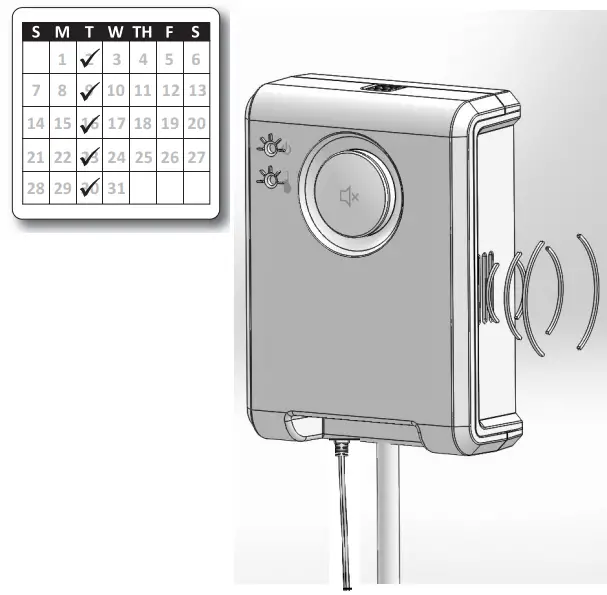
Test alarm weekly to insure proper operation.
Refer to operation guide for start up.
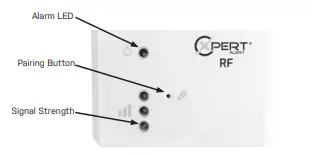
Step 1: Installation
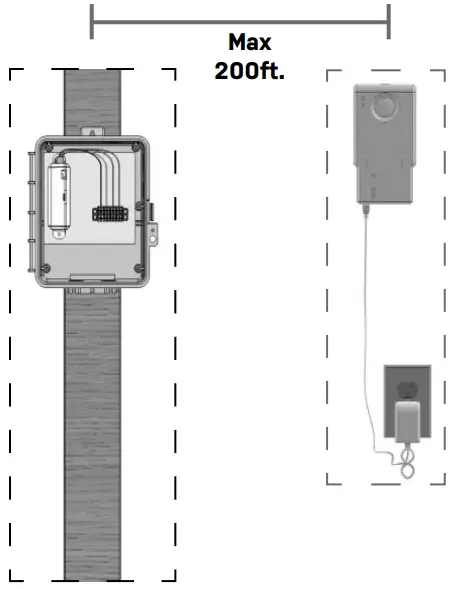
Mount and wire the alarm according to the installation instructions.
***Maximum distance between modules should be 200ft.
Step 2: Signal Strength Check
Press pairing but- ton for 1 second on the panel module to enter setup mode for fast signal strength updates.
Reposition the indoor module until 1 or more signal LEDs are illuminated green.
Step 3: Test Alarm
Verify the alarm is functioning by triggering an alarm condition on the outdoor panel and verify the
indoor Expert Alert® alarm is alarming. Alarm LED on Expert Alert® RF and Expert Alert® alarms will illuminate amber in color when alarming and the audible alarm will sound. For Expert Alert® WiFi cation of alarm was received.
Monthly Testing
Verify at least 1 or more signal LEDs are illuminated green monthly , and repeat step 3 as you are able.
Technical support: +1-800-746-6287
[email protected]
www.sjerhombus.com
Technical Support Hours: Monday – Friday, 7 A.M. to 6 P.M. Central Time
1069212 REV A 3/2022 © 2022 SJE, Inc.
All Rights Reserved. SJE RHOMBUS is a trademark of SJE, Inc.
 Home - SJE Rhombus Control Products