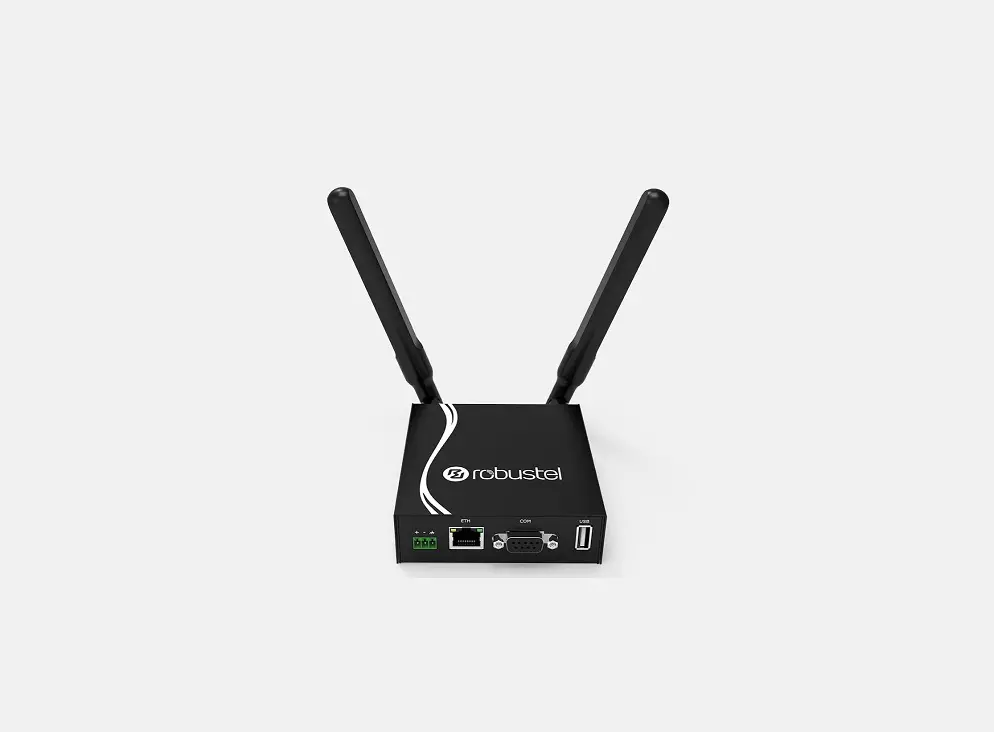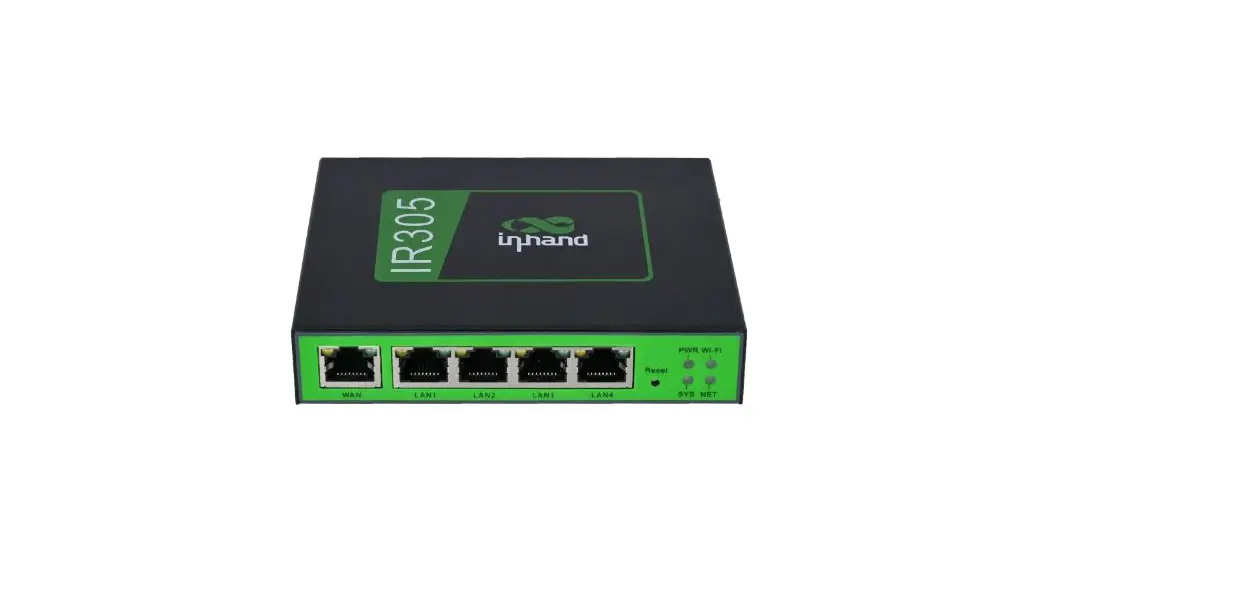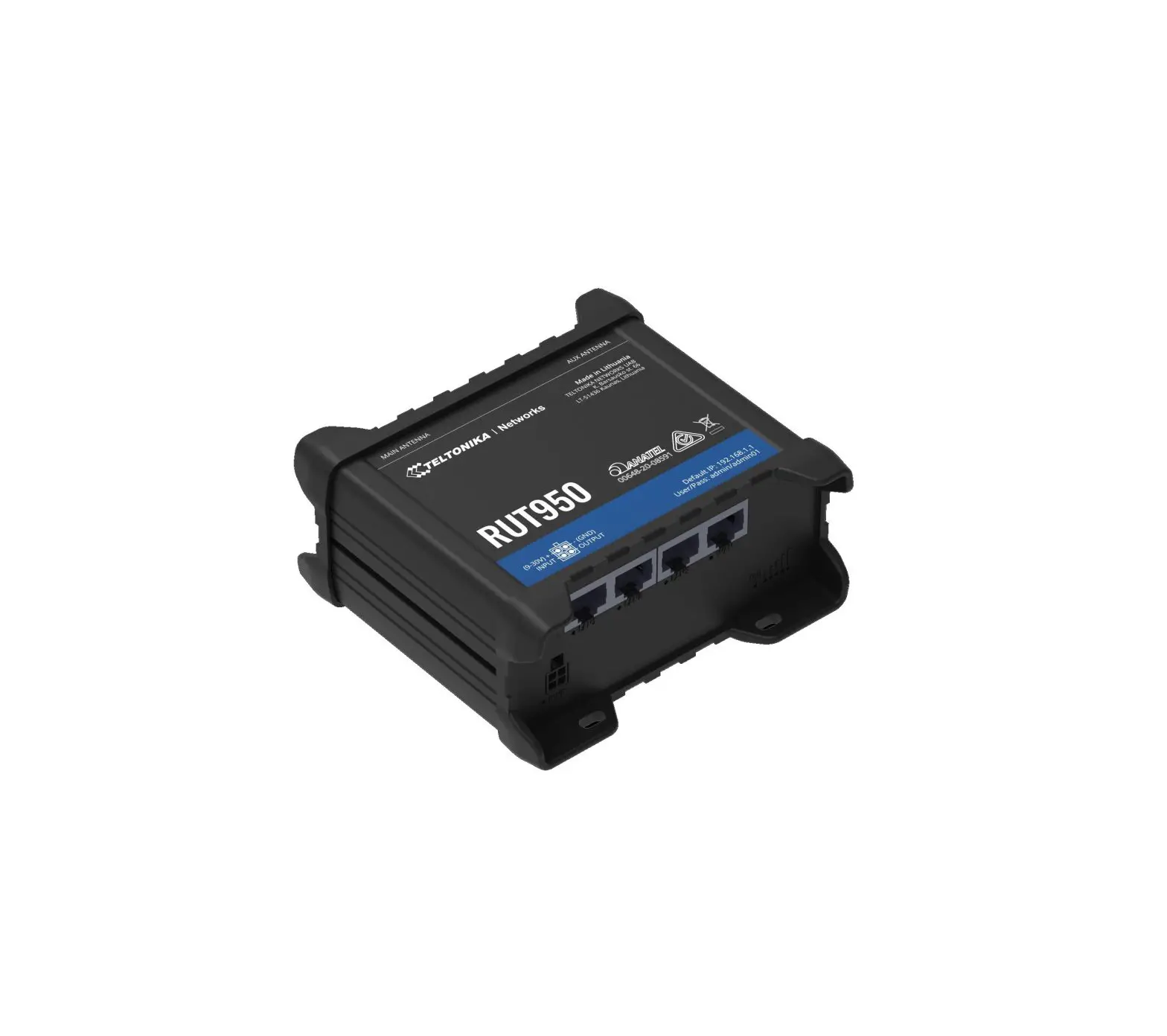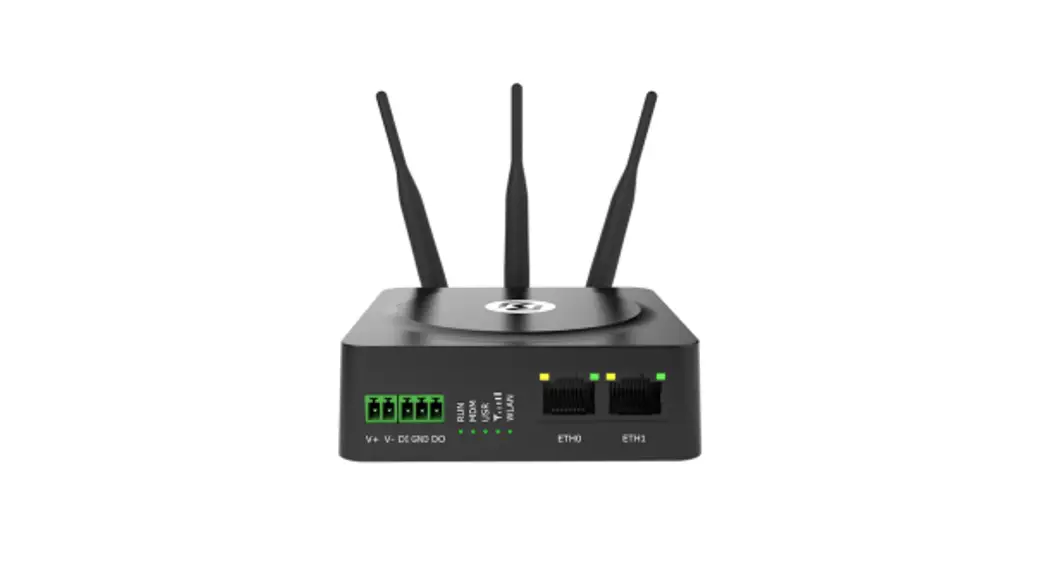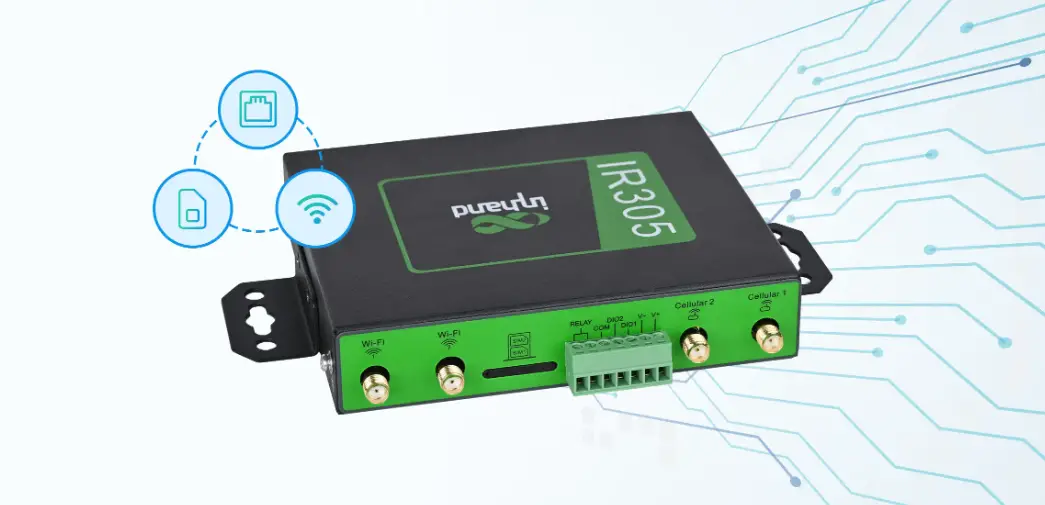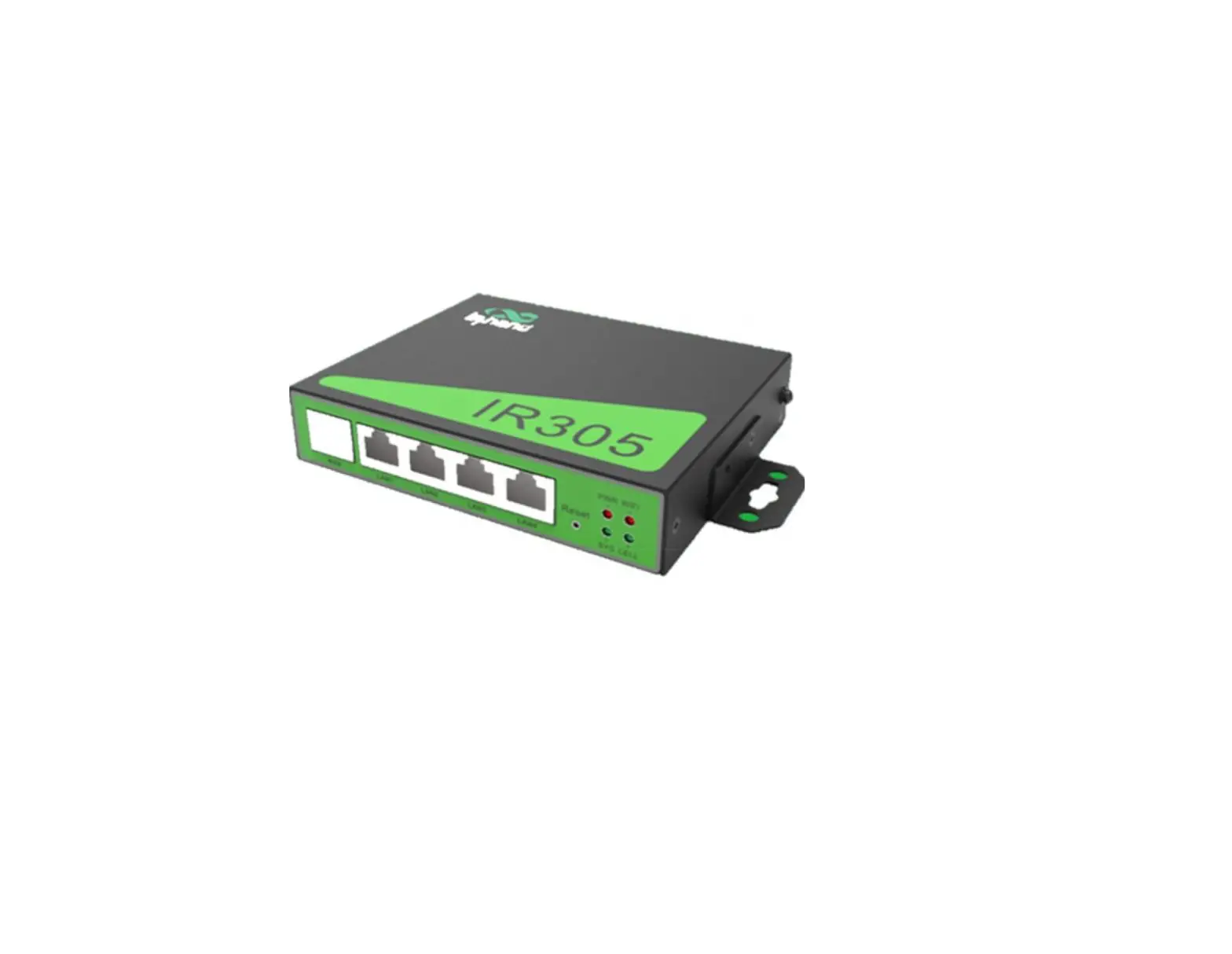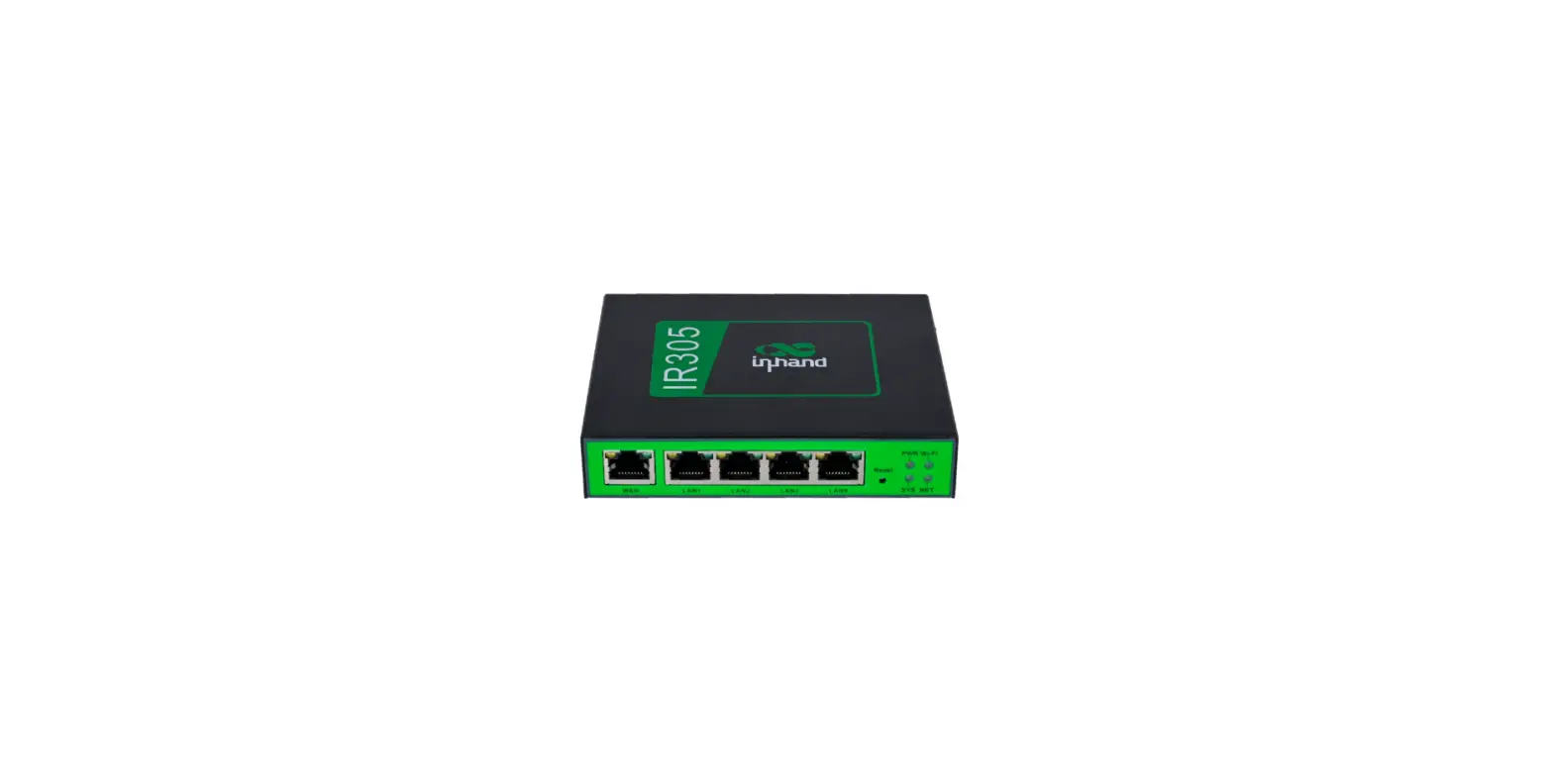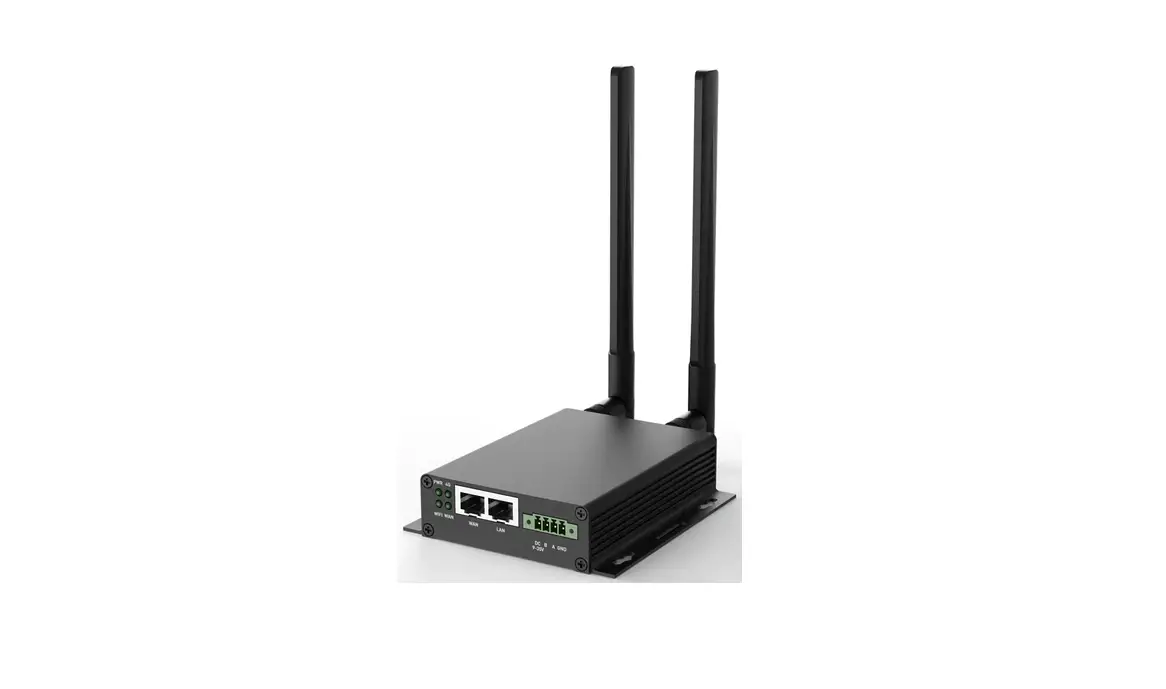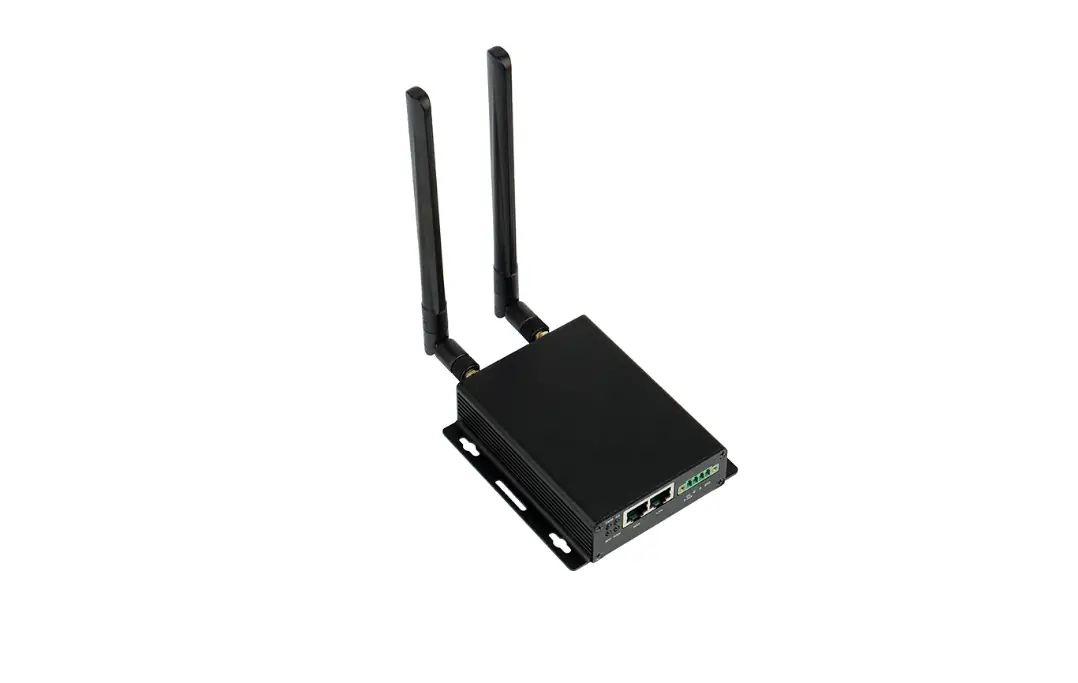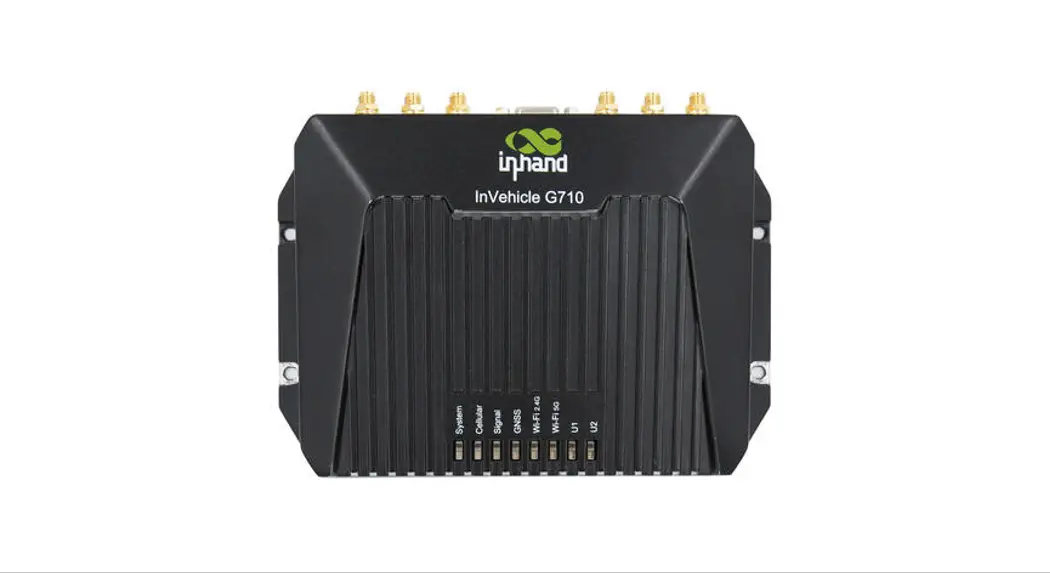

IR302 Industrial IoT LTE 4G VPN Router
User Manual
How to use the router with a SIM card?
- Insert the SIM card into slot 1 and attach 4G antennas to the Main and AUX connectors; then power cycle the device. To replace or insert SIM Card, the device must be powered off to avoid data loss or equipment damage.
- Connect the LAN2 port with your PC.
- Fill in the IP of the router on the browser (you could find the IP on the label of the router).
IP: 192.168.2.1 User name/password: adm/123456 - Go to ‘network >>Cellular’, select ‘profile 1′ under the `network provider(ISP)’, and fill in the SIM card information in the Profiles table down below: APN, User Name, Password, (User Name and Password are not mandatory), hit ‘ok’ and ‘Apply’.
Notice: Please make sure the APN is correct. If you are not sure, please confirm with ISP or search it on Google.
Below are the most commonly used APN names
| Common Access Point Names (APN) by Carrier | |||
| Network | APN | Username | Password |
| AT&T | broadband | ||
| psmtneorm | (Business Plan, call AT&T) | ||
| i2qold | (Business Plan, call AT&T) | ||
| isp.cinqular | [email protected] | cinqularl | |
| ispda.cinqular | [email protected] | cinqularl | |
| wap.cinqular | [email protected] | cinqularl | |
| T-Mobile (3G) | epc.t-mobile.com | ||
| T-Mobile (4G) | fast.t-mobile.com | ||
| T-Mobile (Static IP) | b2b.t-mobile.com | ||
| Verizon | vs internet | ||
| inetqsm.vzw3q.com | 10diqttavzw3q.com | vz’.v | |
| vzmverison | |||
| NE01.VZWSTATIC | (for region North East) | ||
| WE01.VZWSTATIC | (for region Northwest) | ||
| S001.VZWSTATIC | (for region South) | ||
| MW01.VZWSTATIC | (for region Midwest) | ||
| NW01.VZWSTATIC | (for region North West) | ||
| Some SIM cards require some specific APNs, please confirm with your Carrier | |||
| Rogers | Iteinternet.apn | ||
| Itemobile.apn | |||
| gne.apn | |||
| internet.apn | |||
| internet.com | |||
| vpn.com | |||
| wapuserl | wap | ||
| staticip.apn | |||
| Itestaticip.an | |||
| Bell internet.com
| wapuserl | wap | |
| inet.bell.ca | |||
| pda.bell.ca isp.telus.com | |||
| Talus | |||
| y.telus.com | |||
| xpn.telus.net | |||
| staticipwest.telus.com | |||
| staticipeast.telus.com | _ | ||
| internet.com | wapuserl | wap | |
| Some SIM cards require some specific APNs, please confirm with your Carrier | |||
Check the network status, ‘Status >> Network connection’
IR300#How to do a hard reset
Step 1. Locate the RESET button on the InRouter302;
Step 2. Plugin the power supply; press and hold the RESET button within 10 seconds;
Step 3. When STATUS LED is on, release the RESET button;
Step 4. Within a few seconds, the STATUS LED should go off; then press and hold the RESET button again;
Step 5. When the STATUS LED is flashing, release the RESET button, and that means the Router is now back to its factory default settings;
Need any support?
Please feel free to contact us: [email protected]