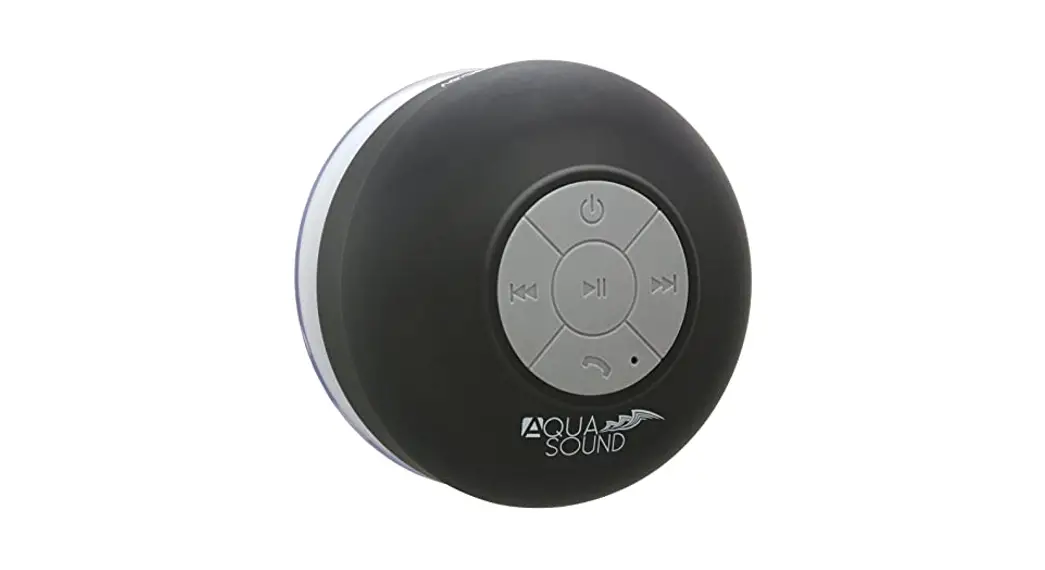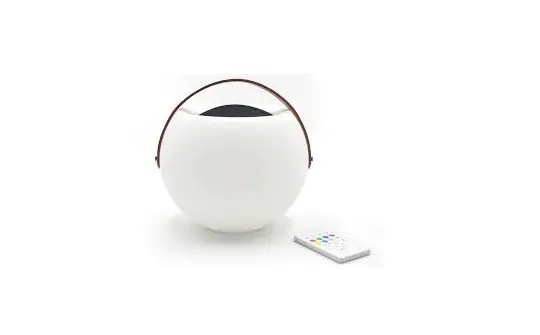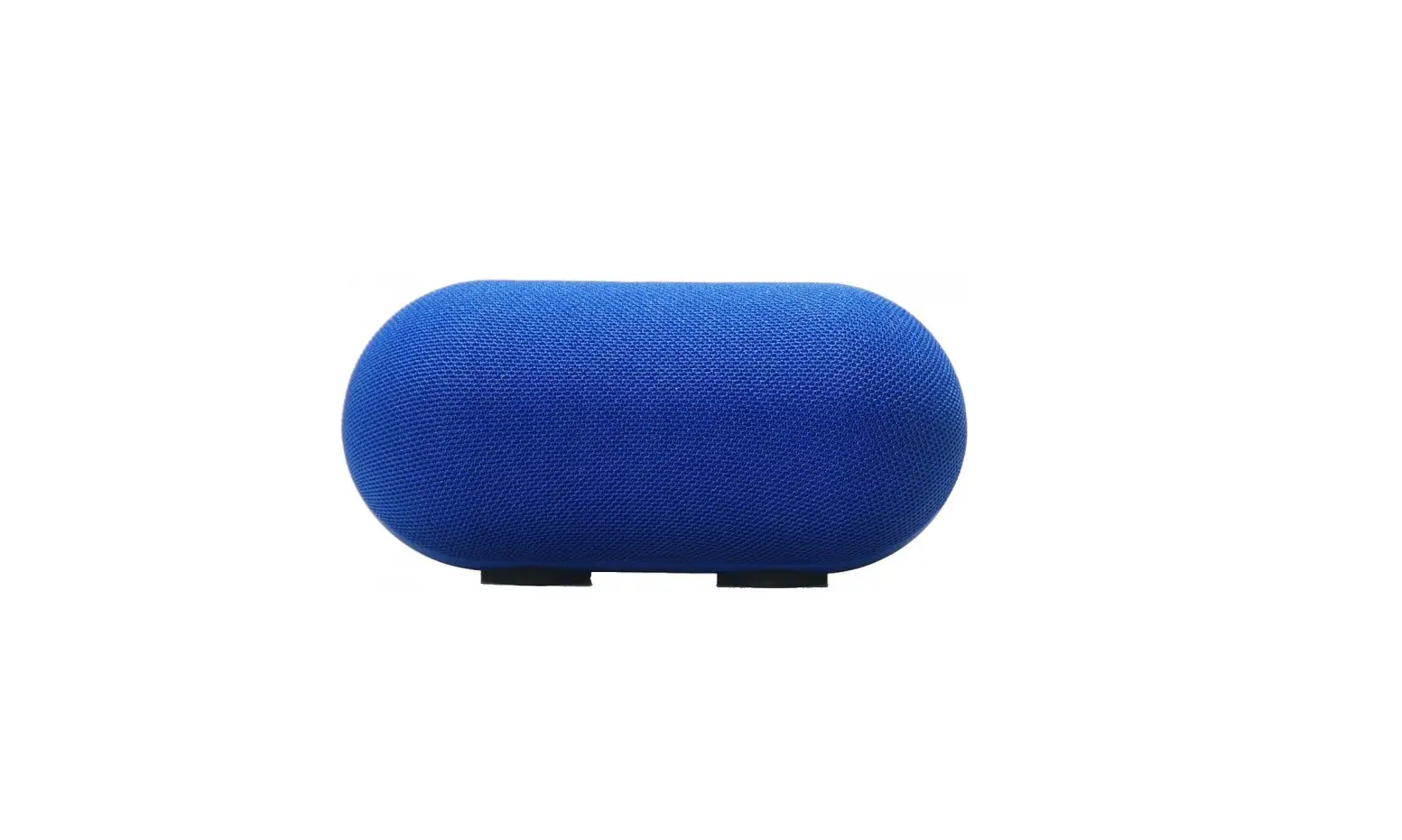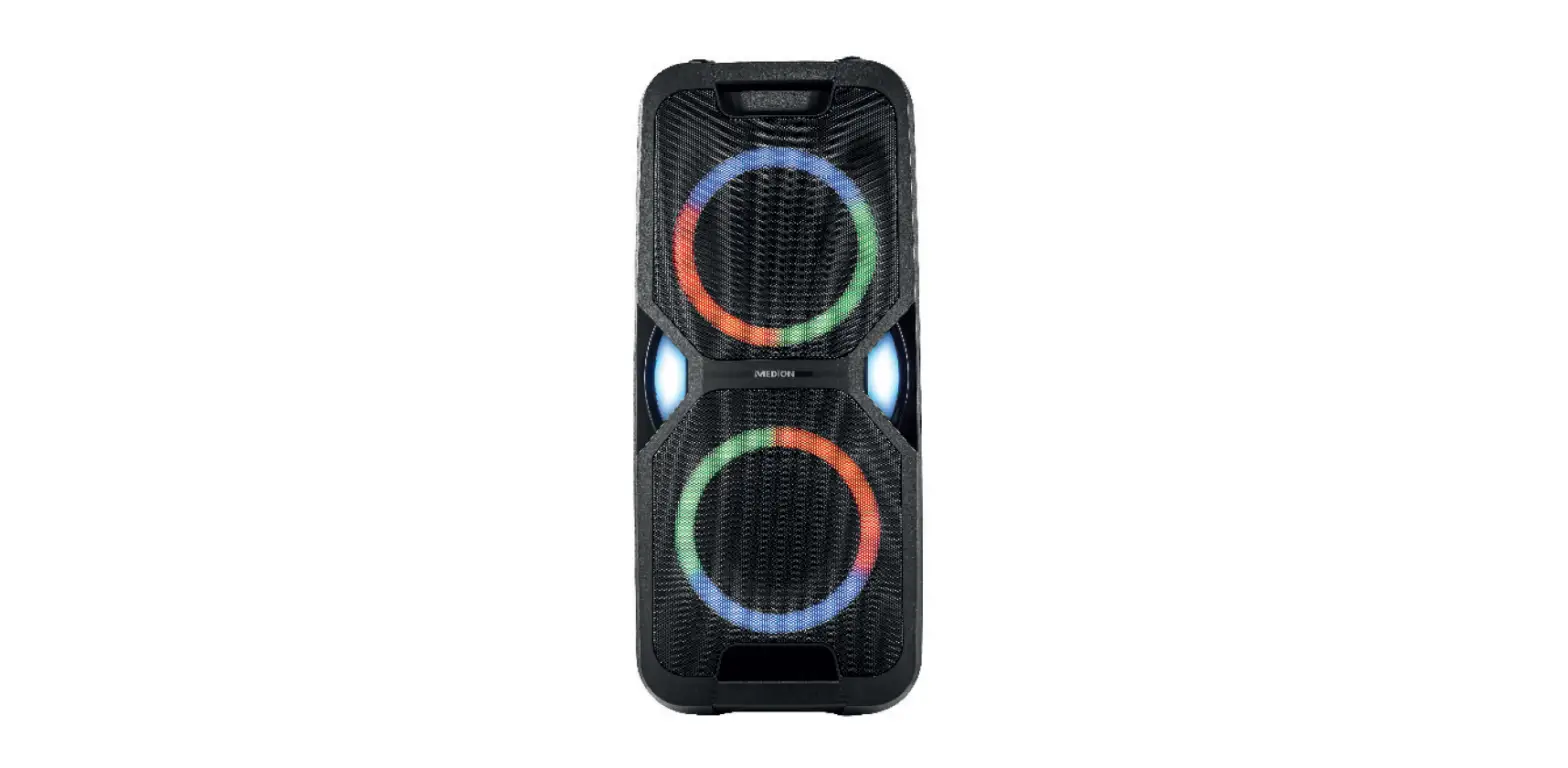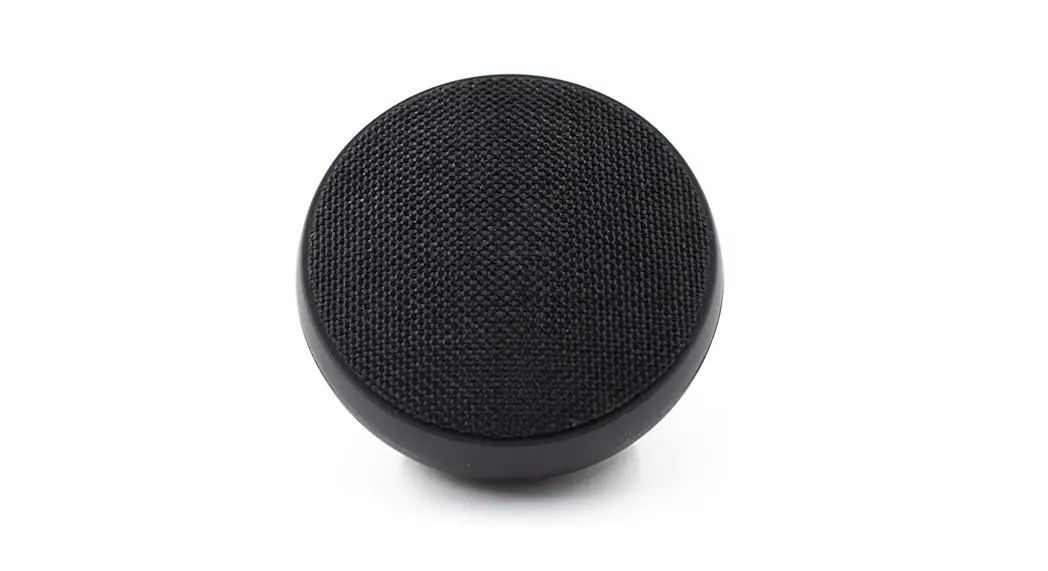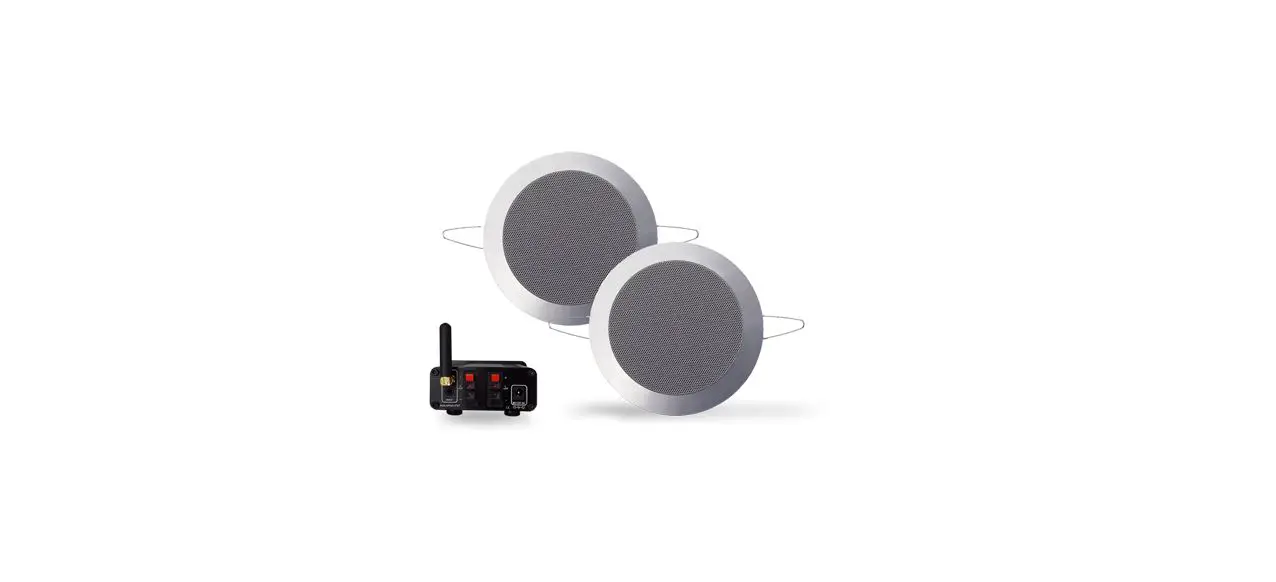

AquaSound BMN50Easy Bluetooth Music Center
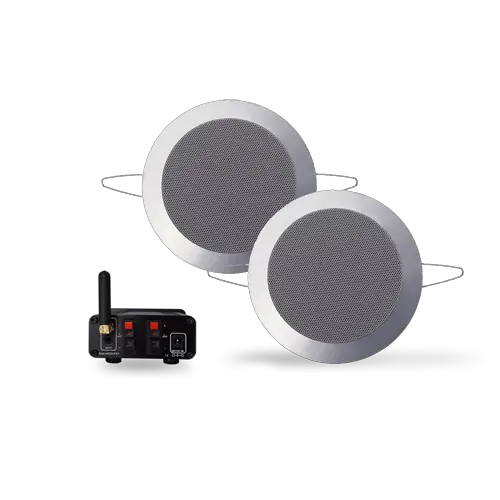
Installing Mini-Box:
Follow below instructions for installing the AquaSound Mini-Box in proper way.
- Aluminium Ceiling
Do not locate the Mini-Box behind an aluminum ceiling. - Metal:
Do not install the Mini-Box behind / near / on top of a washing machines/heating, etc. - Test range:
After installing Mini-Box you must test range.
For stable streaming the distance between iPhone and Bluetooth Mini-Box may not exceed 5 meters.
Pairing / connecting an iPhone® to the Sound Module:

Follow below instructions for connecting an iPhone® to the Bluetooth® Sound Module (Perform these steps on your iPhone):
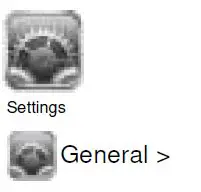
- Press Icon “Settings”
- Press Icon “General”
- Press “Bluetooth”
Turn Bluetooth on (ON), only when it is turned off (OFF).
Your iPhone is now searching for nearby Bluetooth devices. - A list of all nearby Bluetooth devices appears.
- Select “BT-Amp” from the list (first time code= 0000).
- In about 10-15 seconds the device “BT-Amp” is connected with your iPhone.
You can use your iPhone as usual. You can play a song on your iPhone, the sound will be streamed to the Bluetooth ver-Box.
- Make sure that the volume level is set to a low level. High volume may cause harm to your ears.
- For stable streaming the distance between iPhone and Bluetooth Mini-Box may not exceed 5 Meters.
Note: Above instructions are specific for iPhone. Above steps can be a slightly different for iPad® and iPod-Touch®.
Pairing / connecting an Android® SmartPhone to the Sound Module: 

Follow below instructions for connecting an AndroidT® SmartPhone to the Bluetooth® Sound Module (Perform these steps on your Android SmartPhone):
- Press Icon “Settings”

You can find this icon behind the [Menu] button on your SmartPhone. - Press Icon “Wireless and Network”

- Turn Bluetooth on (only if check box is unchecked).
- Press “Bluetooth settings”.
- Press “Scan for devices” / “Find nearby devices”
Your SmartPhone is now searching for nearby Bluetooth devices. - A list of all nearby Bluetooth devices appears.
- Select “BT-Amp” from the list (first time code= 0000).
- In about 10-15 seconds the device “BT-Amp” is connected with your SmartPhone.


You can use your SmartPhone as usual. You can play a song on your SmartPhone, the sound will be streamed to the Bluetooth Mini-Box.
Make sure that the volume level is set to a low level. High volume may cause harm to your ears.
For stable streaming the distance between SmartPhone and Bluetooth Mini-Box may not exceed 5 Meters.
Note: Instructions may vary slightly from different Android versions.
 AquaSound, Waterproof Intelligence - speakers, radio en tv