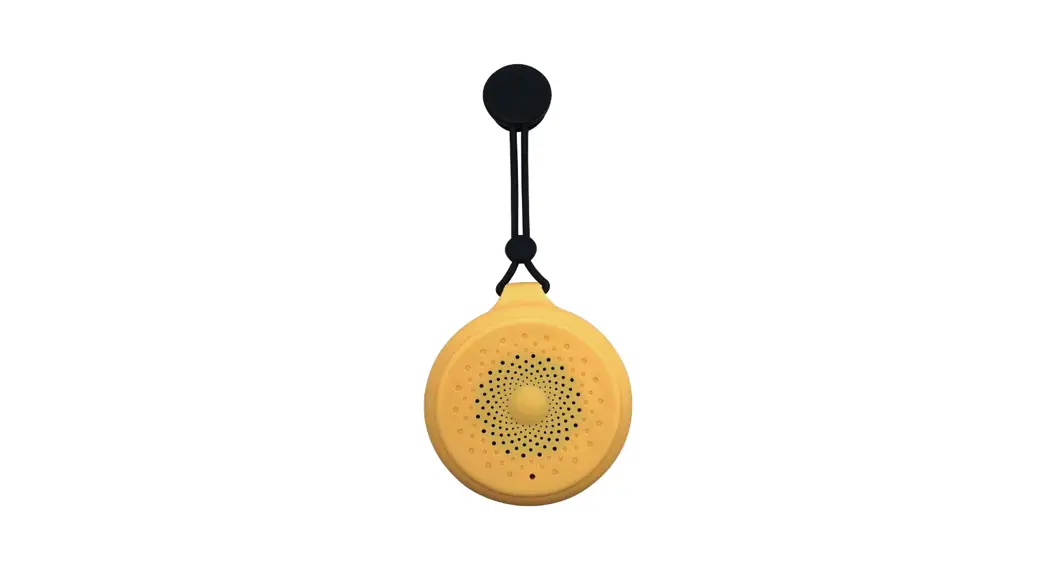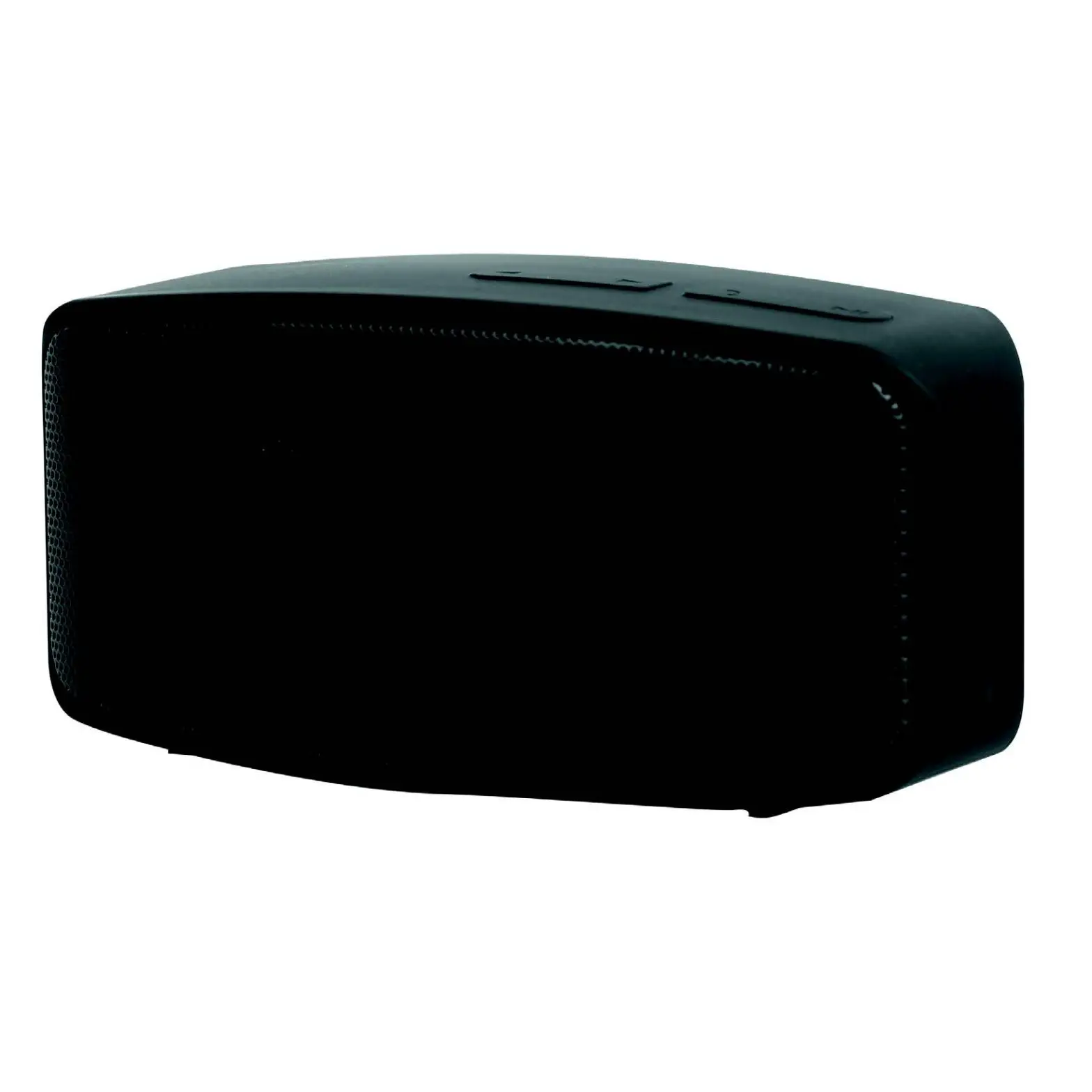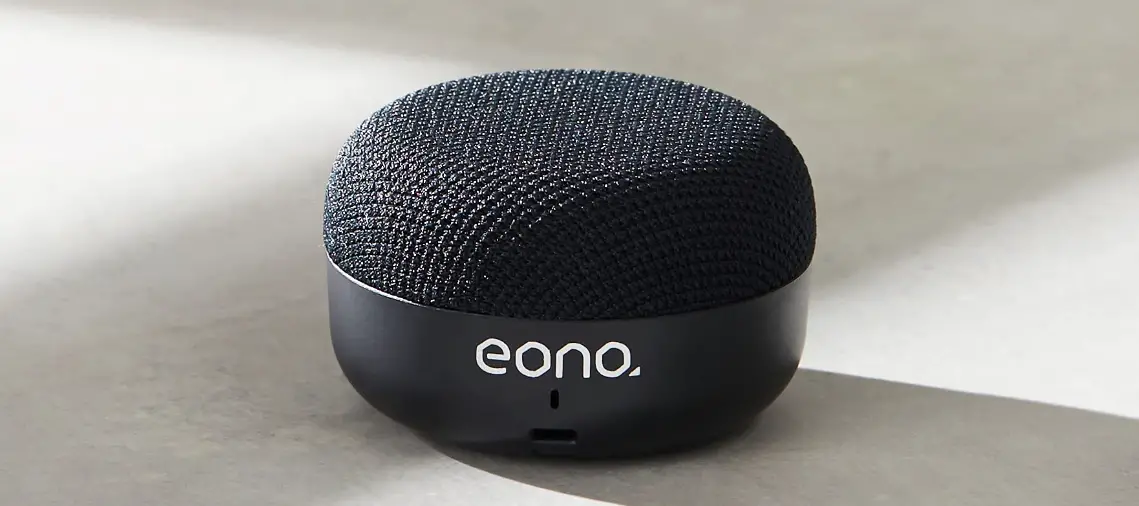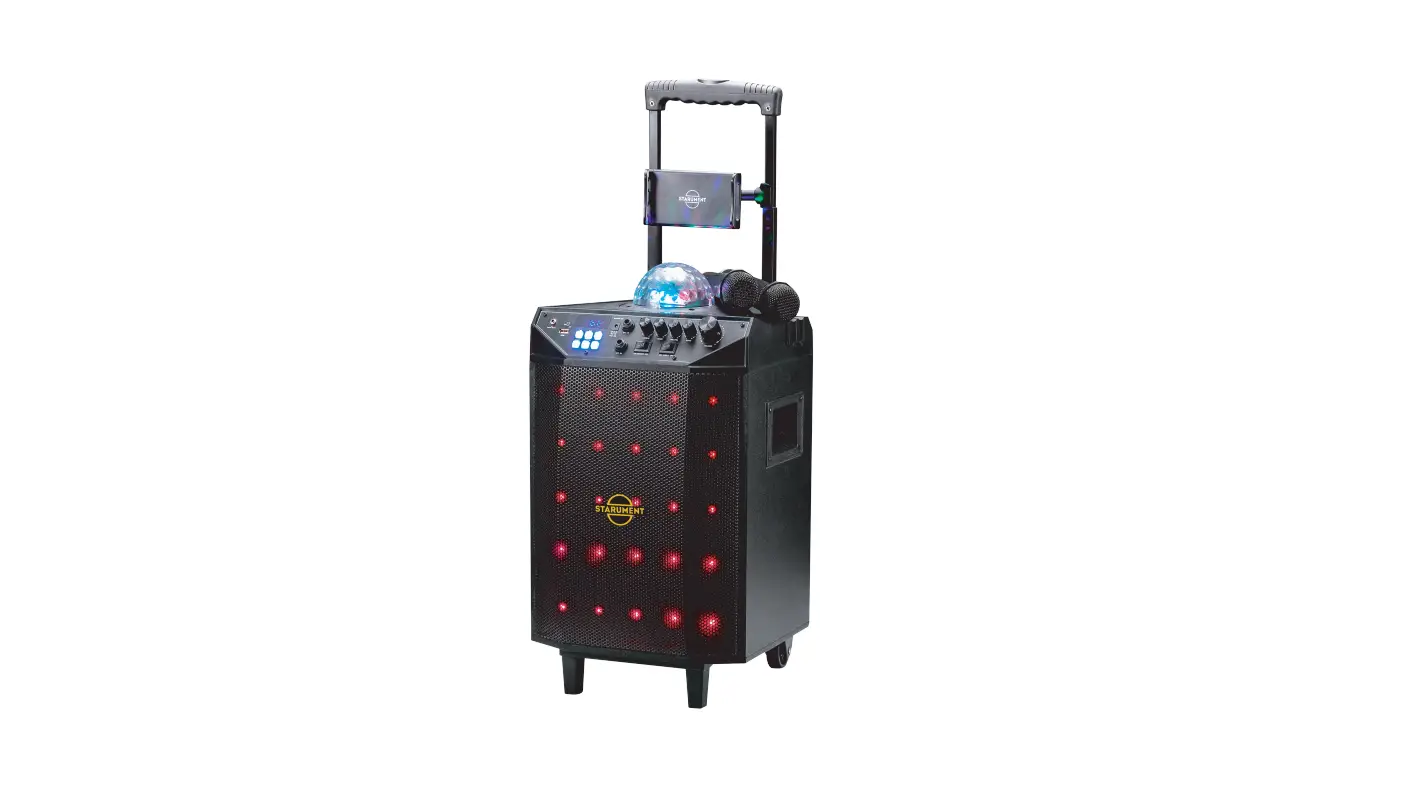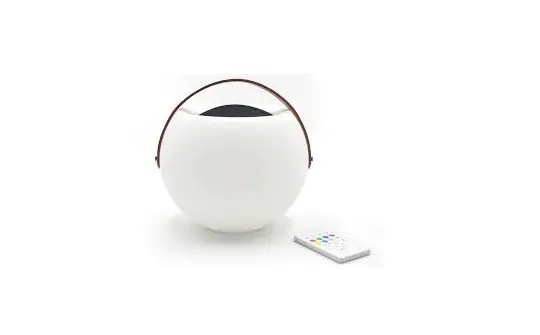

LIGHTBALL
OPERATIONS MANUAL
Bluetooth speaker
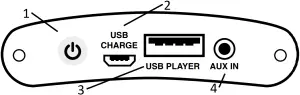
1: Power on/off
2: USB charge port
3: USB player
4: AUX Port
Dear Customer, Congratulations on the purchase of your loudspeaker(s). Please read these instructions carefully and keep them tor future reference.
SAFETY PRECAUTIONS
- Read all the instructions carefully before using.
- Check that the voltage marked on the rating label matches your mains voltage.
- The speaker should not be taken apart or modified.
- Do not place the speaker in constant sunlight or near naked flames such as wood stoves, lit candles, etc.
- Never subject the speaker to high temperatures, damp or dusty environments, heavy vibrations or impacts.
- Protect your hearing. Listening on high volume for prolonged periods can lead to permanent hearing loss.
- The speaker must only be repaired by qualified service technicians,
- This speaker is splash proof. Do not submerge under water, doing so will result in permanent damage.
- Do not expose the speaker to water while charging.
Accessories
- 1 x Bluetooth speaker
- 1 x Micro USB-cable
- 1 x remote control
- 1 x User manual
Compatibility
This product is compatible with Bluetooth enabled mobile phones and devices.
Charge
- Connect speaker with PC/Laptop/Mac or any 5V USB adaptor (not included) by the USB cable included.
- Red LED turns ON during charging, turns OFF after fully charged.
- Unplug USB cable after fully charged.
- Red LED twinkles when low power (<21%), with a warning sound.
CONTROL VIA THE BLUETOOTH SPEAKER.
Turning ON/OFF:
- Hold the power button for approx. 2 seconds to turn on, you would hear a starting chime.
- Hold it again for approx. 2 seconds to turn off.
Pairing
- Turn on the speaker to be ready for pairing. After 3-4 seconds, you would hear a chimed Bluetooth sound.
- Activate the Bluetooth function on your mobile phone or any Bluetooth devices, search the speaker and select the name “Lightball”, and connect the speaker with the device via Bluetooth pairing
- The Bluetooth sound is chimed once more after paired.
 Note:
Note:
- Keep the range of 1 meter when pairing. If the pairing was not successful, turn off the speaker and re-pair again.
- After successful pairing, paired devices will remember each other so there is no need to pair again unless pairing information is deleted.
- To pair with a new device, follow steps 1-3 above after disconnected from existing device.
AUX connection
Connect the AUX cable (not included) to the AUX jack.
Insert the other end of the cable into the headphone or LINEOUT jack of the external device.
Volume +/- and Previous / Next
- Short press the Volume +/- buttons to increase/ decrease volume.
- Long press the Volume +/- buttons to go to Next or Previous track.
- There is prompt music when volume is at max or min.
TWS (True Wireless Stereo) Function: to pair one mobile phone with 2 speakers together
- Make sure you have 2 LIGHTBALL speakers at your hand, turn on both speakers together, then quickly double click “Power” button s of both speakers, both speakers will into pairing mode to pair with each other first.
- Wait for around 5-10 seconds until two speakers “beep” once in sequence, which means both speakers paired with each other already.
- Then, activate Bluetooth function of your device and pair with Bluetooth name Lightball. You would enjoy music in True Wireless Stereo sound from two speakers simultaneously.
Warm notes:
- You can only enjoy TWS function when you have 2 Lightball speakers.
- If you want to disconnect existing TWS connection, double click “Power” button of either speaker, the sub-speaker will disconnect, the host speaker will keep playing music.
- If you want to establish TWS connection with 2nd speaker after your device connected with one speaker already, please long press” power “button to disconnect from your existing paired device, then follow above steps 1-3.
CONTROL VIA REMOTE CONTROL
NOTE: Please remove the plastic tab from the battery cover before use.
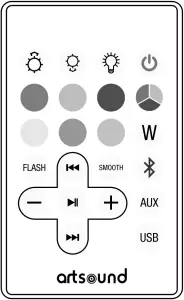
 Stand by button: After powering on the speaker (by pressing the power button on the underside of the speaker), short press this button to turn off the light and Bluetooth. Short press again to turn on the light and Bluetooth.
- Bluetooth function: press this button to switch into Bluetooth mode.
-
 AUX function: press this button to switch into AUX mode.
  USB function: press this button to switch into USB mode.
 Previous button: When the Bluetooth is connected, and the music is on, press this button to select the previous track.
- Next button: When the Bluetooth is connected, and the music is on, press this button to select the next track.
 Pause and play: When the Bluetooth is connected, and the music is on, press this button to play or pause the music.
 Voice – and +: When the Bluetooth is connected, and the music is on, press the “-” to reduce the volume, press “+” to increase the volume.
- Light ON/OFF button: Press this button to switch the light on and off.

 Brightness intensity: Change the brightness when the light is fixed on one single colour.
 Color selection button: When the light is on, press this button to choose your favourite color (6 colors to choose from).
 Color selection button: when the light is on, press this button to select the next color. (7 colors to choose from).
- Music flash button: The light will flash when the music is playing.
- Smooth button: 7 colors are scrolling automatically.
- White color button: Press this button and the speaker will display a White color.
 Stand by button: After powering on the speaker (by pressing the power button on the underside of the speaker), short press this button to turn off the light and Bluetooth. Short press again to turn on the light and Bluetooth.
 Bluetooth function: press this button to switch into Bluetooth mode.
 AUX function: press this button to switch into AUX mode.
 USB function: press this button to switch into USB mode.
 Previous button: When the Bluetooth is connected, and the music is on, press this button to select the previous track.
 Next button: When the Bluetooth is connected, and the music is on, press this button to select the next track.
 Pause and play: When the Bluetooth is connected, and the music is on, press this button to play or pause the music.
 Voice – and +: When the Bluetooth is connected, and the music is on, press the “-” to reduce the volume, press “+” to increase the volume.
 Light ON/OFF button: Press this button to switch the light on and off.
 Brightness intensity: Change the brightness when the light is fixed on one single colour.
 Color selection button: When the light is on, press this button to choose your favourite color (6 colors to choose from).
 Color selection button: when the light is on, press this button to select the next color. (7 colors to choose from).
 Music flash button: The light will flash when the music is playing.
 Smooth button: 7 colors are scrolling automatically.
 White color button: Press this button and the speaker will display a White color.
 Warm notes :
- Above operations and sequence based on factory default setting.
- Speaker memorizes previous lighting status before turn-off, when you turn it on again, it will display the same lighting mode/color/brightness.
Technical specifications
- range : <20 m²
- system : Full drive
- woofer : 2.5″ polypropylene cone
- mood lighting :
– adjustable intensity: off/20%/50%/100%
– colours: white, purple, green, marine-blue, light-green, sky blue, pink
– status: one colour/waving/dancing to music - battery : 2,200 mA (8 hours)
- amp power RMS : 5 Watt
- amp power max : 20 Watt
- frequency range : 80Hz-20KHz
- Aux-in : 3.5mm jack
- wireless : Bluetooth 5.0
- connections : Stereo Bluetooth/TWS, USB, USB (charging) (Type A), 5 V/1 A
- 0.8 kg /piece
- composition : plastic + PU-leather
- colour : White
- dim. (wxdxh) : 20 x 20 x 16.3 mm
- extra : remote control, USB-cable
Warranty conditions
2 year warranty from the date of manufacture.
The warranty is limited to the repair of replacement of the detective material insofar as this defect is a resu Il of normal use and the device has not been damaged. Artsound is not responsible for any other casts that ensue as a result of the defect (e.g. transport). For details, please consult our general terms and conditions of sale.
 Waste electrical products should not be disposed of with household waste. All electronic products with the WEEE logo must be collected and sent to approved operators for safe disposal or recycling. Please recycle where facilities exist. Many electrical/electronic equipment retailers facilitate “Distributor Take-Back scheme” of household WEEE. Check with your Local Authority or retailers for Designated Collection Facilities (DCF) where consumers may dispose of their WEEE free of charge.”
 www.artsound.be
 Artsound.audio
 artsoundaudio
House of Music nv
Ronse, Belgium +32 9 380 81 80
 [email protected]