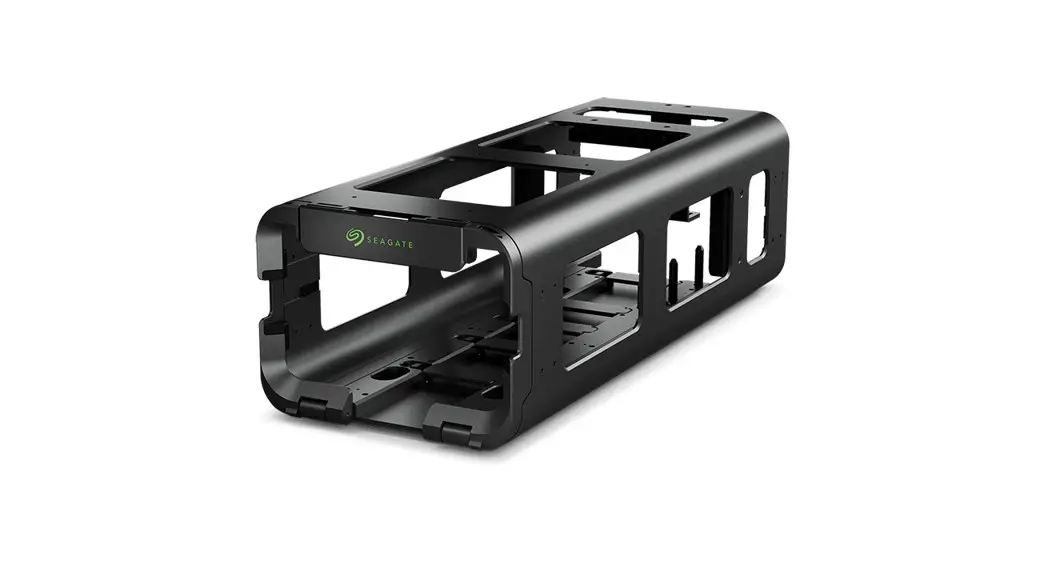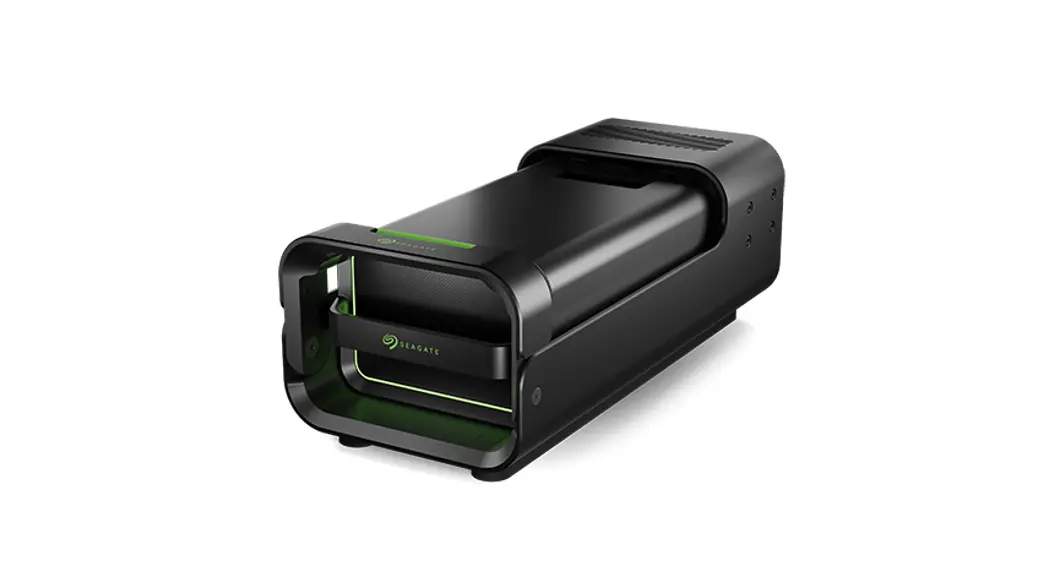

LYVE™ Mobile Mount 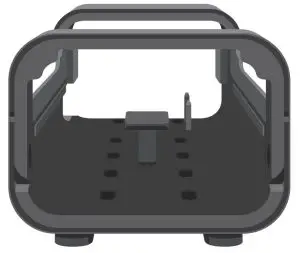
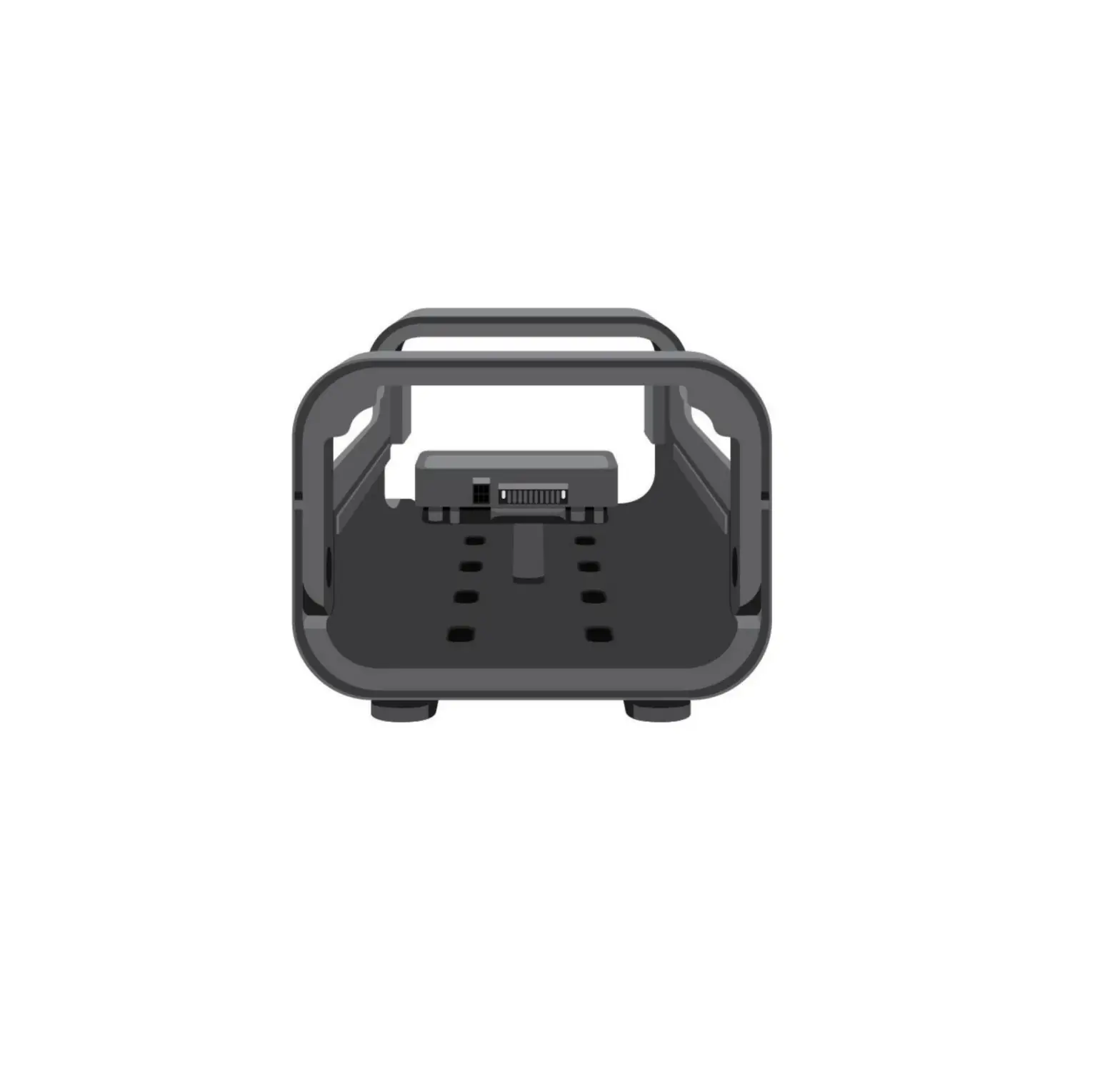
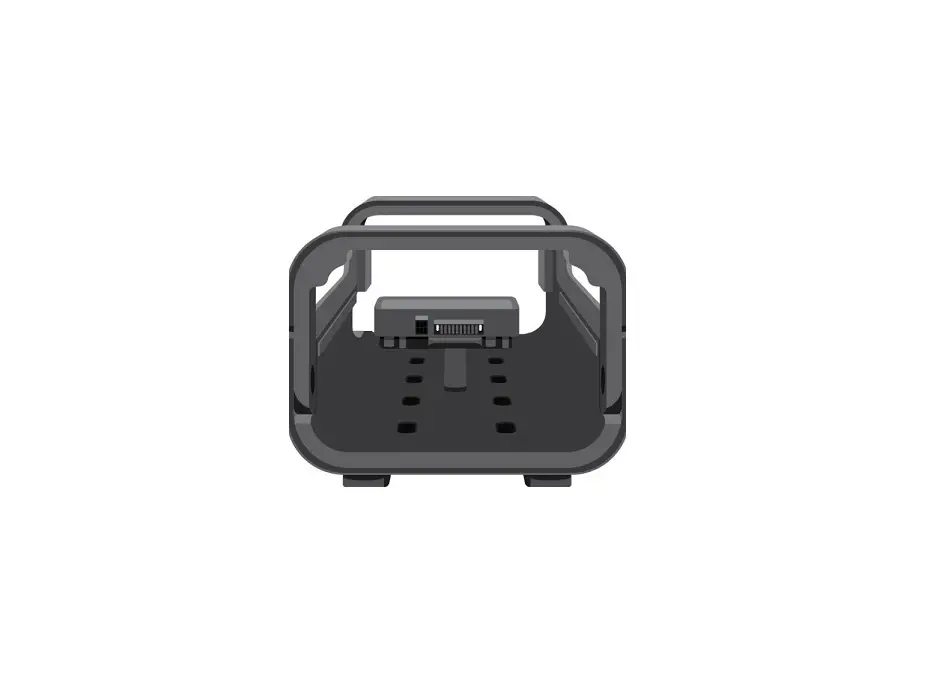
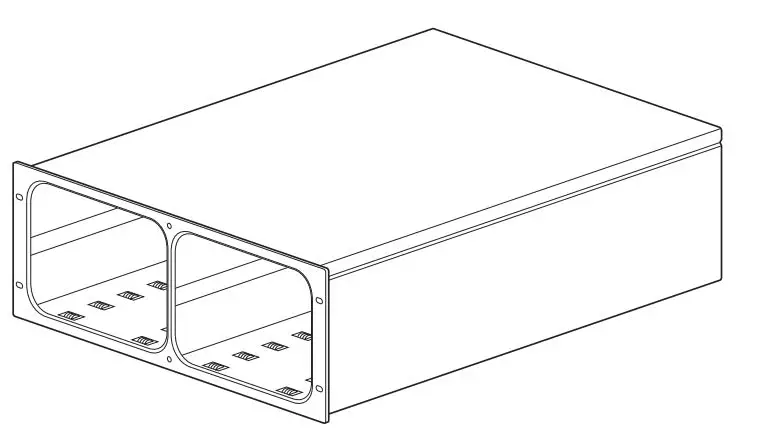
Mounting slots
Before installing Live ™ Mobile Array, ensure that Live Mobile Mount is securely fixed to the vehicle to avoid excessive motion.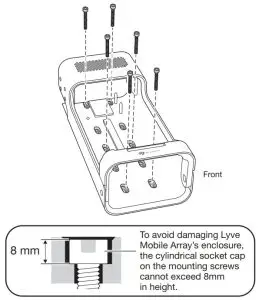
Release handle
Press the green release button and swing the handle down.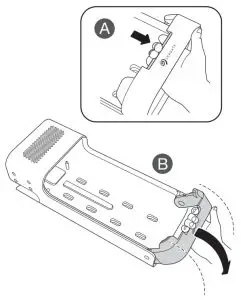
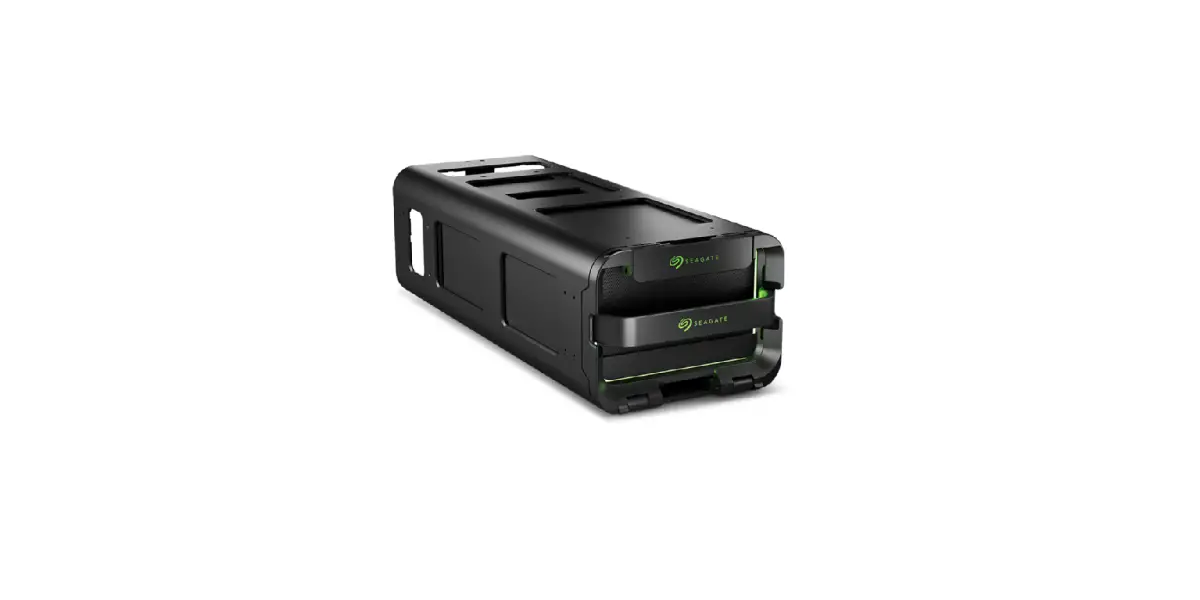
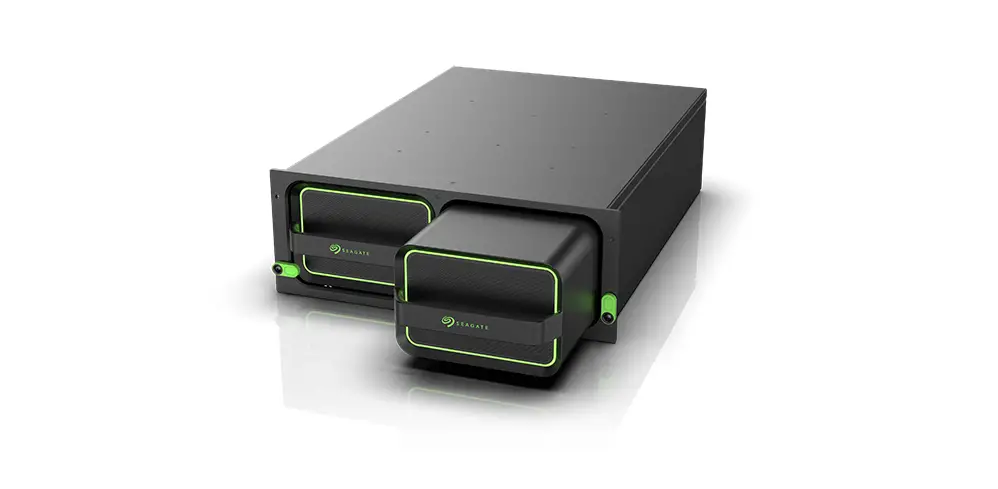
Insert device
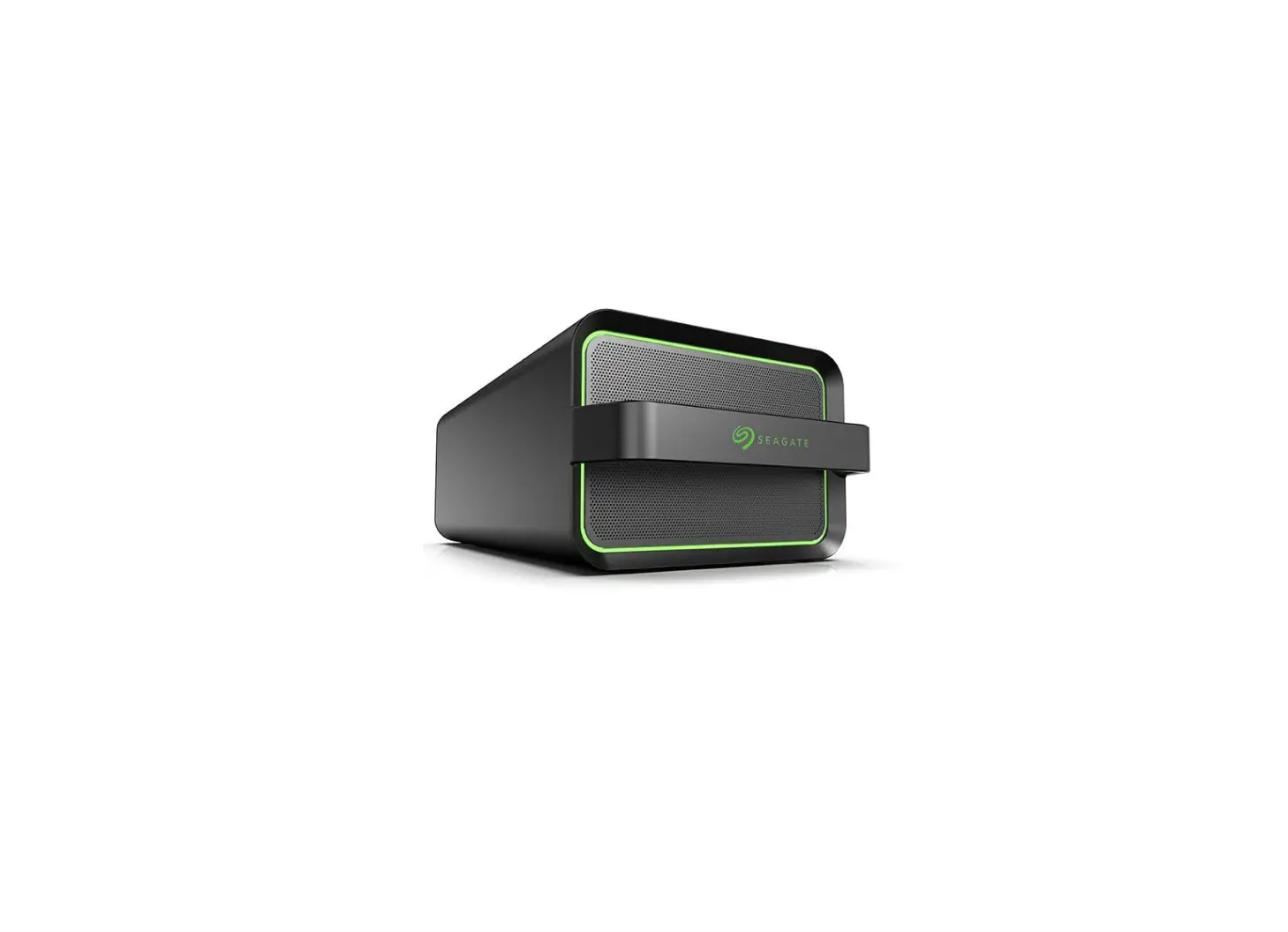
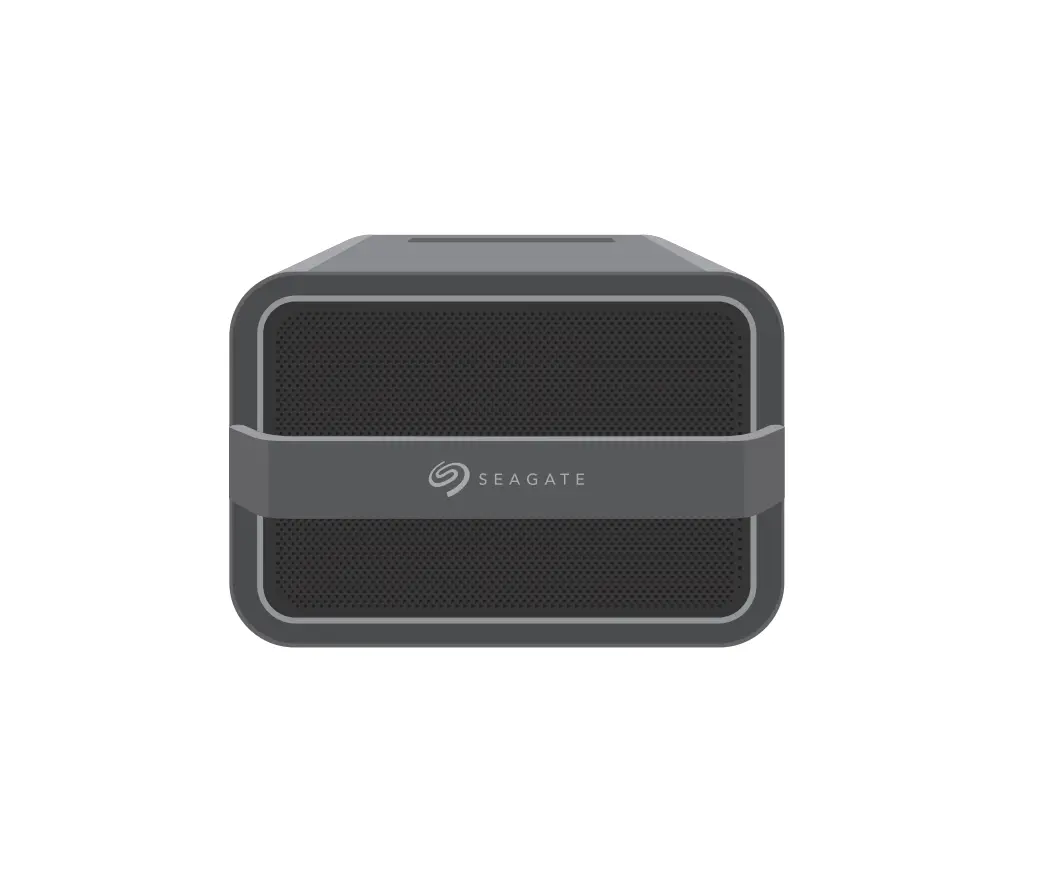
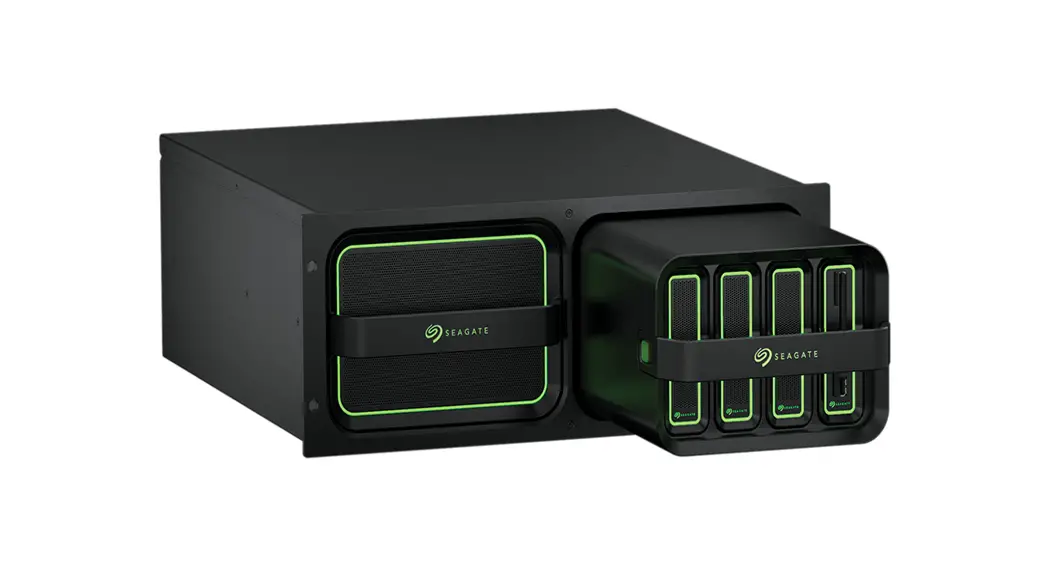
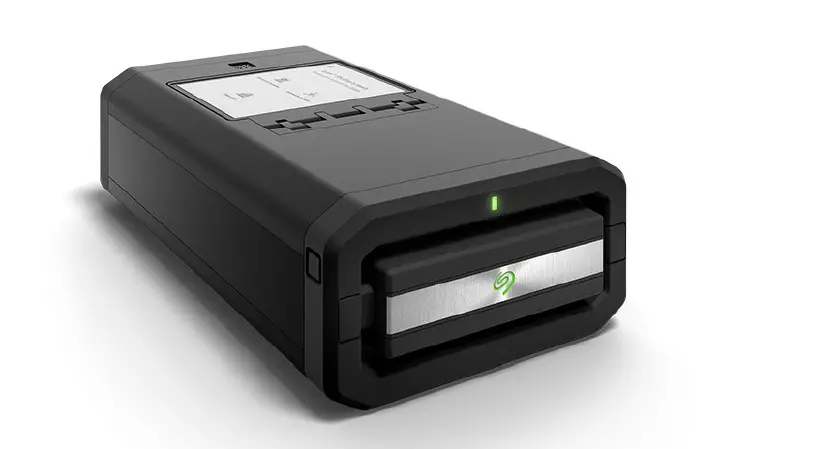
Insert Live Mobile Array with ports facing the back of Live Mobile Mount.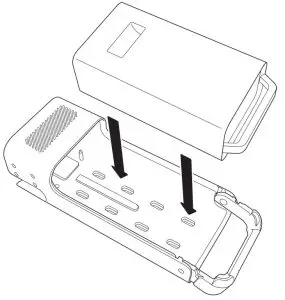
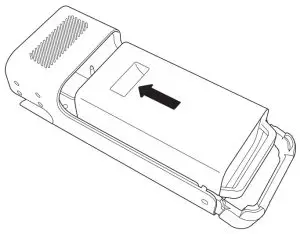
Attach device
Slide Mobile Array toward the back of the mount.
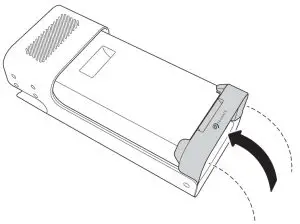
Lock devise in place
Swing the handle up until it locks in place.

www.seagate.com/manuals/mobile-mount

FCC DECLARATION OF CONFORMANCE
This device complies with Part 15 of the FCC Rules. Operation is subject to the following two conditions: (1) this device may not cause harmful interference, and (2)this device must accept any interference received, including interference that may cause undesired operation.
CLASS B
This equipment has been tested and found to comply with the limits for a Class B digital device, pursuant to Part 15 of the FCC Rules. These limits are designed to provide reasonable protection against harmful interference in a residential installation. This equipment generates, uses, and can radiate radio frequency energy and, if not installed and used in accordance with the instructions, may cause harmful interference to radio communications.
however, there is no guarantee that interference will not occur in a particular installation. If this equipment does cause harmful interference to radio or television reception, which can be determined by turning the equipment off and on, the user is encouraged to try to correct the interference by one or more of the following measures:
- Reorient or relocate the receiving antenna.
- Increase the separation between the equipment and receiver.
- Connect the equipment into an outlet on a circuit different from that to which the receiver is connected.
- Consult the dealer or an experienced radio/TV technician for help.
CAUTION: Any changes or modifications made to this equipment may void the user’s authority to operate this equipment.
© 2021 Seagate Technology LLC. All rights reserved. Seagate, Seagate Technology, and the Spiral logo are registered trademarks of Seagate Technology LLC in the United States and/or other countries. Live is either a trademark or registered trademark of Seagate Technology LLC or one of its affiliated companies in the United States and/or other countries. Thunderbolt and the Thunderbolt logo are trademarks of Intel Corporation in the U.S. and/or other countries. All other trademarks or registered trademarks are the property of their respective owners. Complying with all applicable copyright laws is the responsibility of the user. Seagate reserves the right to change, without notice, product offerings or specifications. Seagate Technology LLC., 47488 Kato Road, Fremont, CA 94538 USA www.seagate.com Seagate Technology NL B.V., Tupolevlaan 105, 1119 PA Schiphol-Rijk NL Seagate Technology NL B.V., (UK Branch), 60 Norden Road Maidenhead SL6 4AY UK Seagate Singapore International Headquarters Pte. Ltd., 90 Woodlands Avenue 7 Singapore 737911 PN: 200639700 01/21