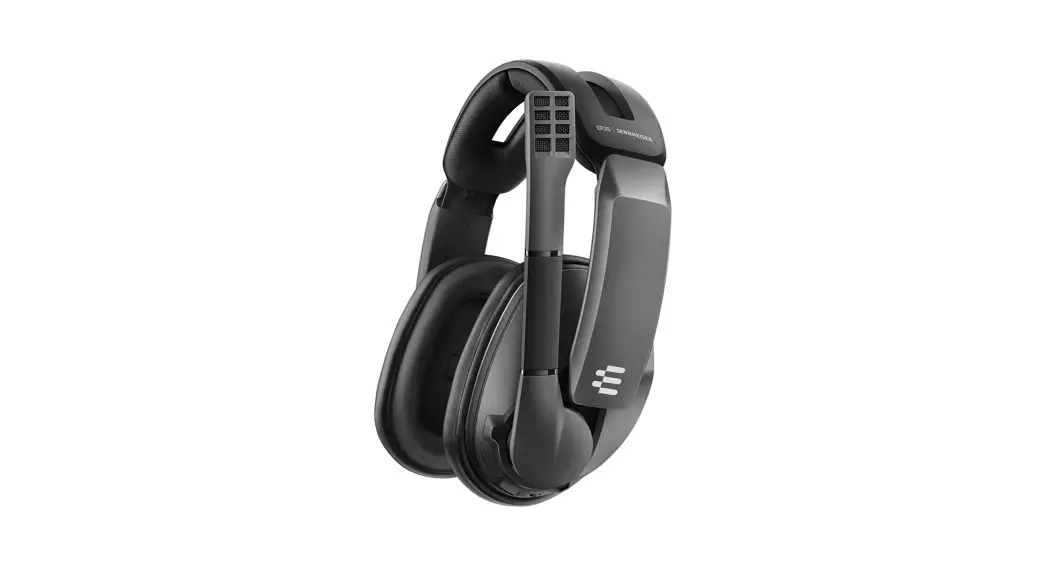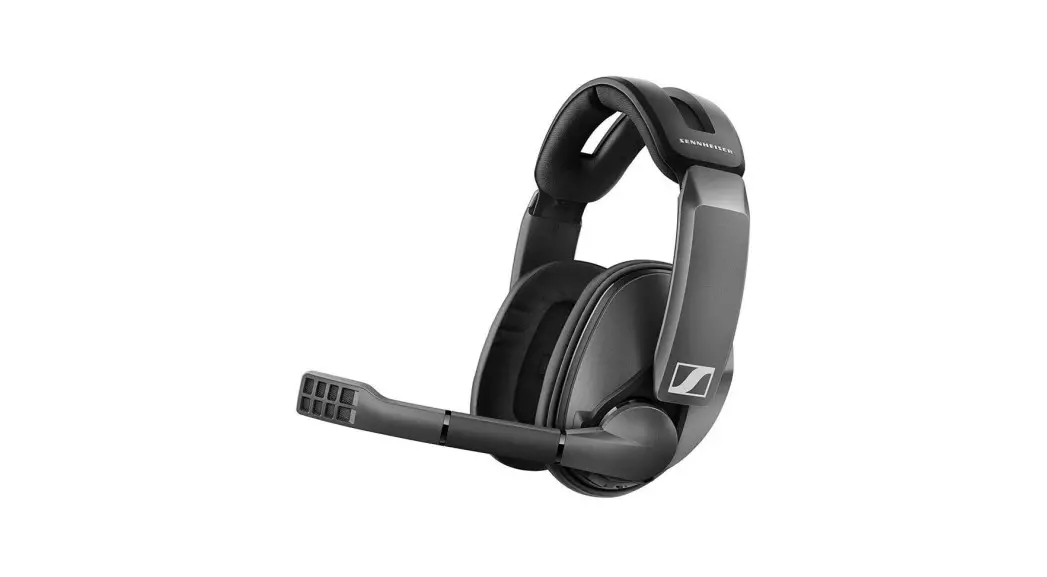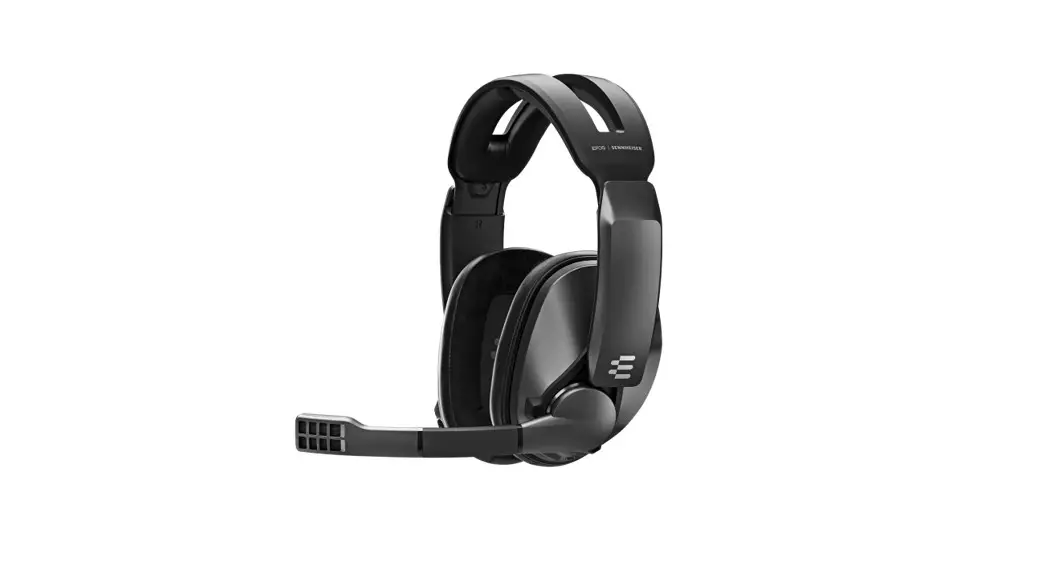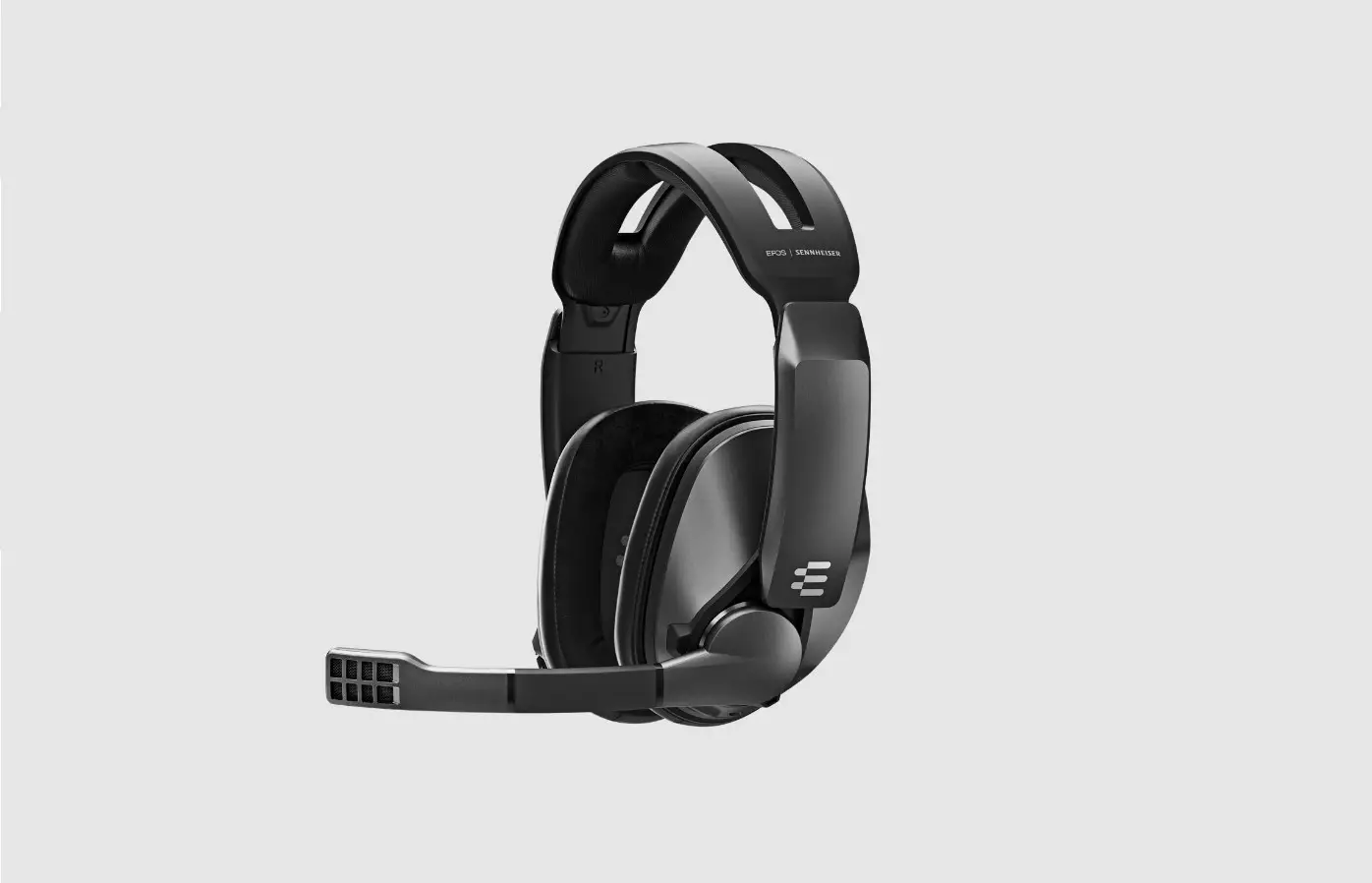
SENNHEISER EPOS GSP 370 User Guide
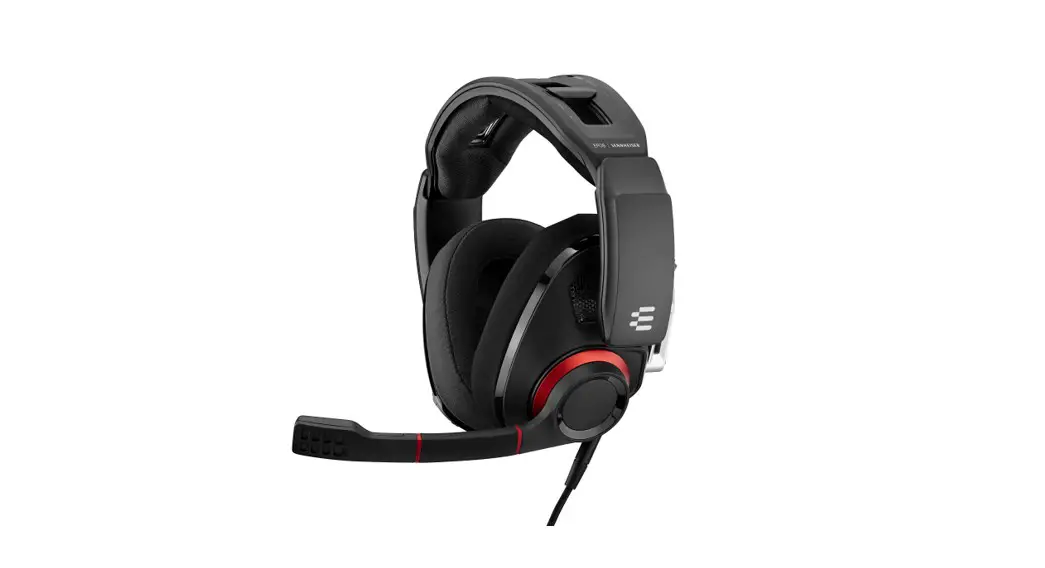
Thank you for choosing our GSP 370 as your default gaming headset. As we are dedicated to giving you the best gaming audio experience, we have put together a short guide, that will take your through the process of setting up and connecting your headset. Below you will find all the information that will ensure you are ready to embark on your wireless gaming adventure.
Switching the headset on/off
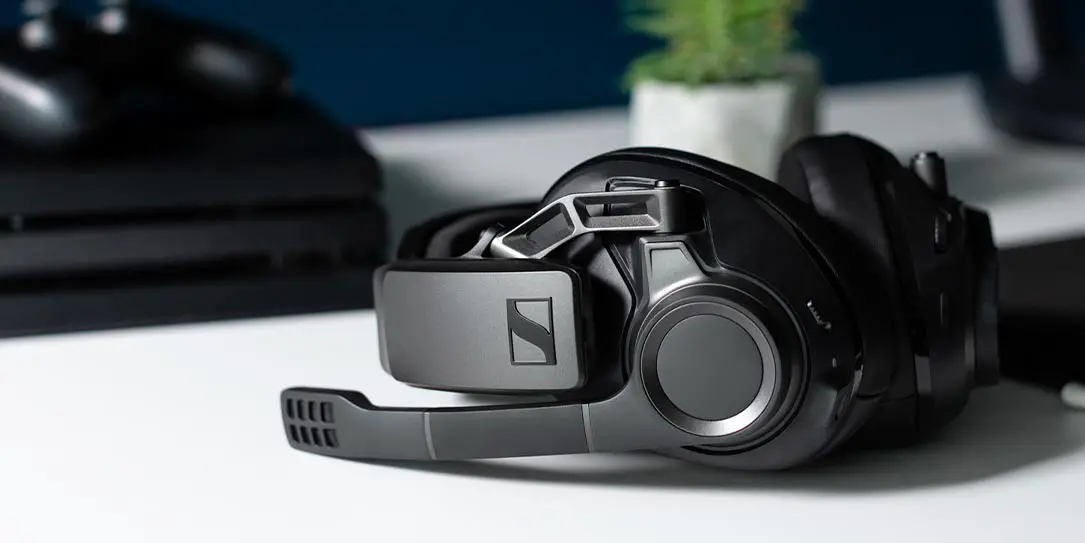
Put the slider button in the “down” position to turn on. Put the slider button in the “up” position to turn off. A slight click can be heard when turning the GSP 370 on/of.
Set headset in pairing mode
From the off position, hold the slider button down for 2 seconds until it flashes blue and red until it connects to the dongle.
Set dongle in pairing mode
- Insert the dongle into your USB port.
- Wait 6 seconds and remove the dongle.
- Insert the dongle again, and it will start in pairing mode.
When dongle and headset has paired, the flashing light on the headset turns into a solid color.
Clear the pairing list of the headset and the dongle
To clear the pairing list, simply go to your device and select the GSP 370 from the list of saved devices.
Click on ‘Forget this device’, and afterwards your GSP 370 will not connect to this device anymore
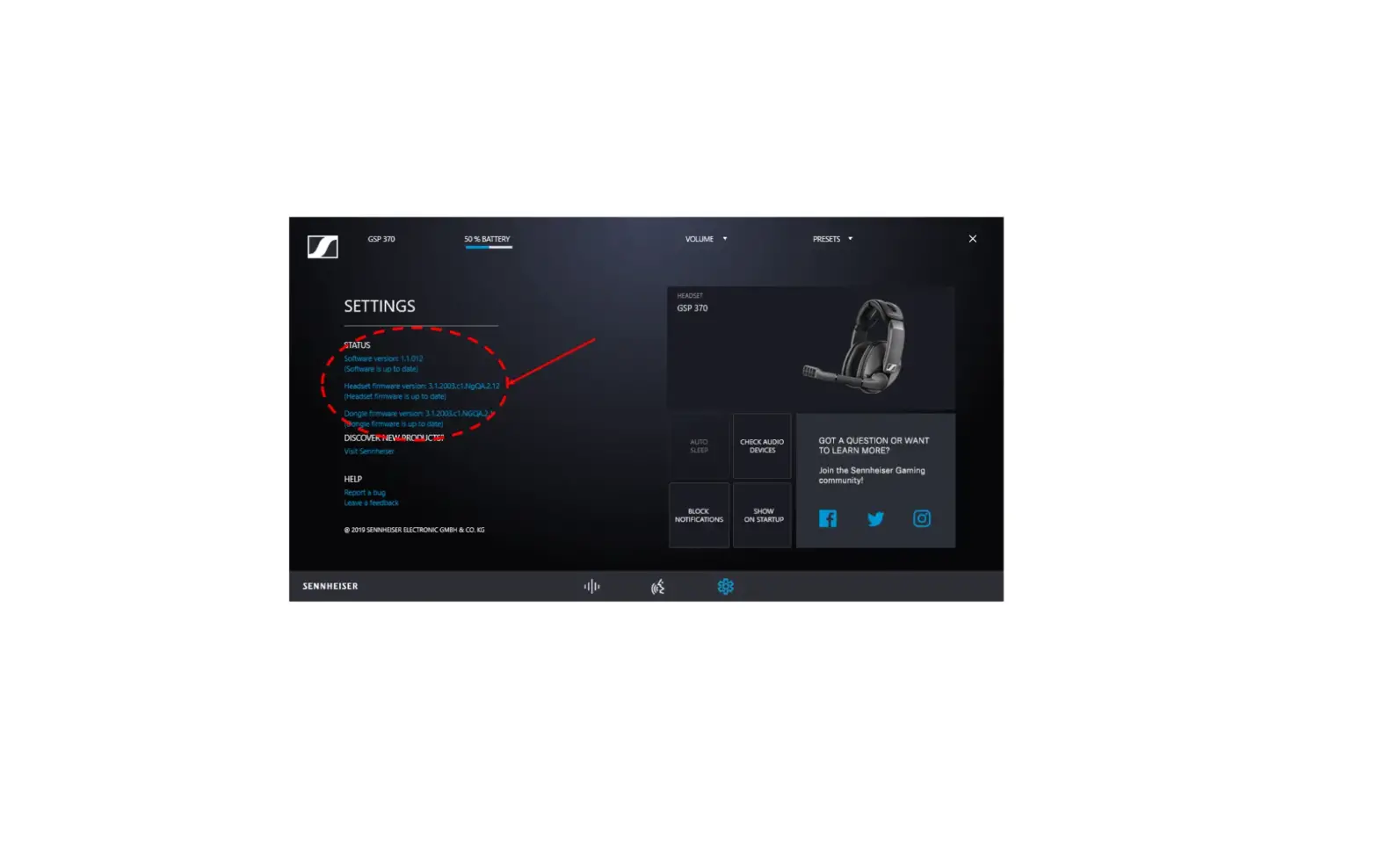
Installing the Gaming Suite
To install the Gaming Suite Software, go to eposaudio.com/gaming/downloads
Muting the microphone
Lift the microphone up to mute.
Adjusting the volume
The GSP 370 has an integrated volume wheel on the ear cup, synced with Windows 10, which makes it easier to control the game audio volume on the fly.
Charging the headset
To charge the headset, plug the USB charging cable into the headset and the other end into a USB port. 10 hours of use by charging it for just 5 minutes. The GSP 370 can be used while charging!
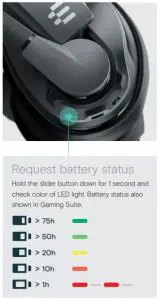
Other questions
Contact our product service support at eposaudio.com/support
EPOS sells co-branded EPOS | SENNHEISER products for business professionals and the gaming community, while also introducing a new EPOS branded portfolio.