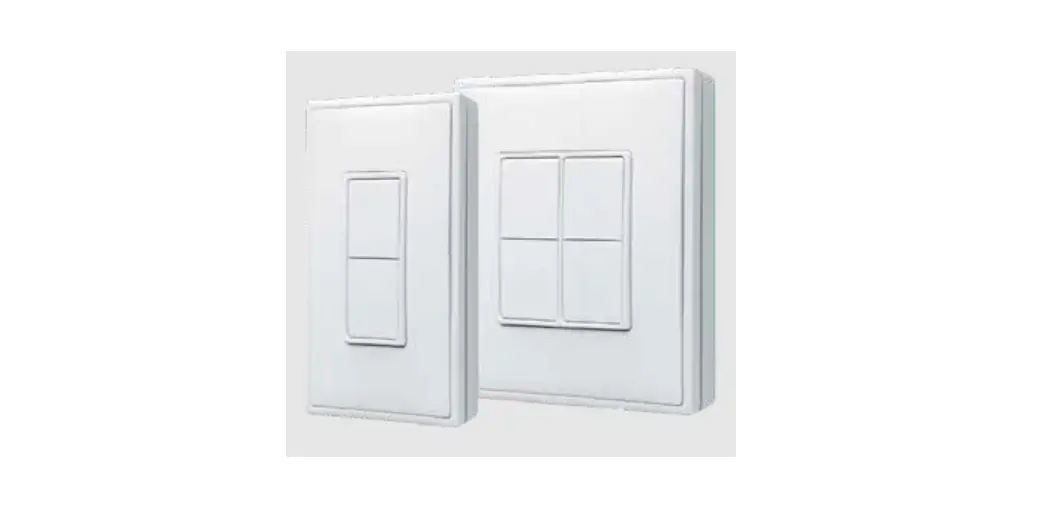
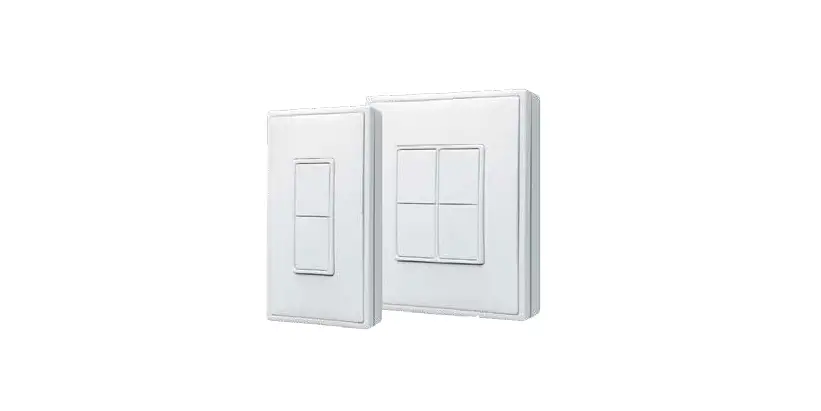
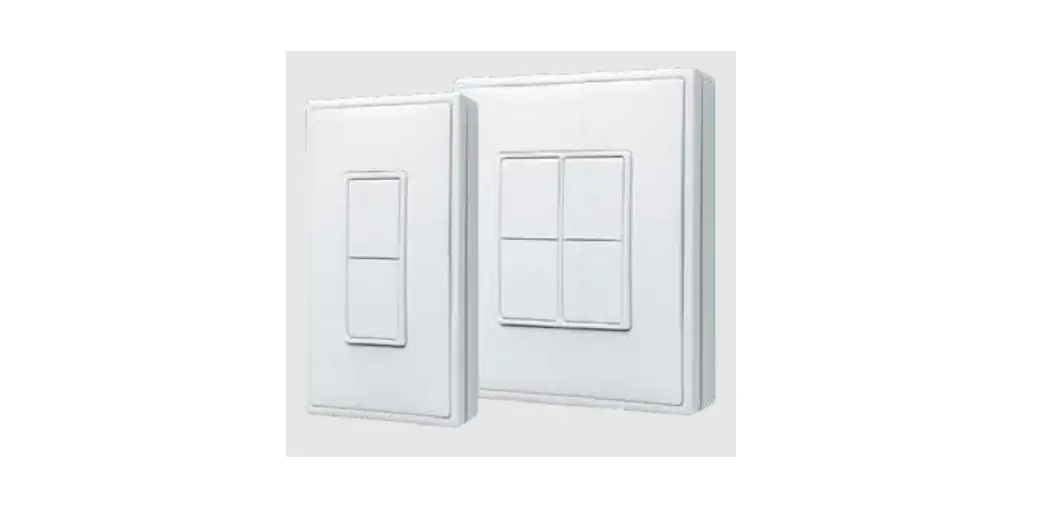
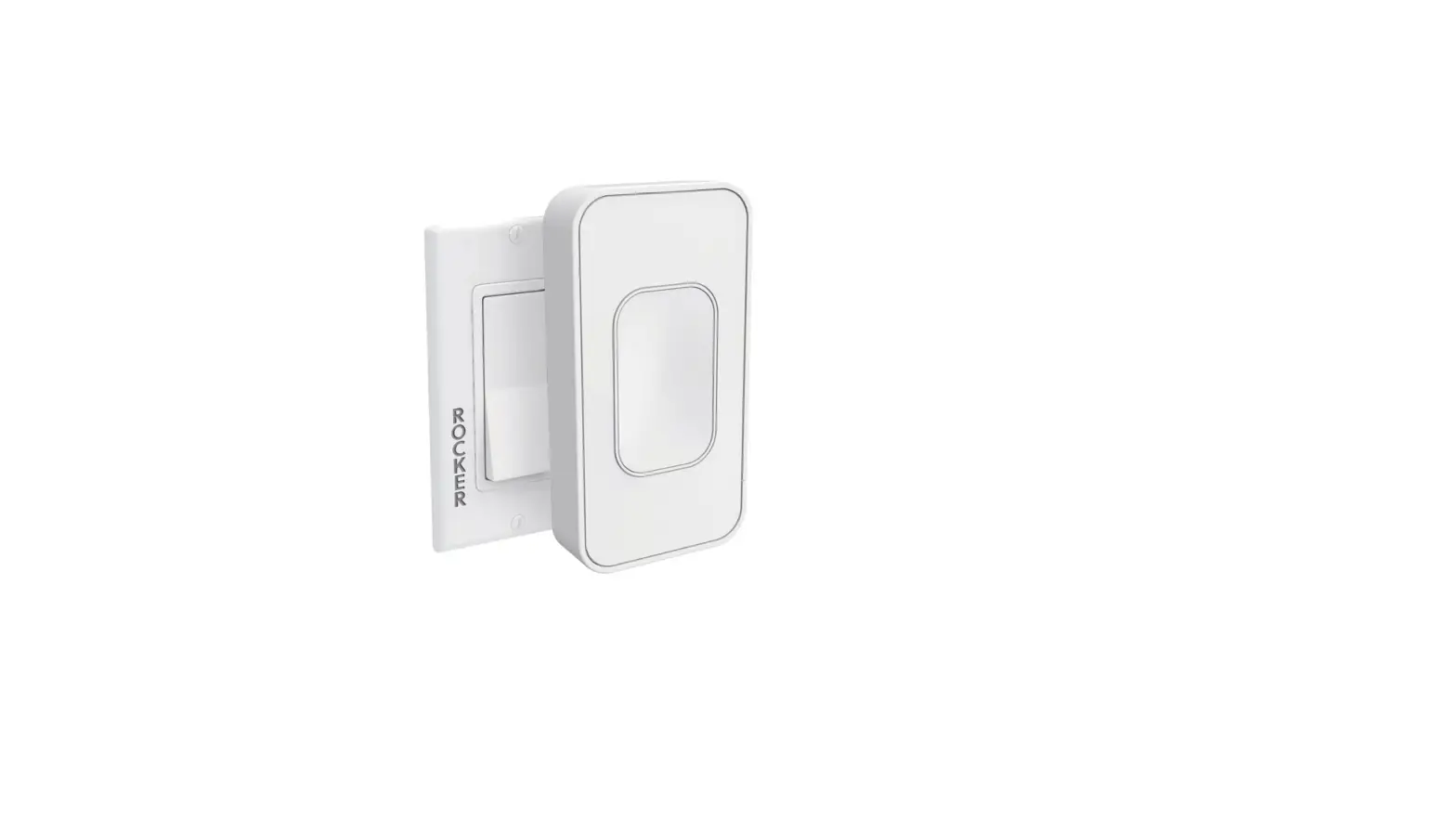
MZ-ESRP, EDRP Rocker Switch
Product Installation Guide
Rocker Switch (Single, Double) MZ-ESRP / EDRP
1. Description
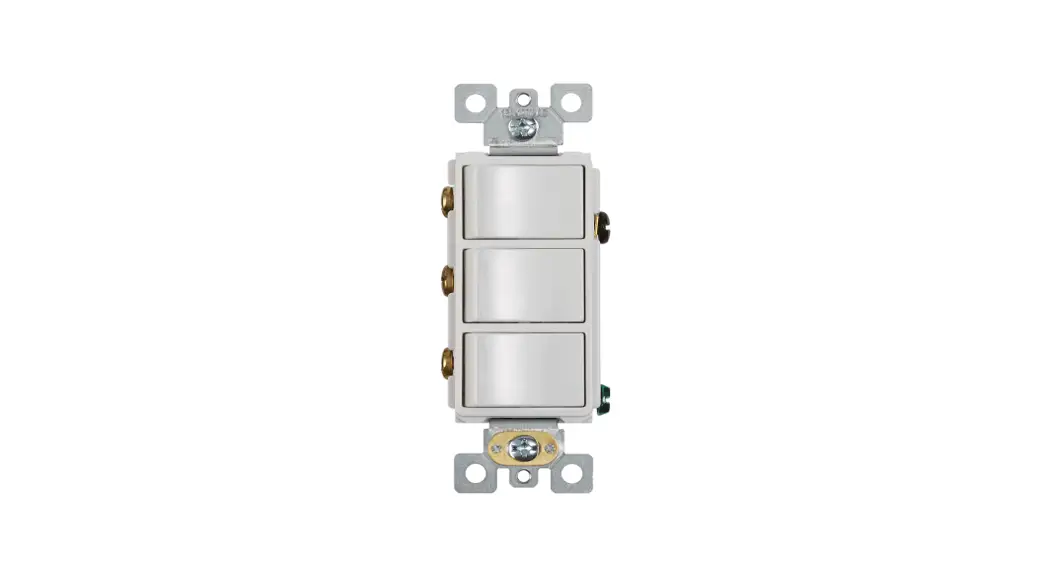
The light switch, also known as rocker switch is a battery-free,
wireless transmitting device that communicates with a wide variety
of receivers, including relay controllers as well as all of the
Magnum OPUS line. Every time the light switch is pressed, a small
micro generator produces a tiny electrical current that powers a
built-in transmitter. This transmitter sends wireless signals that
command the relay/receiver to turn a device off, on as well as
dimming, where applicable.
2. Package Contents & Tools Required
3. Features
4. Dimensions
4.95 x 125.76mm
0.74 x 18.84mm
3.21 x 81.76mm
5. Technical Specifications
- Part Numbers: ESRP = Single Rocker, EDRP = Double Rocker
- Power Supply: Integrated Radio Transmitter
- Transmission Range:
- Dimensions: 4.95 x 125.76mm (Single Rocker), 4.95 x 125.76mm
(Double Rocker), 0.72 x 18.34mm (Single Rocker), 4.52 x 114.99mm
(Double Rocker) - Weight:
- Environment:
- Agency Compliance:
6. Planning
7. Installation
- Decide where you want to mount the rocker pad. The standard
height for wall switches is 49 or 125 cm on center. - Remove the wall plate from the rocker pad assembly.
- Decide which of the two installation options is
appropriate.
- A. Surface Mounted Installation
- Using a level and a pencil, lightly mark 2 small dots to align
the top edge of the mounting plate. - Mark the mounting screw drill points.
- Click the rocker pad on and off to test the mechanism. NOTE: To
activate dimming, press and hold; top button to increase, bottom
button to decrease.
8. Commissioning
Note: This step requires consulting the manual for the
compatible system or contacting the manufacturer for
assistance.
Part 1: Activate commissioning (or linking) mode for a system
compatible with the switch.
Part 2: Put the switch into commissioning mode.
- To enter commissioning mode, start by selecting one button on
the switch. (Use the same button for the entire sequence. Pressing
any other button will exit the commissioning mode.) - Execute the following long-short-long sequence:
- Press and hold the selected button for more than 7 seconds
before releasing it - Press the selected button quickly (hold for less than 2
seconds) - Press and hold the selected button again for more than 7
seconds before releasing it
ZigBee Channels and Corresponding Radio Frequencies (in
MHz)
Cycle through the sixteen channels to change the switch’s
channel. To change the switch’s channel, short press the selected
switch button (less than 7 seconds) once after entering
commissioning mode. This will reset the channel used by the switch
to channel 11. If the switch was already operating on channel 11
(default condition) then the radio channel will remain unchanged.
This ensures that the switch will always use channel 11 as the
starting point for the channel adjustment.
Magnum First – 1930 Baseline Road, Grand Island, NY 14072 –
phone 716-293-1588 – www.magnumfirst.com –
[email protected]
Product Installation Guide
Rocker Switch (Single, Double) MZ-ESRP / EDRP
1] Description
The light switch, also known as “rocker switch” is a battery free, wireless transmitting device that communicates with a wide variety of receivers, including relay controllers as well as all of the Magnum OPUS line. Every time the light switch is pressed, a small micro generator produces a tiny electrical current that powers a built in transmitter. This transmitter sends wireless signals that command the relay/receiver to turn a device “off”, “on” as well as “dimming”, where applicable.
2] Package Contents & Tools Required
· Rocker Pad · Power Drill, 3/16″ bit
· Wall Plate · Screwdriver
3] Features
· Screws and Wall Anchors · Leveling Tool
· User interface for switching, dimming (when used with a dimmable controller) and more. · Harvests energy from linear motion – no batteries. · Transmits unique message each time pressed or released.
4] Dimensions
4.95″ 125.76mm
4.95″ 125.76mm
.74″ 18.84mm
3.21″ 81.76mm
5] Technical Specifications
Part Numbers ESRP = Single Rocker EDRP = Double Rocker
Power Supply
Integrated Radio Transmitter Transmission Range Dimensions
Weight
Environment
Agency Compliance
.72″ 18.34mm
4.52″ 114.99mm
MZ-ESRP MZ-EDRP
Mechanical energy harvesting (power is generated by the motion of pressing the switch) Zigbee BLE PTB 215 B typ. 328 ft (100 m) free field / 32.8 ft (10 m) indoor Single: 4.95″ H x 3.21″ W x 0.74″ D (126mm x 82mm x 19mm) Double: 4.95″ H x 4.52″ W x 0.72″ D (126mm x 115mm x 18mm) Single: 3.9 oz (112g) Double: 5.3 oz (150g) · Indoor use only · 14° to 104°F (-10° to 40°C) · 20% to 95% relative humidity (non-condensing) FCC, IC
6] Planning
Take a moment to prepare and ensure optimal communications with other system components, and for user convenience. · Pick a convenient location, perhaps near a door where occupants enter and exit · Consider the construction materials in the space and obstacles that may interfere with RF signals
7] Installation
1. Decide where you want to mount the rocker pad. The standard height for wall switches is 49″ or 125 cm on center. 2. Remove the wall plate from the rocker pad assembly. 3. Decide which of the two installation options is appropriate.
A. Surface Mounted Installation i. Using a level and a pencil, lightly mark 2 small dots to align the top edge of the mounting plate. ii. Mark the mounting screw drill points.
iv. Drill holes for the wall anchors with a 3/16″ drill bit and insert wall anchors. v. Insert the top screw(s) loosely and level the back plate. vi. Insert the bottom screw(s), and then hand tighten the top screw(s). vii. Attach the wall plate on top of the rocker pad using the two screw holes. NOTE: For proper assembly, make sure to align the “top” labels on the rocker pad and wall plate. B. Flush Mounted Installation NOTE: When installing over an existing wall box make sure any bare electrical wires are capped. i. Remove the assembly screws which hold the wall plate, rocker pad, and mounting plate together. ii. Use a tool to carefully pry the rocker pad free from the back plate. The back plate is not used for this option. iii. Mount the rocker pad over the existing wall box using the two screw holes, NOTE: For proper assembly, make sure to align the “top” labels on the rocker pad and wall plate. iv. Attach the wall plate on top of the rocker pad using the two wall box screw holes. 4. Insert the trim plate tabs in the bottom slots, and then lightly flex the plate to insert top tabs.
TIP: To remove the trim plate, use a flat-head screwdriver to depress the trim plate tabs using the 2 slots on the bottom of the wall plate. Alternatively, use a fingernail to press down along the top groove and flex the tabs out of the slots. 5. Click the rocker pad on and off to test the mechanism. NOTE: To activate dimming, press and hold; top button to increase, bottom button to decrease.
Magnum First – 1930 Baseline Road, Grand Island, NY 14072 – phone 716-293-1588 – www.magnumfirst.com – [email protected]
1
Product Installation Guide
8] Comissioning
Part 1: Activate commissioning (or linking) mode for a system compatible with the switch. If you don’t know how to do this, consult the manual for the compatible system or contact the manufacturer for assistance.
Part 2: Put the switch into commissioning mode. To enter commissioning mode, start by selecting one button on the switch. (Use the same button for the entire sequence. Pressing any other button will exit the commissioning mode.)
Next, execute the following long-short-long sequence: 1.Press and hold the selected button for more than 7 seconds before releasing it 2.Press the selected button quickly (hold for less than 2 seconds) 3.Press and hold the selected button again for more than 7 seconds before releasing it The switch has now entered commissioning mode.
Part 3: Linking the switch to the compatible system. A radio signal needs to be sent from the switch to the compatible system on the correct ZigBee channel. The system uses one of sixteen possible channels, automatically set by the system. Using the switch, a signal will be sent on each channel until the channel used by the compatible system is found. Upon entering commissioning mode, the switch sends a signal on the currently selected channel. The signal is sent on the default channel 11, unless the switch had been put on another channel previously. (This allows linking additional devices without changing the currently used radio channel.)
Here is a chart of the ZigBee channels and the corresponding radio frequencies (in MHz).
Cycle throught the sixteen channels To change the switch’s channel, short press the selected switch button (less than 7 seconds) once after entering commissioning mode. This will reset the channel used by the switch to channel 11. If the switch was already operating on channel 11 (default condition) then the radio channel will remain unchanged. This ensures that the switch will always use channel 11 as the starting point for the channel adjustment.
Short press the selected button (less than 7 seconds) again to move to the next channel. For each such button press, the switch transmits on the next channel. If channel 26 has been reached then channel 11 will be used next.
When the switch is on the correct channel, the compatible system will provide a link confirmation indication. Consult the instructions for the compatible system for details of the link confirmation indication. There should be a visible or audible exchange indicated on the system, and the switch will be linked to the system.
Exit linking mode on the switch by pressing any other button on the switch. For problems with the compatible system, please contact the system provider.
9] Troubleshooting
PROBLEM The rocker pad does not generate a message The linked device does not respond to wireless messages
WHAT TO CHECK
Verify the rocker pad is installed in the proper orientation
· Check for environment or range issues · Verify the device is linked · Check the transceiver connection and the wiring for errors · Check if appropriate devices are linked according to good system planning
10] Warranty
U.S. Two-year Limited Warranty: Products purchased in the U.S.A. are warranted for two years from date of purchase by Magnum Energy Solutions, LLC (M.E.S.) to be free of defects in materials and workmanship. In the event of such defect, product will be repaired promptly without charge or, at our option, replaced with a new product of equal or superior value if delivered to M.E.S. or an Authorized Service Center, prepaid, together with the sales slip or other proof of purchase date. This warranty excludes defects due to normal wear, abuse, shipping damage, or failure to use product in accordance with instructions. This warranty is void in the event of unauthorized repair or modification, or removal or defacing of the product labeling. The MES warranty specified herein covers material only and does not include labor or incidental costs associated with product replacement or repair.
11] Compliancy
This device complies with part 15 of the FCC rules and Industry Canada ICES-003. Operation is subject to the following two conditions: (1) This device may not cause harmful interference, and (2) this device must accept any interference received, including interference that may cause undesired operation.
IMPORTANT! Any changes or modifications not expressly approved by the party responsible for compliance could void the user’s authority to operate this equipment.
Le présent appareil est conforme aux CNR d’Industrie Canada applicables aux appareils radio exempts de licence. L’exploitation est autorisée aux deux conditions suivantes: (1) l’appareil ne doit pas produire de brouillage, et (2) l’utilisateur de l’appareil doit accepter tout brouillage radioélectrique subi, meme si le brouillage est susceptible d’en compromettre le fonc- tionnement.
IMPORTANT! Tous les changements ou modifications pas expressément approuvés par la partie responsable de la conformité ont pu vider l’autorité de l’utilisateur pour actioner cet équipment.
Magnum First – 1930 Baseline Road, Grand Island, NY 14072 – phone 716-293-1588 – www.magnumfirst.com – [email protected]
2
 BMS | Building Management Systems | Magnum First