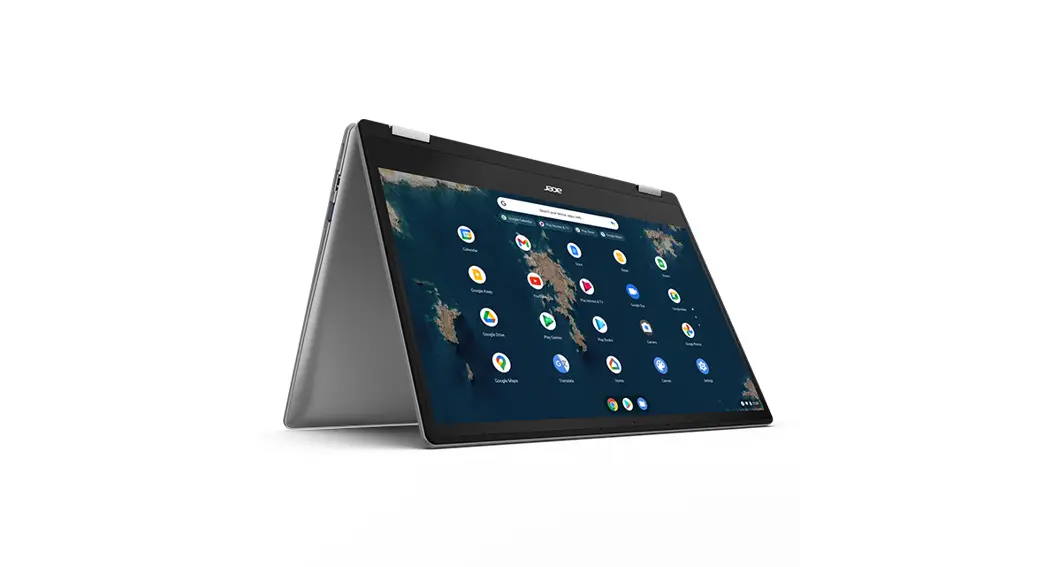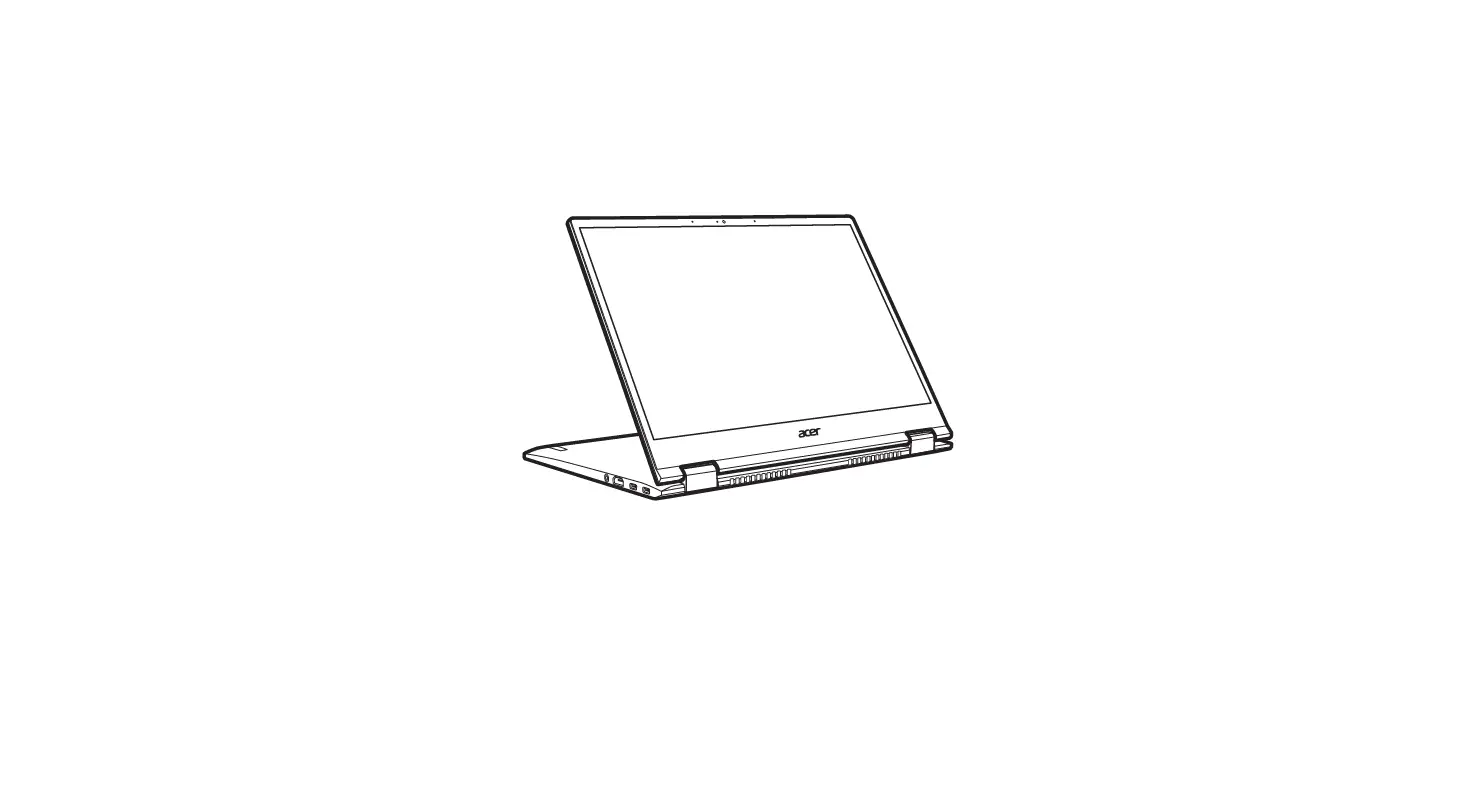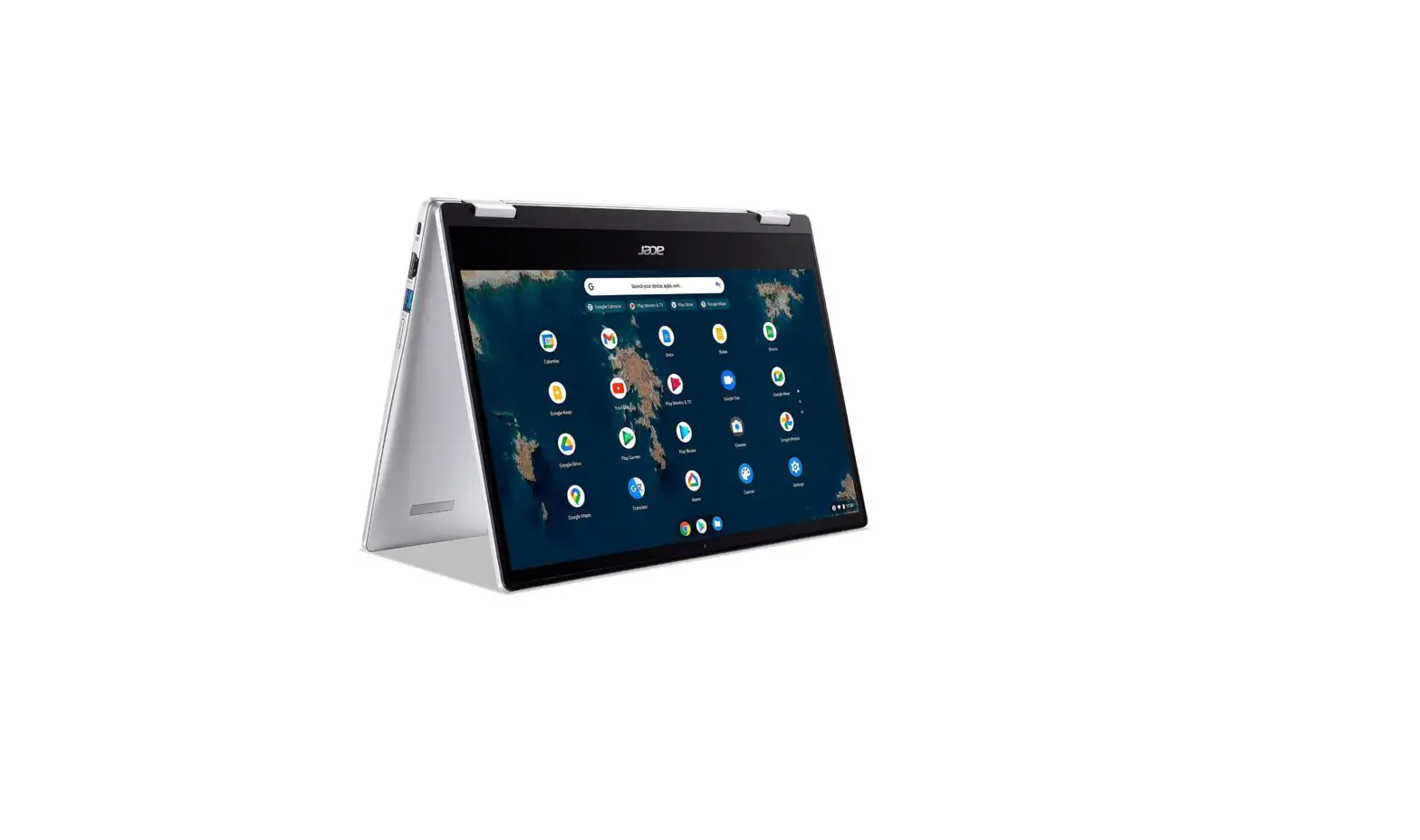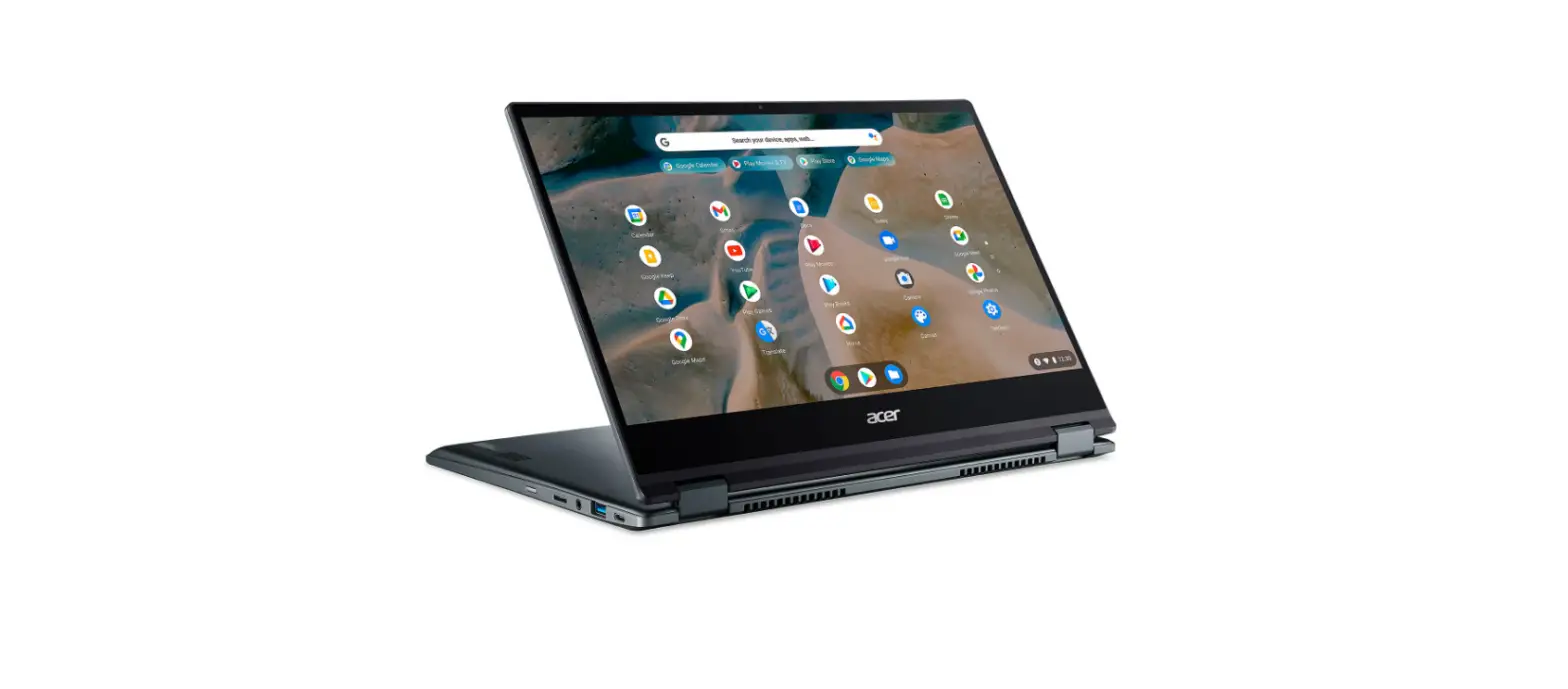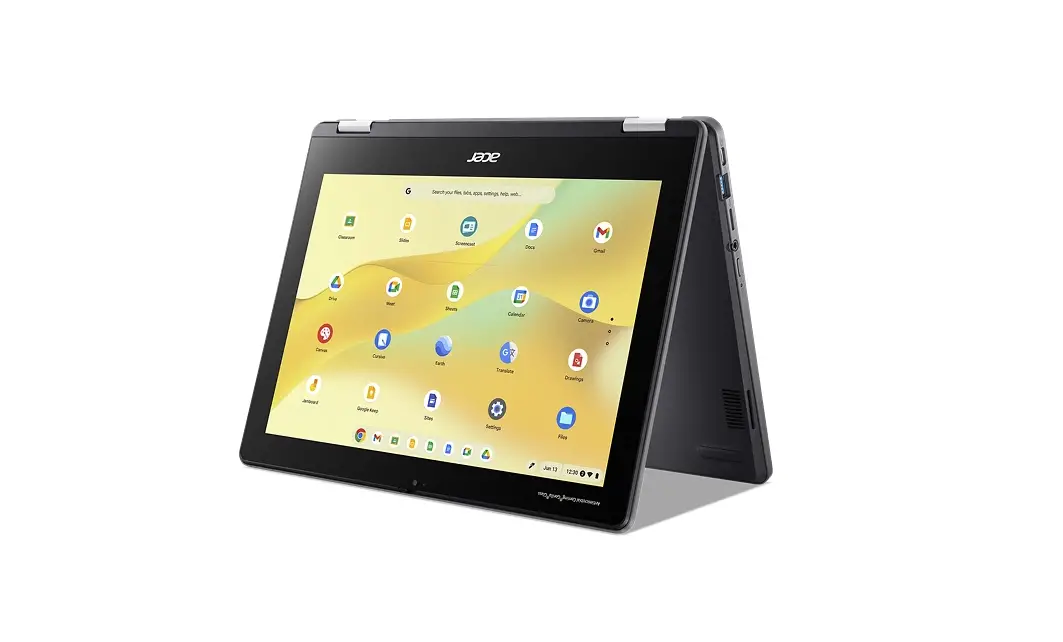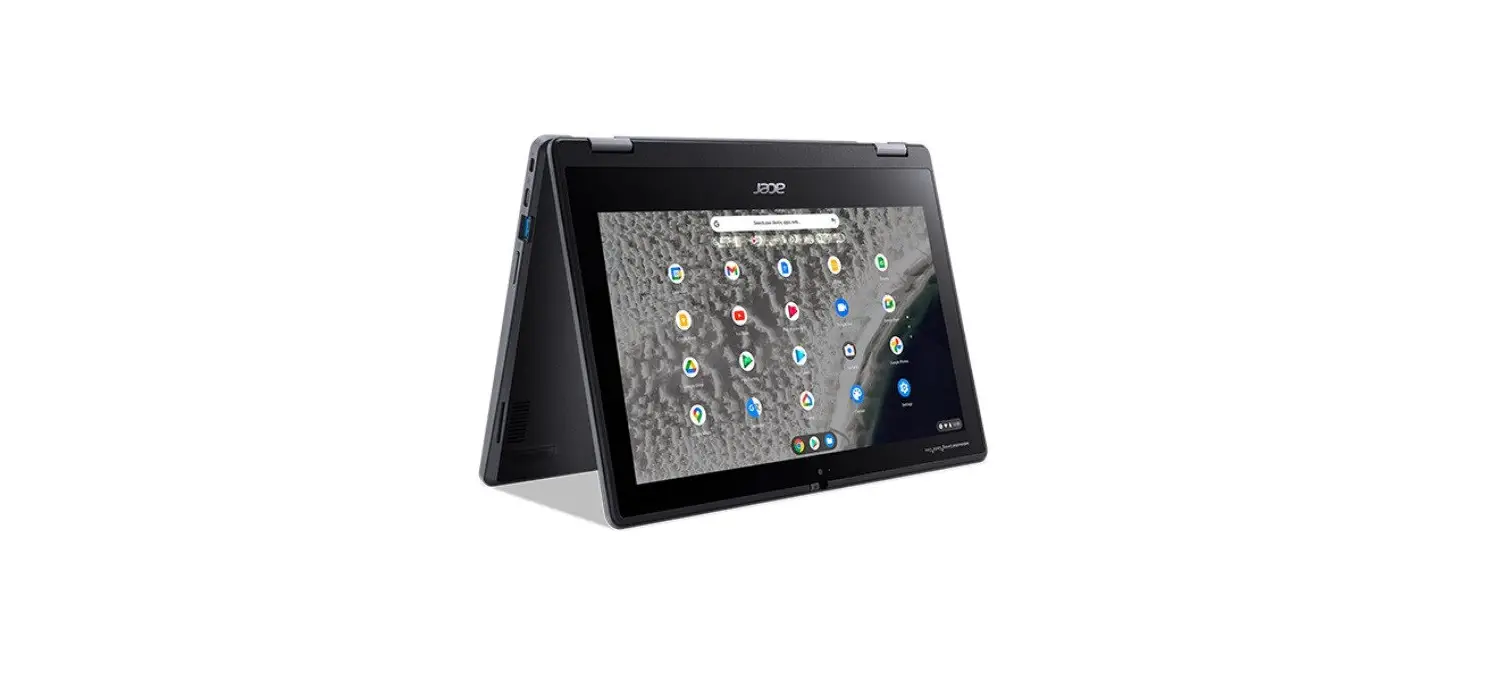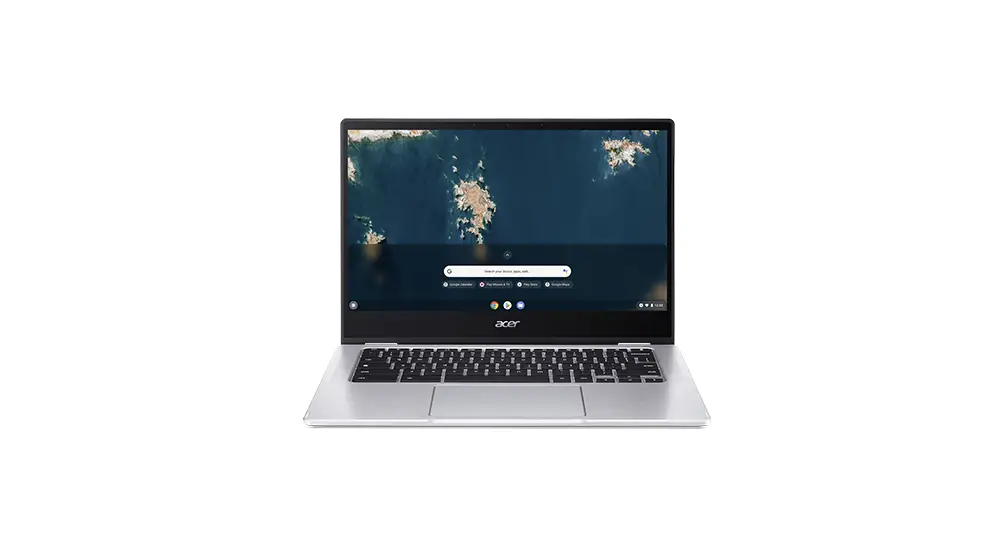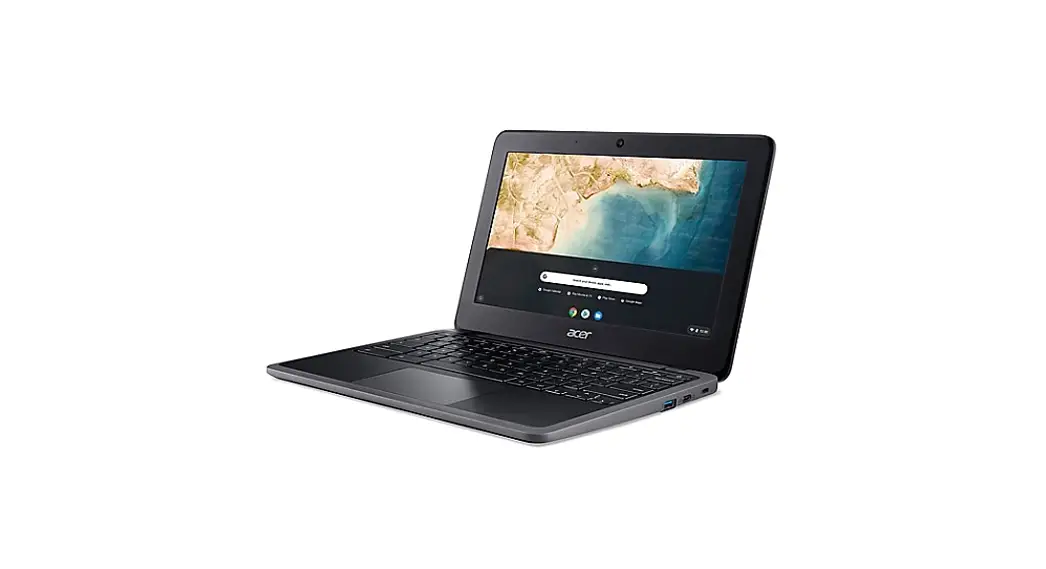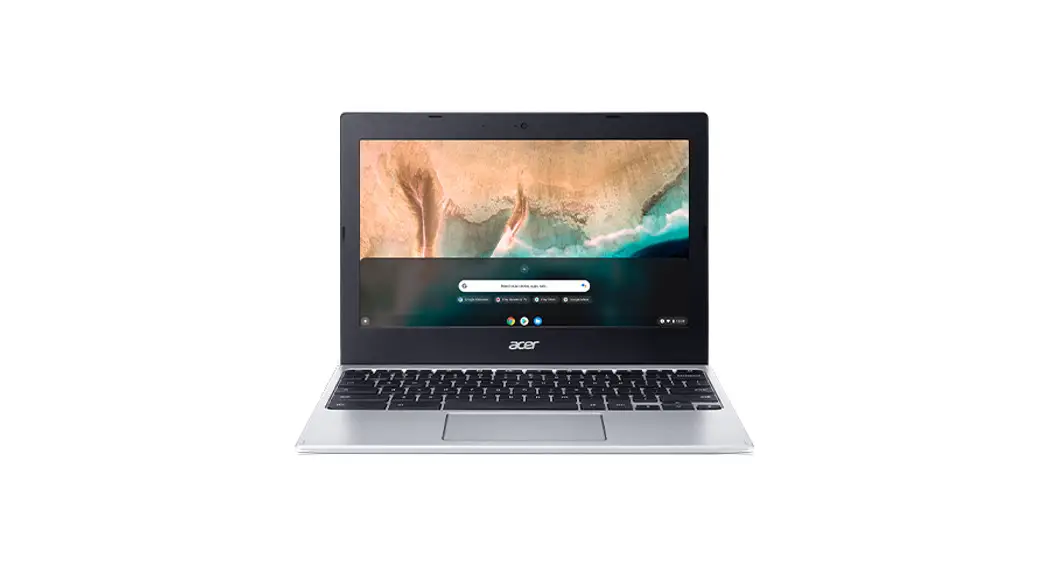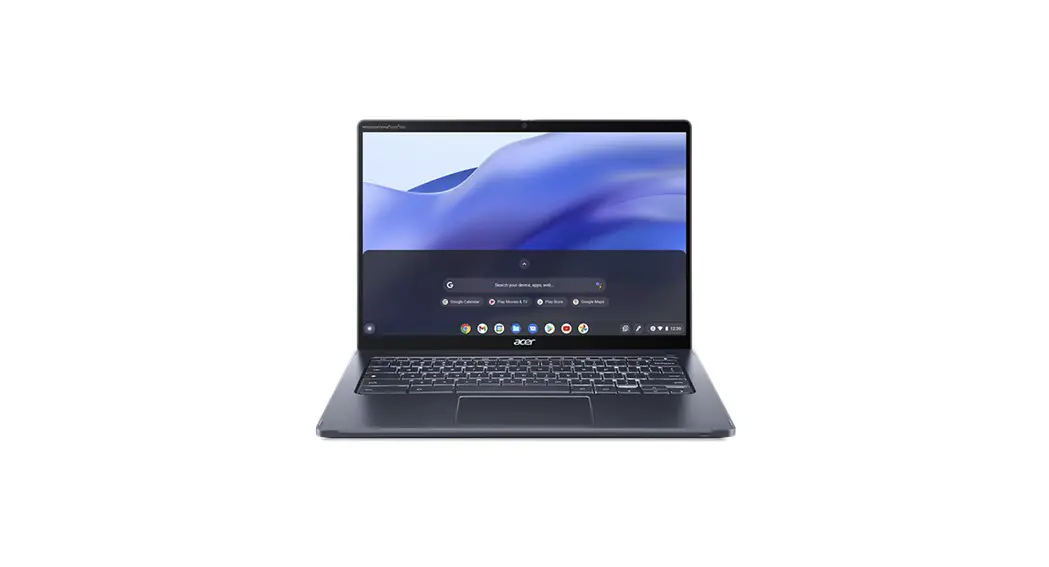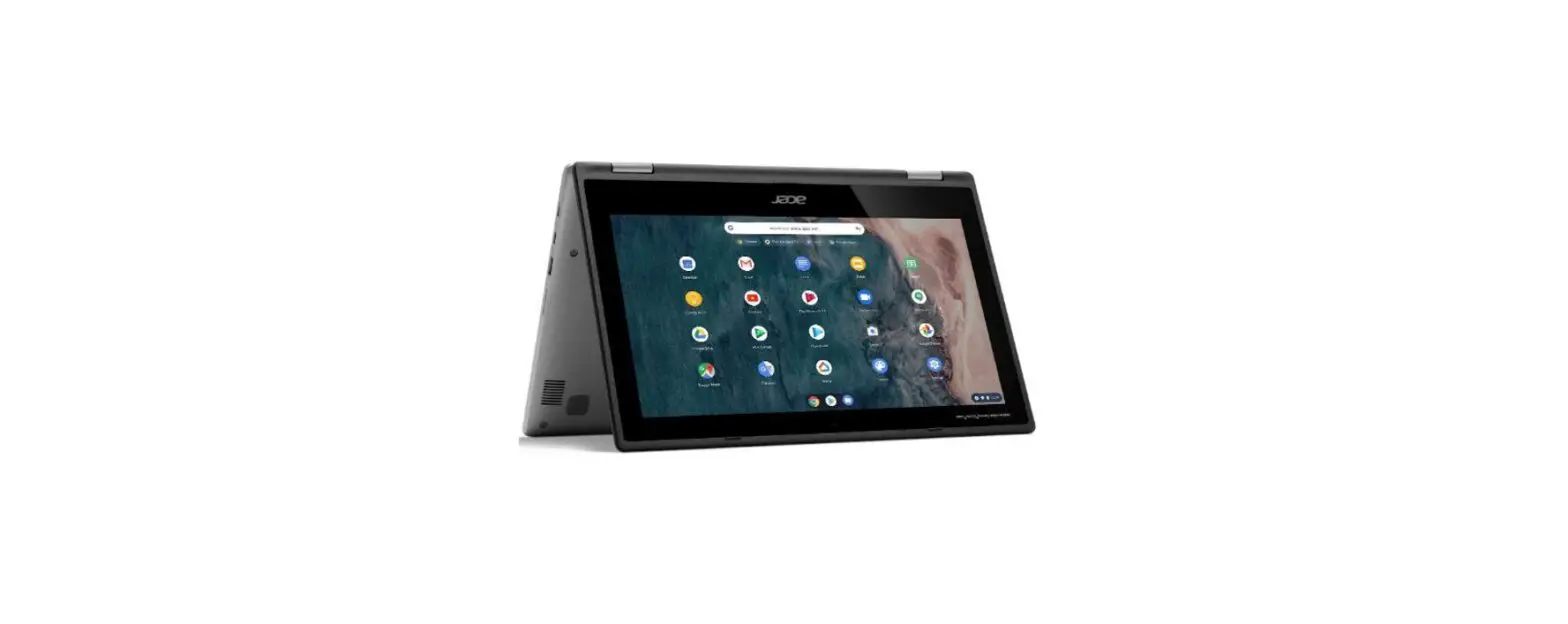

acer R722T Chromebook Spin 311 Laptop
© 2021. All Rights Reserved.
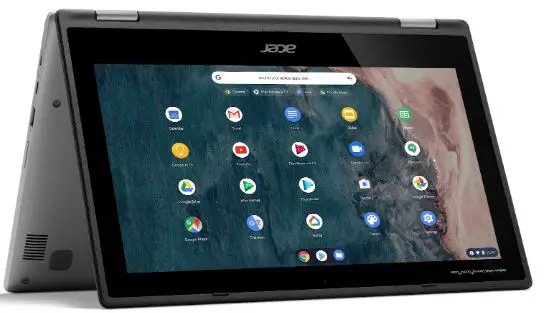
Acer Chromebook Spin 311
Covers: R722T / R723T
This manual contains proprietary information that is protected by copyright laws. The information contained in this manual is subject to change without notice. Some features described in this manual may not be supported depending on the Operating System version. Images provided herein are for reference only and may contain information or features that do not apply to your computer. Acer Group shall not be liable for technical or editorial errors or omissions contained in this manual.
ENVIRONMENT Temperature:
- Operating: 5 °C to 35 °C
- Storage: 20 °C to 60 °C
Humidity (non-condensing):
- Operating: 20% to 80%
- Storage: 20% to 60%
Your Acer Chromebook tour
Front view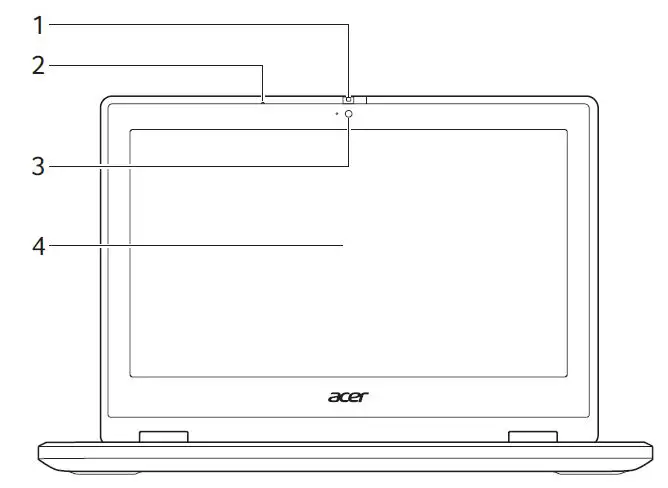
| # | Icon | Item | Description |
| 1 | Webcam shutter | Slide the shutter to the left to cover the webcam. Slide right to open it. | |
| 2 | Microphone | Internal microphone for sound recording. | |
| 3 | Webcam | Web camera for video communication. A light next to the webcam indicates that the webcam is active. | |
| 4 | Touchscreen | Displays computer output, supports multitouch input. |
Keyboard view
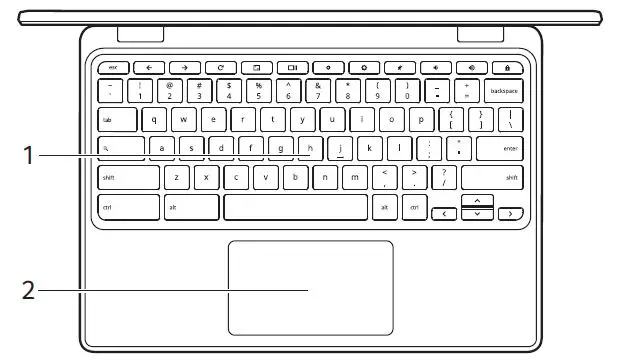
| # | Icon | Item | Description |
| 1 | Keyboard | For entering data into your computer. | |
|
2 |
Touchpad / click button | Touchsensitive pointing device which functions like a computer mouse. Pressing down anywhere on the pad functions like the left button of a mouse. Pressing down anywhere with two fingers functions like the right button of a mouse. |
Function keys
The computer uses function keys or key combinations to access some hardware and software controls, such as screen brightness and volume. The dedicated function keys each have a specific function. 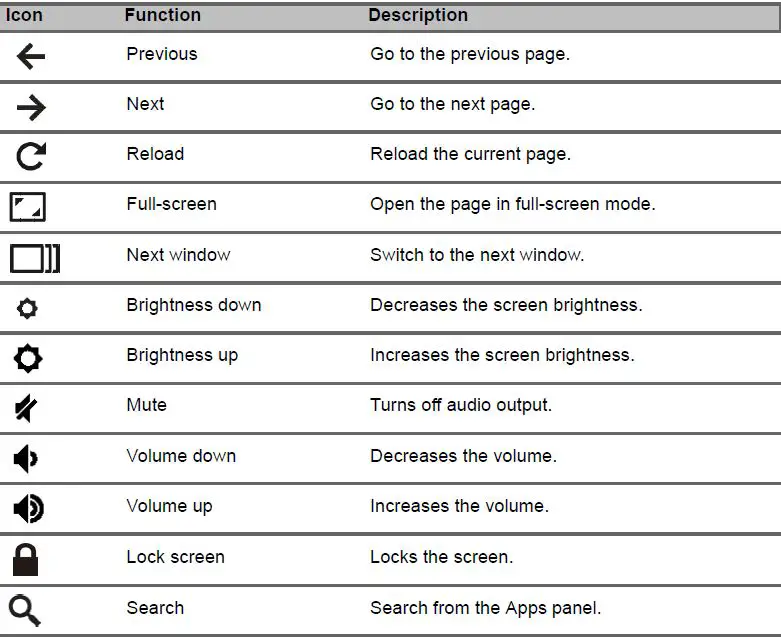
Common keyboard shortcuts
You can use shortcuts to complete some tasks more quickly.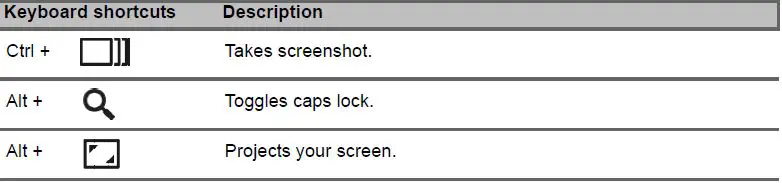
Note: For a complete list of keyboard shortcuts, press Ctrl + Alt + /
Touchpad
The builtin touchpad is a pointing device that senses movement on its surface. This means the cursor responds as you move your fingers across the surface of the touchpad. 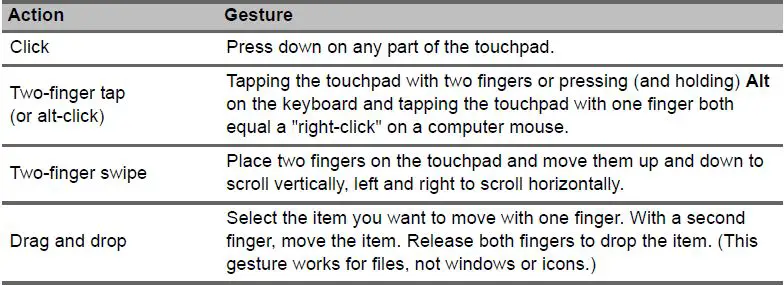
Right view
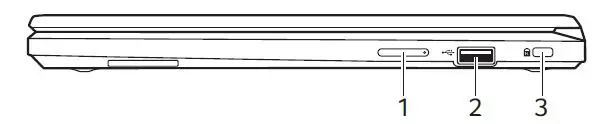
| # | Icon | Item | Description |
| 1 |  | Volume control key | Adjusts the system volume. |
| 2 |  | USB 2.0 port | Connects to USB devices. |
| 3 |  | Kensington lock slot | Connects to a Kensingtoncompatible security lock. |
Left view 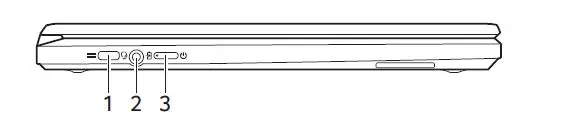
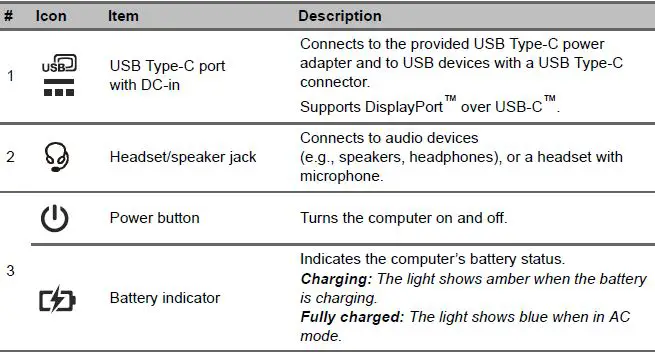
USB TypeC information
- USB 3.2 Gen 1 with transfer speeds up to 5 Gbps.
- Supports DisplayPort™ audio/video output.
- Delivers up to 3 A at 5 V DC for USB charging.
- DCin: requires power adapter or power source providing 45 W at 5~20 V.
For optimal performance, please use a certified Acer power adapter or USB Power Delivery device.
Bottom view
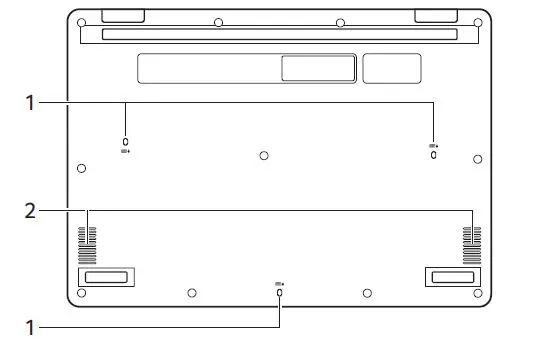
| # | Icon | Item | Description |
| 1 |  | Drain holes | Liquid spilled on the keyboard can drain out of the holes in the underside of the housing. |
| 2 | Speakers | Deliver stereo audio output. |