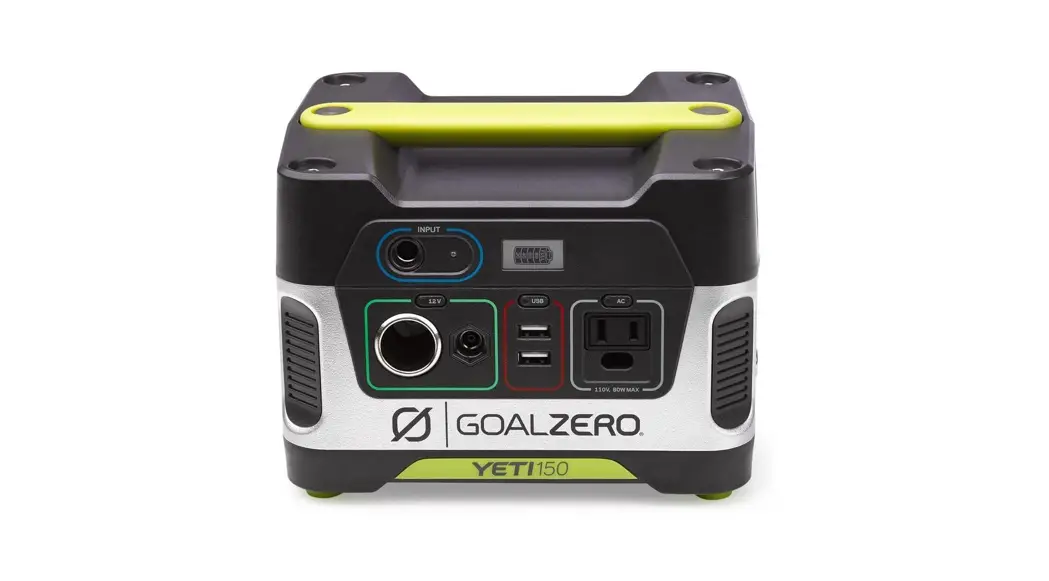

GOAL ZERO
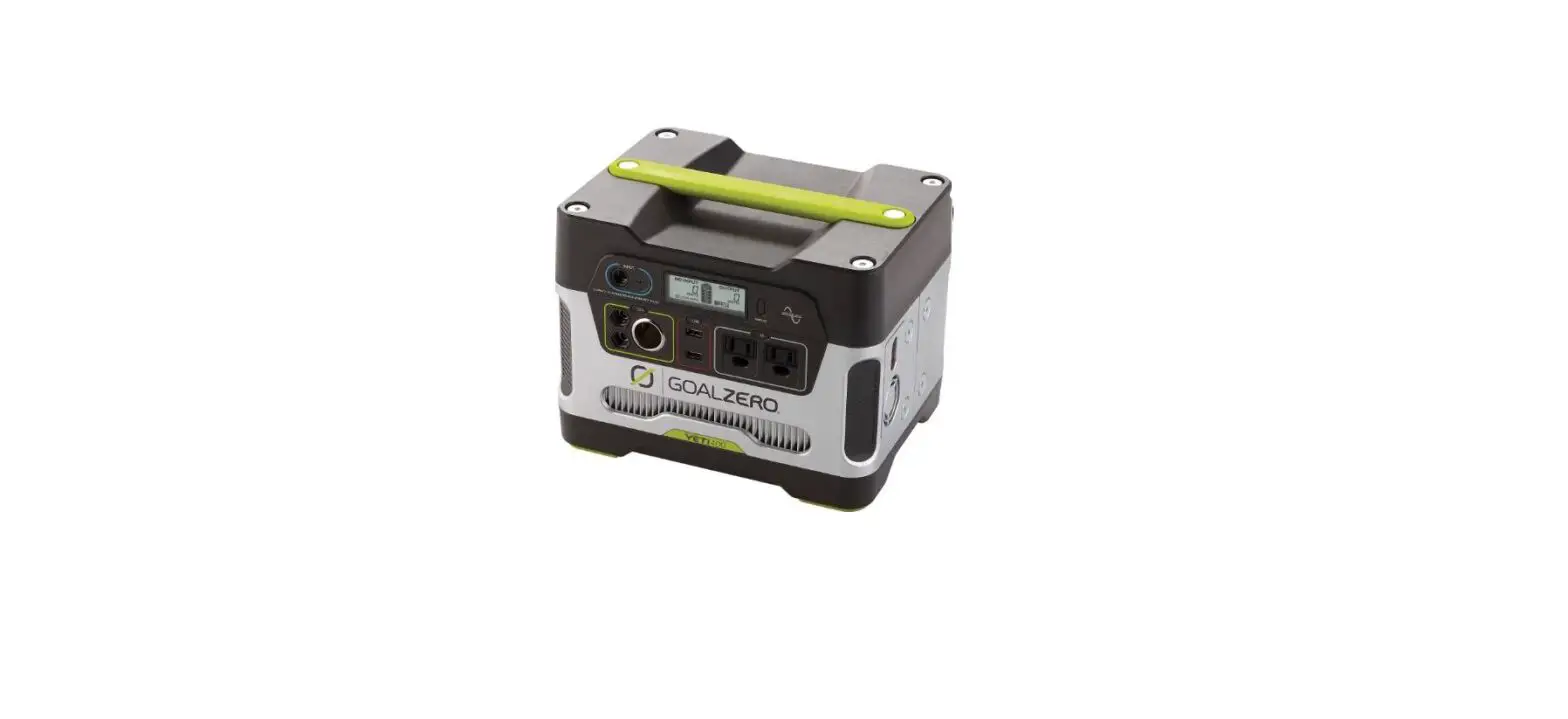
YET150 SOLAR GENERATOR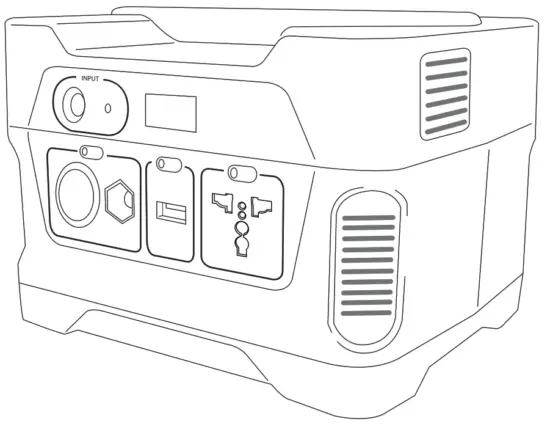
User Guide
http://www.adata.com/redirect/827
- Register your product
- Watch demo video
- Download user manual
Contact Us:
Toll-Free: 888-794-6250
675 West. 14600 South
Bluffdale, UT 84065
www.GOALZERO.com
We proudly support Tifie Humanitarian
www.tifie.org 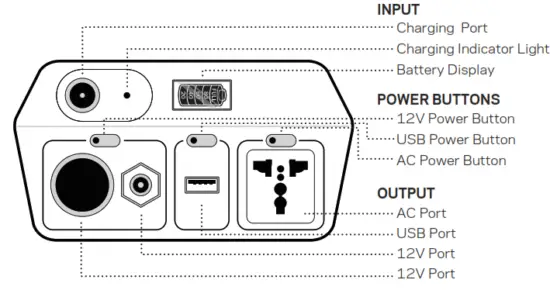
Know Your Gear
Technical Specifications
Charge Times
| Charging With: | Approximate Charge Times |
| AC Wall Charger (45W) | 6 hours |
| Car Charger (30W) | 8 hours |
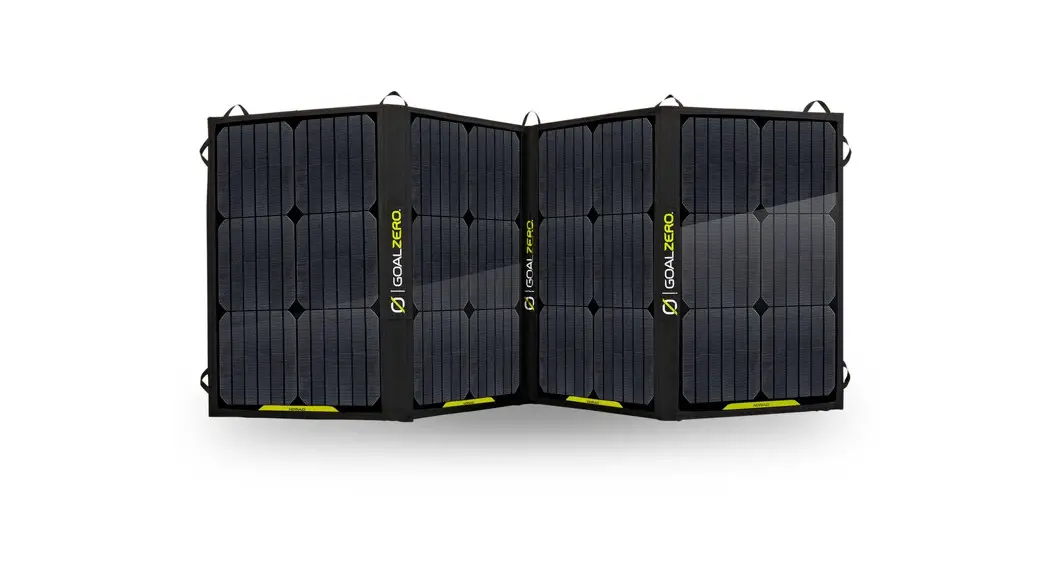
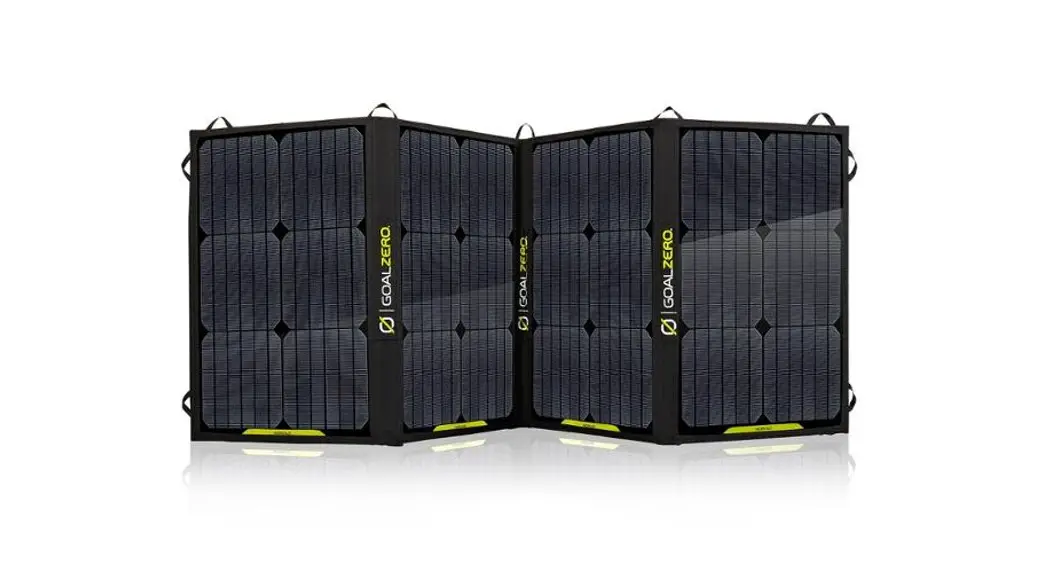
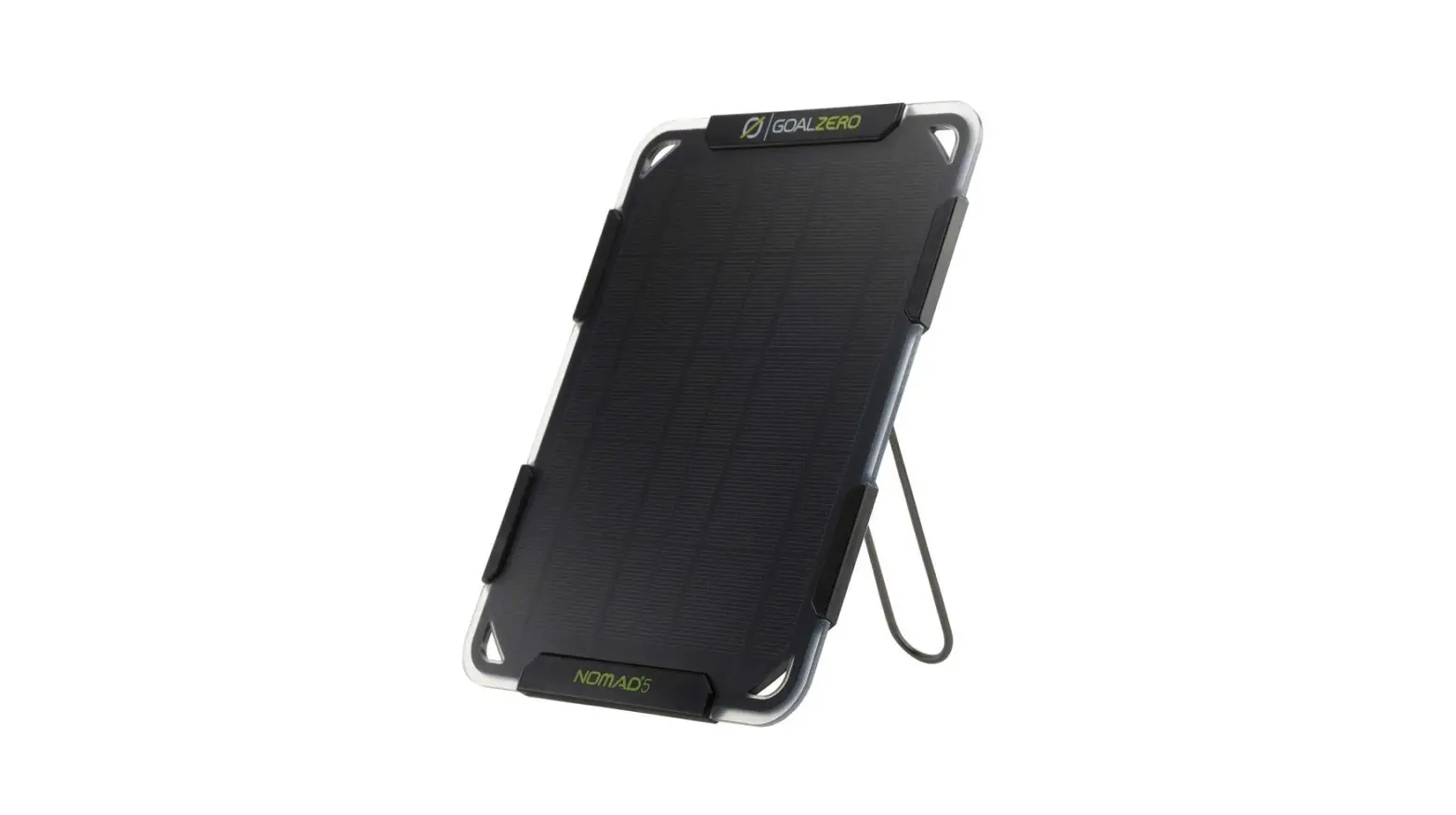
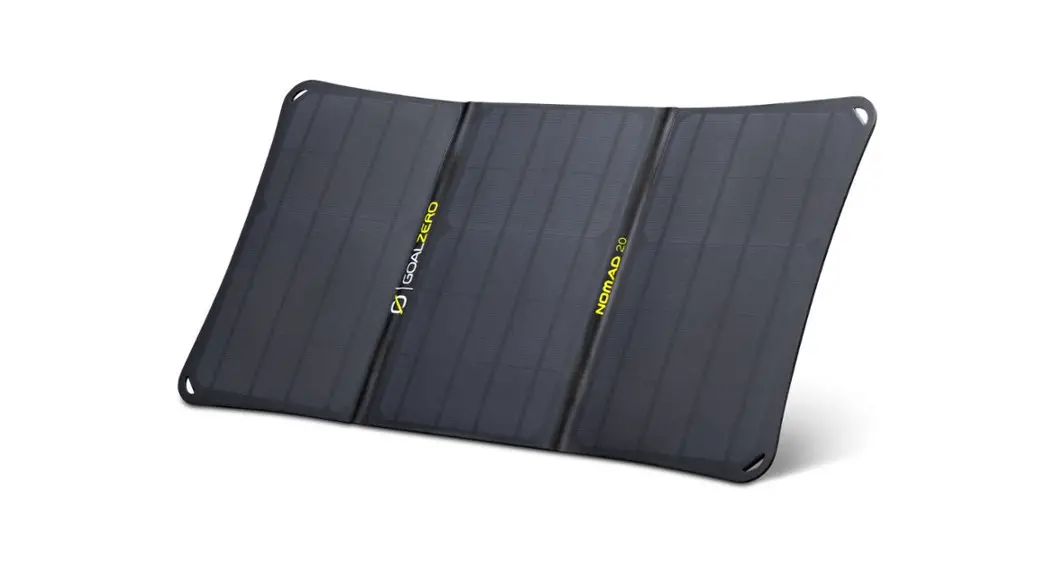
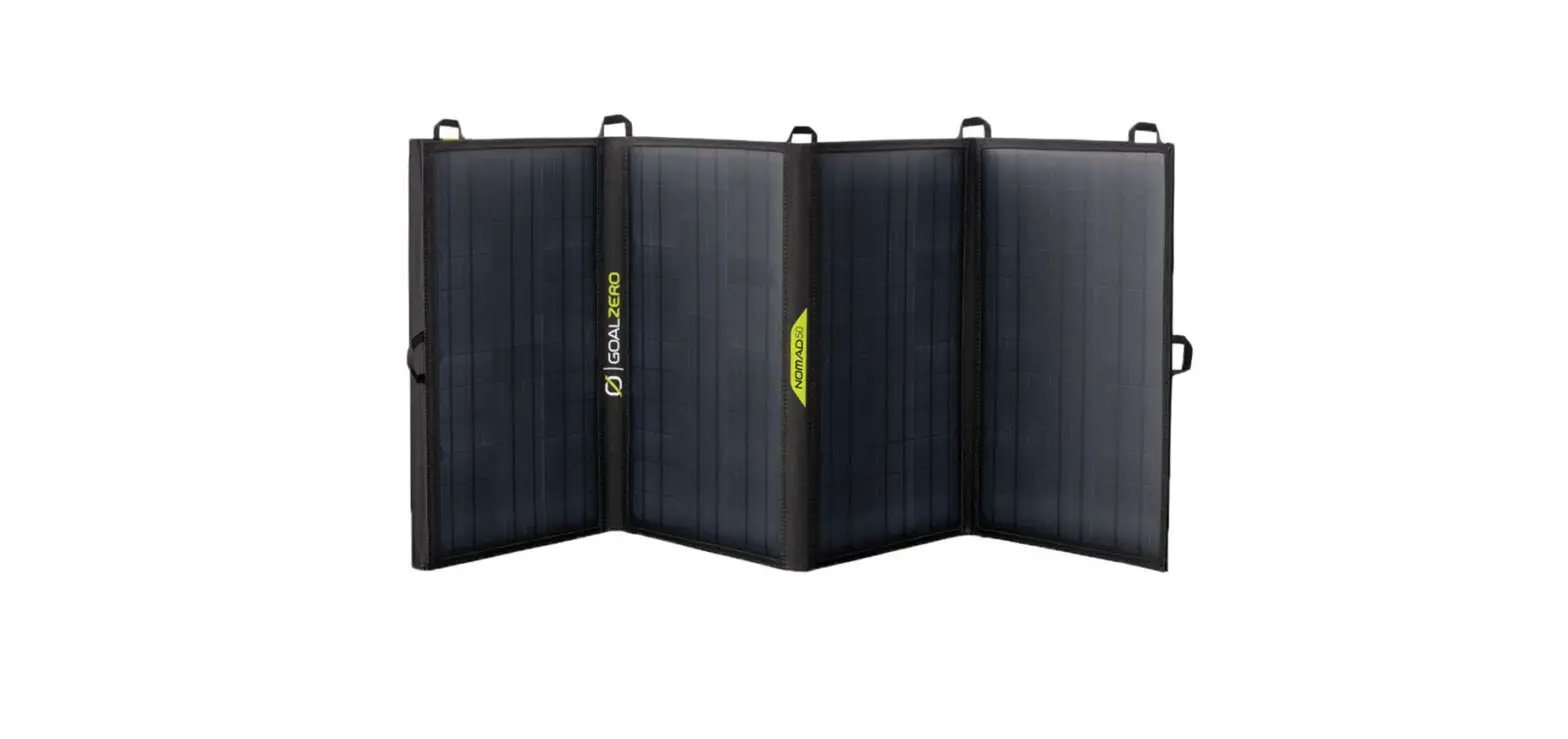
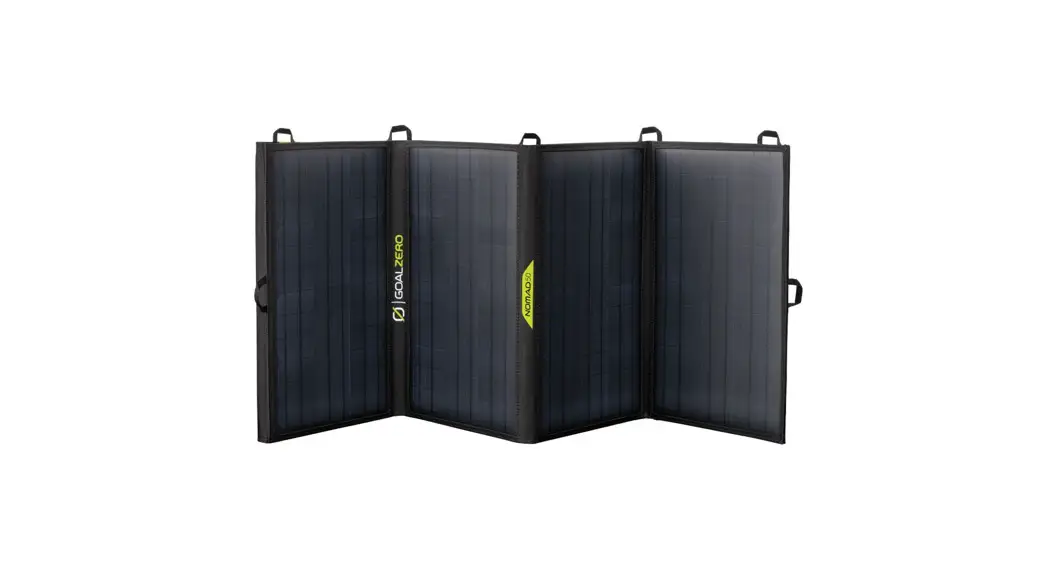
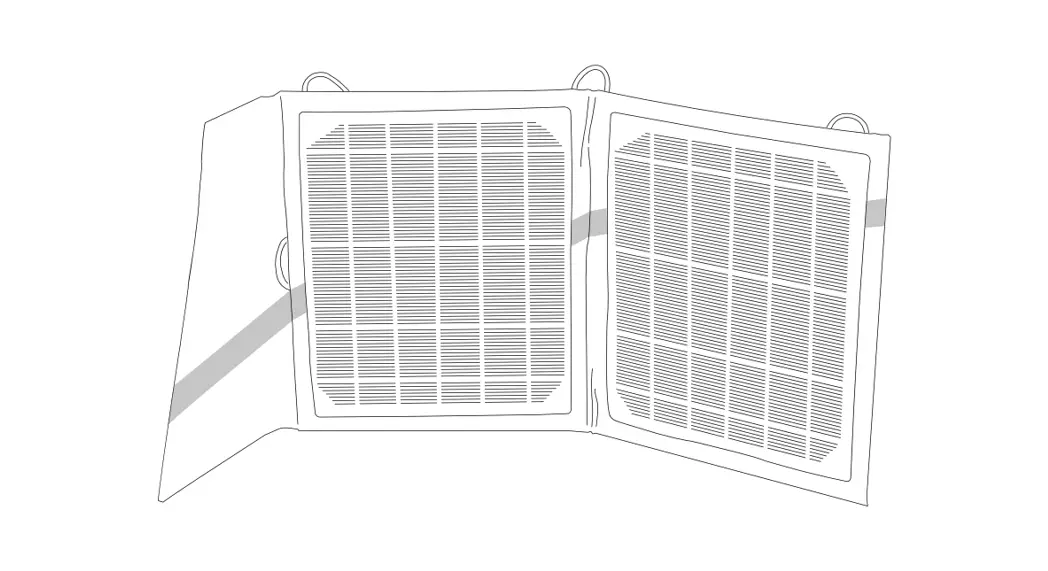
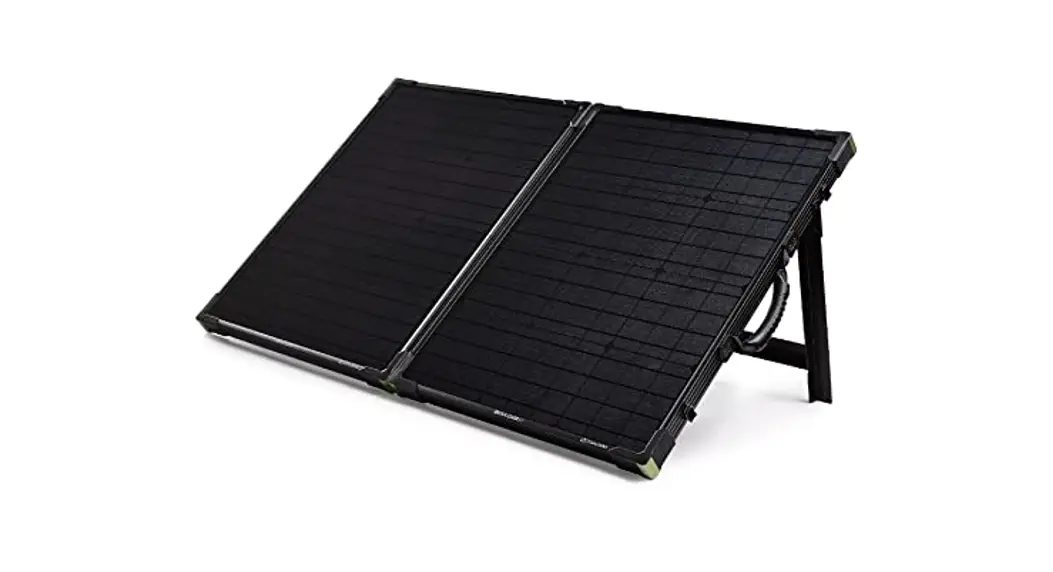
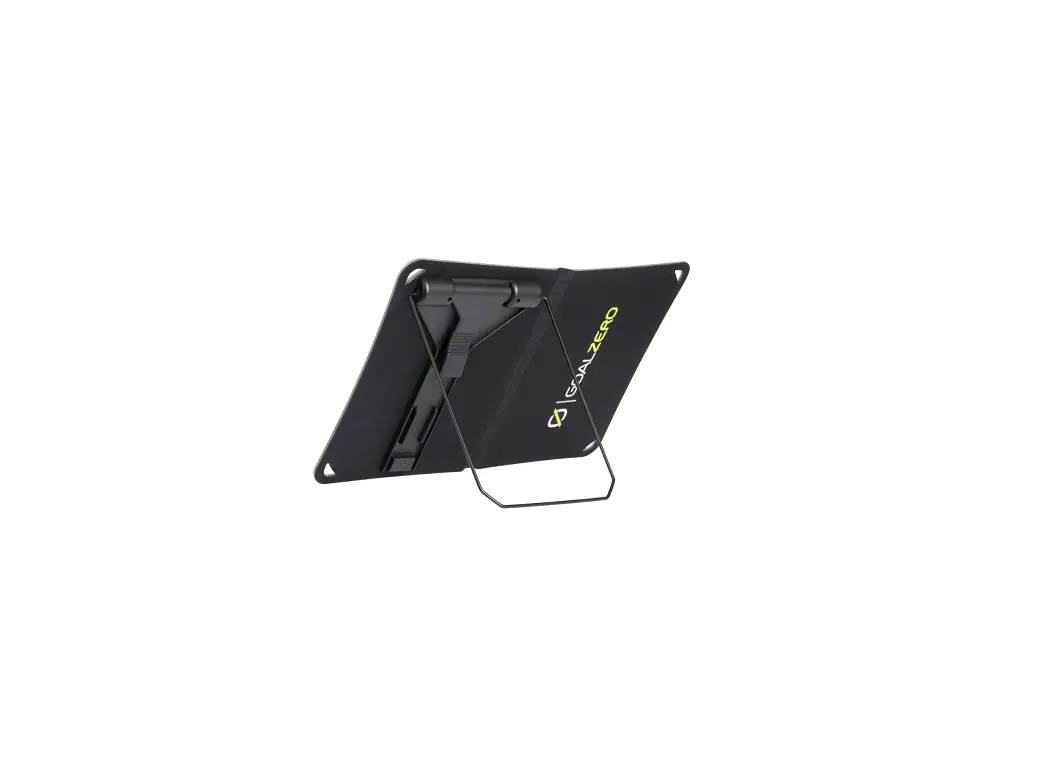
| Nomad 13 Solar Panel | 26-52 hours |
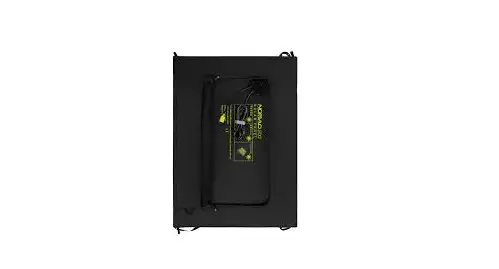
| Nomad 27 Solar Panel | 13-26 hours |
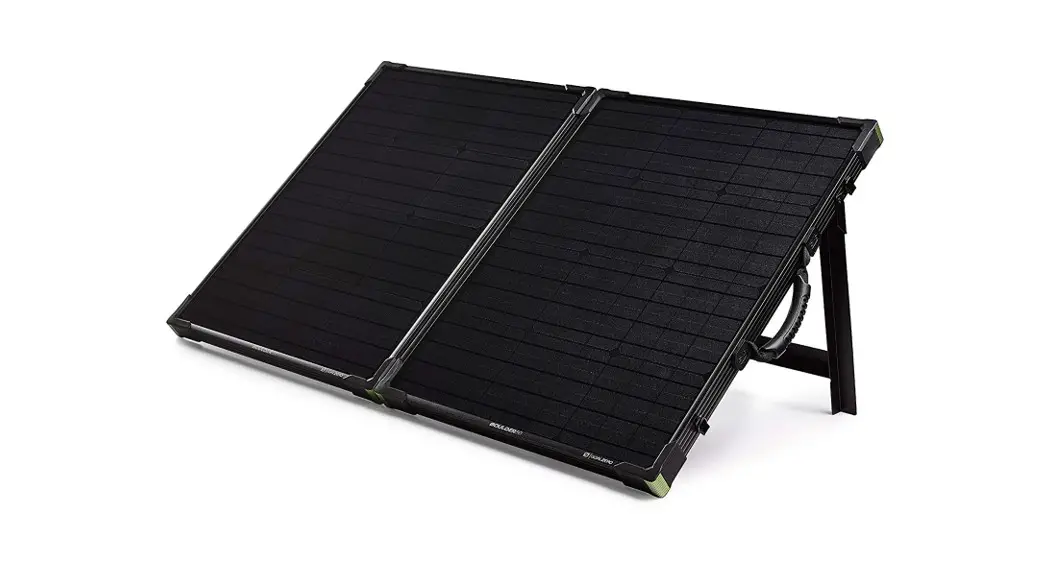
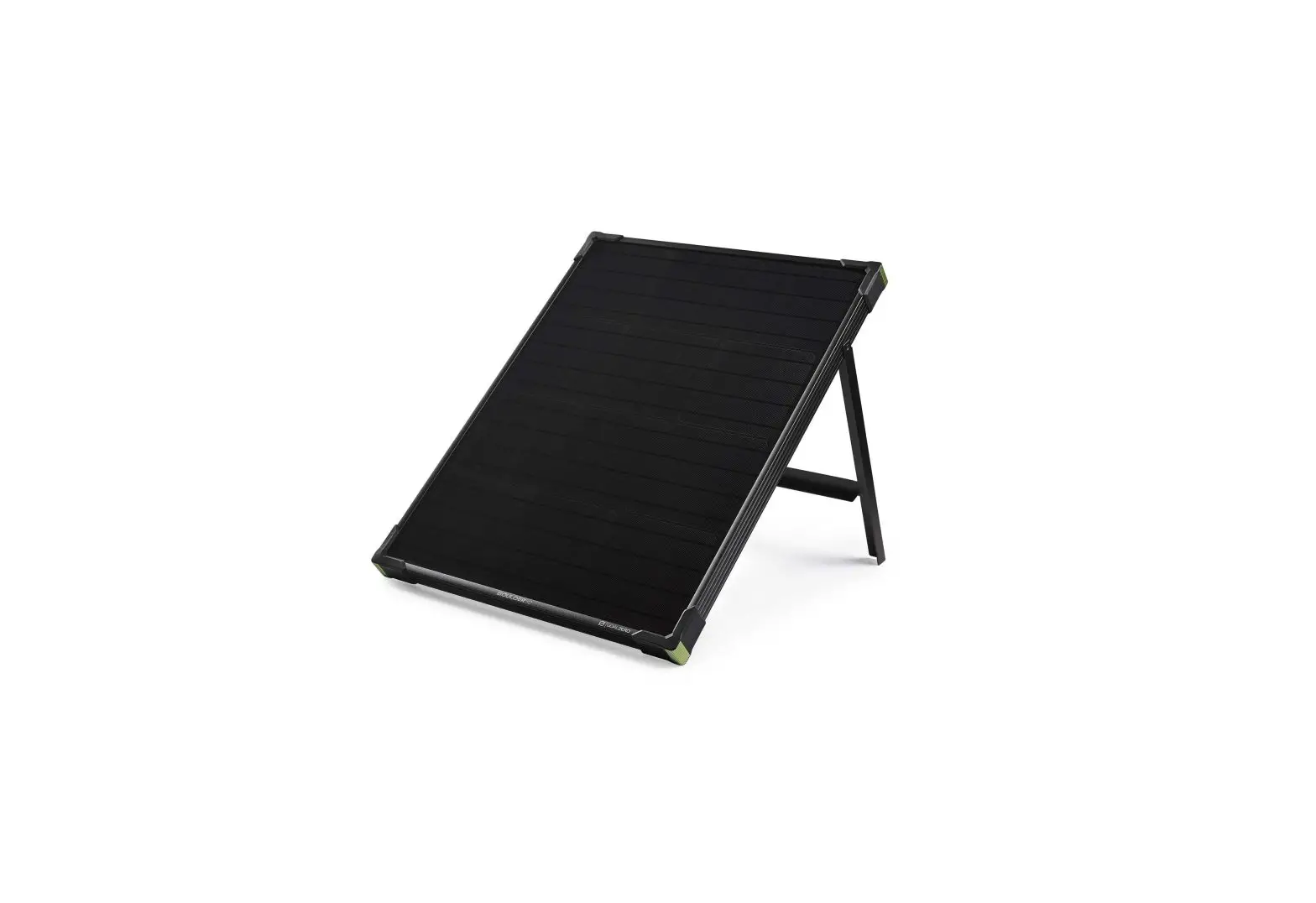
| Boulder 15 Solar Panel | 22-44 hours |
| Inputs | |
| 8mm Charge Port (for solar, wall, or car charging) | 14-29V, up to 5A (60W) |
| Internal | Lead-acid (AGM) |
| Battery Type | 168Wh (12V, 14Ah) |
| Battery Capacity | Hundreds of cycles |
| Life Span | Fuses None |
| Fuses Inverter | 80W modified-sine wave |
| General | Charge every 3 months |
| Shelf Life | NO |
| Chainable Weight | 12 lbs (5.4 kg) |
| Dimensions | 7.75 x 5.75 x 6.75 in (19.7 x 14.6 x 17.2 cm) |
| Warranty | 6 months |
| Tested and Certified | CE, FCC, RoHS |
| Operating usage temperature | 32-104F (0-40C) |
| Optimal storage temperature | 77F (25C) |
| Outputs |
| AC Outlet, 220VAC, 50Hz; modified-sine wave 80W continuous, 160W peak |
| 12V car port 12V, up to 10A (120W) |
| 12V 6mm port 12V, up to 10A (120W) |
| USB port 5V, up to 2.1A (10W) |
CHARGE
ME NOW!
Before using or storing, plug your GOAL ZERO YETI 150 into the wall until it is fully charged. If at any point you hear beeping from your YETI, plug it into a power source as soon as possible.
POWER CYCLE
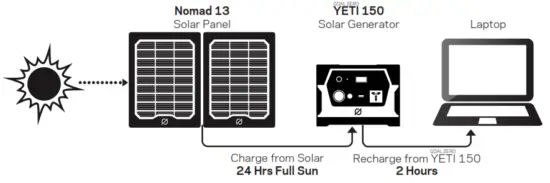
Note: Solar charging times depend on weather conditions.
Charge YETI 150 from wall in 5 hours.
RECHARGE RANGE
Powers USB, 12V and AC devices like:
| Laptops Tablets Lights | CPAP Smartphones Cameras | E-Readers MP3 Players …And More |
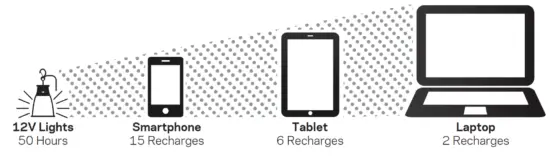
Note: Recharges are based on averages of most popular devices.
Q: How do I use my YETI?
A: The output ports must be turned on before you can recharge your gear. Push the power button located above each port you will be using. You’ll know the port is turned on when the green LED light on the button is illuminated.
Q: How do I know if my YETI is charged?
A: To check the charge level of your
YETI, refer to the Battery Display.
When lit up, you’ll see a battery outline with 5 segments, indicating the current charge level. You can turn on the display by pushing one of the power buttons above each port.
Q: How do I charge my YETI?
A: You can easily charge your YETI through wall or solar. Once you have decided on a source, plug the appropriate cables into the INPUT
Port on the front of your YETI. You will know the YETI is charging when the green LED light next to the INPUT port lights up, and the battery segments in the LCD
BATTERY DISPLAY are blinking. The YETI is fully charged when all battery segments stop blinking and remain solid.
Q: How should I store my YETI?
A: Having your YETI connected to a power source at all times, like a solar panel or a wall plug, keeps its battery healthy and topped off. This prolongs battery life and will ensure your YETI is ready to recharge your gear at all times.
 Portable Power Stations, Solar Generators & Home Backup | Goal Zero
 Tifie – SKILLS FOR THE FUTURE, BASIC NEEDS FOR TODAY