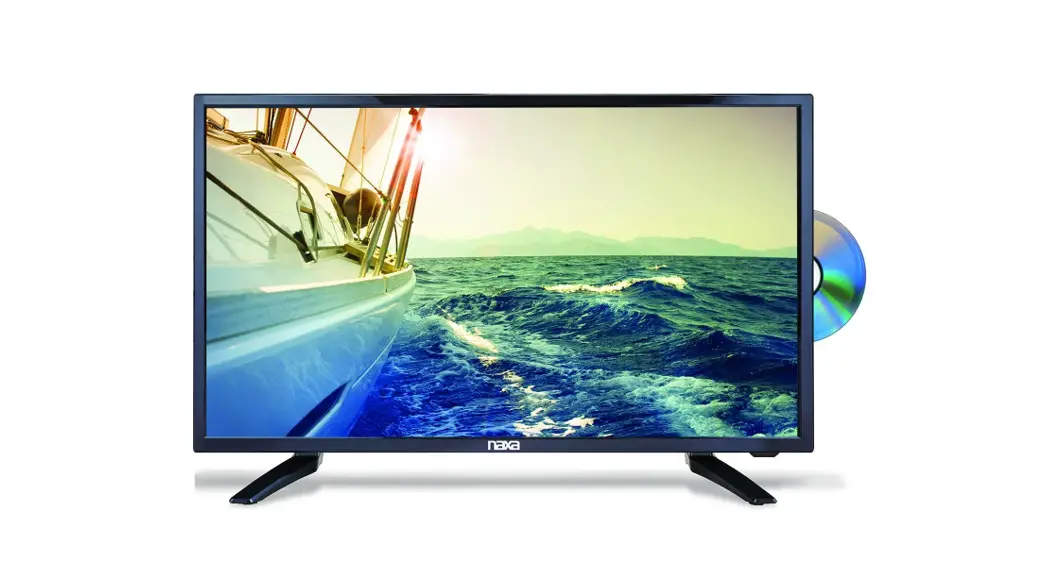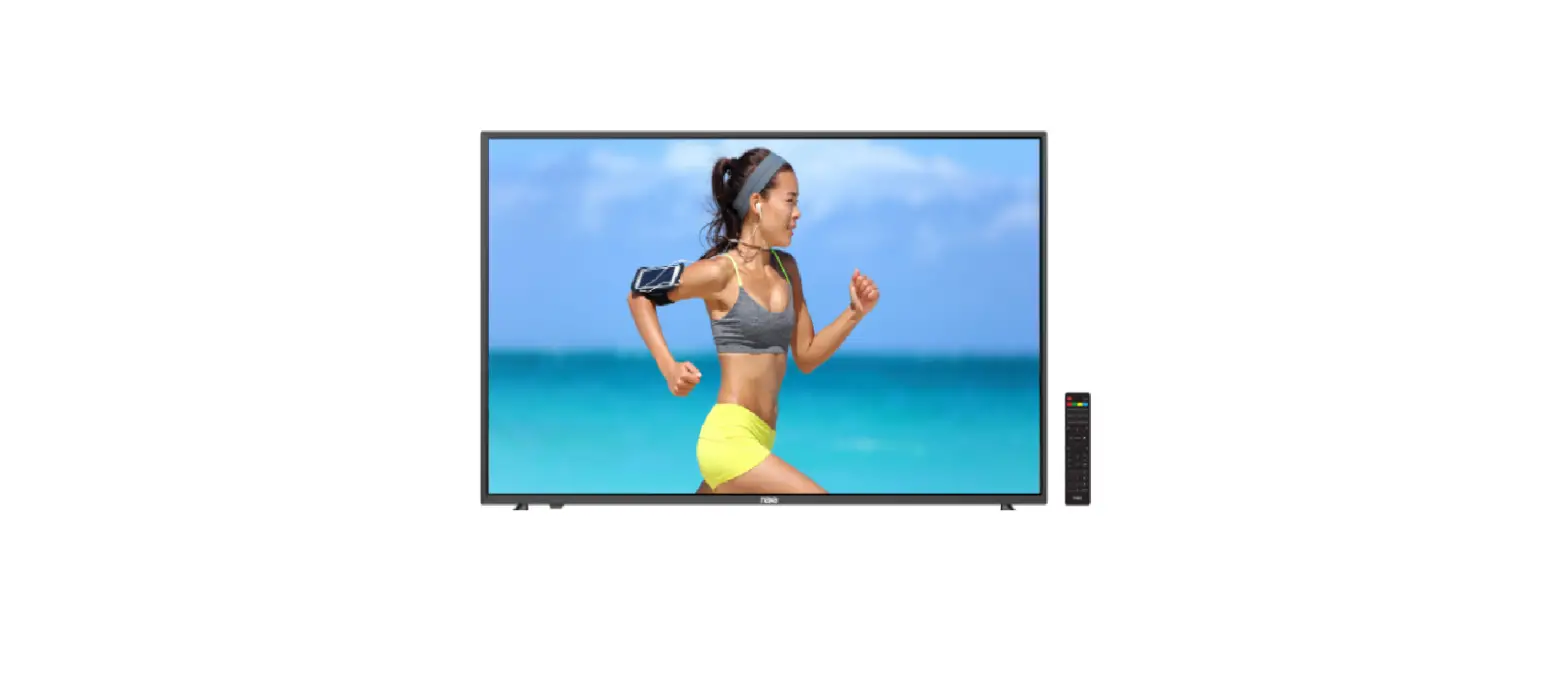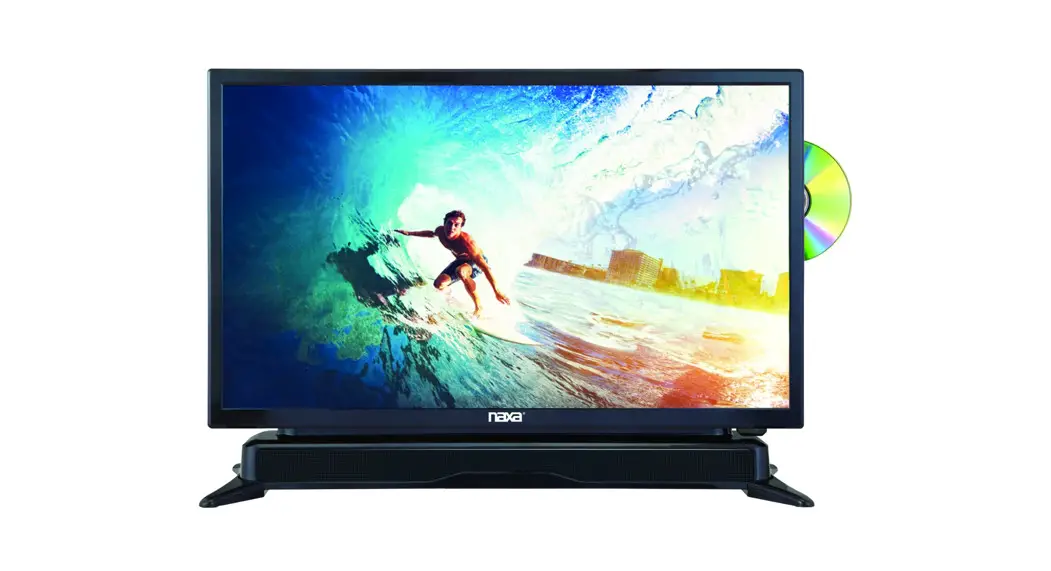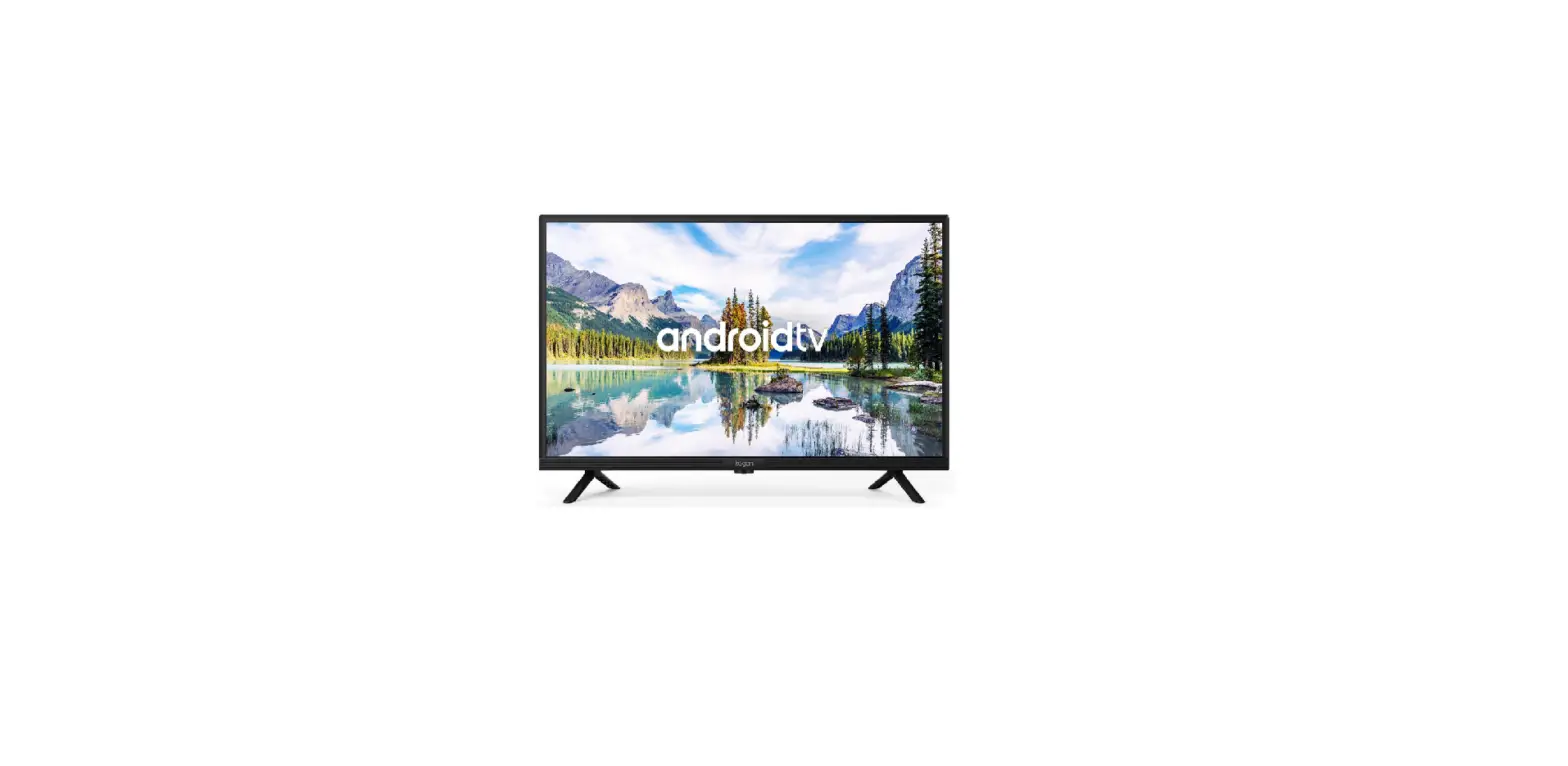
 naxa NT-4002 Smart LED T
 naxa NT-4002 Smart LED T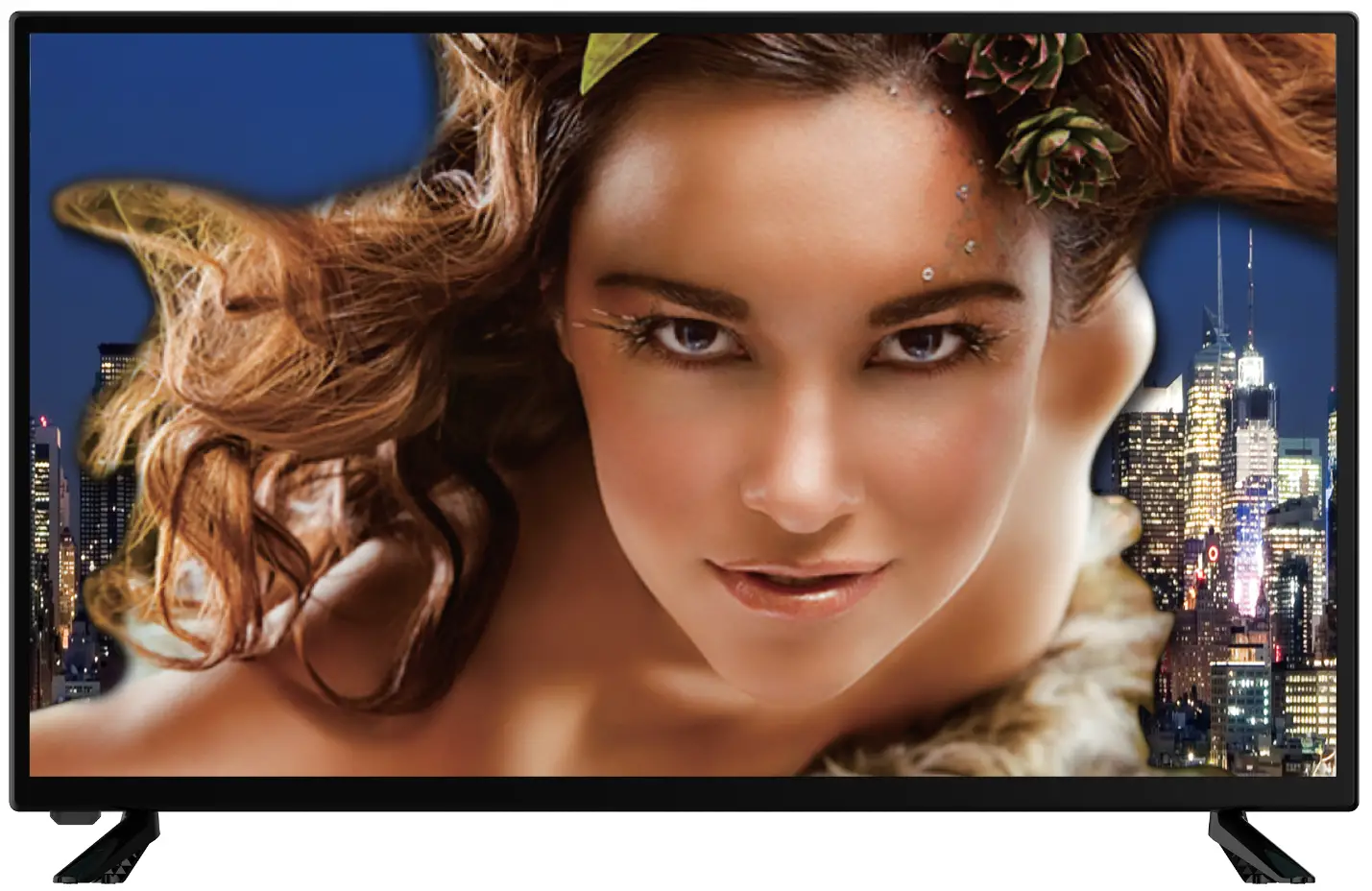
TV QUICK SETUP GUIDE
- Connect an Antenna or Cable to your TV set.
- Connect the power plug to the wall outlet.
- Insert the 2 AAA batteries into the remote control and press POWER.
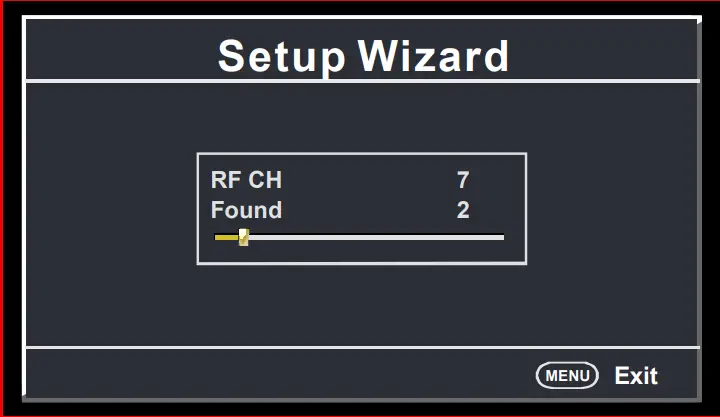
To watch TV programs, press SOURCE button on the remote control and scroll to TV mode, press ENTER to confirm.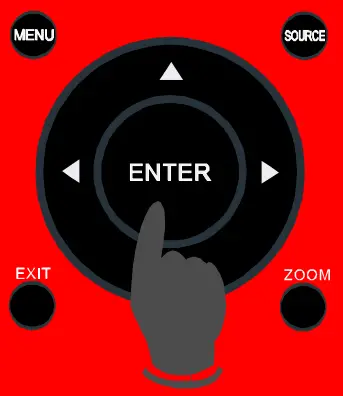 If it is the first time you turn on your TV, the initial setup menu appears automatically.
- Press UP/DOWN button to select a preferred item.
- Press LEFT/RIGHT button to adjust the value.

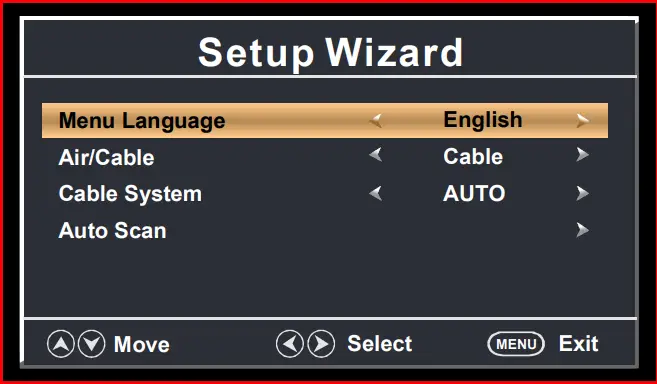
To choose your menu language.
Air / Cable
To choose your Signal Type: Air, Cable.
Cable System
To choose your Cable System: AUTO, STD, IRC, HRC.
NOTE: Cable System is adjustable only when your signal type is set to Cable.
Auto Scan
Highlight Auto Scan, press ENTER to search and store all available channels.