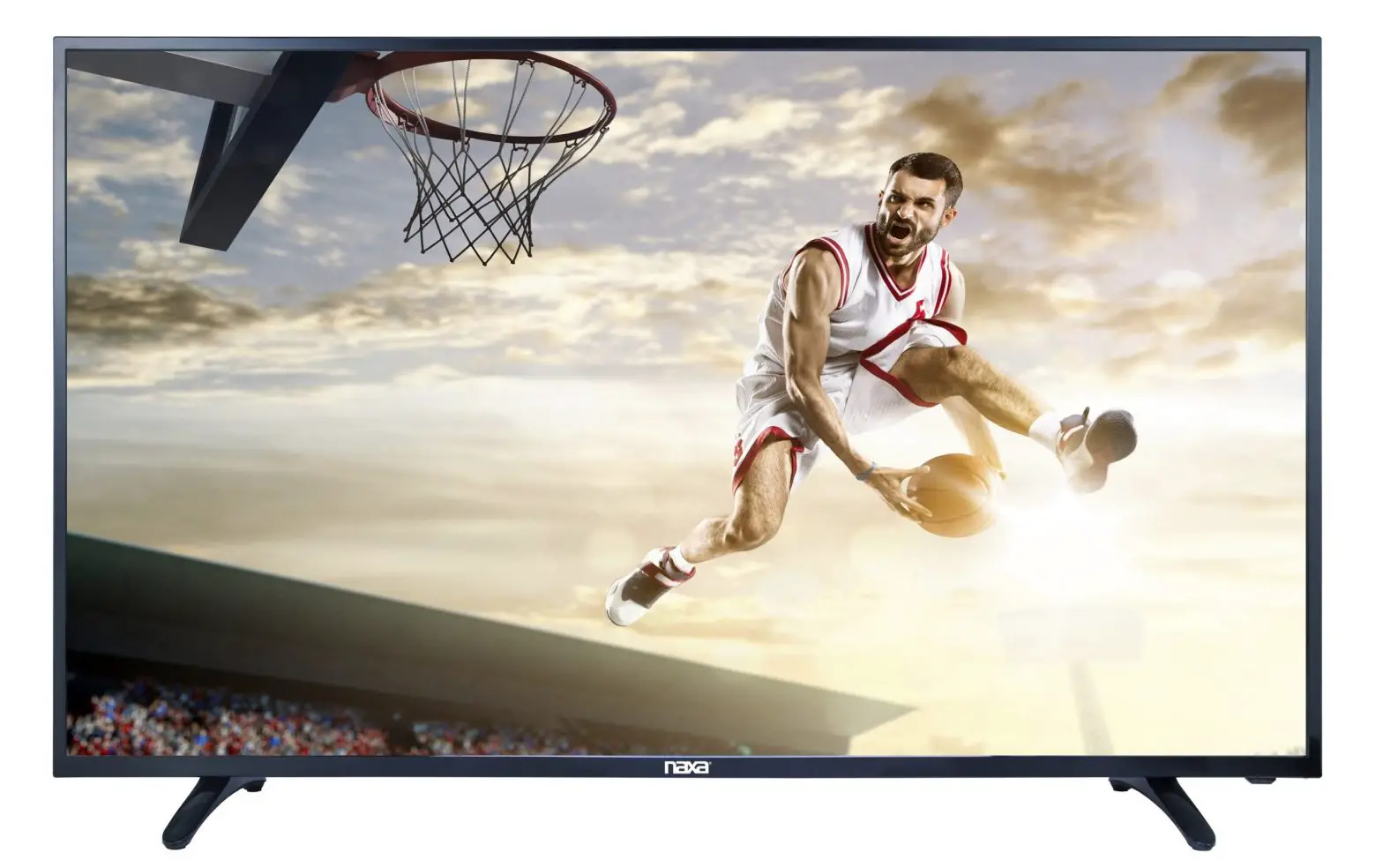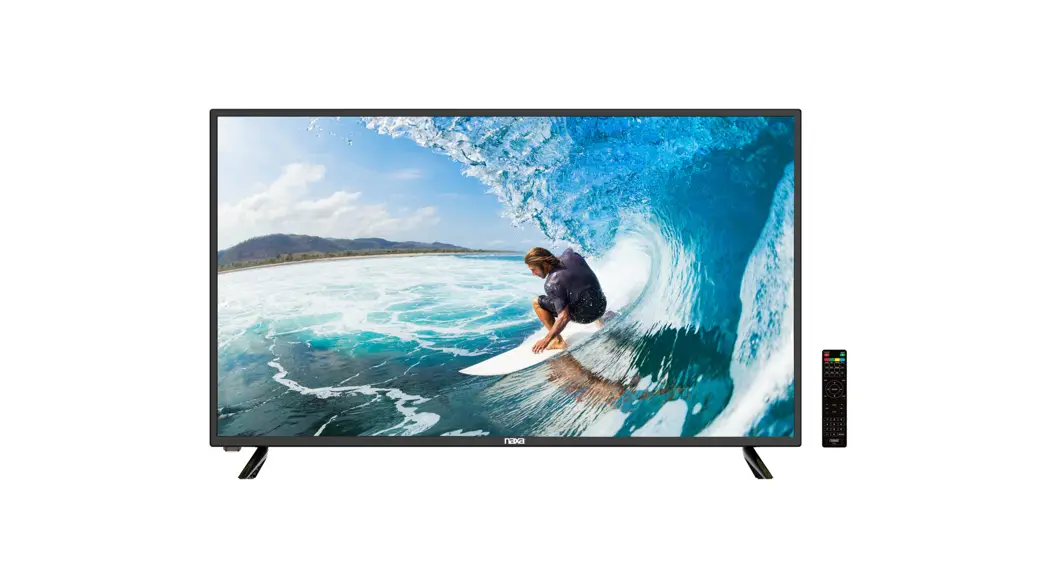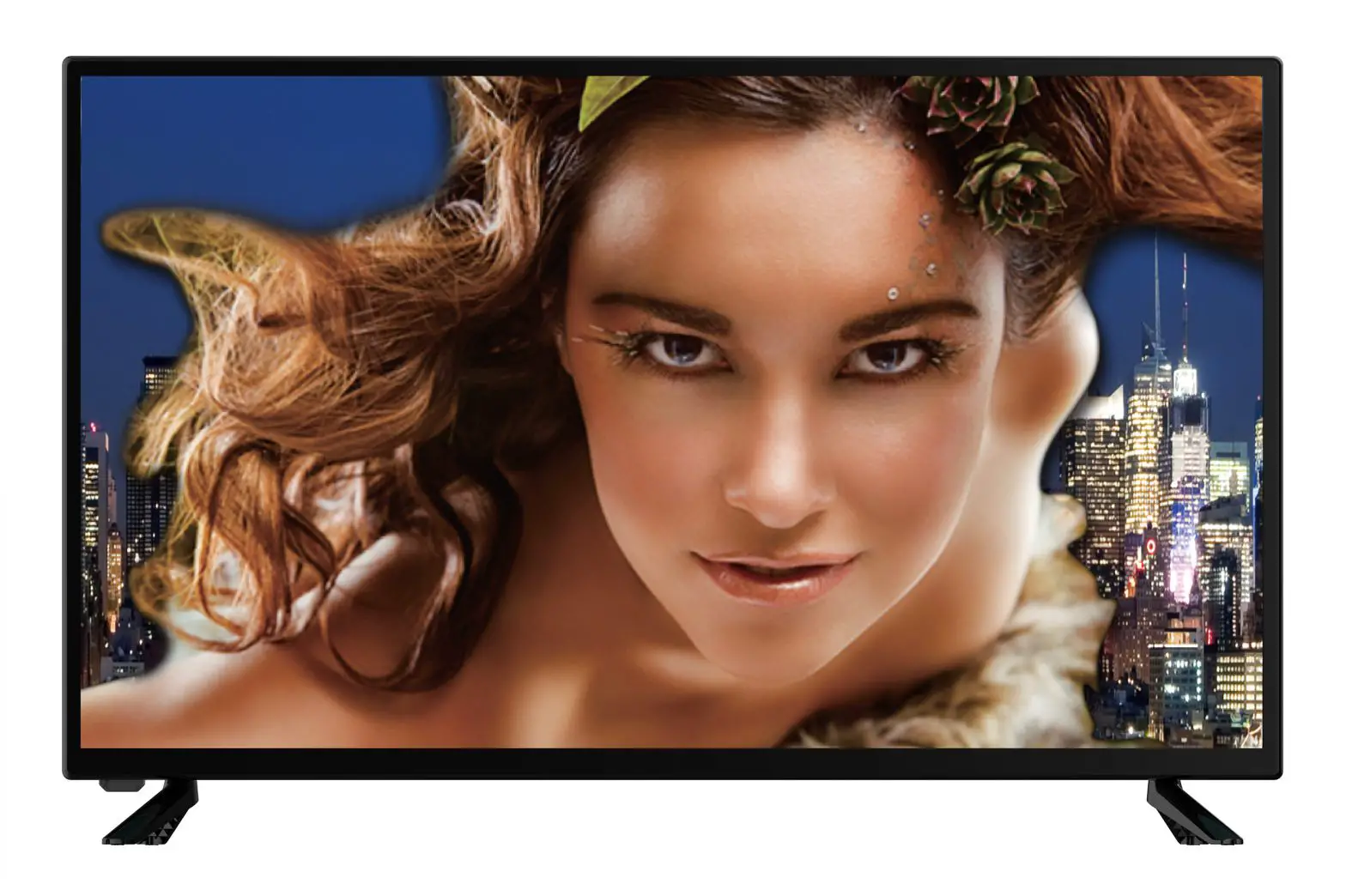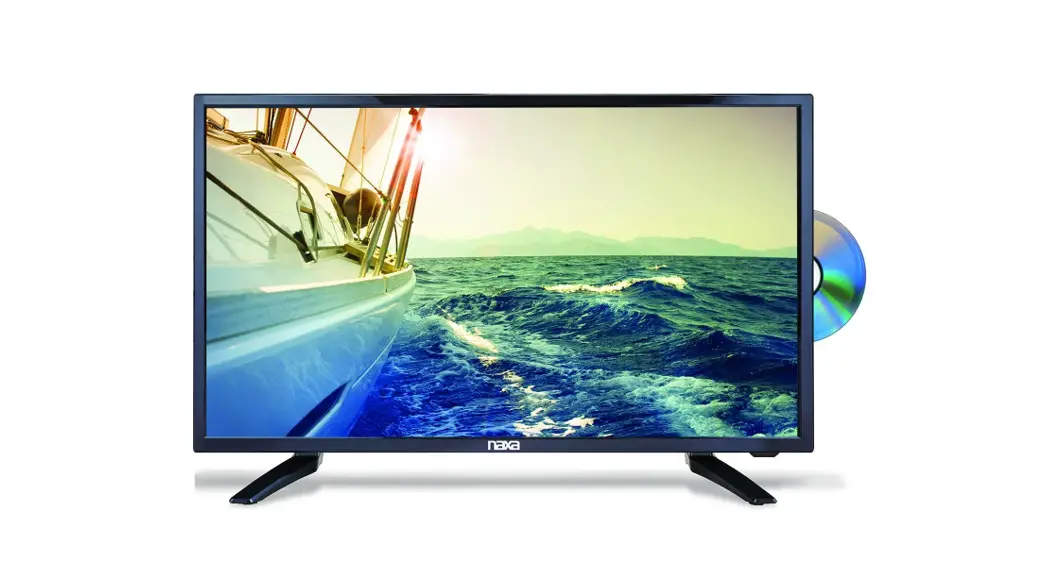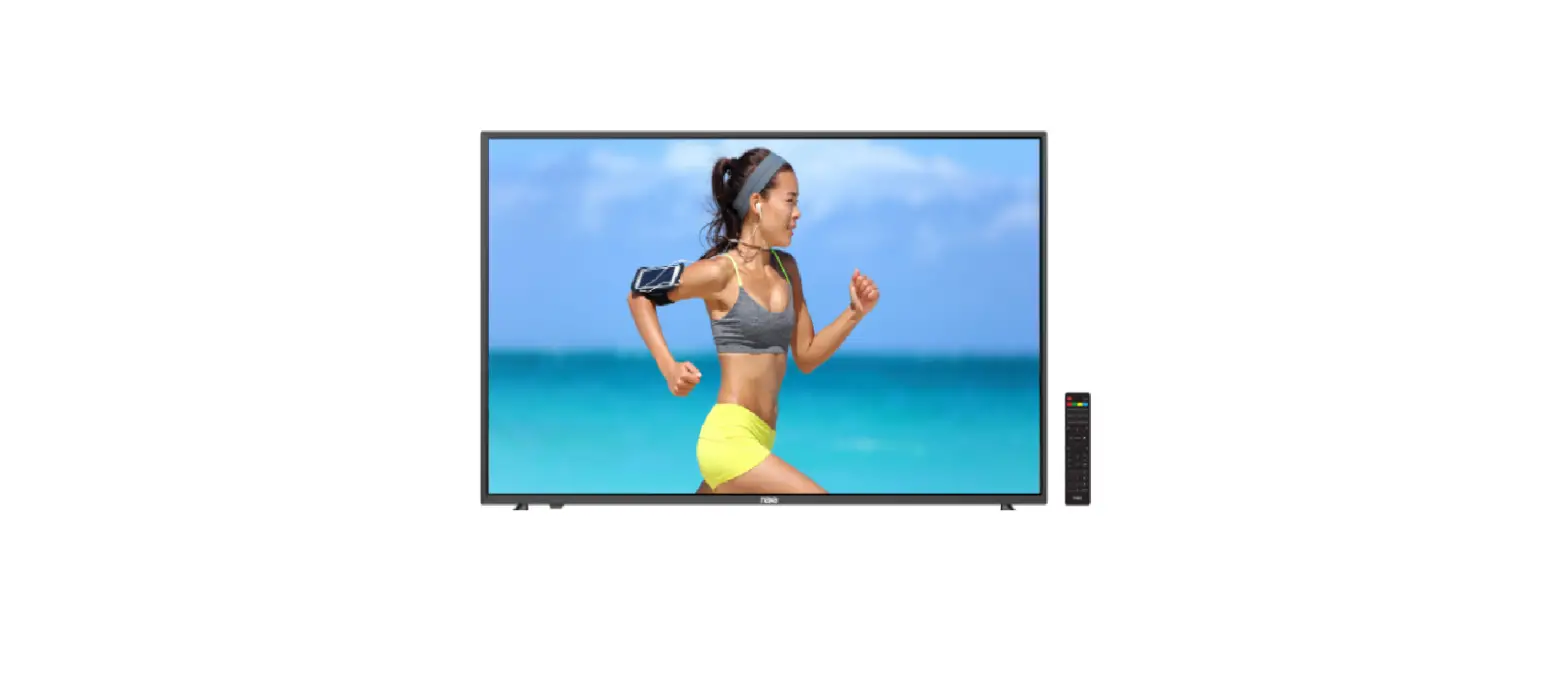

naxa NT-5001 50 Inch 4K UHD LED Widescreen Television

Setup Guide
- Connect an Antenna or Cable to your TV set.
- Connect the power plug to the wall outlet.
- Insert the 2 AAA batteries into the remote control and press POWER.
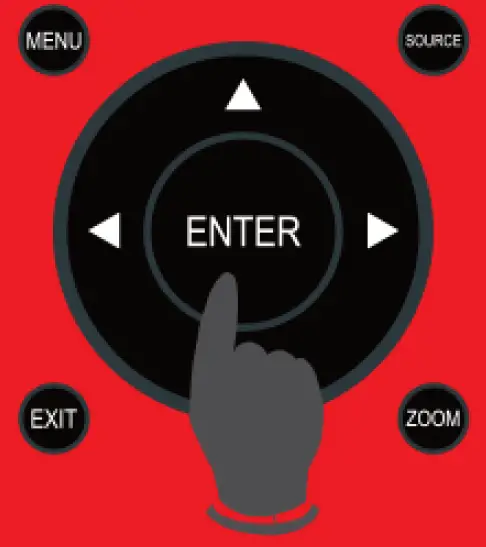
- To watch TV programs, press SOURCE button on the remote control and scroll to TV mode, press ENTER to confirm.
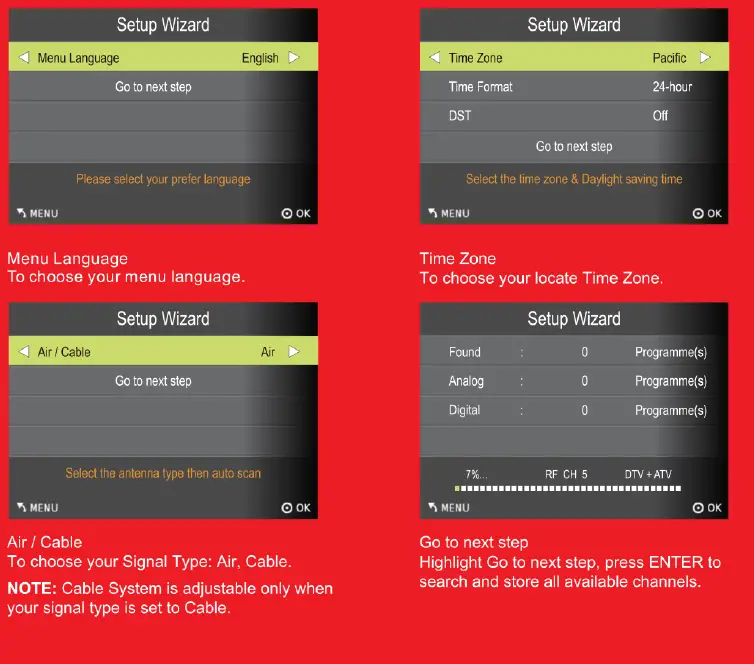
If it is the first time you turn on your TV, the initial setup menu appears automatically.
- Press UP/DOWN button to select preferred item.
- Press LEFT/RIGHT button to adjust the value.