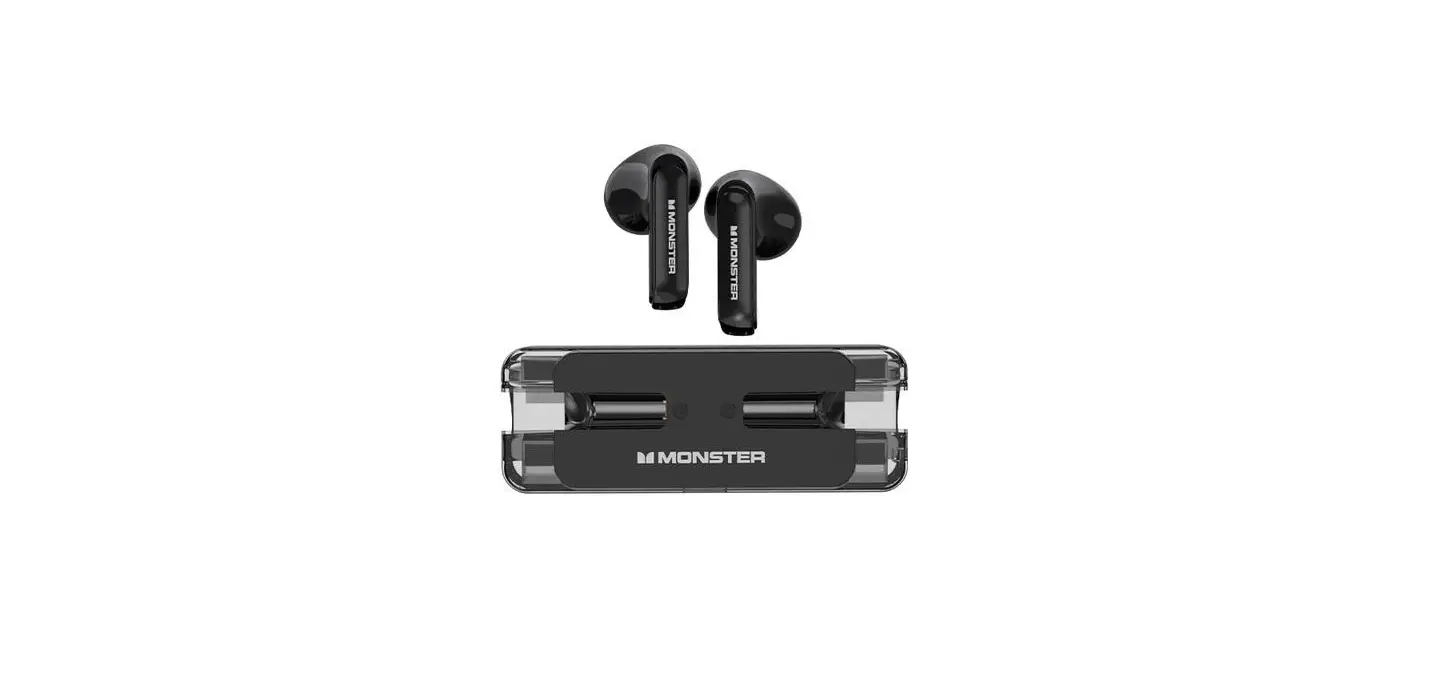
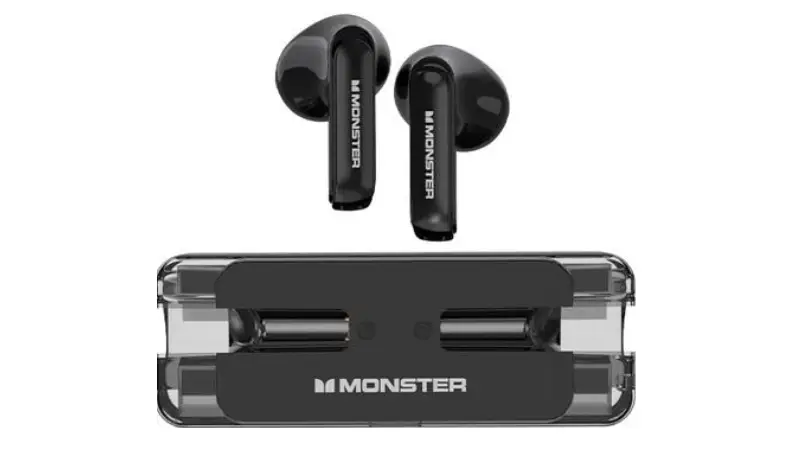
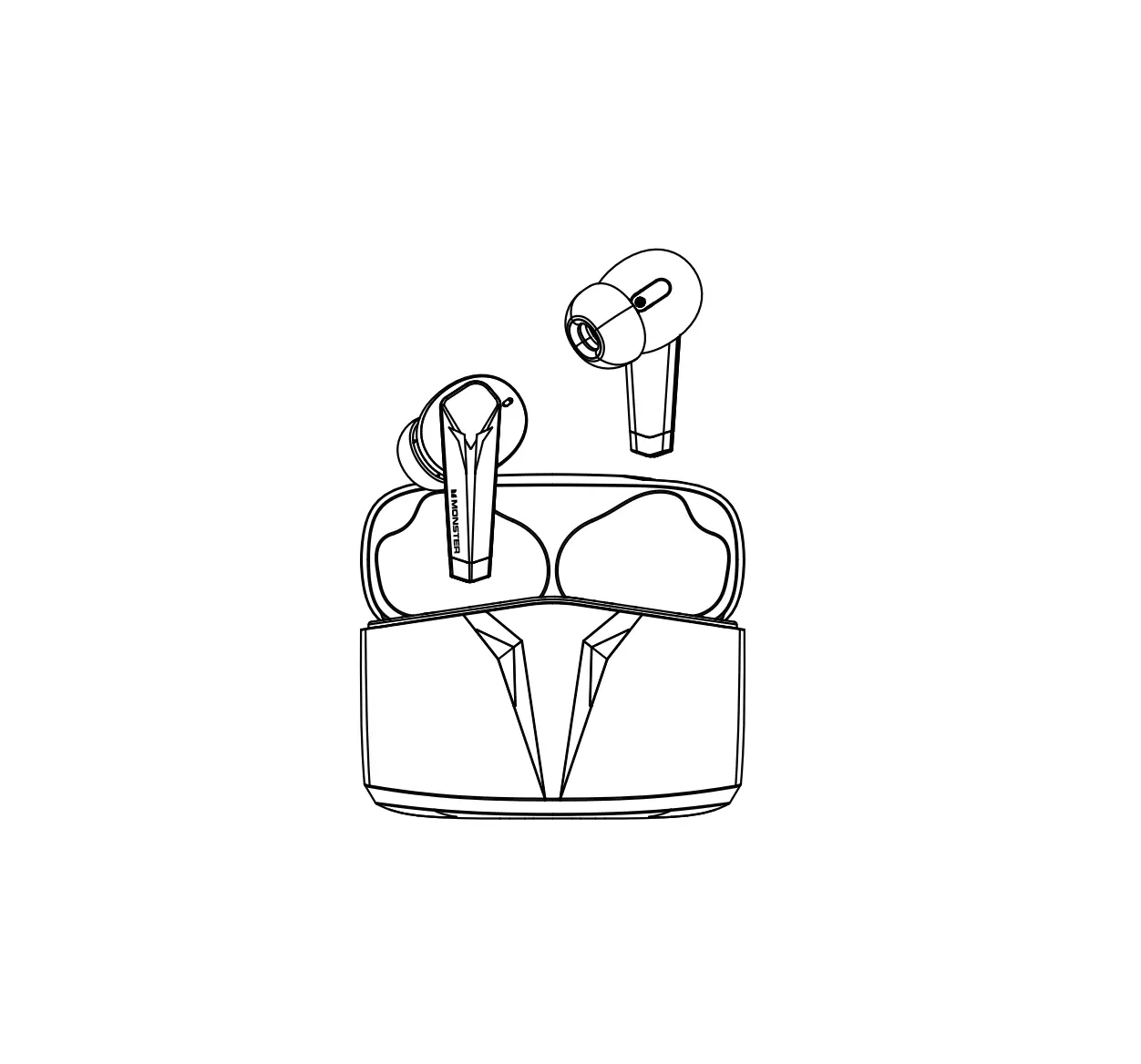
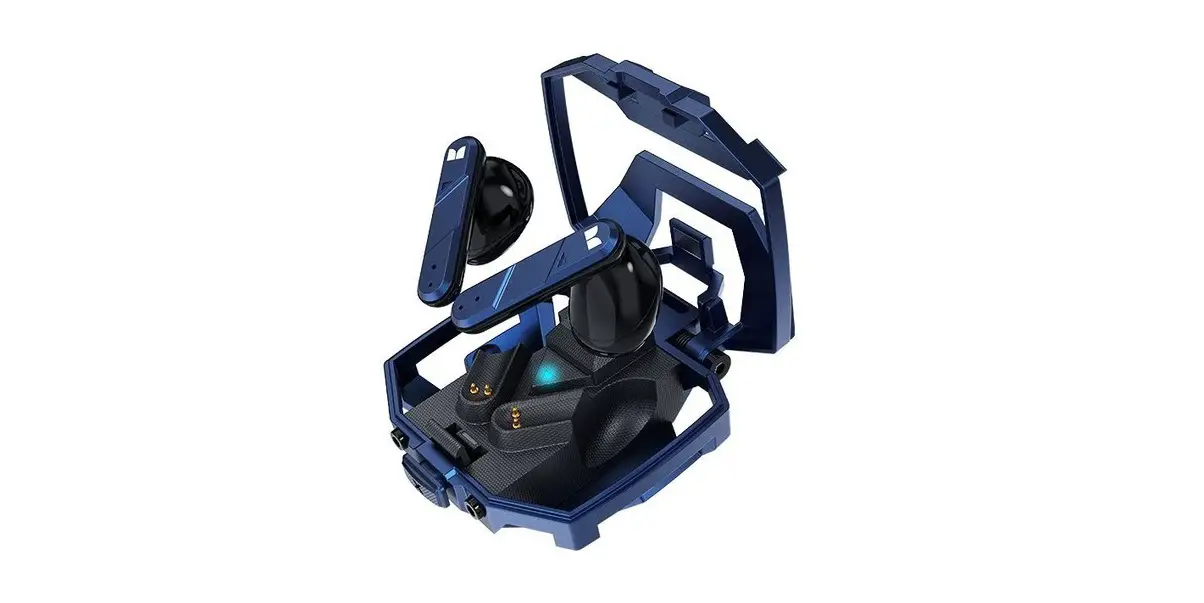
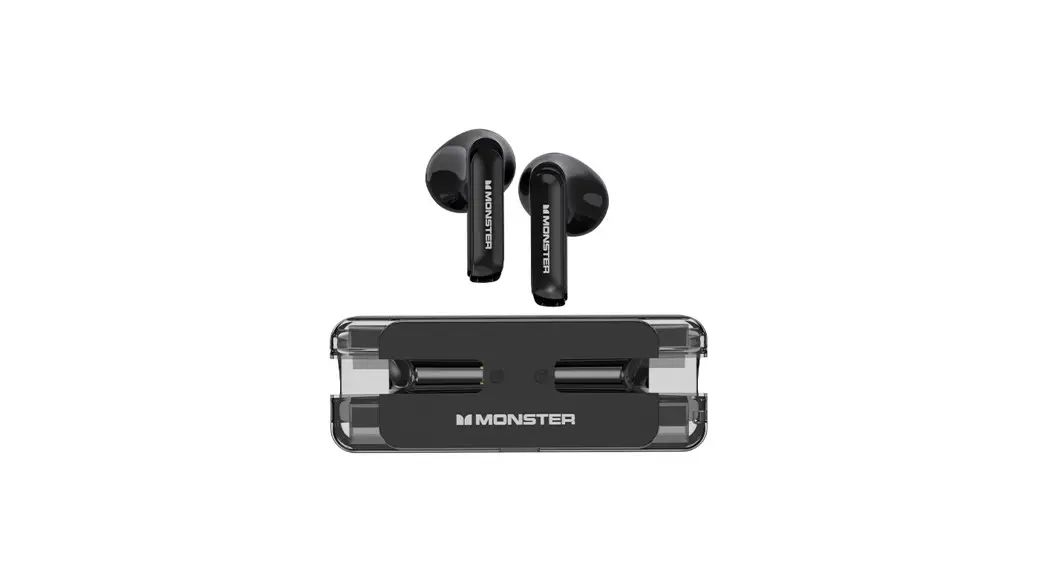
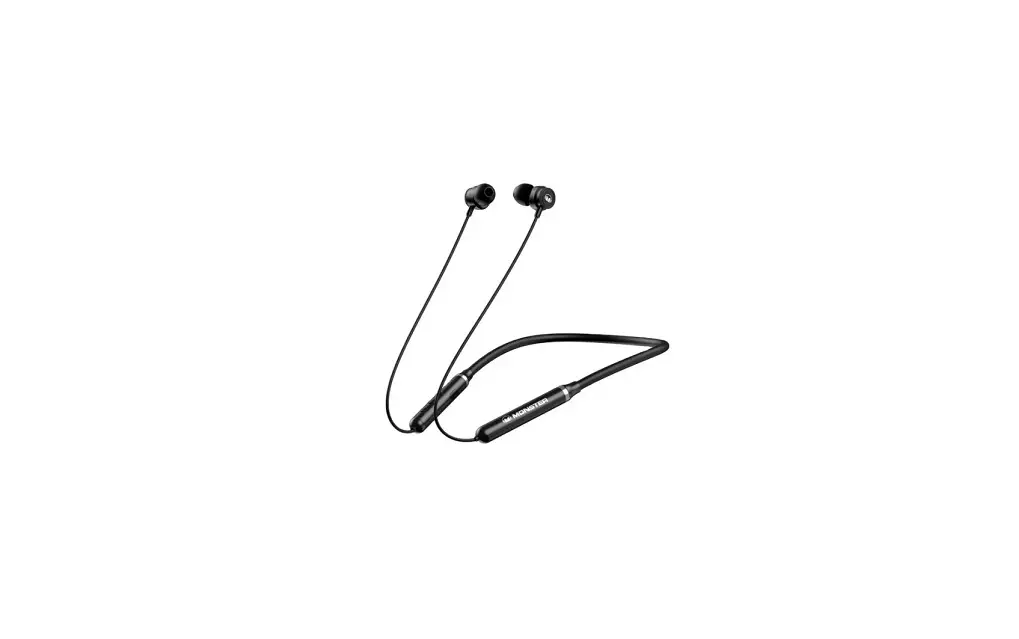
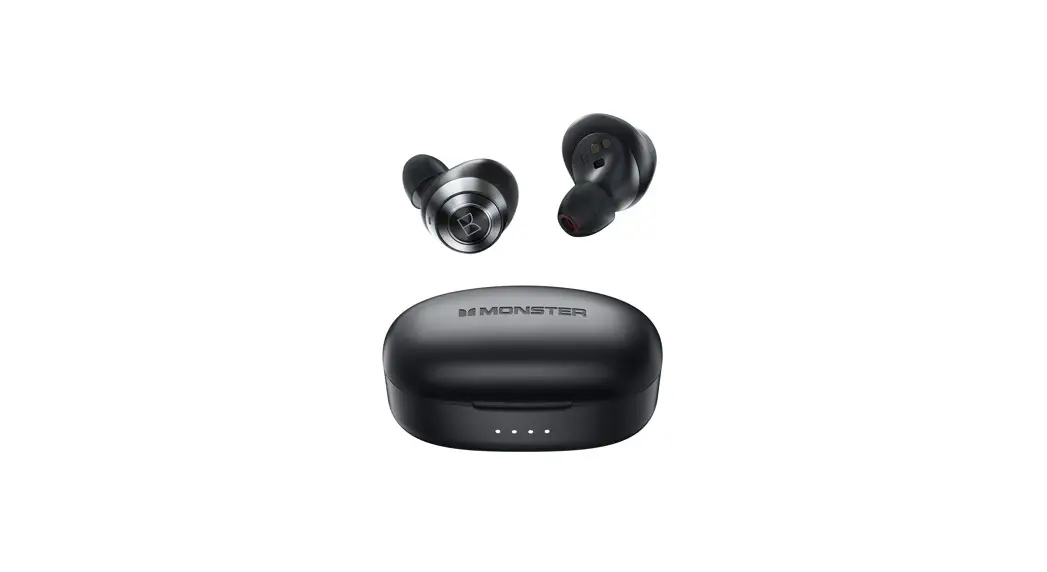
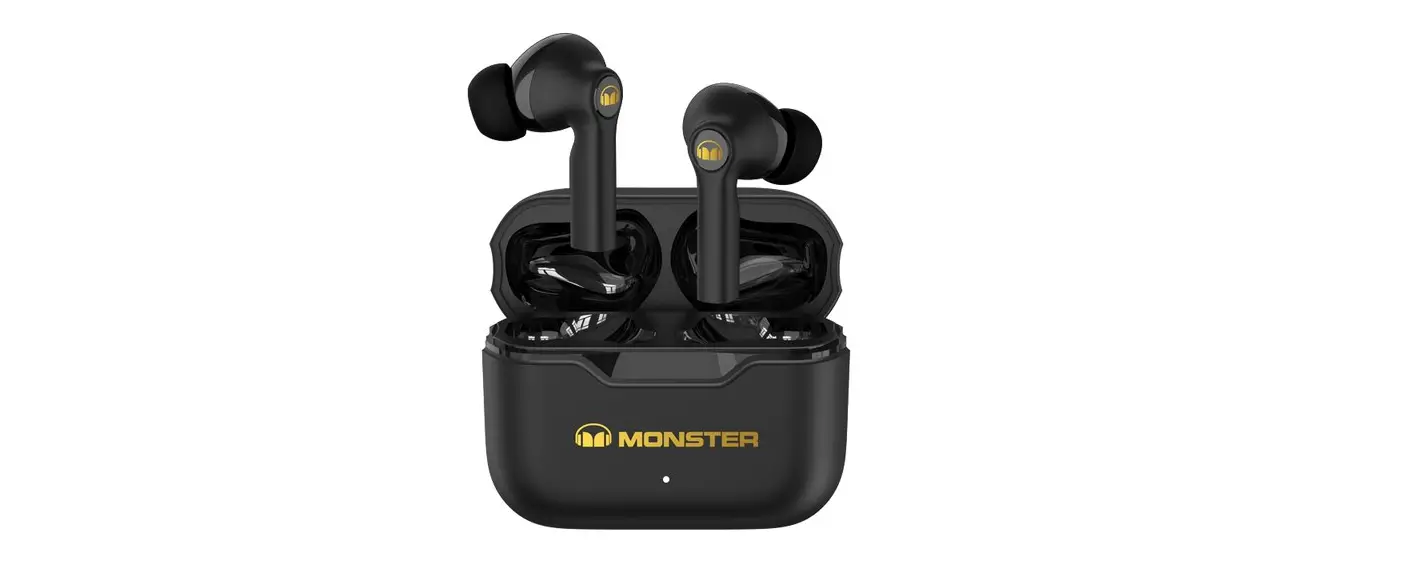
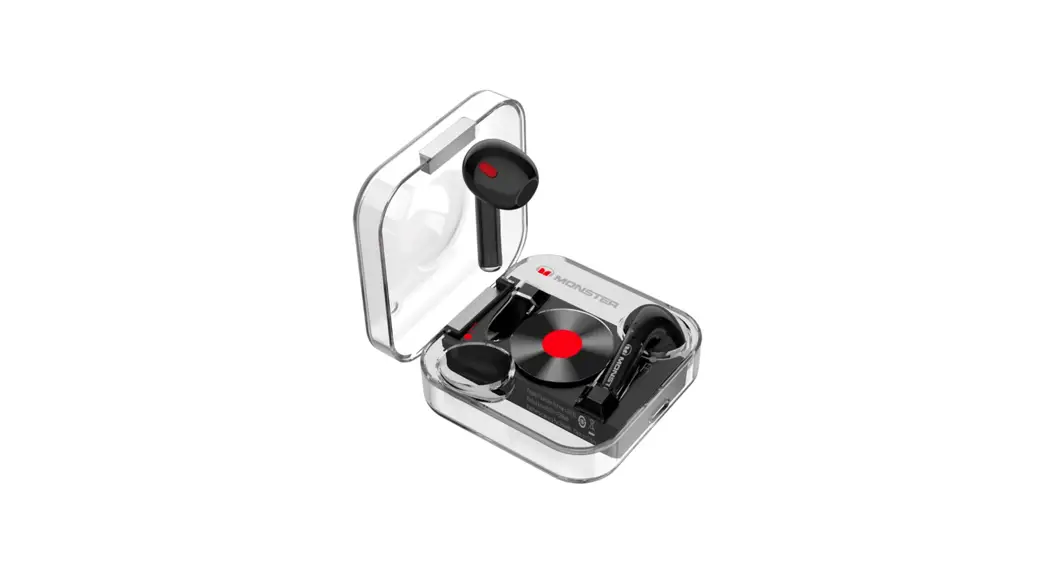
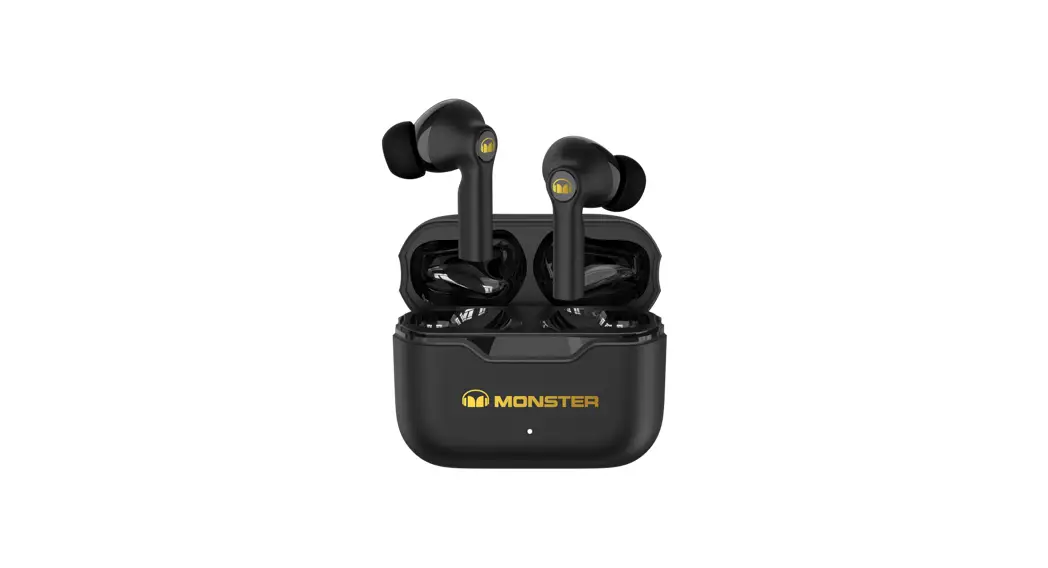
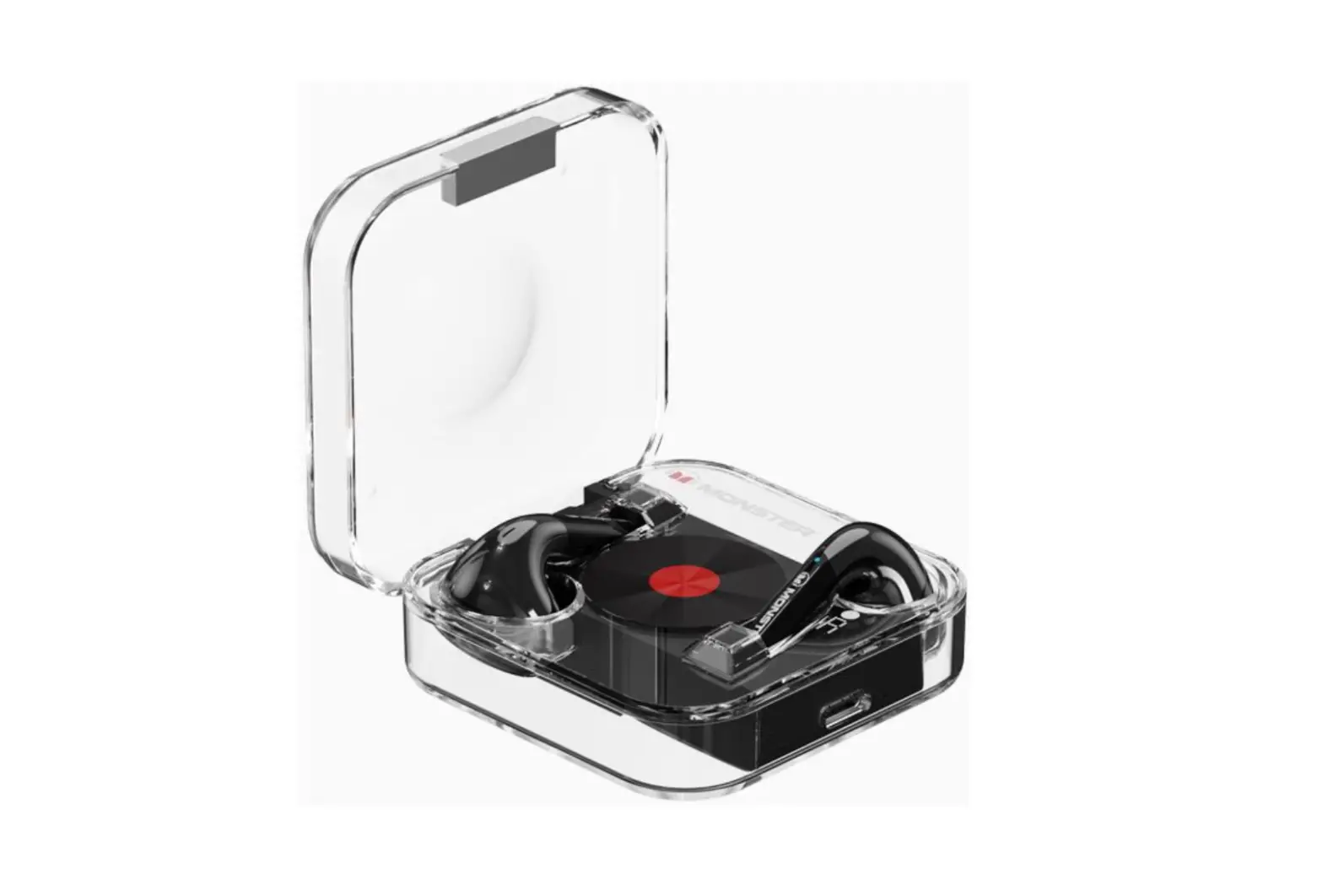
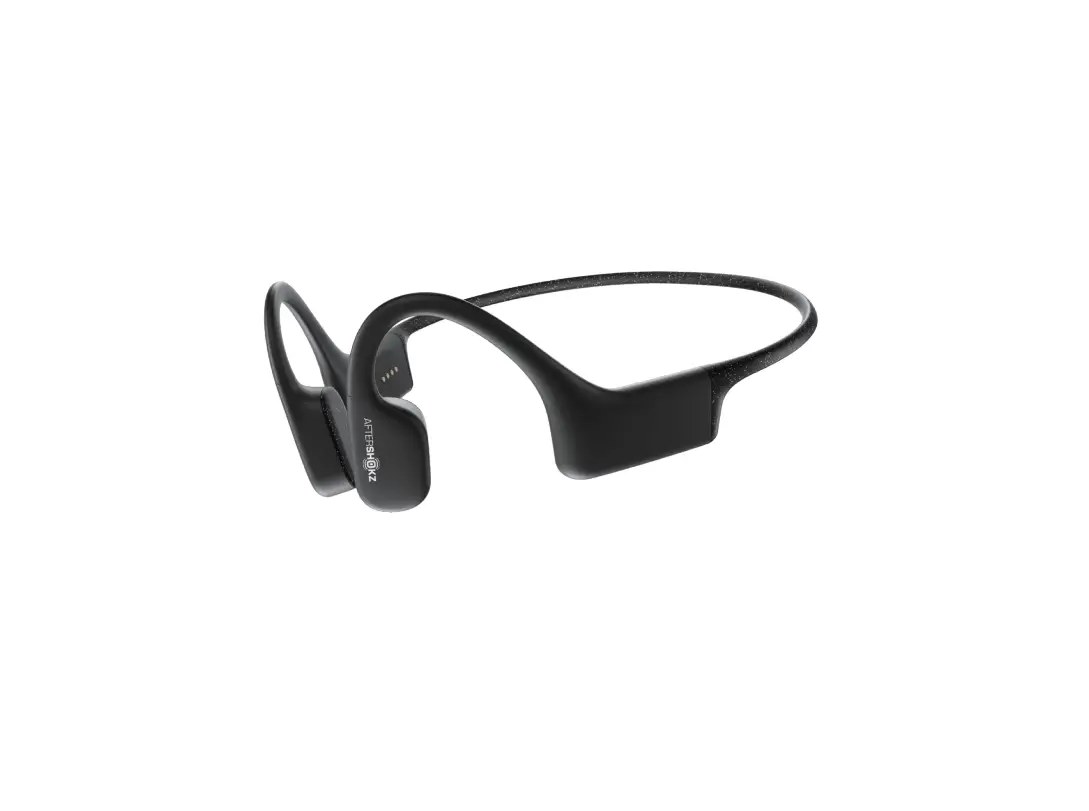
Airmars XKT21 Wireless Gaming Headphones
Product Information
- Product Name: Monster Airmars XKT21
- Model No: N/A
- Type: Bluetooth Earbuds
- Bluetooth Profile: N/A
- Bluetooth Distance: N/A
- Frequency: N/A
- Speaker Size: N/A
- Sensitivity: N/A
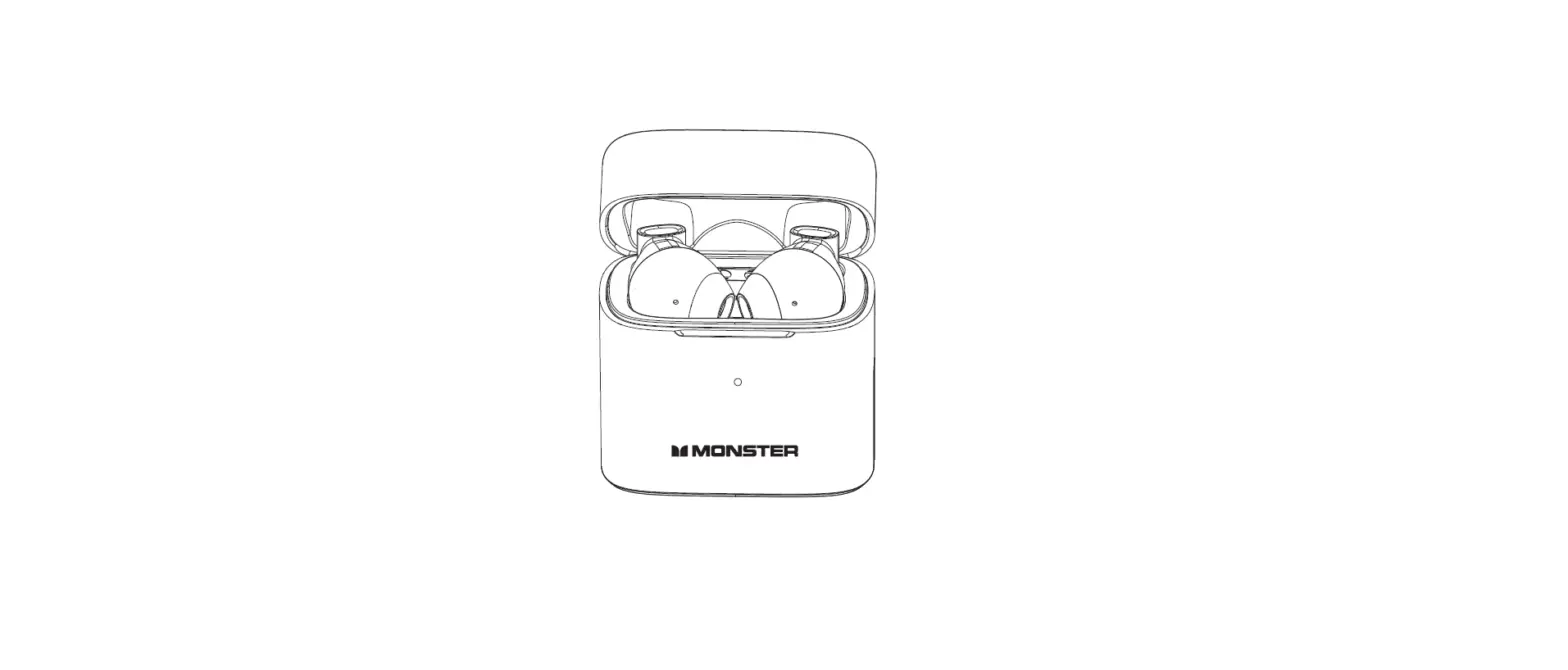
- Battery: Earbuds and Charging Case
- Charging: Type-C input
- Playing Time: N/A
- Charging Time: Earbuds – N/A; Charging Case –
N/A - Net Weight: N/A
Product Usage Instructions
Power On/Power Off
To power on the earbuds, take them out of the charging case and
long press for 2 seconds. The earbuds indicator light will flash
blue for 1 second. To power off, put the earbuds back into the
charging case and long press for 5 seconds. The earbuds indicator
light will flash red for 2 seconds.
Note: The device will automatically turn off after 5 minutes if
the earbuds are not connected.
Bluetooth Pairing
To pair the earbuds with your mobile phone, follow these
steps:
- Take out the earbuds from the charging case.
- Turn on your mobile phone’s Bluetooth and search for the
pairing name. - Select “Monster Airmars XKT21” and connect to it.
- After pairing successfully, the earbuds will play a prompt
voice connect.
Wearing Method
The earbuds can be worn in either the left or right ear.
Operational Approach
The earbuds have the following operational approach:
- Power On/Power Off: Long press 2 seconds/Long press 5
seconds - Play/Pause: Double click
- Previous/Next: Triple-click/Click double click
- V+/V-: Long press 2 seconds/Long press 1.5 seconds
- Answer/Hang up: Click
- Reject: Long press 2 seconds
- Siri Voice Assistant: Double click (left or right earbud)
LED Light
The earbuds and charging case have the following LED light
indications:
Earbuds Indicator Light
- Power On: Blue light 1 second
- Power Off: Red light 2 seconds
- Pairing: Main earbuds flashing red and blue; Vice Earbuds light
off - Connected: Light off
- Charging: Blue light on
- Charge Over: Blue light off
Charging Case Indicator Light
- Charging: Red light flash
- Charge Over: Red light on
Earbuds Charging Battery:
- Battery > 10%: White light on
User Guide
Basic Information
Product Name Model No Type Bluetooth
Bluetooth Profile Bluetooth distance
Frequency Speaker size
Sensitivity Earbuds Battery Charging Case Battery
Playing Time Type-c Input
Speaker size Earbuds Charging Time
Case Charging Time Net weight
Bluetooth Wireless Headphones Monster Airmars XKT21 Clip-on type V5.3 AVRCP/A2DP/AVCTP/AVDTP/HFP/HSP/SPP 10m 2020kHz 10mm -84dBm 60mAh 400mAh Earbuds3.5H With Charging case 22H DC 5V300mA 8±15% 1.5H 1.5H 45G
Chanrging
Power On/Power Off
Bluetooth Pairing
Power on
Take out earbuds from charging case and then long touch 2 seconds
Power off
Put into charging case Long touch 5 seconds Turn off the device after 5 mins without connecting the earbuds
Monster Airmars XKT21
PAIRING
1. take out earbuds from charging case 2. Turn on your mobile phone’s Bluetooth and search for the pairing name 3. Select “Monster Airmars XKT21” and connect to it 4. After Pairing successfullyearbuds play prompt voice “conncet”
Wearing Method
Operational approach
Operation
Power On/Power Off Play/Pause Previous/Next V+/ V-
Answer/Hang up Reject
Siri Voice Assistant
Left/Right
Long press 2S/Long Press 5S Double Click Triple-click Click Double Click
On CallLong press 2S Long Press 1.5S
LED light
Earbuds Indicator Light
Power on Power off
Blue light 1 second Red light 2 second
Pairing
Main earbudsFlashing red and blue; Vice EarbudsLight offf
Connected
Light off
Charging
Blue light on
Charge Over
Blue Light off
Charging Case Indicator Light
Charging
Red light flash
Charge Over
Red light on
Earbuds Charging Battery >10%: White light on Battery <10%: White light flash
Earbuds Charing over Light off
Attentions
Please store and use this product in normal temperature environment; Do not expose the product to rain or wet environment; Do not throw, to avoid product damage caused by falling; Do not disassemble, repair and transform the product; Do not use chemical solvent to wipe the product; Do not discard or put in high temperature (temperature above 60 degrees) and fire, so as not to cause danger.
FCC Statement
This equipment has been tested and found to comply with the limits for a Class B digital device, pursuant to Part 15 of the FCC Rules. These limits are designed to provide reasonable protection against harmful interference in a residential installation. This equipment generates uses and can radiate radio frequency energy and, if not installed and used in accordance with the instructions, may cause harmful interference to radio communications. However, there is no guarantee that interference will not occur in a particular installation. If this equipment does cause harmful interference to radio or television reception, which can be determined by turning the equipment off and on, the user is encouraged to try to correct the interference by one or more of the following measures: — Reorient or relocate the receiving antenna. —Increase the separation between the equipment and receiver. —Connect the equipment into an outlet on a circuit different from that to which the receiver is connected. — Consult the dealer or an experienced radio/TV technician for help.
This device complies with part 15 of the FCC Rules. Operation is subject to the following two conditions: (1) This device may not cause harmful interference, and (2) this device must accept any interference received, including interference that may cause undesired operation.
Changes or modifications not expressly approved by the party responsible for compliance could void the user’s authority to operate the equipment FCC ID:2A8PV-QSMXKT21