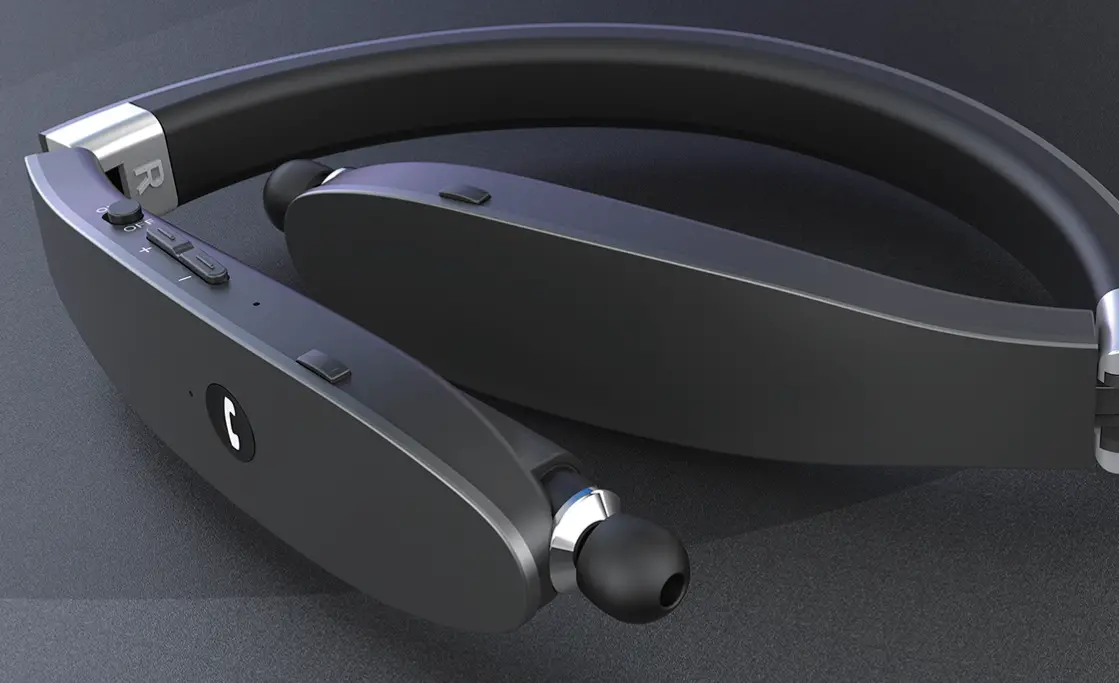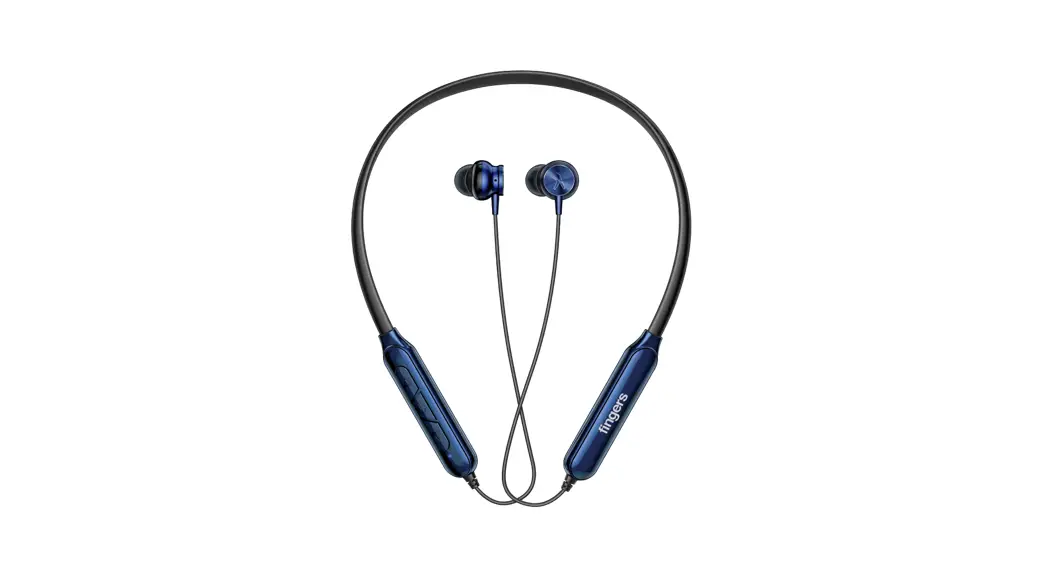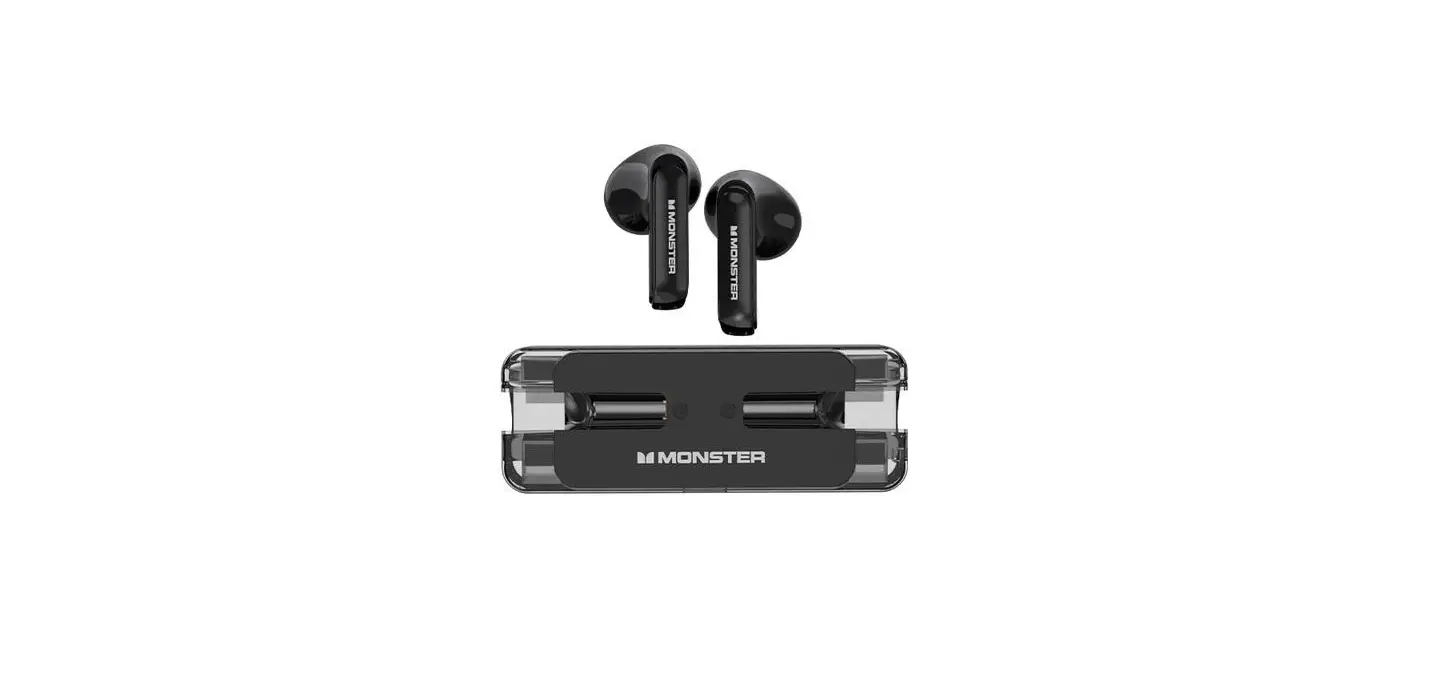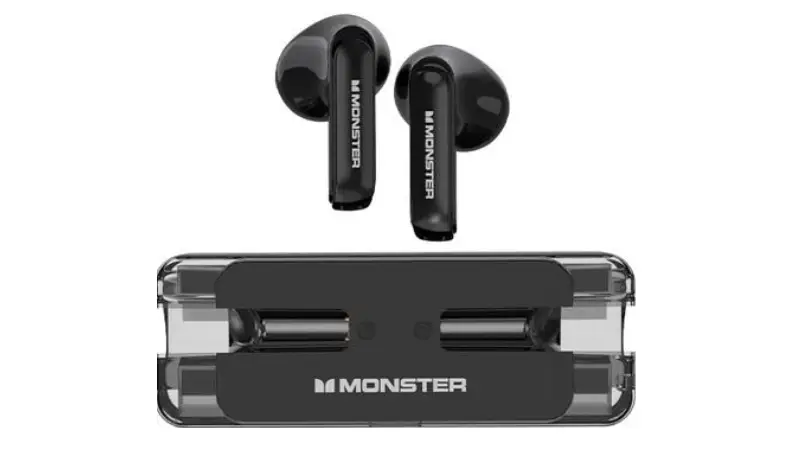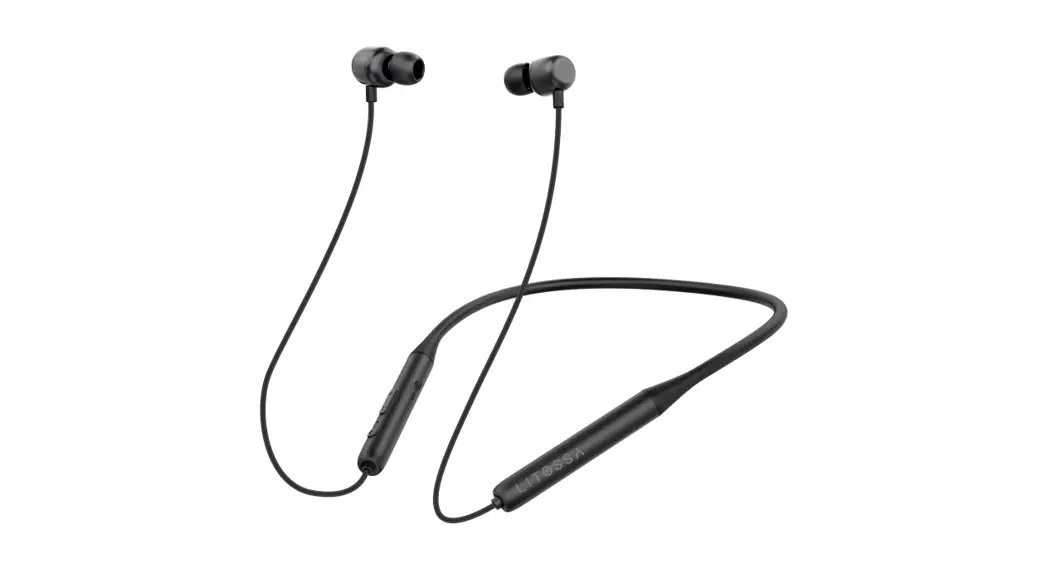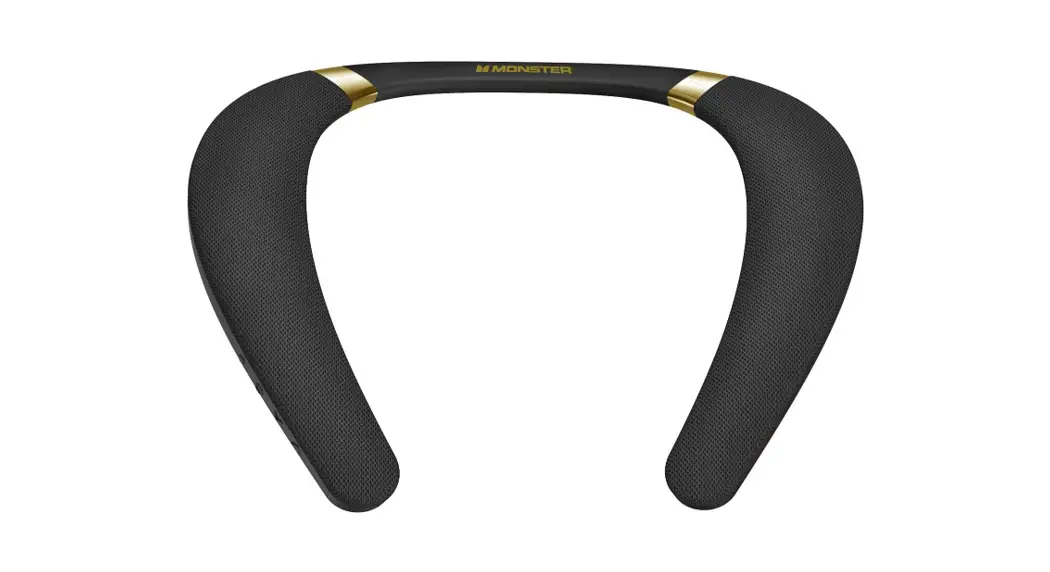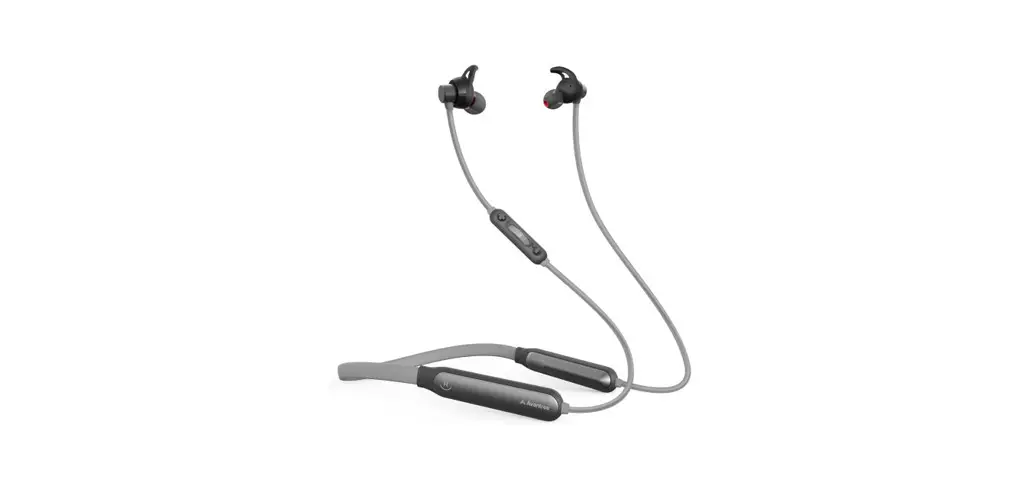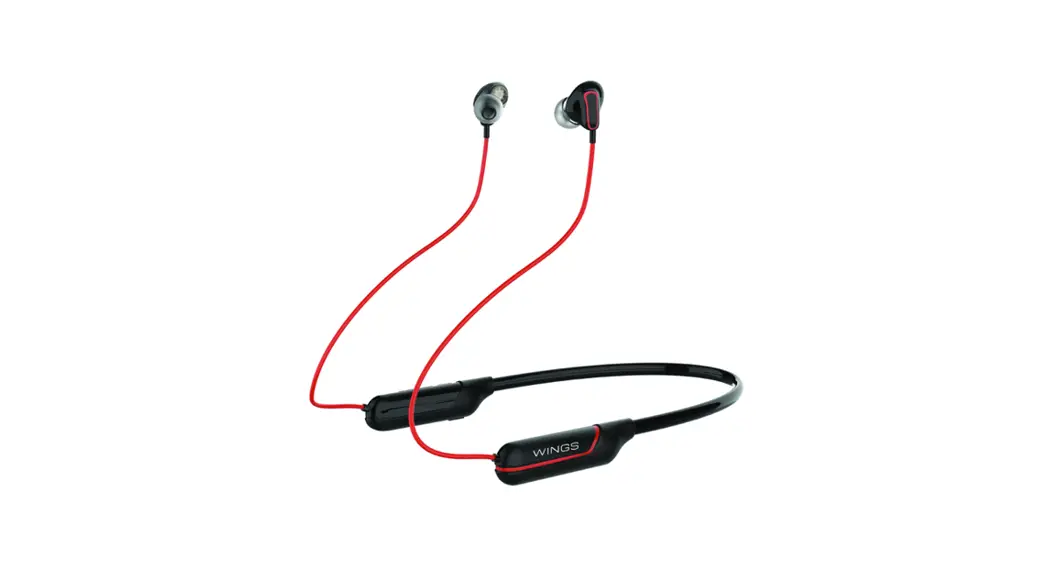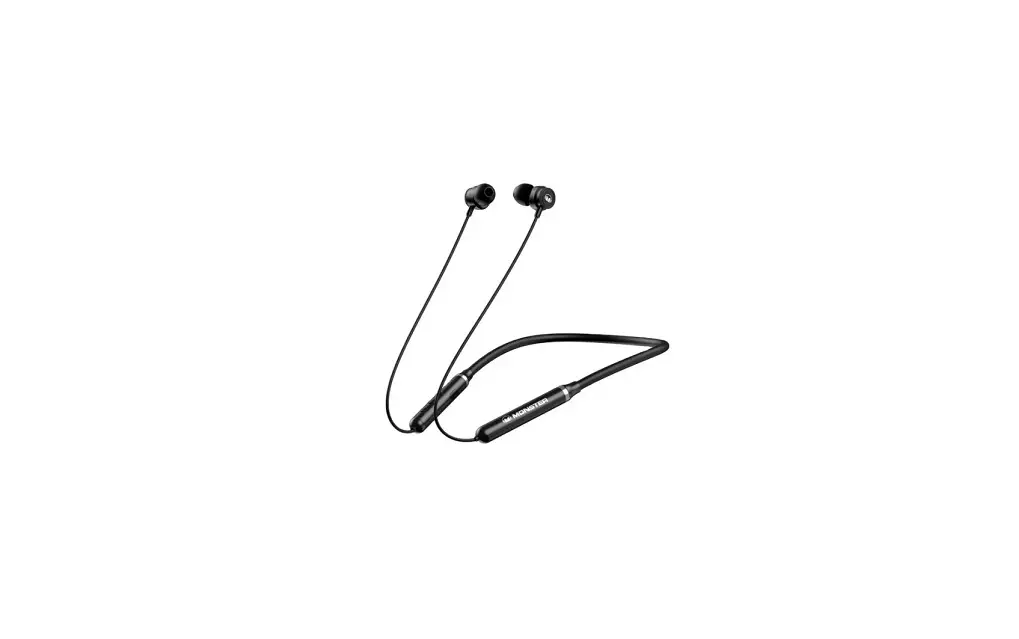
MONSTER AIRMARS SG01 ENC Gaming Neckband Wireless Headphones User Guide

Specifications
- Product model: Monster Airmars SG01
- Wireless transmission distance: 10M
- Speaker drivers: Φ12mm
- Impedance: 32Ω±15%
- Frequency response range: 20Hz-20kHz
- Sensitivity: 110±3dB
- Battery capacity: 400 mAh
- Charging time: 2 hours
- Play time: 40 hours
- Bluetooth version: V5.1
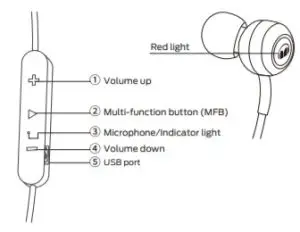
Included in the box
- ENC gaming neckband wireless headphones *1
- USB charging cable *1
- Silicone eartips *3
- Instructions manual *1
Operation
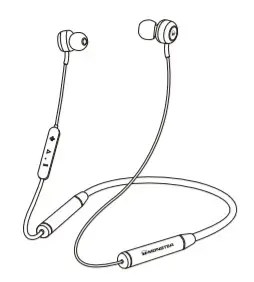
| Power ON | Long press ‘MFB’ for 3 seconds |
| Power OFF | Long press ‘MFB’ for 5 seconds |
| Answer Call | Short press ‘MFB’ |
| Reject Call | Long press ‘MFB’ for 2 seconds |
| End Call | Short press ‘MFB’ |
| Redial Call | Short press ‘MFB’for 2 times |
| Play Music | Short press ‘MFB’ |
| Pause Music | Short press ‘MFB’ |
| Siri/Google Voice | Long press ‘MFB’ for 2 seconds until ‘beep’ is heard |
| Increase Volume | Short press ‘Volume up’ |
| Decrease Volume | Short press ‘Volume down’ |
| Next Song | Long press ‘Volume up’ for 2 seconds |
| Previous Song | Long press ‘Volume down’ for 2 seconds |
| Switching Music and Game Modes | Press both ‘Volume up’ and ‘Volume down’ simultaneously |
Notes
- Headphones will start searching for last connected device when power on, if no device found, it goes to pairing mode automatically.
- In the pairing mode, the headphones try to search for pairing. Headphones will turn off in 5 minutes when no device found or failed.
- Headphones will turn off in 5 minutes when it is disconnected from the connected device.
- Battery low tone will be alerted for 5 minutes in every 1-minute interval before shut down. The red light is on when charging and the blue light is on when fully charged.
- Headphones will try reconnecting to the device within 5 minutes when connection is lost.
- Fully charge the headphones and power off before an intended not-in-use period
Precautions
- Keep the headphones away from inflammables when charging.
- Keep plastic bags away from infants and children to avoid suffocation.
- Keep the headphones and all accessories away from children and pets avoiding any potential hazards.
- For road safety, use headphones only in compliance with local laws and regulations. Special attention is needed for all on the road activities.
- Do not shine indicator light directly into someone’s eyes.
Warnings
- Do not use headphones at high volume for an extended period of time.
- Keep the headphones away from dust and water.
- Do not disassemble the headphones and accessories, otherwise warranty will be void.
- Keep headphones away from any impact or vibration.
- Do not use any chemical solvents or cleaning agent on the headphones.
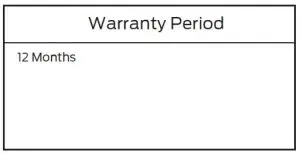
Warranty Service
If the product does not function as warranted during the warranty period, you may obtain warranty service by contacting your dealer where it was purchased.
Product Type:
FCC Statement
This device complies with part 15 of the FCC rules. Operation is subject to the following two conditions: (1) this device may not cause harmful interference, and (2) this
device must accept any interference received, including interference that may cause undesired operation.
Changes or modifications not expressly approved by the party responsible for compliance could void the user’s authority to operate the equipment.
NOTE: This equipment has been tested and found to comply with the limits for a Class B digital device, pursuant to part 15 of the FCC Rules. These limits are designed
to provide reasonable protection against harmful interference in a residential installation. This equipment generates uses and can radiate radio frequency energy and, if
not installed and used in accordance with the instructions, may cause harmful interference to radio communications. However, there is no guarantee that interference
will not occur in a particular installation. If this equipment does cause harmful interference to radio or television reception, which can be determined by turning the
equipment off and on, the user is encouraged to try to correct the interference by one or more of the following measures:
- Reorient or relocate the receiving antenna.
- Increase the separation between the equipment and receiver.
- Connect the equipment into an outlet on a circuit different from that to which the receiver is connected.
- Consult the dealer or an experienced radio/TV technician for help.
The device has been evaluated to meet general RF exposure requirement.