Driver Installation
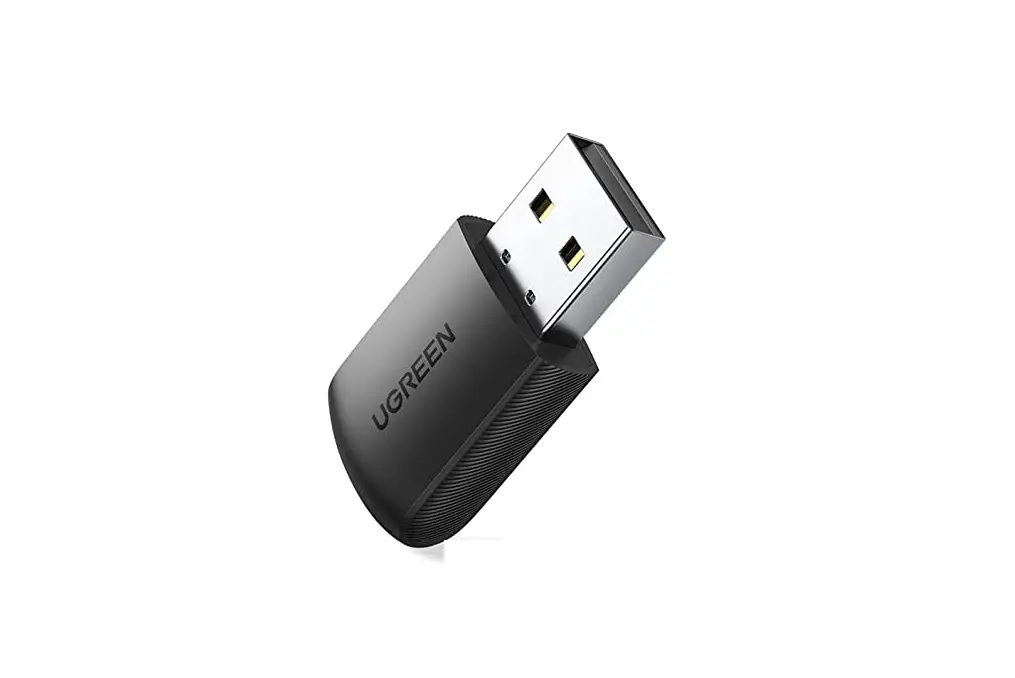
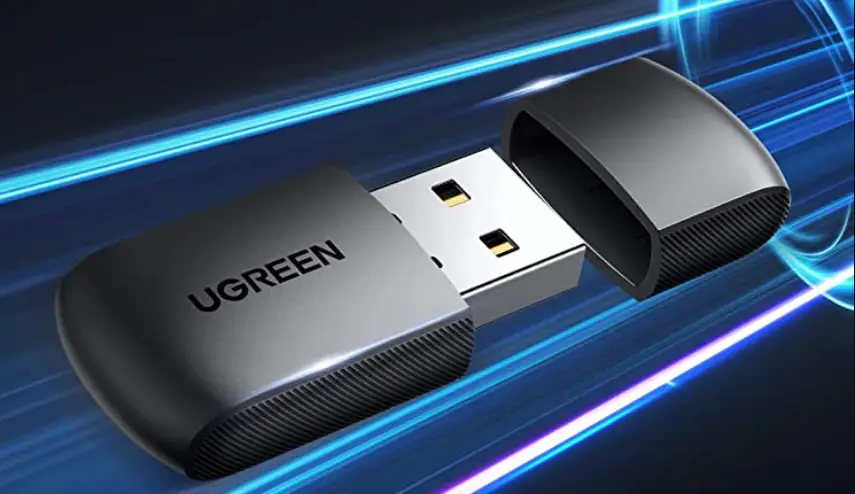
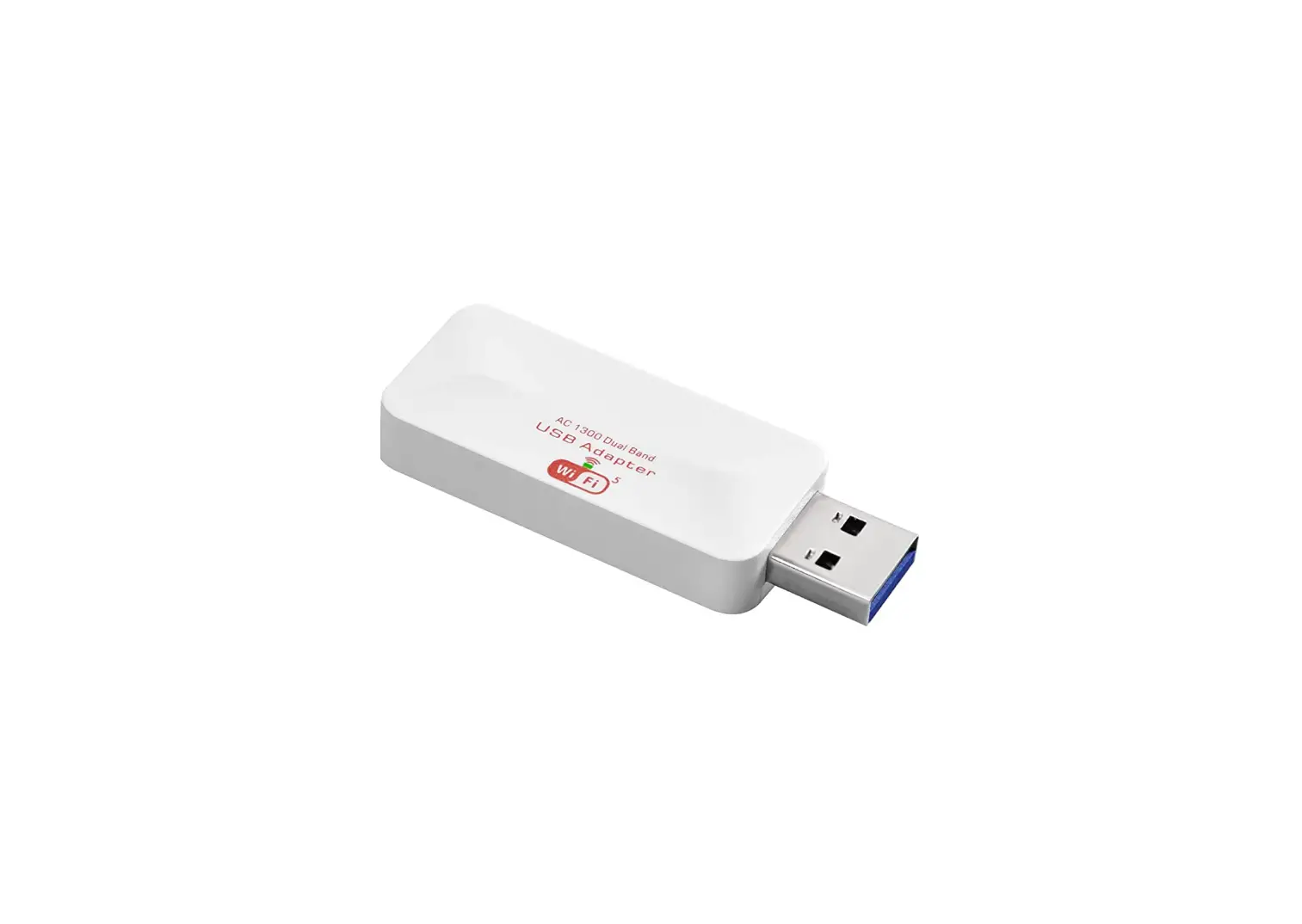
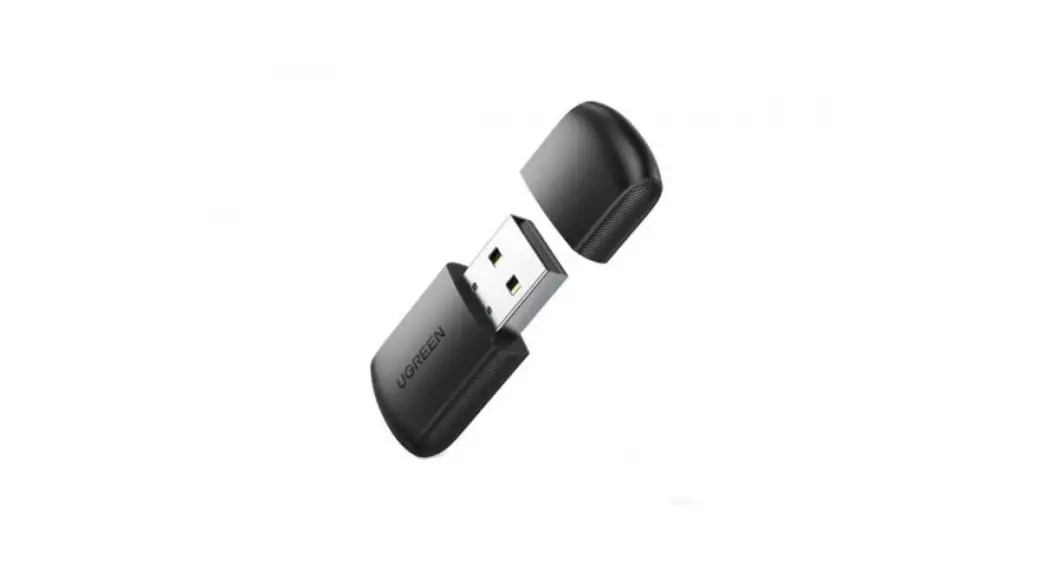
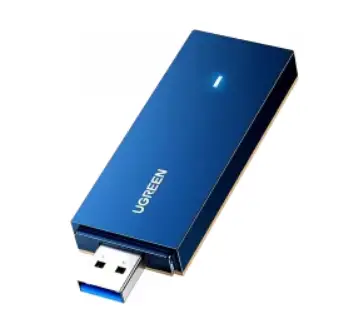
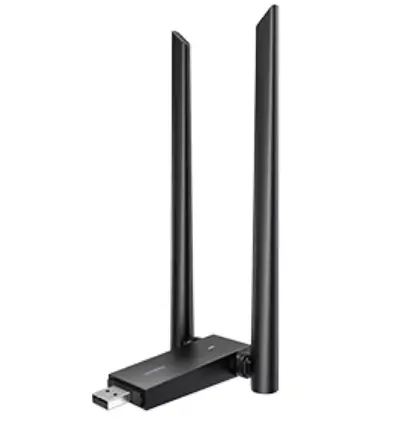
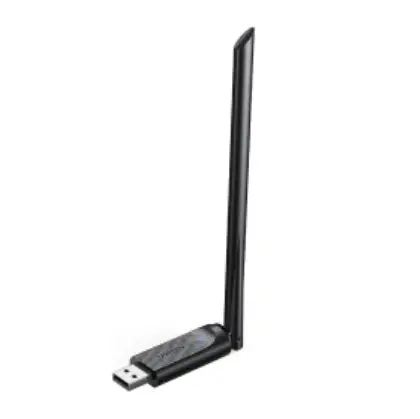
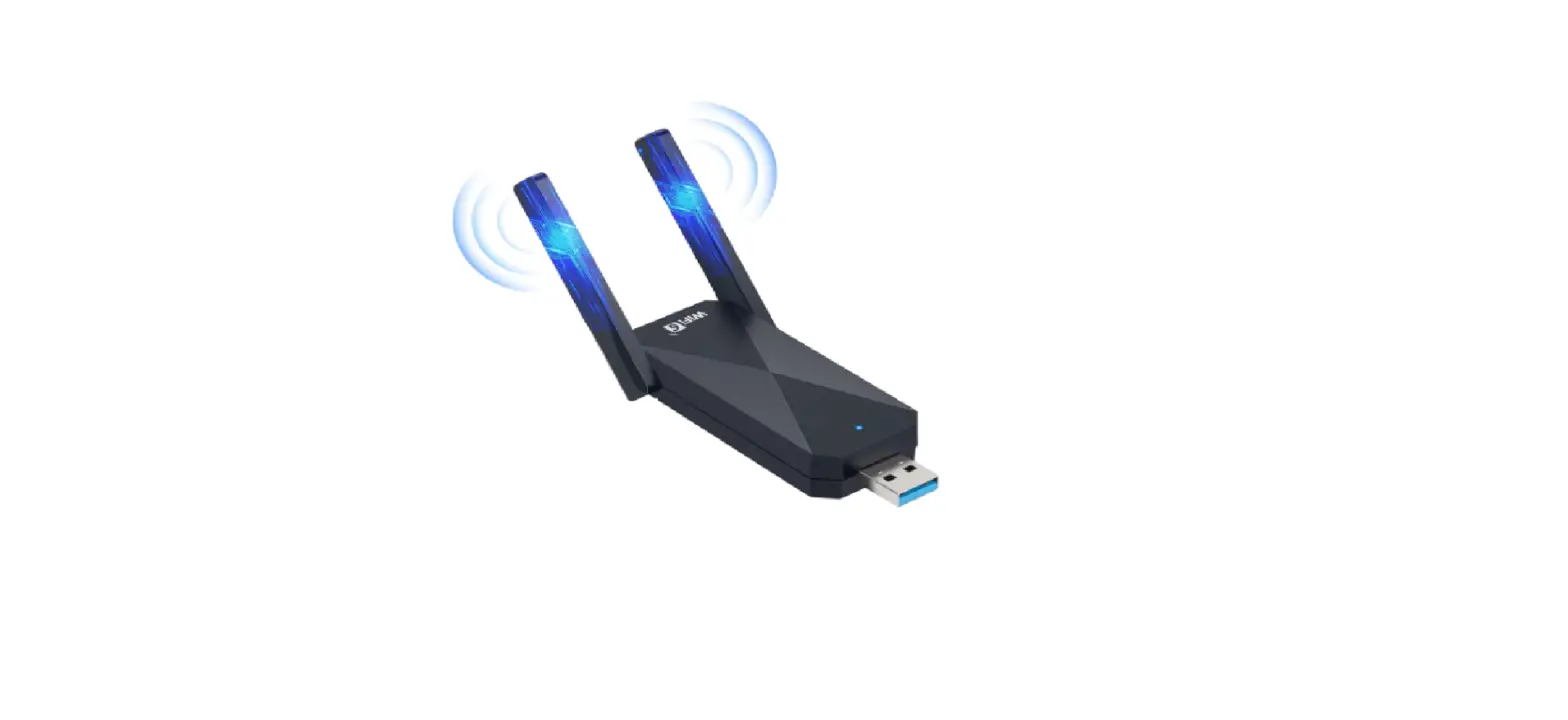
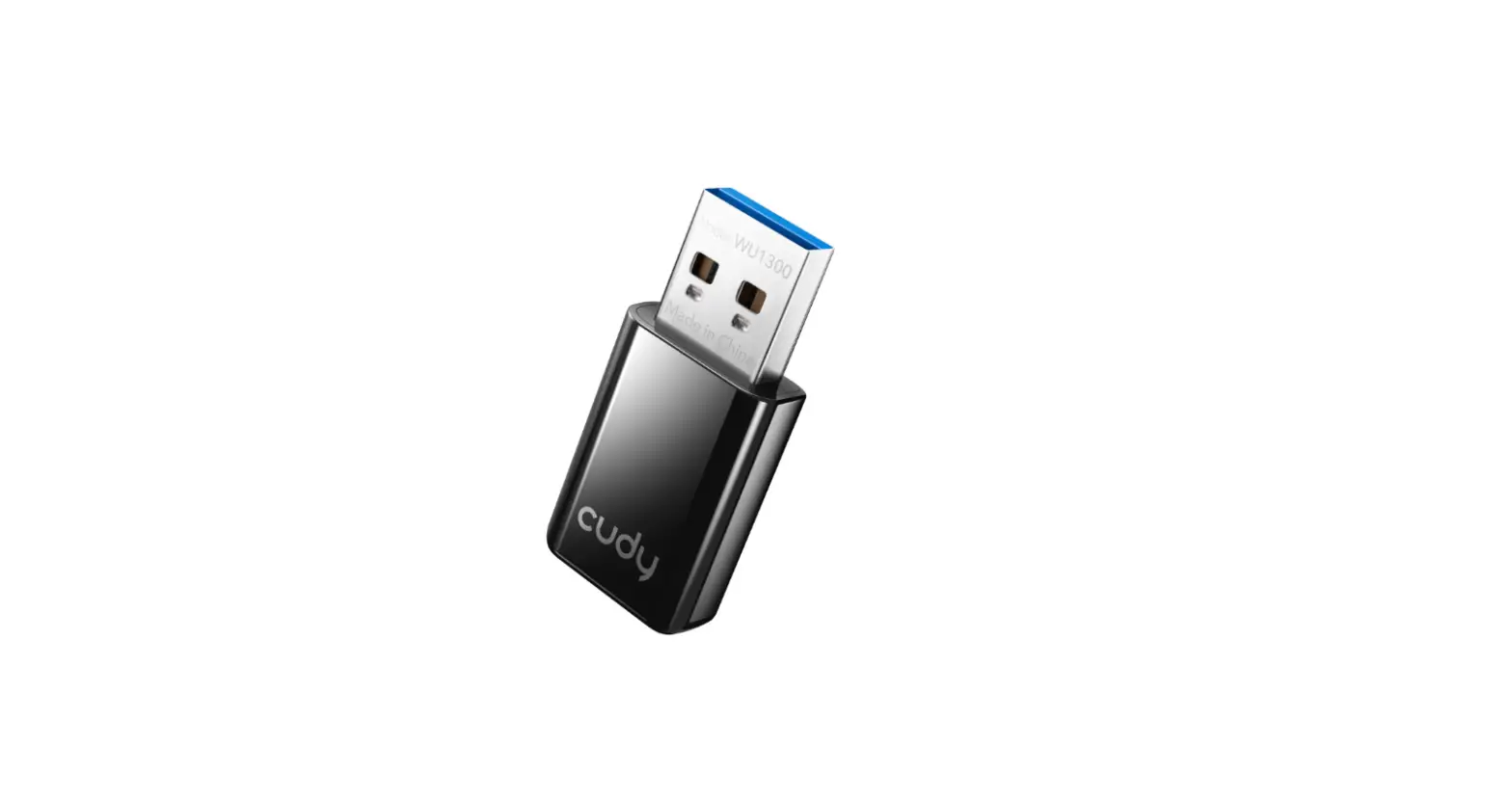
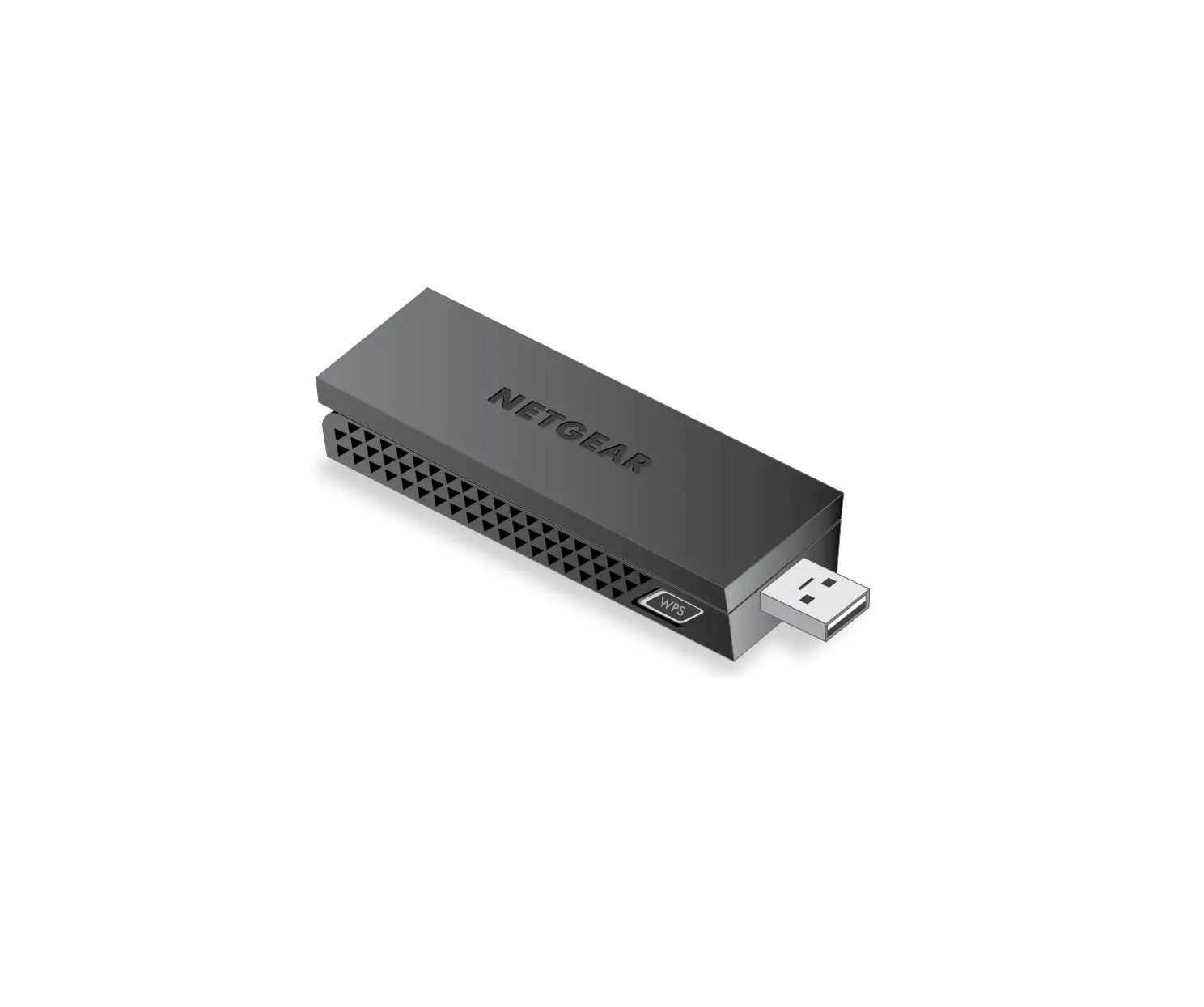
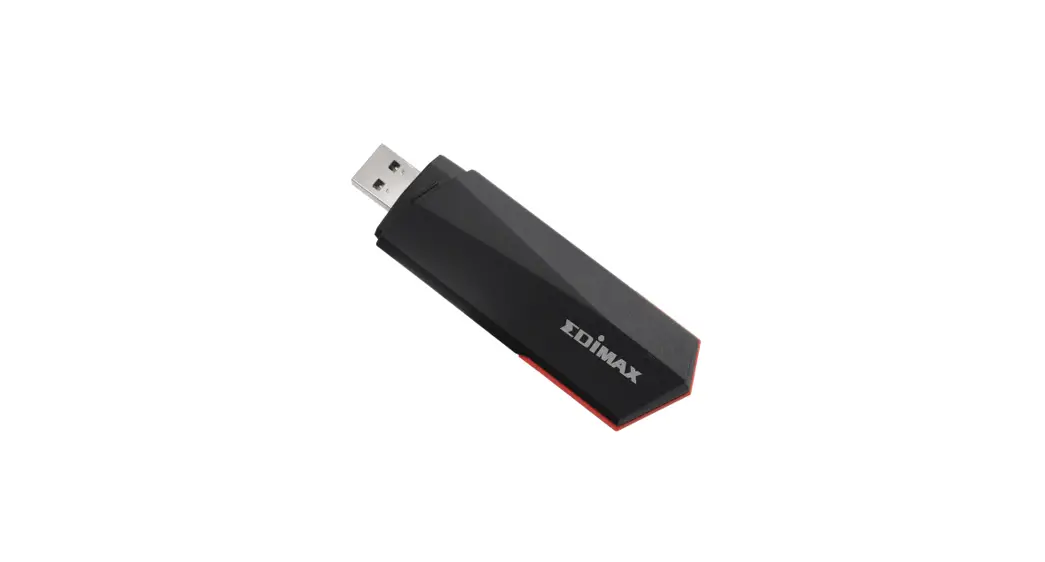
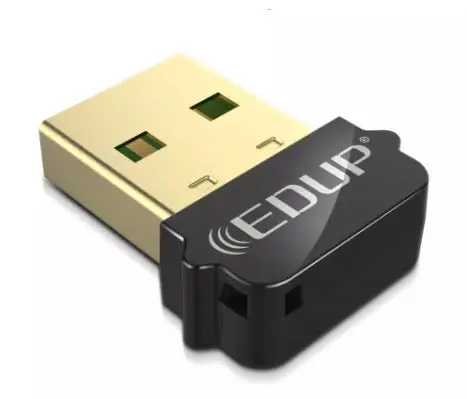
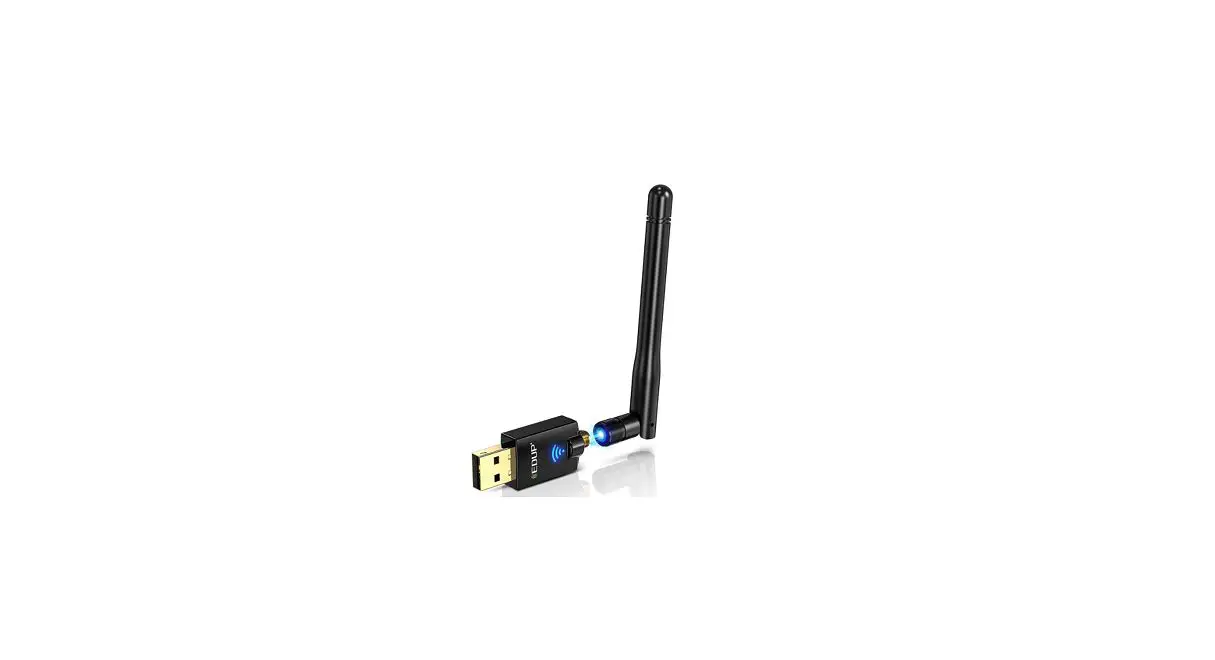
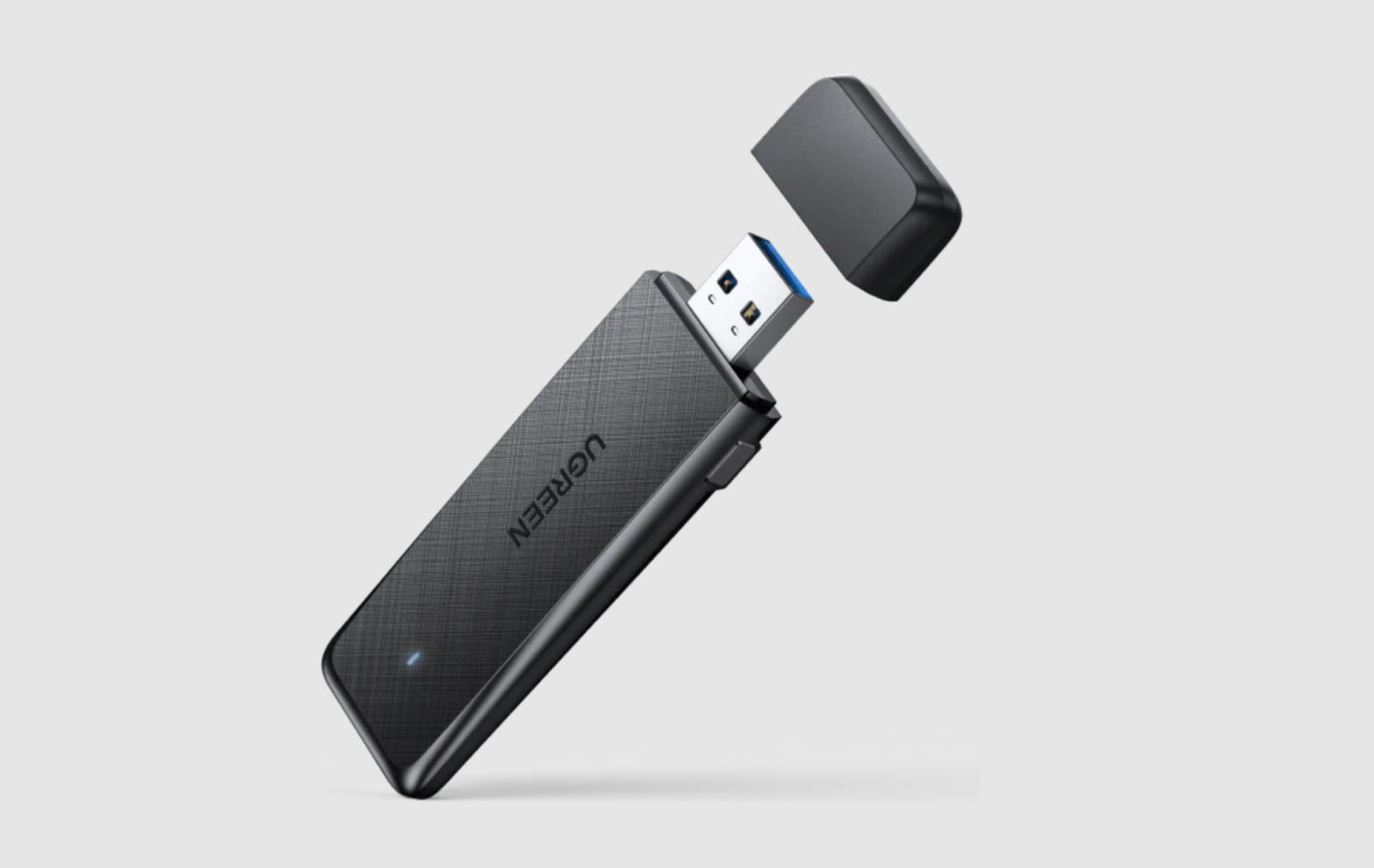
- Plug the device into the USB port of your PC;
- Insert the CD into the CD drive of your PC. If the CD-ROM is unavailable on your computer, you can install the driver via this one: https://www.mediafire.com/file/rvquzpqkr1adzb5/RTL8812AU.zip/file
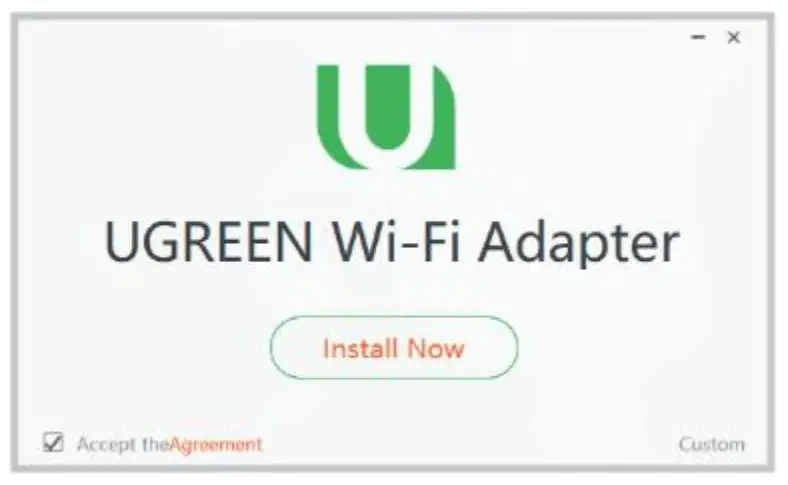
- Double click Setup.exe and run it, and then click the icon “Install Now” to finishthe installation;
- Once the installation is finished, the software “UGREEN Wi-Fi” will be available, and you can use it to connect your network.