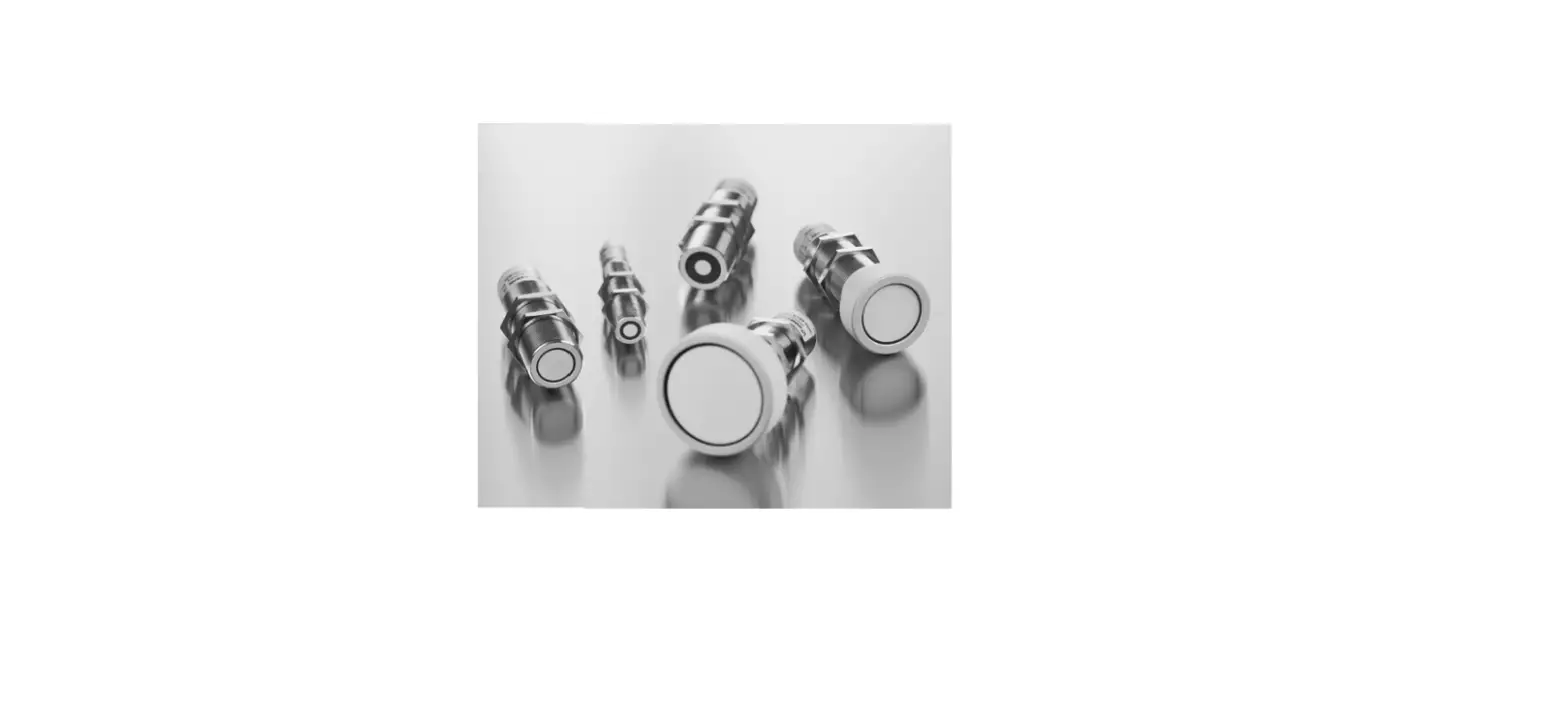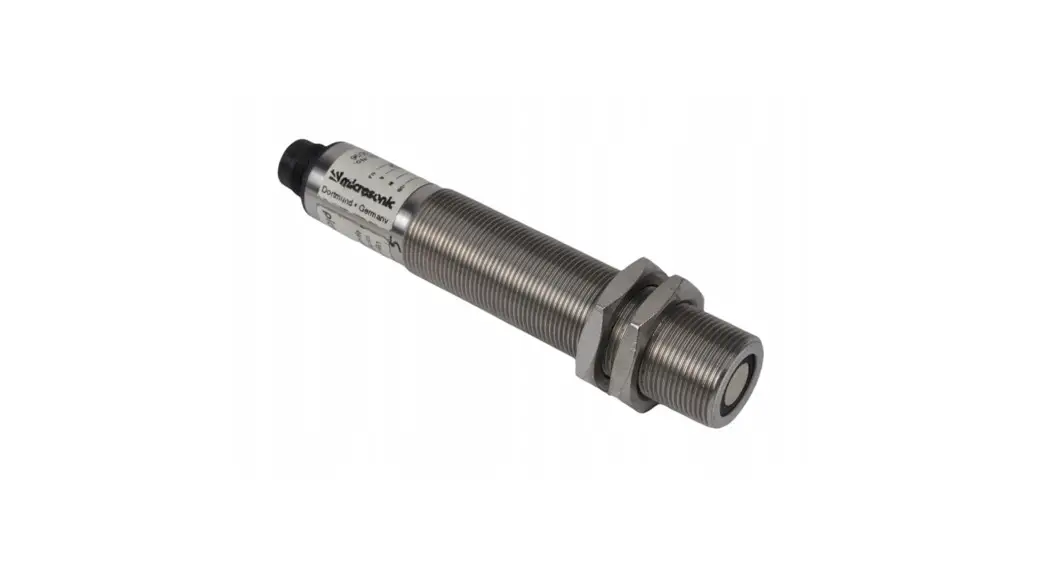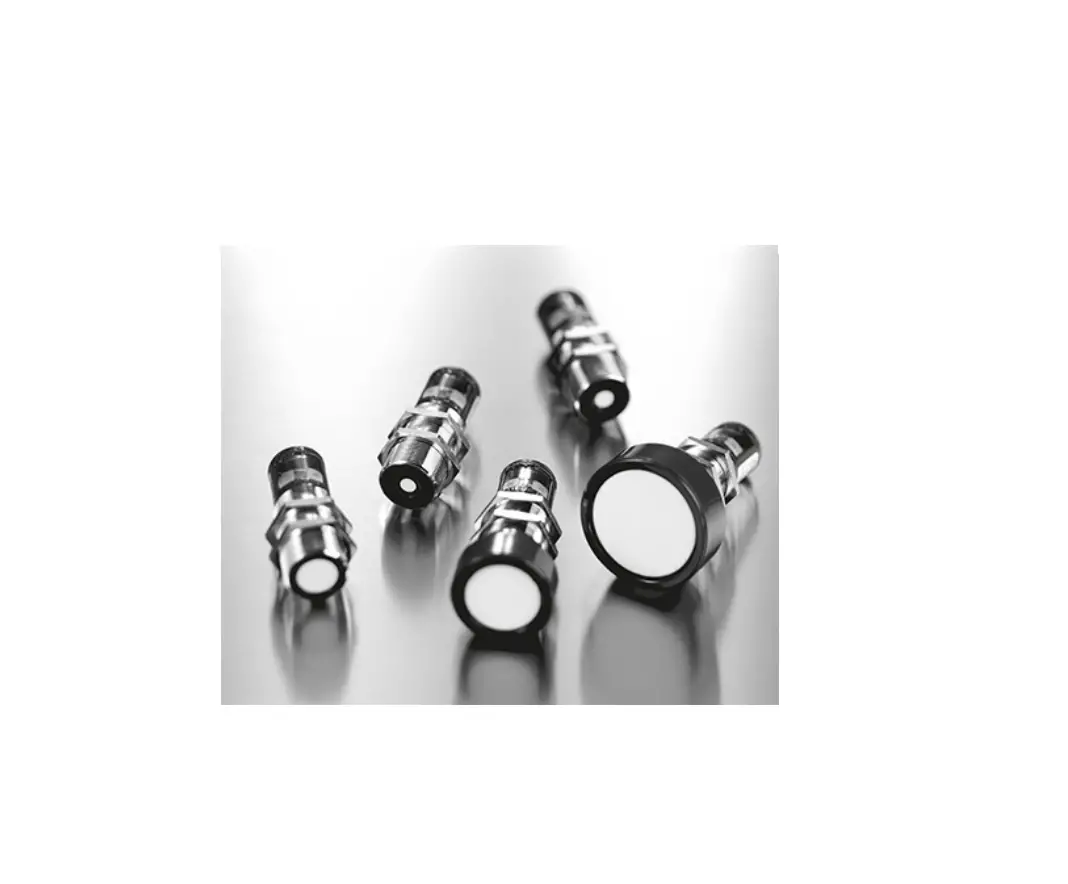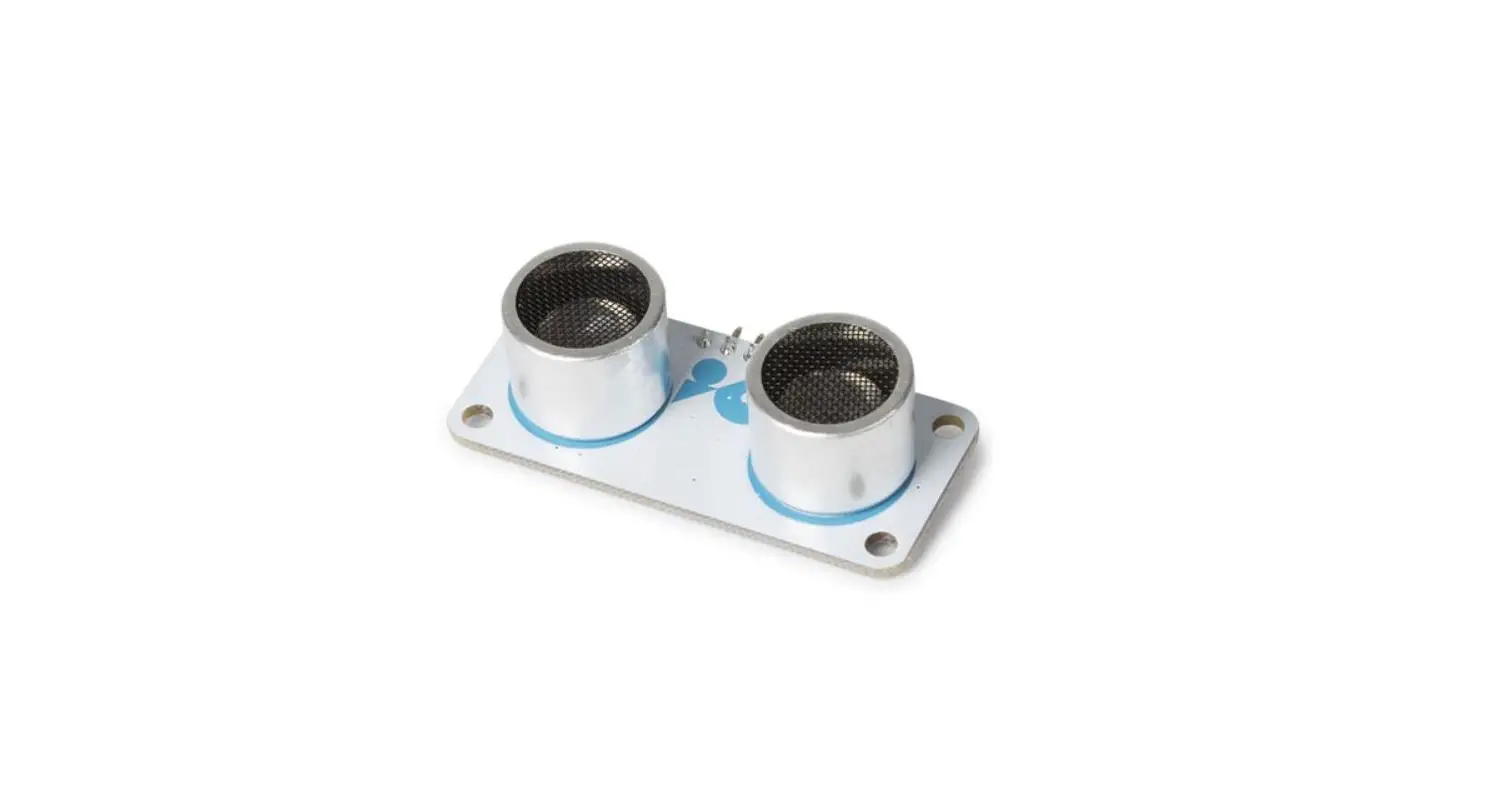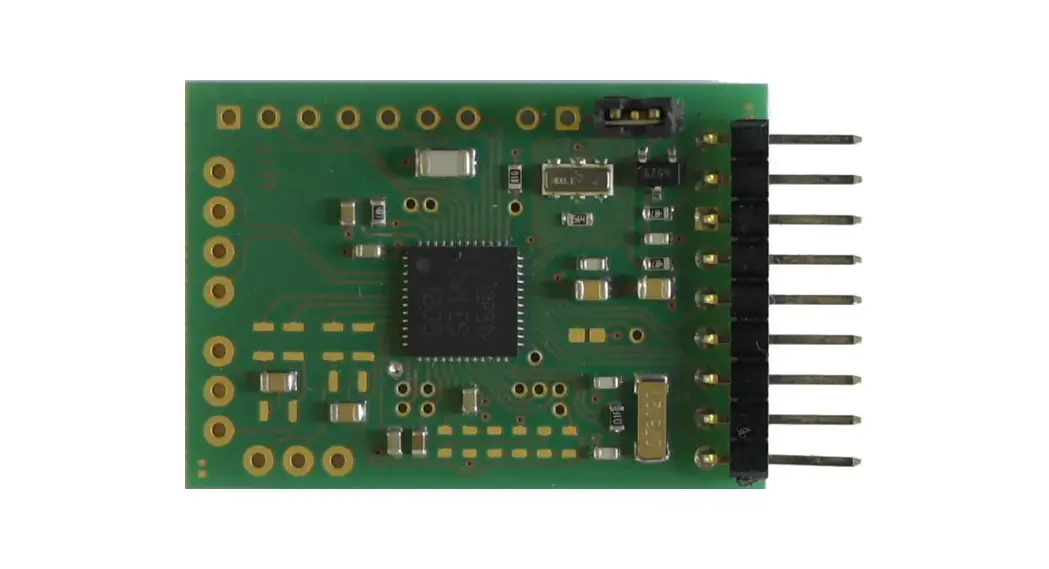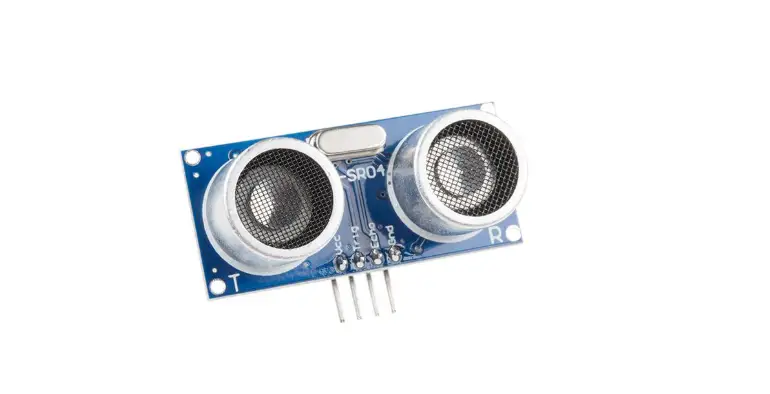

reichelt ST1099 Dual Ultrasonic Sensor
Instructions
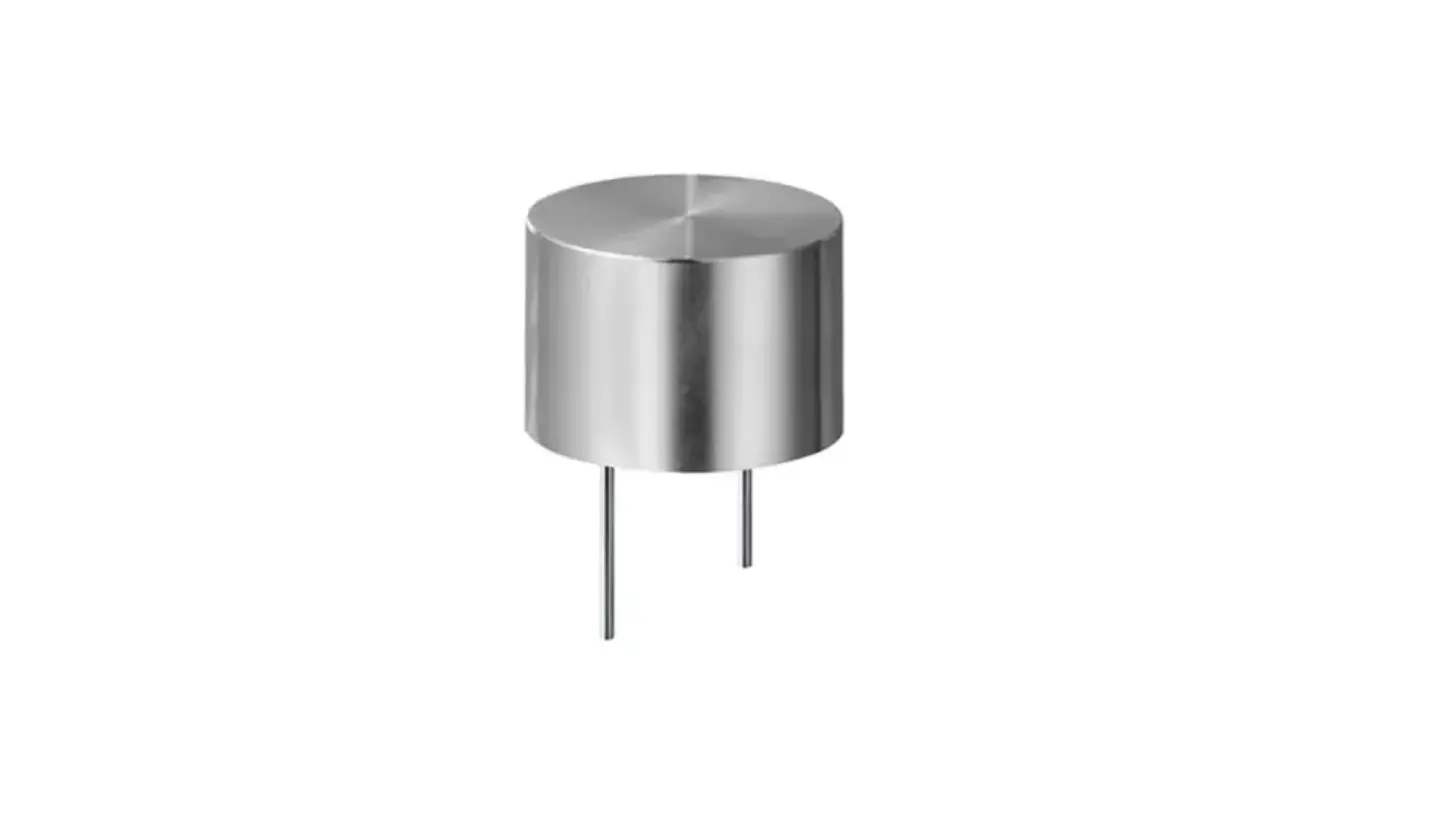
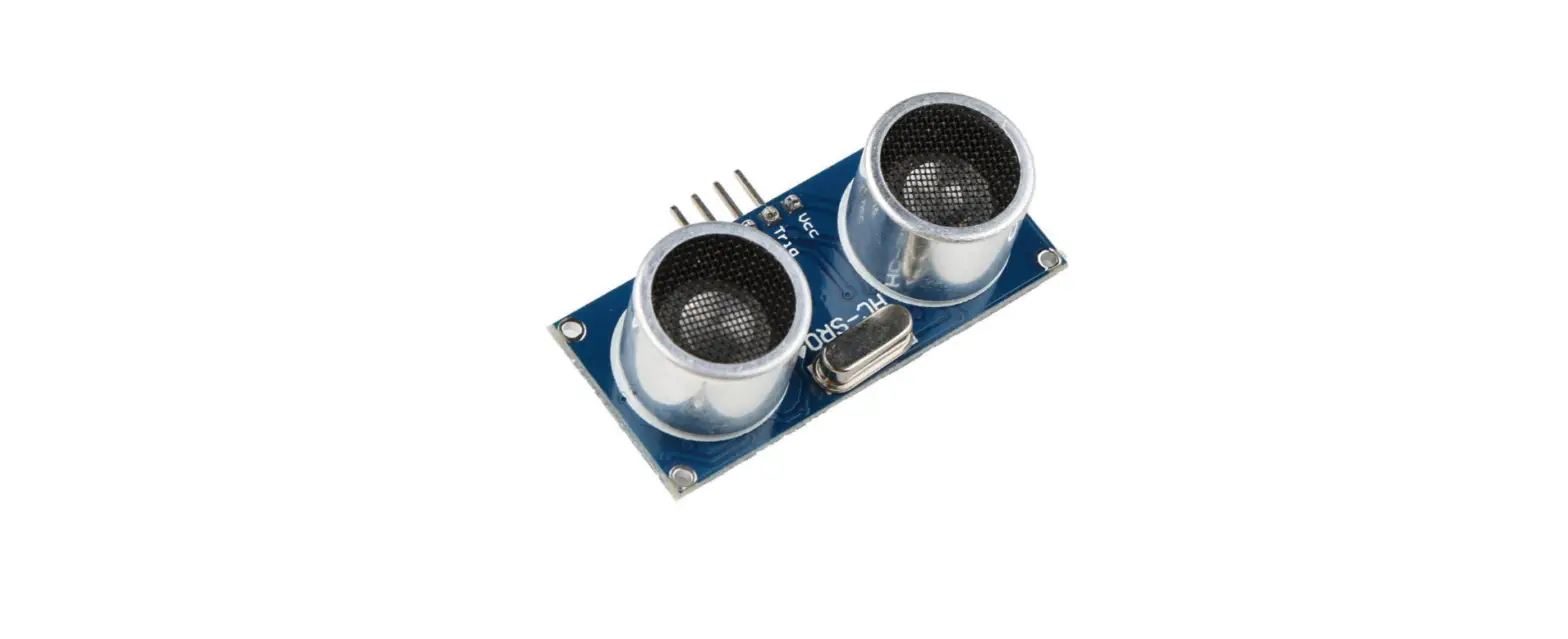
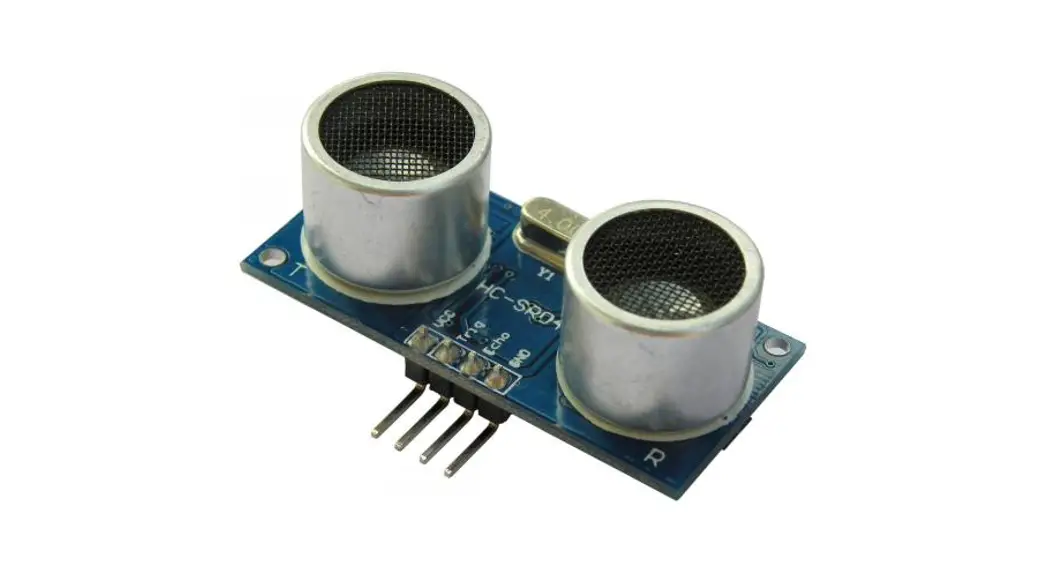
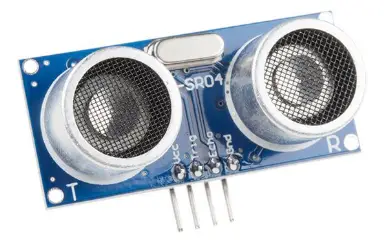
The HC‐SRF04 is an inexpensive ultrasonic sensor that can sense not only if an object presents itself, like a PIR sensor, but can also sense and relay the distance to that object.
Features
- Power Supply :+5V DC
- Quiescent Current : <2mA
- Working Currnt: 15mA
- Effectual Angle: <15°
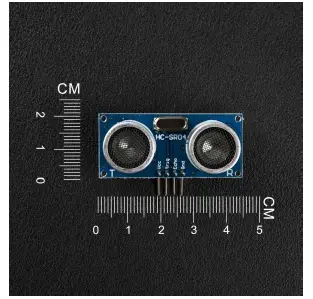
- Ranging Distance : 2cm – 400 cm/1″ ‐ 13ft
- Resolution : 0.3 cm
- Measuring Angle: 30 degree
- Trigger Input Pulse width: 10uS
Pin Instruction
Pin Name Description
| “Vcc” | Power (5V DC) |
| “Trig” | Trigger the transmit signal |
| “Echo” | Echo the received echo signal |
| “Gnd” | Gnd |
Example
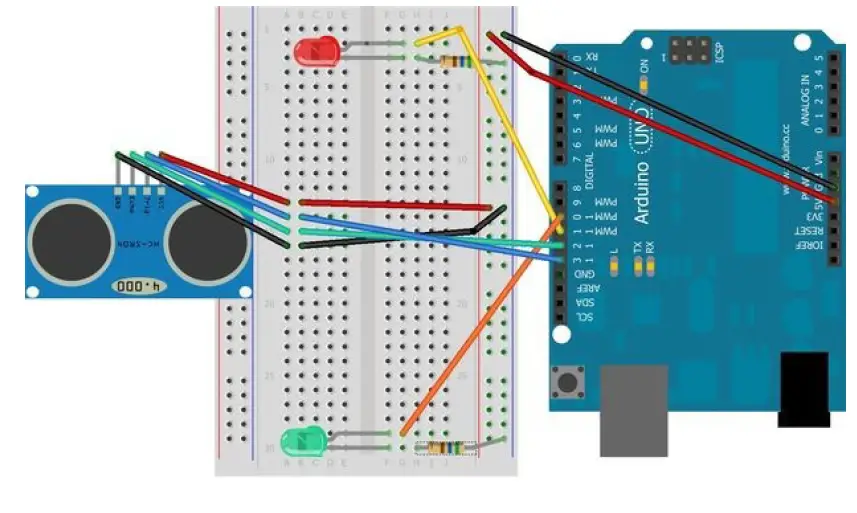
This example allows you display the defect distance on your ARDUIN’s Serial window.
Pin connection:
- Vcc========== Power(5V DC)
- Trig========== 12
- Echo========== 13
- Gnd===========Gnd
Picture connection as below:
Example code
Code begin
#define trigPin 13
#define echoPin 12
#define led 11
#define led2 10
void setup() { Serial.begin
(9600); pinMode(trigPin,OUTPUT); pinMode(echoPin,
INPUT); pinMode(led,OUTPUT);
pinMode(led2, OUTPUT);
}
void loop() {
long duration, distance;
digitalWrite(trigPin, LOW); // Added this line
delayMicroseconds(2); // Added this line
digitalWrite(trigPin, HIGH);
// delayMicroseconds(1000); ‐ Removed this line
delayMicroseconds(10); // Added this line
digitalWrite(trigPin, LOW);
duration = pulseIn(echoPin, HIGH);
distance = (duration/2) / 29.1;
if (distance < 4) { // This is where the LED On/Off happens
digitalWrite(led,HIGH); // When the Red condition is met, the Green
LED should turn off
digitalWrite(led2,LOW);
}
else {
digitalWrite(led,LOW);
digitalWrite(led2,HIGH);
}
if (distance >= 200 || distance <= 0){
Serial.println(“Out of range”);
}
else {
Serial.print(distance);
Serial.println(” cm”);
}
delay(500);
}
Code end