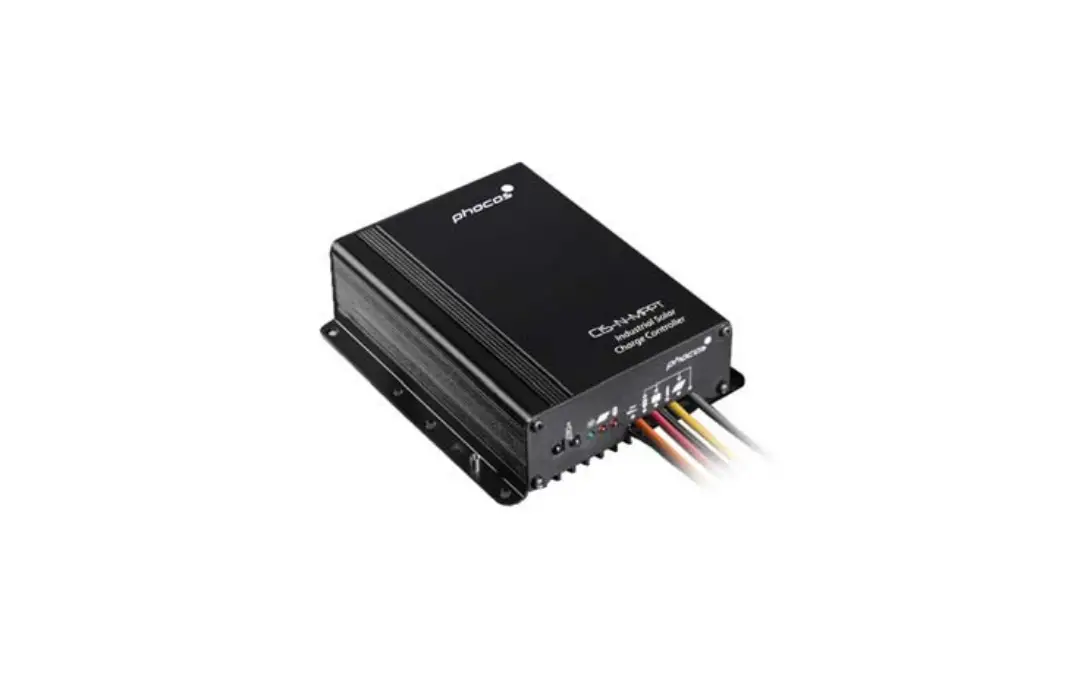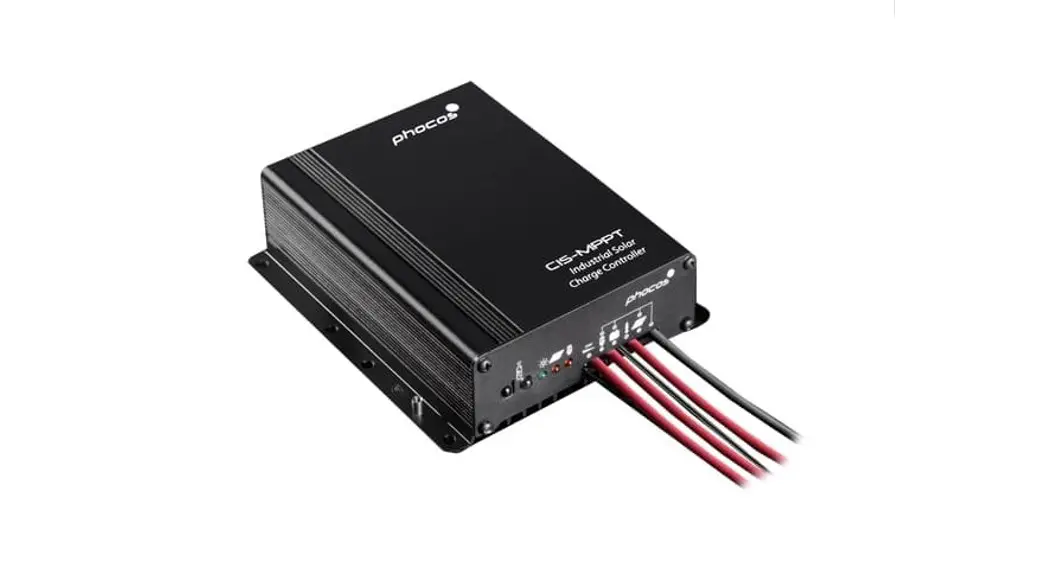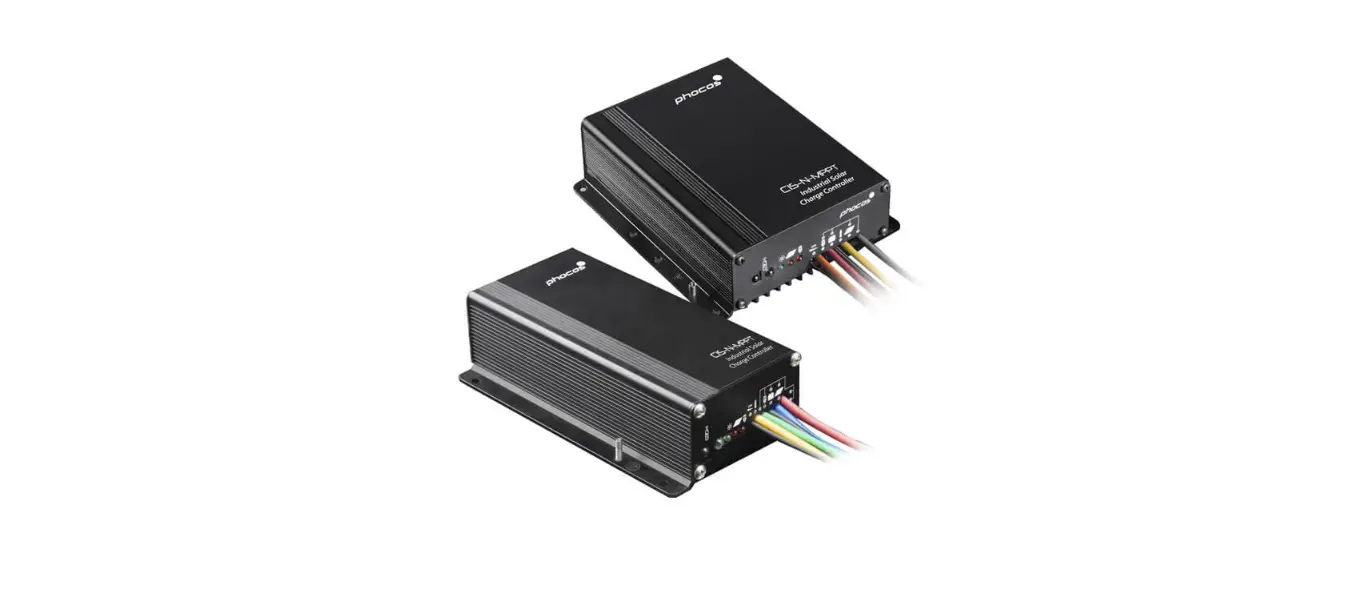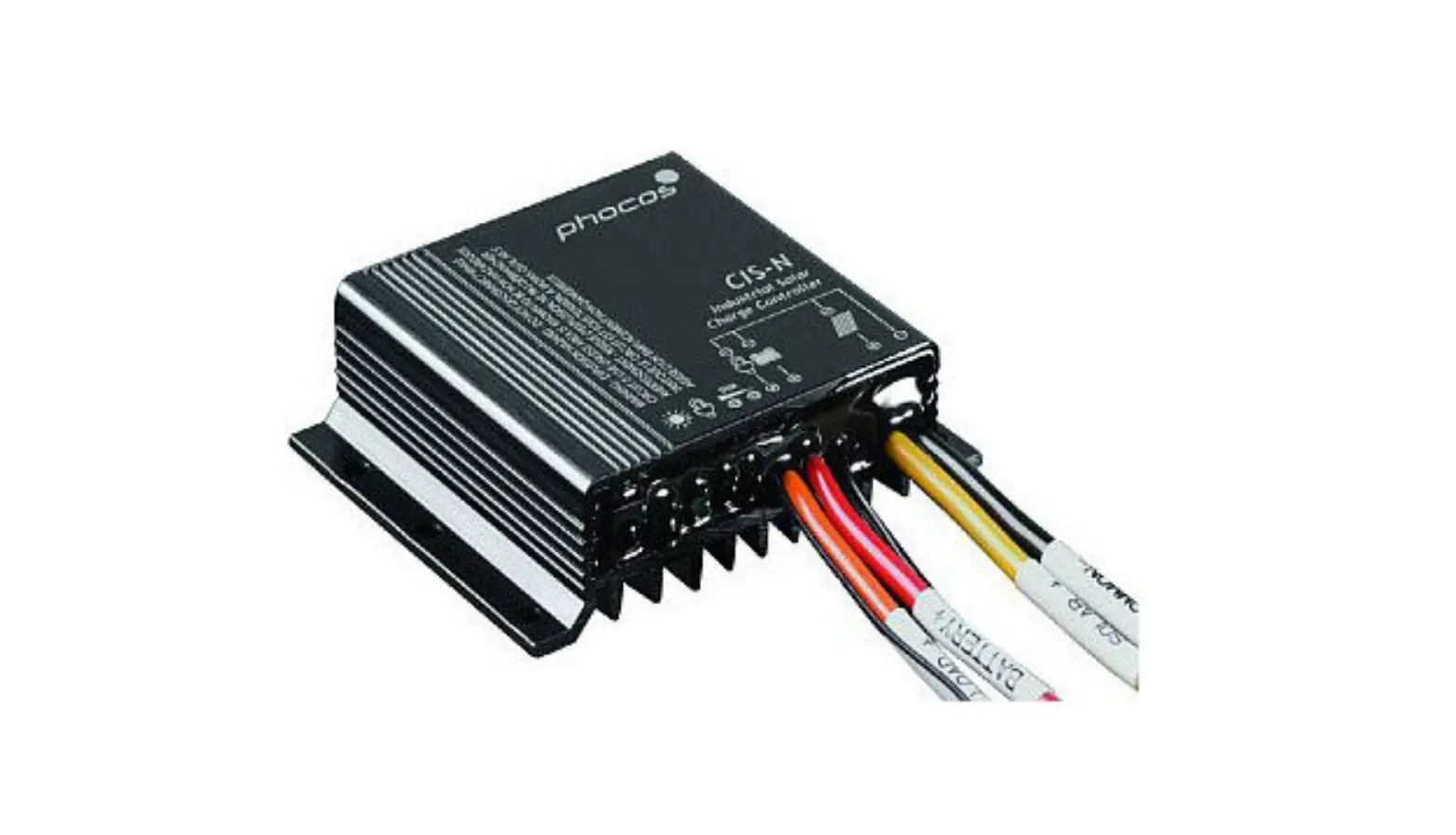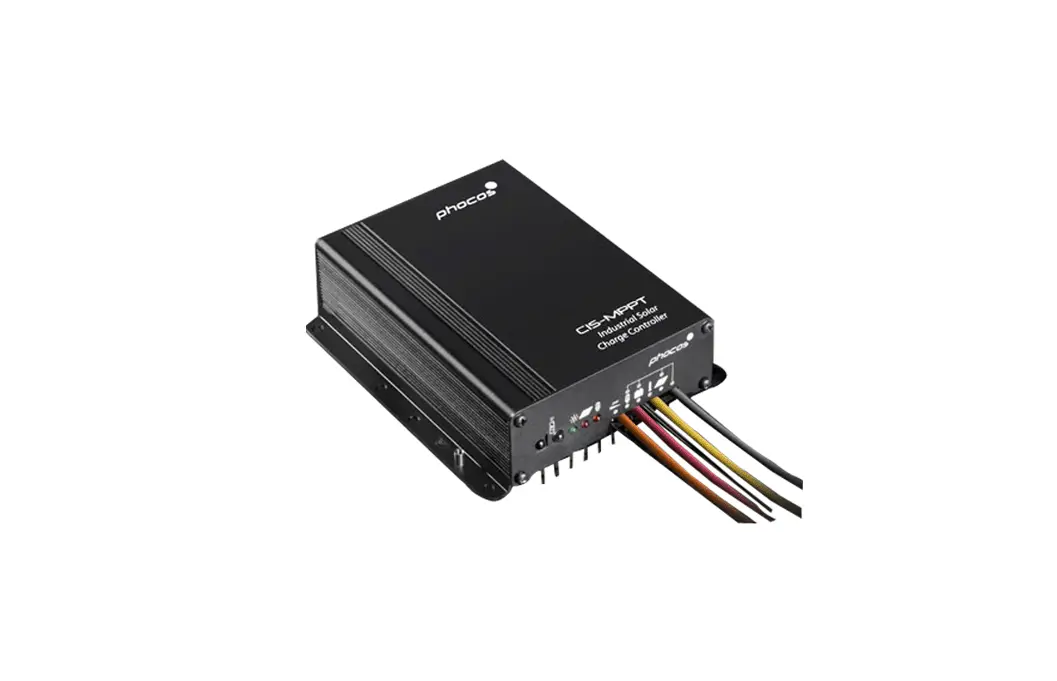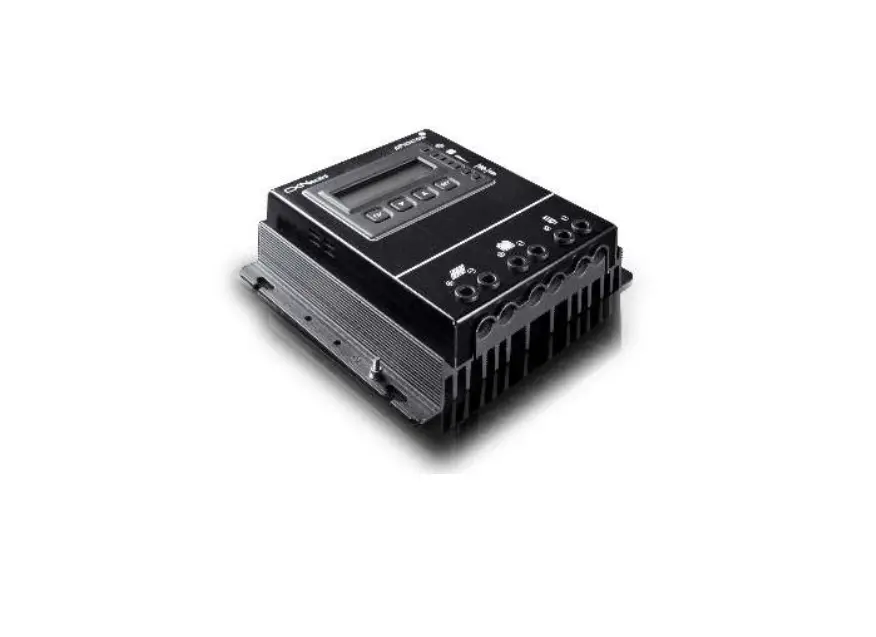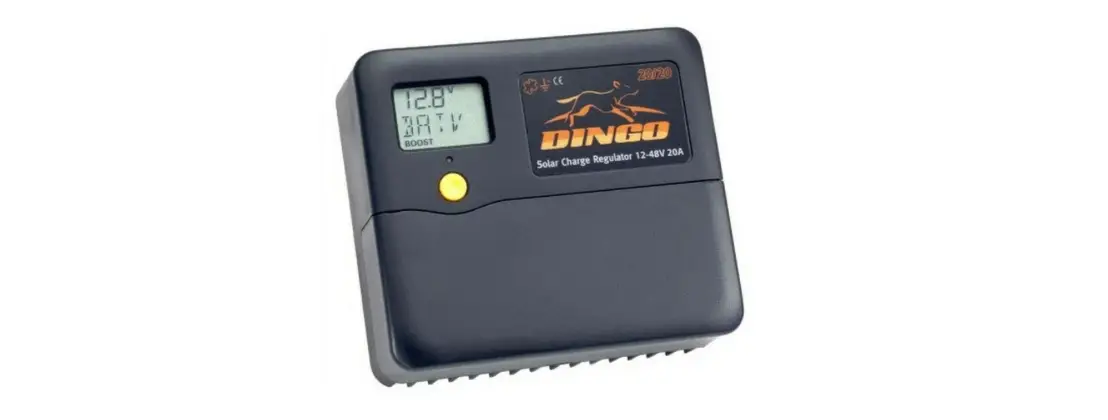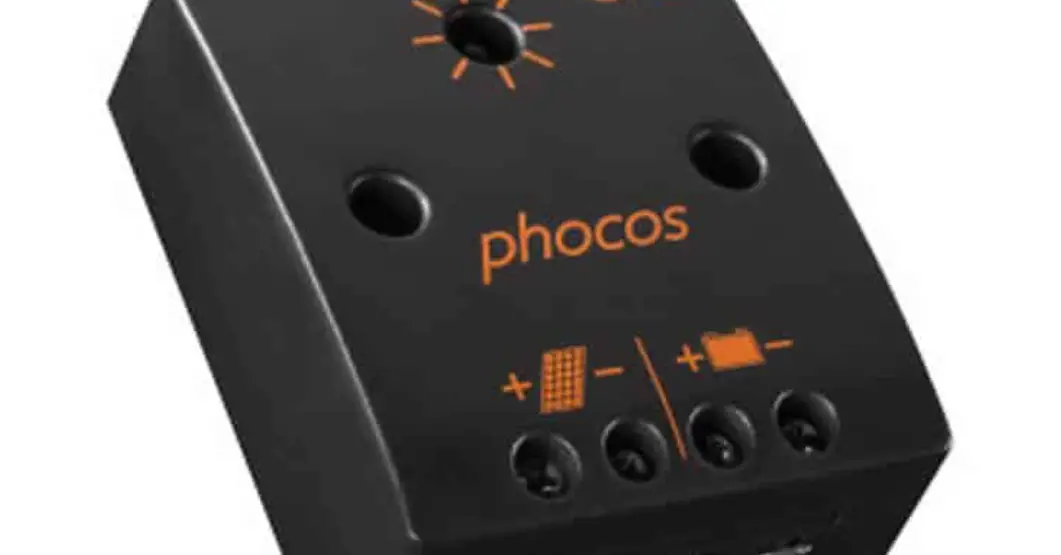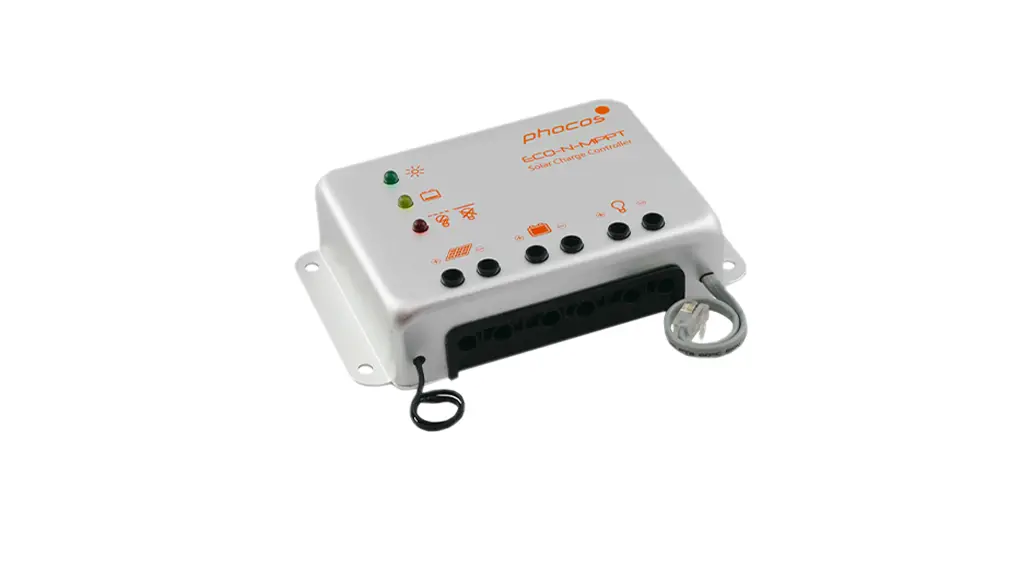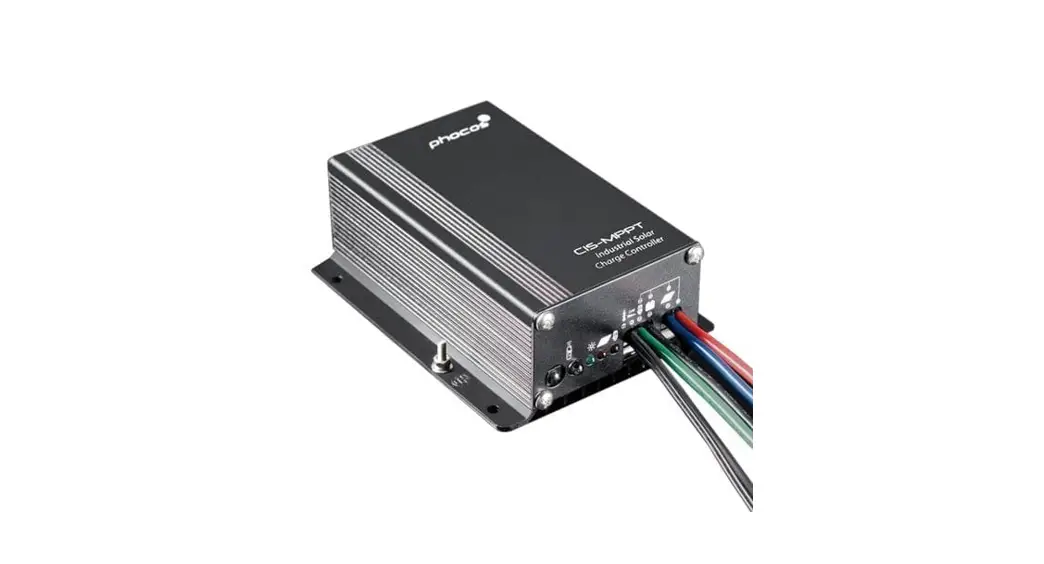
 CIS-MPPT 50-10 Solar Charge Controller
User Manual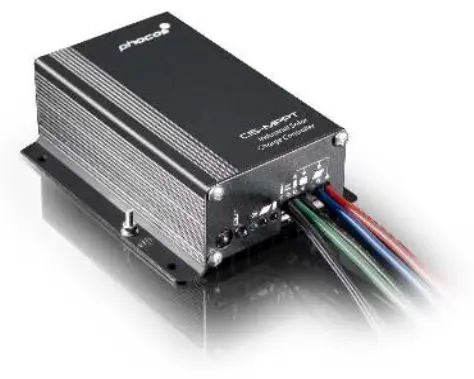
Phocos CIS-MPPT 50/10
CIS-MPPT 50-10 Solar Charge Controller
Dear Customer,
Congratulations on buying your Phocos product! Please read the instructions carefully and thoroughly before using the product. It comes with a number of outstanding features, such as:
- Maximum Power Point Tracking technology, which increases the efficiency of your PV system
- Positive grounding
- Dimming function
- Case protection: IP68, in 1.5 m deep water for 72 hours
- Control unit (CIS-CU) to configure CIS-MPPT 50/10 charge controller, via infra-red data link
- External temperature sensor for temperature compensation of charging voltages
- 4-stage charging (main, boost, equalization, float) for a flooded battery; 3-stage charging (main, boost, float) for a sealed battery
- Automatic recognition of system voltage 12/24 V
- Widely programmable
 General Safety Information
 General Safety Information
This manual contains important installation, setup, and safety operating instructions.
Please read the instructions and warnings in this manual carefully before beginning any installation.
Please do not disassemble or attempt to repair Phocos products. Phocos charge controllers do not contain user-serviceable parts.
Please observe all instructions with regard to external fuses/breakers as indicated.
The information contained in this manual must be observed in its full extent. The manual contains information regarding installation, setup, and operation.
Please read this manual carefully before using the product, and pay special attention to the safety recommendations in it.
Maintenance and installation notes
When installing or working on the PV system, please disconnect the PV (solar) modules from the charge controller first, to prevent any damage to the charge controller!
Please verify that all cable/wire connections are done properly and well insulated and that no water or humidity can ingress in order to avoid any bad or loose connections that would result in excessive heating or further damage.
Please install a fuse or breaker near the battery before installing or adjusting the controller!
High voltage risks
Never touch any electrical conductors to avoid electrical shock.
Never work on life (energized) electrical equipment.
When working around a battery, do not allow tools to bridge the battery terminals, or short-circuit any part of the battery.
Use only tools with insulated handles.
Operation of this device may produce a high voltage which could cause severe injuries or death in case of improper installation or operation of the device.
PV modules can generate high DC voltages!
Mains and charging current risks
Make sure the cables are always connected to the correct terminal. An electrical shock can be lethal. In general, any electric shock can be dangerous to your health.
CE labeling
The product is CE-compliant.
 | Maximum PowerPoint tracking technology |
 | Infrared interface |
 | Up to 98% power conversion efficiency |
 | Electronic fuse |
 | Type of protection IP68 |
 | Dimming function |
 | Deep discharge protection |
 | External temperature sensor |
 | Fit for flooded and GEL battery |
 | 12/24 V, automatic recognition |
 | Ambient temperature: -40°C to +60°C |
 | Positive grounding |
Connecting and Grounding
- Connect wires in indicated order 1 2 3 4 5 6 7 to avoid any installation faults
- To avoid any damaging voltage on the wires, first, connect the wire to the controller, then to the battery, to the panel or to the load
- Minimum recommended wire size: 4 mm²
- Make sure the wire length between the battery and the controller is as short as possible
- Be aware that the positive terminals of CIS-MPPT 50/10 are connected together and therefore have the same electrical potential. If any grounding is required, always do this on the positive wires.
- Grounding of the casing is done by the grounding post on the left side.
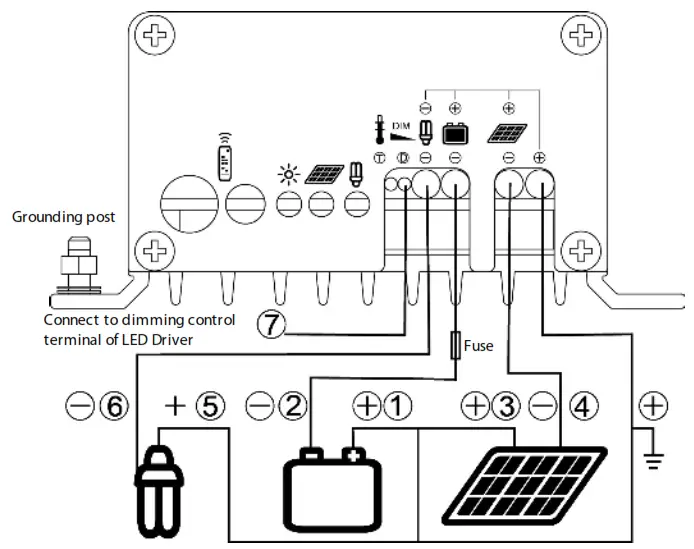
| Function | Cable marker | Wire size (crosssection) | Color | |
| 1 | Positive battery terminal | COMMON + | AWG 13 (2.5 mm2) | Red |
| 2 | Negative battery terminal | BATTERY – | AWG 13 (2.5 mm2) | Black |
| 3 | Positive panel terminal | COMMON + | AWG 13 (2.5 mm2) | Red |
| 4 | Negative panel terminal | SOLAR – | AWG 13 (2.5 mm2) | Blue |
| 5 | Positive load terminal | COMMON + | AWG 13 (2.5 mm2) | Red |
| 6 | Negative load terminal | LOAD – | AWG 13 (2.5 mm2) | Green |
| 7 | Dimming signal terminal | — | AWG 24 (0.25 mm2) | Black |
LED indications & warning functions
| LED | Status | Function |
 | On | A controller connected to the battery, night detected |
| Flash | A controller connected to the battery, day detected | |
| Off | No battery connected | |
 | On | Charging failure (overvoltage / overcurrent) |
| Off | Charging OK | |
 | On | Load low/high voltage disconnect (LVD/HVD) |
| Flash | Load overcurrent | |
| Off | Load OK |
All LED………………………………………………………. Green->Red->Green->………………………………………………… Programming
Night-Light Function
The CIS-MPPT 50/10 controller comes with a sophisticated night-light function. It controls the load output at night and also is widely programmable.
3 operating modes are available:
Standard Controller, Dusk to Dawn and Evening/Morning.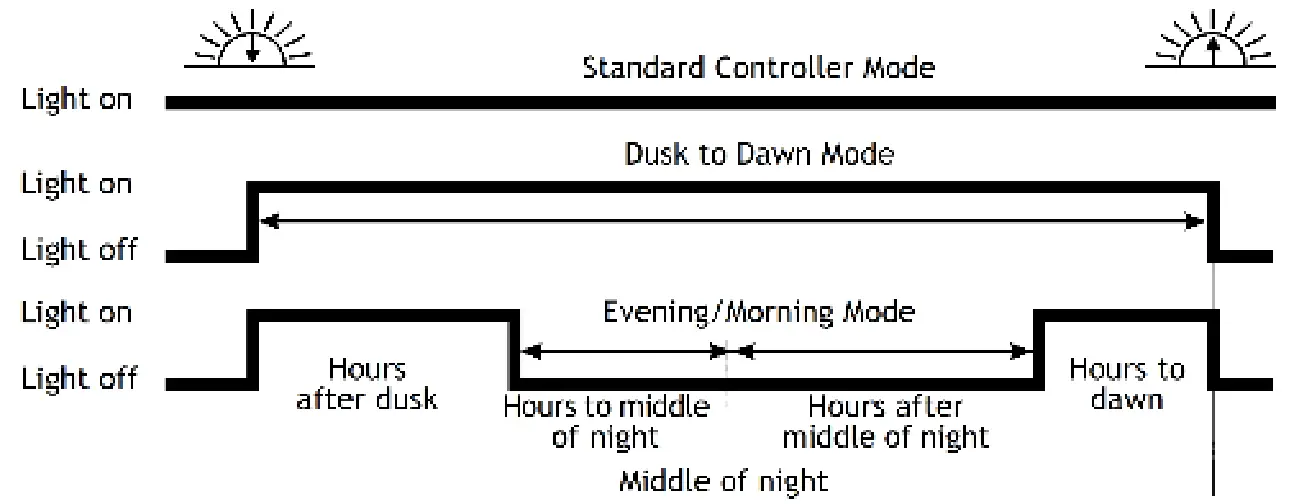
“Middle of night” is automatically detected as the midpoint between dusk and dawn; no setting of a clock is required. It may take several days until the controller has “learned” the middle of the night precisely. “Middle of the night” may be different from 12:00 midnight depending on your location/longitude.
The controller recognizes day and night based on the solar array’s open circuit voltage.
The day/night threshold can be modified according to your local light conditions and the type of solar array used.
Dimming Function
- Output voltage 0 V to 10 V relative to battery minus pole (adjust step 1 V, 3% tolerance)
- Impedance 1,000 Ohm
- Load hours (load 1 on CIS-CU case printing) and Dimming hours (load 2 on CIS-CU case printing) work together to affect the dimming function:
| No dimming | Dimming is on | Load off | |
| Load hours | on | on | off |
| Dimming hours | on | off | N/A |
| Dimming output voltage | 10 V | A voltage proportional to the adjusted dimming value | 0 V |
Corresponding relationship of ‘Output voltage’ and ‘Dimming value’
| Output voltage | 0V | 1V | 2V | 3V | 4V | 5V | 6V | 7V | 8V | 9V | 10V |
| Dimming value* | 0% | 10% | 20% | 30% | 40% | 50% | 60% | 70% | 80% | 90% | 100% |
* : +/- 3% tolerance
Testing Function
Pushing the test button on the CIS-CU (Control Unit) will switch on the load terminal for 1 minute.
Should pressing the button cause a load disconnect event (LVD/SOC, over current) then the load will be switched off immediately.
Safety Features
| PV terminal | Battery terminal | Load terminal | |
| Reverse polarity | Protected (1) | Not Protected (2) | Protected (3) |
| Short circuit (4) | Protected | Protected (5) | Switches off immediately |
| Overcurrent | Limited | — | Switches off with a delay (6) |
| Reverse Current | Protected (7) | — | — |
| Overvoltage | Max. 50 V (8) | Max. 50 V | Switches off above 15.5/31.0 V |
| Undervoltage | — | — | Switches off |
| Over Temperature | Reduces the charging current if over temperature occurs and switches off the load if the temperature reaches a high level. | ||
- Panels are short-circuited by diodes. The controller can therefore only be subjected to these conditions for a limited time. A Battery connected to the panel terminals in reverse polarity will instantly cause damage to the controller.
- A battery fuse is necessary to protect the CIS-MPPT from getting damaged by the reverse polarity connections on the battery terminals.
- A controller can protect itself, but any connected loads might be damaged.
- Short circuit: >3x – 20x nominal current.
- The battery must be protected by a fuse, or it might be permanently damaged in case of a short circuit.
- >200% nominal current: disconnects with 3s delay,
>150% nominal current: disconnects with 10s delay,
>110% nominal current: disconnects with 120s delay. - MPPT switches off when detecting reverse current.
- At voltages above 50 V the MPPT will stop charging.
WARNING: The combination of different error conditions may cause damage to the controller. Always remove the fault condition before you continue with connecting the controller!
Low Voltage Disconnect Function (LVD)
State of charge controlled (SOC): Disconnect at 11.00/22.00 V to 11.70/23.40 V(SOC1), 11.12/22.24 V to 11.76/23.52 V(SOC2), 11.25/22.50 V to 11.83/23.63 V(SOC3), 11.38/22.72 V to 11.89/23.78 V(SOC4), 11.51/23.02 V to 11.96/23.92 V(SOC5), 11.64/23.28 V to 12.02/24.04 V(SOC6).
Voltage controlled (LVD): Disconnects at a fixed voltage between 11.0/22.0 V and 11.9/23.8 V (voltage steps 0.1/0.2 V).
Note: Battery voltage must be below the adjusted setting for longer than 2 minutes before LVD occurs.
Note: Voltage levels before/after the slash are valid for 12 V and 24 V systems respectively (valid for the charge controllers presented in this manual).
Factory Settings
You can configure CIS-MPPT 50/10 charge controllers via the Remote Control Unit (CIS-CU). See the CIS-CU manual for details.
| Factory setting | |
| Load mode | Standard controller (night light off) |
| Low voltage disconnect | SOC4 |
| Battery type | Gel |
| Night light level | 8.0/16.0 V (1) |
| Load 1 evening hours | 0 h |
| Load 1 morning hours | 0 h |
| Dimming evening hours | 0 h |
| Dimming morning hours | 0 h |
| Dimming value | 50% |
(1) PV panel open circuit voltage: Day level = Night level + 1.5/3.0 V
Night light level
The controller recognizes “day” and “night” based on the solar PV array open circuit voltage. The daylight threshold can be modified according to the requirements of the local conditions and the solar PV array used.
To find the exact values, we recommend measuring the PV solar array “open circuit voltage” at twilight and when the controller is expected to switch the loads “on” or “off”. This value (the closest setting available) can then be set according to the description presented in the programming section.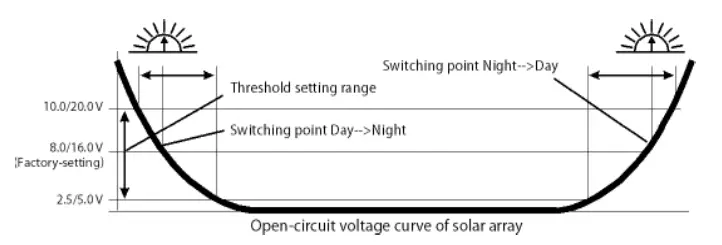
Technical Data
Note: The voltage levels before/after the slash are valid for 12 V and 24 V systems respectively.
| Technical Data | CIS-MPPT 50/10 |
| System voltage | 12/24 V auto recognition |
| Max. charge current | 10 A” |
| Max. load current | 10 A” |
| Max. PV input power | 150 W@12 V, 300 W@24 V system |
| Power conversion efficiency: | Up to 98% |
| Float charge | 13.8/27.6 V(25 °C) |
| Main charge | 14.4 V (25 °C), 0.5 h (daily) |
| Boost charge | 14.4/28.8 V (25 °C), 2 h, activation: battery voltage < 12.3/24.6 V |
| Equalization | 14.8/29.6 V (25 °C), 2 h, Activation: battery voltage < 12.1/24.2 V (at least one time every 30 days) |
| Overvoltage protection | 15.5/31.0 V |
| Deep discharge protection, Cut-off voltage | 11.00-12.02/22.00-24.04 V by SOC 11.0-11.9/22.0-23.8 V by voltage (adjustable step 0.1/0.2 V) |
| Reconnect level | 12.8/25.6 V |
| Undervoltage protection | 10.5/21.0 V |
| Max. PV voltage | 42 V in 12 V system, 50 V in 24 V system, 18 Vmp (12 V), 36 Vmp (24V) |
| Min. PV voltage | 17/34 V |
| Max. battery voltage | 50 V |
| Temperature compensation (charge voltage) | —4.2 mV/K per cell |
| Self-consumption | < 10 mA |
| Grounding | Positive grounding |
| Ambient temperature | —40 to +60 °C |
| Max. altitude | 4,000 m above sea level |
| Battery type | Lead acid (GEL AGM, flooded) |
| Adjustment range: Evening hours Morning hours Night detection Day detection | 0 -15 h 0 -14 h 2.5 – 10.0 V / 5.0 – 20.0 V (adjust step 0.5/1.0 V) 4.0 -11.5 V / 8.0 – 23.0 V (adjust step 0.5/1.0 V) |
| Wire length | 20 cm |
| Dimensions (W XH X D) | 88.5 x 112 x 41.4mm |
| Weight | 625 g |
| Wire cross-section | AWG 13 (2.5 mm2) |
| Type of protection | IP68 (1.5 m, 72 h) |
| Dimming output | CIS-MPPT 50/10 |
| Dimming value | 0 -100 % output power (adjust step 10 %) |
| Dimming output voltage | 0 V to 10 V relative to battery minus |
| Impedance | 1,000 Ohm |
**: At 60°C CIS-MPPT, 50/10 can only have full current on either panel or load, not simultaneously.
Liability Exclusion
The manufacturer shall not be liable for damages, especially on the battery, caused by use other than as intended or as mentioned in this manual or if the recommendations of the battery manufacturer are neglected. The manufacturer shall not be liable if there has been service or repair carried out by any unauthorized person, unusual use, wrong installation, or bad system design.
Subject to change without notice. Version: 20140715
Made in one of the following countries:
Germany – China – Bolivia – India
Phocos AG – Germany
www.phocos.com 
 Solar Power Charge Controllers, Inverters, and More | Phocos