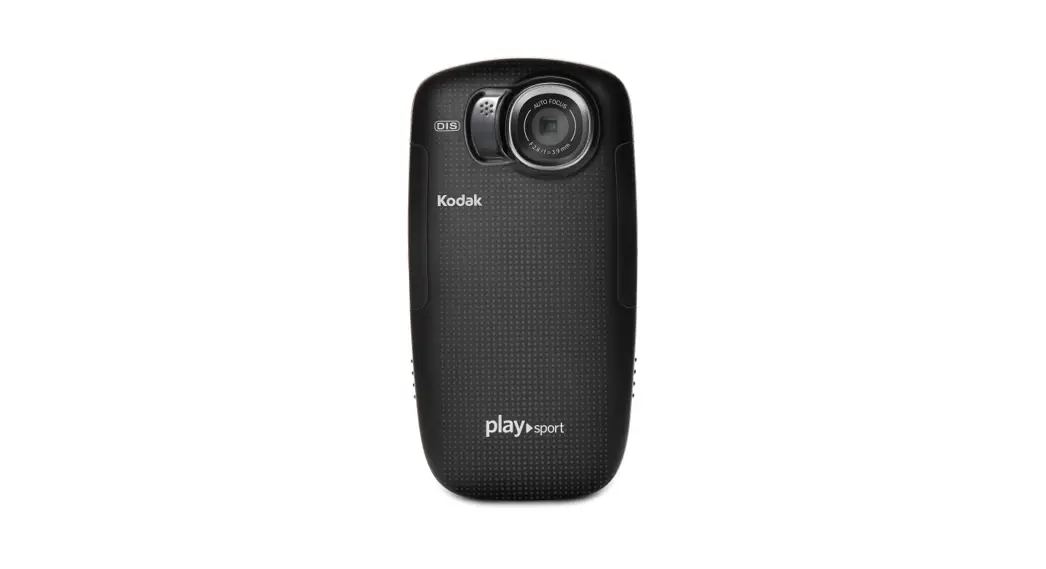

Camera Instructions for the Kodak Playsport Zx5 Video Camera
Kit Includes Camera, Power Plug, USB Cord, Case, Manual, 16 GB SD Card, Tripod, Remote, and HDMI Cable.
Zx5 PLAYSPORT Video Camera
- Turn on the camera

- Check the video settings
 – Scroll down to Video Resolution
– Click OK (the center button inside the arrows)
– Select WVGA (iPad compatible) - Record video
 – The center button starts and stops recording
– During recording, the screen will look this:
- Review the recorded video

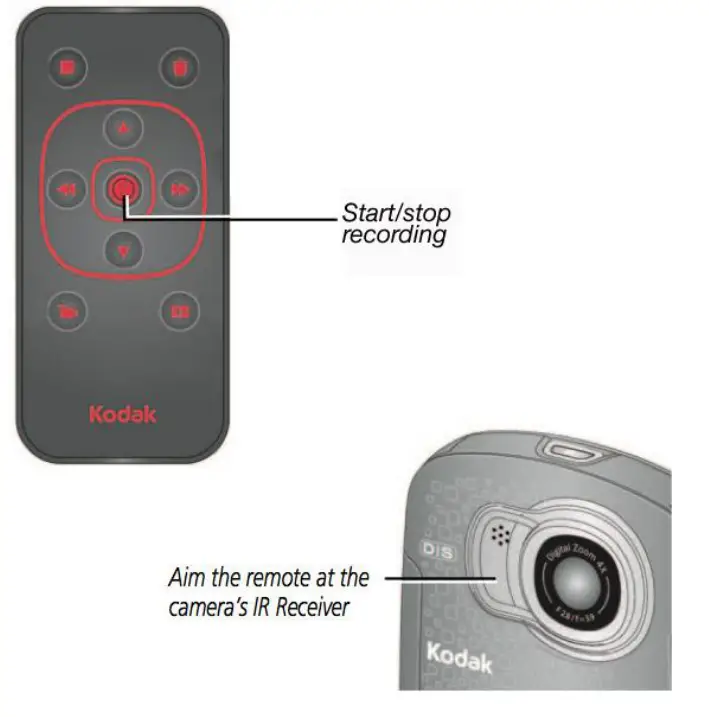
- Using the optional remote

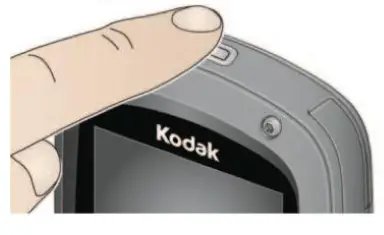
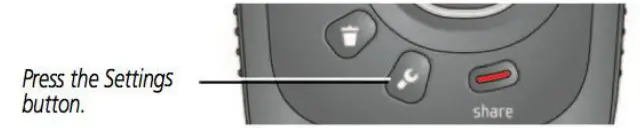 – Scroll down to Video Resolution
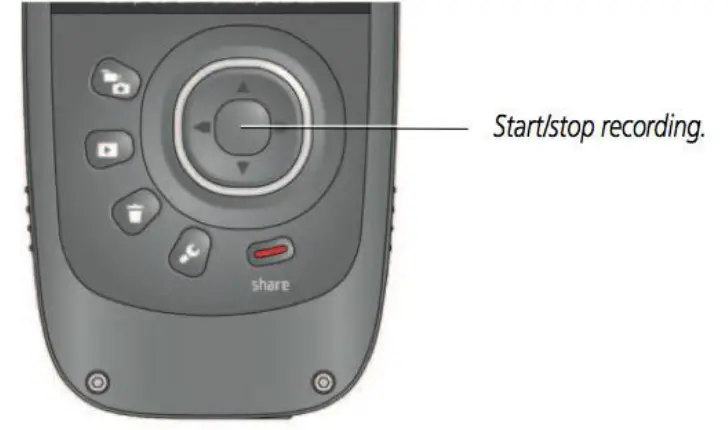 – The center button starts and stops recording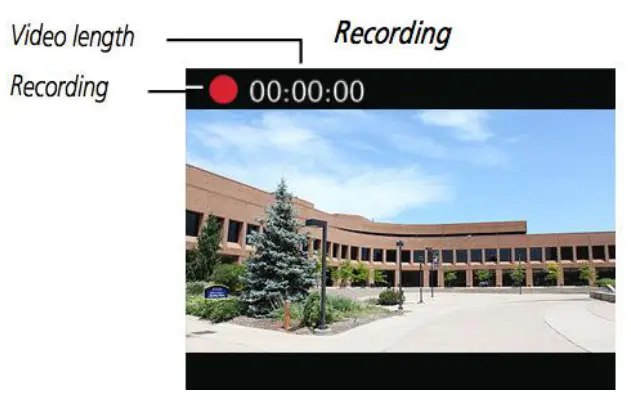
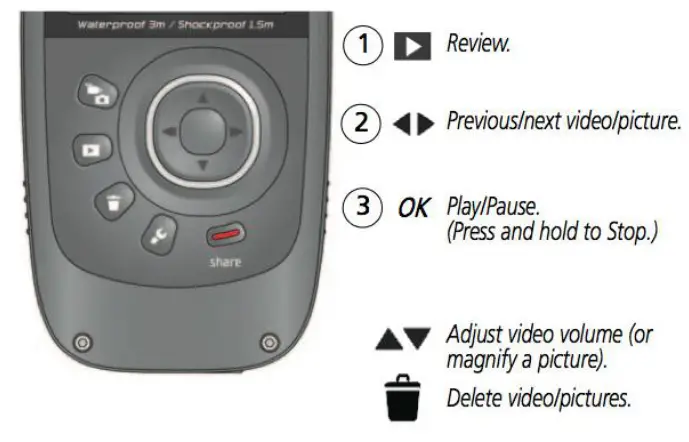
Contact Liz Laurel for edTPA tech
support at elaurel_[email protected]
For the extended user guide, go to: http://resources.kodak.com/support/pdf/en/manuals/urg01215/PLAYSPORT_Zx5_xUG_GLB_en.pdf