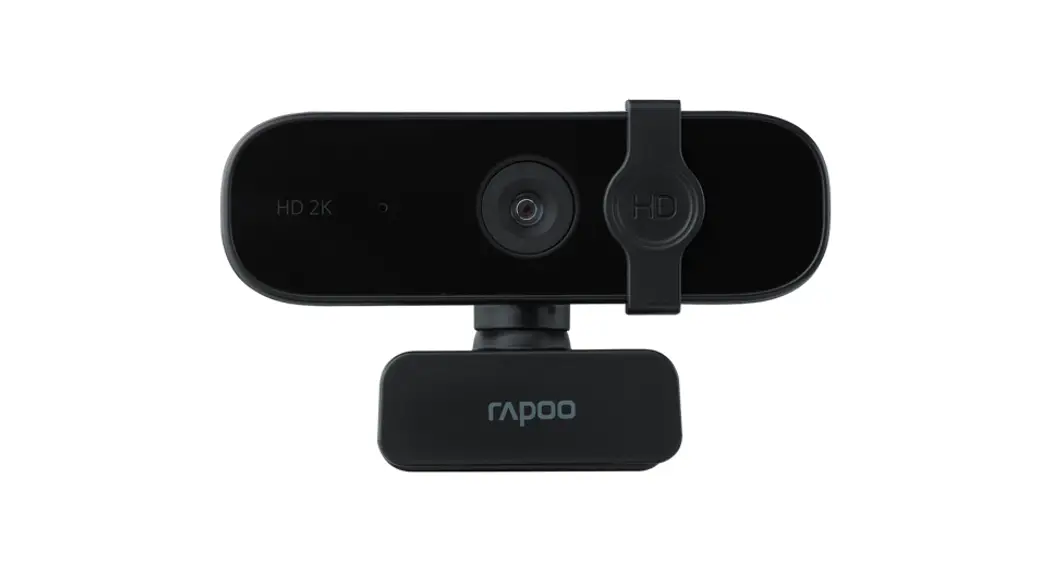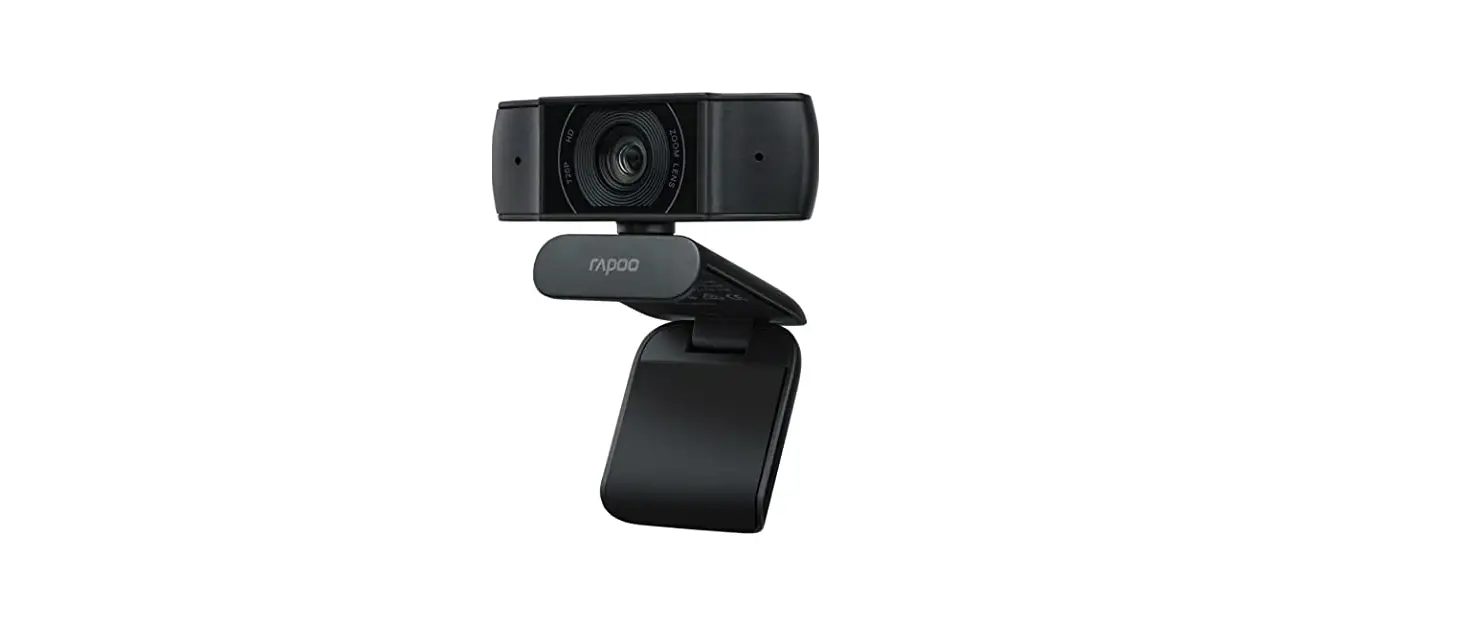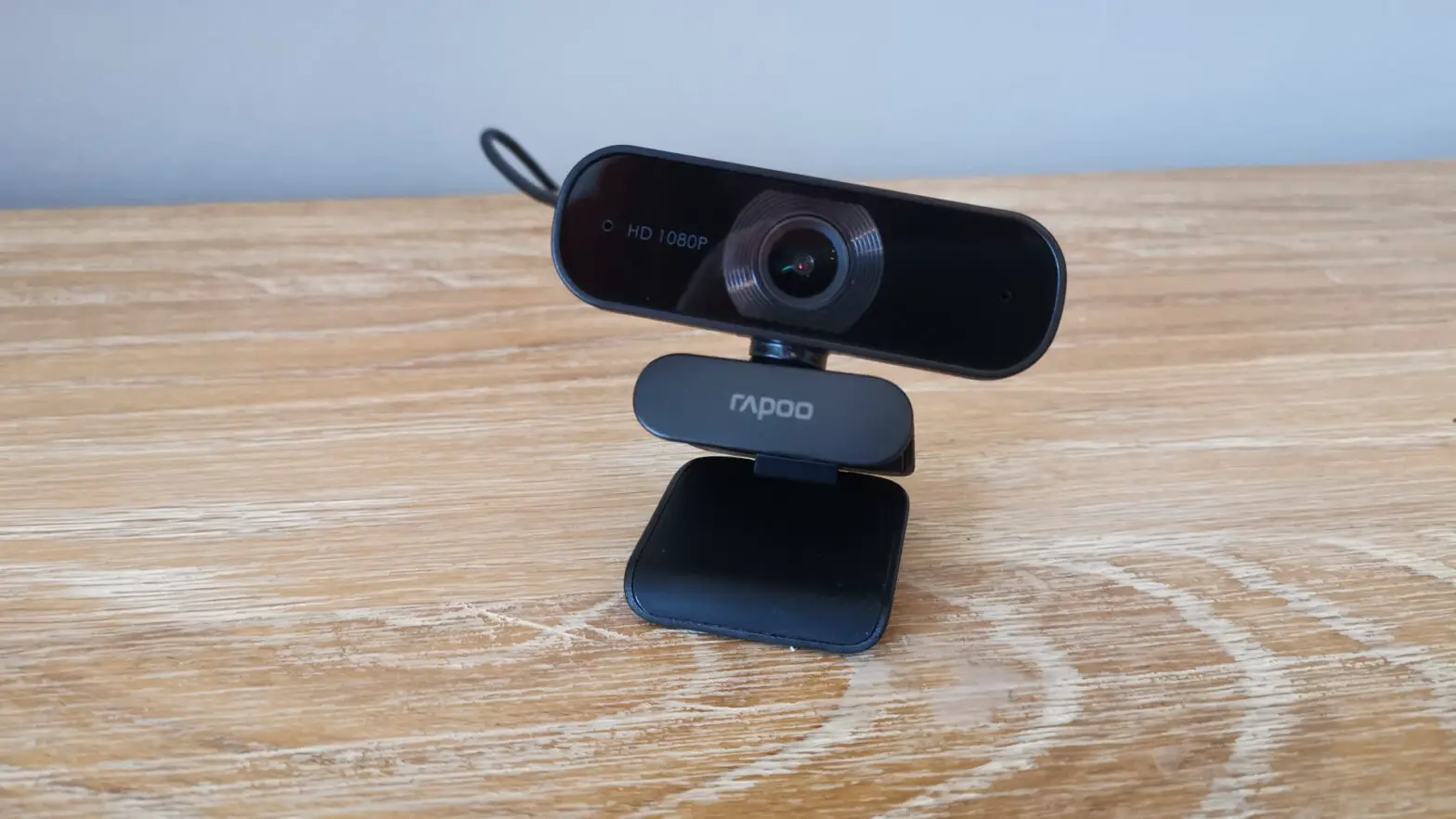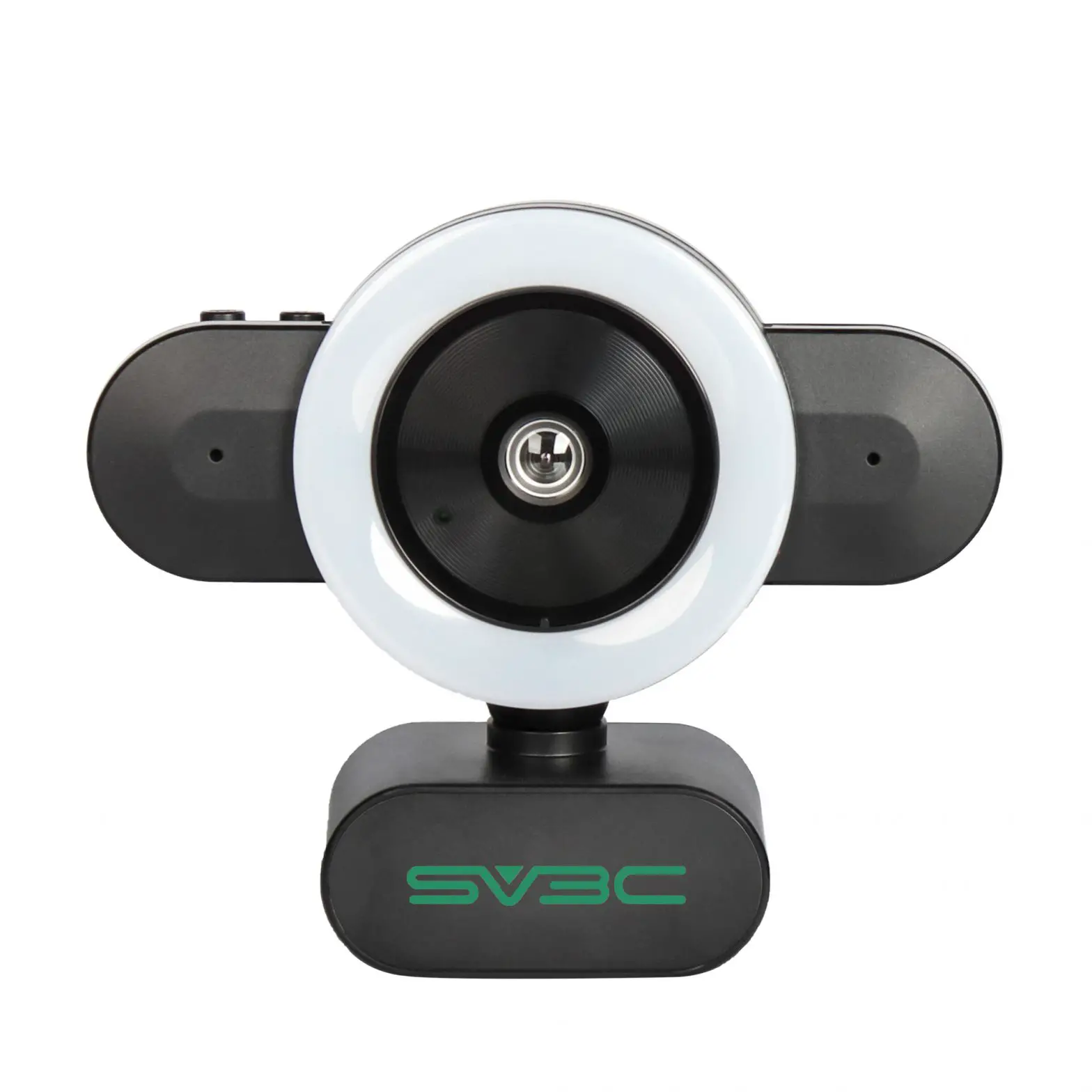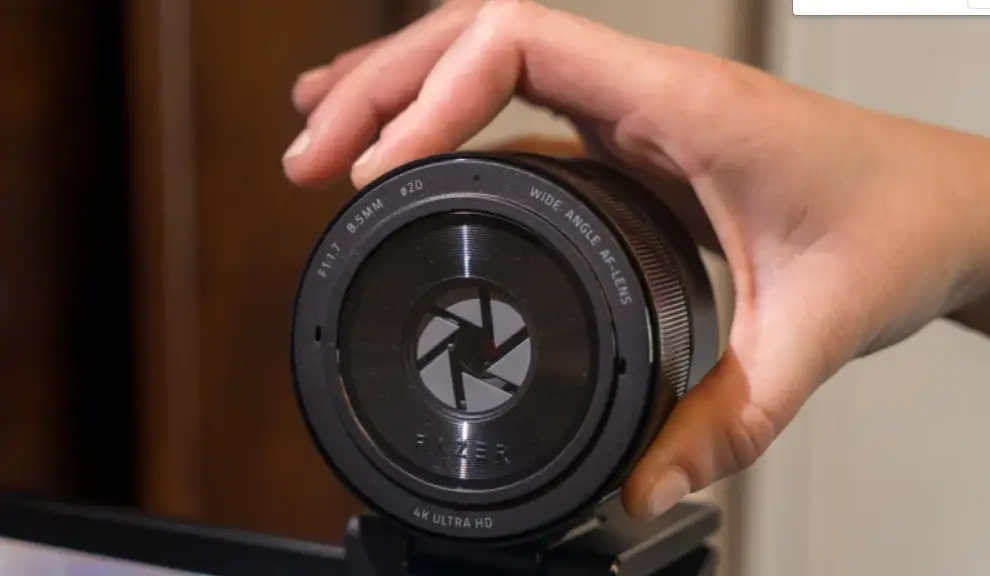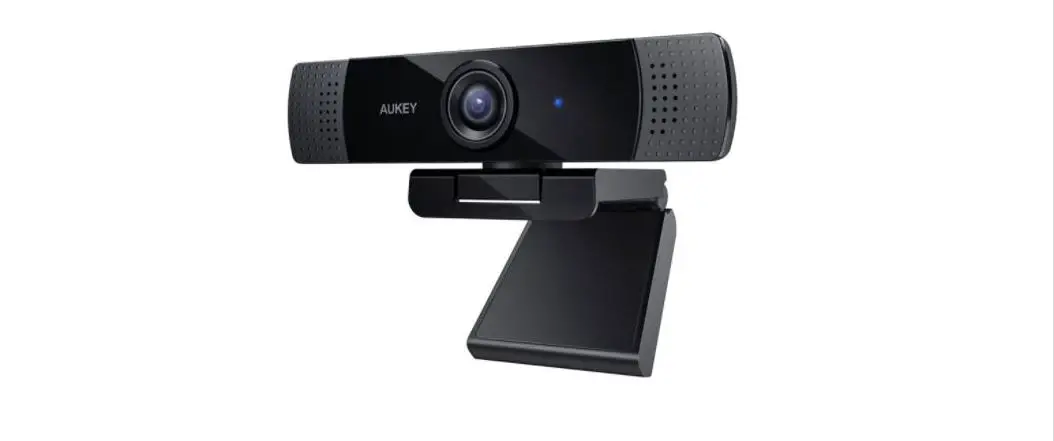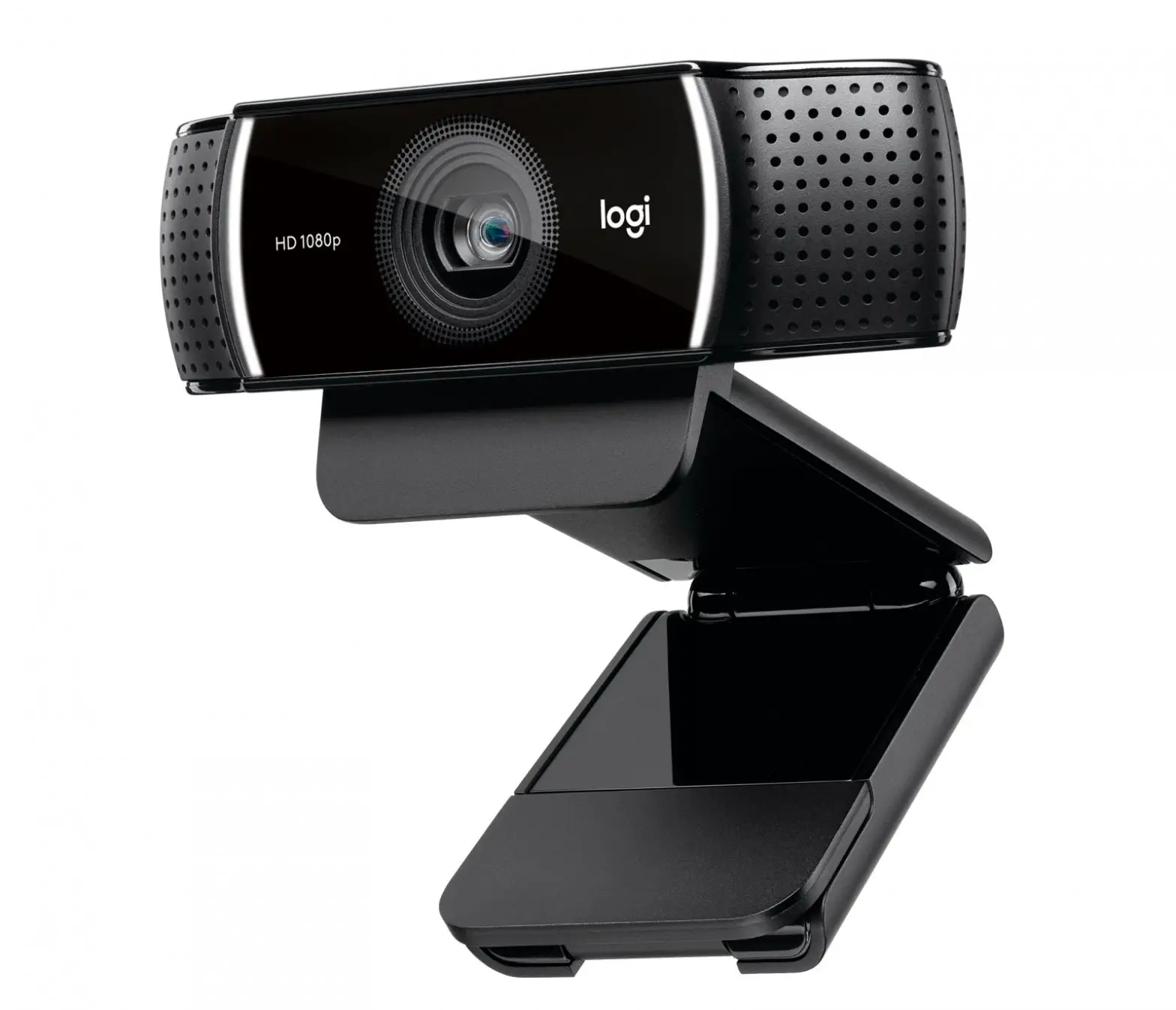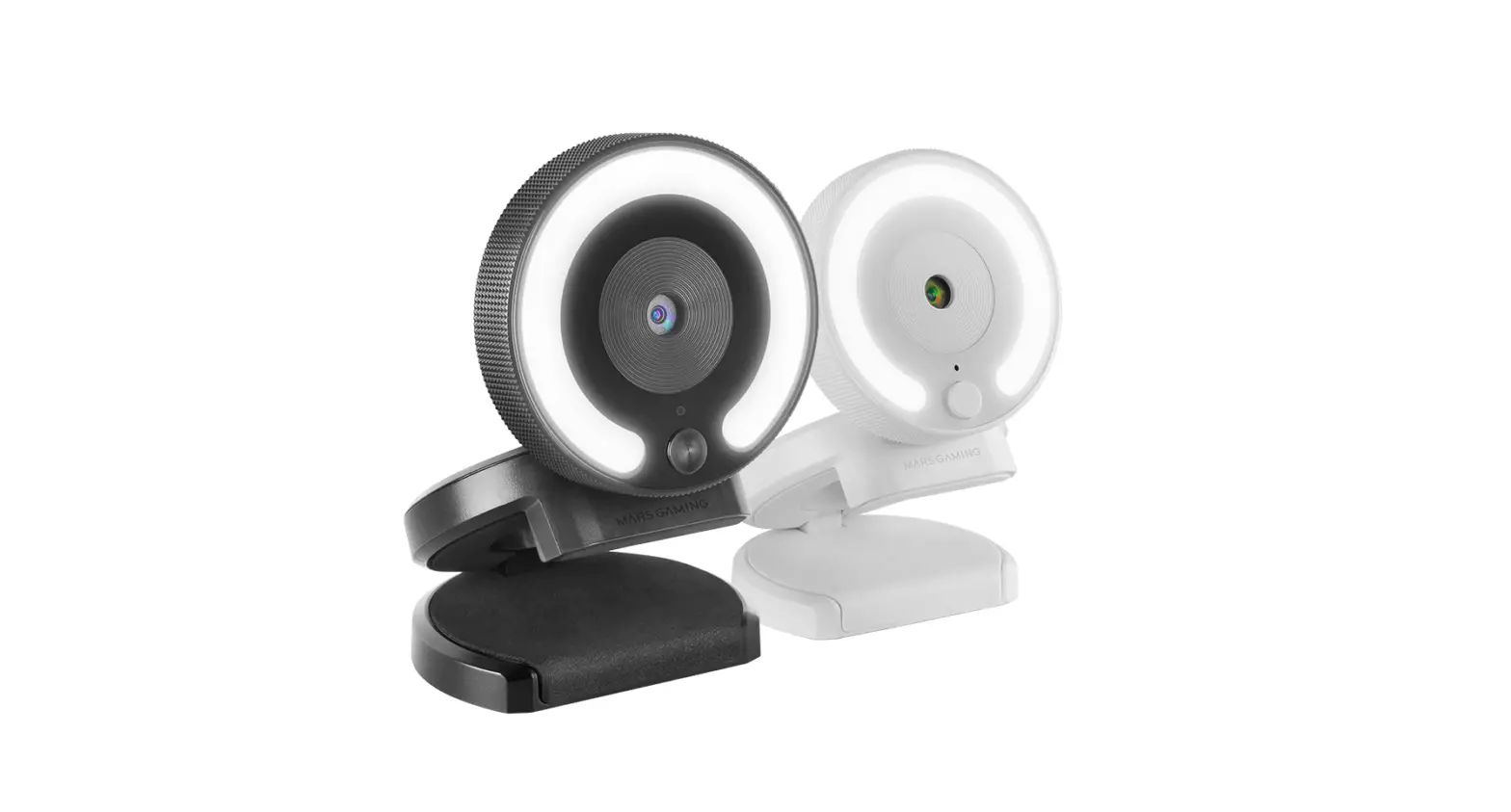
MARS GAMING MWPRO Streaming Webcam User Guide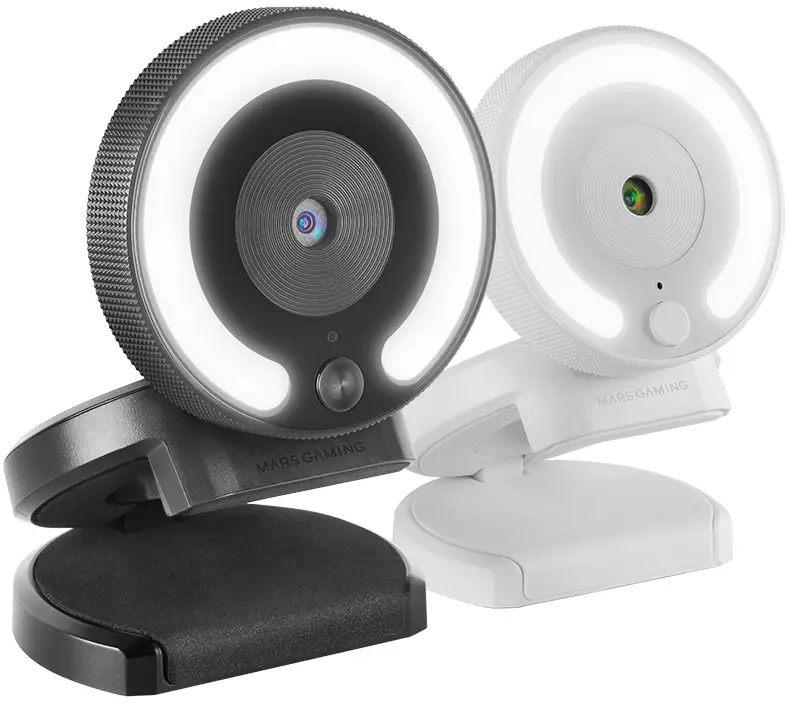
SETUP
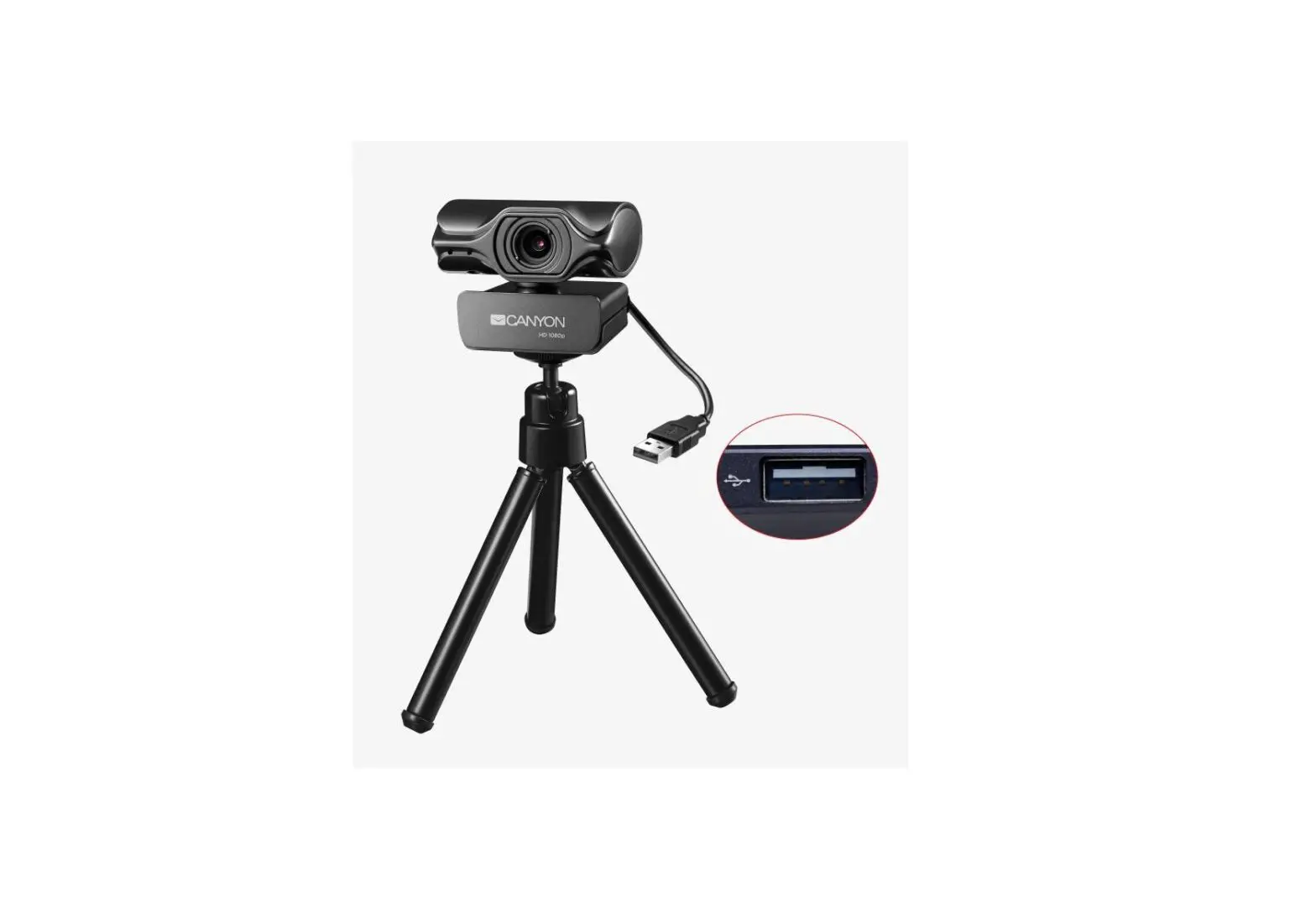
- Plug the USB-A webcam connector into your computer port, the Plug&Play webcam will be automatically detected without installing any software.
- The built in microphone in the camera can be used by selecting “Realtek USB Mic” in the audio settings of the calling or streaming program.
MOUNTING OPTIONS
- The webcam can be mounted on your monitors, desks or tripods with 1/4″ universal screw.
- MWPRO is built with fixed focus technology, place yourself within 50-100 centimeters away from webcam for sharper images.
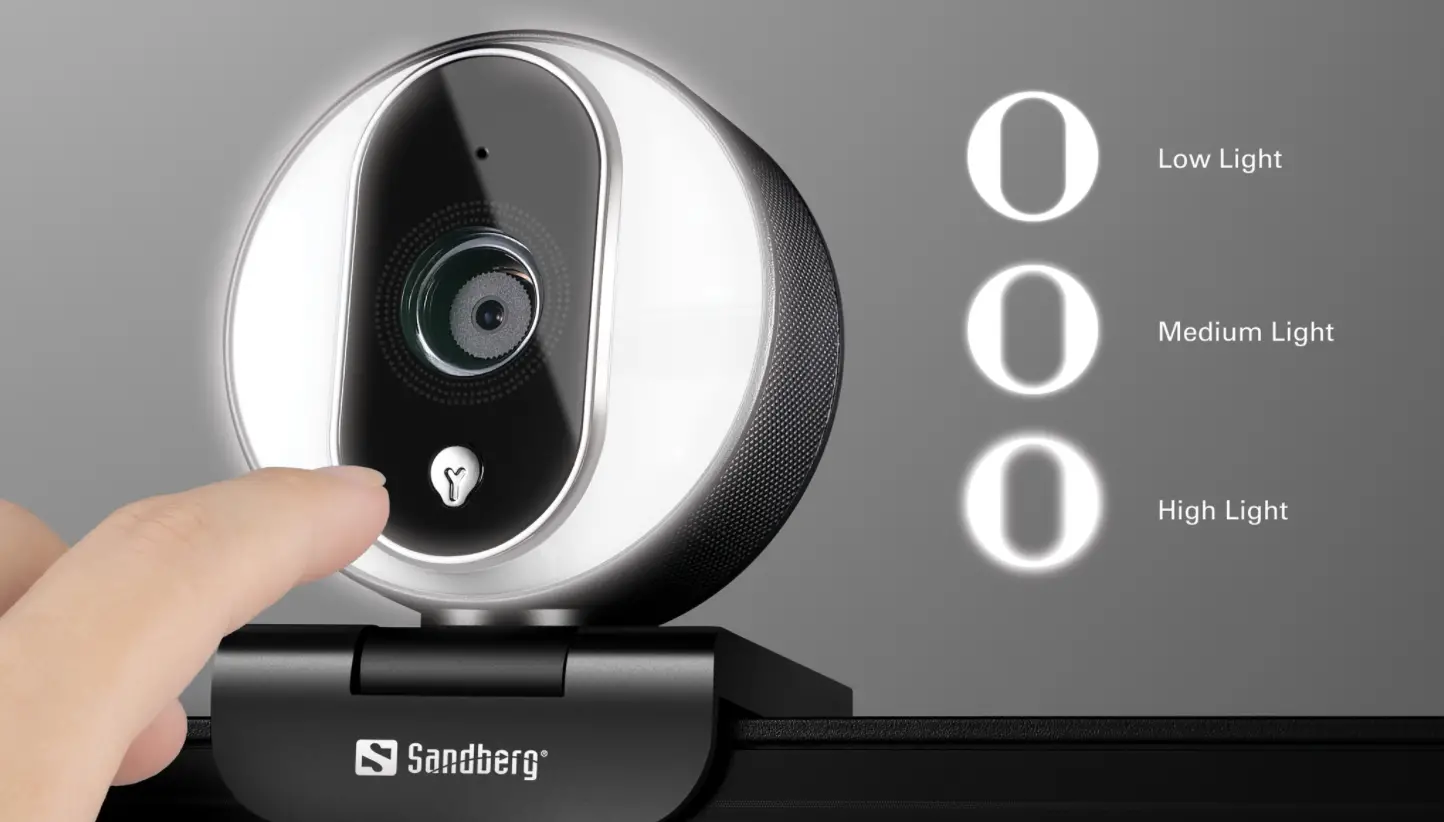
LIGHT-RING
Webcam light-ring is ideal to soften or eliminate harsh shadows in low light condition. The lighting can be adjusted in 3 different brightness levels to meet your lighting needs by simply taping the touch sensor.
Please, keep this sheet for future references. Visit www.marsgaming.eu for more info about your product
WWW.MARSGAMING.EU