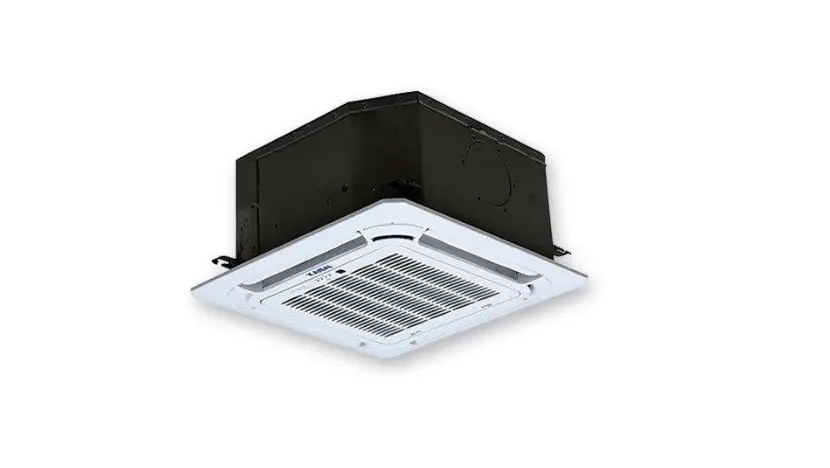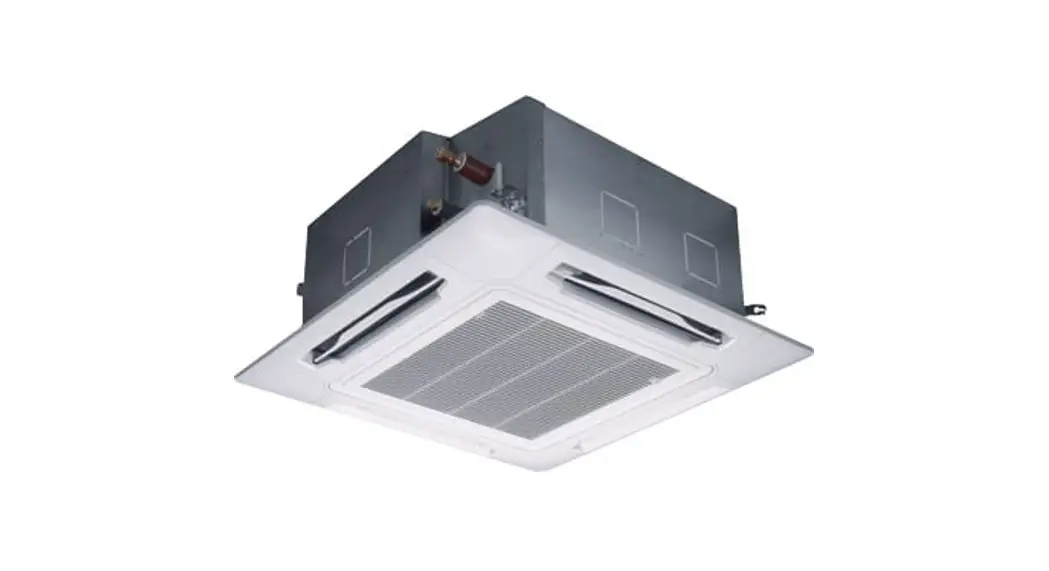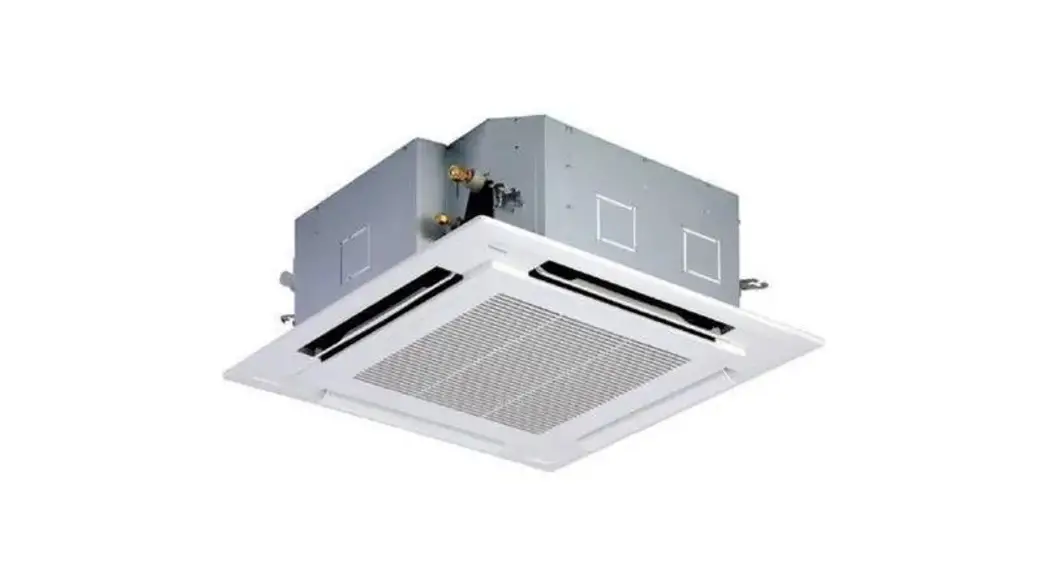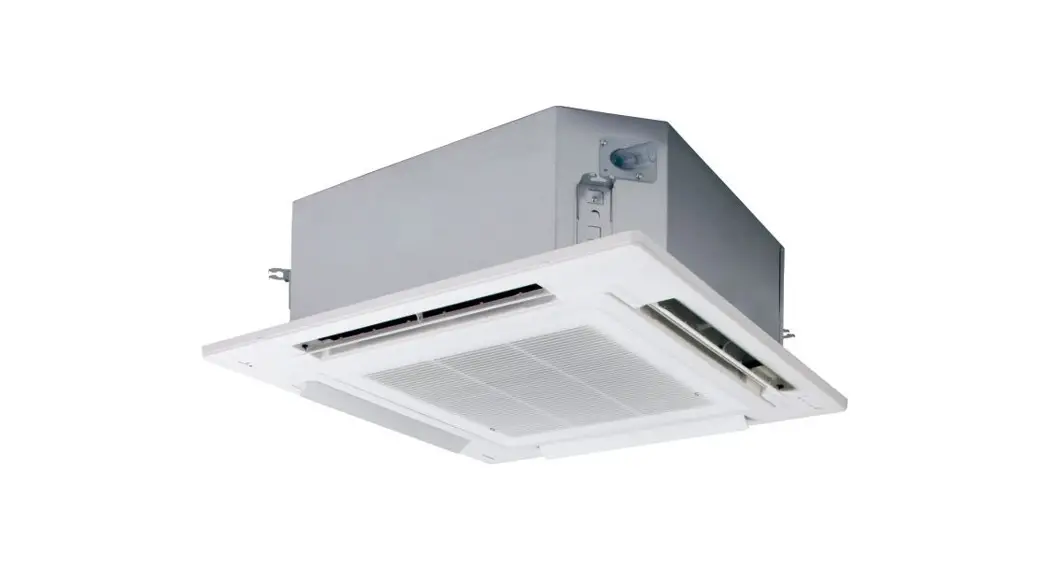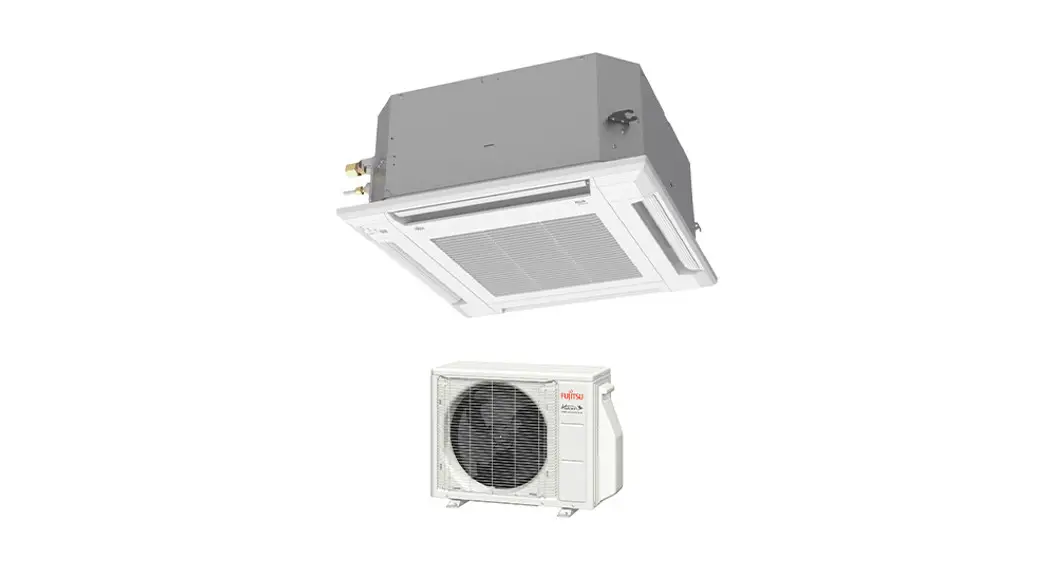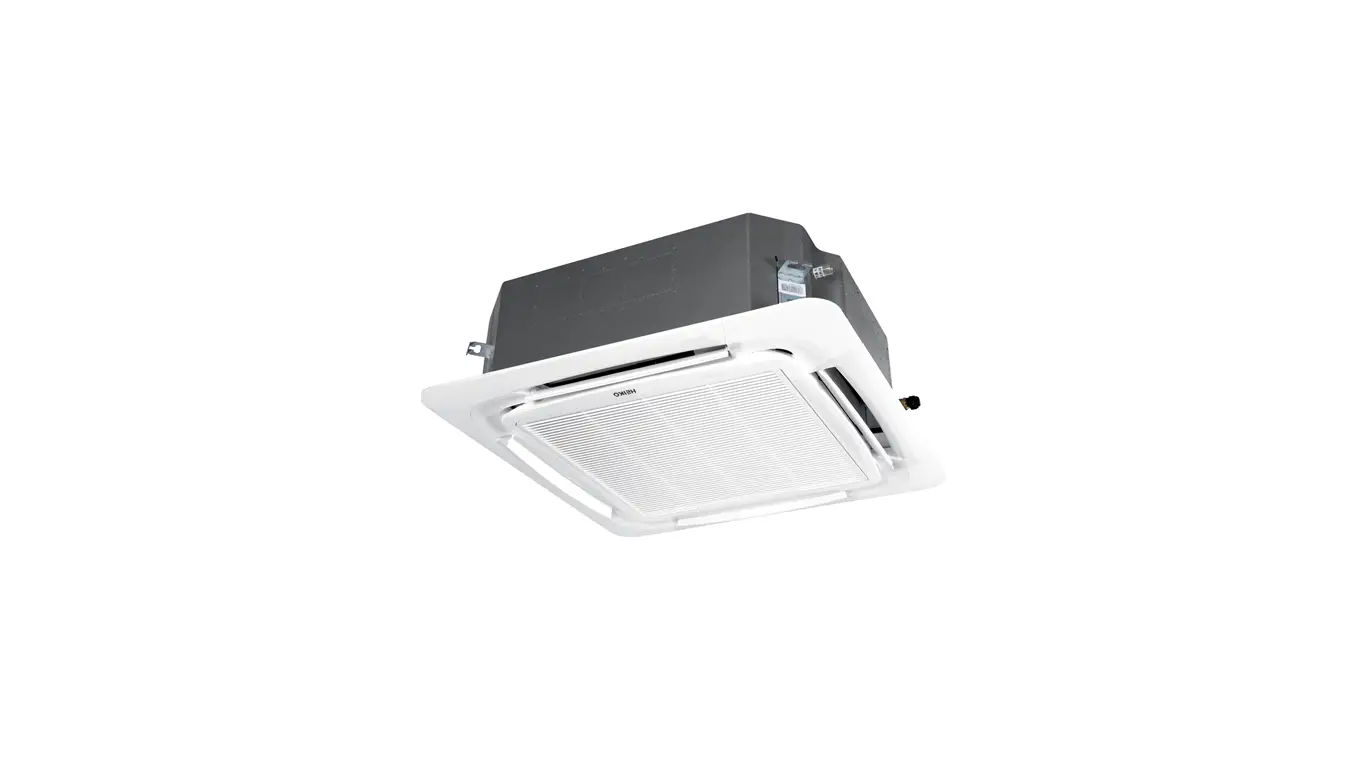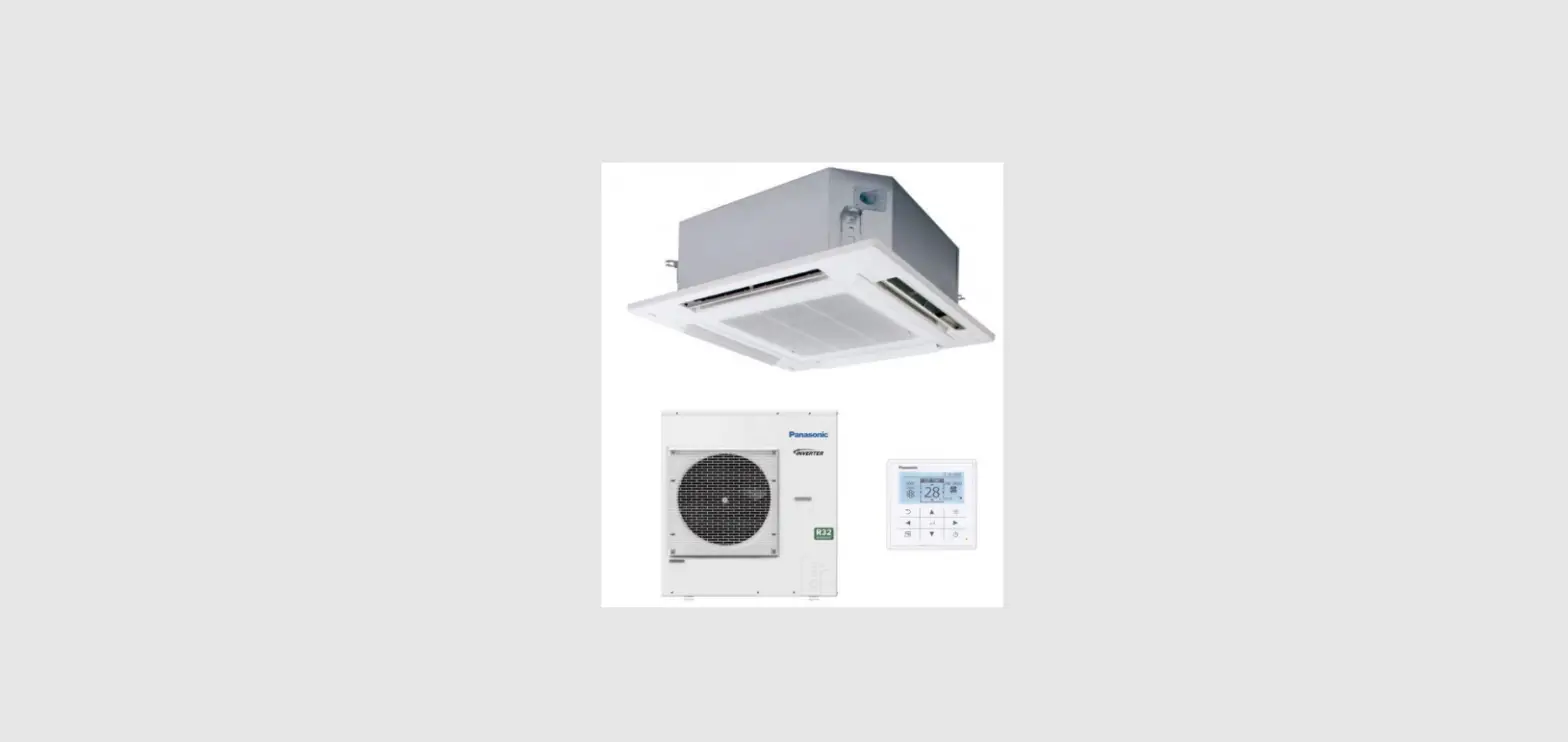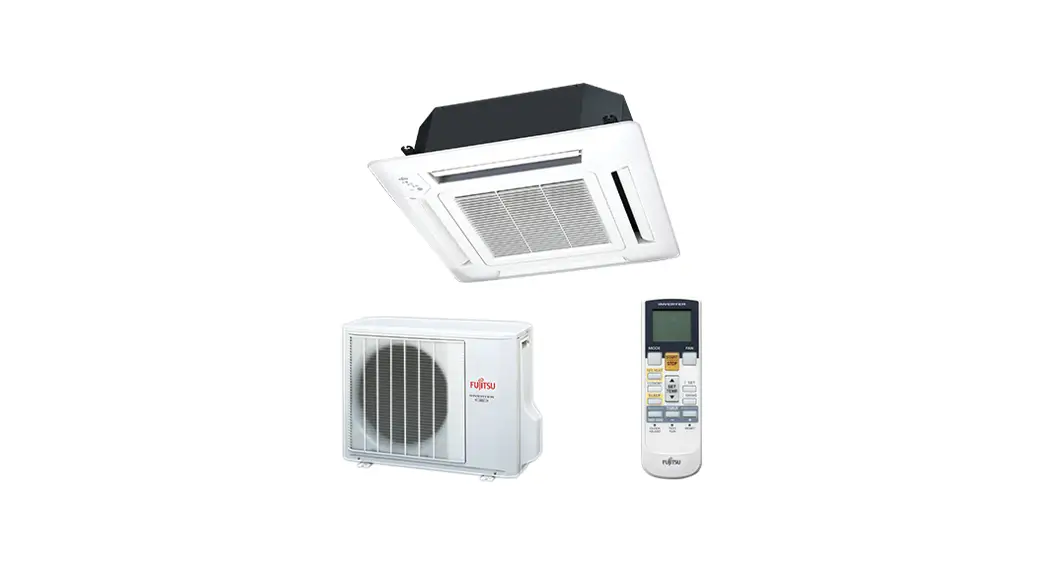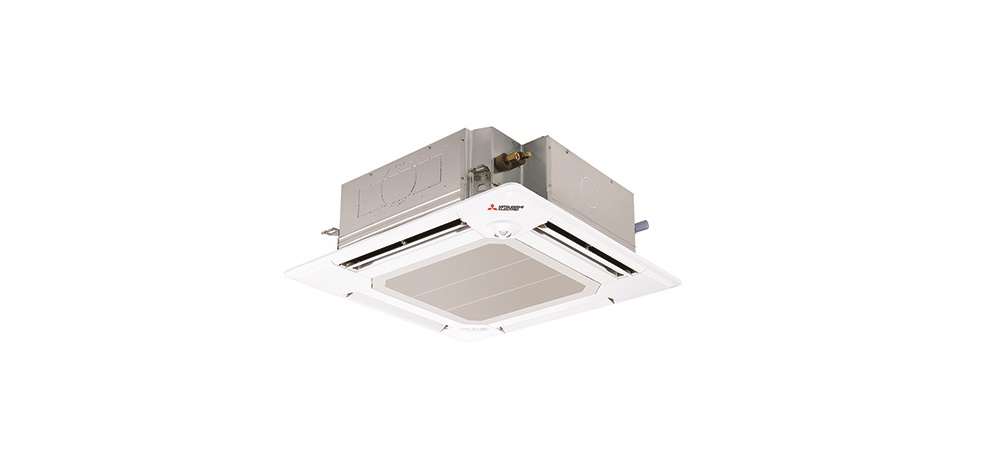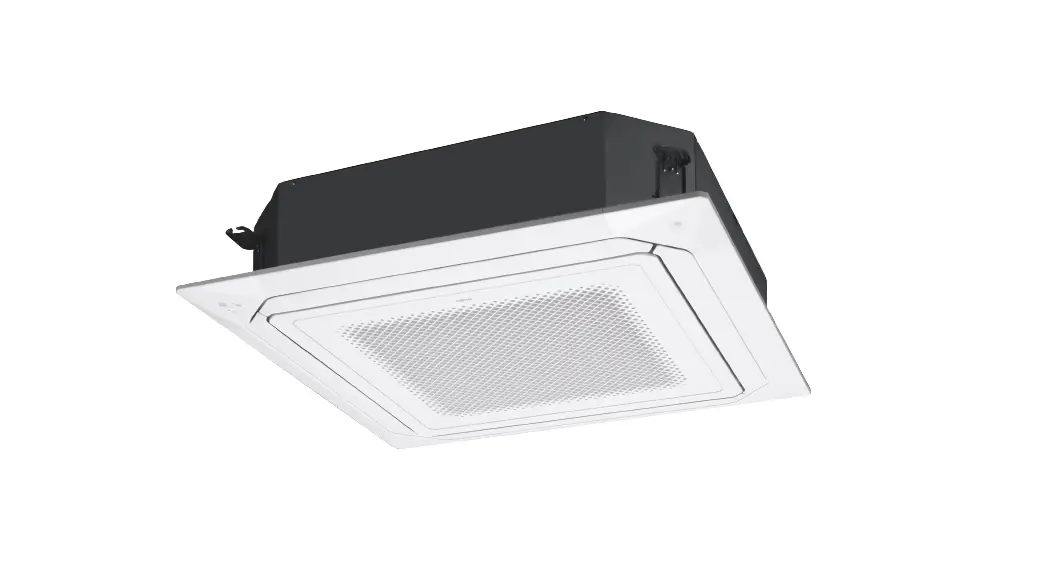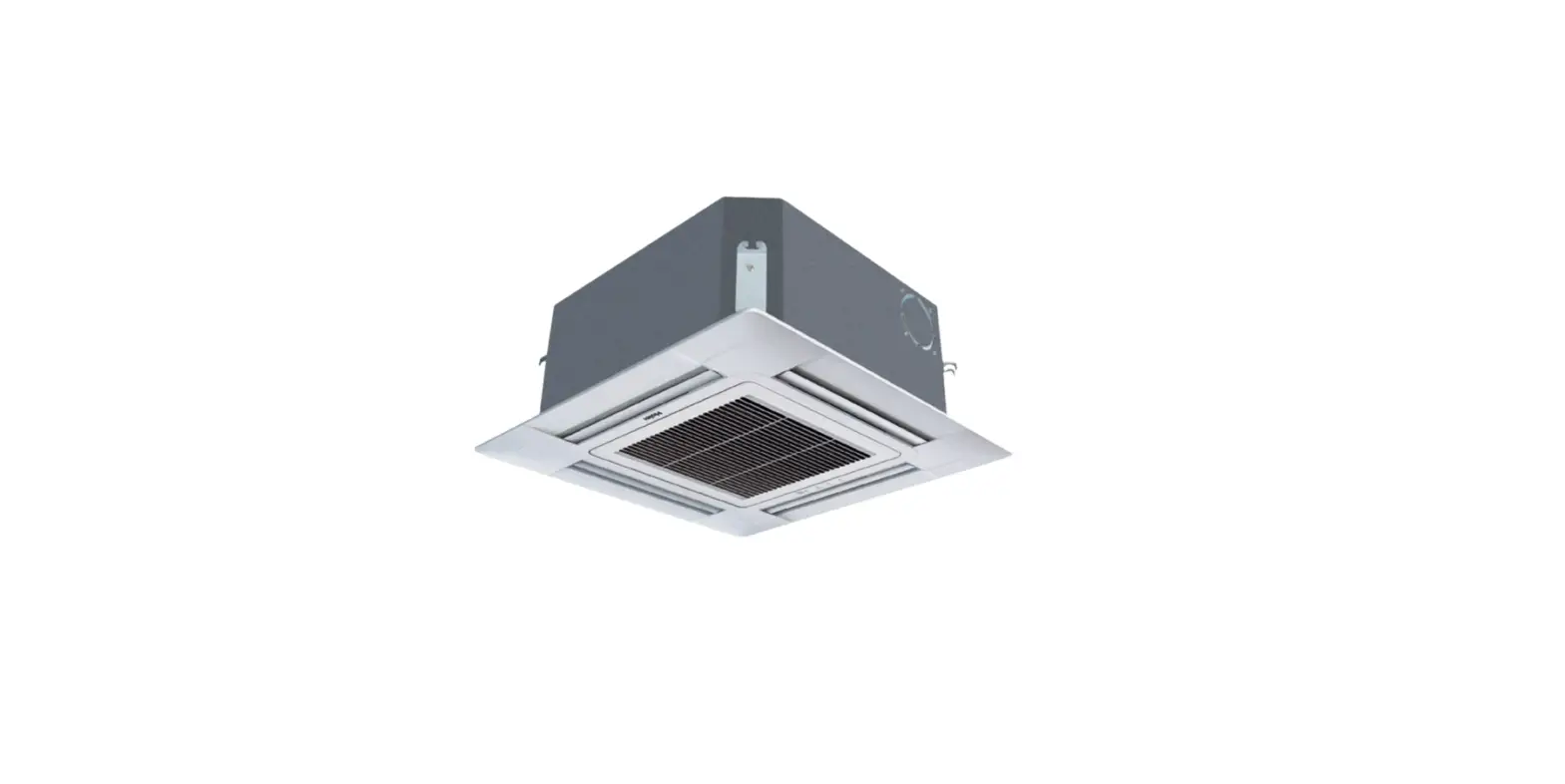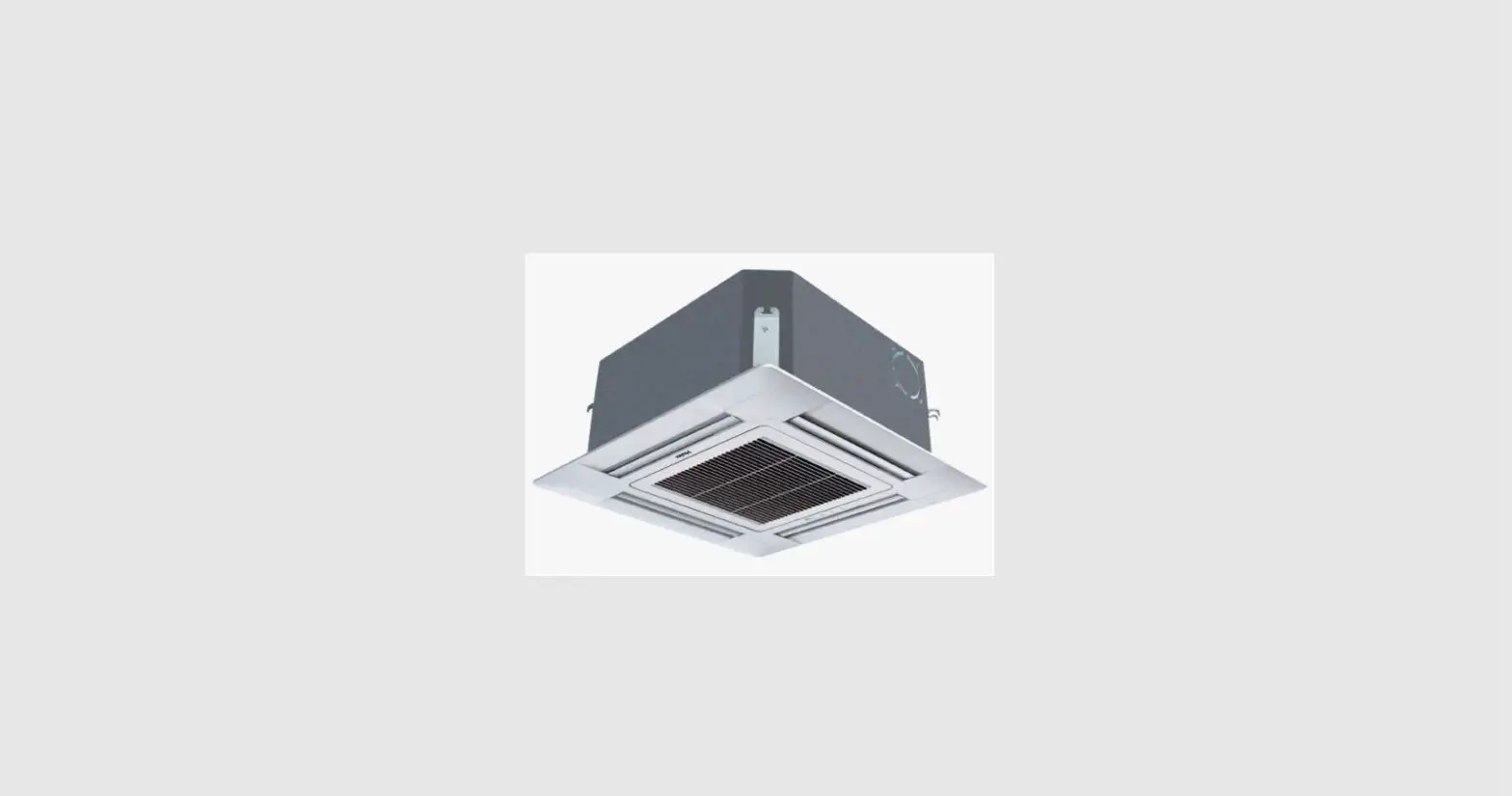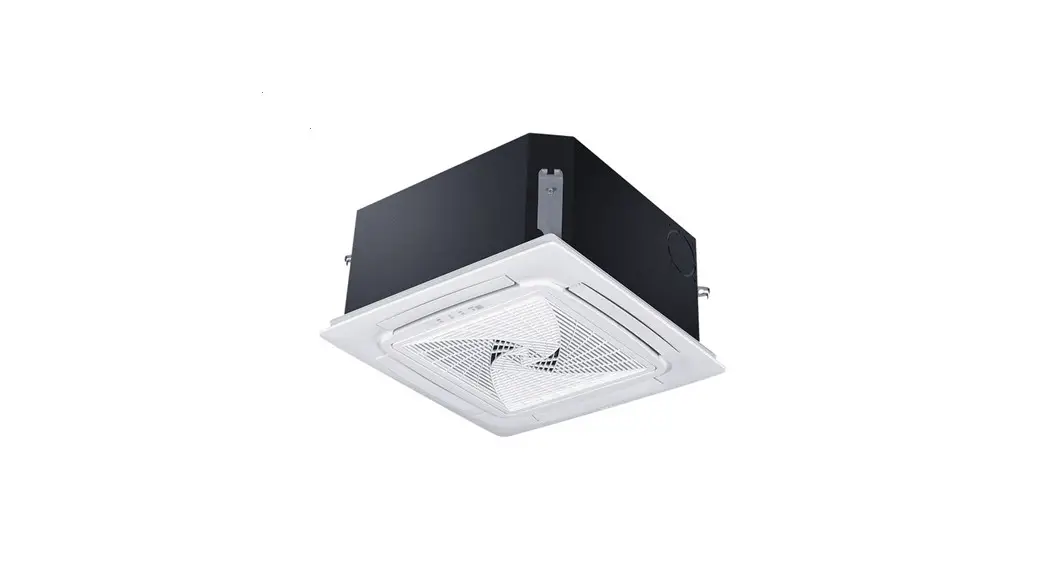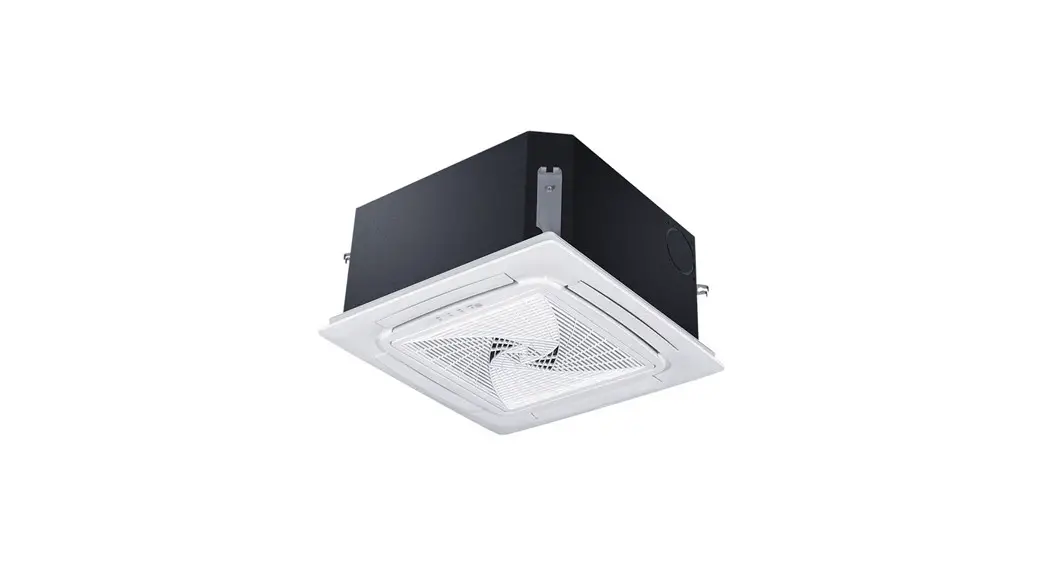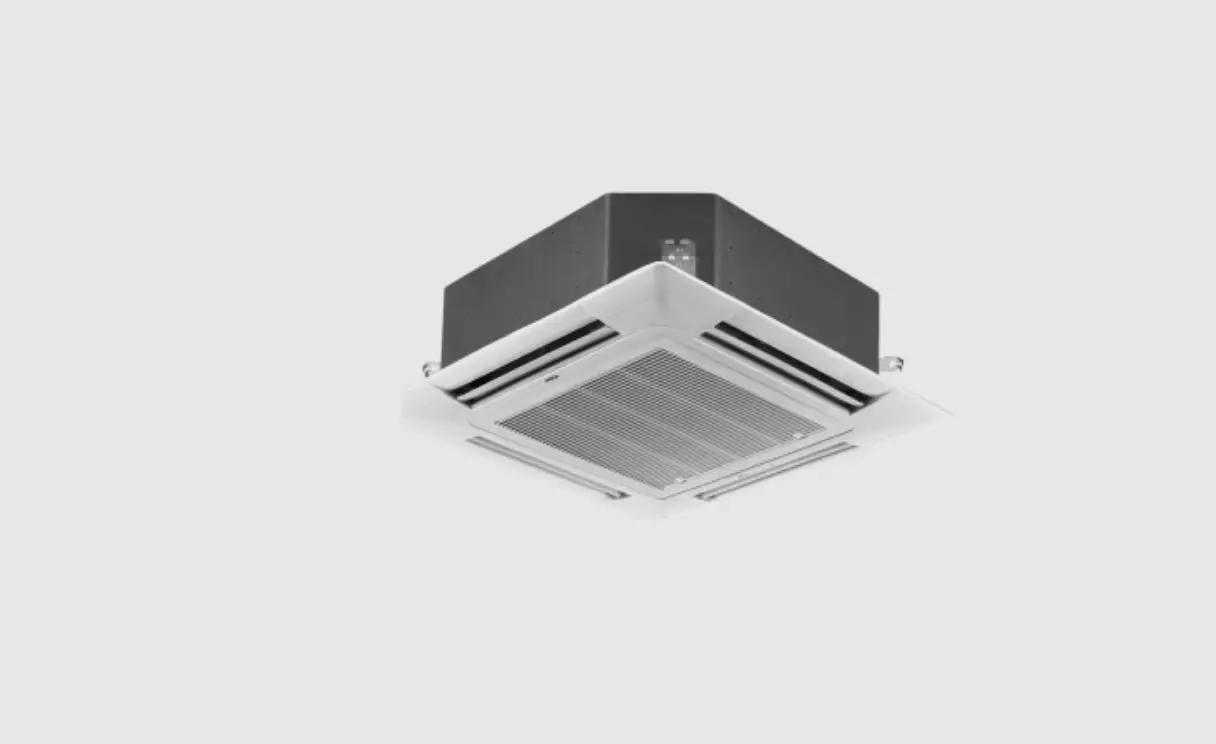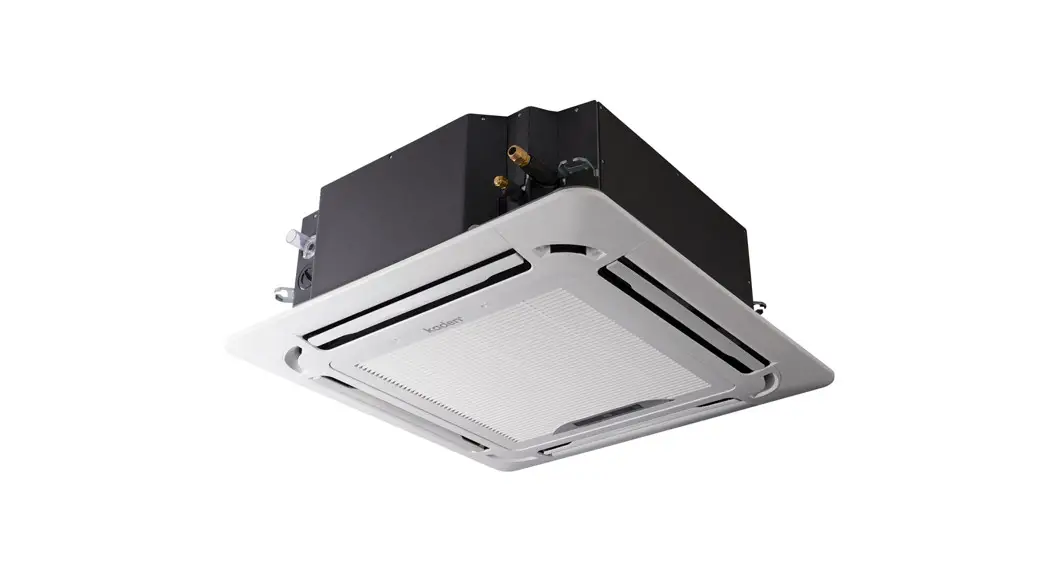
 CASSETTE AIR CONDITIONER
KCI Series
KCI36 | KCI42 | KCI48
Owner’s Manual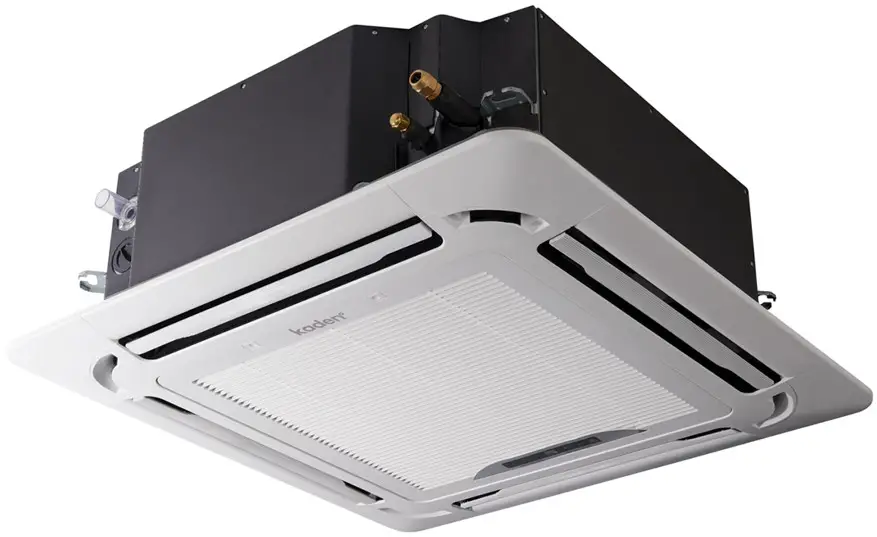
KCI Series Cassette Air Conditioner
Important note
This appliance must be installed in accordance with:
Manufacturer’s Installation Instructions
Current AS/NZS 3000, AS/NZS 5141
Local Regulations and Municipal Building Codes including local OH&S requirements
This appliance must be installed, maintained, and removed only by an Authorised Person.
For continued safety of this appliance, it must be installed and maintained in accordance with the manufacturer’s Instructions.
Important note
Read this manual carefully before installing or operating your new air conditioning unit.
Make sure to save this manual for future reference.
Safety precautions
Read safety precautions before operation and installation
Incorrect installation due to ignoring instructions can cause serious damage or injury.
The seriousness of potential damage or injuries is classified as either a WARNING or a CAUTION. This symbol indicates that ignoring instructions may cause death or serious injury.
 This symbol indicates that ignoring instructions may cause moderate injury to your person, or damage to your unit or other property. WARNING
This appliance can be used by children aged from 8 years and above and persons with reduced physical, sensory or mental capabilities or lack of experience and knowledge if they have been given supervision or instruction concerning use of the appliance in a safe way and understand the hazards involved. Children shall not play with the appliance. Cleaning and user maintenance shall not be made by children without supervision.
INSTALLATION WARNINGS
- Ask an authorized professional to install this air conditioner. Inappropriate installation may cause water leakage, electric shock, or fire.
- All repairs, maintenance and relocation of this unit must be performed by a licensed service technician.
Inappropriate repairs can lead to serious injury or product failure.
WARNINGS FOR PRODUCT USE
- If an abnormal situation arises (like a burning smell), immediately turn off the unit and pull the power plug. Call your dealer for instructions to avoid electric shock, fire or injury.
- Do not insert fingers, rods or other objects into the air inlet or outlet. This may cause injury, since the fan may be rotating at high speeds.
- Do not use flammable sprays such as hair spray, lacquer or paint near the unit. This may cause fire or combustion.
- Do not operate the air conditioner in places near or around combustible gases. Emitted gas may collect around the unit and cause explosion.
- Do not operate the air conditioner in a wet room (e.g., bathroom or laundry room). This can cause electrical shock and cause the product to deteriorate.
- Do not expose your body directly to cool air for a prolonged period of time.
REFRIGERANT
This appliance uses R32 (difluoromethane) refrigerant, which is a flammable gas class 2.2 according to AS 1677 and must be handled by a refrigeration mechanic with appropriate Australian refrigerant licence. WARNING
Risk of fire / flammable material. If the refrigerant is leaked, together with an external ignition source, there is a possibility of ignition.
Unit specifications and features
Indoor unit display
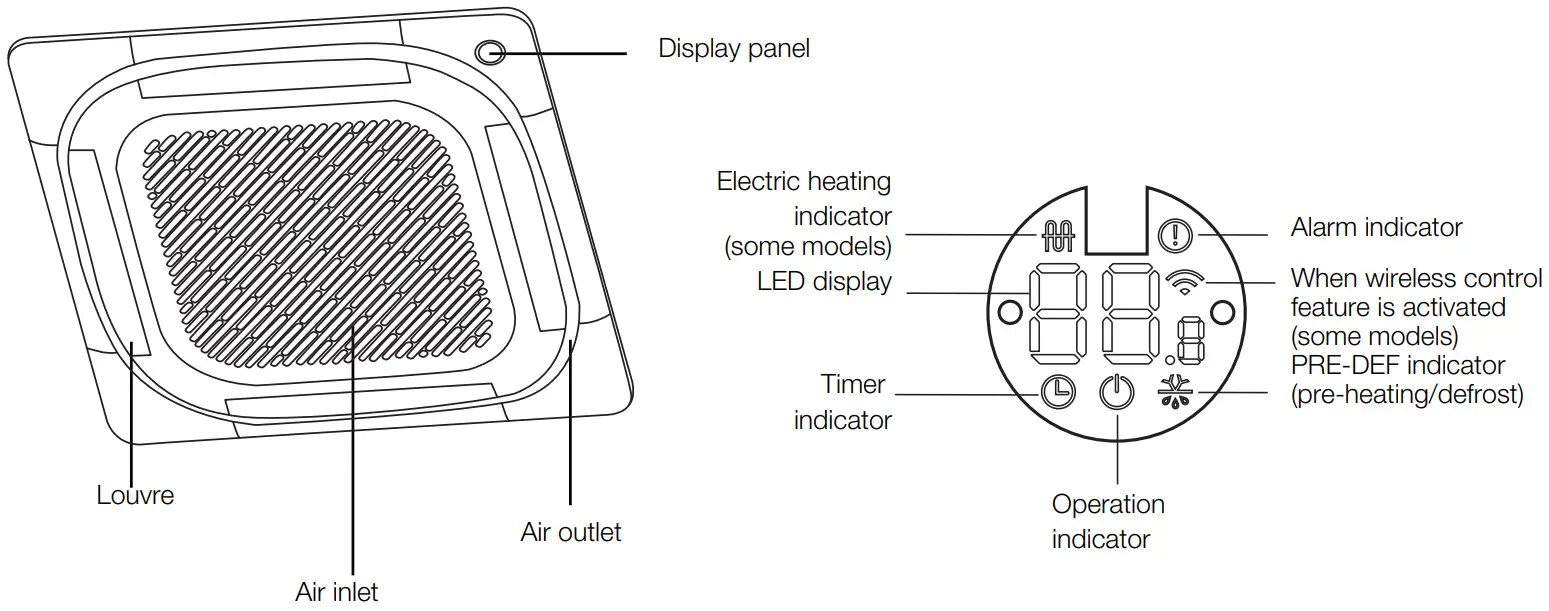
MANUAL BUTTON: This button selects the mode in the following order: AUTO, FORCED COOL, OFF.
FORCED COOL MODE: In FORCED COOL mode, the Operation light flashes. The system will then turn to AUTO after it has cooled with a high fan speed for 30 minutes. The remote control will be disabled during this operation.
OFF MODE: When the panel is turned OFF, the unit turns off and the remote control is re-enabled.
Operating temperature
When your air conditioner is used outside of the following temperature ranges, certain safety protection features may activate and cause the unit to disable.
Inverter split type
| COOL mode | HEAT mode | DRY mode | |
| Room temperature | 17°C – 32°C | 0°C – 30°C | 10°C – 32°C |
| Outdoor temperature | -15°C – 50°C | -15°C – 24°C | 0°C – 50°C |
When outside temperature is below 0°C we strongly recommend keeping the unit plugged in at all time to ensure smooth ongoing performance.
NOTE: If the air conditioner operates in excess of room relative humidity less than 80%, the surface of the air conditioner may attract condensation. Please sets the vertical air flow louvre to its maximum angle (vertically to the floor), and set HIGH fan mode.
To further optimise the performance of your unit, do the following:
- Keep doors and windows closed.
- Limit energy usage by using TIMER ON and TIMER OFF functions.
- Do not block air inlets or outlets.
- Regularly inspect and clean air filters.
Other features
Default setting
When the air conditioner restarts after a power failure, it will default to the factory settings (AUTO mode, AUTO fan, 24°C (76°F)). This may cause inconsistencies on the remote control and unit panel. Use your remote control to update the status.
Auto-restart
In case of power failure, the system will immediately stop. When power returns, the Operation light on the indoor unit will flash. To restart the unit, press the ON/OFF button on the remote control. If the system has an auto restart function, the unit will restart using the same settings.
Three-minute protection feature
A protection feature prevents the air conditioner from being activated for approximately 3 minutes when it restarts immediately after operation.
Louvre angle memory function
Some models are designed with a louvre angle memory function. When the unit restarts after a power failure, the angle of the horizontal louvres will automatically return to the previous position. The angle of the horizontal louvre should not be set too small as condensation may form and drip into the machine. To reset the louvre, press the manual button, which will reset the horizontal louvre settings.
Refrigerant leak detection system
In the event of a refrigerant leak, the LCD screen will display “EC” and the LED indicator light will flash.
Installation and service
Installation record – installer details
Company name _____________
Company address _____________
Telephone _____________
Mobile _____________
Email _____________
Certificate of compliance/certification number _____________
Authorised persons license number _____________
Installers name _____________
Installers signature _____________
Installation date _____________
Installation record – system details
Model number _____________
Serial number indoor unit _____________
Serial number outdoor unit _____________
Installation address _____________
Customer care programme
Service and maintenance in accordance with the Service maintenance schedule on page 9 is essential in ensuring the prolonged useful life of your system, and help ensure it operates at maximum efficiency. More frequent routine maintenance may be necessary where the air conditioning system is installed in harsh environments, or in non-residential applications. CAUTION
Service maintenance is not covered under warranty and is a chargeable service. All units must have safe and reasonable access and be installed in compliance with the installation instructions supplied with the unit. Some installations may require two service personnel to attend, in accordance with health and safety requirements.
Also note that all refrigerated air conditioning systems have air filters that require regular inspection and cleaning. Please refer to Cleaning your air filter on page 13.
Care and maintenance
Cleaning your indoor unit BEFORE CLEANING OR MAINTENANCE
ALWAYS TURN OFF YOUR AIR CONDITIONER SYSTEM AND DISCONNECT ITS POWER SUPPLY BEFORE CLEANING OR MAINTENANCE. CAUTION
Only use a soft, dry cloth to wipe the unit clean. If the unit is especially dirty, you can use a cloth soaked in warm water to wipe it clean.
- Do not use chemicals or chemically treated cloths to clean the unit.
- Do not use benzene, paint thinner, polishing powder or other solvents to clean the unit. They can cause the plastic surface to crack or deform.
- Do not use water hotter than 40°C to clean the front panel. This can cause the panel to deform or become discoloured.
Cleaning your air filter
A clogged air conditioner can reduce the cooling efficiency of your unit, and can also be bad for your health. WARNING: DO NOT REMOVE OR CLEAN THE FILTER BY YOURSELF
Removing and cleaning the filter can be dangerous.
Removal and maintenance must be performed by an authorised technician.
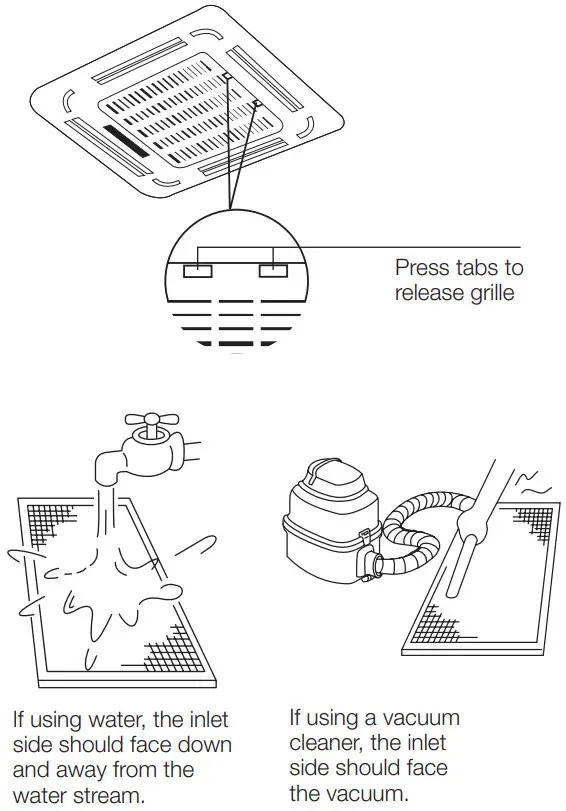
- Unlock the grille by pushing the two tabs towards the middle simultaneously.
- Unplug the display panel cable from the control box on the main body.
- Detach the grille from the main unit by holding the grille at a 45° angle, lifting it up slightly and then pulling the grille forward.
- Remove the air filter.
- Clean the air filter by vacuuming the surface or washing it in warm water with mild detergent.
- Rinse the filter with clean water and allow it to air-dry. Do not let the filter dry in direct sunlight.
- Reinstall the filter.
- Reinstall the front grille and reconnect the display panel cable to the control box on the main body.
CAUTION
- Before changing the filter or cleaning, turn off the unit and disconnect its power supply.
- When removing filter, do not touch metal parts in the unit. The sharp metal edges can cut you.
- Do not use water to clean the inside of the indoor unit. This can destroy insulation and cause electrical shock.
- Do not expose filter to direct sunlight when drying. This can shrink the filter.
CAUTION
- Any maintenance and cleaning of outdoor unit should be performed by an authorised technician
- Any unit repairs should be performed by an authorised technician.
Maintenance – long periods of non-use
If you plan not to use your air conditioner for an extended period of time, do the following:
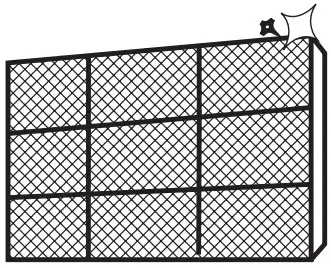 | Clean all filters |
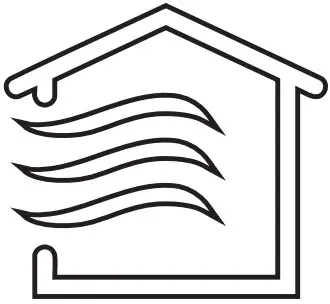 | Turn on FAN function until unit dries out completely |
 | Turn off the unit and disconnect the power |
Maintenance – pre-season inspection
After long periods of non-use, or before periods of frequent use, do the following:
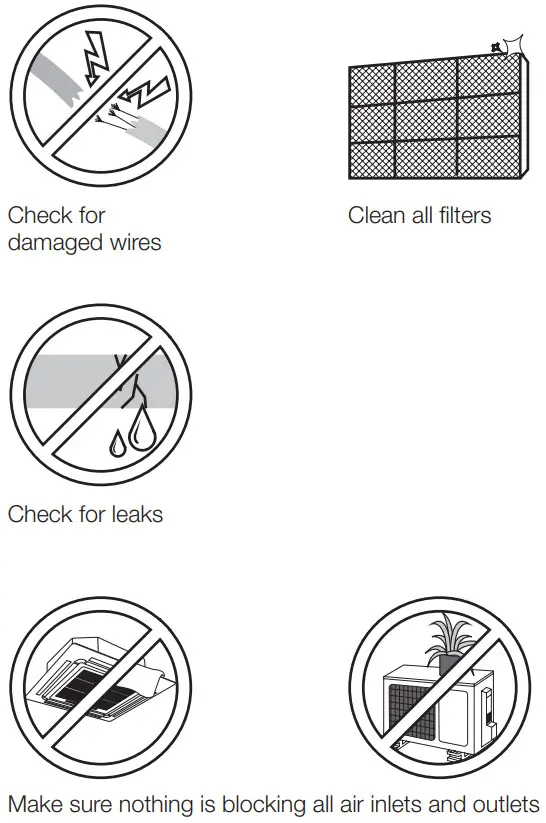
Troubleshooting
SAFETY PRECAUTIONS
If any of the following conditions occurs, turn off your unit immediately!
- The power cord is damaged or abnormally warm
- You smell a burning odour
- The unit emits loud or abnormal sounds
- A power fuse blows or the circuit breaker frequently trips
- Water or other objects fall into or out of the unit
DO NOT ATTEMPT TO FIX THESE YOURSELF! CONTACT AN AUTHORISED TECHNICIAN IMMEDIATELY!
Common issues
The following are not malfunctions and in most situations will not require repairs.
| Issue | Possible causes |
| Unit does not turn on when the ON/OFF button is pressed | The unit has a 3-minute protection feature that prevents the unit from overloading. The unit cannot be restarted within three minutes of being turned off. |
| Cooling and heating models: If the Operation light and PRE-DEF (Pre-heating/ Defrost) indicators are lit up, the outdoor temperature is too cold and the unit’s anti-cold wind is activated in order to defrost the unit. | |
| In Cooling-only models: If the “Fan Only” indicator is lit up, the outdoor temperature is too cold and the unit’s anti-freeze protection is activated in order to defrost the unit. | |
| The unit changes from COOL/HEAT mode to FAN mode | The unit may change its setting to prevent frost from forming on the unit. Once the temperature increases, the unit will start operating in the previously selected mode again. |
| The set temperature has been reached, at which point the unit turns off the compressor. The unit will continue operating when the temperature fluctuates again. | |
| The indoor unit emits white mist | In humid regions, a large temperature difference between the room’s air and the conditioned air can cause white mist. |
| Both the indoor and outdoor units emit white mist | When the unit restarts in HEAT mode after defrosting, white mist may be emitted due to moisture generated from the defrosting process. |
| The indoor unit makes noises | A rushing air sound may occur when the louvre resets its position. |
| A squeaking sound is heard when the system is OFF or in COOL mode. The noise is also heard when the drain pump (optional) is in operation. | |
| A squeaking sound may occur after running the unit in HEAT mode due to expansion and contraction of the unit’s plastic parts. | |
| Both the indoor unit and outdoor unit make noises | Low hissing sound during operation: This is normal and is caused by refrigerant gas flowing through both indoor and outdoor units. |
| Low hissing sound when the system starts, has just stopped running, or is defrosting: This noise is normal and is caused by the refrigerant gas stopping or changing direction. | |
| Squeaking sound: Normal expansion and contraction of plastic and metal parts caused by temperature changes during operation can cause squeaking noises. |
| The outdoor unit makes noises | The unit will make different sounds based on its current operating mode. |
| Dust is emitted from either the indoor or outdoor unit | The unit may accumulate dust during extended periods of non-use, which will be emitted when the unit is turned on. This can be mitigated by covering the unit during long periods of inactivity. |
| The unit emits a bad odour | The unit may absorb odours from the environment (such as furniture, cooking, cigarettes, etc.) which will be emitted during operations. |
| The unit’s filters have become mouldy and should be cleaned. | |
| The fan of the outdoor unit does not operate | During operation, the fan speed is controlled to optimise product operation. |
Troubleshooting
When troubles occur, please check the following points before contacting your qualified technician.
| Problem | Possible causes | Solution |
| Poor cooling performance | Temperature setting may be higher than ambient room temperature | Lower the temperature setting |
| The heat exchanger on the indoor or outdoor unit is dirty | Contact a qualified service technician | |
| The air filter is dirty | Remove the filter and clean it according to instructions | |
| The air inlet or outlet of either unit is blocked | Turn the unit off, remove the obstruction and turn it back on | |
| Doors and windows are open | Make sure that all doors and windows are closed while operating the unit | |
| Excessive heat is generated by sunlight | Close windows and curtains during periods of high heat or bright sunshine | |
| There are too many sources of heat in the room (people, computers, electronics, etc.) | Reduce amount of heat sources | |
| Low refrigerant due to leak or long-term use | Contact a qualified service technician | |
| The unit is not working | Power failure | Wait for the power to be restored |
| The power is turned off | Turn on the power | |
| The fuse is burned out | Contact a qualified service technician | |
| Remote control batteries are dead | Replace batteries | |
| The unit’s 3-minute protection has been activated | Wait three minutes after restarting the unit | |
| Timer is activated | Turn timer off |
| Problem | Possible causes | Solution |
| The unit starts and stops frequently | There’s too much or too little refrigerant in the system | Contact a qualified service technician |
| Incompressible gas or moisture has entered the system | Contact a qualified service technician | |
| System circuit is blocked | Contact a qualified service technician | |
| The compressor is broken | Contact a qualified service technician | |
| The voltage is too high or too low | Contact a qualified service technician | |
| Poor heating performance | The outdoor temperature is extremely low | Contact a qualified service technician |
| Cold air is entering through doors and windows | Make sure that all doors and windows are closed during use | |
| The refrigerant level has become low due to a leak or long-term use | Contact a qualified service technician | |
| Indicator lamps continue flashing | The unit may stop operation or continue to run safely. If the indicator lamps continue to flash or error codes appear, wait for about 10 minutes. The problem may resolve itself. If not, disconnect the power, then connect it again. Turn the unit on. If the problem persists, disconnect the power and contact your nearest qualified service technician. | |
| Error code appears and begins with the following letters in the window display of the indoor unit: • E(x), P(x), F(x) • EH(xx), EL(xx), EC(xx) • PH(xx), PL(xx), PC(xx) | ||
NOTE: If your problem persists after performing the checks and diagnostics above, turn off your unit immediately and contact your qualified service technician.
Disposal guidelines
The appliance contains refrigerant and other potentially hazardous materials. When disposing of this appliance, the law may require special collection and treatment. Decommissioning of this air conditioner must be performed by a trade qualified licensed technician so as to comply with Australian law.
Emitting some refrigerants to the atmosphere is illegal and is detrimental to the environment. CAUTION
This air conditioner contains high pressure refrigerant and oil.
Do not dispose of this product as a household waste or unsorted municipal waste.
When disposing of this appliance, you have the following options:
- Dispose of the appliance at designated municipal electronic waste collection facility.
- Sell the appliance to a certified scrap metal dealer.
NOTE: Disposing of this appliance in the forest or other natural surroundings endangers your health and is bad for the environment.
 kadenair.com.au