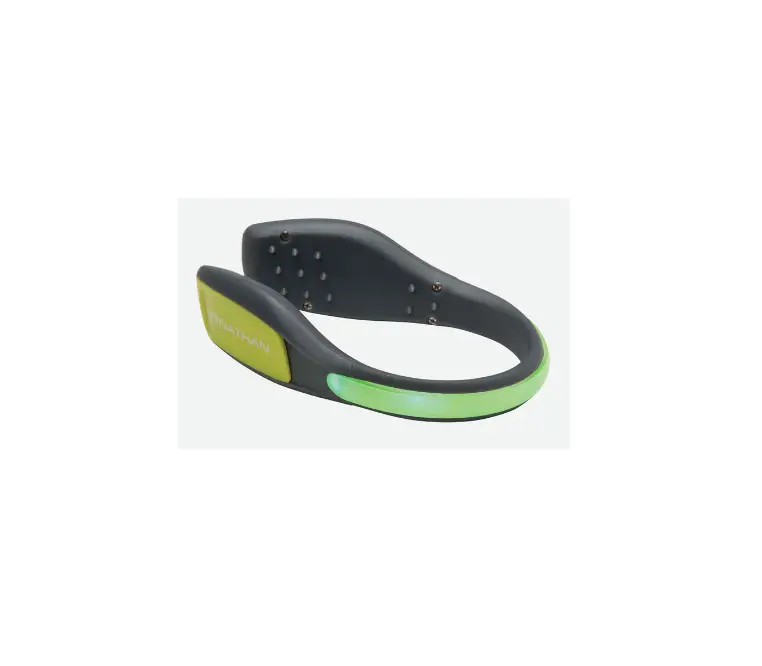
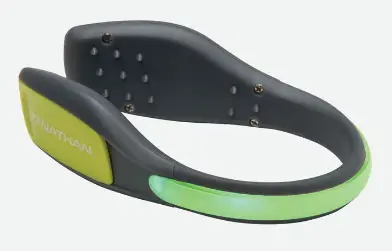
NATHAN LightSpur LED Foot Light
USAGE INSTRUCTIONS
- Press and hold power button for 2-3 seconds to turn on.
- Press repeatedly to cycle through modes.
- Press and hold power button for 2-3 seconds to turn off.
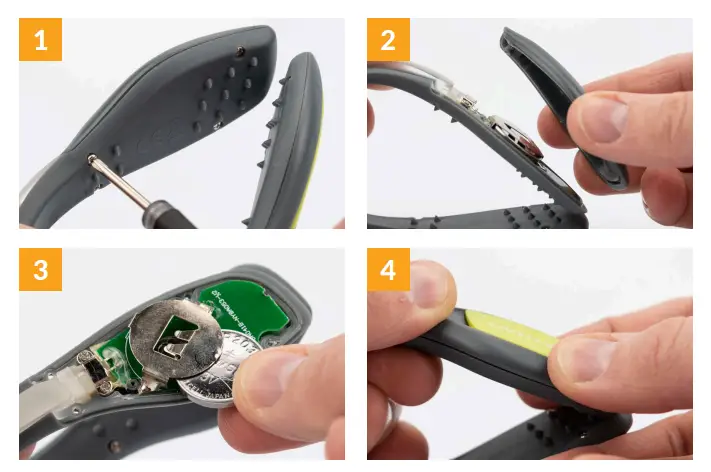
TO REPLACE BATTERY
- Using a small phillips screwdriver, remove 4 screws on one side of the LightSpur.
- Remove the panel exposing the battery.
- Replace CR2032 battery, positive (+) side face up.
- Put panel back and re-screw into place.
- Repeat the process for the other side of the LightSpur.