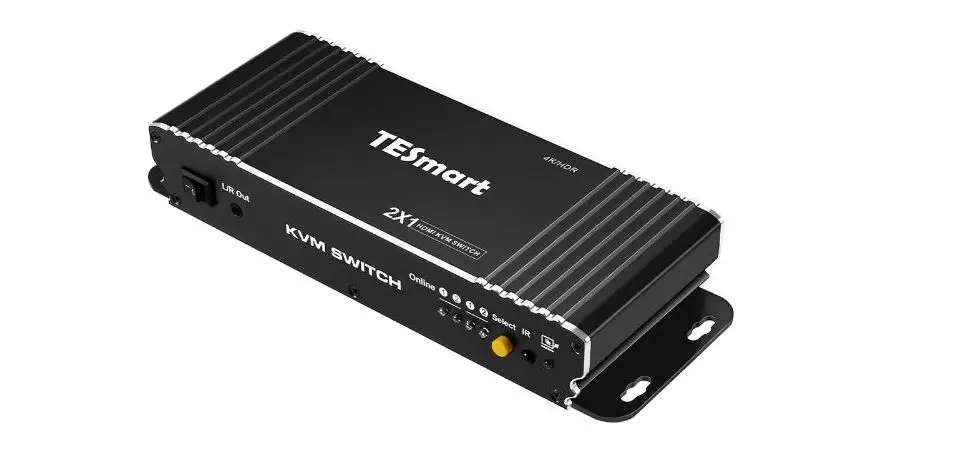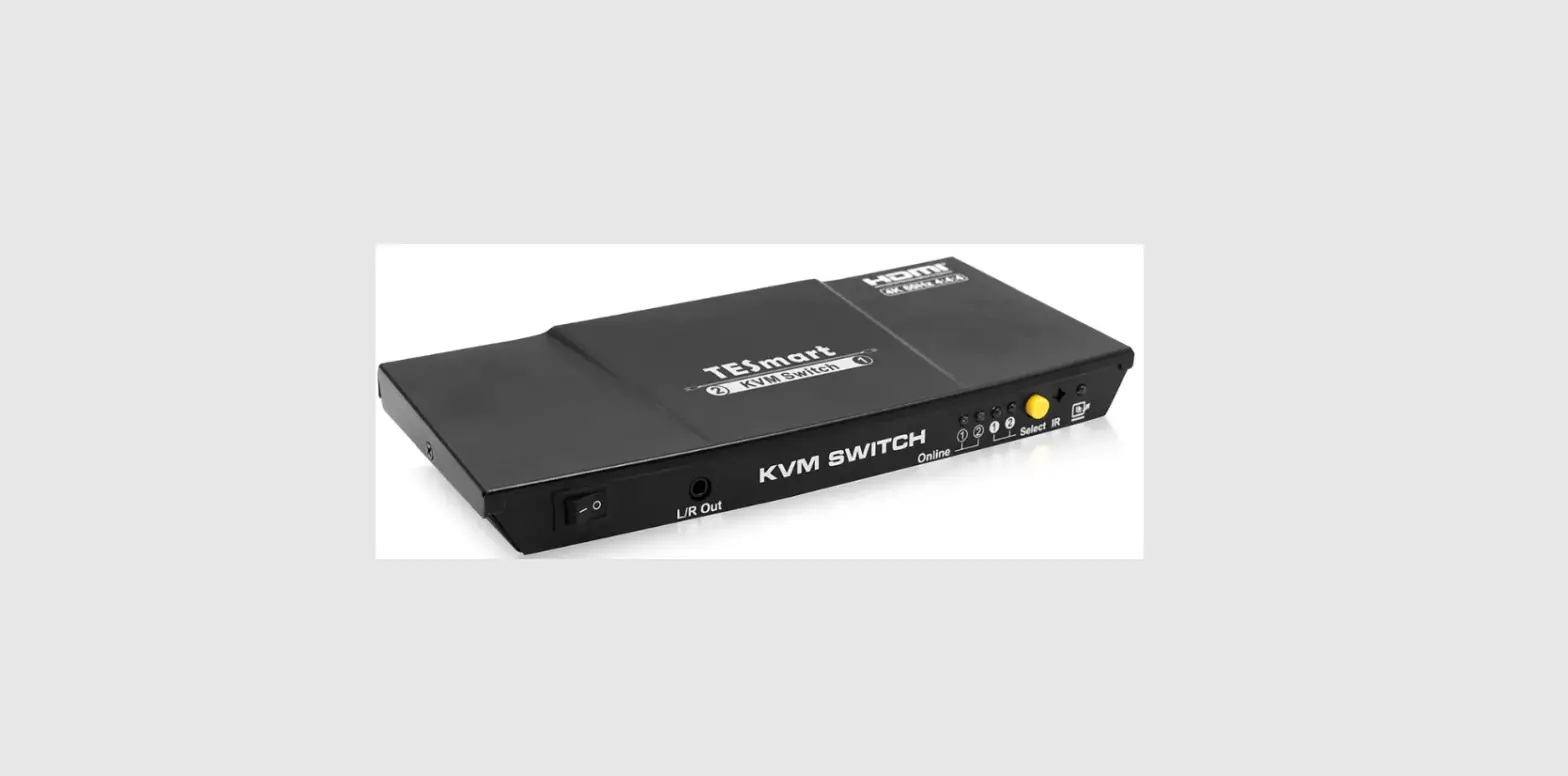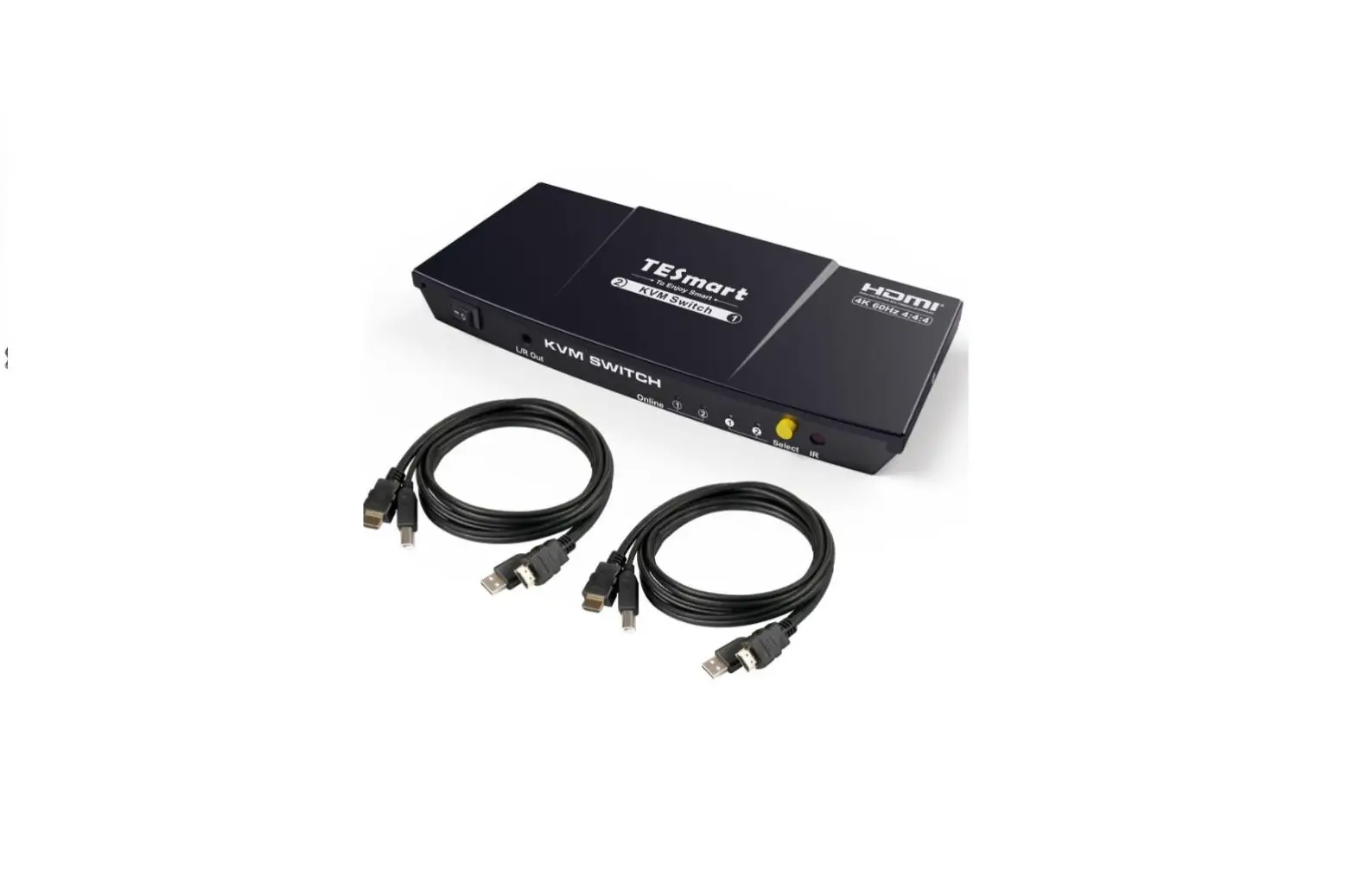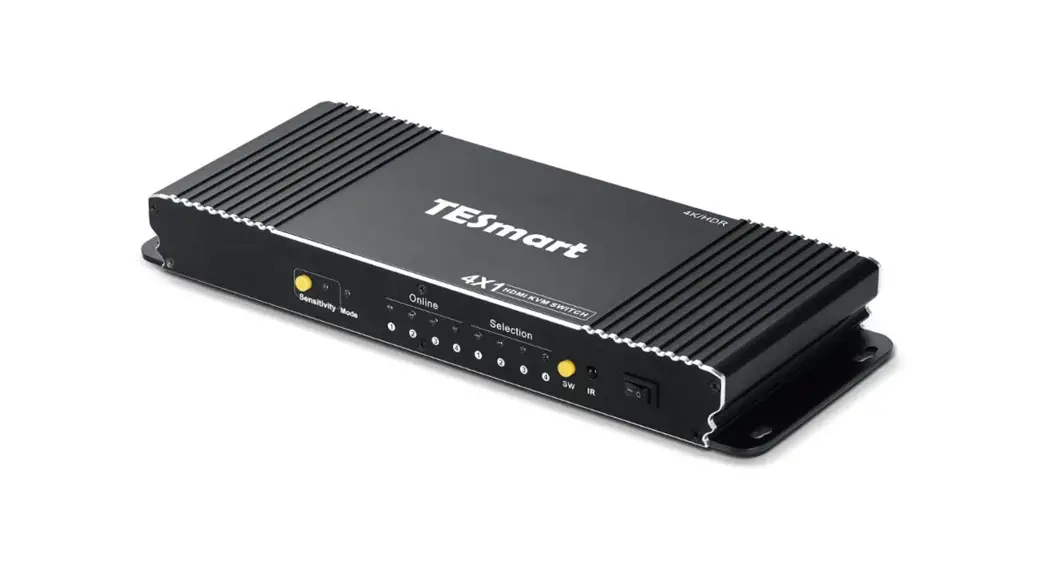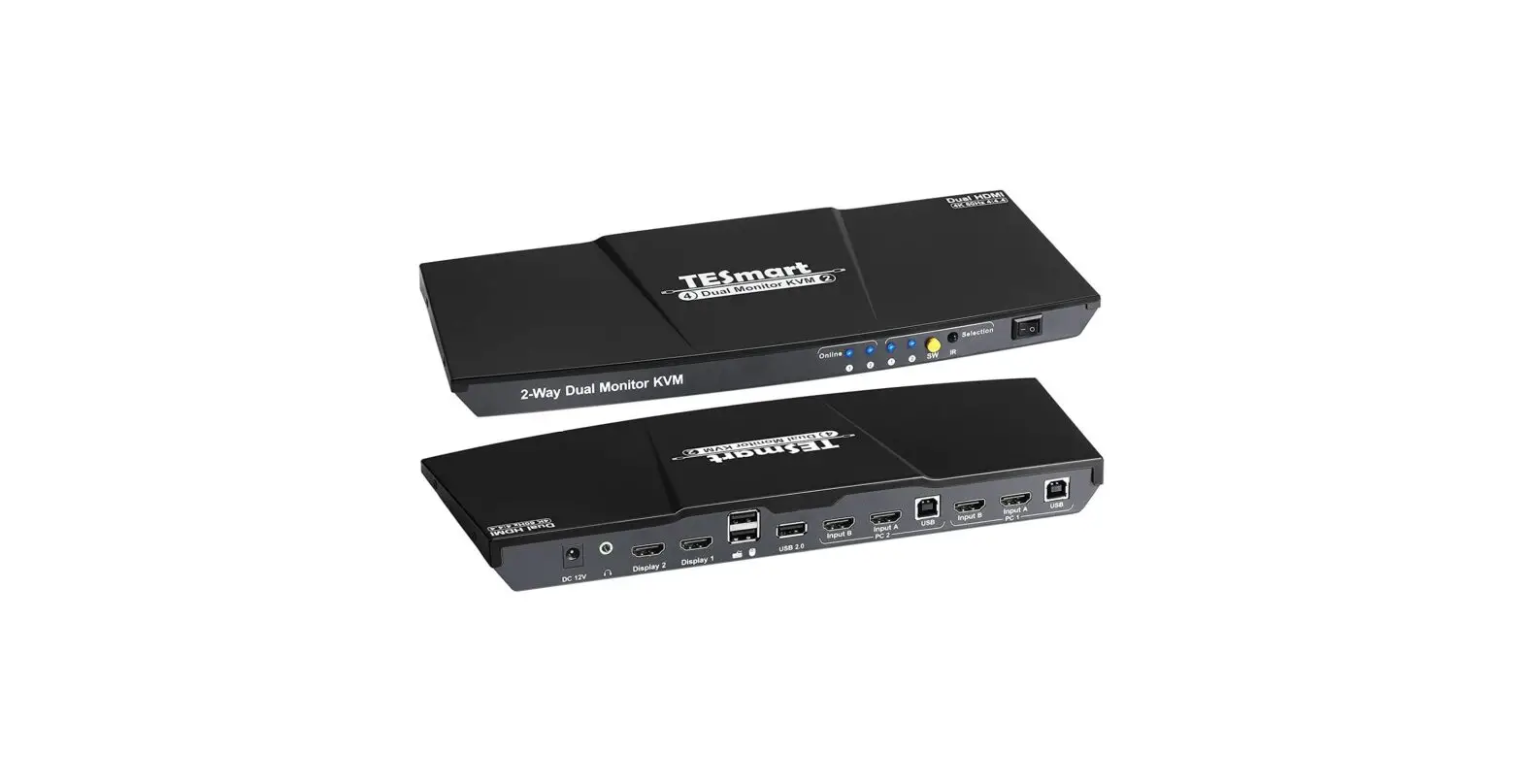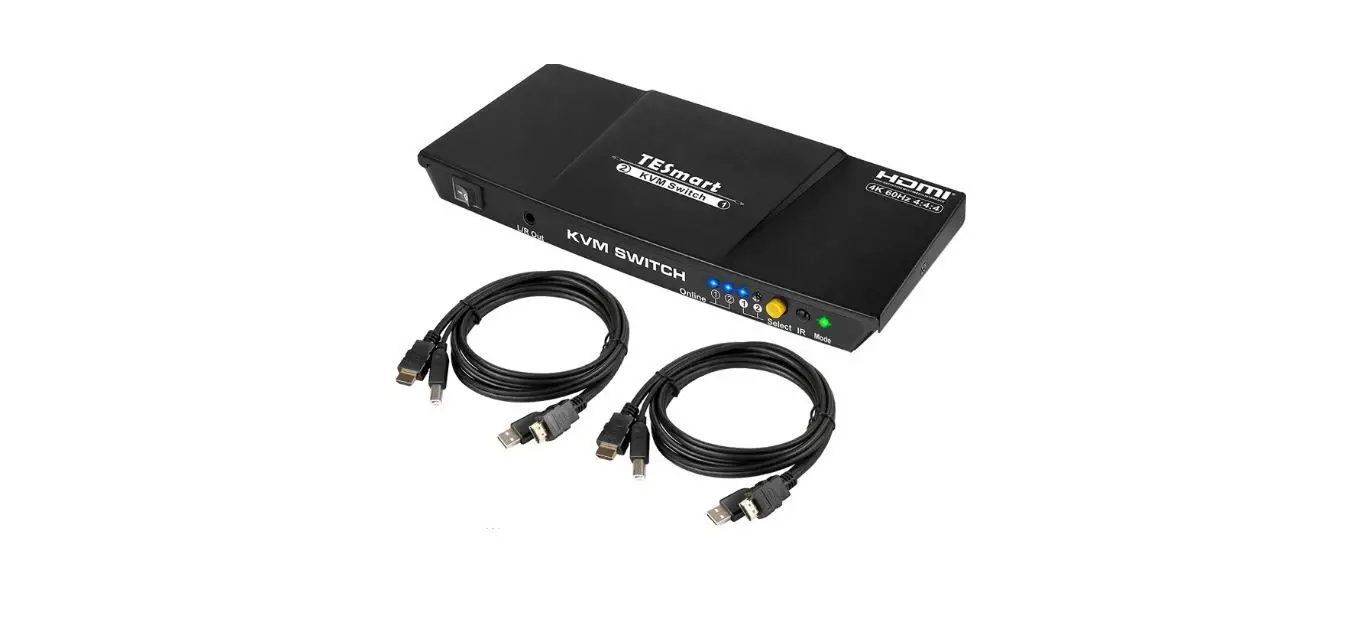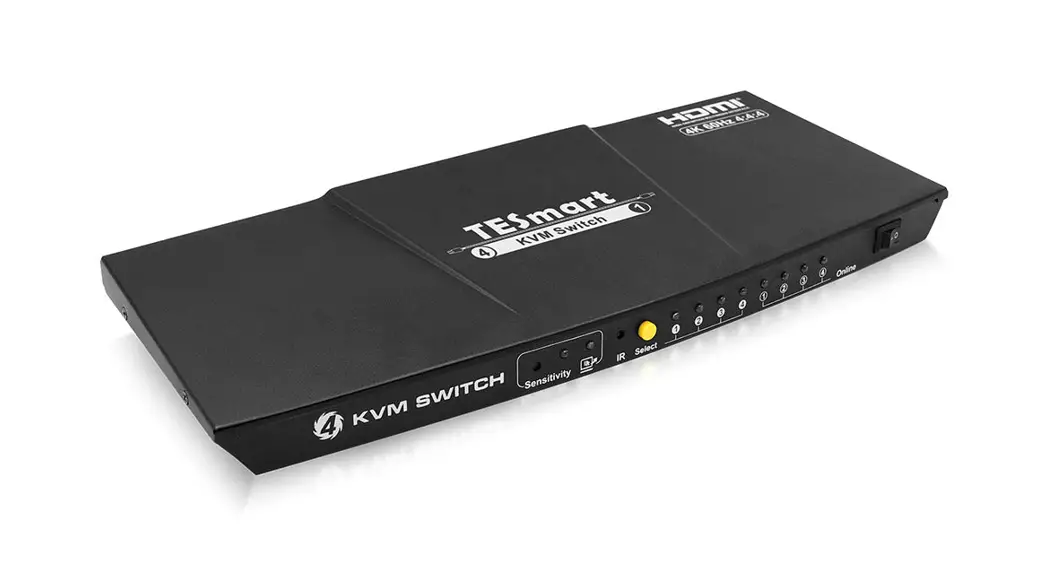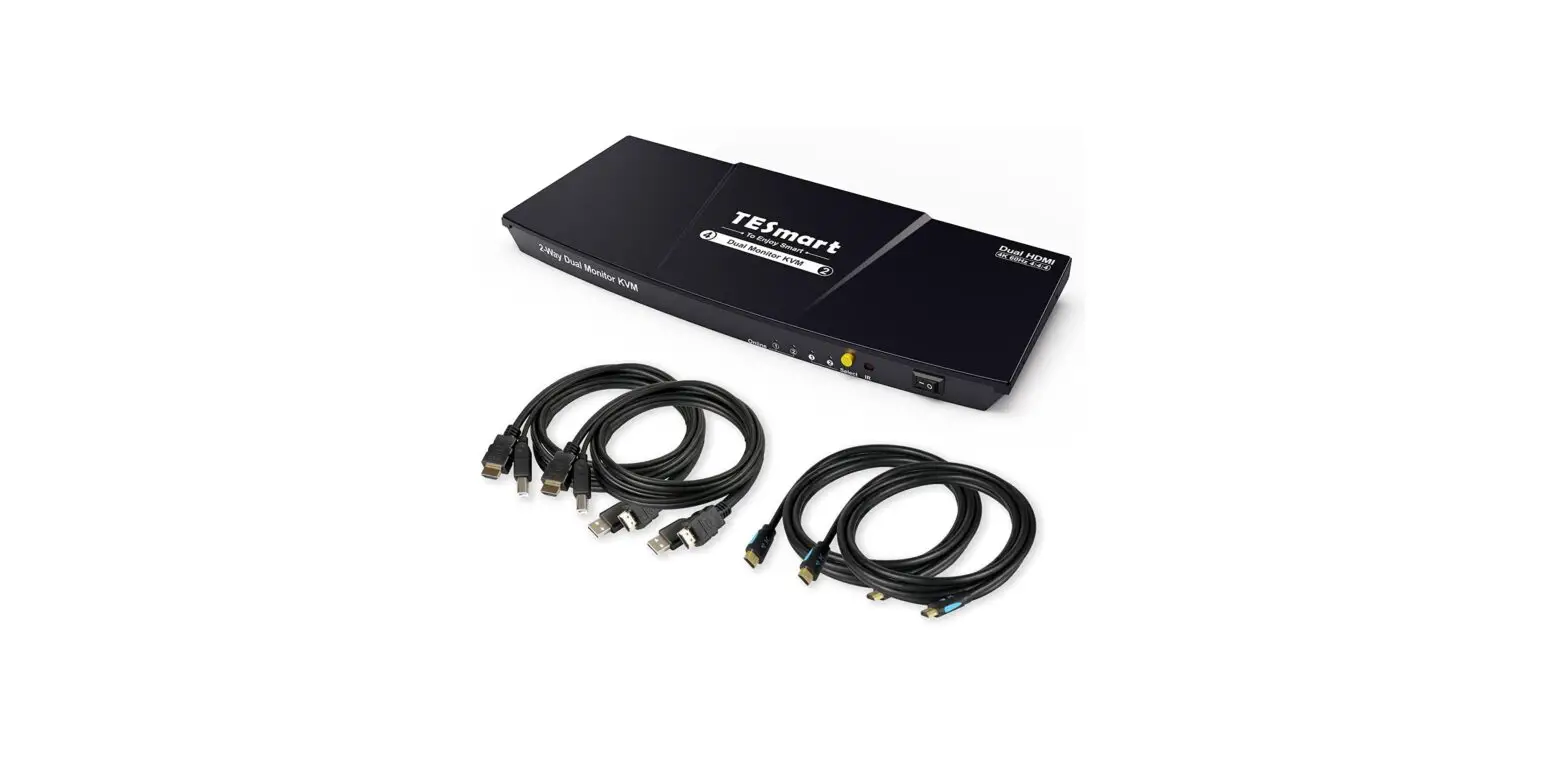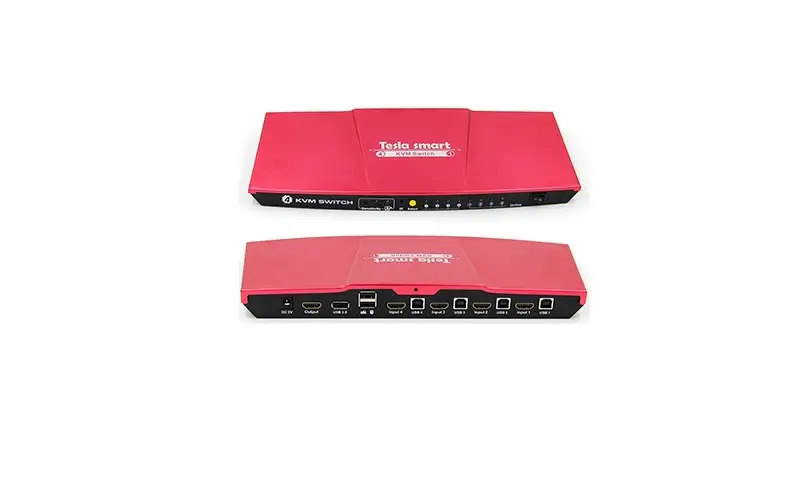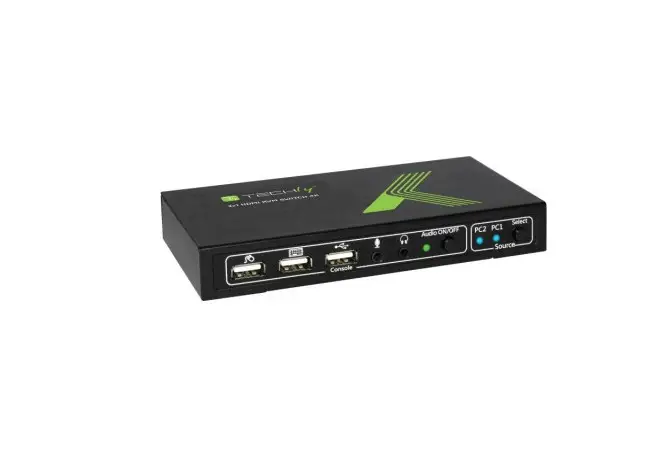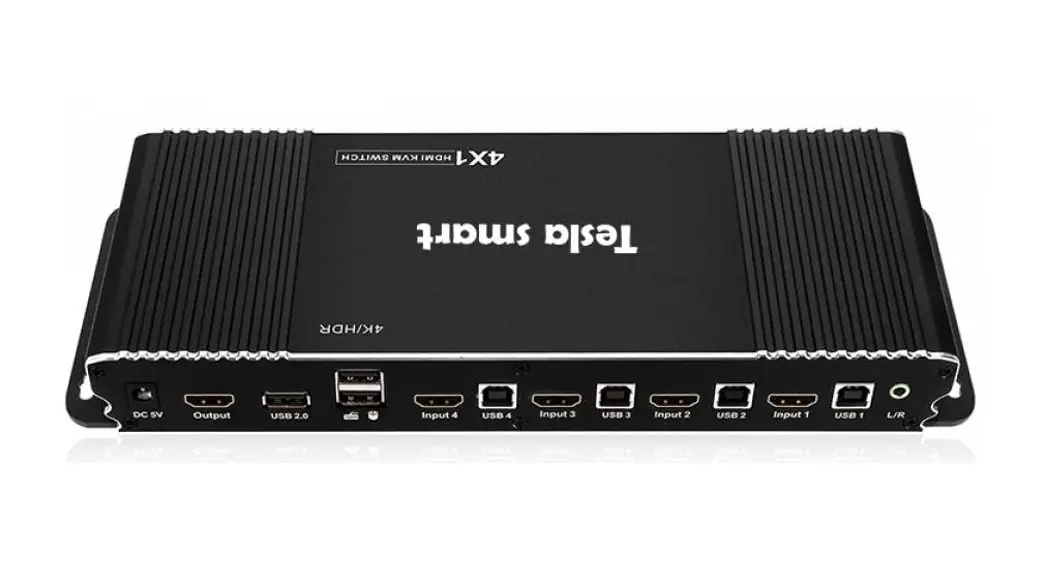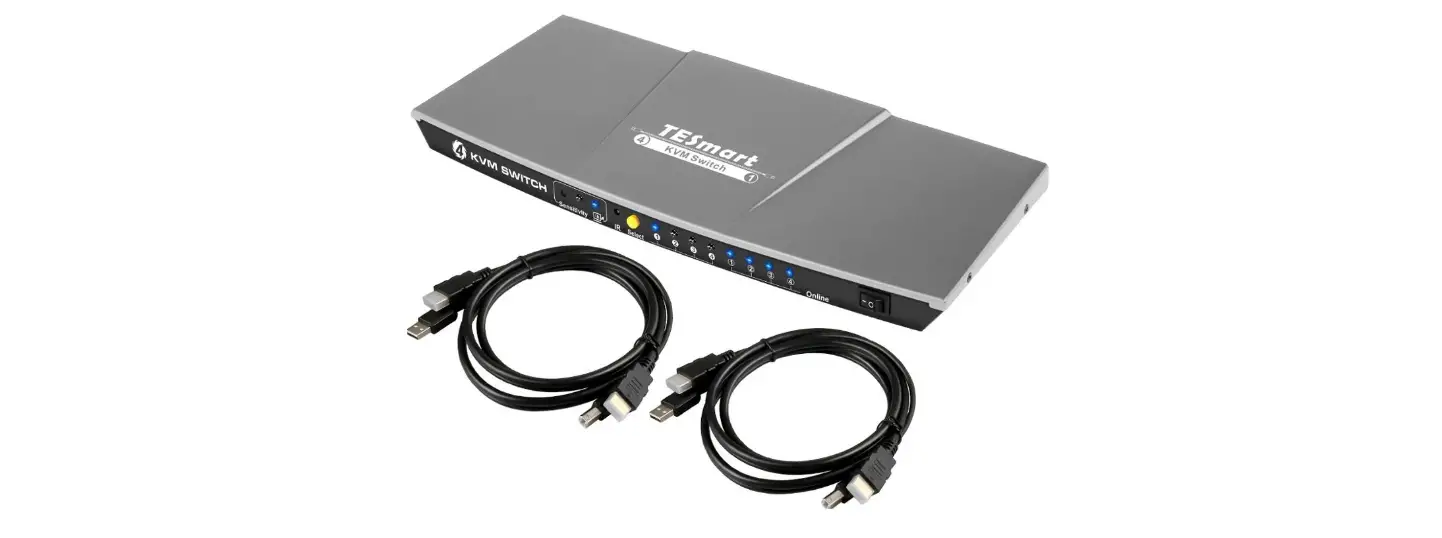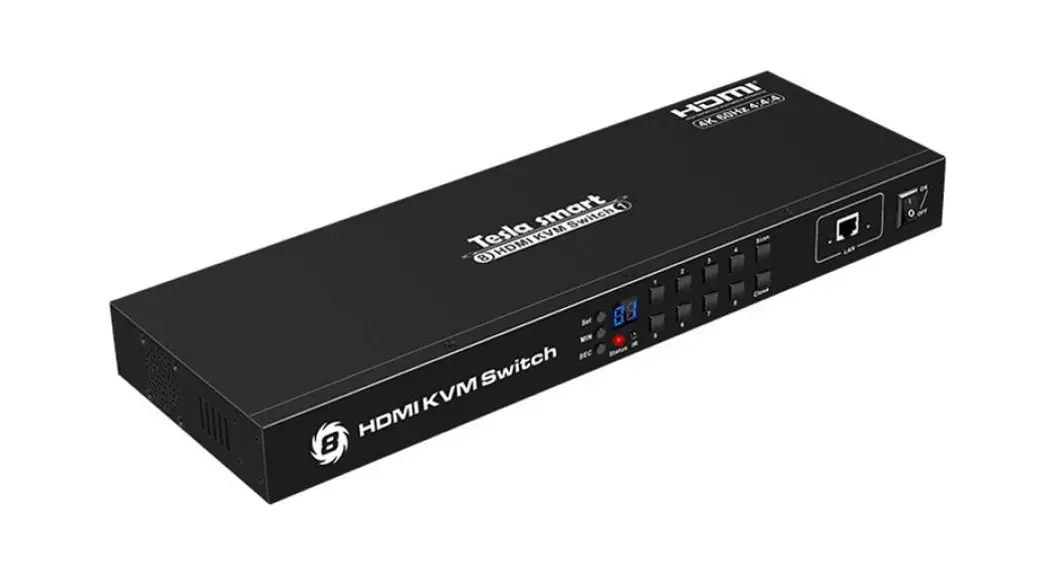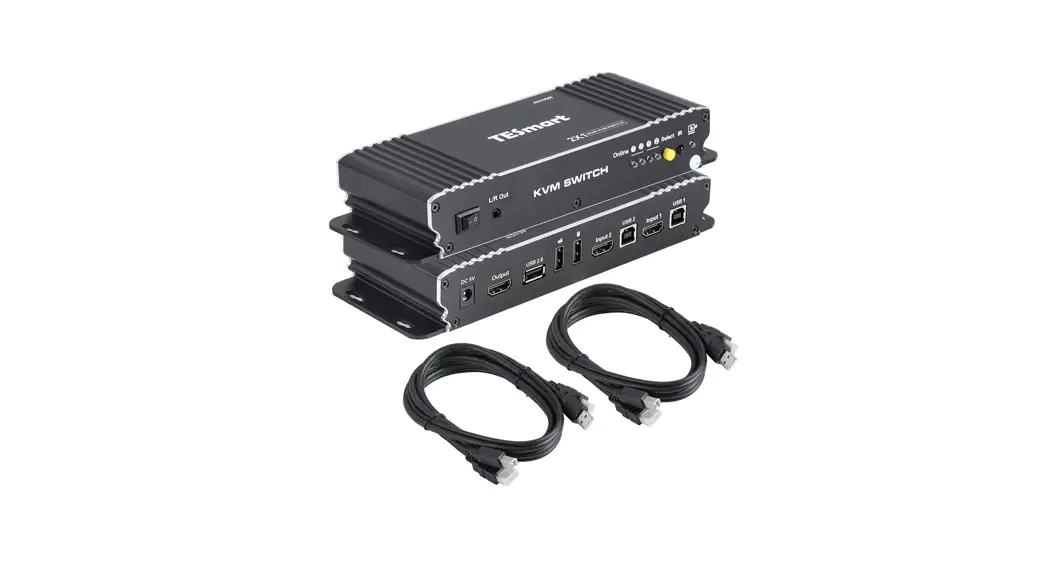
 HKS0201B1U 2×1 HDMI KVM Switch
User Manual
ENJOY THE VIVID WORLD
KVM•HDR
Features :
- Using only 1 set of keyboards. mouse and monitor to control 2 computers
- Support auto switching to monitor computers in a specified time interval Available to use keyboard and mouse without any delay after switching input sources
- Support resolution up to 3840’2160©60Hz 4:4:4
- HDCP 2.2 compliant
- Support USB 2.0 for printers, USB drives, etc
- With EDID emulators in each input port, keep PCs always have correct display information
- Support front panel buttons. IR signals, keyboard hotkeys, and mouse gestures to control the KVM switch to switch inputs
- Support hot plug, connect or disconnect devices to the KVM switch at any time without turning off devices
- Support analog LIR audio output
- Support MDR 10 and Dolby Vision
Packing List :
1 * HDMI KVM switch
1* DC 5V power adapter
1 * IR remote control
1* User Manual
Panel Description :
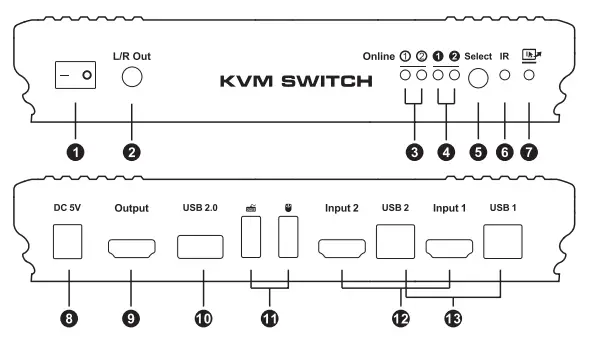
| ID | Name | Description |
| 1 | Power switch | Turn on or off the power supply |
| 2 | L/R Out | Analog L/R audio output |
| 3 | USB connection status | LEDs will be lit if the USB data ports are connected to the computers’ USB port |
| 4 | Input selection status | Indicate the currently selected input source |
| 5 | Input selection button | Select input sources |
| 6 | IR receiver | Receive IR remote signal |
| Fast switching mode status | LED will be lit if fast switching mode (Mouse gesture) is activated | |
| 8 | DC 5V | 5V DC power supply |
| g | HDMI output | Connect to HDMI display |
| 10 | Standard USB 2.0 port | Connect to USB 2.0 devices, printers, USB drives, barcode scanner |
| 11 | Keyboard and mouse input | For USB keyboard and mouse input, including wireless keyboard and mouse |
| 12 | HDMI input | Connect to HDMI source devices |
| 13 | USB data ports | Connect to PC by USB type B to type A cable |
Connection Diagram:
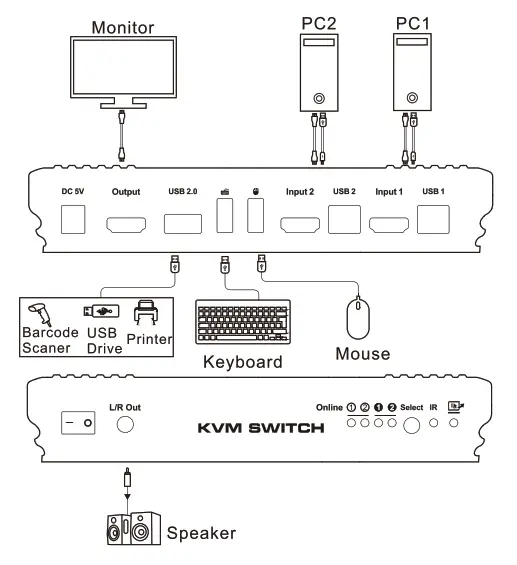
How To Use :
- Set up the connection according to the connection diagram.
- After all the PCs are started in step 1, then you can switch to any PC by keyboard hotkeys, IR signals, or the buttons on the KVM front panel. (For example, if you want to control the PC connected to HDMI IN 2 just press the “Select” button on the front panel, or press the digit button “2” on IR remote control, or the keyboard hotkey commands described in following)
How To Use Keyboard Hot Keys :
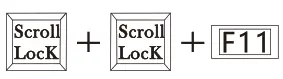
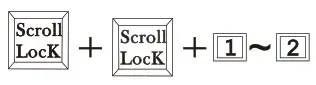
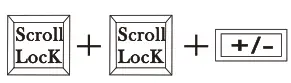
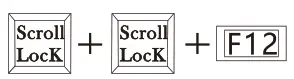
- Hit the ScrollLock key twice within 2 seconds, the buzzer will beep twice.
- After step 1, enter the following hotkey commands within 3 seconds, and the KVM will execute the corresponding command.

Previous post 
Next port 
Enable or disable the buzzer sound 
Select port by number 
Auto switching mode Note: default auto switching time interval is 6 seconds, you are able to change this value by following hotkey commands: 
Increase or decrease auto switching time interval Note: 1 second per step. The time is up to 250 seconds 
Enable or disable fast switching mode(Mouse gesture mode) If fast switching mode is available, then double hit the left or right bound of the screen with the mouse pointer in 1 second, and KVM will switch to the previous text input. Known issue: Apple keyboard is not supported.



IR Remote Control :
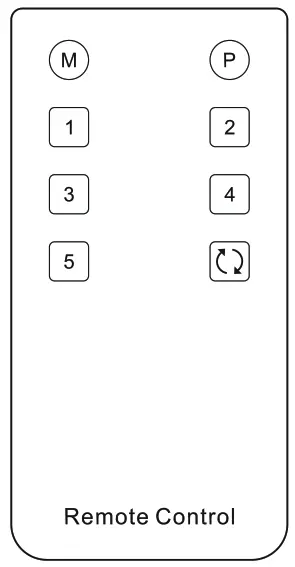
[1]-Select input source 1
[21-Select input source 2
Warranty Information:
We warrant this product as free of defects in material and workmanship for a period of one (1) year from the date of shipment. If during the period of warranty this product proves defective under normal use, we will repair or replace this product, provided that this product has not been subjected to mechanical, electrical, or other abuse or modifications. If it fails under conditions other than those covered will be repaired at the current price of parts and labor in effect at the time of repair. Such repairs are warranted for six (6) months from the day of reshipment to the buyer.
31.00.0153-V003