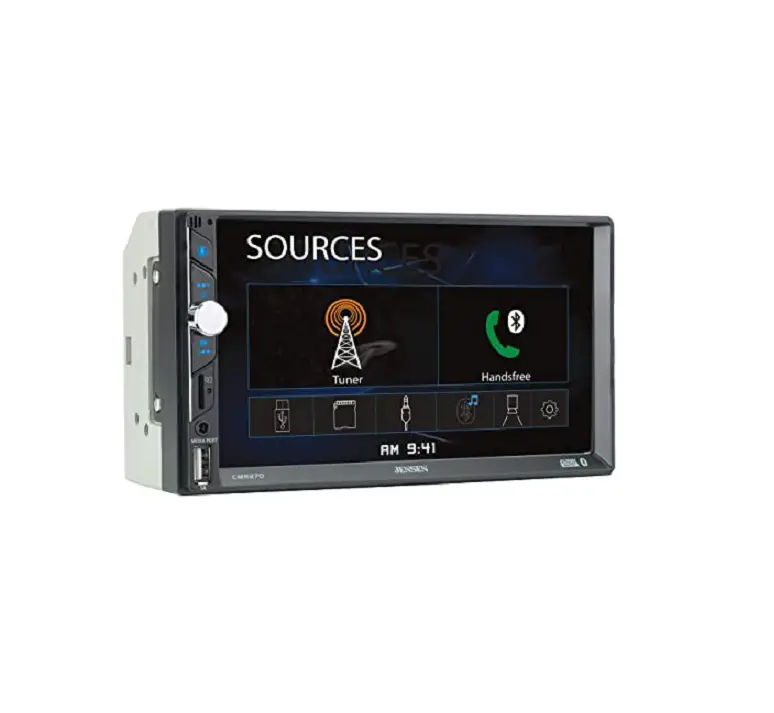
CAR689 Firmware Update
CAR689 Firmware Update
Instructions
EditionV1.2
SOC [ ISPBOOOT.BIN] Update instructions:
- SOC upgrade file decompression, the [ISPBOOOT.BIN] file placed in the USB root directory.
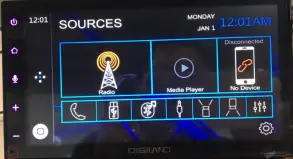
- Press the reset button (inside the red circle), then turn the ILL on / off 5 times (opening / closing 2 actions for 1 times) in 4 seconds.

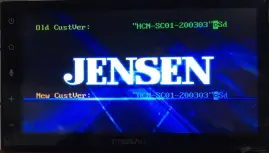
- Waiting for 25 seconds, the appearance of the picture. (if you wait for 40 seconds or more, no pictures appear, please change the U disk to start from the first step).

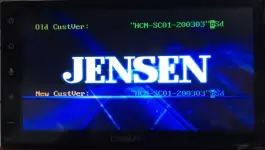
- The above picture is upgrading, please do not power down or pull out the U disk. When the following picture appears, it represents a successful upgrade.

- After the upgrade is successful, power off and power on again.
MCU Update instructions
- MCU upgrade file decompression, copy [st25mcu.bin] to update directory, place update folder in USB root directory.
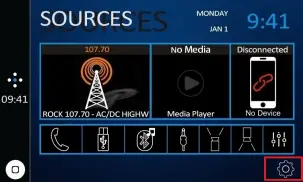
- Click the [Setting] icon (inside the red box).

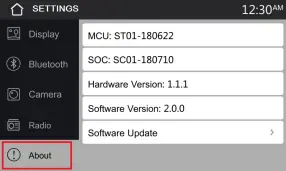
- Enter the Settings interface and select[ About] icon (inside the red box).

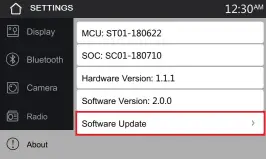
- Select [About] icon, go to the bottom image and click the [Software Update] button (inside the red box).

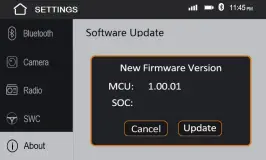
- Click the [Software Update] button and enter the lower interface

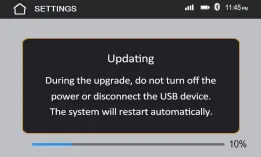
- Click the [update] button and enter the lower interface

- Observe the upgrade progress bar. When the progress bar is completed, the system will automatically restart.
[Note] 1.Once the MCU and SOC software have been upgraded, the receiver must be factory reset (Setup–>General–>Factory Reset) for the firmware to be active.