OTDR-1000 Firmware Update
Product Information
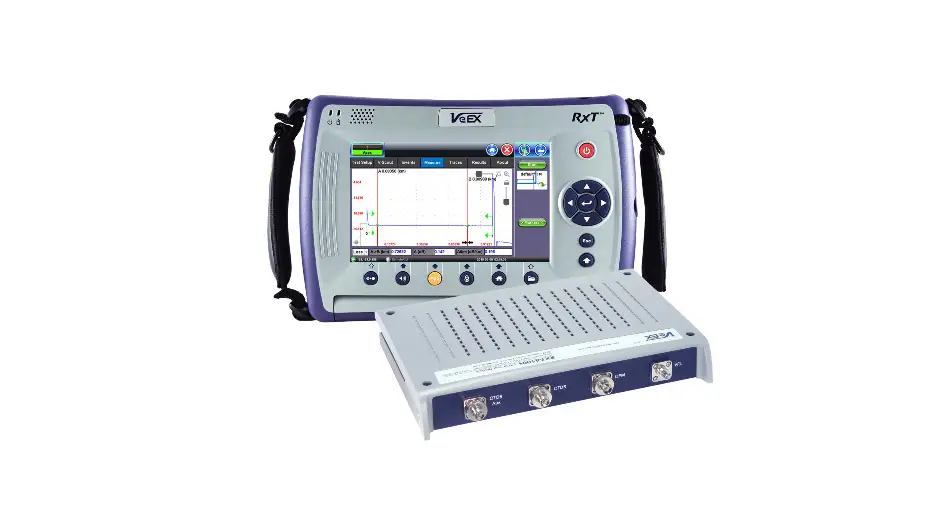
The OTDR-1000 is a fiber optic reflectometer with a built-in
visual fault locator (VFL), optical power meter (OPM), and optical
light source (OLS). It is designed to measure the characteristics
of fiber optic cables, such as length, loss, and attenuation. The
device comes with a microSD card slot for firmware updates and data
storage. The OTDR-1000 should have a minimum charge of 50% before
performing a firmware update.
Product Usage Instructions
- Ensure you have the following items:
- a MicroSD card with at least 2 MB of storage
- a computer or laptop with an SD card slot and SD/microSD card
adapter- If using a desktop computer, you may need an SD/microSD USB
adapter
- If using a desktop computer, you may need an SD/microSD USB
- an OTDR-1000 device with at least 50% charge
- Note: Ensure the OTDR-1000 has sufficient charge, as the update
may fail otherwise
- Note: Ensure the OTDR-1000 has sufficient charge, as the update
of
https://jonard.com/otdr-1000-otdr-fiber-optic-reflectometer-vfl-opm-ols-event-mapmore?v=1060
“Extract All”
card adapter
- Note: It is recommended to use a blank microSD card for a
successful update
your MicroSD card
slot
- Note: Insert the MicroSD card with the contacts facing the
screen
update
remove the microSD card
OTDR-1000 Firmware Update Instructions Before starting
1. You will need: a. MicroSD card with at least 2 MB of storage b. Computer/laptop with SD card slot and SD/microSD card adapter i. If using a desktop computer, a SD/MicroSD USB adapter might be required c. OTDR-1000 with at least 50% charge i. Important: Make sure the OTDR-1000 has at least 50% charge, or the update will not work correctly.
Downloading & Installing the Latest Firmware Update 1. Download the latest firmware update under the “Downloads” section of: https://jonard.com/otdr-1000-otdr-fiber-optic-reflectometer-vfl-opm-ols-event-mapmore?v=1060
2. Next, extract the “otdr.nov” file by right clicking it and clicking on “Extract All”:
3. Connect your MicroSD card to your computer via SD/microSD card adapter. a. Note: To ensure a successful update, it is recommended to use a blank microSD card.
4. Copy the “otdr.nov” file onto the root of your MicroSD card.
5. Disconnect the MicroSD card from your computer. 6. Power ON the OTDR-1000 7. Insert the MicroSD card into the OTDR-1000’s microSD card slot.
a. Note: The MicroSD card only goes in one direction, with the contacts facing the screen 8. Enter the System module of the OTDR-1000
9. Press the F3 Key and hit “OK” to start the update
10. The firmware update may take up to 15 minutes. When it is complete, restart the unit and disconnect the microSD card.
 Singlemode Fiber Optic Launch Cable, 1000 m, SC/UPC-LC/UPC | Jonard Tools