PN-2022-04-01 FirstNet Firmware Specific Updates
Product Information
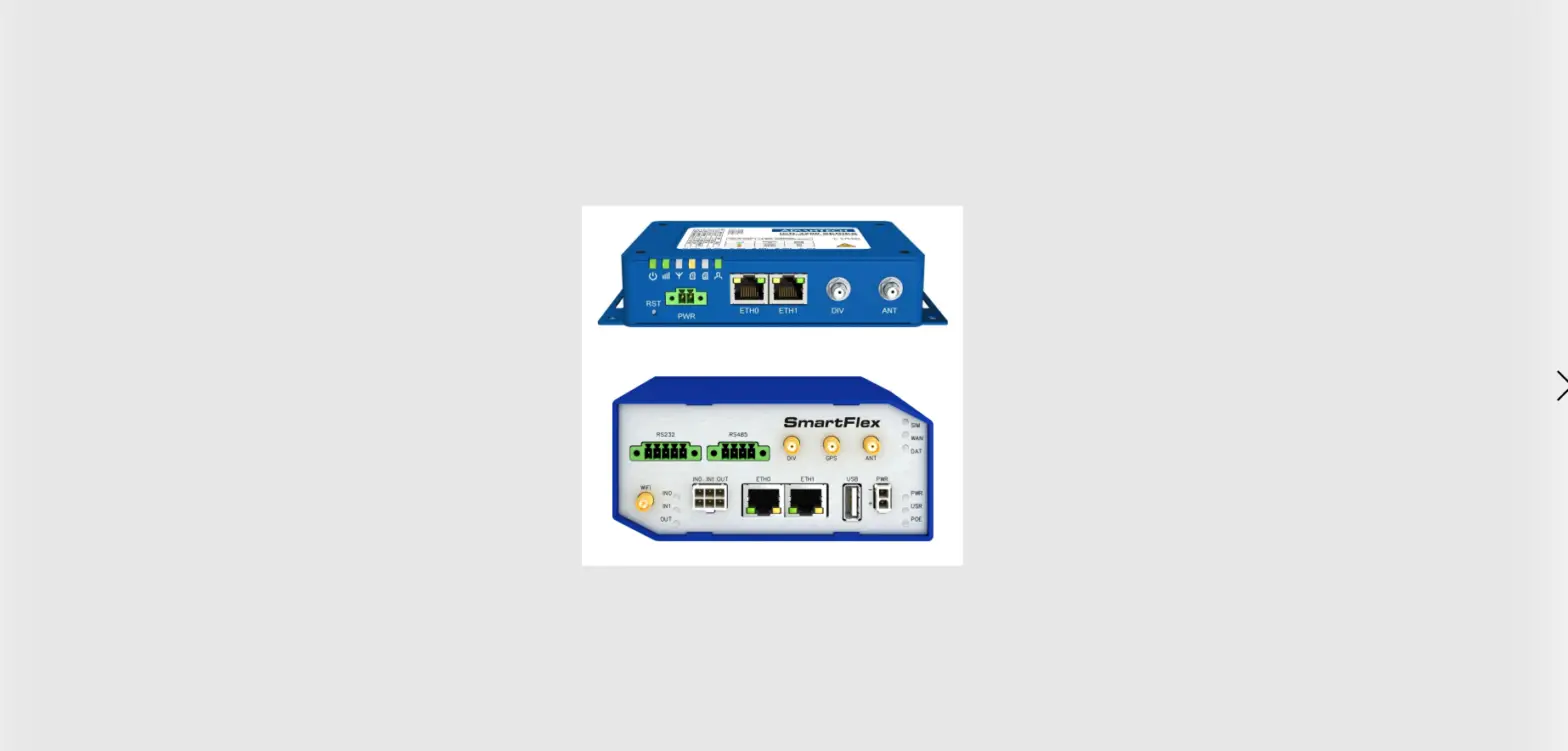
Product Name: FirstNet Router
Model Number: PN-2022-04-01
Notification Date: October 20, 2022
Effective Date: September 27, 2022
Product Usage Instructions
The FirstNet Router is a device that provides secure
connectivity for FirstNet networks. It is designed to ensure
reliable and efficient communication for First Responders and other
emergency personnel.
Installation
- Ensure that you have received all the necessary components,
including the FirstNet Router and its power adapter. - Choose a suitable location for the router, preferably near a
power outlet and within range of the FirstNet network. - Connect the power adapter to the router and plug it into a
power outlet. - Wait for the router to power on and establish a connection with
the FirstNet network. This may take a few minutes.
Setup
- Once the router has successfully connected to the FirstNet
network, open a web browser on a connected device. - Type the default IP address of the router (usually mentioned in
the user manual) into the address bar of the web browser and press
Enter. - You will be prompted to enter the login credentials for the
router’s administration interface. Refer to the user manual for the
default username and password. - After logging in, follow the on-screen instructions to
configure the router settings according to your requirements. This
may include setting up Wi-Fi, updating firmware, and configuring
security options. - Once the setup is complete, save the changes and restart the
router if prompted.
Using the FirstNet Router App
The FirstNet Router App is dedicated to reviewing the required
security status of FirstNet routers. To use the app:
- Ensure that your router’s firmware is updated to the latest
version. Refer to the user manual for instructions on updating the
firmware. - Download and install the FirstNet Router App from a trusted
source, such as the official app store for your device’s operating
system. - Launch the app and follow the on-screen instructions to connect
it to your FirstNet Router. - Once connected, the app will provide information about the
router’s security status, including any required updates or
configurations. - Follow the app’s recommendations to ensure that your FirstNet
Router remains secure and up-to-date.
For more detailed instructions or troubleshooting, please refer
to the complete user manual provided with your FirstNet Router.
PN-2022-04-01
Notification Date: October 20, 2022
Effective Date:
September 27, 2022
PRODUCT CHANGE NOTIFICATION
FirstNet Firmware Specific Updates
Product Identification
List of all Affected Products: · ICR-3241-1ND and ICR-3241W-1ND
Change Description
Change Comments:
· The changes described below are valid for FirstNet products only, as stated in the product identification section above.
· Changes described below have been made in firmware version 6.3.2 unless otherwise noted.
· The firmware filename for the FirstNet routers is ICR-324x-1n.bin. Registered users can download this firmware on the Routers & Firmware webpage.
List of changes:
· Administration User Account The root user is disabled for web or SSH logins. Use the admin user account instead. See the router label for a unique password.
· Disabled User Scripts User scripts, which could be configured in the GUI before, are not supported anymore. Existing scripts will be converted automatically to a Router App during a firmware update to version 6.3.7.
· Different Default Settings The router’s default setting is different from the standard setting due to higher security requirements.
· No FTP Support There is no FTP configuration in the GUI. · No Telnet Support There is no Telnet configuration in the GUI. · WiFi Security Configuration of WEP, WPA1, and WPA2-TKIP WiFi security protocols
are not available.
PN-2022-04-01
· HTTP Restrictions Only HTTPs access can be configured. The minimal configurable TLS (Transport Layer Security) is TLS 1.2.
· MTU Settings The MTU (Maximum Transmission Unit) is configured to 1342 bytes. · SNMP Restrictions SNMP write access is disabled. · FirstNet Router App Changes Some features implemented in the FirstNet Router
App are now supported by the router firmware. The FirstNet Router App is dedicated to reviewing the required security status of FirstNet routers.
 Routers & Firmware - Cellular Routers Engineering Portal