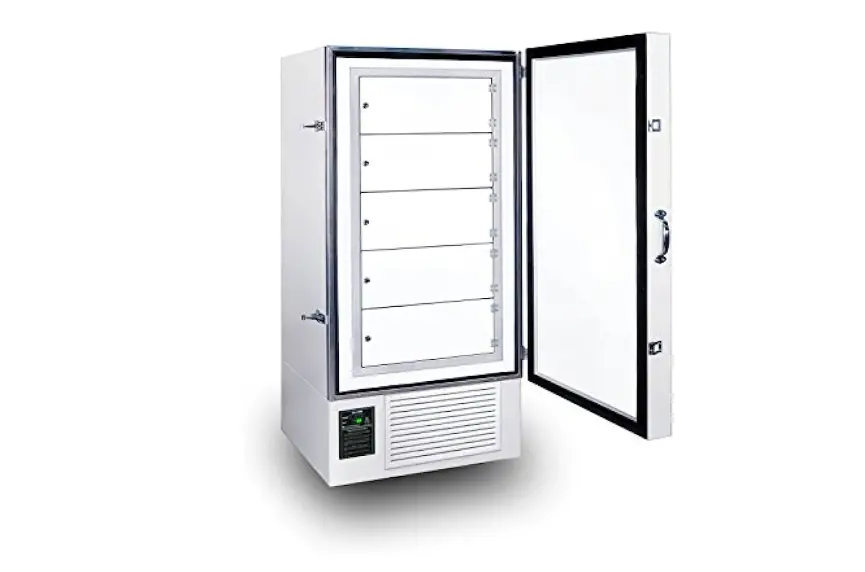
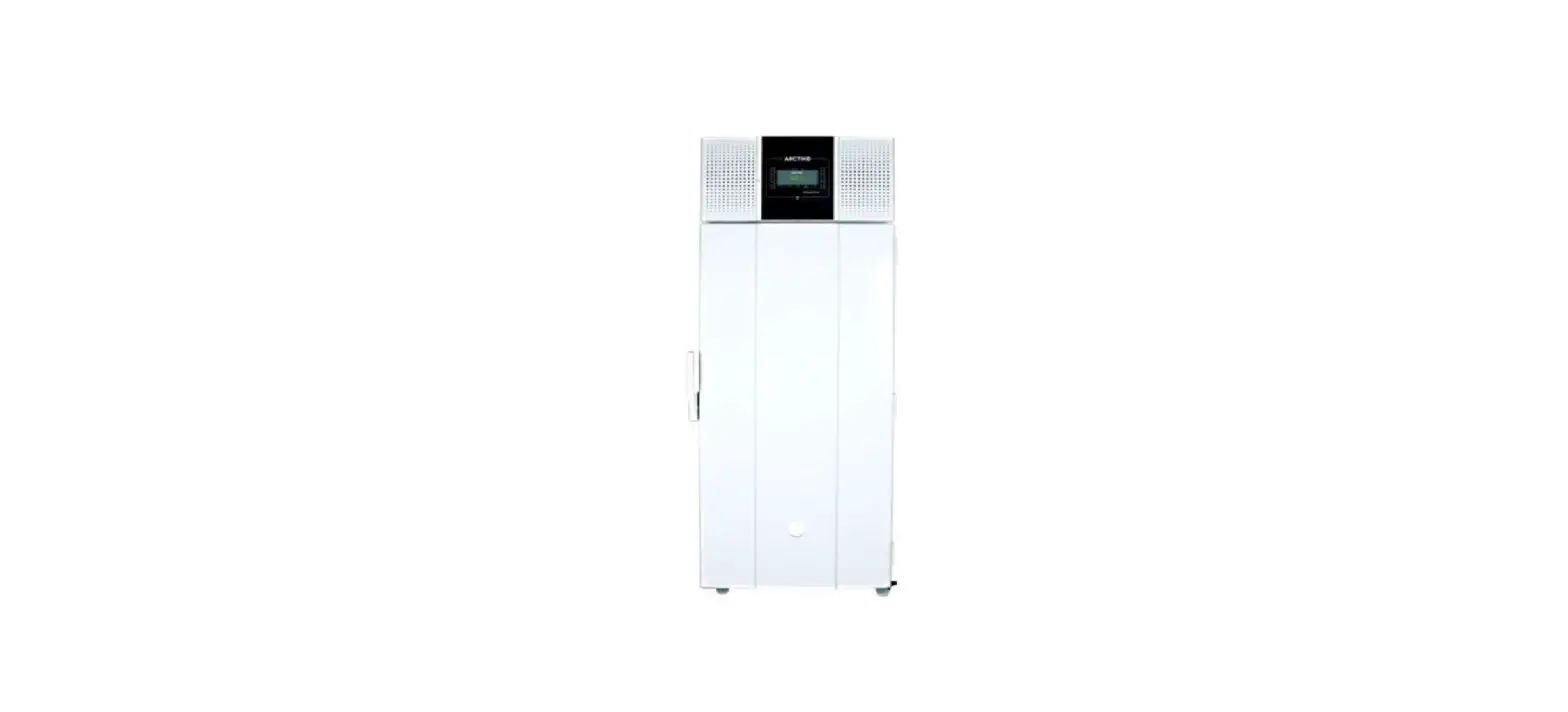
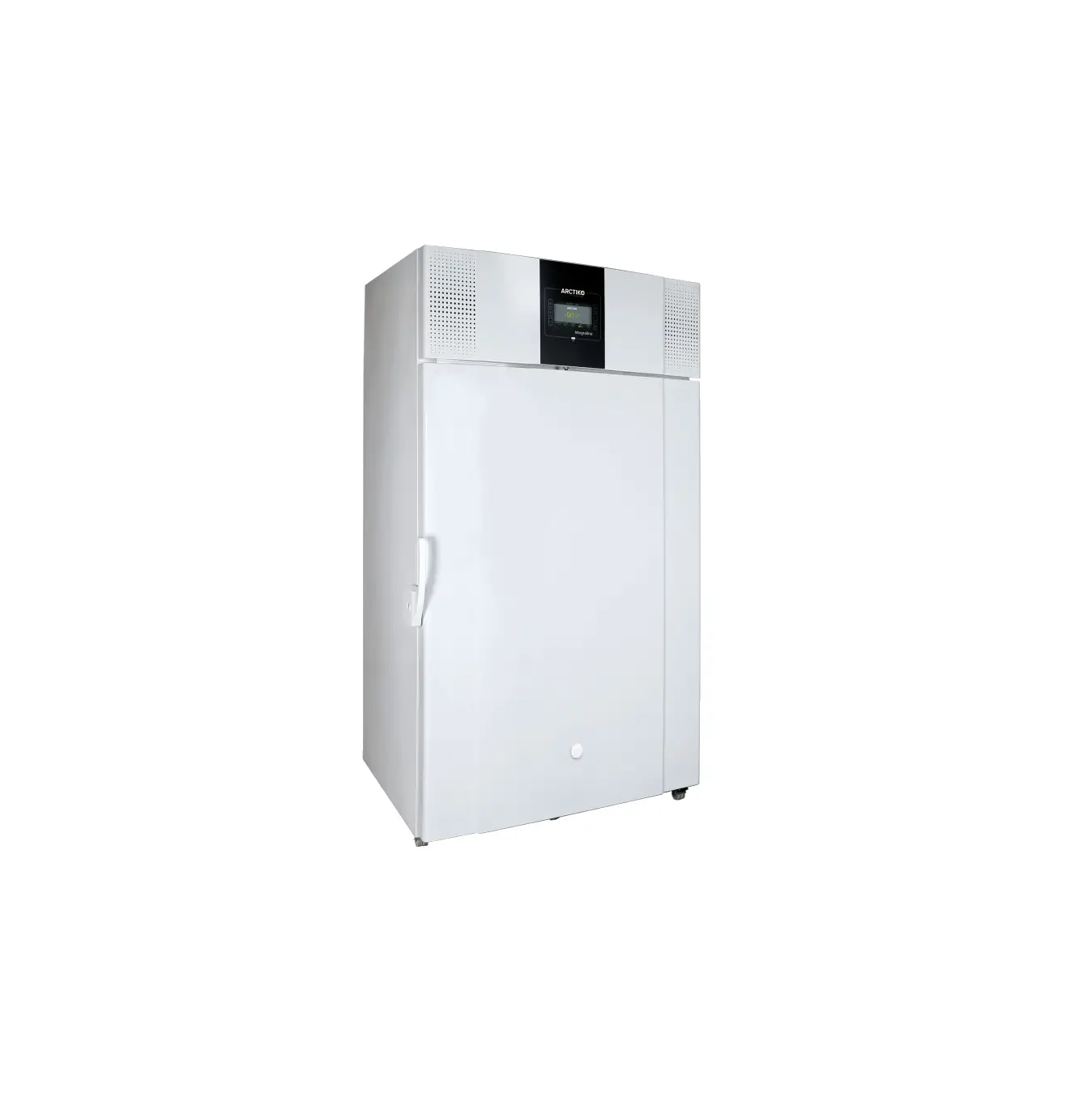
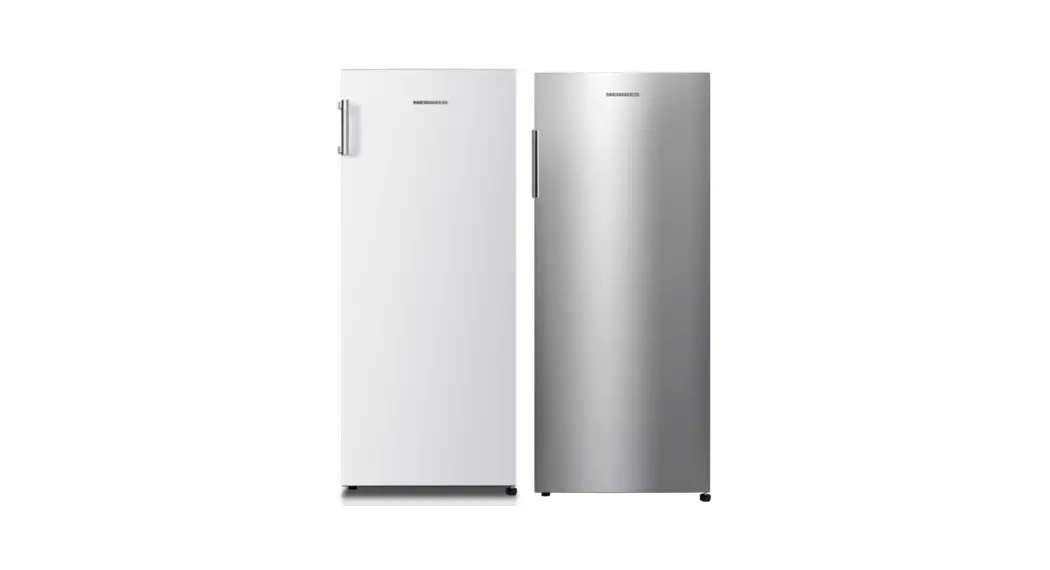
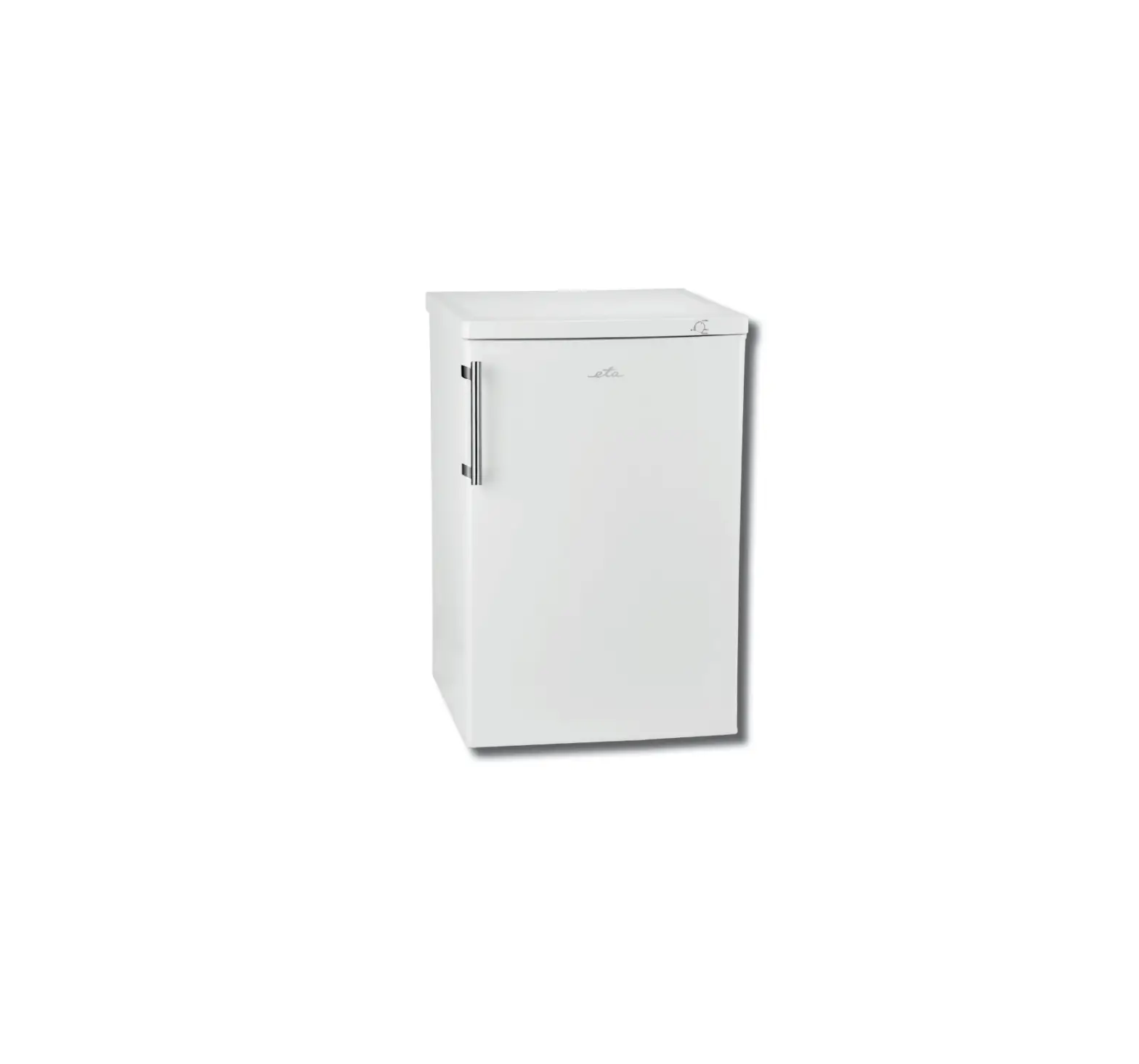
U85 Ultra Low Freezer
Product Information:
The product is a freezer that must be operated with caution to
avoid the risk of fire, electric shock, or injury to persons. The
freezer has various safety symbols and instructions that must be
followed to use the unit without danger of injury and damage to the
unit.
Starting Instructions:
- Read all instructions and follow basic safety precautions
before using the unit. - Do not modify the plug provided with the freezer. If it will
not fit the outlet, have a proper outlet installed by a qualified
electrician. - Position the freezer at least 6 feet away from any wall or
object on any side. - Do not position equipment so it is difficult to disconnect from
the power supply. - While under warranty, do not attempt to repair or replace any
part of the freezer for servicing without first contacting the
So-Low Service Department.
Cleaning Procedure:
- Disconnect this unit from the power supply before performing
maintenance on the unit. - Only authorized personnel can remove covers on the back/side of
the freezer. Failure to re-install cover could result in
hazard. - Clean air condenser regularly to prevent dust build-up.
- Follow defrosting procedure to prevent damage to the unit.
Changing Setpoint / Operation Temperature:
- Refer to accompanying documents before changing setpoint or
operation temperature.
Maintenance Checklist Diagrams:
- Follow maintenance checklist diagrams to ensure proper
maintenance of the unit.
Safety Symbols:
- CAUTION: BLACK WITH YELLOW BACKGROUND LIGHTNING
BOLT – Risk of electrical shock. - WARNING: BLACK WITH YELLOW BACKGROUND EXCLAMATION
POINT – Refer to accompanying documents. - WARNING: – Unplug unit and switch off
electrical breaker before any technical service is performed. - CAUTION: – Covers on back/side of freezer may
only be removed by authorized personnel. Failure to re-install
cover could result in hazard. - CAUTION: – Unit must be operated on a
dedicated electrical line. Using a non-dedicated line may result in
unit startup failure. - CAUTION: – Only plug this unit into the proper
outlet. Do not attempt to modify plug in any way. Improper use of
the electrical plug will void warranty. - WARNING: – Do not position equipment so it is
difficult to disconnect from the power supply. - ATTENTION: – Risk of electrical shock. Use
caution near electrical connections. - NOTICE: – To reduce the risk of fire, electric
shock, or injury to persons using this freezer, read all
instructions and follow basic safety precautions. - ATTENTION: – For upright units, it is
important to protect the control from dripping water. Place a cloth
or towel on the leading edge of the cooling chamber above the
control to deflect/absorb water that could drain onto the
control.
To reduce the risk of fire, electric shock or injury to persons using this freezer, read all instructions and follow basic safety precautions before using the unit, including the following:
Do not modify the plug provided with the freezer. If it will not fit the outlet, have a proper outlet installed by a qualified electrician.
Do not position equipment so it is difficult to disconnect from the power supply. freezer must be at least 6″ away from any wall or object on any side.
While under warranty, do not attempt to repair or replace any part of the freezer for servicing without first contacting the So-Low Service Department.
SAVE THESE INSTRUCTIONS
MEANING OF ILLUSTRATED SYMBOLS…………………………………… STARTING INSTRUCTIONS…………………………………………………..
PRE-INSTALLATION INFORMATION…………………………………………
FREEZER STORAGE PROCEDURE………………………………………… ALARM BATTERY REPLACEMENT………………………………………….. CLEANING PROCEDURE…………………………………………………….. DEFROSTING PROCEDURE…………………………………………………. CLEANING AIR CONDENSER…………………………………………………
CHANGING SETPOINT / OPERATION TEMPERATURE………………….
ALARM SYSTEM……………………………………………………………….. 8 DRY CONTACT RELAY……………………………………………………….. 8
CONTROL KEYS & DISPLAYS……………………………………………….. 9 PROGRAM MENU NAVIGATION……………………………………………… 10 CALIBRATION PROCEDURE…………………………………………………. 11 ALARM DIFFERENTIAL………………………………………………………… 12 CONTROL HYSTERESIS………………………………………………………. 13 POWER STATUS ALARM INDICATOR……………………………………….. 13
MAINTENANCE CHECKLIST DIAGRAMS
Various symbols are used in this safety manual in order to use the unit without danger of injury and damage of the unit. Be sure that you understand the warnings and cautions in this manual before operating the unit.
CAUTION
BLACK WITH YELLOW BACKGROUND LIGHTNING BOLT
CAUTION, RISK OF ELECTRICAL SHOCK
WARNING
BLACK WITH YELLOW BACKGROUND EXCLAMATION POINT
CAUTION, REFER TO ACCOMPANYING DOCUMENTS
WARNING
DURING OPERATION THIS UNIT MUST REMAIN IN UPRIGHT POSITION. DURING TRANSPORATION UNIT MUST NOT BE TIPPED MORE THAN 45° FROM UPRIGHT POSITION.
CAUTION
UNPLUG UNIT AND SWITCH OFF ELECTRICAL BREAKER BEFORE ANY TECHNICAL SERVICE IS PERFORMED.
CAUTION
COVERS ON BACK / SIDE OF FREEZER MAY ONLY BE REMOVED BY AUTHORIZED PERSONNEL. FAILURE TO RE-INSTALL COVER COULD RESULT IN HAZARD.
CAUTION
UNIT MUST BE OPERATED ON A DEDICATED ELECTRICAL LINE. USING A NON-DEDICATED LINE MAY RESULT IN UNIT STARTUP FAILURE.
CAUTION
ONLY PLUG THIS UNIT INTO THE PROPER OUTLET. DO NOT ATTEMPT TO MODIFY PLUG IN ANY WAY. IMPROPER USE OF THE ELECTRICAL PLUG WILL VOID WARRANTY.
WARNING
DO NOT POSITION EQUIPMENT SO IT IS DIFFICULT TO DISCONNECT FROM THE POWER SUPPLY.
ATTENTION
RISK OF ELECTRICAL SHOCK USE CAUTION NEAR ELECTRICAL CONNECTIONS
NOTICE
NOTICE
TO REDUCE THE RISK OF FIRE, ELECTRIC SHOCK OR INJURY TO PERSONS USING THIS FREEZER, READ ALL INSTRUCTIONS AND FOLLOW BASIC SAFETY PRECAUTIONS.
CAUTION
DISCONNECT THIS UNIT FROM THE POWER SUPPLY BEFORE PERFORMING MAINTENANCE ON THE UNIT.
ATTENTION
FOR UPRIGHT UNITS, IT IS IMPORTANT TO PROTECT THE CONTROL FROM DRIPPING WATER. PLACE A CLOTH OR TOWEL ON THE LEADING EDGE OF THE COOLING CHAMBER ABOVE THE CONTROL TO DEFLECT / ABSORB WATER THAT COULD DRAIN ONTO THE CONTROL.
ATTENTION
IT IS RECOMMENDED TO SLOWLY RE-ADD YOUR PRODUCT INTO THE FREEZER TO PREVENT AN EXTREME LOAD ON THE COMPRESSORS, WHICH COULD SHORTEN FREEZER LIFE EXPECTANCY.
ATTENTION
IT IS RECOMMENDED TO CLEAN THE CONDENSER AT LEAST ONCE EVERY 90 DAYS TO PREVENT DUST BUILDUP.
WARNING
CHANGING THE CONTROL PARAMETERS OUTSIDE OF THE MANUFACTURE RECOMMENDED RANGE, COULD CAUSE ISSUES RESULTING IN MECHANICAL FAILURE, AND VOID THE WARRANTY FOR THE UNIT.
CAUTION
THE CONTROLLER IS DESIGNED FOR INDOOR USE ONLY AND IS NOT INTENDED FOR USE IN HAZARDOUS AREAS.
IT SHOULD BE LOCATED/INSTALLED IN SUCH A MANNER AS TO MINIMIZE EFFECTS OF SHOCK, VIBRATION, AND ELECTROMAGNETIC FIELDS, MOTORS, AND TRANSFORMERS.
CAUTION
BEFORE PERFORMING INSTALLATION OR TROUBLESHOOTING PROCEDURES, THE POWER TO THE EQUIPMENT MUST BE DISCONNECTED.
TO MINIMIZE THE POSSIBILITY OF FIRE OR ELECTRICAL SHOCK HAZARDS, DO NOT EXPOSE THIS INSTRUMENT TO RAIN OR EXCESSIVE MOISTURE.
·
ATTENTION
THE BATTERY DOES NOT POWER THE COOLING SYSTEM.
WARNING
IF IT IS NECESSARY TO REMOVE METAL COVER SCREEN ON BACK OF FREEZER TO MAKE CONNECTIONS TO ALARM RELAY, COVER MUST BE REPLACED BEFORE FREEZER IS PUT INTO OPERATION
-888 °C
PV
AL1
AL2
AL3
OUT1 MAN tune COM
-888 SV
R
TOUCH KEYS
R
FUNCTION Up Key
Down Key Scroll Key Reset Key
DESCRIPTION
Press and release to increase the current control set point (while in normal control mode) or to change the value of the selected parameter (while in the Setup Menu).
Press and release to decrease the current control set point (while in normal control mode) or to change the value of the selected parameter (while in the Setup Menu).
Press and hold for at least 5 seconds to enter the Setup Menu.
The upper display will show SET and then release the key.
Press and release to return the display to the home screen (while in User Menu or Setup Menu).
When the desired sub-menu parameter is selected,
R
THE FOLLOWING VALUES WERE FACTORY SET WHEN THIS UNIT WAS SHIPPED. INCORRECT MODIFICATION OF THESE VALUES CAN VOID THE WARRANTY OF THE UNIT.
PARAMETER
bASE bASE bASE bASE ALRM ALRM OUT
SUB PARAMETERS
SP1L SP1H UNIT OFTL A1DV A1HY O1HY
DESCRIPTION
Lower Setpoint Upper Setpoint Temperature Scale
Calibration Alarm Differential Alarm Hysteresis Output Hysteresis
°F -148 -40 °F
°C -100 -40 °C
22
12
0.1
0.1
3.6
2.0
R
CAUTION
INCORRECT MODIFICATION OF THESE VALUES CAN RESULT IN MALFUNCTION OR UNEXPECTED OPERATION OF THE UNIT, AND MAY VOID THE WARRANTY OF THE UNIT.
R
R
Q:
· · · · · ·
COMPRESSOR MODEL HP
TECUMSEH AJB2433ZXA 1
TECUMSEH AJB2433ZXD 1
EMBRACO FFI12HBX 1/3
DANFOSS SC15FTX
1/3
DANFOSS SC18FTX
1/2
VOLTAGE 115
208/220/230 115 115
208/220/230
HERTZ 50/60 50/60 50/60 50/60 50/60
PHASE 1 1 1 1 1
PART #
AJB24-115 AJB24-208 FF12-115 SC15-115 SC15-208
TEMPERATURE CONTROL PARTS FDC C42 FDC nCOMPASS
PART #
FDC-C42-VOLTAGE nCOMPASS
CASCADE ELECTRICAL PARTS Heater Harness No. H-200 Refrigeration Switch No. 2X464 Condenser Fan Motor No. GE-5411 – 115/60/1 Condenser Fan Motor No. GE-5421 – 230/50-60/1 Electrical Cord No. 8-3 (Please Specify Voltage) Control Board No. CECB2TUV (Please Specify Voltage)
PART #
217-VOLTAGE TOGGLE 500-115 500-VOLTAGE PWRCRD-VOLTAGE 231-VOLTAGE
REFRIGERATION HIGH STAGE PARTS Air Cooled Condenser No. 3CZ0602B Drier No. C-053-S Capillary Tube Oil Separator, Temprite Series 900 (If Applicable)
254 256H HS-17, HS-20 900
PART #
REFRIGERATION LOW STAGE PARTS Pressure Control No. 20PS01-0039 Receiver Condenser Drier No. CO-52S-S Capillary Tube Oil Separator, Temprite Series 900 (If Applicable)
259 RCN-LS 256L LS-28, LS-31 900
PART #
HARDWARE PARTS Latch No. METL-L1-99 Chest Hinge Upright Hinge No. Polar 109-LH Cabinet Gasket Lid or Door Gasket Grill No. 650H Sub-Lids (Must have Model Number) Inner Door (Must have Model & Serial Number) Clips & Rollers for Inner Doors (Quantity 10 minimum) Shelves for Freezer (Must have Model Number)
PART #
REX37L1-3 59-928M 59-928U NX504B1 PSOS 356F, 356S SL-MODEL NUMBER 357-MODEL NUMBER-SERIAL NUMBER 405 4015-MODEL NUMBER
WARNING
IF FAILURE OCCURS AND UNIT IS STILL UNDER WARRANTY, DO NOT ATTEMPT TO MAKE ANY REPAIR MODIFICATIONS TO THE UNIT BEFORE CONTACTING THE SO-LOW SERVICE DEPARTMENT, AS THIS MAY RESULT IN WARRANTY BEING VOIDED.
Connection to the alarm relays and audible alarm require external control relays that are not part of the control assembly. One relay is utilized to provide remote contacts for customer connection for remote alarm indication (shown as CR1 in the following diagram) and is optional. The other relay is utilized for the audible alarm silence (shown as CR2 in the following diagram) which is required.
WHITE RED BLUE
Note that alarm 3 (low battery) is utilized for indication only. When an alarm relay is energized, the corresponding alarm indicator, AL1 for alarm 1 (temperature), AL2 for alarm 2 (power failure) or AL3 for alarm 3 (low battery), will be illuminated on the upper left of the C42 LCD display. When either a high/low temperature or power failure alarm activates, the audible alarm will sound as power from the alarm contact will pass through the normally closed contact of relay CR2. When the silence button is pressed, the coil of relay CR2 will be energized. Since the normally open contact of CR2 will then close, power will pass through the relay contact and will in turn hold the relay coil energized even after the push-button is released. This will hold the normally closed contact of the relay open, removing power from the audible alarm so that it will no longer sound. Once both alarm conditions are no longer present, both alarm 1 and alarm 2 outputs of the C42 will be de-energized. This will in turn remove power from the coil of relay CR2 causing it to de-energize. This will then ensure that upon the next activation of either the temperature or power failure alarm output, power will again pass to the audible alarm causing it to sound until the alarm condition clears or the operator presses the silence button.