GM-75 Glass Mount
Product Information:
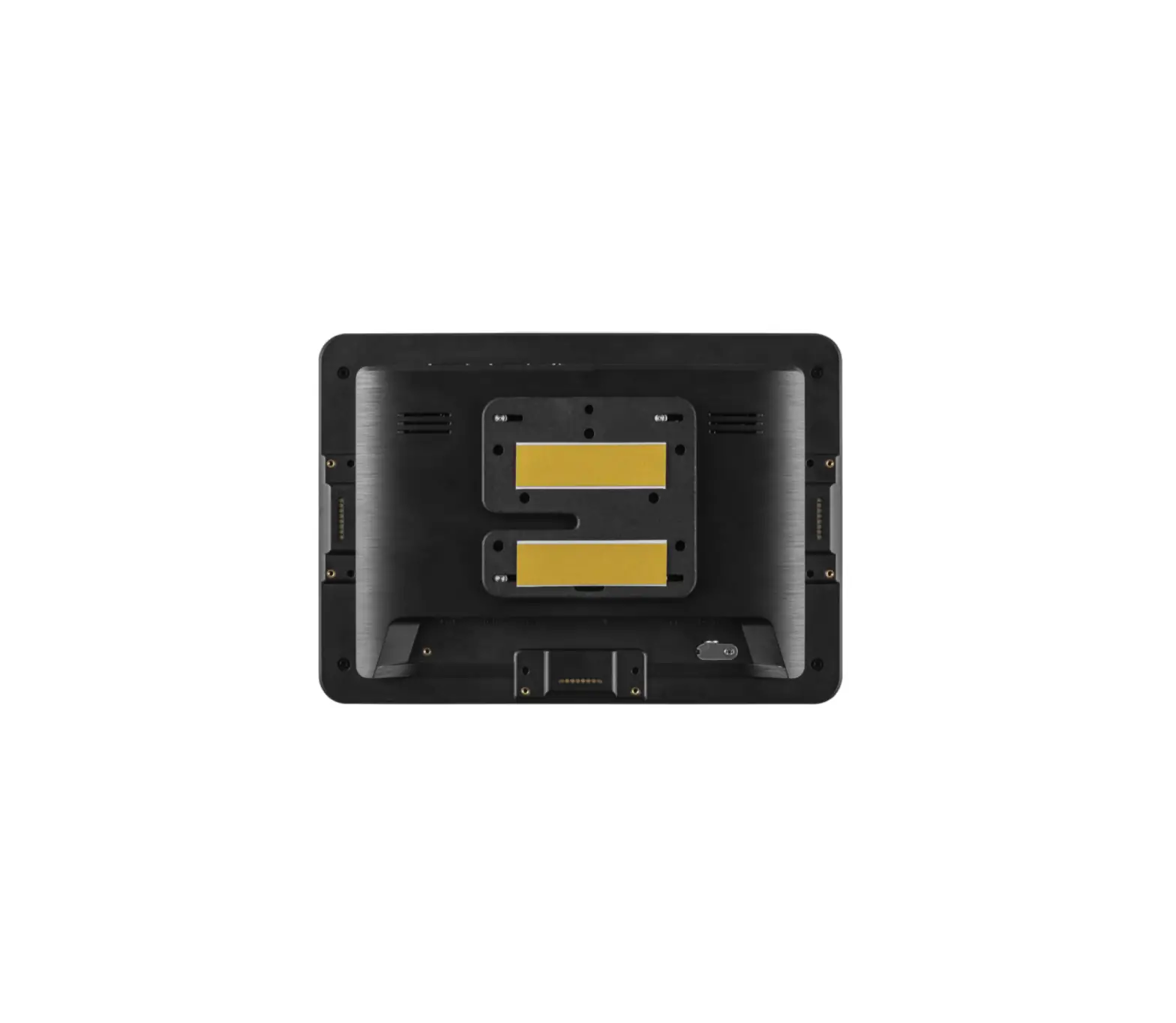
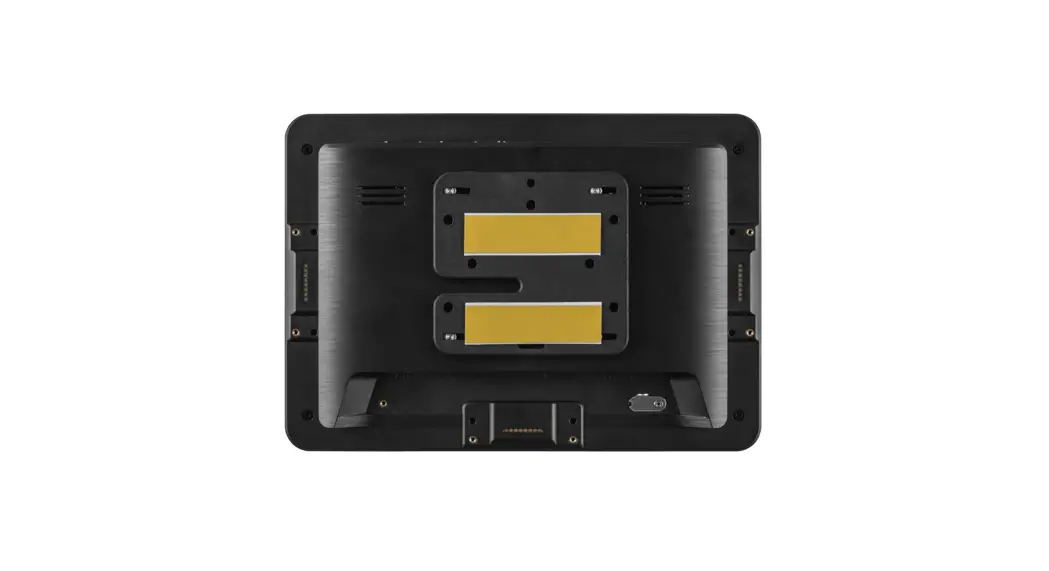
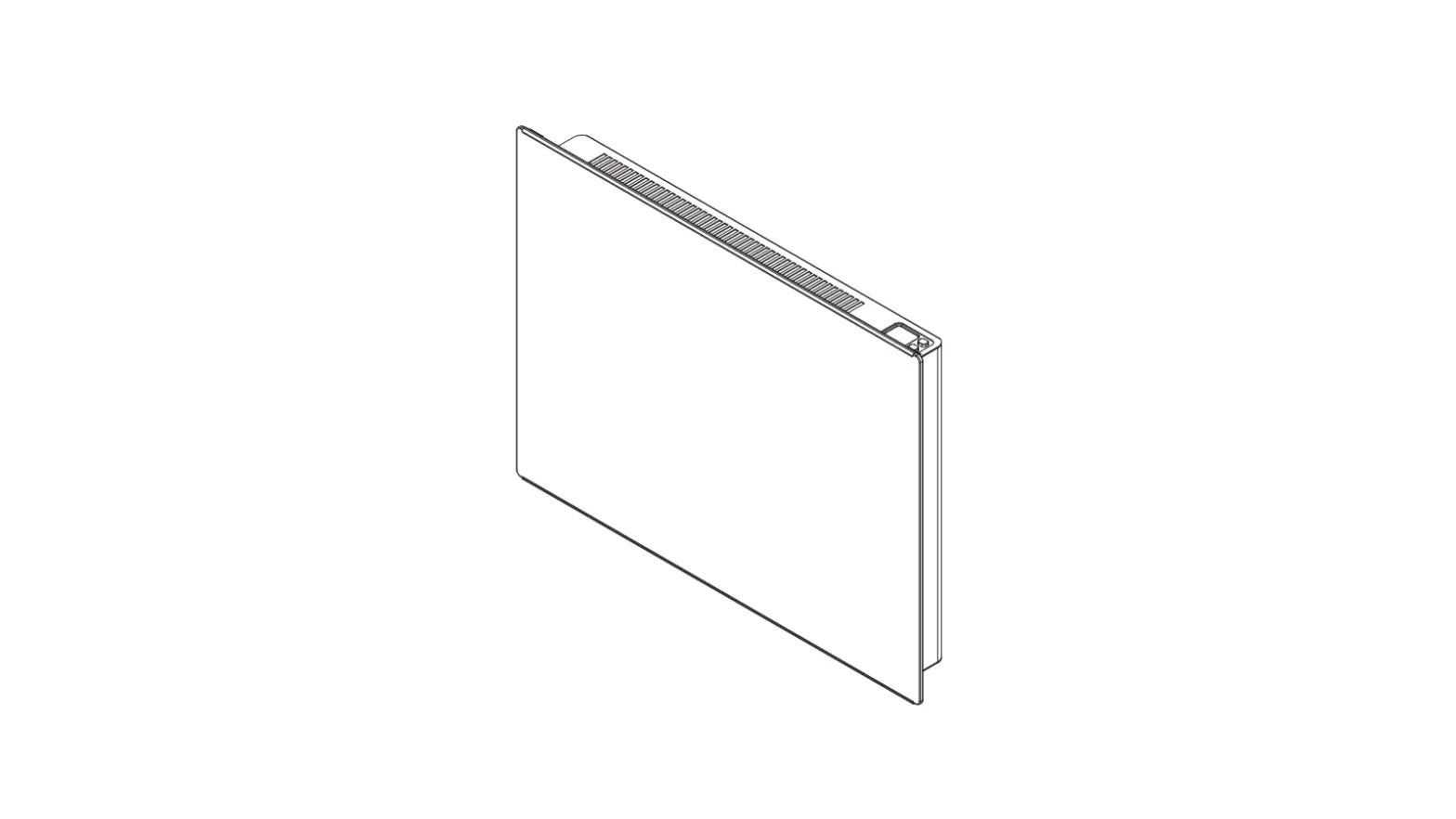
The ProDVX GM-75 Glass Mount is a mounting solution designed for
a 10-inch display. It comes with a Glass Mount Cover Sticker and a
Mount frame. The product is suitable for securely mounting your
device on glass surfaces.
Product Usage Instructions:
- Clean the glass surface where the tablet will be mounted,
preferably using Pro-Screen Cleaner spray. - Peel off the Glass Mount Cover Sticker and apply it to the
glass surface. - Use a solid straight item to even out the Glass Mount Cover
Sticker. - Remove any bubbles by pressing firmly on the sticker with the
straight item. - Gently pull down the paper from the front side of the
sticker. - Clean the Glass Mount Cover Sticker with Pro-Screen Cleaner
spray and let it dry for ten minutes. - Remove the protective film from the adhesive side of the ProDVX
GM-75 Mount frame and attach it to the backside of your
device. - Remove the transparent Glass Mount Cover Sticker from the
ProDVX GM-75 Mount frame and hold it firmly against the Glass Mount
Cover Sticker on the glass surface.Note: Before mounting and turning on the device, wait for 2-3
hours to allow the adhesive to fully take hold. Also, ensure that
the temperature is between 20-24°C and humidity is below 72% for at
least 2 hours. - Screw the four VESA screws into the VESA holes of your 10-inch
display, leaving them slightly protruding for affixing into the
keyholes. - Align the screws on the back of the device with the four large
keyholes on the ProDVX GM-75 Mount frame and slide from left to
right until you hear a click. - To lock the device in place, insert the provided screws into
the top of the mounting plate.
ProDVX GM-75
Instruction manual
www.prodvx.com
FscoarnmtohreeQinRfocormdea:tion,
ProDVX GM-75 Glass Mount
Thank you for choosing the ProDVX GM-75 Glass Mount. This is a step-by-step instruction manual to successfully install the ProDVX GM-75 Glass Mount for your 10″ display. The ProDVX GM-75 Glass Mount contains the following parts:
· 1 x Glass Mount Cover Sticker · 1 x ProDVX GM-75 Mount frame · 1 x adhesive strip · 4 x short VESA screws · 2 x safety screws Please contact [email protected] if you need additional support.
Applying the Glass Mount Cover Sticker
1.
Clean the surface, preferably with Pro-Screen Cleaner spray.
2.
bAfefipxltahceedG.lass Mount Cover Sticker to the glass where the tablet will
3.
Use a solid straight item to even out the Glass Mount Cover Sticker.
4.
dEviseanpopuetarbiing btiumbeb)l.es with the straight item (little bubbles will
5.
Gently pull down the paper from the front side.
6.
Clean the Glass Mount Cover Sticker with Pro-Screen Cleaner spray
and let it dry for ten minutes
Mounting your device
7.
RPreomDoVvXeGtMhe-7w5hMitoeupnatpferarmfroe.mThtheenawdahitesfoivre1s5trmipinauntdesa.ttach it to the backside of the
8.
RfreammoevfeirmthleyroendtopathpeerGflraosms Mthoeuandt hCeosvievreSsttircipkearn. dHoplrdesitsftohreoPnreomDVinXuGtMe.-75 Mount
Note: Before mounting and turning on the device, wait for 2-3 hours to allow the astdrhenesgitvhewtoilltabkeeahcohlidev. eAdt raofotemr 2te0mmpineuratteusr,e9,0a%pparfotexrim24atheolyur5s0,%anodf1th0e0%ultaifmteart7e2 hours.
9.
Screw the four VESA screws into the VESA holes of your 10″ display. Tighten them by
hand so that they stick out a few millimeters for affixing into the keyholes.
10. Align the screws on the back of the device with the four large keyholes on the ProDVX GM-75 Mount frame and slide from left to right until you hear a click!
11.
Itnhseemrtotuhnettiwngosincrceluwdseidntsoafpeltaycsec. rews into the top of the mounting plate. This will lock
7
10
11
 ProDVX - Always On