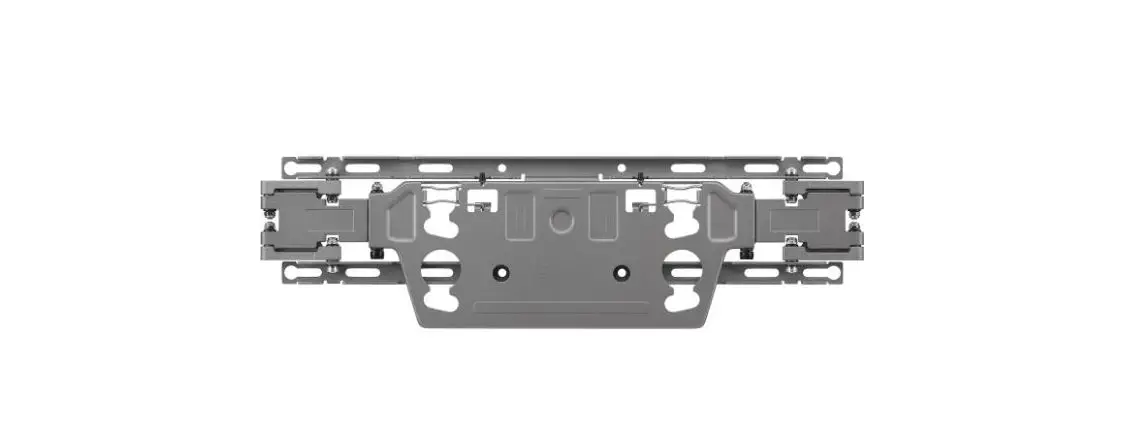
Symphony Classroom Wall Mount
Product Information
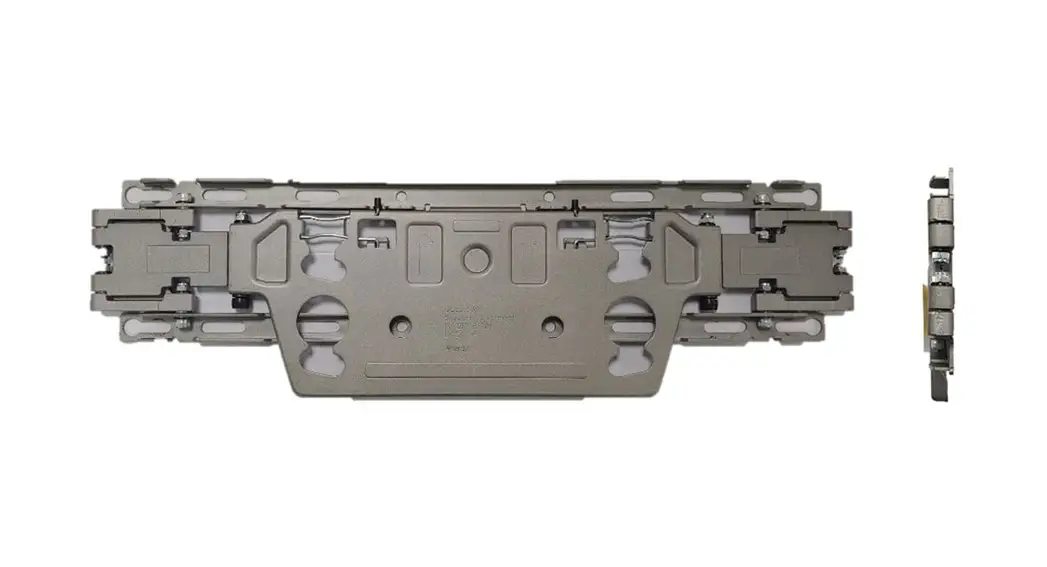
The Wall Mount Assembly is a mounting kit designed for the
installation of the Symphony ClassroomTM unit. It is a product
accessory manufactured by Merlyn Mind, Inc. The Wall Mount Assembly
comes with a limited warranty, covered by Merlyn Mind, Inc.’s
One-Year Standard Limited Warranty. For more details about the
warranty terms, please visit merlyn.org/support.
Included Hardware
- Screw (x4) M6x3.0x54 mm
- Screw (x2) M6x1x12
- Plastic Insert (x4)
- Screw (x3) M5x0.8×15 mm
- Nut (x2) M6x1 mm
Product Usage Instructions
- Drill four holes in the wall with the specified diameter and
spacing shown below. If installing in drywall, hammer a plastic
anchor into each hole.- Diameter: 9 mm
- Spacing: 90 mm
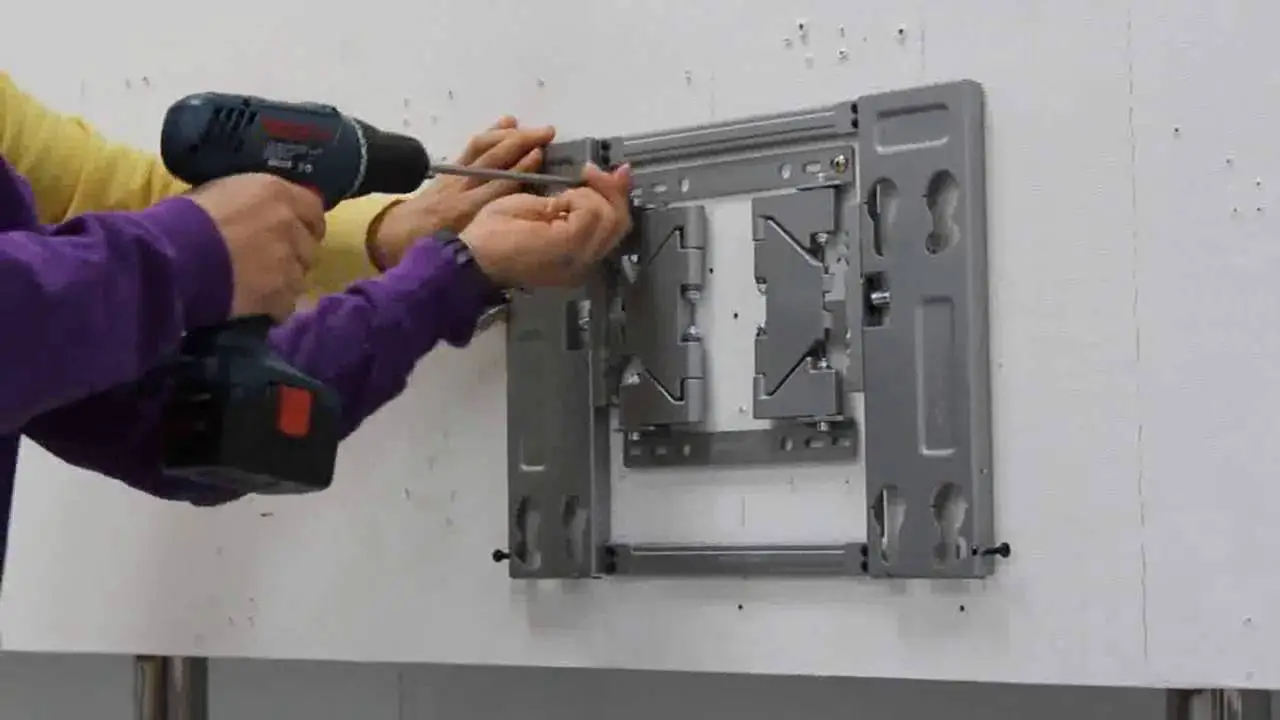
- Attach the mounting plate to the wall.
- Mounting plate dimensions: 180 mm x 180 mm
- Use plastic anchors (x4) to secure the mounting plate.
- Remove screws from the mounting plate.
- Attach the mounting arm to the mounting plate and pull the
cables through the mounting arm. - Attach the faceplate over the mounting assembly.
- Detach the hang hooks from the swivel hardware.
- Attach the hang hooks to the mounting assembly.
- Attach the adapter plate to the swivel hardware.
- Attach the swivel hardware to the Symphony ClassroomTM
unit. - Attach the unit to the mounting hardware using the hang hooks.
Tighten the swivel hardware to secure. - Attach the endcap.
- The final result should be the Symphony ClassroomTM wall
mounting assembly.
Contact support at [email protected] or visit merlyn.org/support for further
assistance.
Wall Mount Assembly
Mounting Kit for Symphony ClassroomTM Installation Guide
Wall Mount Assembly
WARNING / IMPORTANT SAFETY NOTICE · Do not install the wall mount or the display mount until you have fully read and understood this installation guide. · Incorrect or improper installation of this product may cause injury or property damage. · Do not use the wall mount and display mount other than what is specified in the manual. · Only qualified personnel or a mechanically proficient person should install this wall mount or display mount. · Installers are responsible for checking the suitability of the wall in which the unit is being mounted on. · It is recommended to have two people when lifting or mounting is involved. · For wall mounting on drywall material or similar surfaces, please use the included plastic anchor for a more secure mount. · Our product is intended for indoor use only; do not mount the unit outdoors as it can cause product damage or physical injury. · Tighten the screws, but not over-torque them. · Please contact tech support if you have any questions or comments
Limited Warranty Statement: Your Product Accessory is covered by a Merlyn Mind, Inc. One-Year Standard Limited Warranty, the terms of which can be viewed at merlyn.org/support.
Included Hardware
Note: This list does not include pre-installed hardware or tools.
Screw (x4) M6x3.0x54 mm
Screw (x2) M6x1x12
Plastic Insert (x4)
Screw (x3) M5x0.8×15 mm
Nut (x2) M6x1 mm
1 Drill four holes in the wall using the diameter
and spacing shown below. If installing in drywall,
hammer a plastic anchor into each hole.
9 mm
90 mm
2 Attach mounting plate to wall.
180 mm
180 mm
plastic anchor (x4)
90 mm
3 Remove screws from mounting plate.
4 Attach mounting arm to the mounting plate and pull
cables through the mounting arm.
Pull cables through
5 Attach faceplate over the mounting assembly.
6 Detach hang hooks from swivel hardware.
7 Attach hang hooks to mounting assembly.
8 Attach adapter plate to swivel hardware.
9 Attach swivel hardware to Symphony
ClassroomTM unit.
10 Attach unit to mounting hardware using the
hang hooks. Tighten swivel hardware to secure.
Attach endcap.
11 The final result of the Symphony ClassroomTM
wall mounting assembly.
[email protected] merlyn.org/support
 Promethean Support