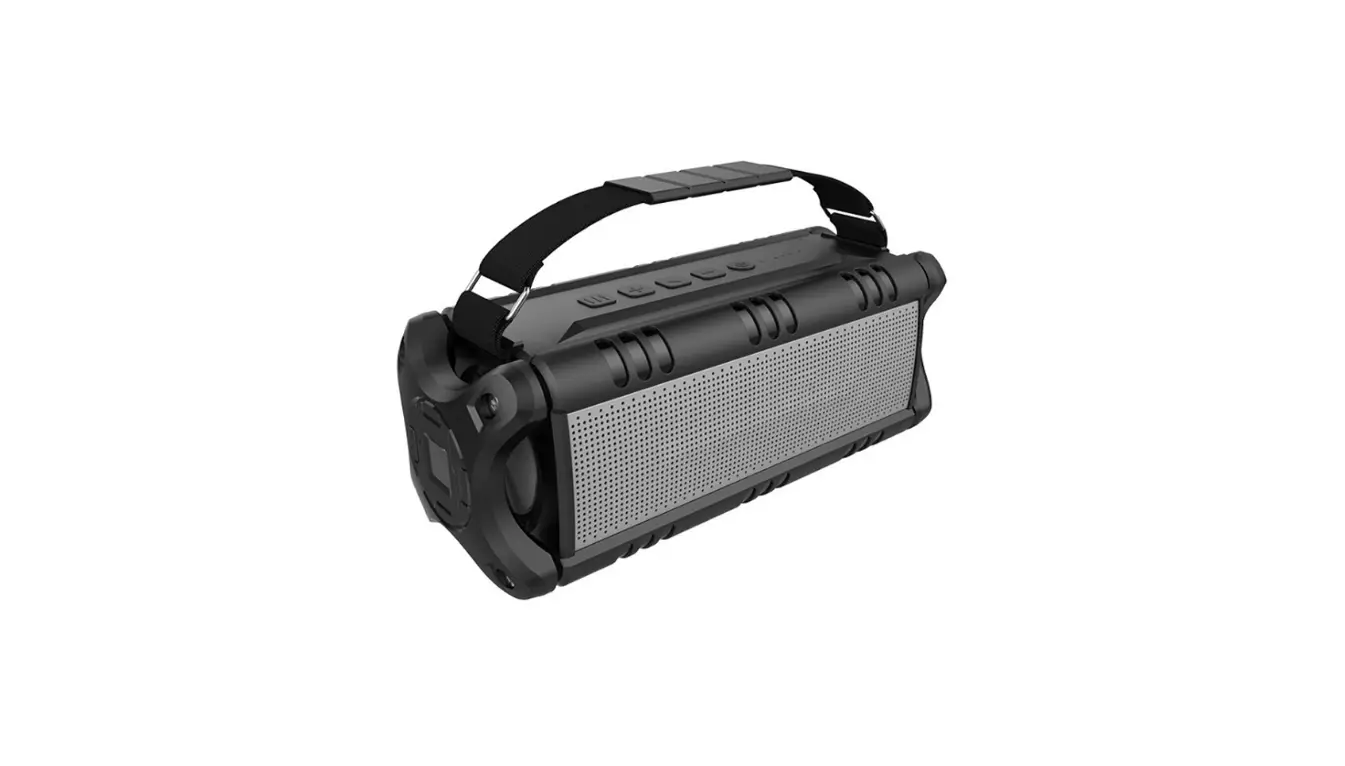
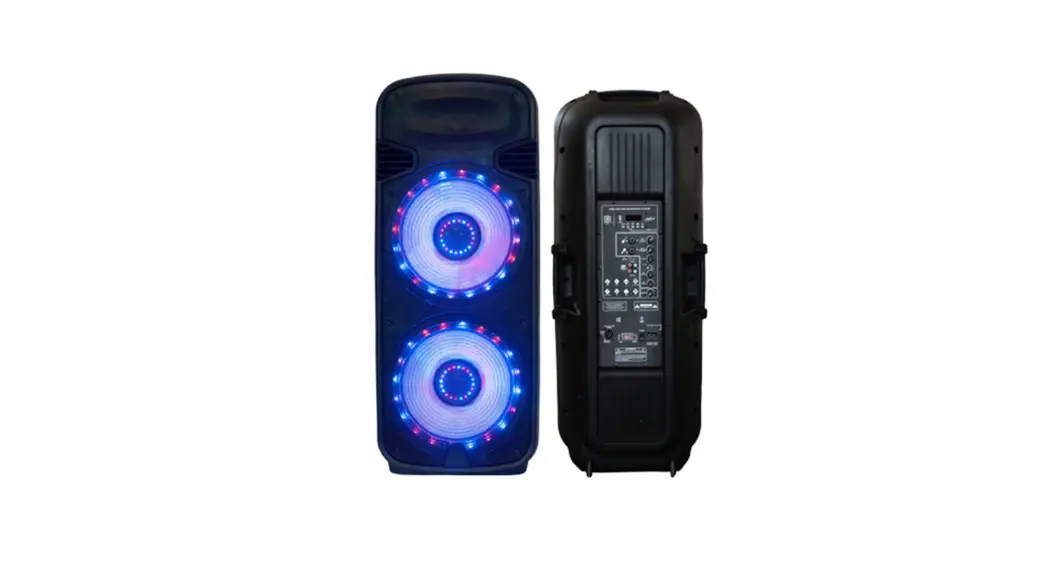
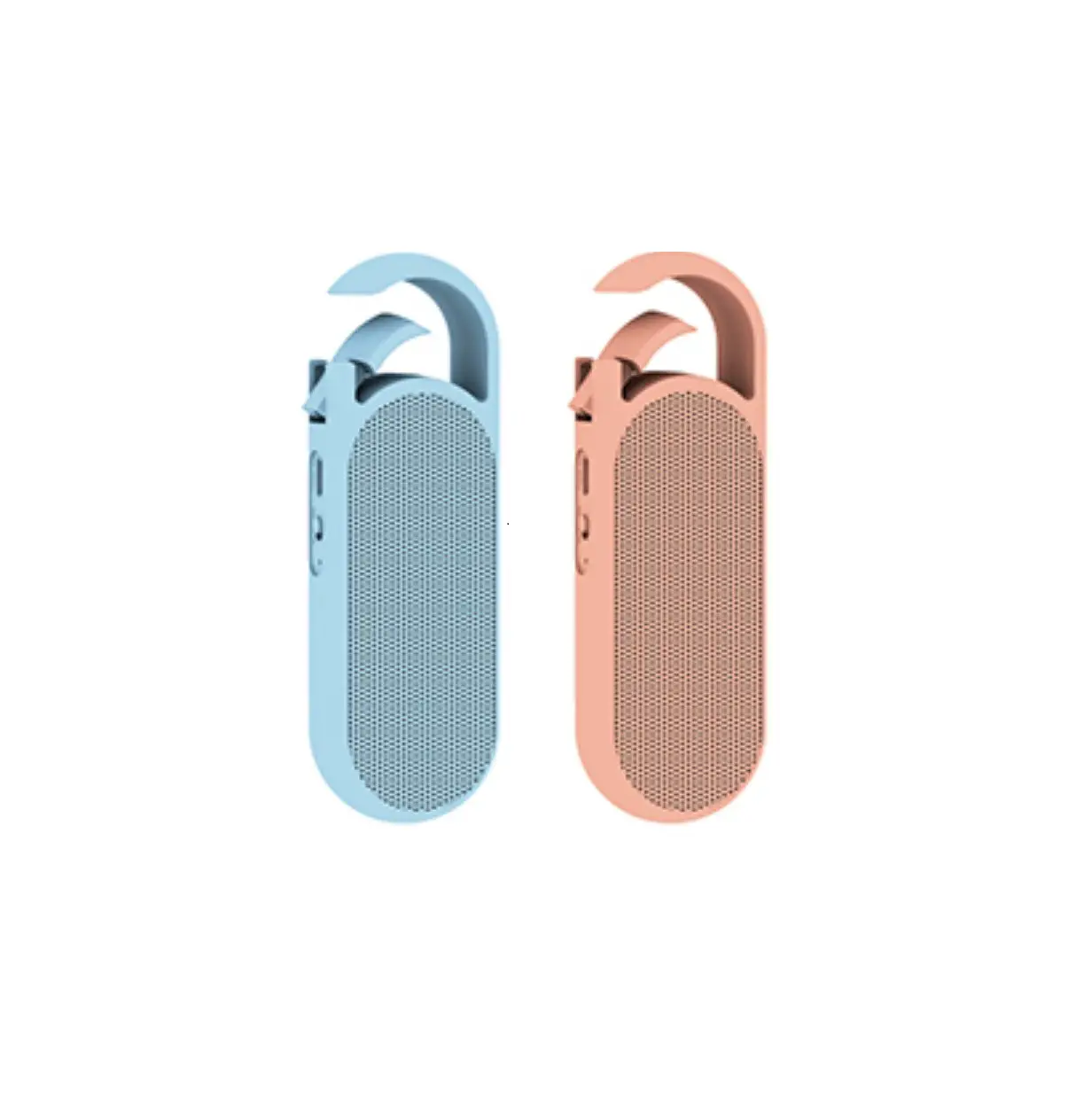
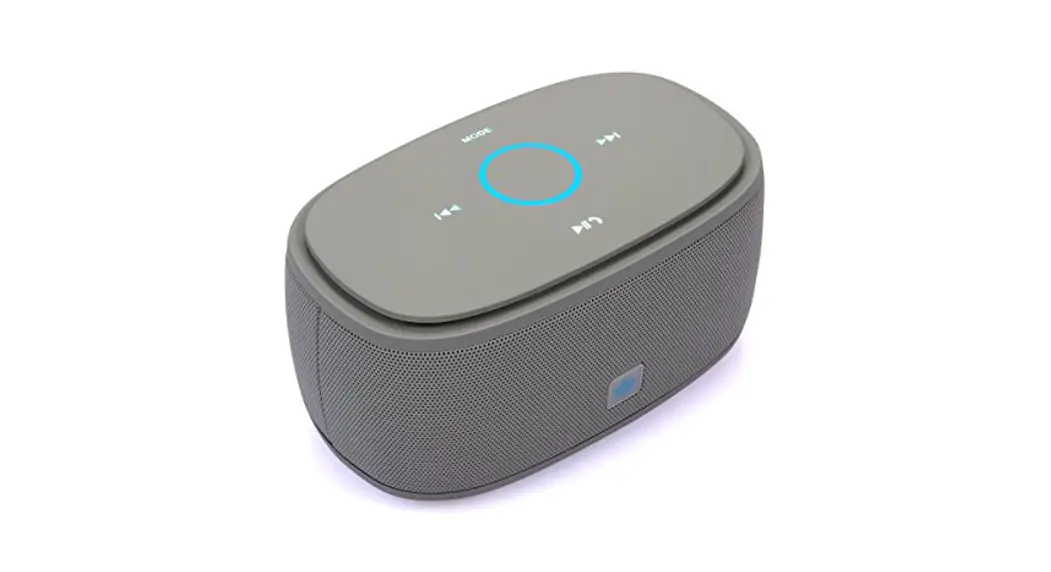
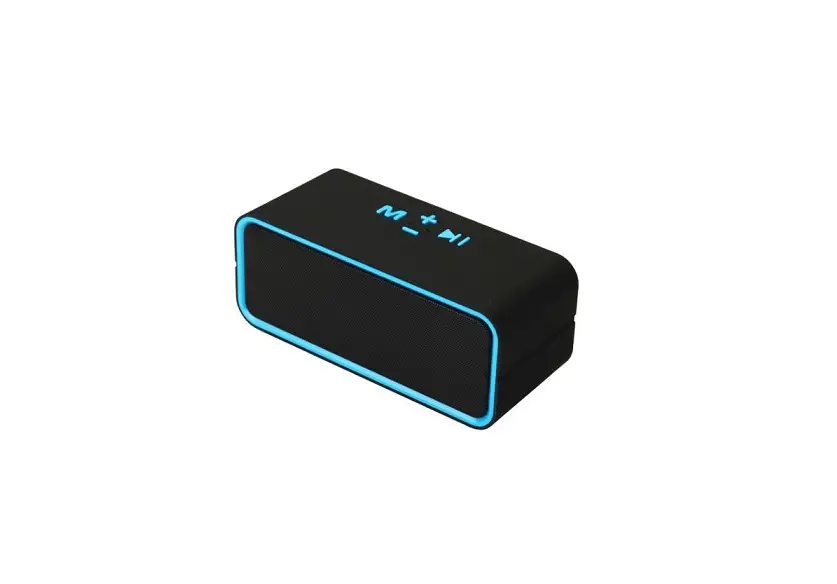
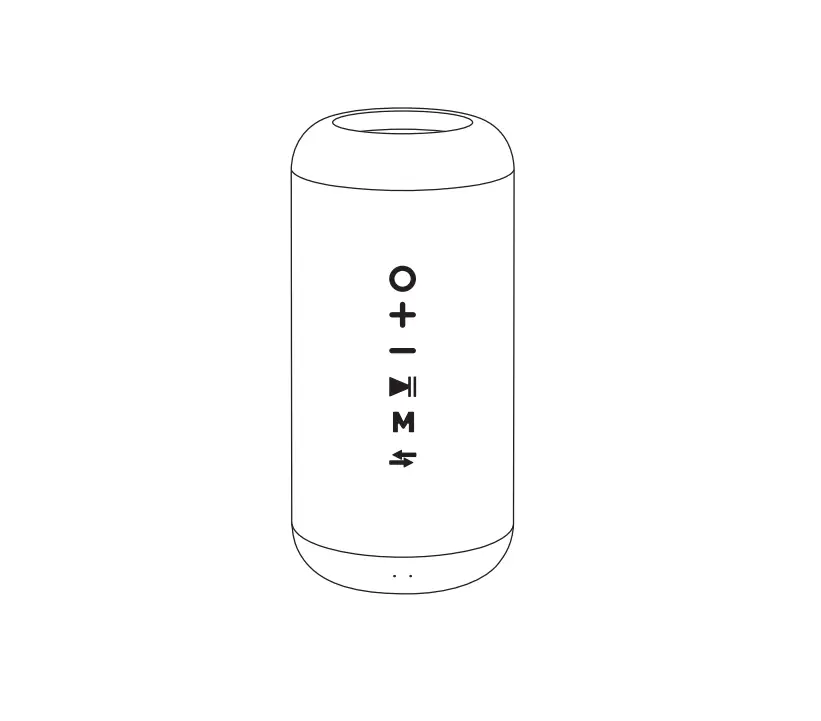
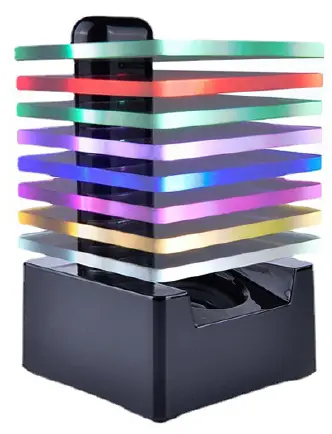
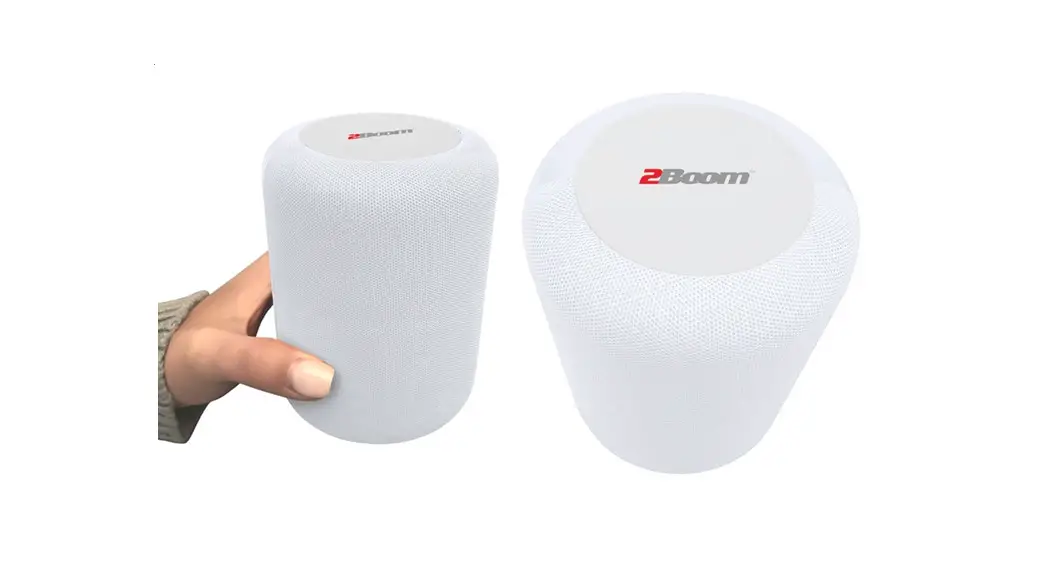
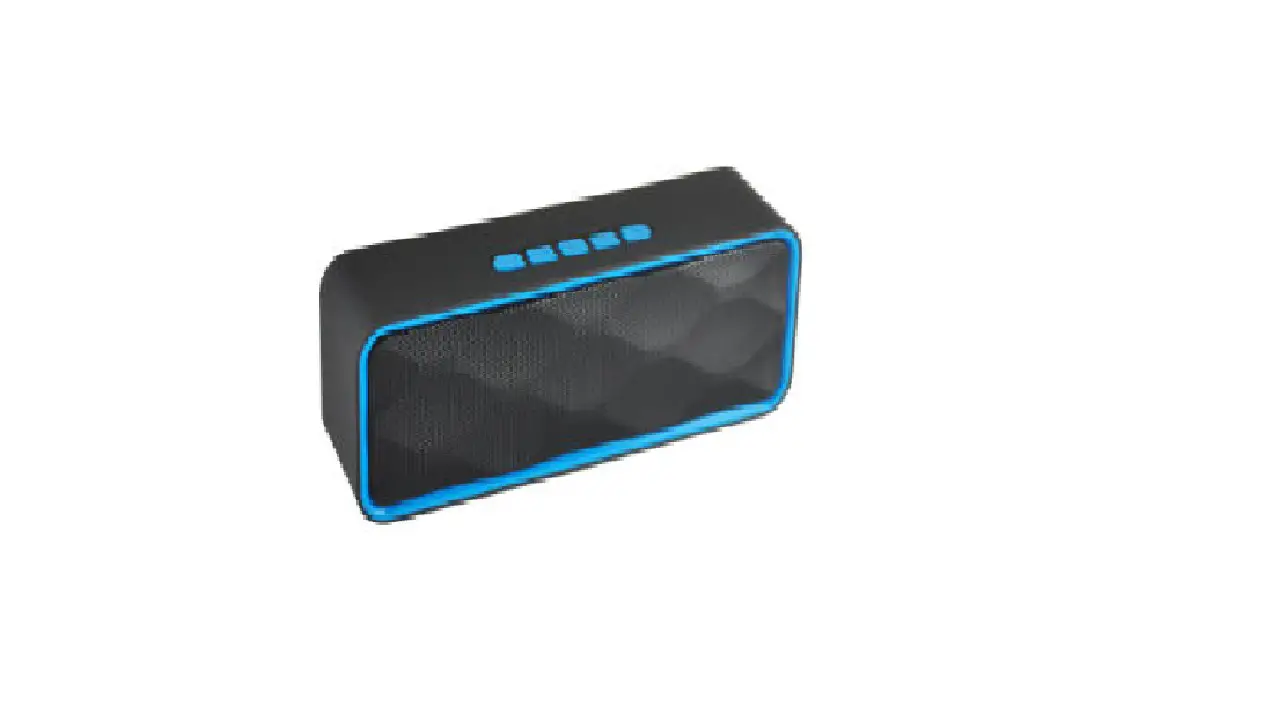
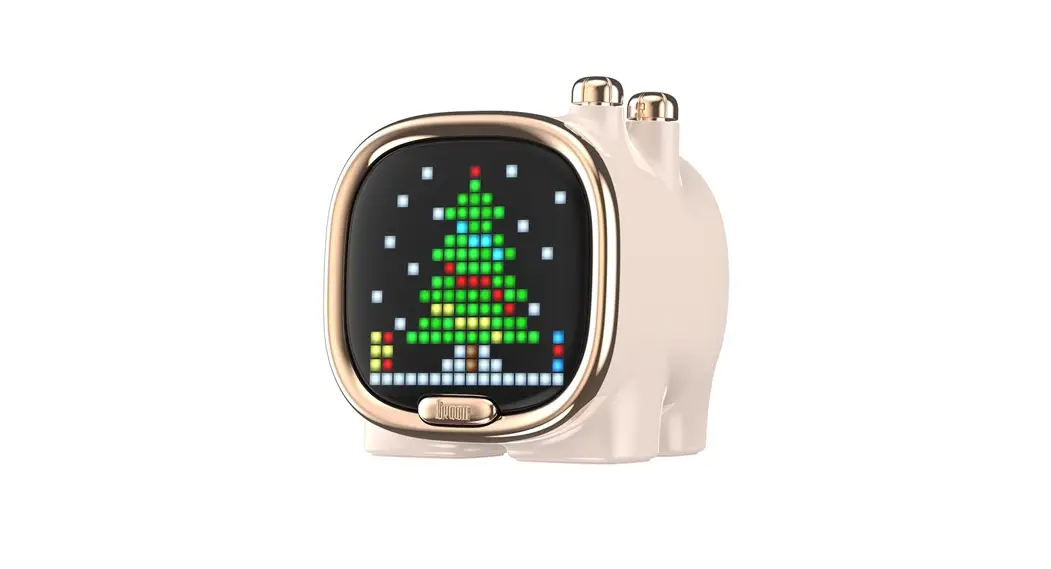
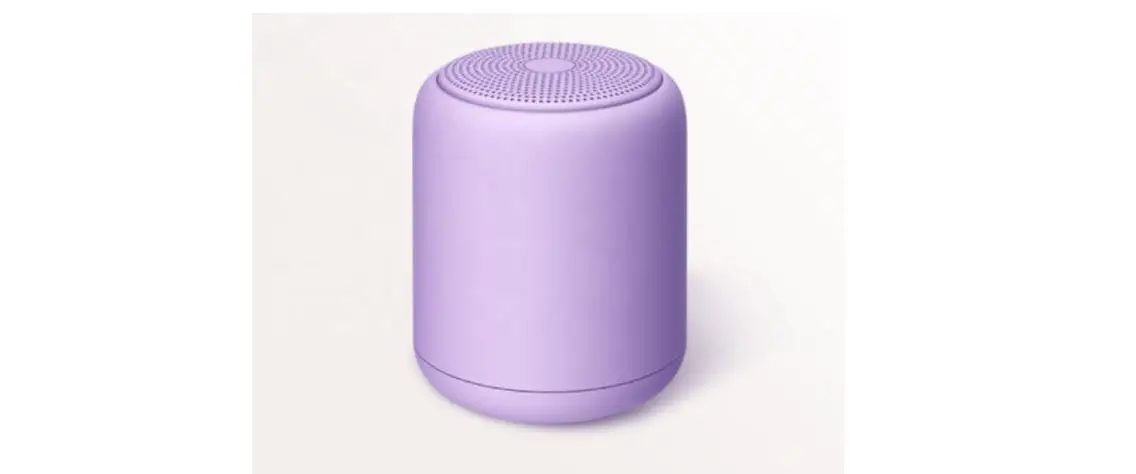
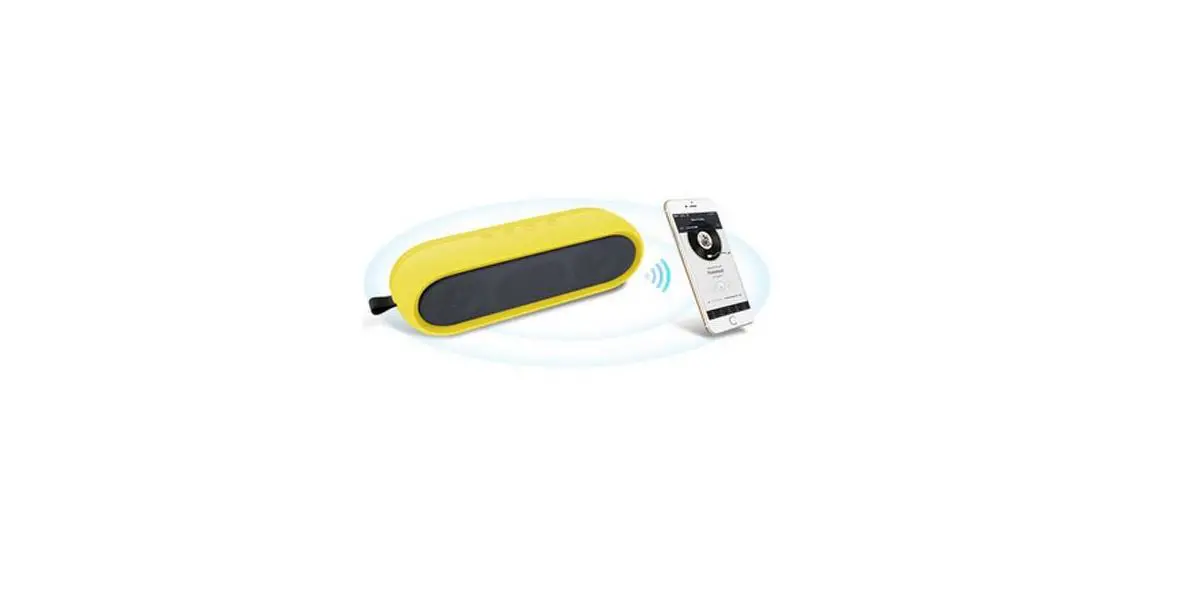
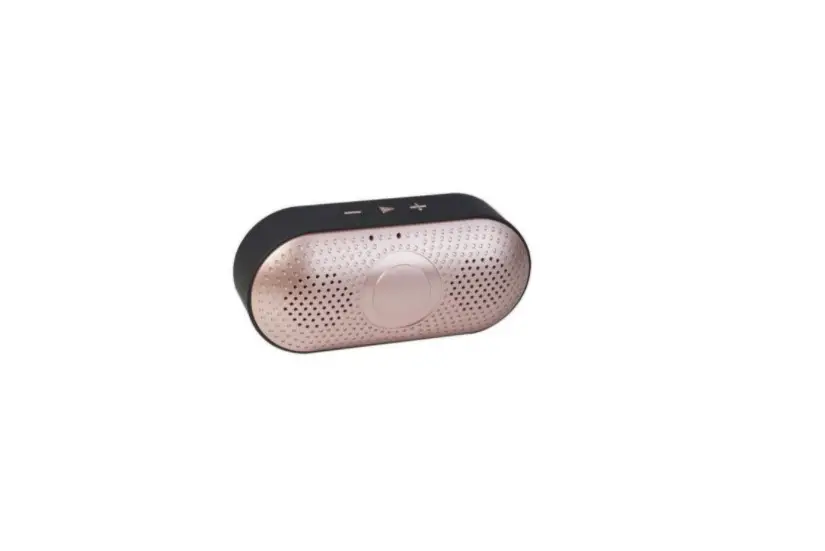
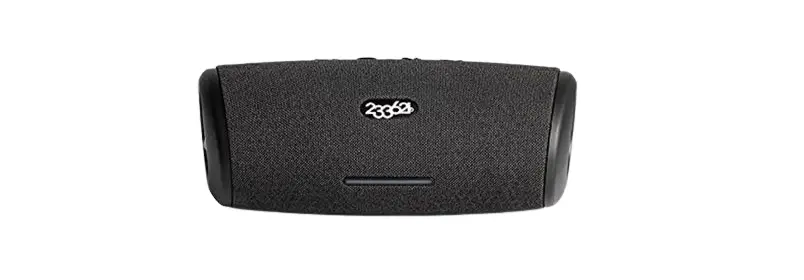
2BBQ8-BTS07 BTS07 Bluetooth Speaker
Product Information
The product is a versatile multi-purpose tool designed to
provide various functionalities for everyday use. It is a compact
and lightweight device that can be easily carried and used in
different settings.
Key Features:
- High-quality and durable construction
- Multiple tool attachments for different tasks
- Ergonomic handle for comfortable grip
- Adjustable settings for enhanced control
- Long-lasting battery life
Product Usage Instructions
Before using the product, please read and understand all the
instructions provided in this manual.
Charging the Battery
To charge the product’s battery, follow these steps:
- Connect the charging cable to the charging port located on the
device. - Plug the other end of the cable into a power source.
- Wait until the battery is fully charged. The charging indicator
will change from red to green when the process is complete. - Disconnect the charging cable from both the device and the
power source.
Attaching Tool Accessories
The product comes with various tool attachments for different
tasks. To attach a tool accessory, follow these steps:
- Select the desired tool accessory.
- Align the accessory with the attachment point on the
device. - Insert the accessory firmly into the attachment point until it
clicks into place. - Ensure that the accessory is securely attached before using the
product.
Using the Product
To use the product, follow these steps:
- Ensure that the battery is charged and the desired tool
accessory is attached. - Hold the product firmly with a comfortable grip on the
ergonomic handle. - Adjust the settings according to your preference, if
applicable. - Activate the device by pressing the power button located on the
handle. - Perform the desired task using appropriate techniques and
caution.
For detailed information on specific tasks and techniques, refer
to the additional guides provided with the product.
Note: Always follow safety precautions and guidelines outlined
in this manual to ensure safe and efficient usage of the
product.
FCC warning 1. This device should be installed and operated with minimum distance 0mm between the radiator&your body. 2. This device complies with part 15 of the FCC Rules. Operation is subject to the following two conditions: (1) This device may not cause harmful interference, and (2) This device must accept any interference received, including interference that may cause undesired operation. 3. Changes or modifications not expressly approved by the party responsible for compliance could void the user’s authority to operate the equipment. 4. This equipment has been tested and found to comply with the limits for a Class B digital device, pursuant to part 15 of the FCC Rules. These limits are designed to provide reasonable protection against harmful interference in a residential installation. This equipment generates, uses and can radiate radio frequency energy and, if not installed and used in accordance with the instructions, may cause harmful interference to radio communications. However, there is no guarantee that interference will not occur in a particular installation. If this equipment does cause harmful interference to radio or television reception, which can be determined by turning the equipment off and on, the user is encouraged to try to correct the interference by one or more of the following measures: –Reorient or relocate the receiving antenna. –Increase the separation between the equipment and receiver. –Connect the equipment into an outlet on a circuit different from that to which the receiver is connected. –Consult the dealer or an experienced radio/TV technician for help.