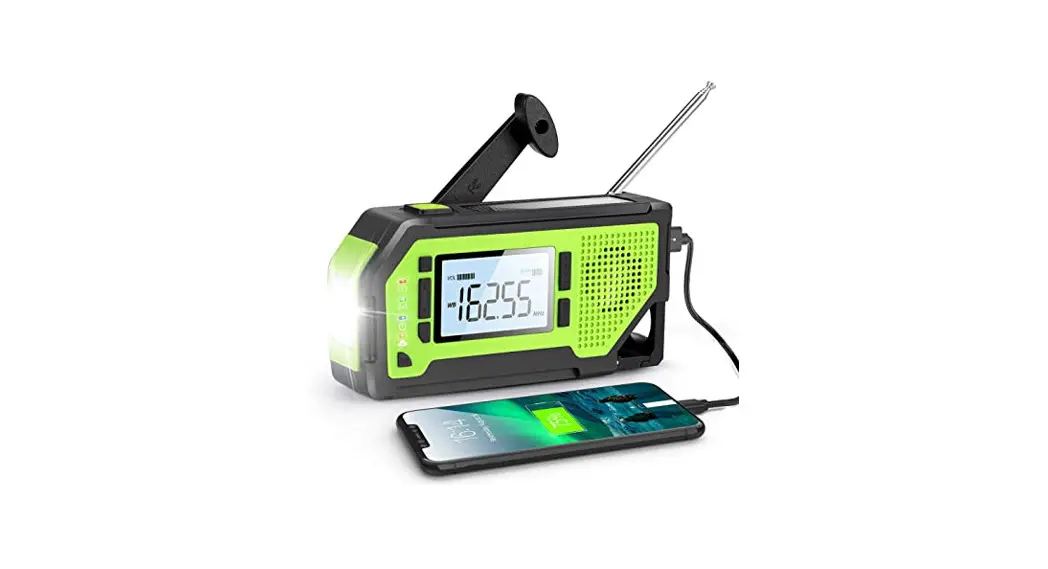

MIDLAND ER310 Emergency Crank Weather Alert Radio
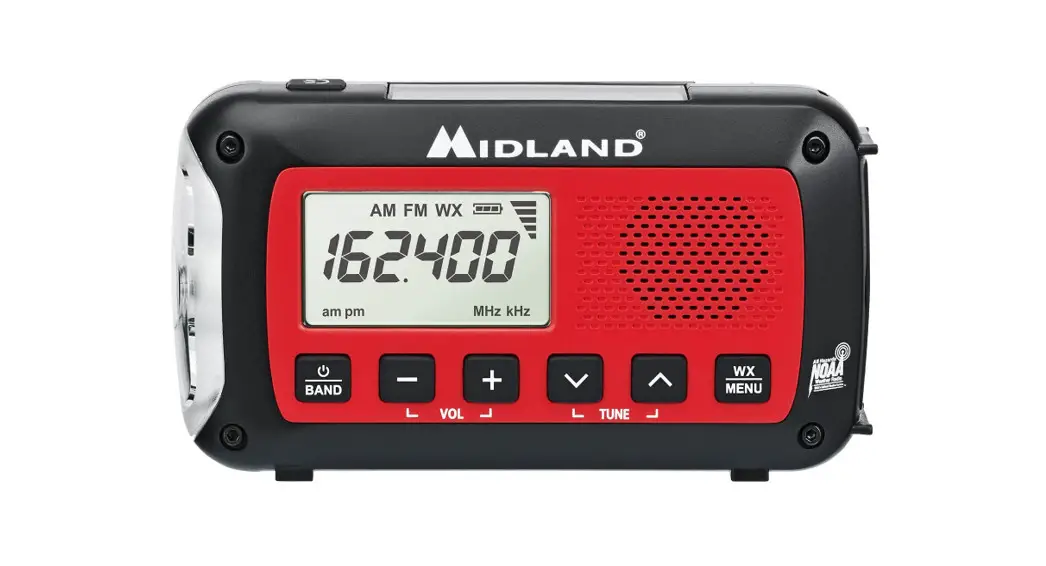
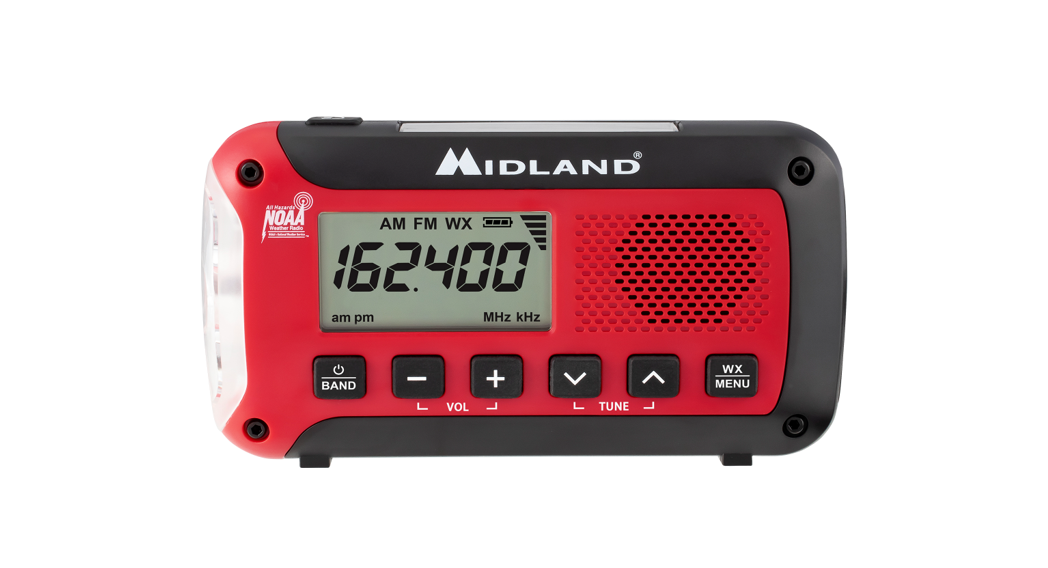
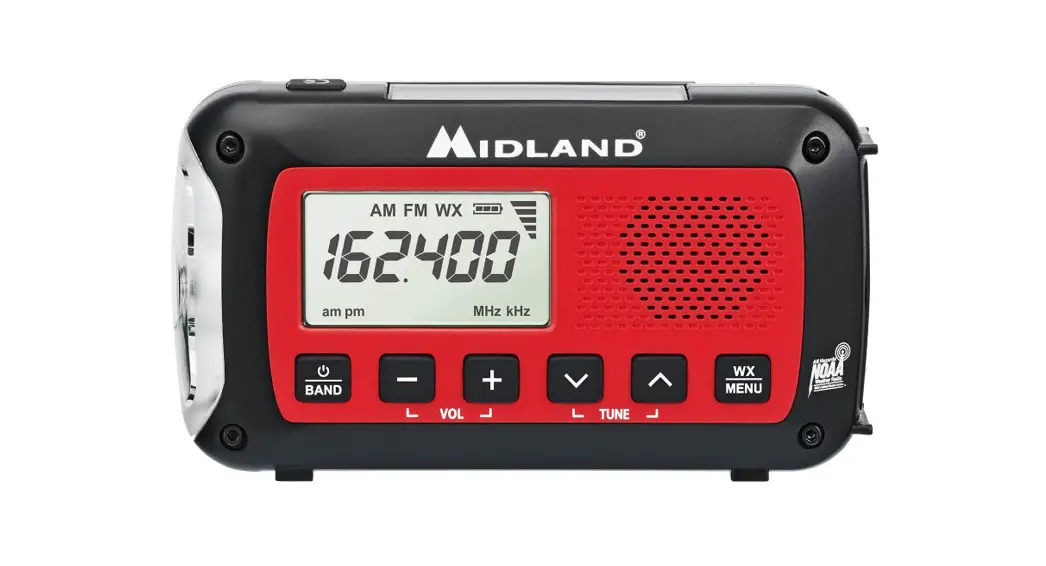
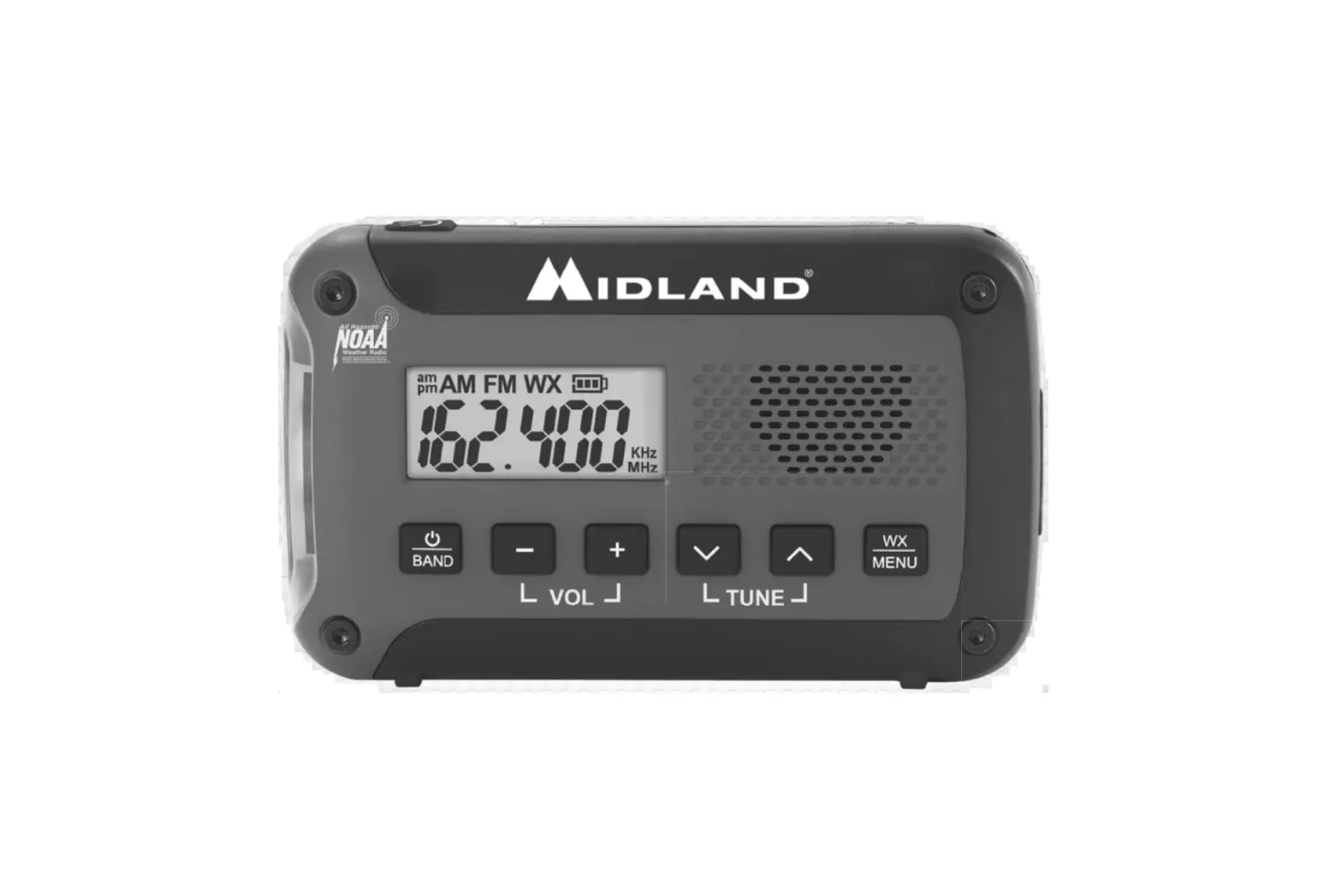
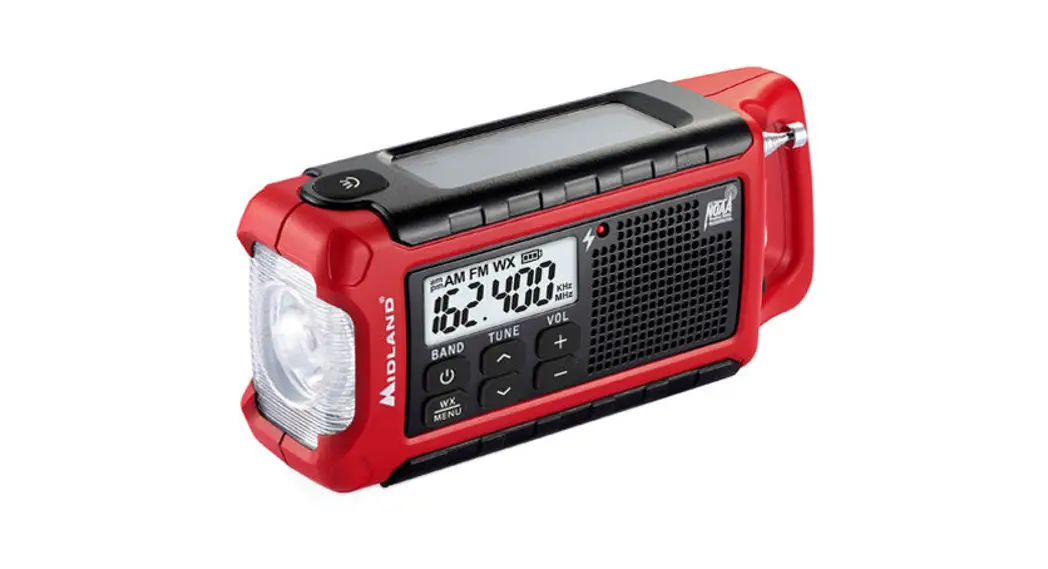
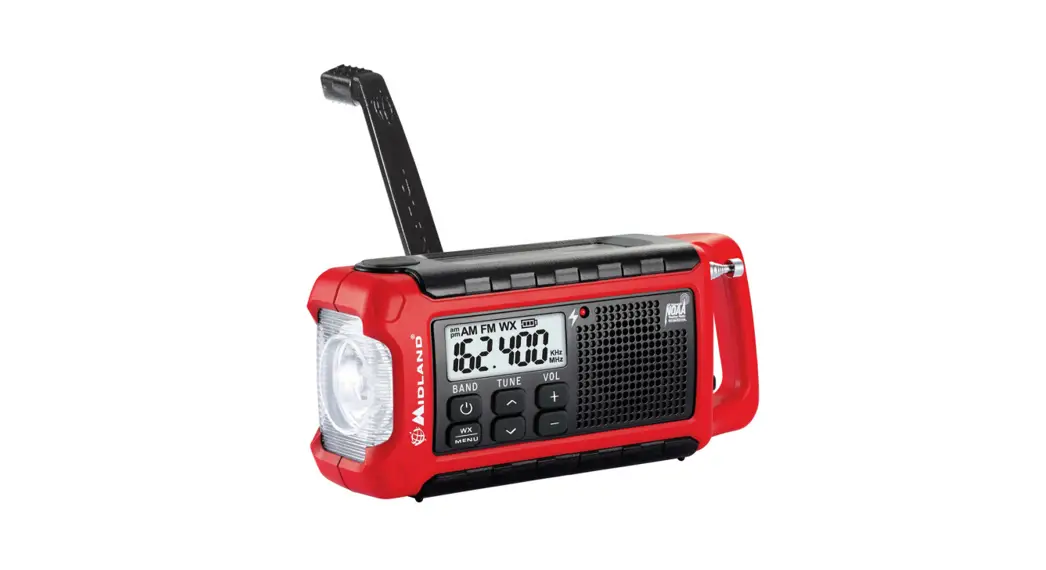
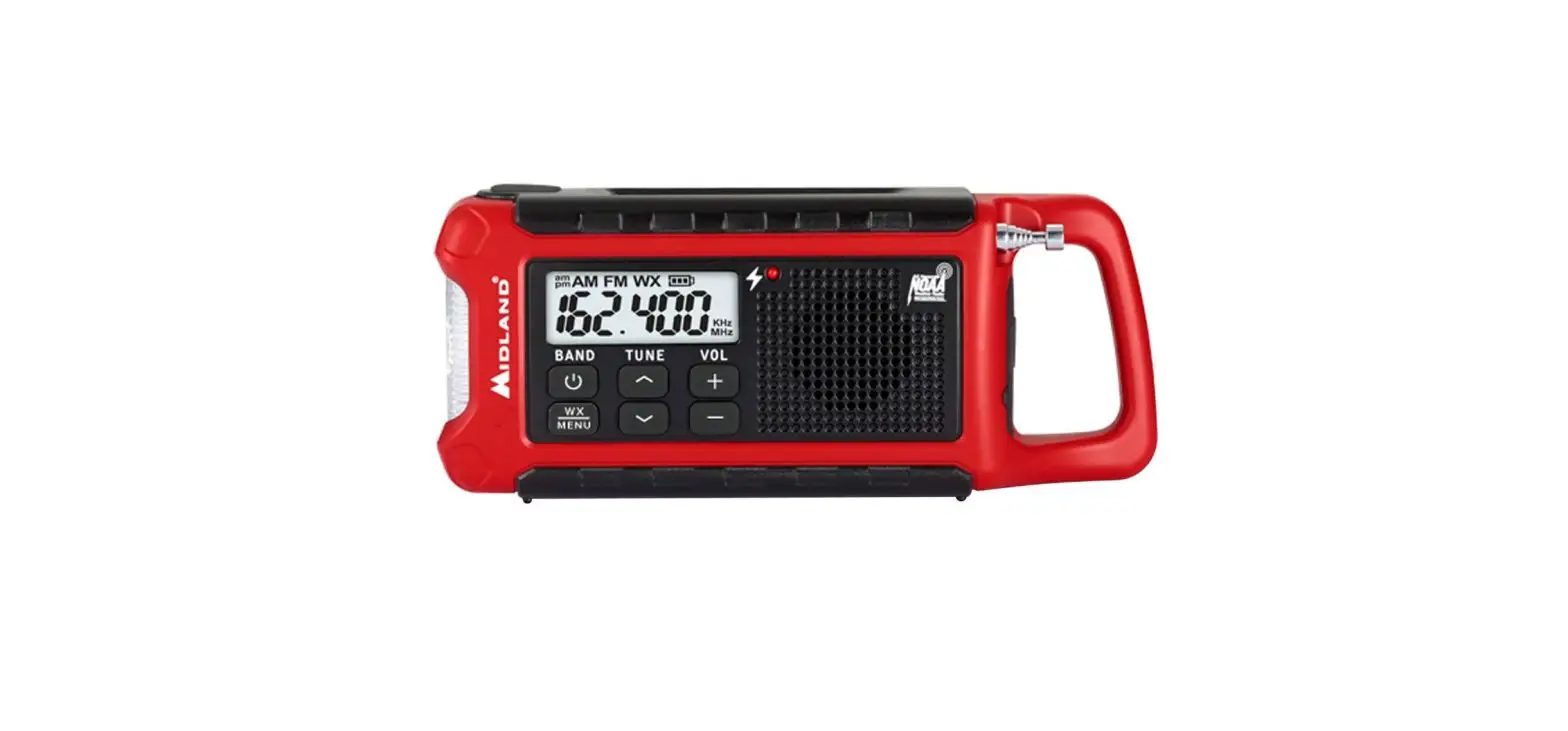
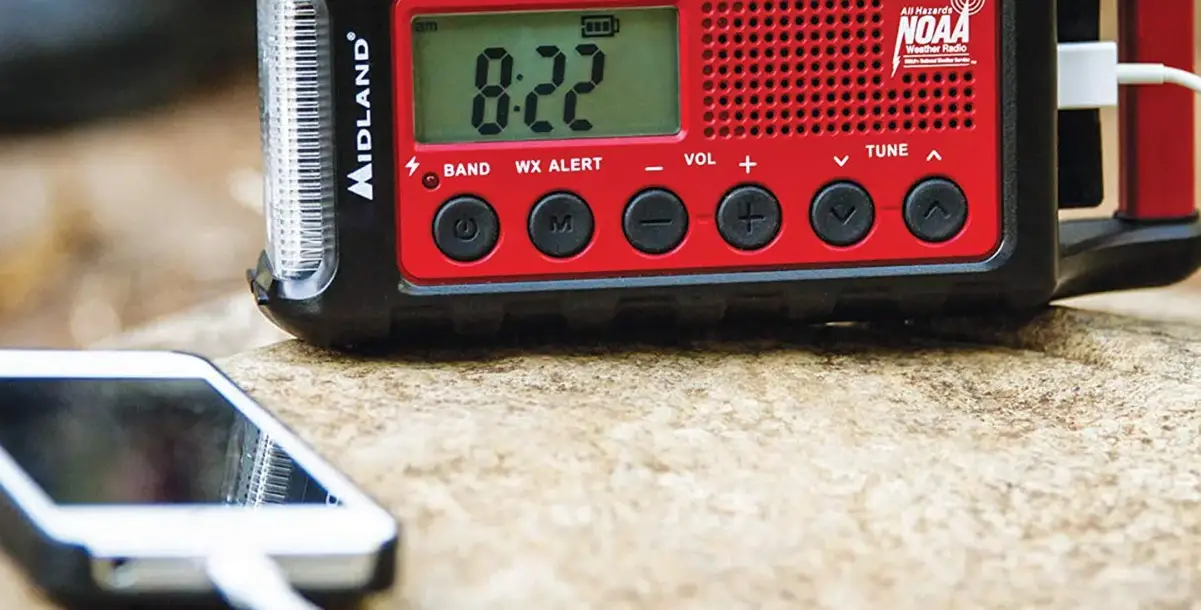
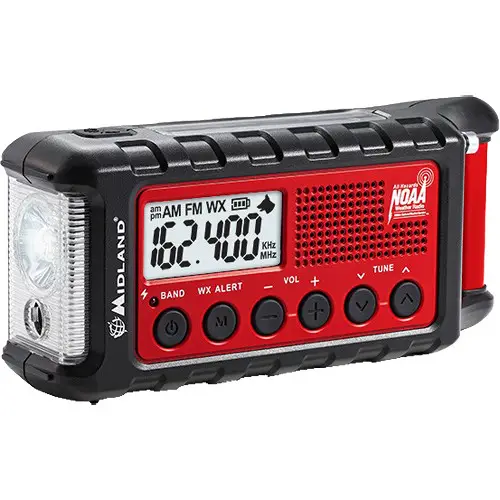 To turn on the radio, plug in the Li-ion battery then press the BAND button. You can now cycle through the AM, FM, and Weather bands by pressing the BAND button.
 To turn off the radio, press and hold the BAND button for 2 seconds.
  To enable weather alert, ensure you are on the correct weather channel, then press the WX ALERT button. The “WX” icon on the LCD will flash.
 To use the flashlight and SOS Morse code beacon, press the flashlight button on top of the radio. The first press will enable a dim beam. The second press will enable the bright beam. The third press will enable the SOS Morse code beacon.
 To enable the ultrasonic dog whistle, press and hold the flashlight/dog whistle button for 2 seconds. A dog icon will appear on the LCD.
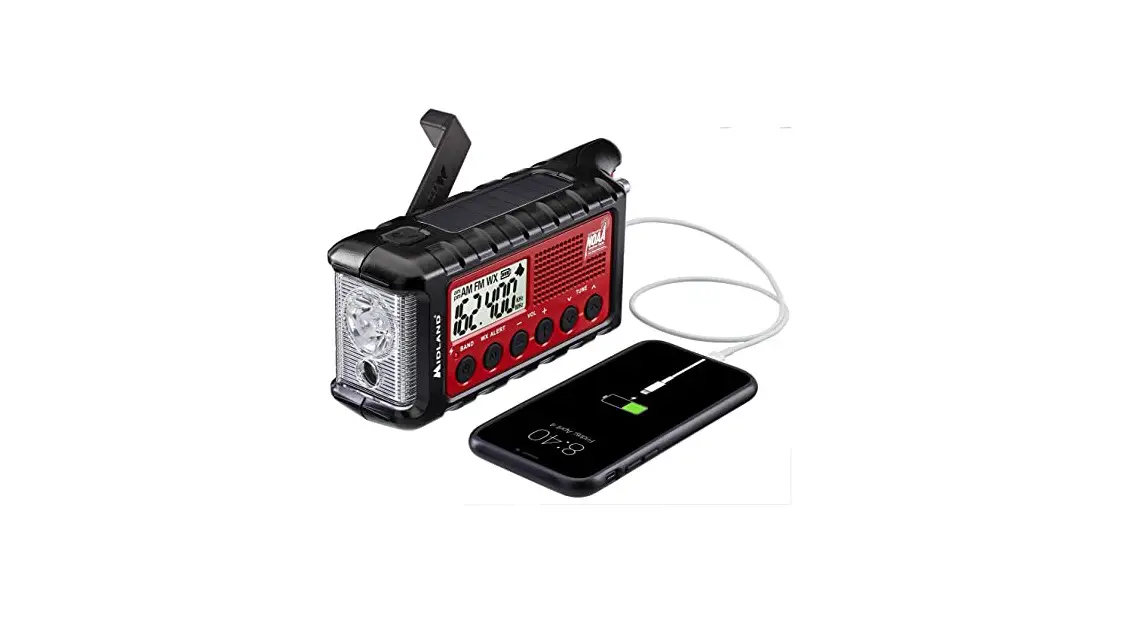
  To charge the internal battery, connect the included charge cable to a USB power source then connect the radio’s USB input port to the charge cable.
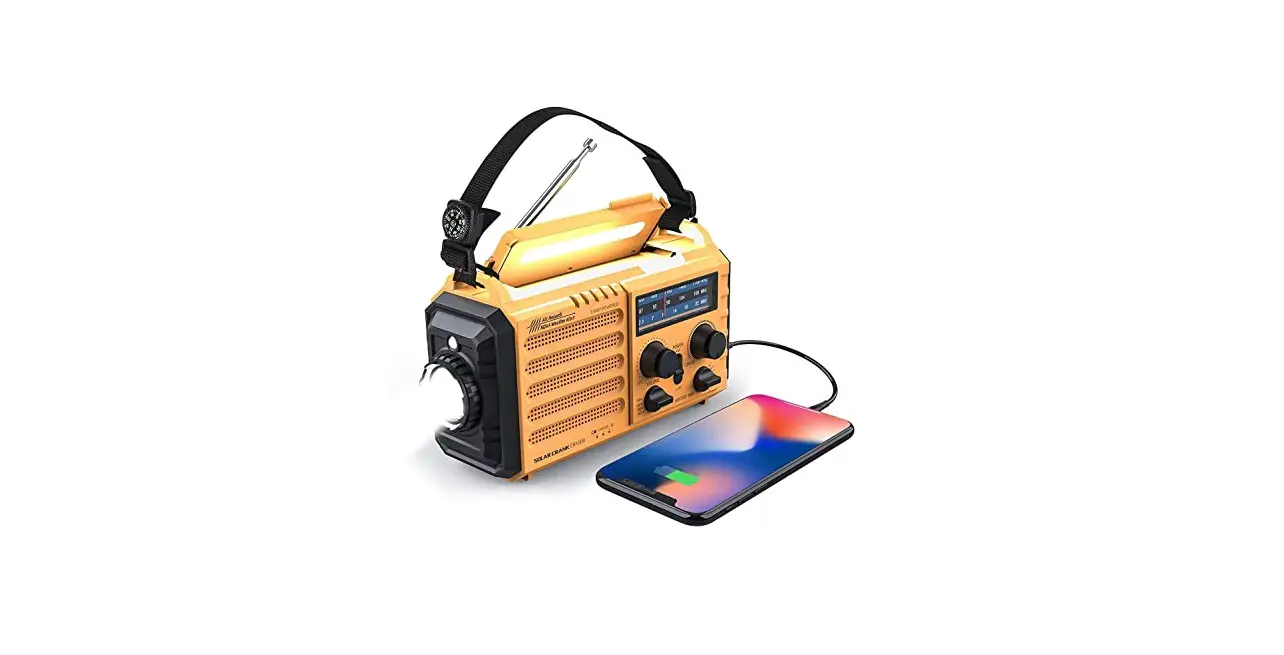
 To charge a USB powered device, connect the device’s charge cable to the USB output port of the radio, then connect the device to the charge cable. Once charging is complete; disconnect the device and charging cable from the ER310. This will allow you to operate the other features in your ER310.
 To access the settings menu, hold down the WX ALERT button for 2 seconds.