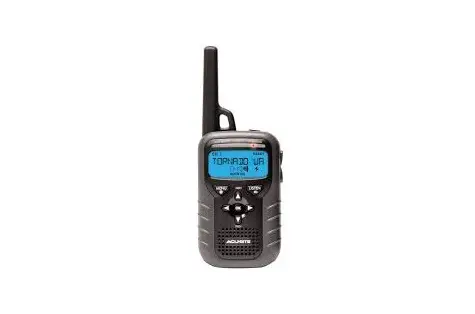
Acurite 08550 Portable Weather Alert Radio User Guide

Acurite 08550 Portable Weather Alert Radio User Guide

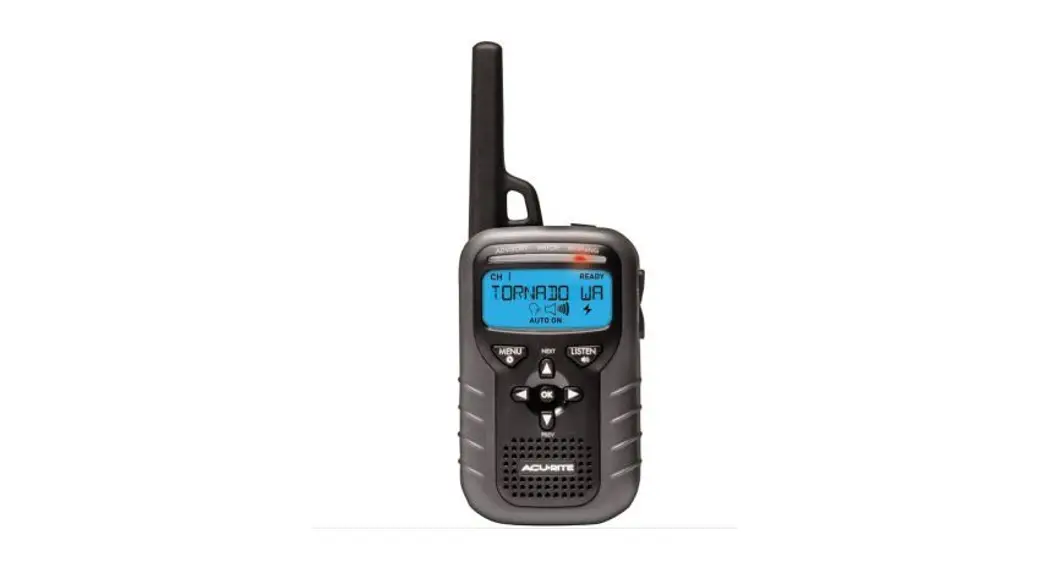
AcuRite 08550 Portable Weather Alert Radio User Guide
AcuRite 08550 Portable Weather Alert Radio

Quick Start Guide

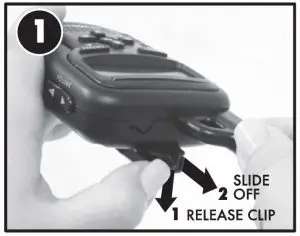
  1. REMOVE BELT CLIP
    REMOVE BELT CLIP
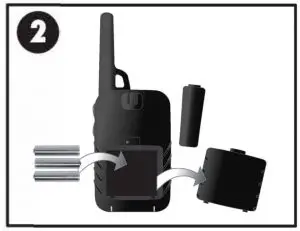
  2. INSERT BATTERIES
    INSERT BATTERIES
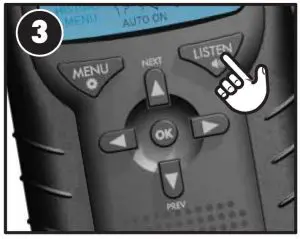
  3. PRESS “LISTEN” TO SILENCE
    PRESS "LISTEN" TO SILENCE
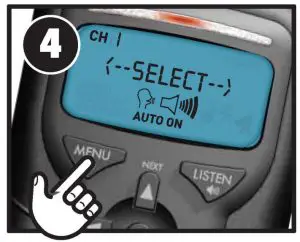
  4. PRESS MENU
    PRESS MENU
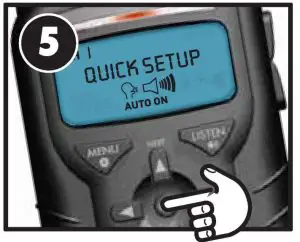
  5. ENTER QUICK SETUP
    QUICK SETUP
  6. ENTER FIPS CODE
    ENTER FIPS CODE
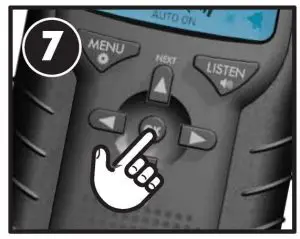
  7. SCAN FOR CHANNEL
    SCAN FOR CHANNEL
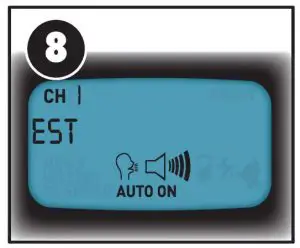
  8. ENTER TIME ZONE
    ENTER TIME ZONE
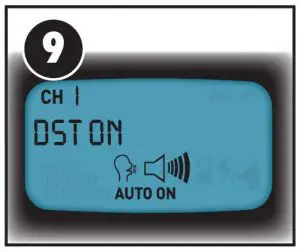
  9. DAYLIGHT SAVING T
    DAYLIGHT SAVING TIME
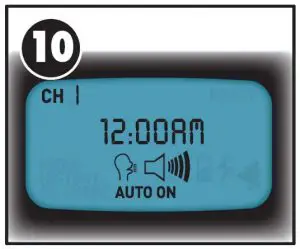
  10. ENTER CURRENT TIME
    ENTER CURRENT TIME
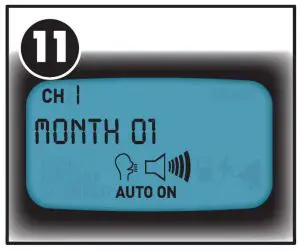
  11. ENTER CURRENT DATE
    ENTER CURRENT DATE

To explore other features, as well as safety and care instructions, we encourage you to read through the full user manual.
 

Documents / Resouces

Download manual
Here you can download full pdf version of manual, it may contain additional safety instructions, warranty information, FCC rules, etc.


Related Manuals