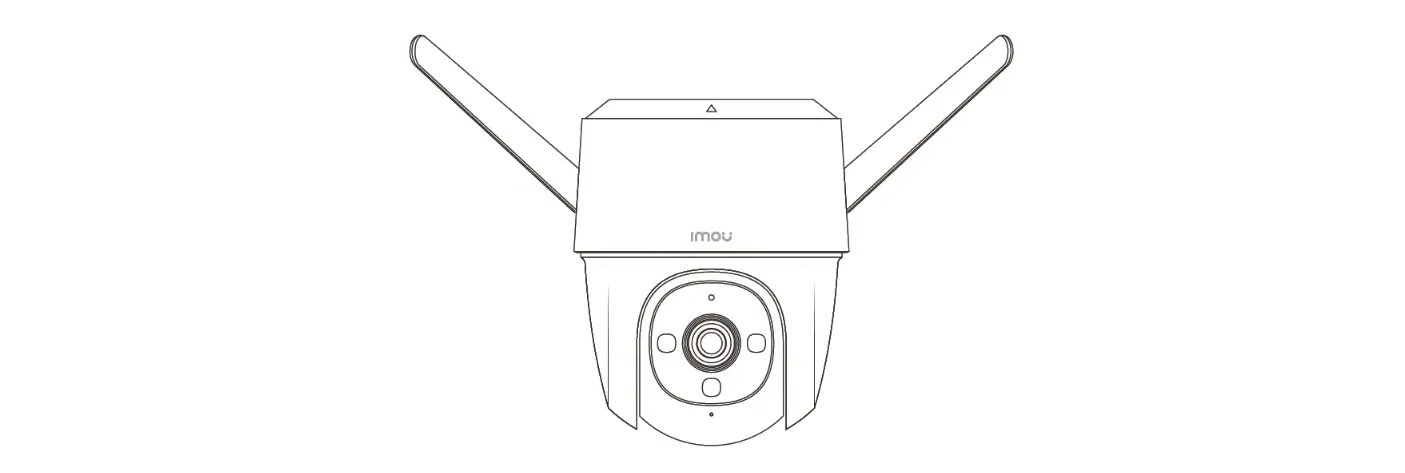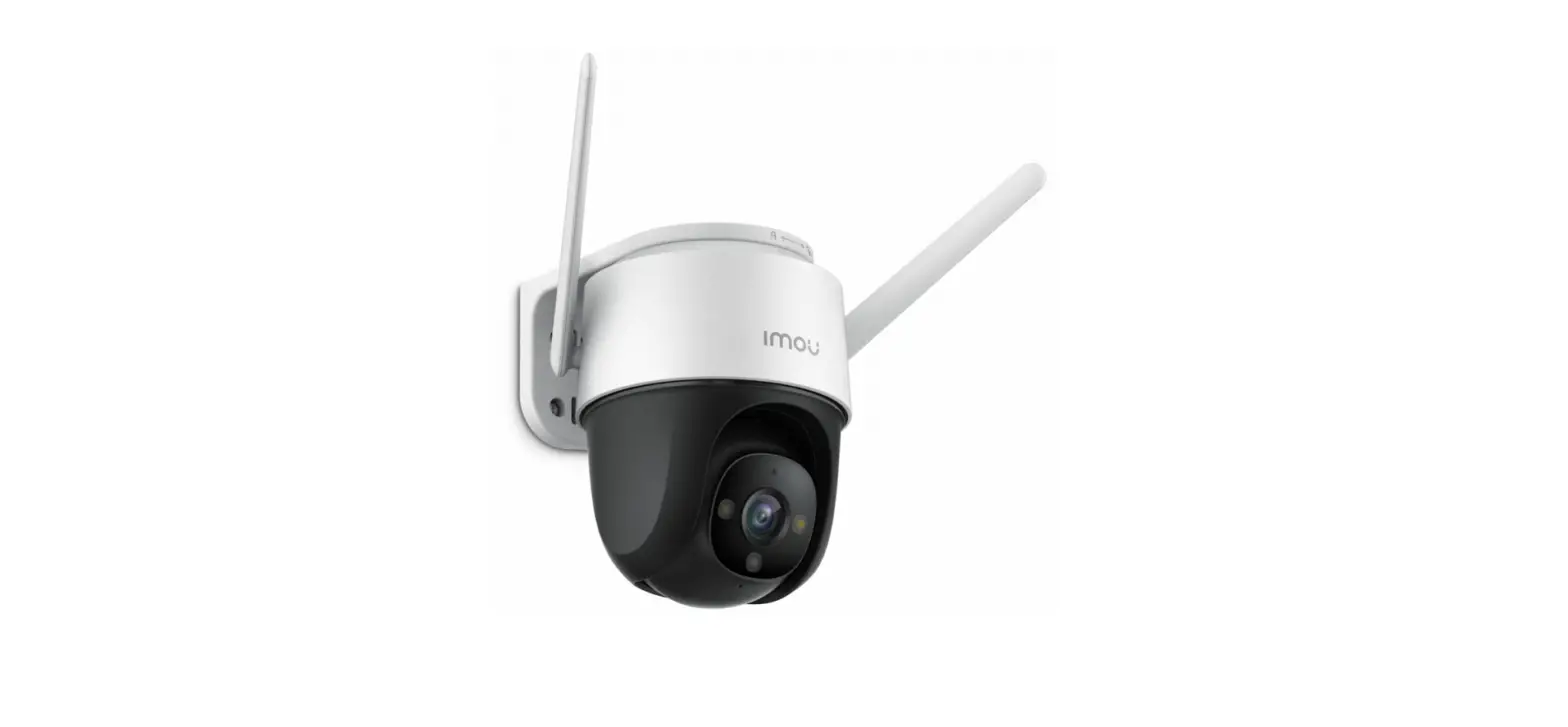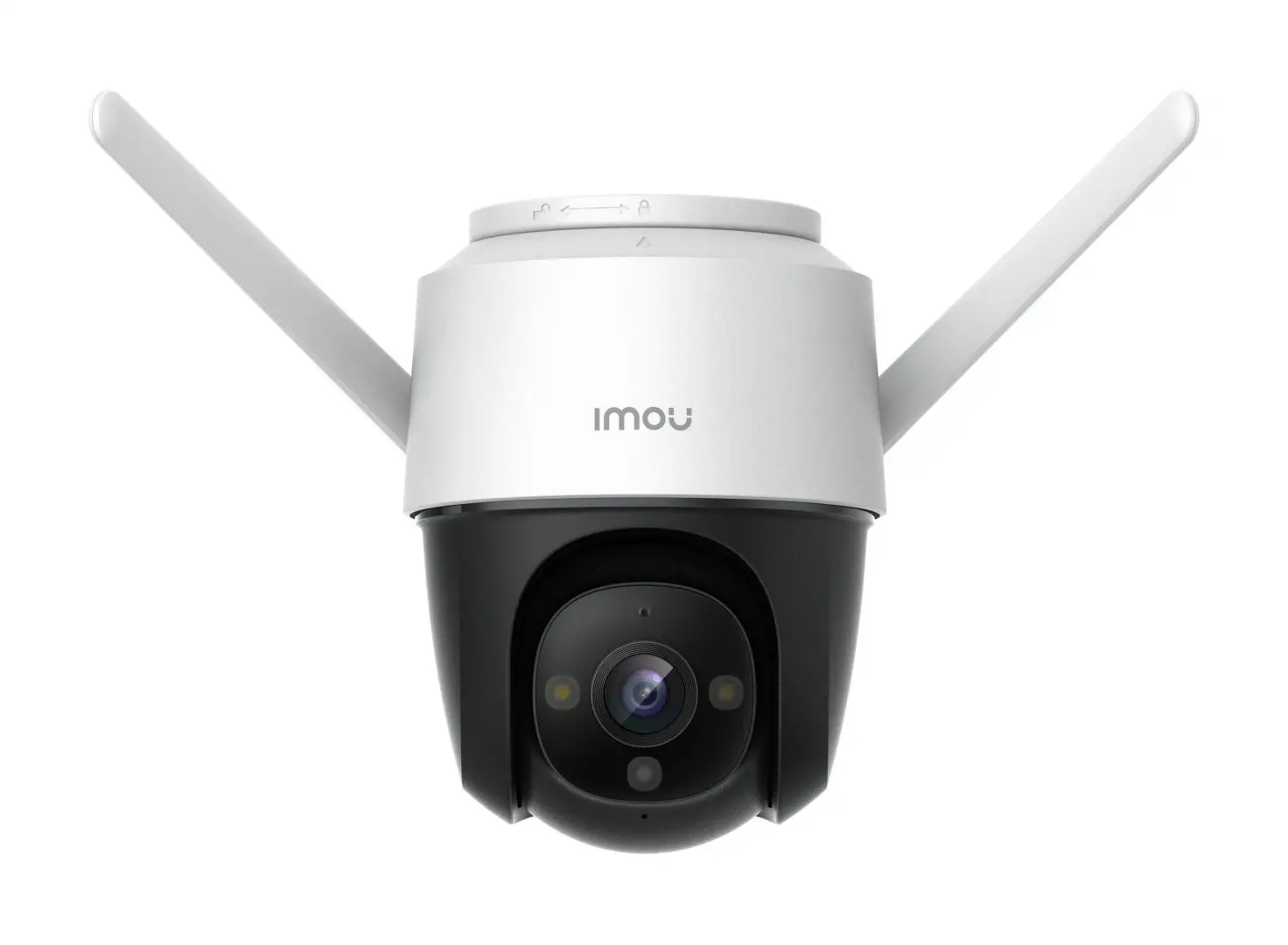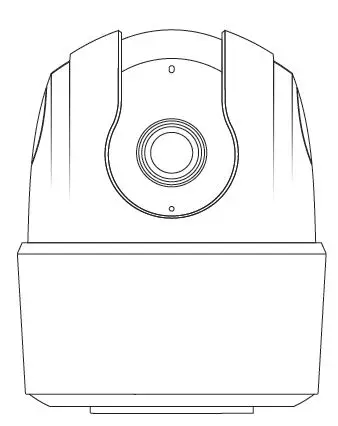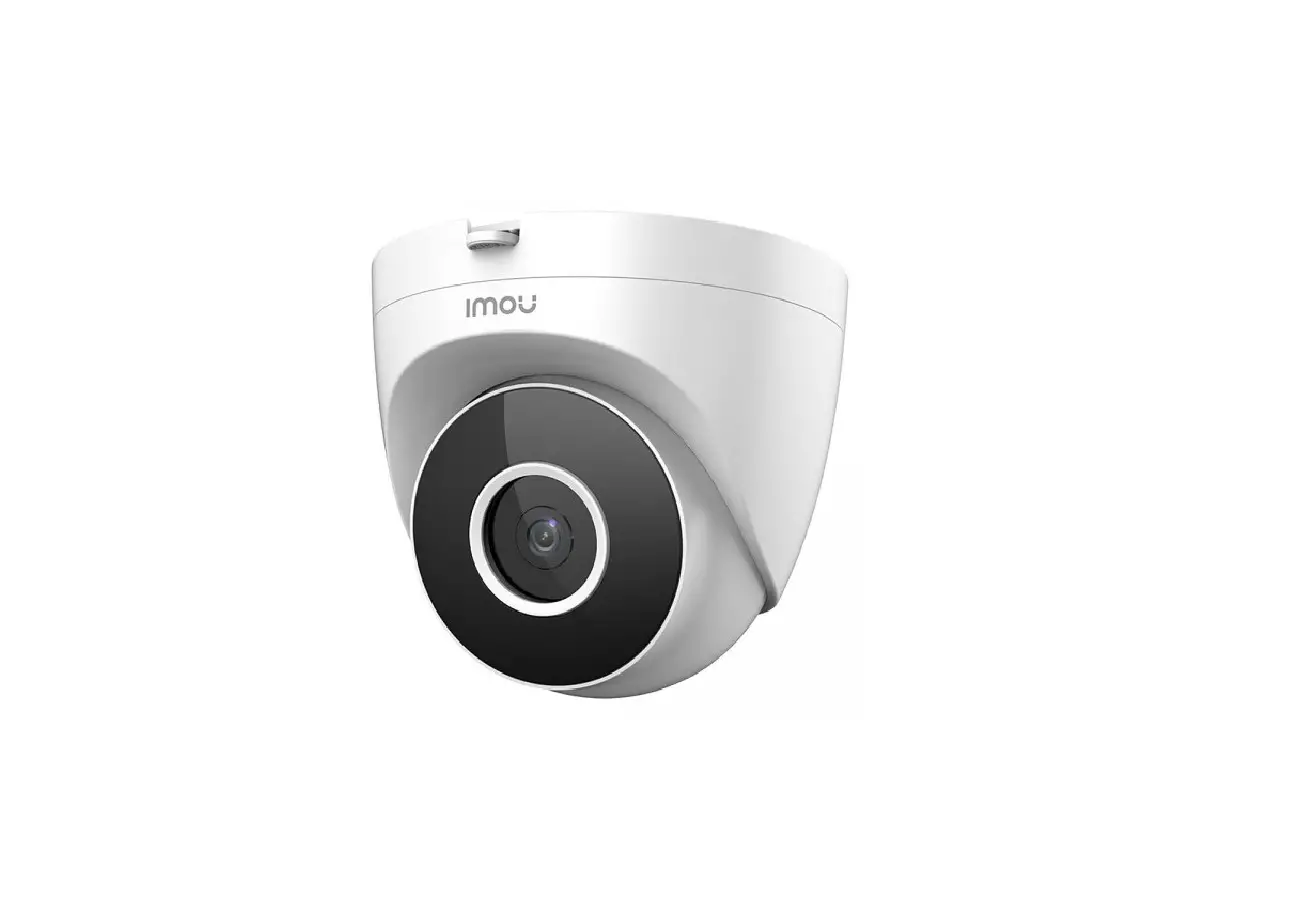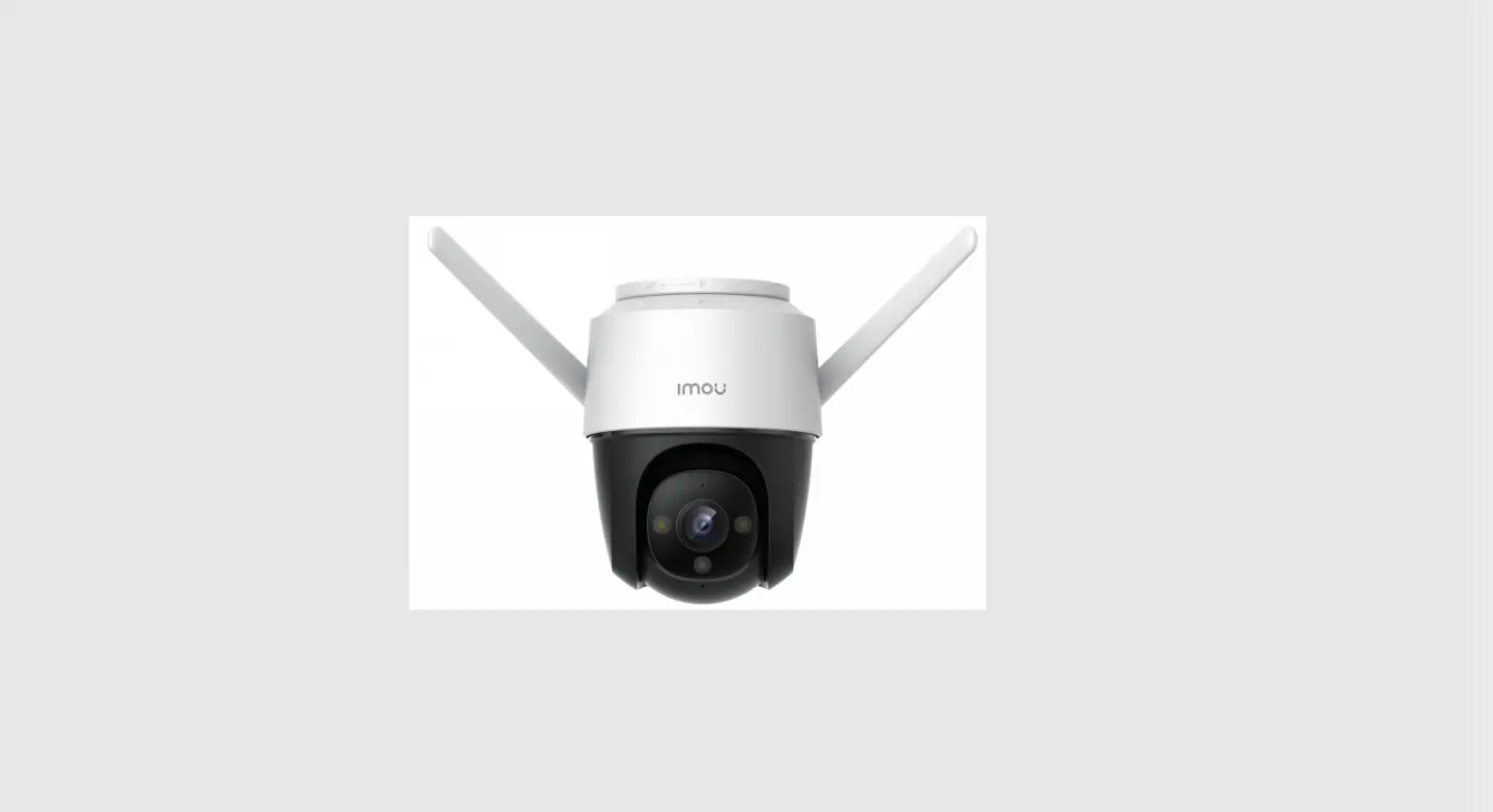

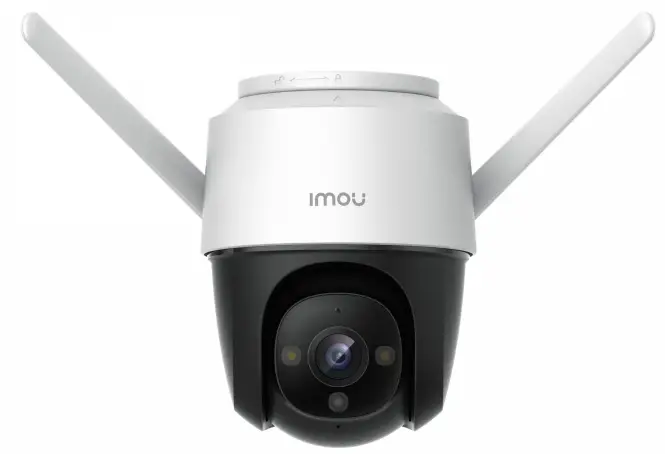
IMOU H.265 Wi-Fi P and T Camera Cruiser 
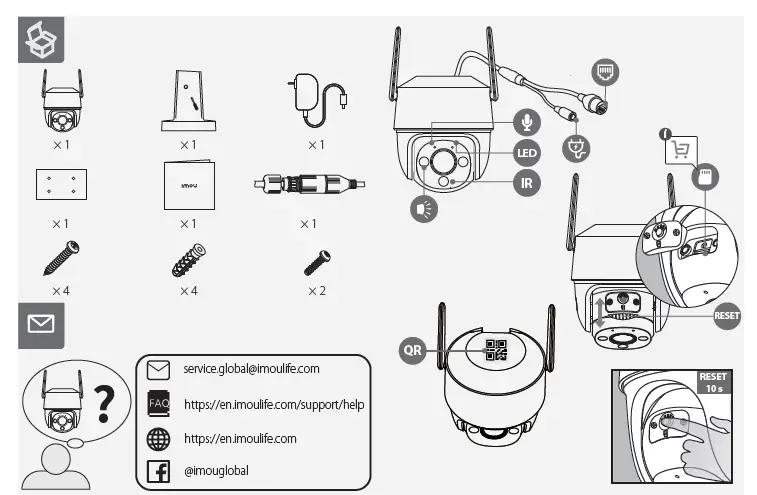
WHAT IN THE BOX
INSTALLATION
PRODUCT INSTRUCTIONS
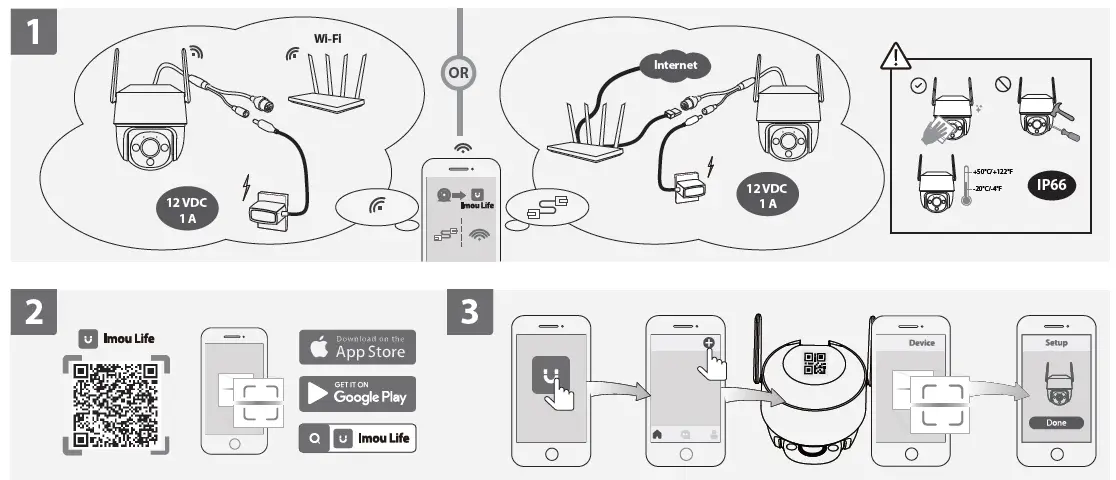
- Power On the Camera
Connect the camera to power. You can choose wireless or wired network connection (see part 1). - Get the Imou Life App
Scan the QR code on part 2 or search for “Imou Life” to download and install the app. Create an account and log in. - Set Up the Camera
Scan the QR code on the body of the device or on the cover of this guide with the app, and then follow on-screen instructions to complete the setup (see part 3). - Install the Camera
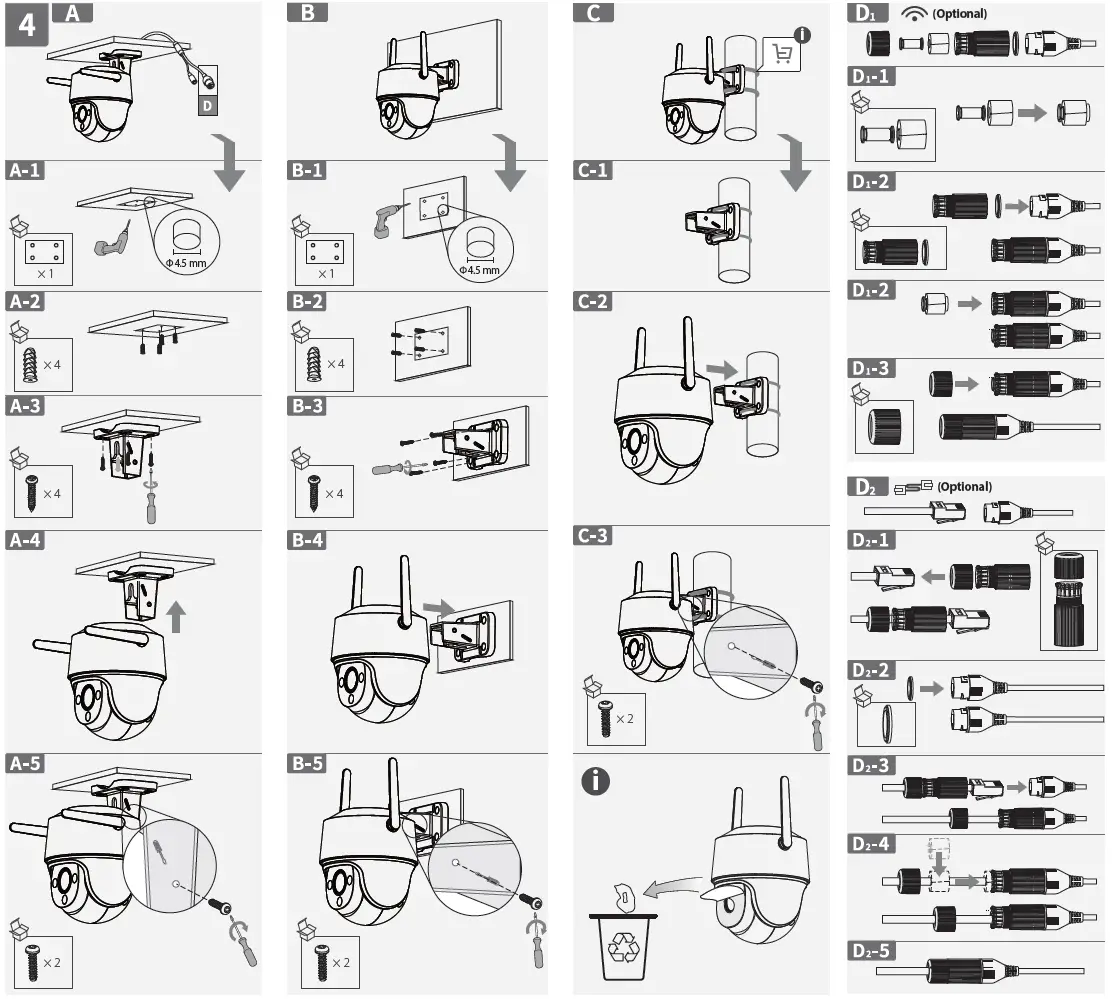
Make sure the mounting surface is strong enough to hold three times the weight of the camera. For a detailed installation process, please see part 4.
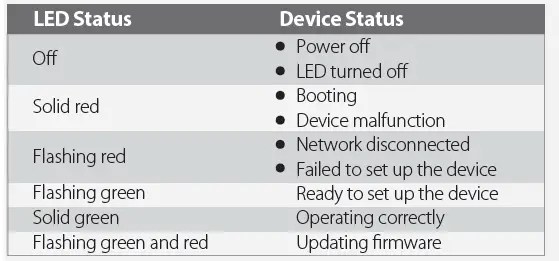
In case you need to reset the camera, press and hold the reset button for 10 s until the LED turns solid red.
 Imou | Enjoy Smart Life