Solos Airgo Battery Temple Kit User Manual

Solos Airgo Battery Temple Kit User Manual

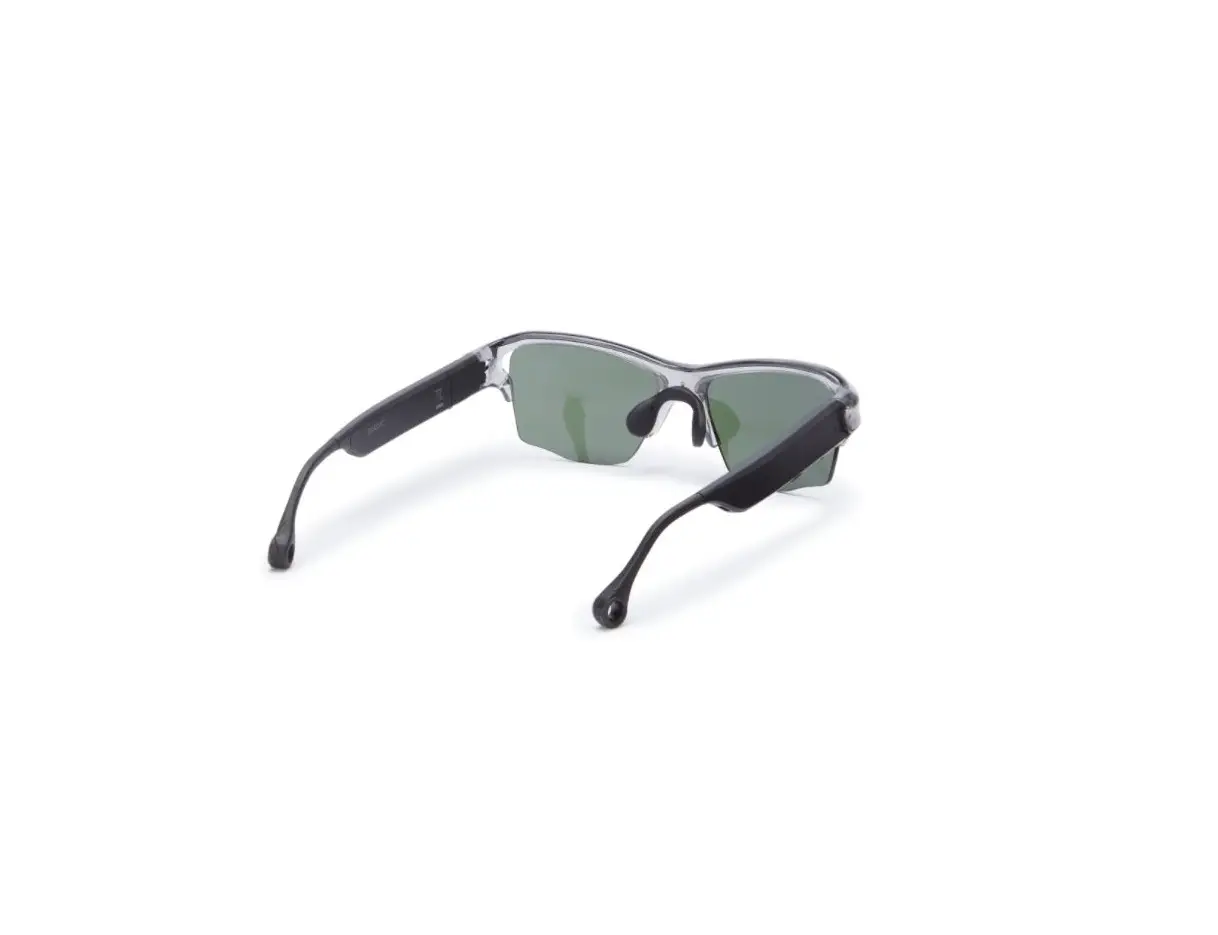
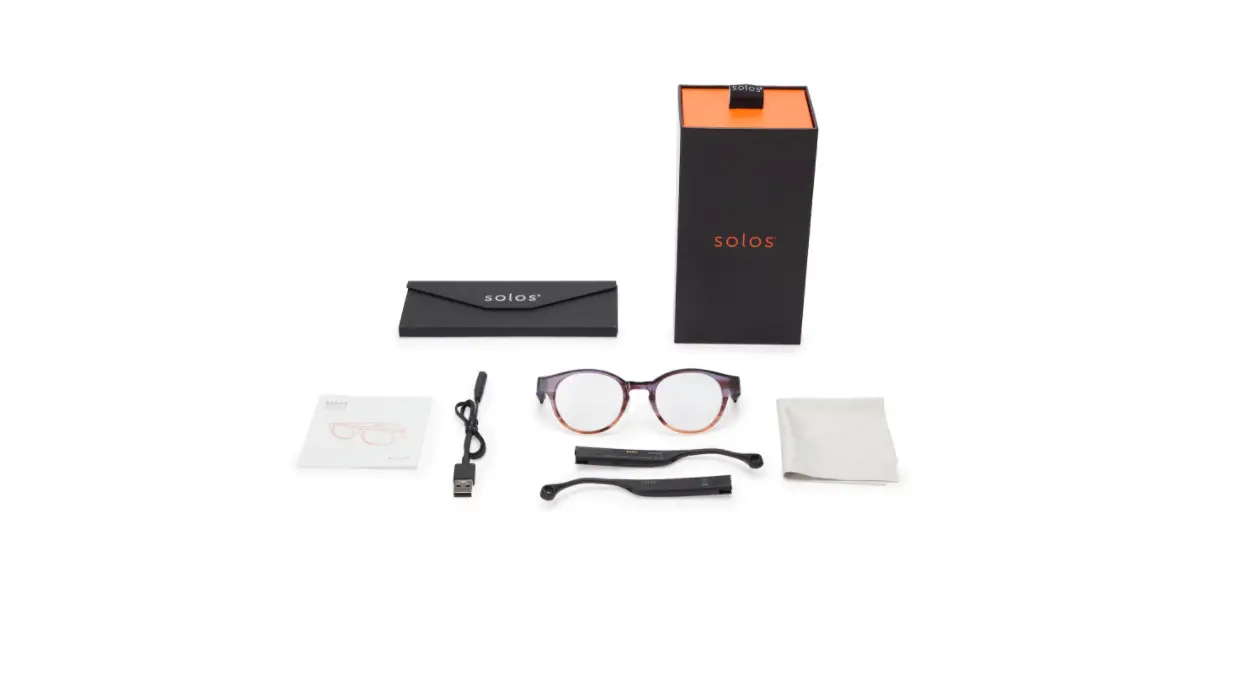
solos AirGo Battery Temple Kit 
User Manual
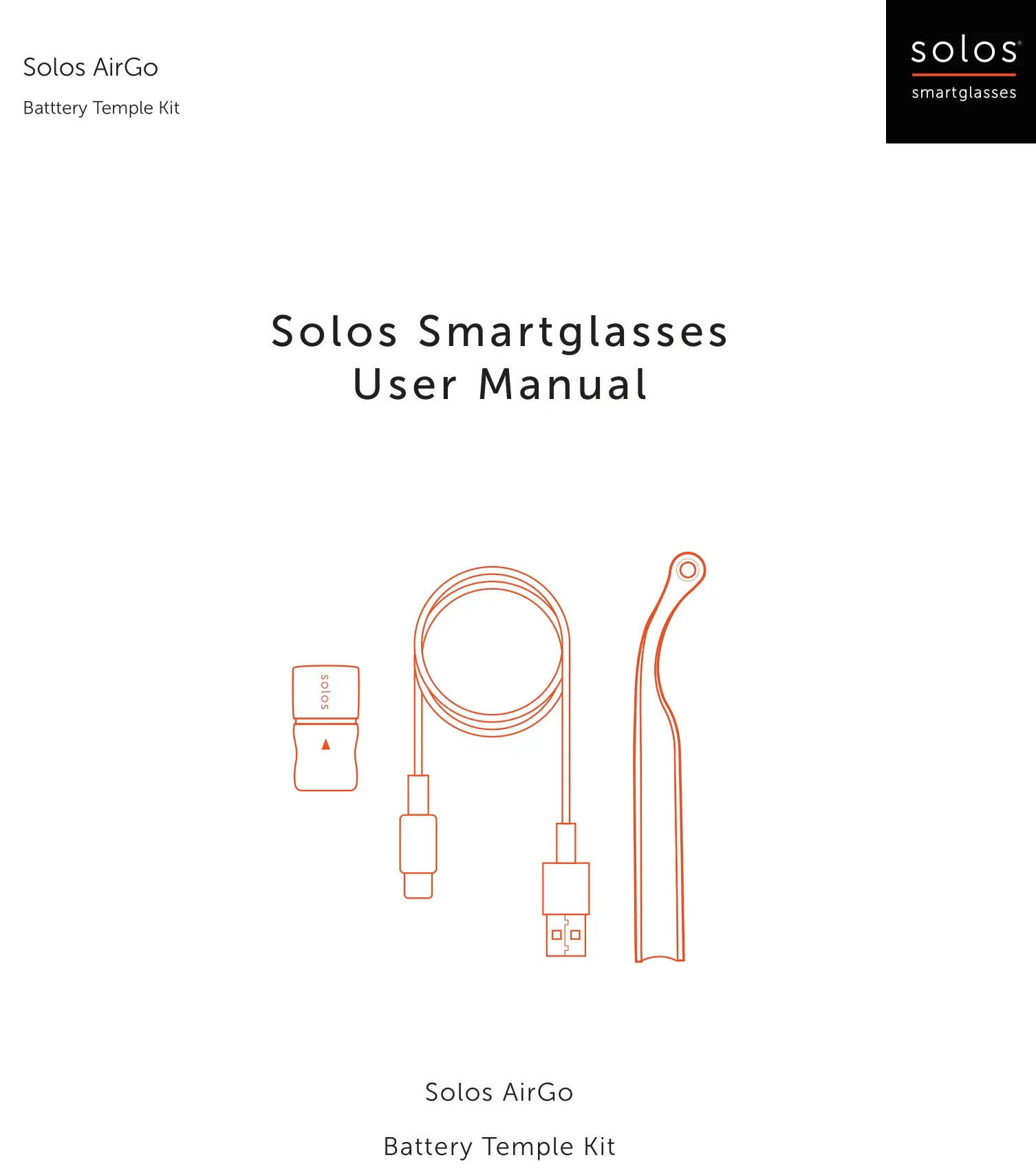
solos AirGo Battery Temple Kit User Manual
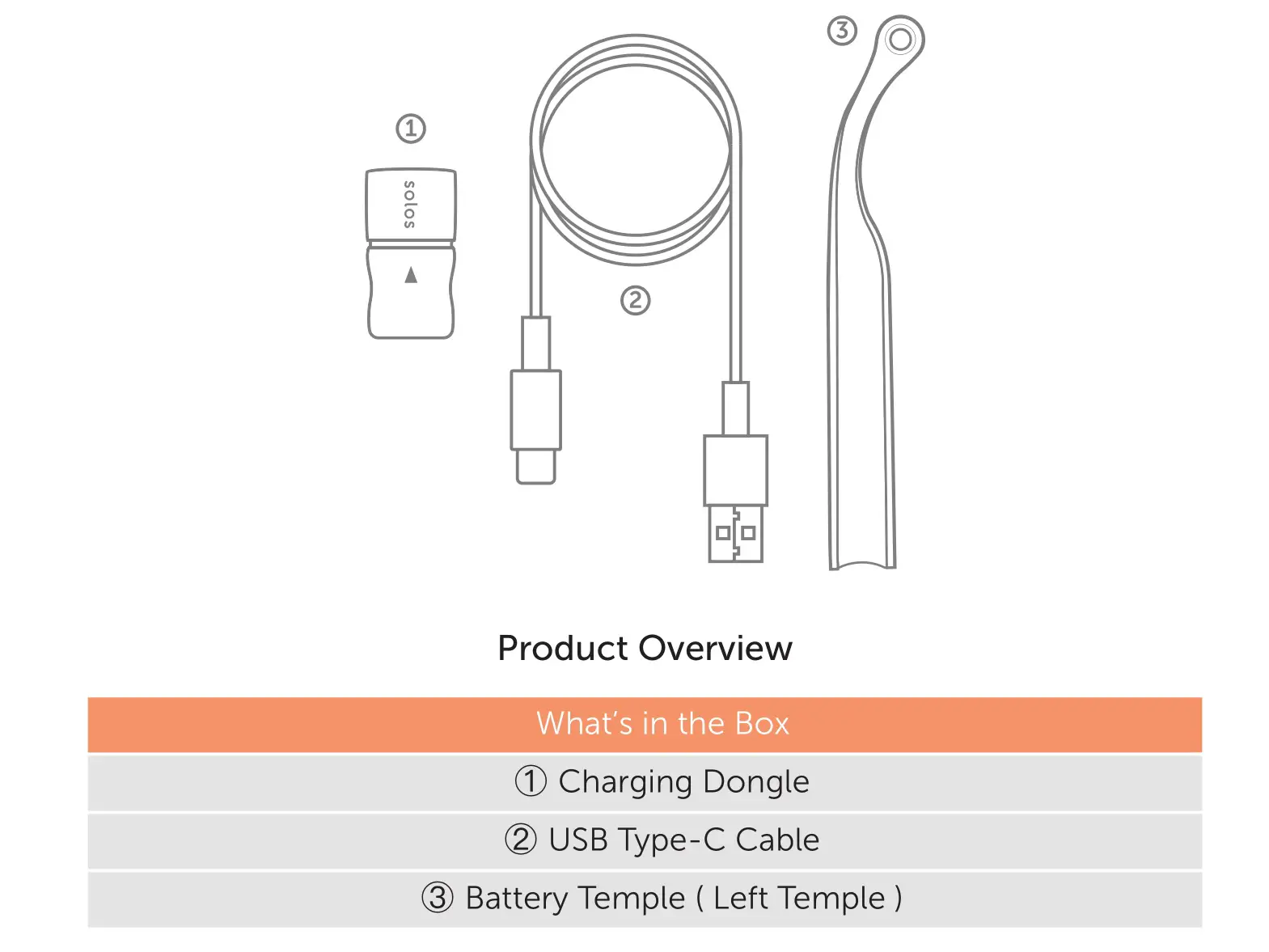
solos AirGo Battery Temple Kit - Product Overview

How to charge Solos Smartglasses with battery temple kit?

Step 1 Plug the USB Type-C cable’s USB-A connector into a power source’s USB-A port.

solos AirGo Battery Temple Kit - Step 1 Plug the USB Type-C cable’s USB-A connector into a power source’s USB-A port

Step 2 Plug the USB Type-C Cable’s Type-C connector into the Type-C port of the charging dongle

solos AirGo Battery Temple Kit - Step 2 Plug the USB Type-C Cable’s Type-C connector into the Type-C port of the charging dongle

Step 3 Plug the battery temple (the left temple) into the charging dongle

solos AirGo Battery Temple Kit - Step 3 Plug the battery temple (the left temple) into the charging dongle

When the red light is on, the battery temple is being charged.

solos AirGo Battery Temple Kit - When the red light is on, the battery temple is being charged.

Until the light turns to blue, the battery temple is fully charge.

solos AirGo Battery Temple Kit - Until the light turns to blue, the battery temple is fully charge

Step 4 When the temple is fully charged, pull out the battery temple and connect it back to the smart glasses. The smart glasses have been filled up with power.

solos AirGo Battery Temple Kit - Step 4 When the temple is fully charged

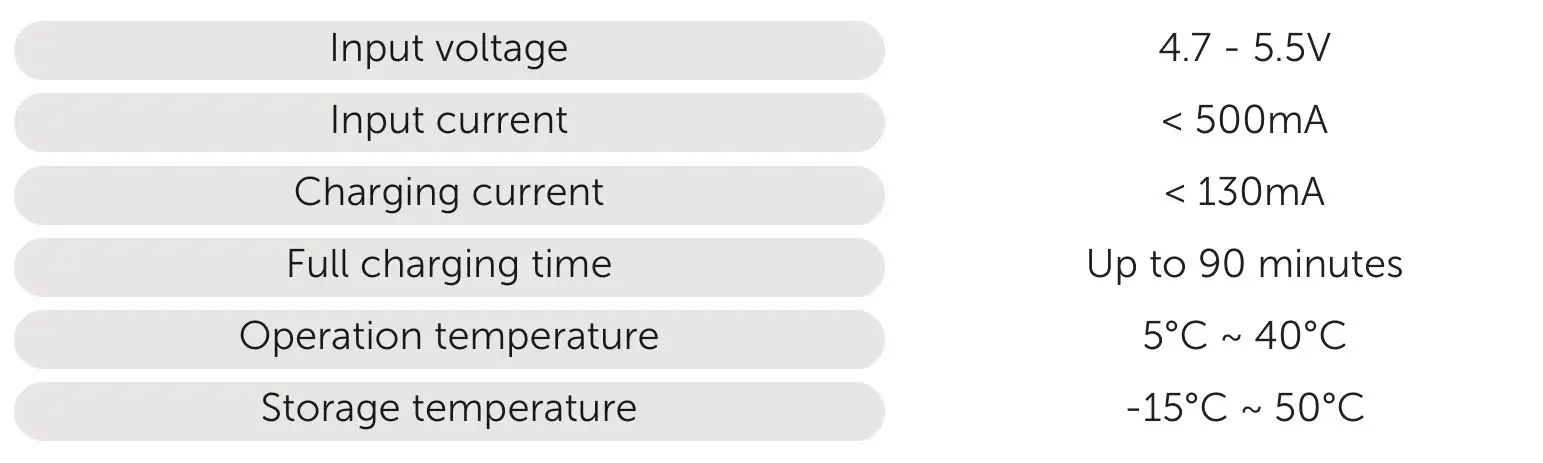
Specification

solos AirGo Battery Temple Kit - Specification

Documents / Resouces

Download manual
Here you can download full pdf version of manual, it may contain additional safety instructions, warranty information, FCC rules, etc.


Related Manuals