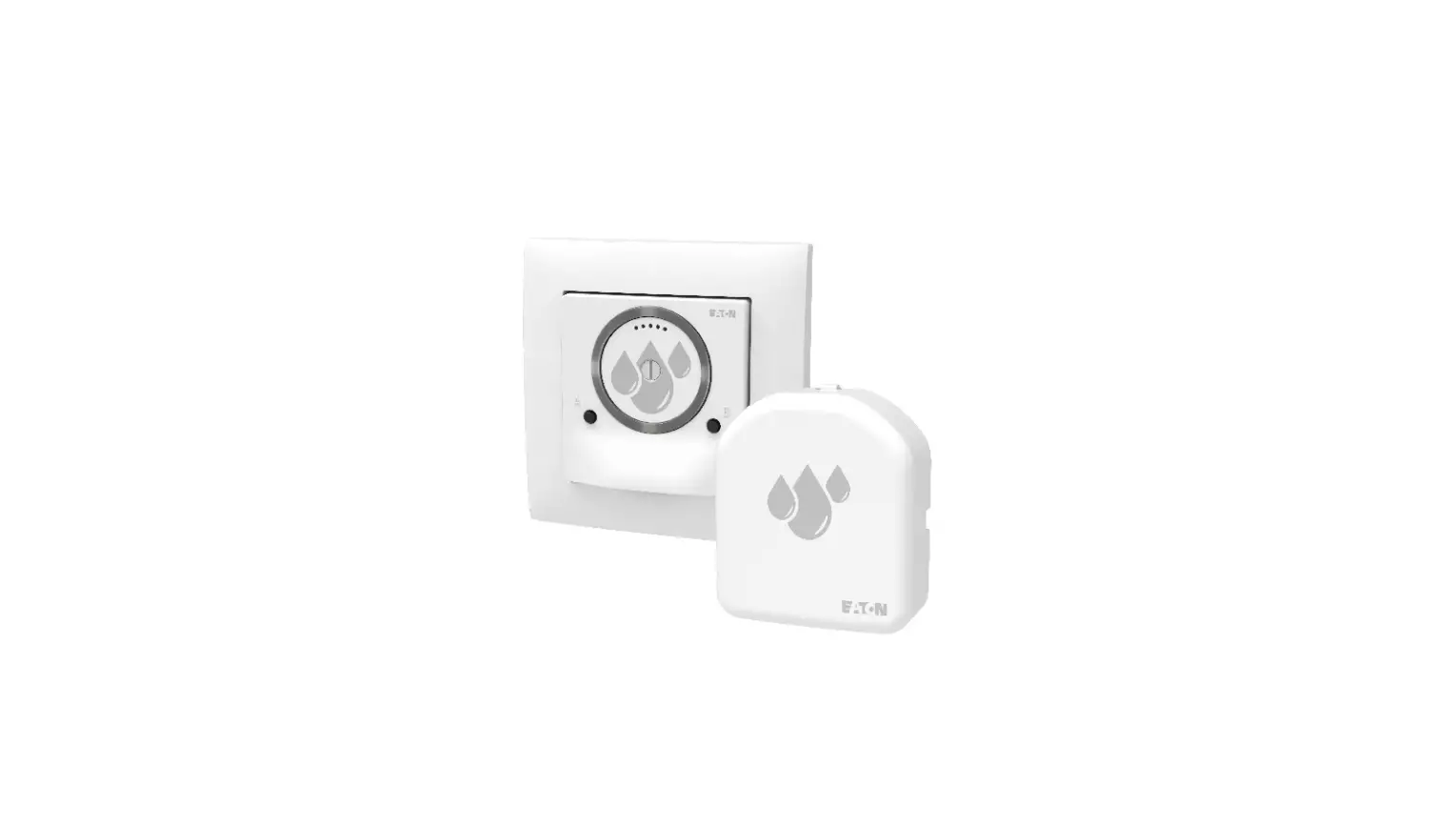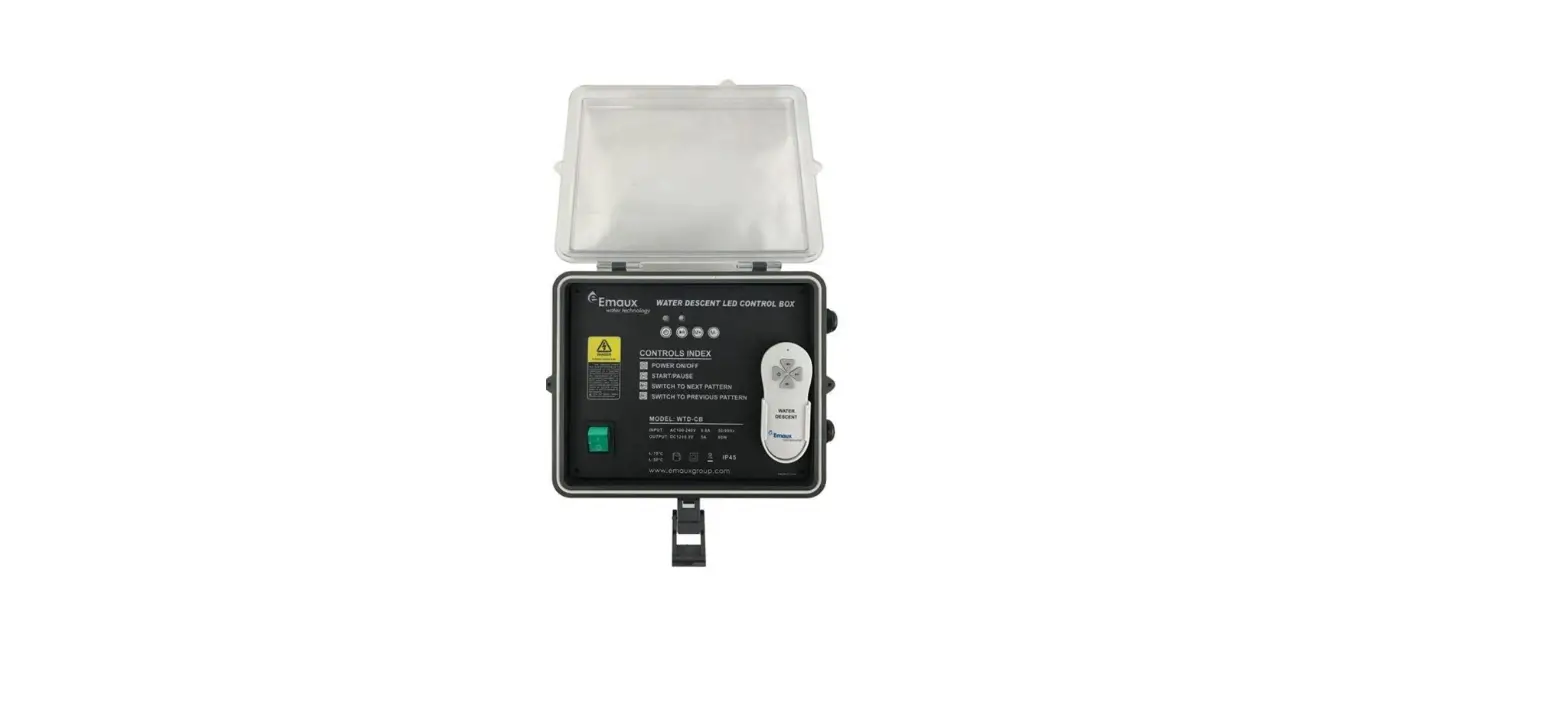

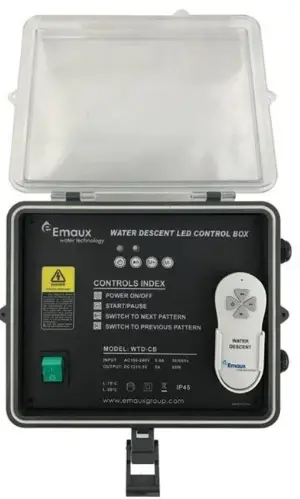
Emaux WTD-CB Water Descent Control Box
PART LIST
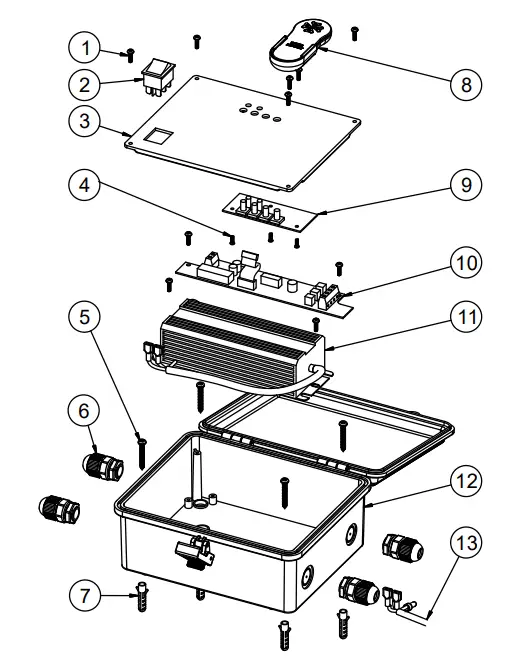
| Item No. | Part No. | Product Description | QTY |
| 1 | 03011007 | M4×12 Screws | 8 |
| 2 | 04014054 | Lighted Switch | 1 |
| 3 | 01360015 | Panel Board | 1 |
| 4 | 03011196 | M3×6 Screws | 5 |
| 5 | 03011023 | M5×35 Screws | 4 |
| 6 | 04014013 | Cable Gland | 4 |
| 7 | 87013019 | Plastic Fitting | 4 |
| 8 | 89480103 | Remote control with Battery | 1 |
| 9 | 04014094 | Control Panel Cover | 1 |
| 10 | 04014095 | Control Panel | 1 |
| 11 | 04012082 | Transformer with Wiring Cap | 1 |
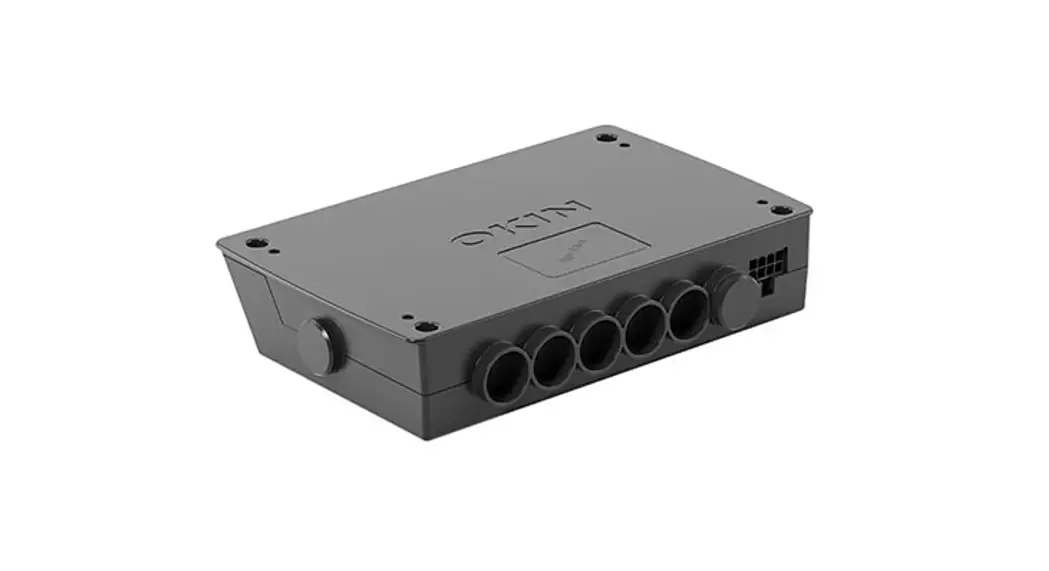
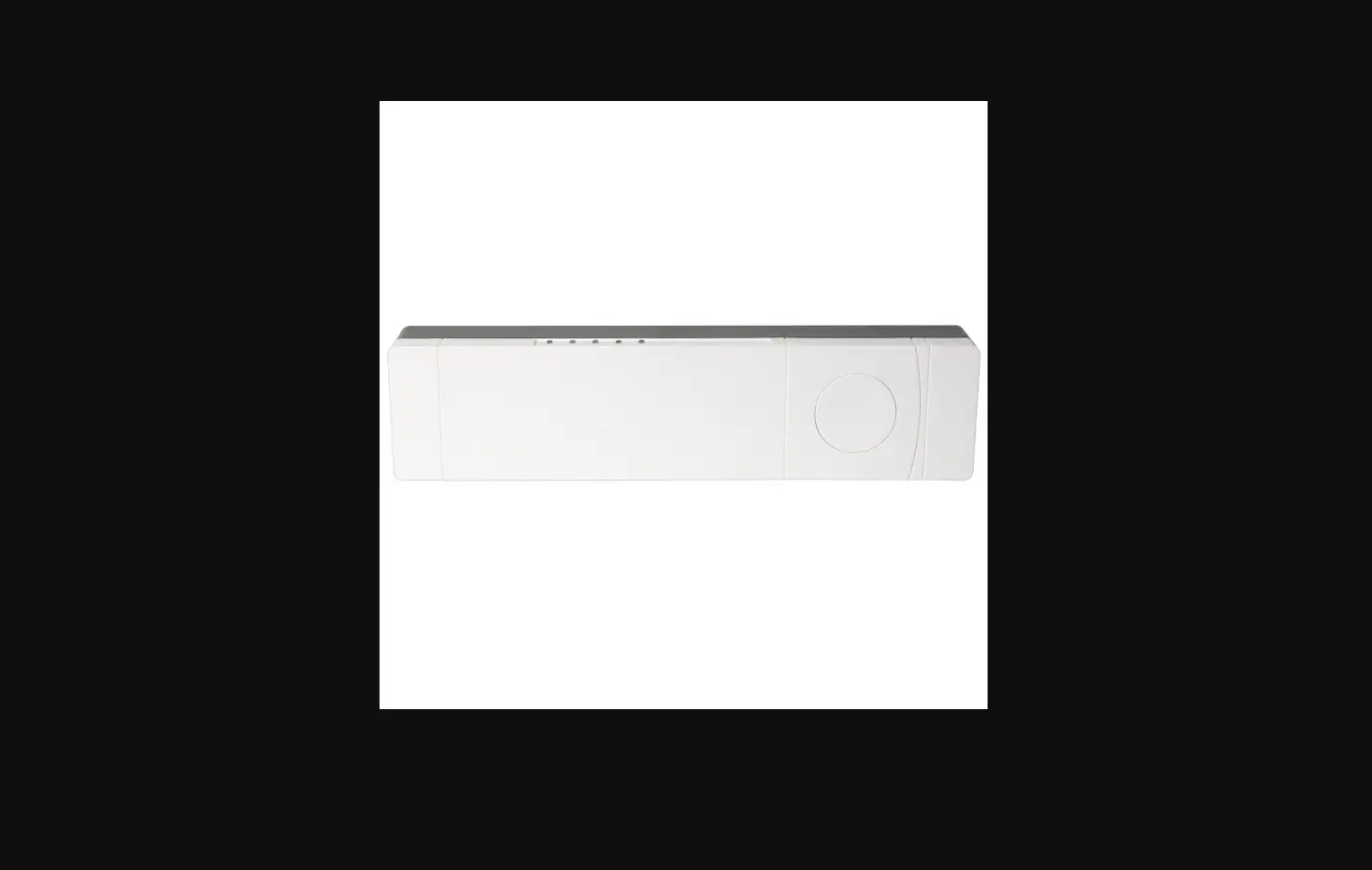
| 12 | 89480101 | Control Box | 1 |
| 13 | 89480102 | Cable with Wiring Cap | 1 |
WATER DESCENT CONTROL BOX
Model: WTD-CB
Keep this manual safe for future reference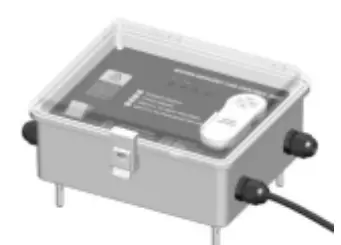
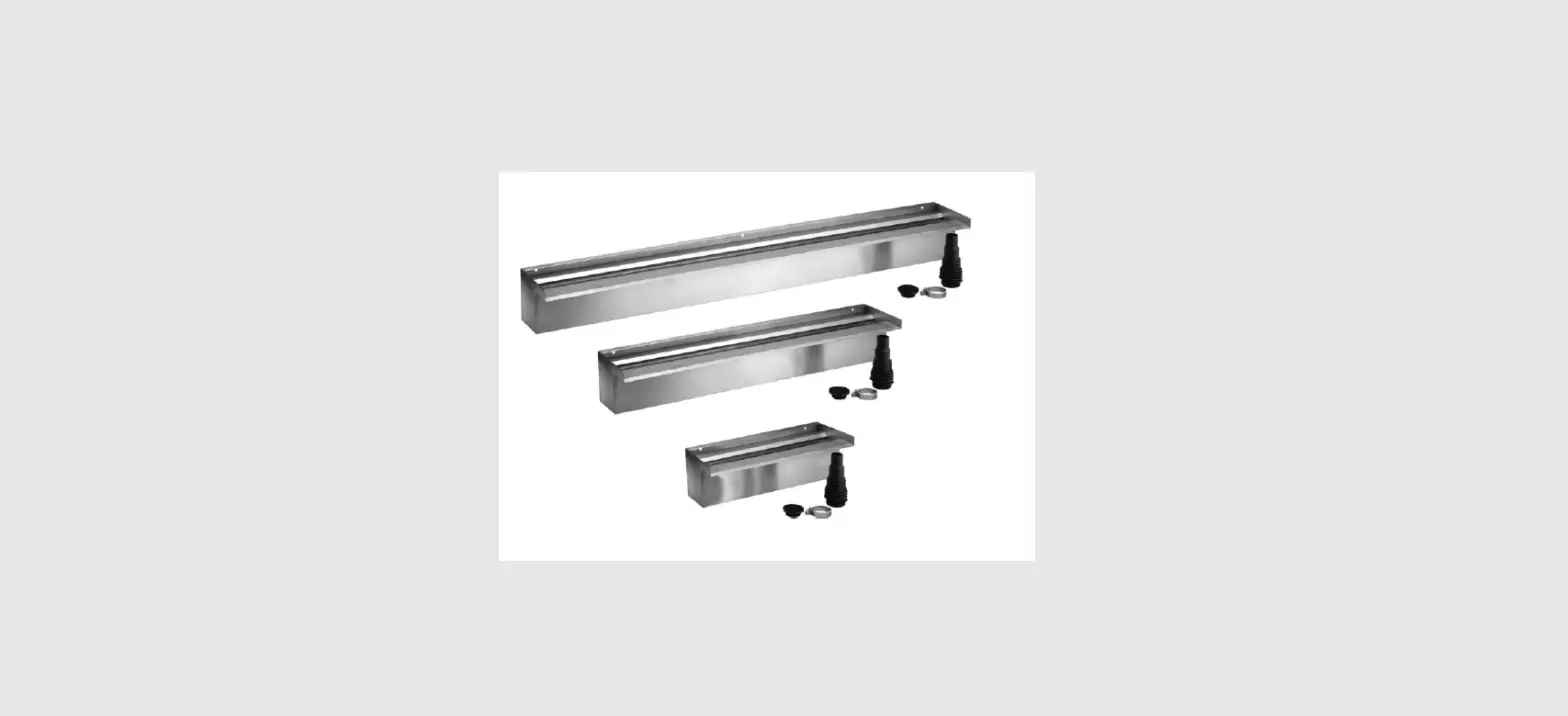
APPLICABLE FOR EMAUX WATER DESCENTS:
PB300-25(L)/PB600-25(L)/PB900-25(L)/PB1200-25(L) PB300-150(L)/PB600-150(L)/PB900-150(L)/PB1200-150(L) PB300-230(L)/PB600-230(L)/PB900-230(L)/PB1200-230(L)
Warning:
This electrical control box must be installed by a licensed or certified electrician or a qualified serviceman in accordance to the requirements of your government standard or local authorities. Improper installation will create electric hazards which could result in serious injury, death as well as damage to the property.
CUT THE POWER BEFORE SERVICE AND MAINTAINANCE!
INSTALLATION EXPLAIN
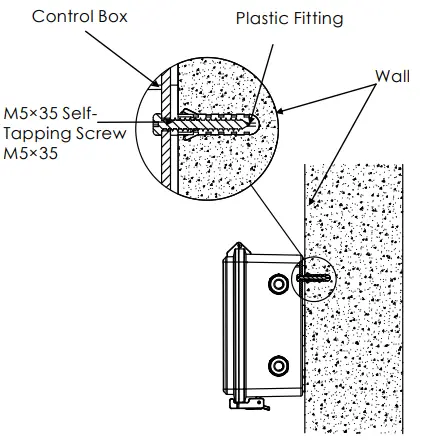
- Remove the Panel from the Control Box, position the box to the desired fitting place and mark on the wall with the location of the drilled holes, then drill 4 holes of ø8mm on the marked position and insert a plastic fitting, secure the box by fastening 4 screws of M5x35 to the plastic fittings(See diagram below).
- Feed the LED lights Cable through the cable gland(s) and connect the cable as shown in the Control Box Wiring Diagram. Reassemble the panel cover and secure the Panel by fastening 4 screws of M4x12.
- If multiple Water Descents are being installed, the pre-set holes on the side of the Control Box can be used.
CONTROL BOX INSTALLATION DIAGRAM
SPECIFICATIONS
| Working Temperature | -20~+40? |
| Input | AC 100-240V; 50/60Hz |
| Output | DC 12V, 60W |
| Frequency RF | 433MHz |
CONTROL BOX WIRING DIAGRAM
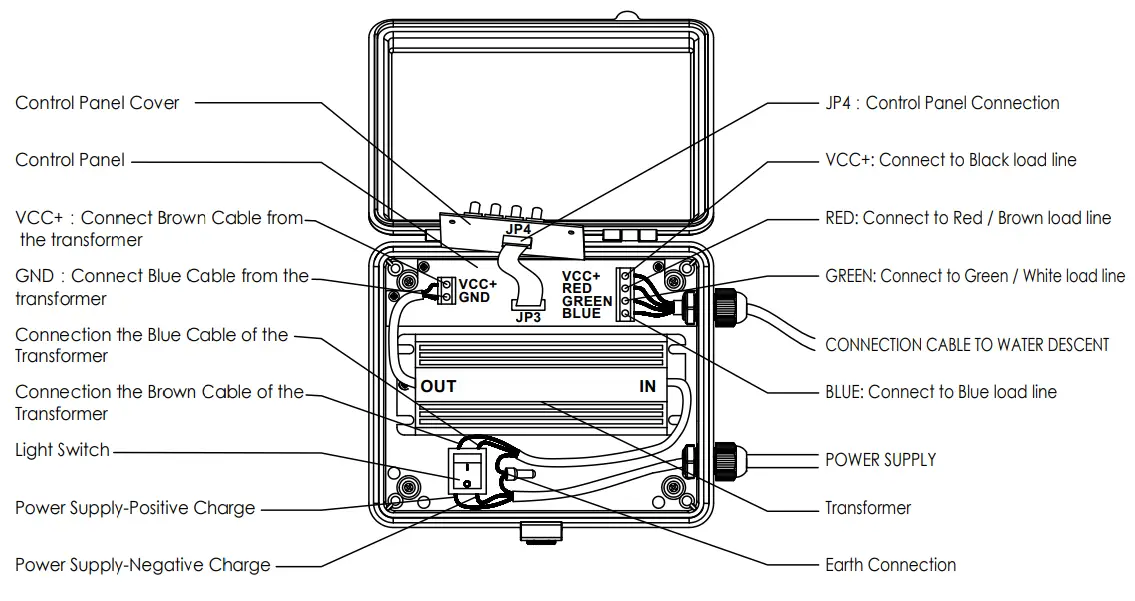
Warning: load of the control box should not exceed 60W. CONTROLS INDEX

PATTERN TABLE
| No. | PATTERNS | REMARKS |
| 1 | Static white | |
| 2 | Static blue | |
| 3 | Static green | |
| 4 | Static cyan | |
| 5 | Static purple | |
| 6 | Static yellow | |
| 7 | Three-color change | Red, Green, Blue |
| 8 | Seven-color change | White, Red, Yellow, Blue, Green, Cyan, Purple |
| 9 | Seven-color gradual change(Fast) | White, Red, Yellow, Blue, Green, Cyan, Purple |
| 10 | Seven-color gradual change(Slow) | White, Red, Yellow, Blue, Green, Cyan, Purple |
The setting of the Remote Control
Operation distance for the remote control is 25m.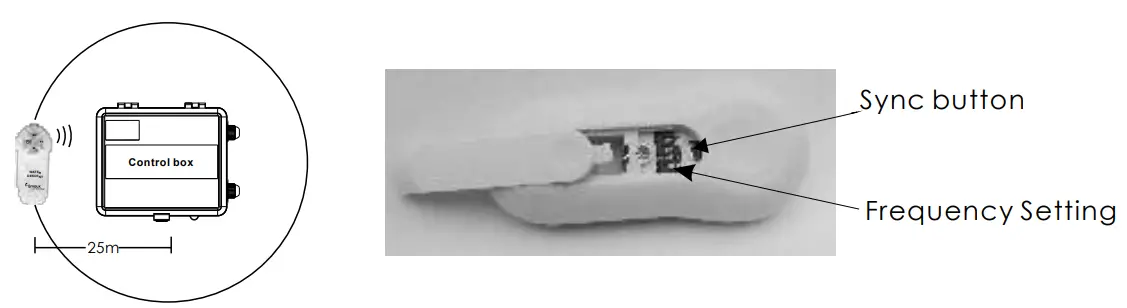
Each control box is associated with a remote control. To use a single remote to control a multiple number of control boxes, you would need to configure the Frequency at the back of the remote control. The Frequency of the Remote would then need to be synced with all the control boxes.
- Slide open the back of Remote Control
- Set the Frequency
- Turn on Control Box(es)
- Sync the Remote to the Control Box(es)
- Press the Sync Button until the lights on the Control Boxes turn on
If you have multiple control boxes and you want to use a remote control for a specific control box, you must set the Frequency on the remote control to a unique combination.
- Slide open the back of Remote Control
- Set a unique Frequency on the Remote Control
- Turn on the Control Box associated with that particular Remote Control
- Sync the Remote to the Control Box
- Press the Sync Button until the lights on the Control Box turn on
- Once synced, turn off the control box and move to the next set of Control Box and Remote. Repeat above steps.