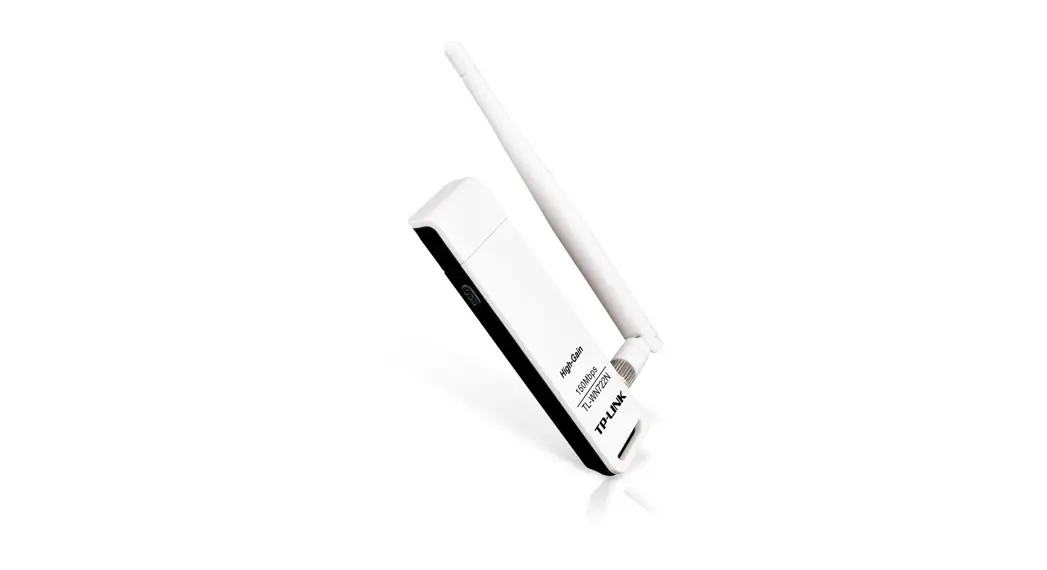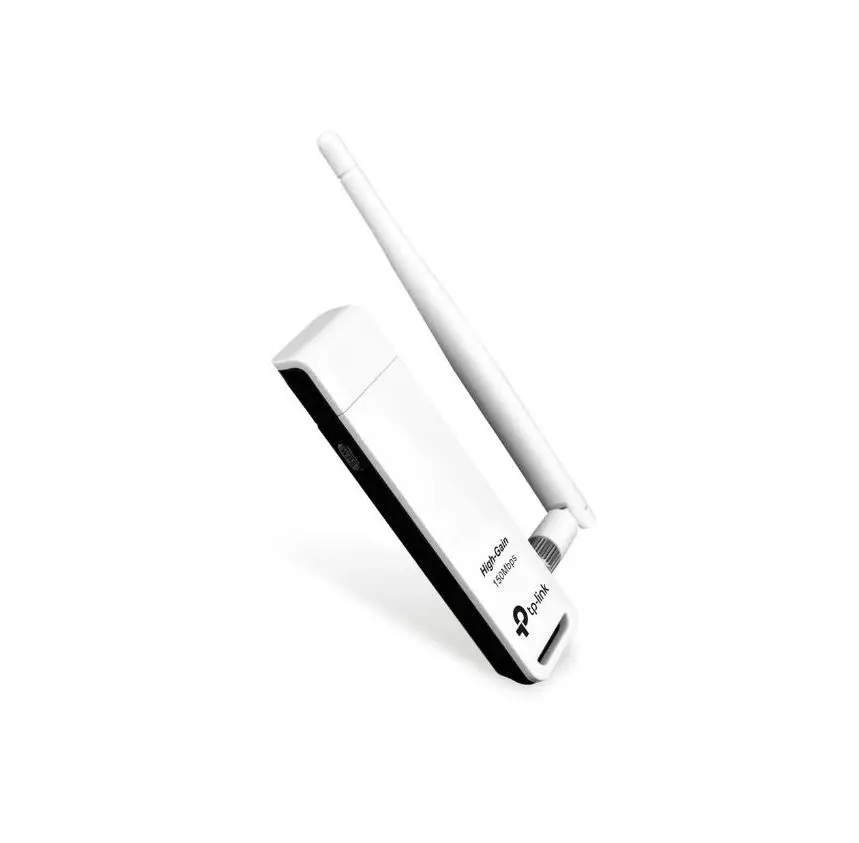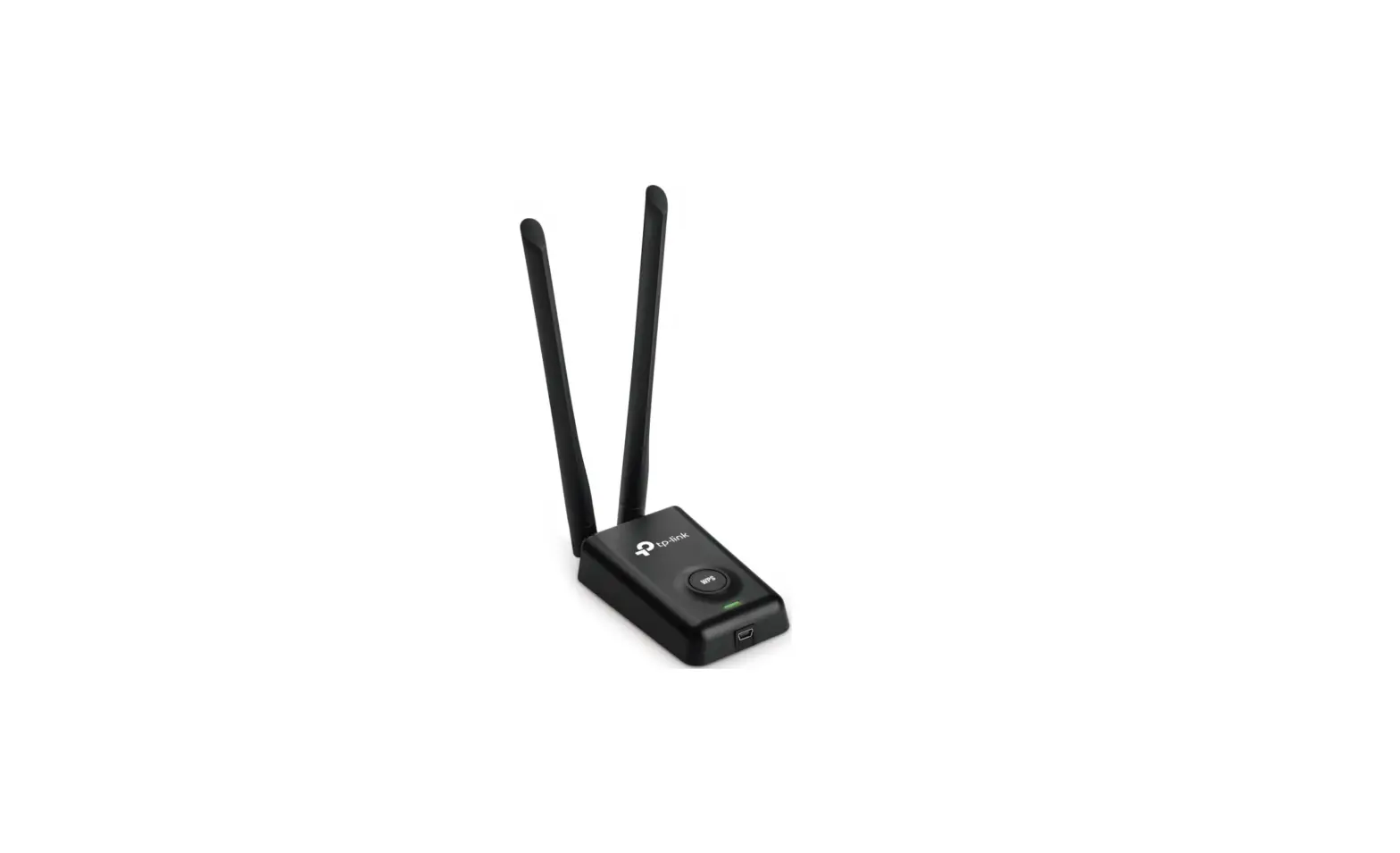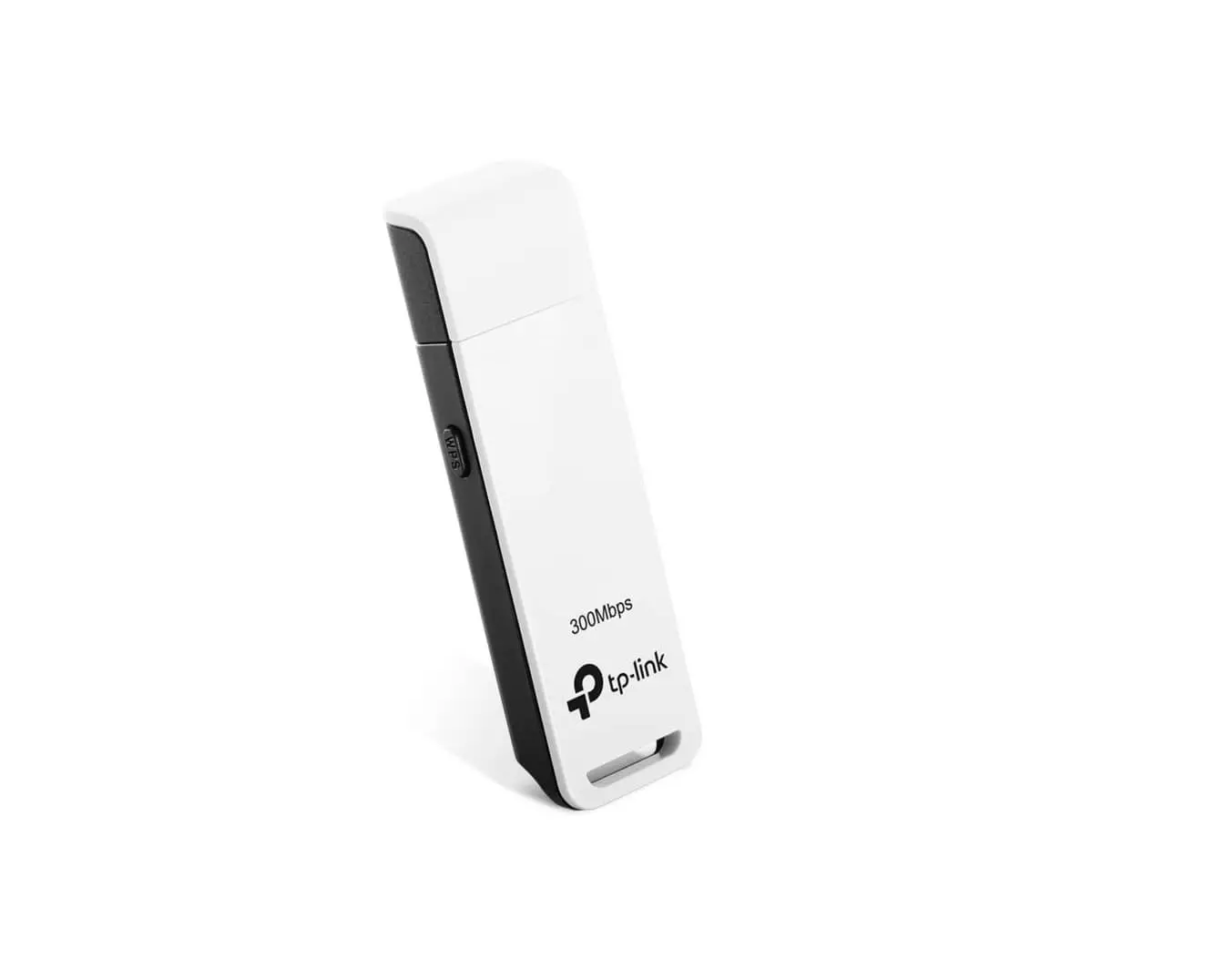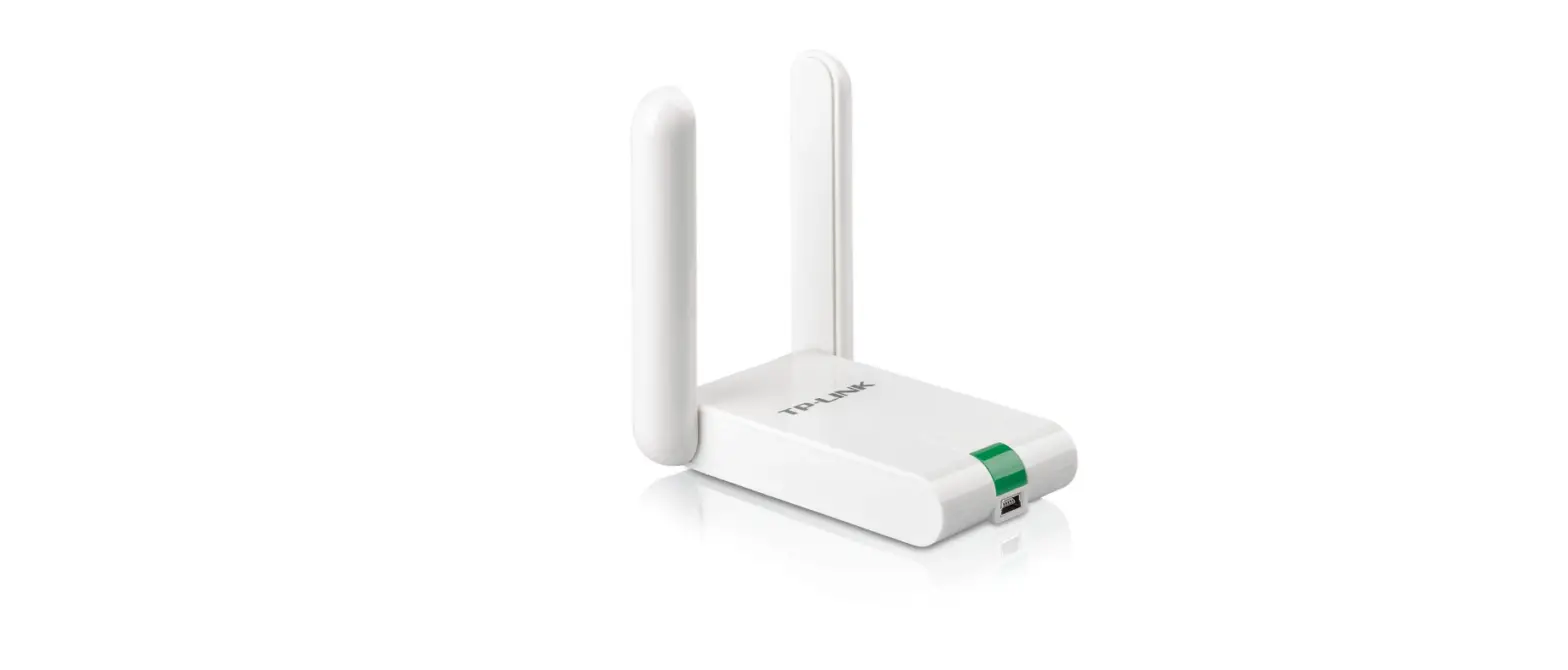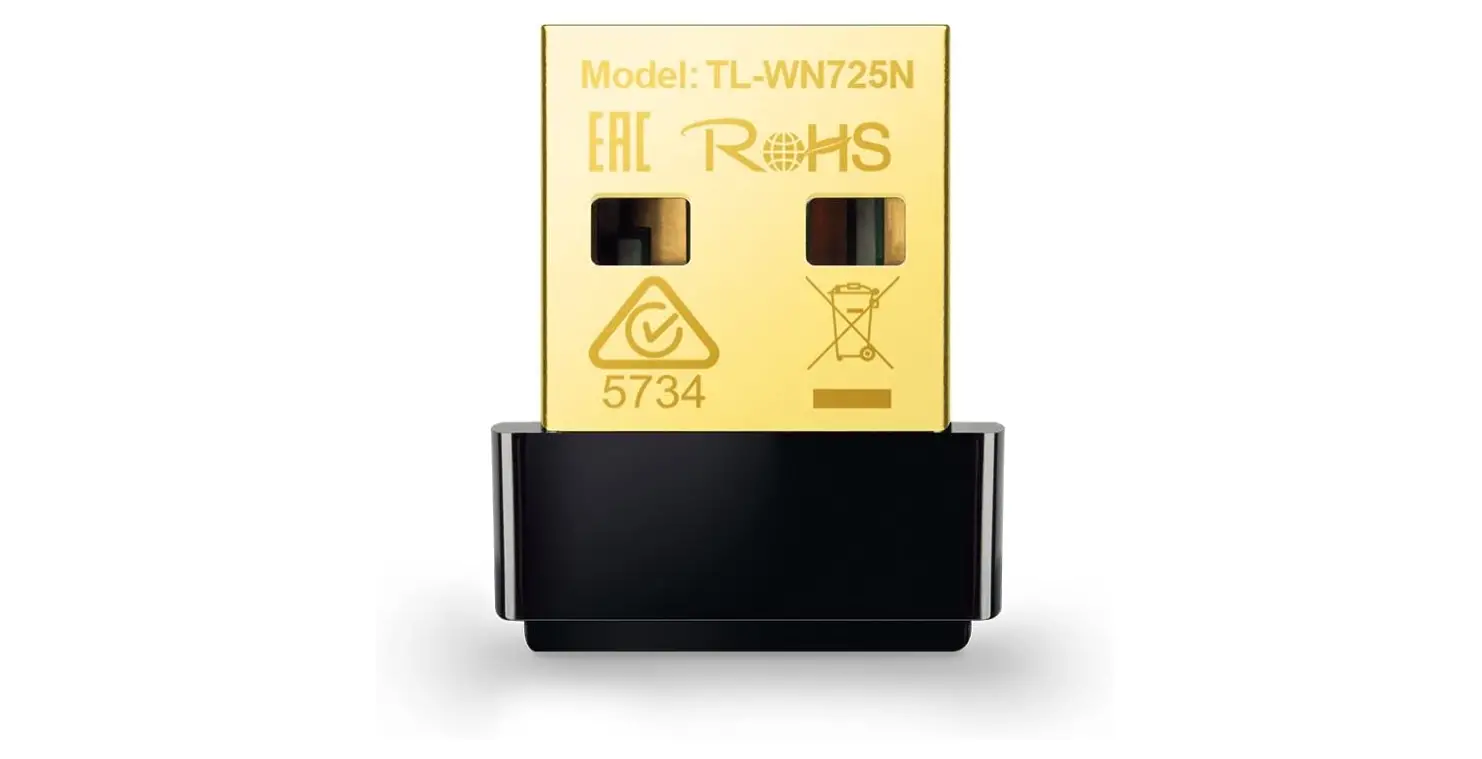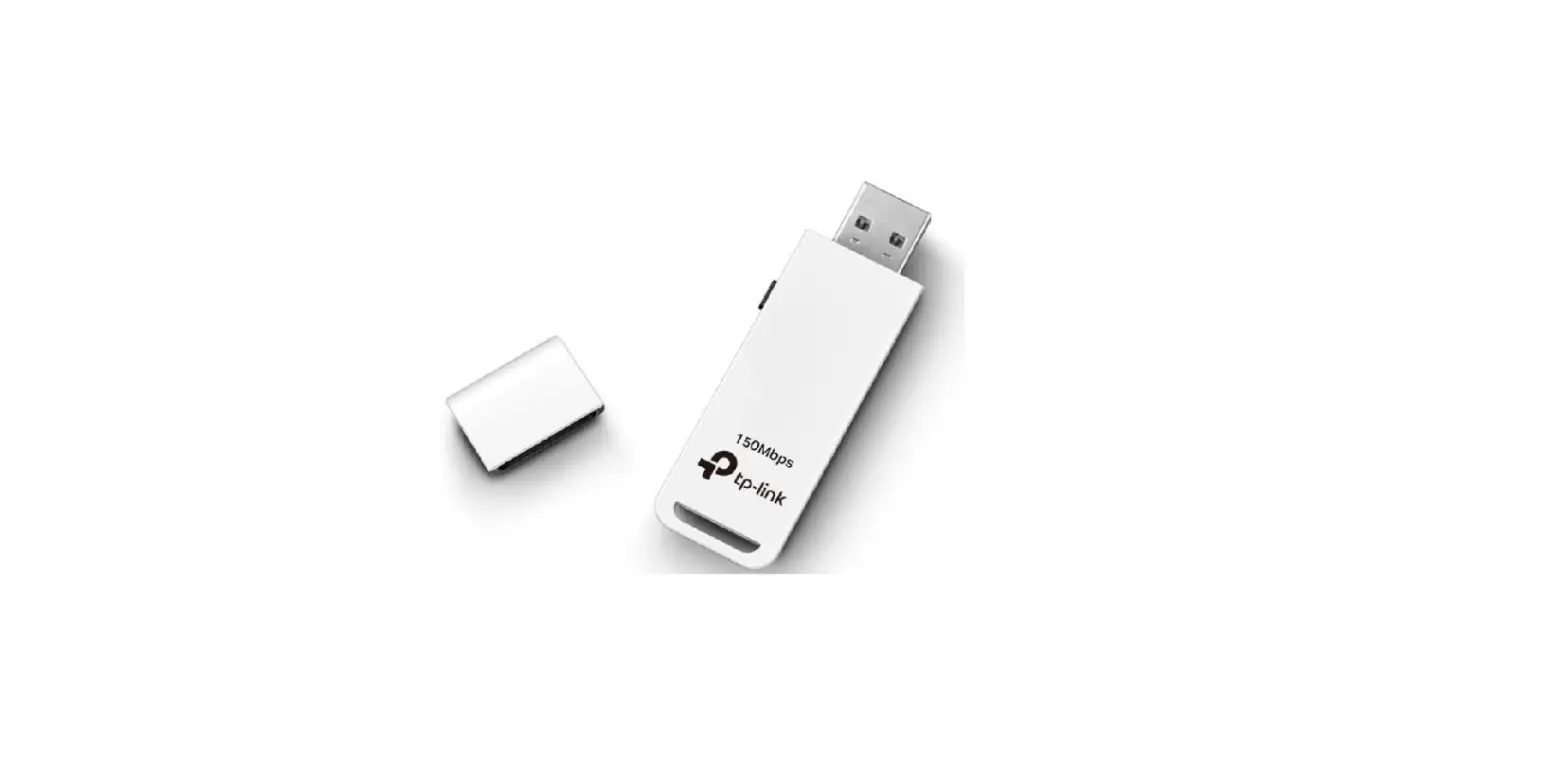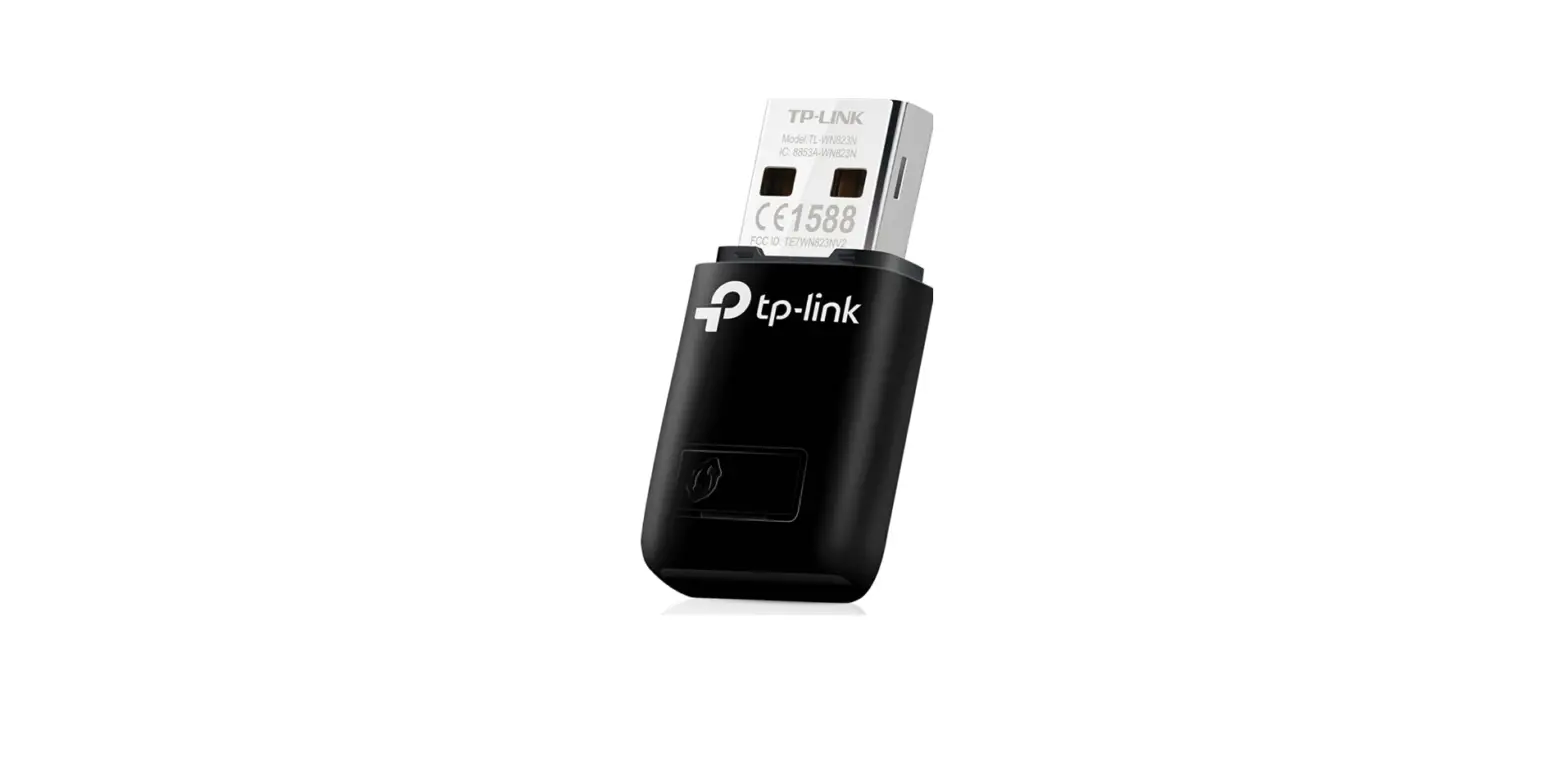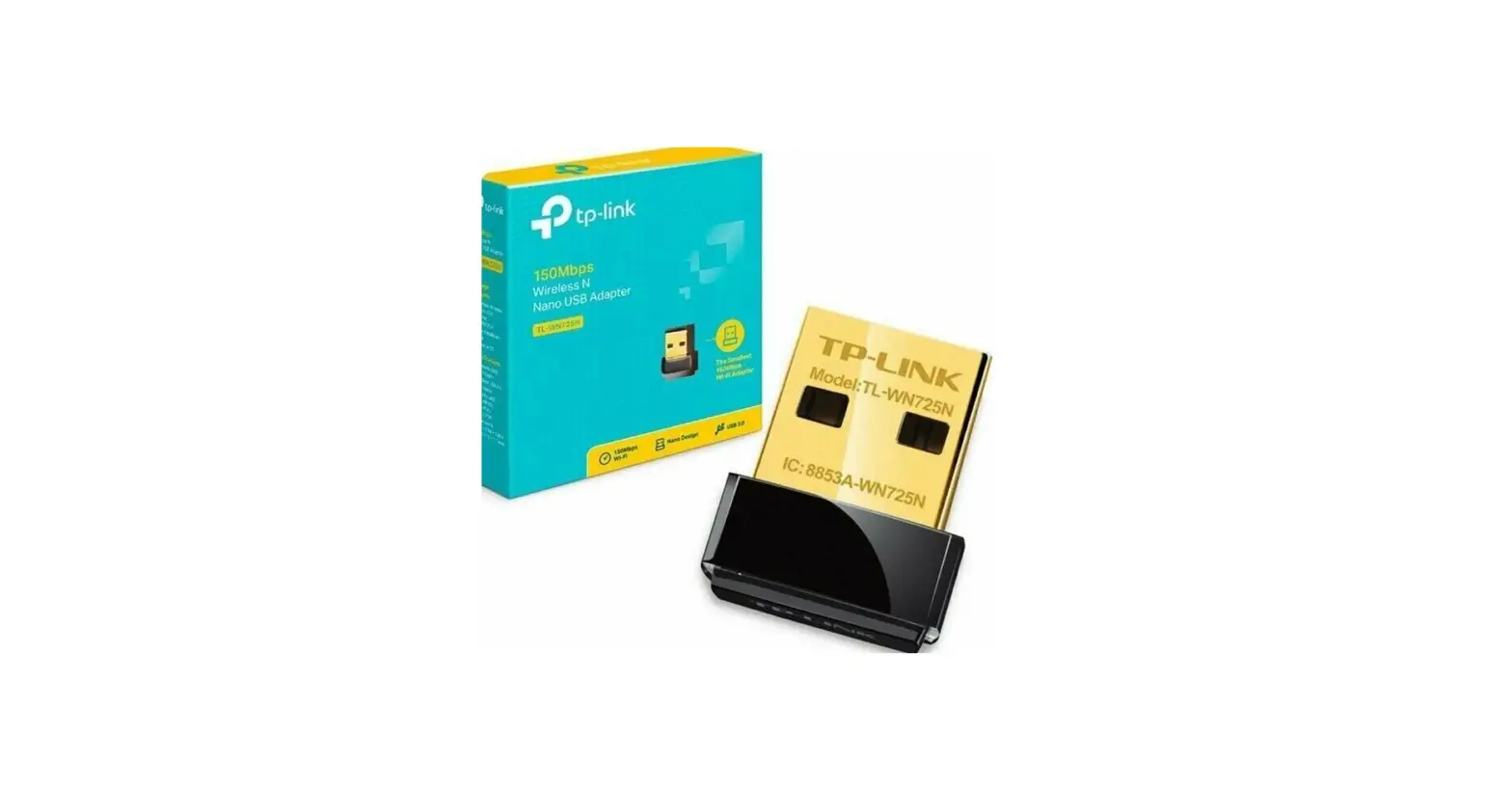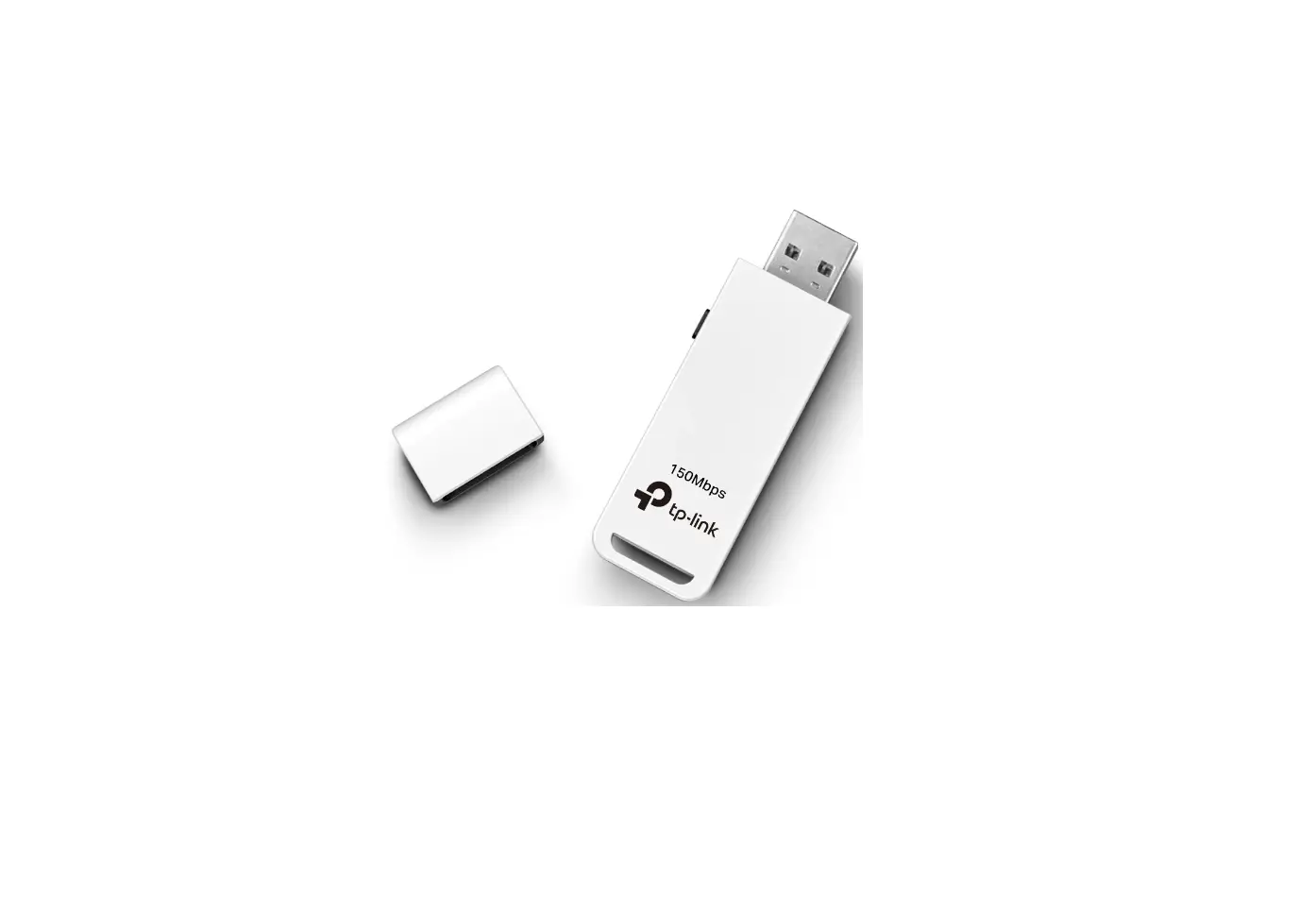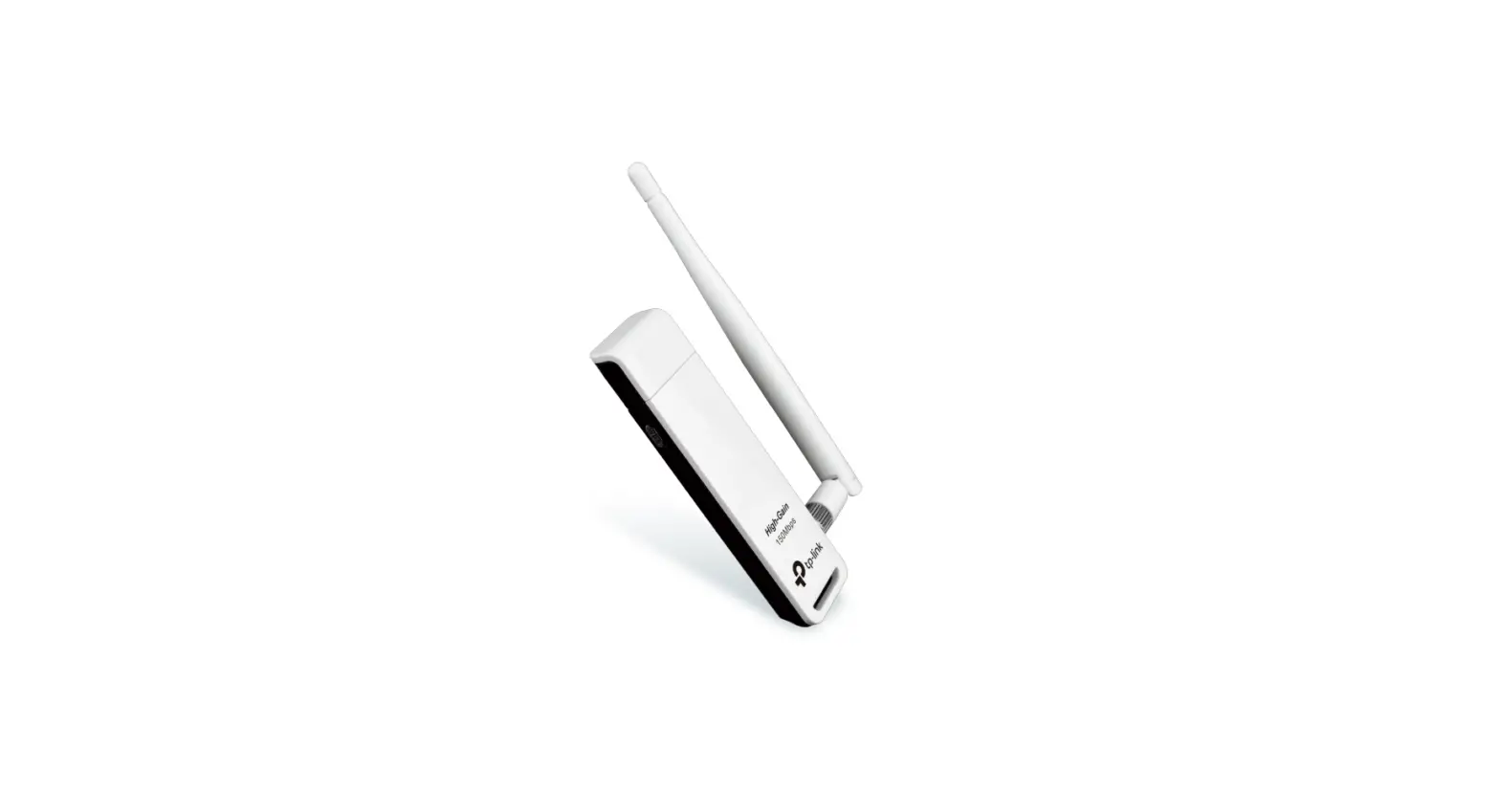

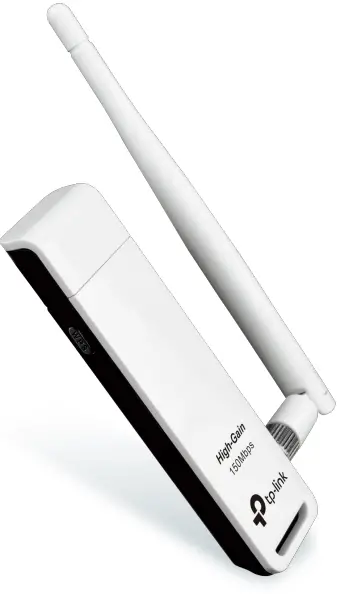
TP-Link TL-WN722N Wireless USB Adapter
Highlights
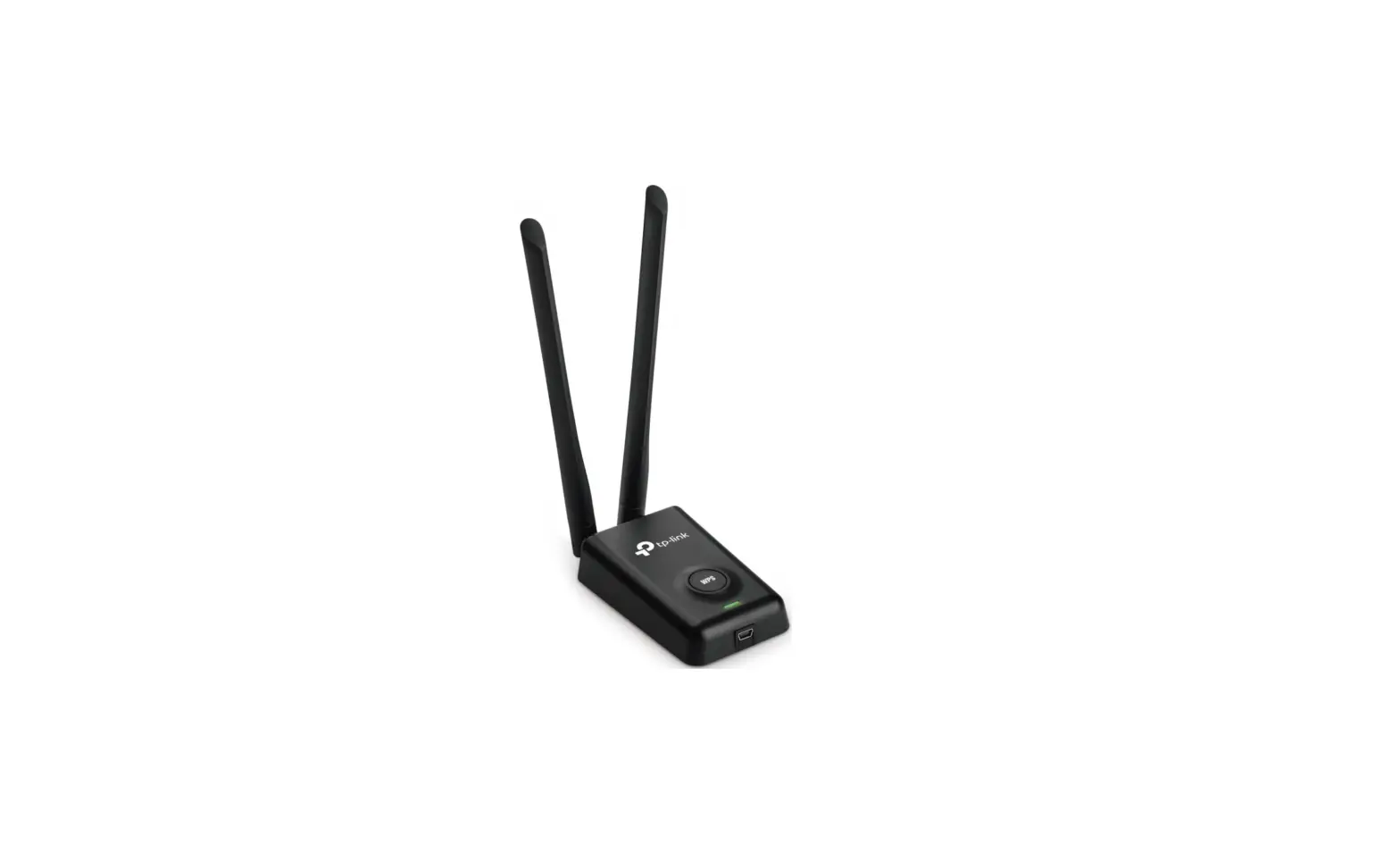
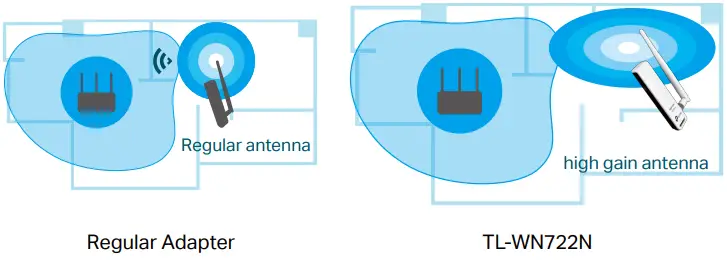
High Gain Antenna for Long-Range Connections
A high gain antenna enables the TL-WN722N to reach your router from farther with a more precise directional range, sustaining faster and more stable wireless connections.
One-Button Security
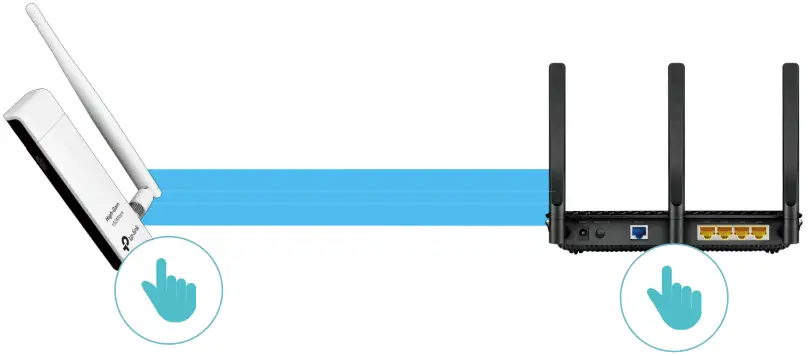
With a push of the WPS button, you can connect to the Wi-Fi network without typing a complex password, and stay protected with reliable security.
Features
 Speed
Speed
- Excellent Speed – Great for video streaming, internet calling, or online gaming wirelessly
 Wi-Fi Range
- Broad Wireless Range – 4dBi external antenna remarkably strengthens the signal power of the USB adapter
 Ease of Use
- Backward Compatibility – Supports routers utilizing 802.11b and 802.11g Wi-Fi standards
 Security
- Active Defense – WPA/WPA2 encryption provides your Wi-Fi network with advanced protection against security threats
- WPS Button – Easy wireless security encryption at a push of the WPS button
Specifications
Wireless
- Wireless Standard: IEEE 802.11b/g/n
- Frequency: 2.4GHz
- Wireless Mode: Ad-Hoc / Infrastructure Mode
- Wireless Security: WEP, WPA/WPA2, WPA-PSK/WPA2-PSK
- Modulation Technology: DBPSK, DQPSK, CCK, OFDM, 16-QAM, 64-QAM
Hardware
- Interface: USB 2.0
- Antenna: Detachable Omni Directional (RP-SMA)
- LED: Status (Internal)
- Button: WPS
- Dimensions: 3.7 × 1.0 × 0.4 in (93.5 × 26 × 11 mm)
Others
- Package Contents
- 150Mbps High Gain Wireless USB Adapter TL-WN722N Quick Installation Guide
- Resource CD
- USB Extension Cable
- Certification
- FCC, CE, RoHS
- System Requirements
- Windows10/8.1/8/7/XP, Mac OS X 10.9-10.13, Linux Environment
- Operating Temperature: 0℃~40℃ (32℉ ~104℉)
- Storage Temperature: -40℃~70℃ (-40℉ ~158℉)
- Operating Humidity: 10%~90% non-condensing
- Storage Humidity: 5%~90% non-condensing
User Support
For more information, please visit http://www.tp-link.com/products/details/TL-WN722N.html or scan the QR code left

©2018 TP-Link
- Maximum wireless signal rates are the physical rates derived from IEEE Standard 802.11 specifications. Actual wireless data throughput and wireless coverage are not guaranteed and will vary as a result of 1) environmental factors, including building materials, physical objects, and obstacles, 2) network conditions, including local interference, volume and density of traffic, product location, network complexity, and network overhead, and 3) client limitations, including rated performance, location, connection quality, and client condition.
- To ensure compatibility, you may need to update the adapter’s drivers after an OS update. You can find our latest drivers in the download center at tp-link.com/en/download-center.
- www.tp-link.com
TP-Link 150Mbps High Gain Wireless USB Adapter TL-WN722N
FAQ’s
In this tutorial, we’ll enable monitor mode on a TP-LINK TL-WN722N V2/V3 wireless adapter, on a Kali Linux machine running on VMware or VirtualBox.
Under unknown environmental factors, we can say that range of 2.4GHz is about 60 feet (20 meters) and 5GHz is within 45 feet (15 meters) to guarantee a good networking experience.
Yes, It’s Version 2. But It Supports Monitoring Mode as well as Packet Injection. The Product is Very Good.
Wireless N USB Adapter TL-WN722N allows you to connect a desktop or notebook computer to a wireless network and access a high-speed Internet connection. Complies with IEEE 802.11n, they provide wireless speed up to 150Mbps, which is beneficial for online gaming or even video streaming.
Yes, but make sure it’s V1 of the TP-LINK TL-WN722N.
Operating System: Windows 10/11 32bit/64bit.
Now, your TP-Link TL-WN722N USB WiFi Adapter can support monitor mode and packet injection. To check it, do the following: Type the iwconfig command to display the name of the wireless interface; The wireless interface name is wlan0 and it’s on Auto mode.
It does work, on older kali linux versions, flawlessly as it supports monitor mode.
Note: All the TP-Link Powerline Adapters are compatible with each other. While choosing the best units to add, we need to take the specifications of the existing units into consideration, especially the Powerline link rate and the standard of LAN ports.
Stable Connection Satisfies Your Daily Surfing Demands TL-WN722N is designed to connect your laptop or desktop to a wireless network. It allows you to enjoy a high-speed wireless performance at 300Mbps, making it a great choice for video streaming, voice streaming, and online gaming.
Monitor capture mode vs. native mode is a data capture mode that allows using the WiFi adapter in listening mode or promiscuous mode. Operating in this mode, WiFi network cards are able to capture all types of WiFi Management packets (including Beacon packets), Data packets, and Control packets.
The default IP address is 192.168.0.1(or http://tplinkwifi.net ), and the default login username and password both are admin (all lowercase).
P-Link WN722N is a very popular WiFi adapter for wireless auditing. It is low-budget and beginner friendly so cybersecurity students and new learners always look for it. Now it becomes a problem because TP-Link WN722N Version 1 comes with Atheros AR9002U chipset and supports monitor mode and packet injection
Of course yes. What you have to do is, just turn off your interface once. Then you will go for monitor mode else it won’t work for you.
Current Intel® wireless adapters do not support monitor mode or package injection. You can confirm this by opening the Command prompt (CMD) in administrator mode. It will show all the wireless device capabilities.
Download this PDF Link: TP-Link TL-WN722N Wireless USB Adapter Specifications and Datasheet