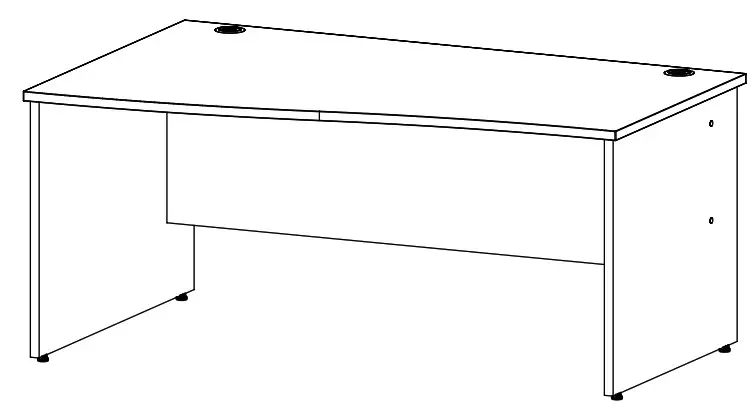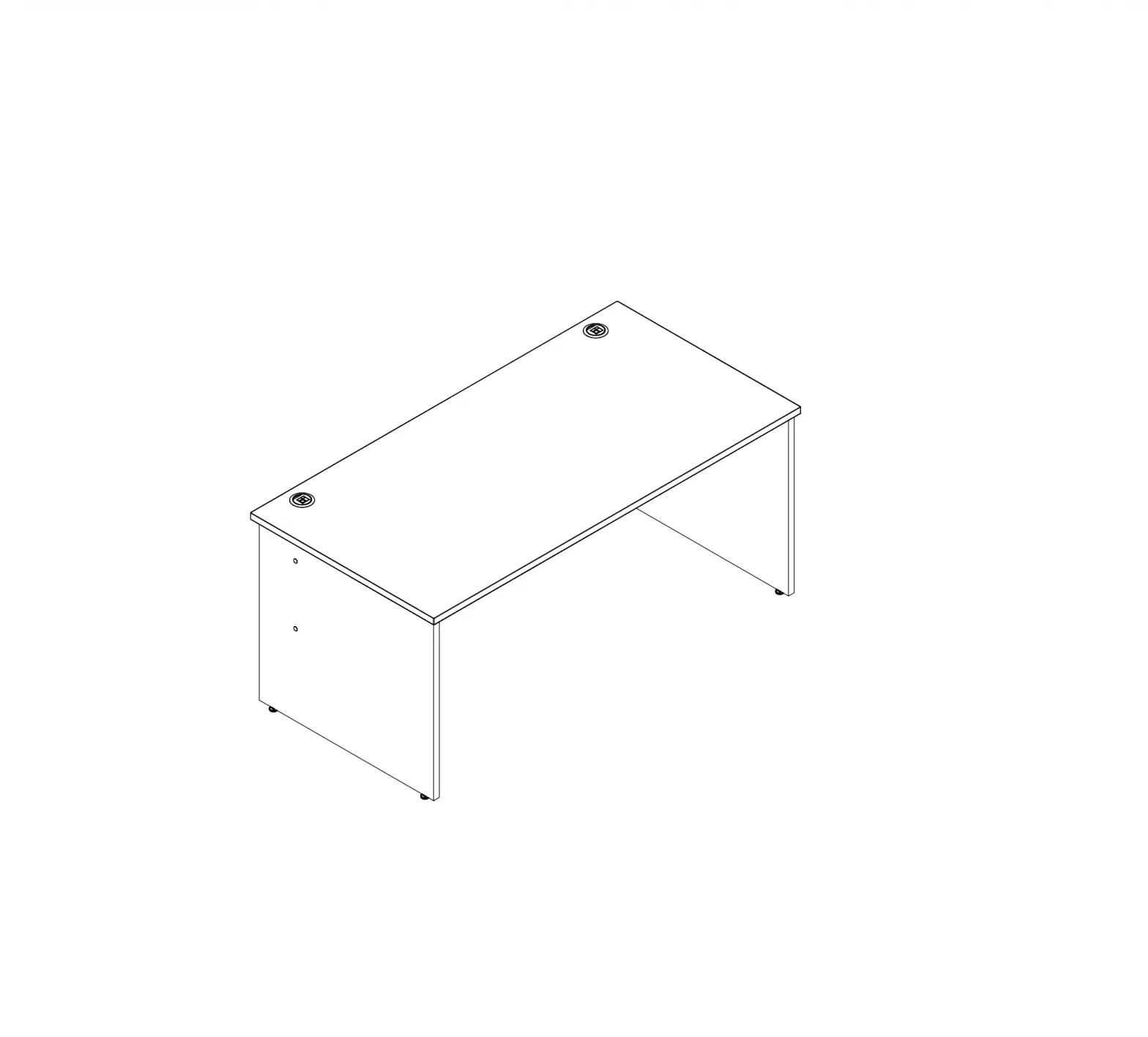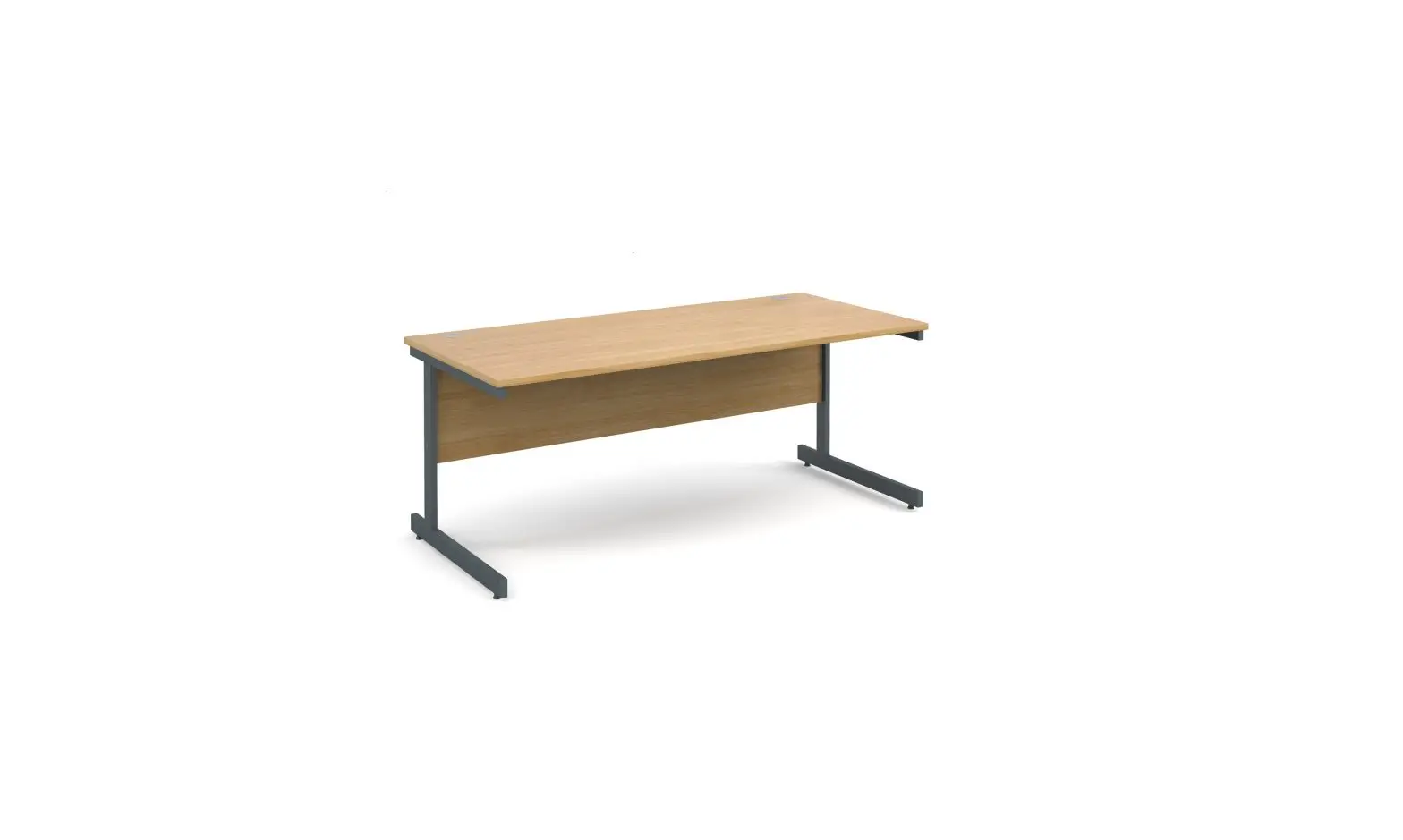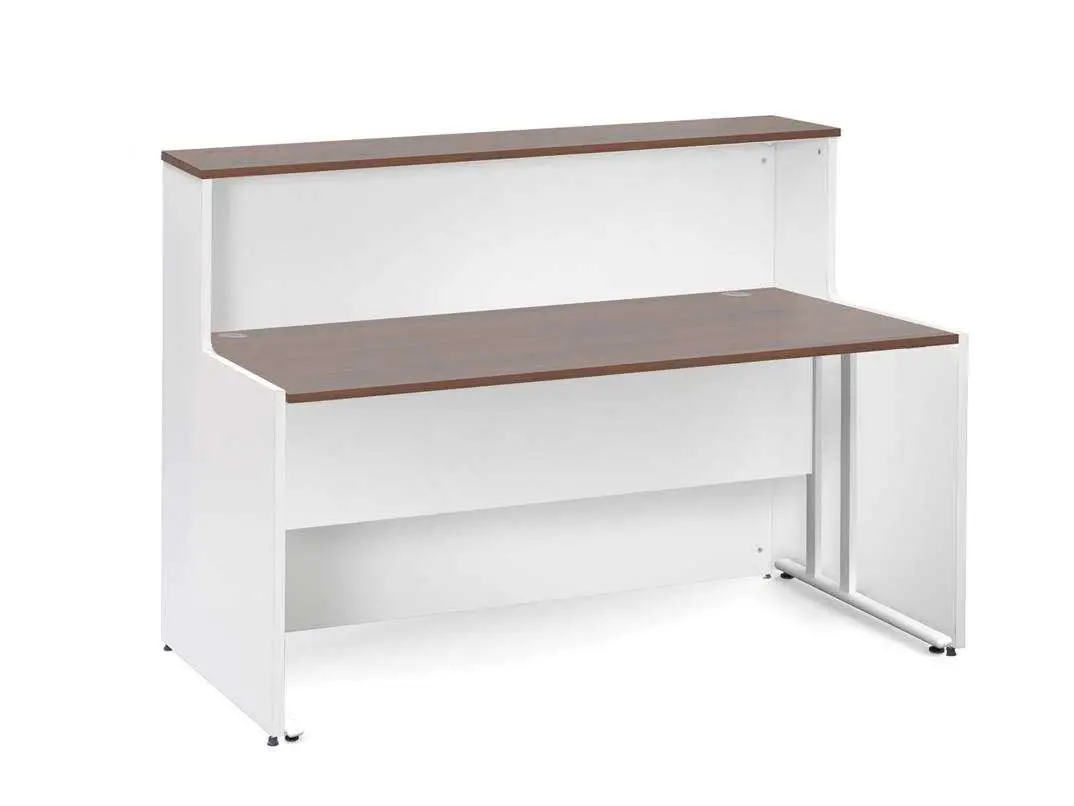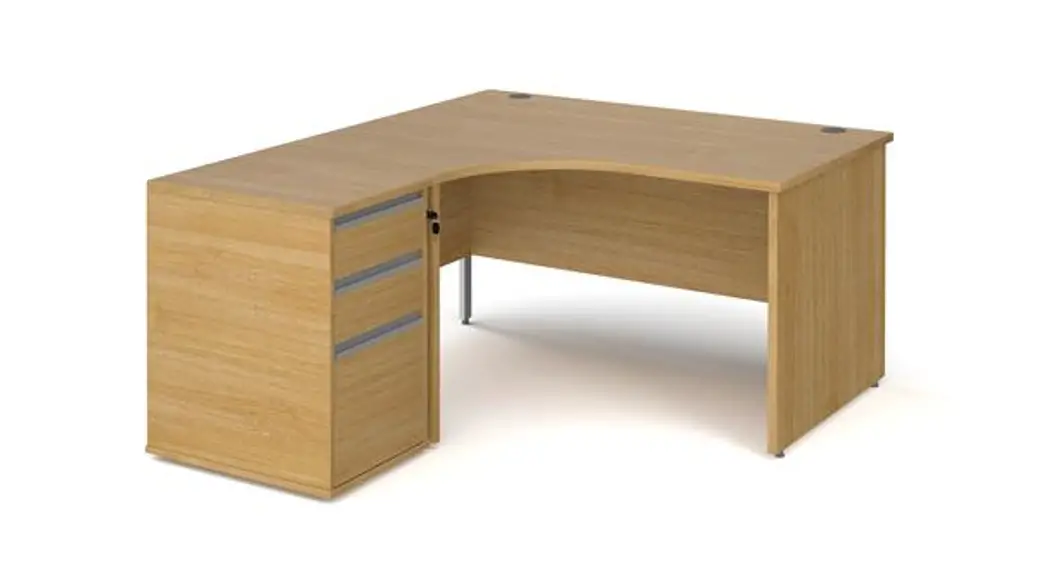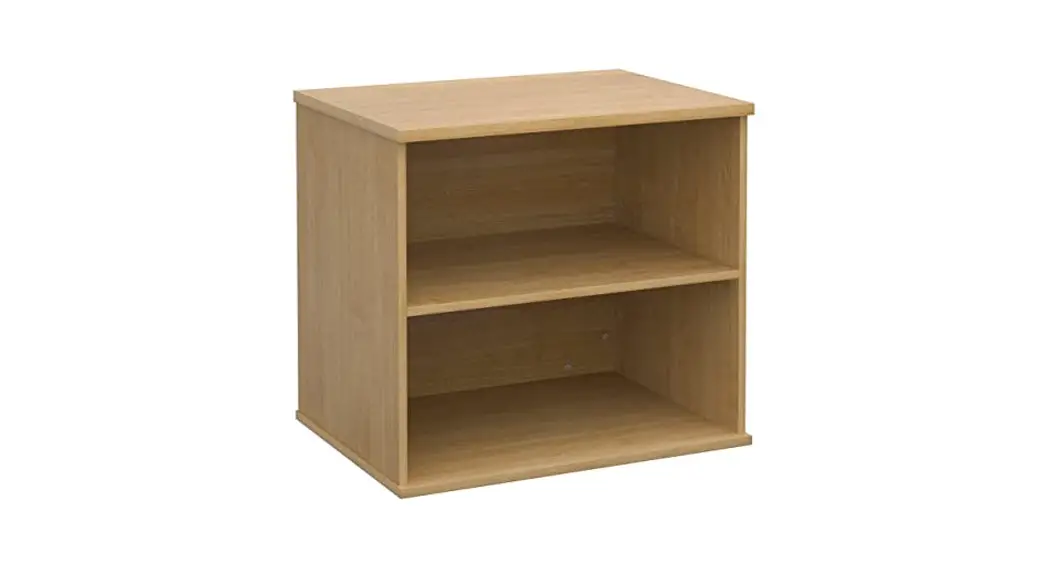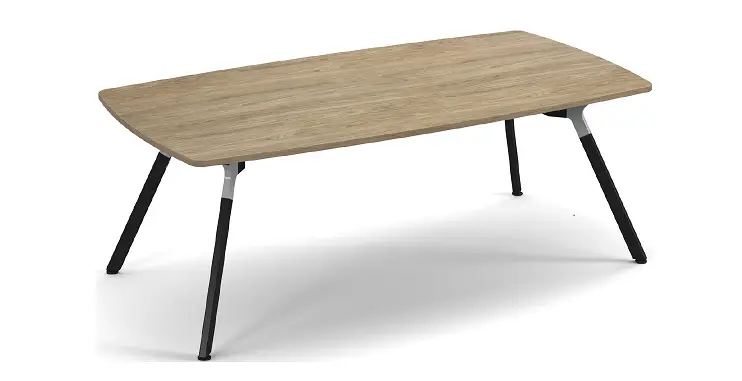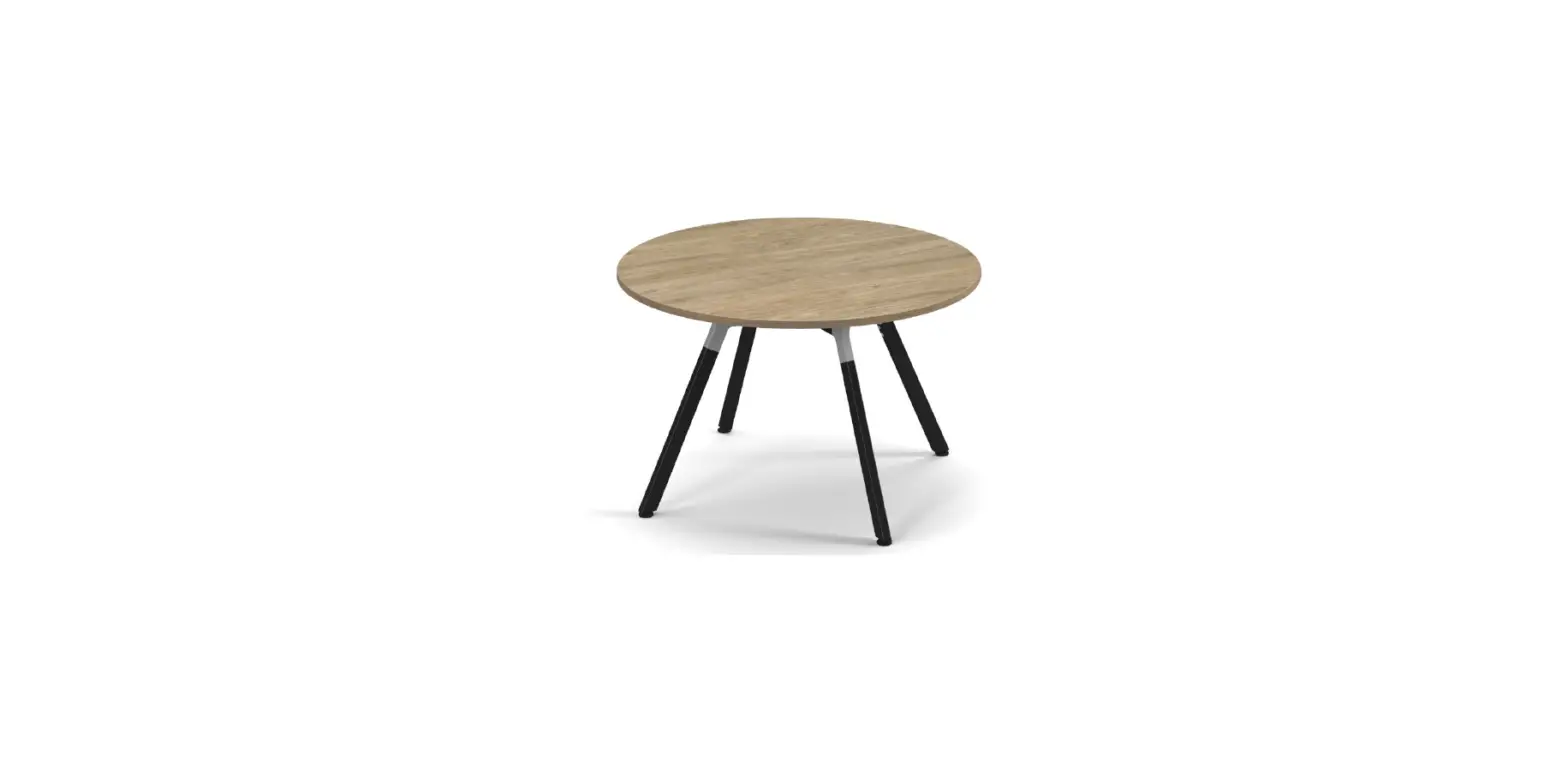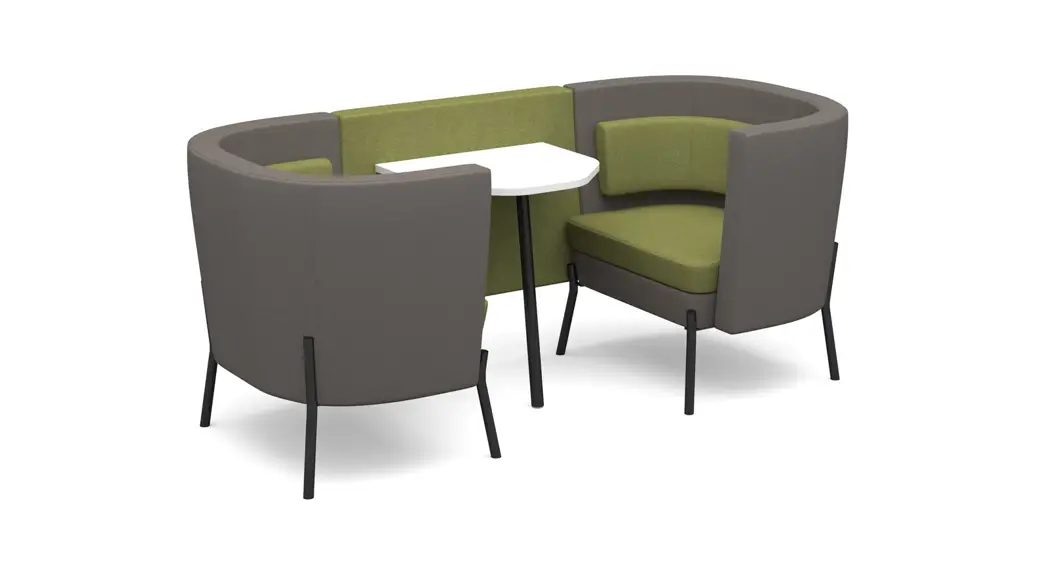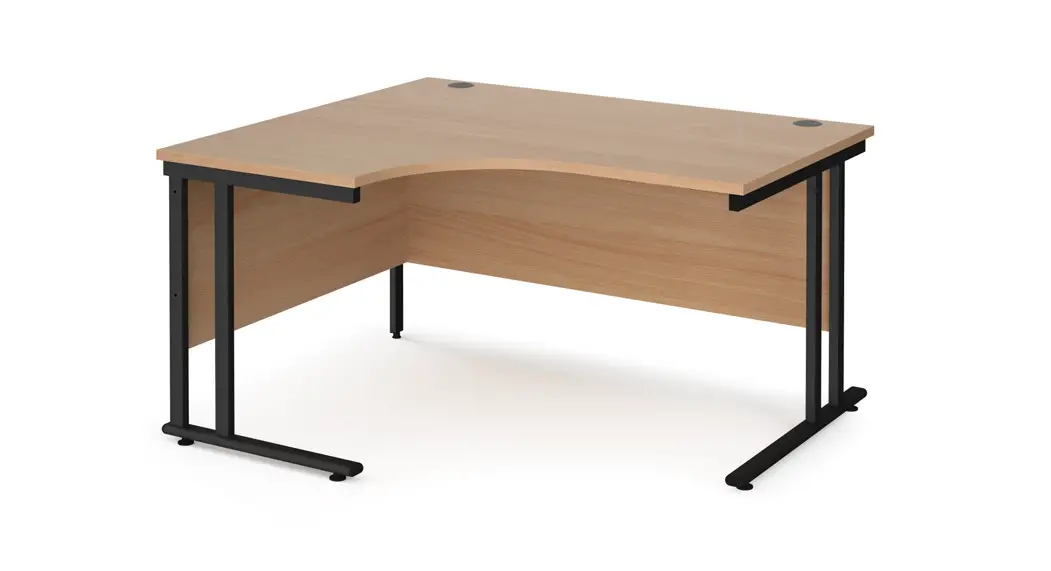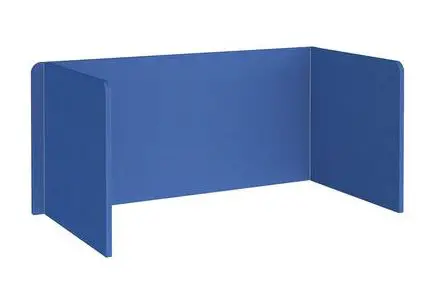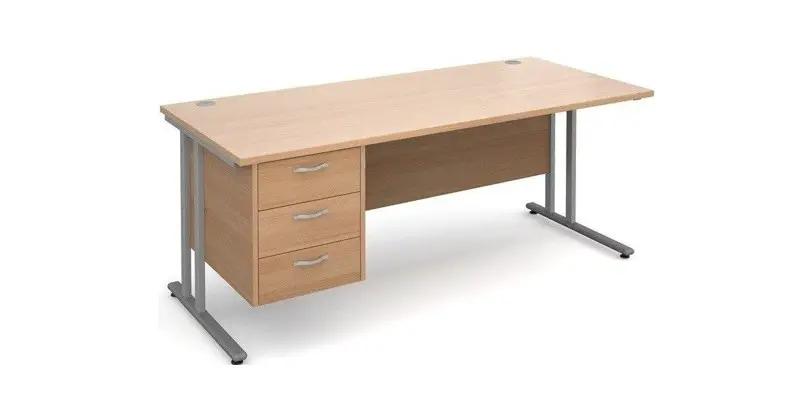

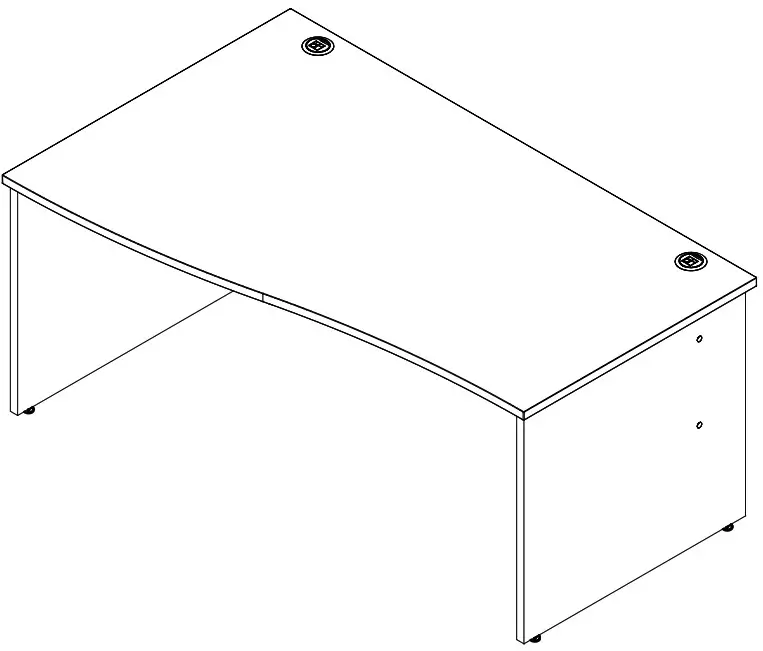
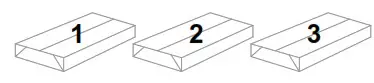
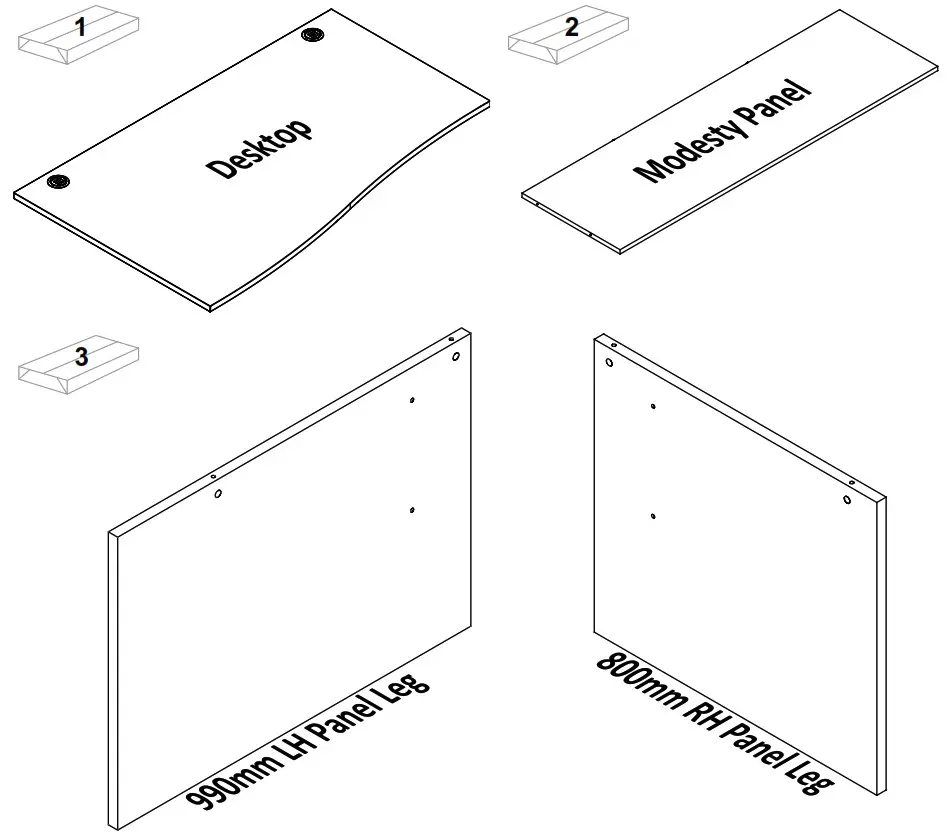
 Please check that you have all the components!
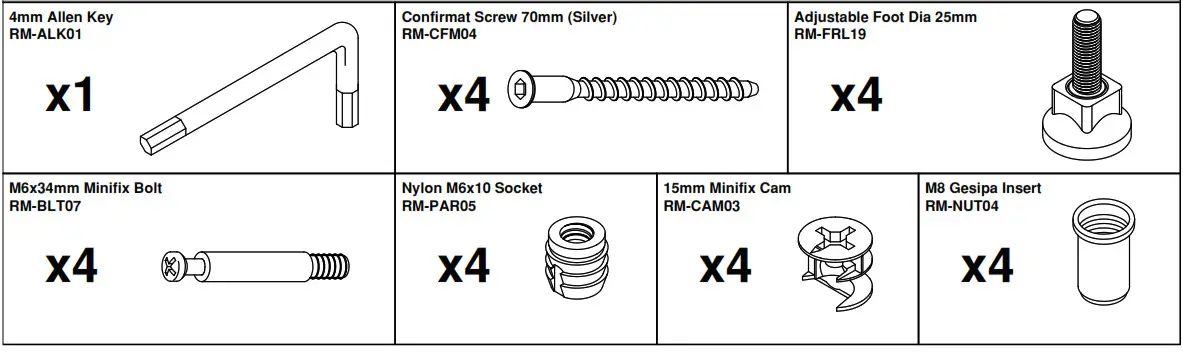
Please check that you have all the hardware!
Step 1
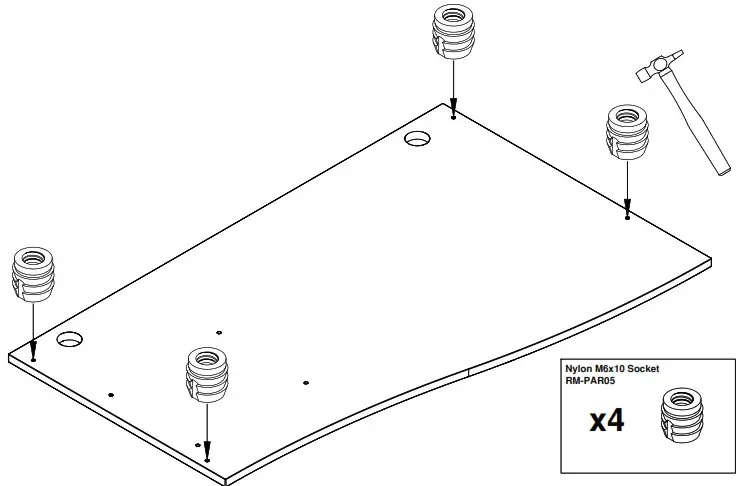
Place your desktop face down onto a clean dry surface and knock the nylon inserts into the pre-drilled holes on the underside of the desktop.
Step 2
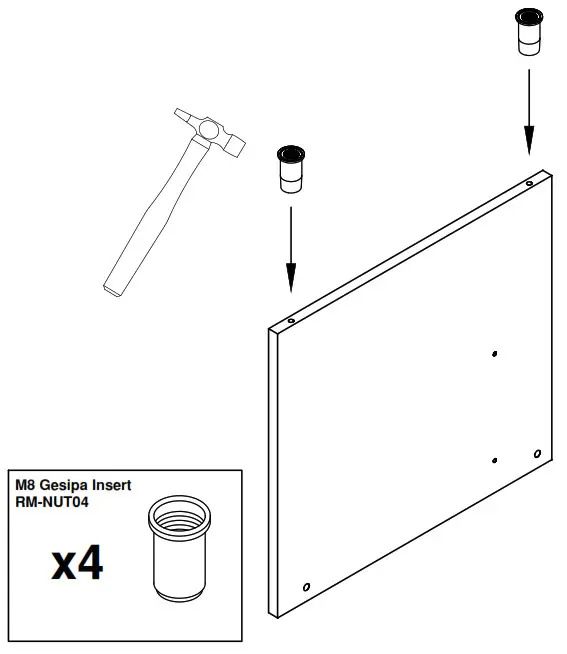
Knock in the gesipa inserts into the holes on the bottom edge of the panel end leg. Repeat for both legs.
Step 3
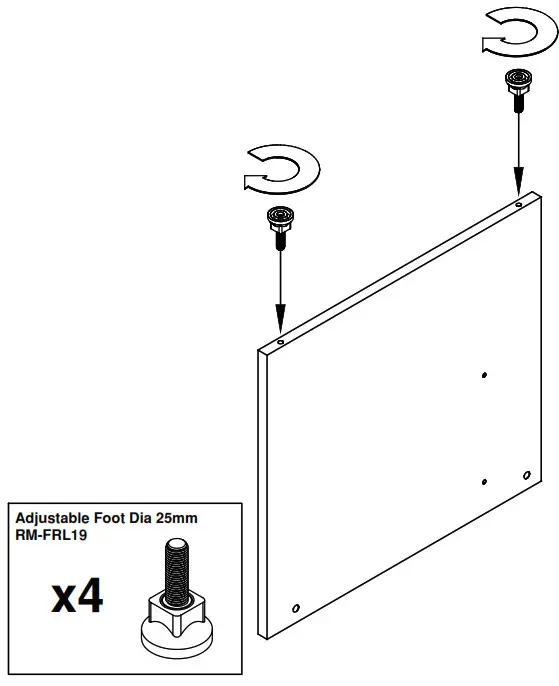
Screw the 25mm adjustable feet into the bottom of the panel end leg. Repeat for both legs.
Step 4
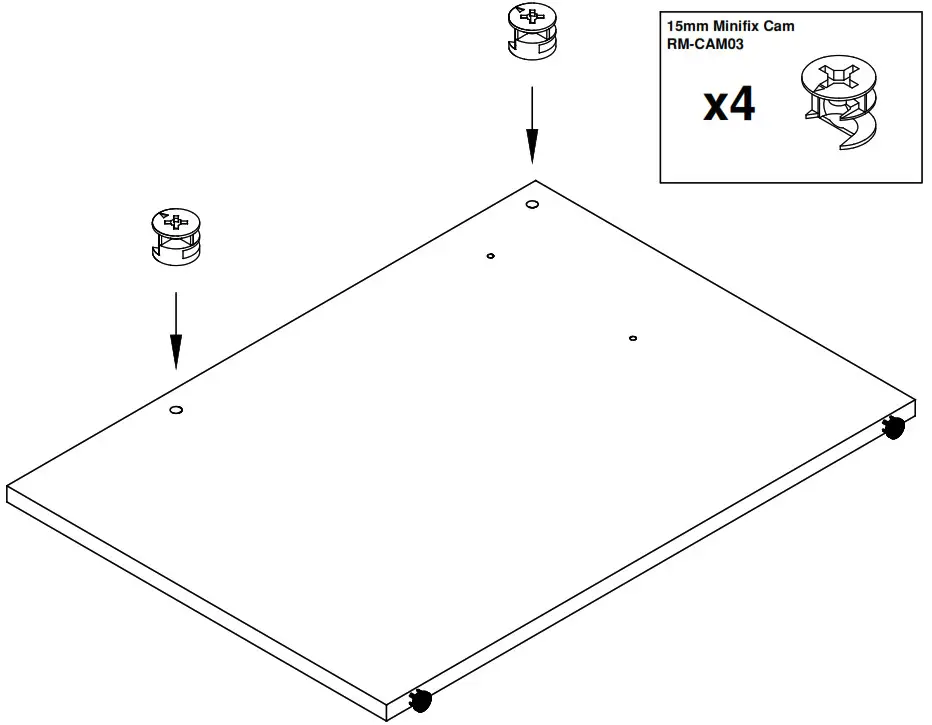
Insert the mini fix cams into the panel end leg. Ensure the fitting is pushed all the way down and that the arrow guideline is aligned with the hole in the edge of the panel. Repeat for both legs.
Step 5
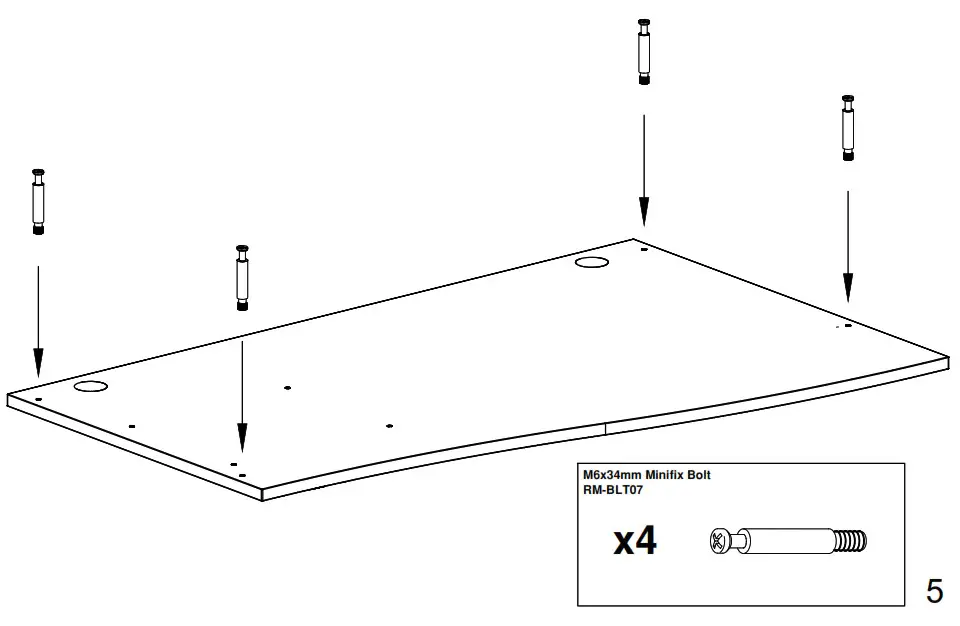
Screw the M6x34mm mini fix bolts into the nylon inserts that you inserted in step 1.
Step 6
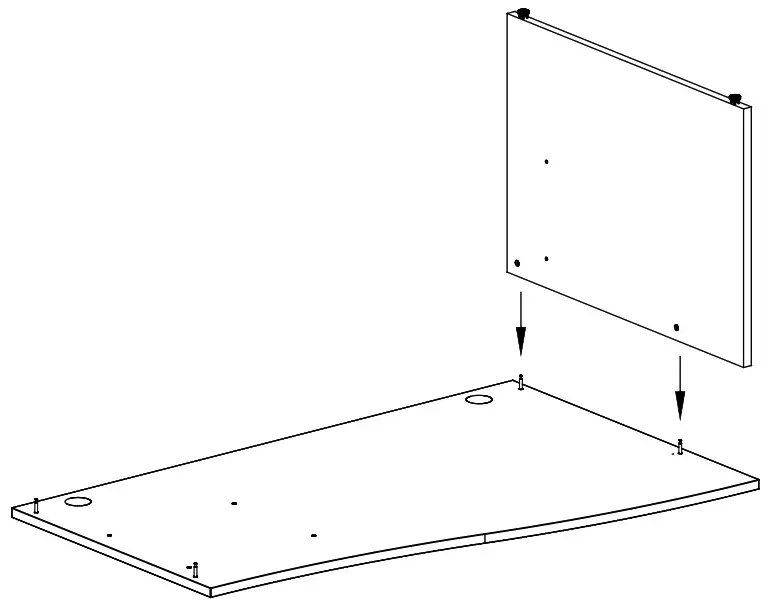
Place the LH Leg onto the desktop ensuring that the cam fittings engage over the mini fix bolts. Once in place tighten the cams to lock the panel end leg into place.
Step 7
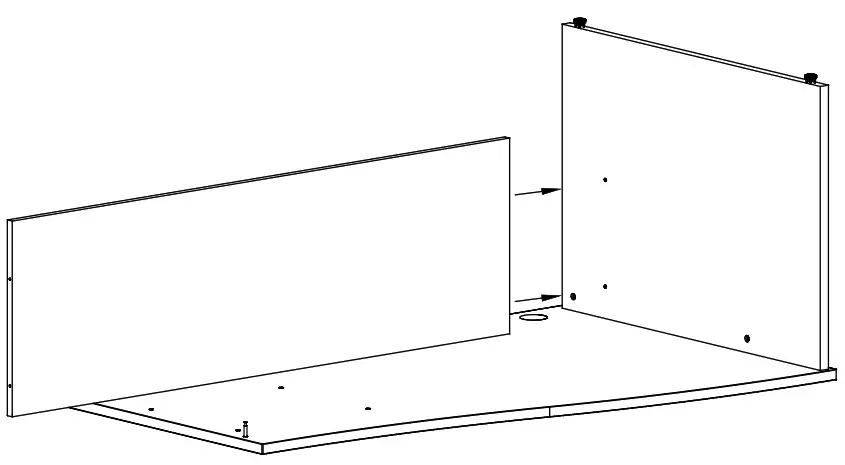
Line the back panel up with the panel end leg ensuring the pre-drilled holes are in aligned.
Step 8
Attach the leg panel to the back panel using the 70mm confirmat screws.
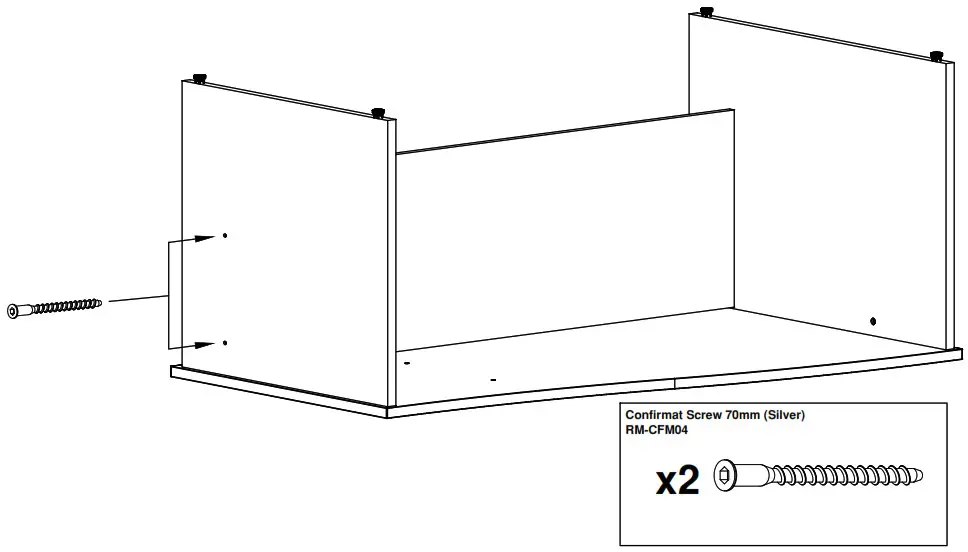
Step 9
Place the remaining leg onto the desktop ensuring that the cam fittings engage over the mini fix bolts. Once in place tighten the cams to lock the panel end leg into place.
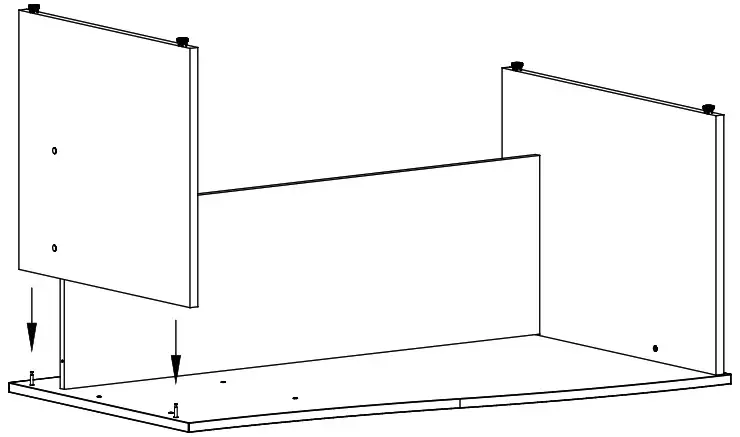
Step 10
Attach the leg panel to the back panel using the 70mm confirmat screws.
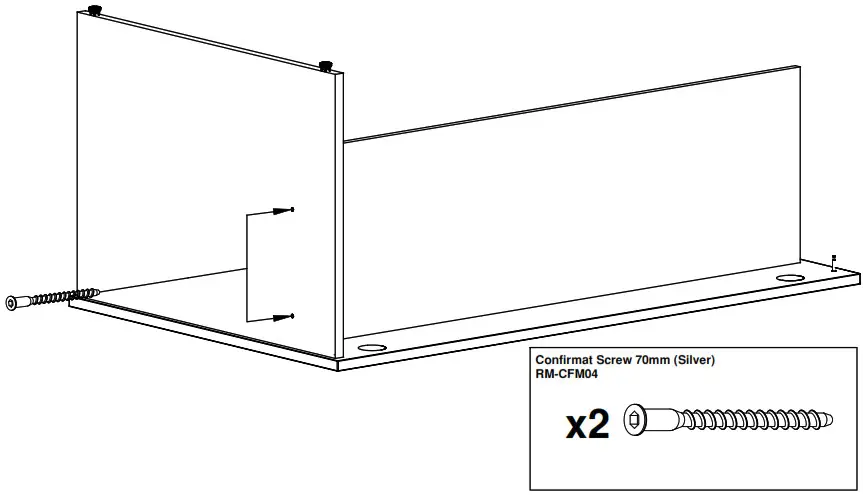
Matching adhesive caps are provided to cover any visible screw heads or cam fittings.