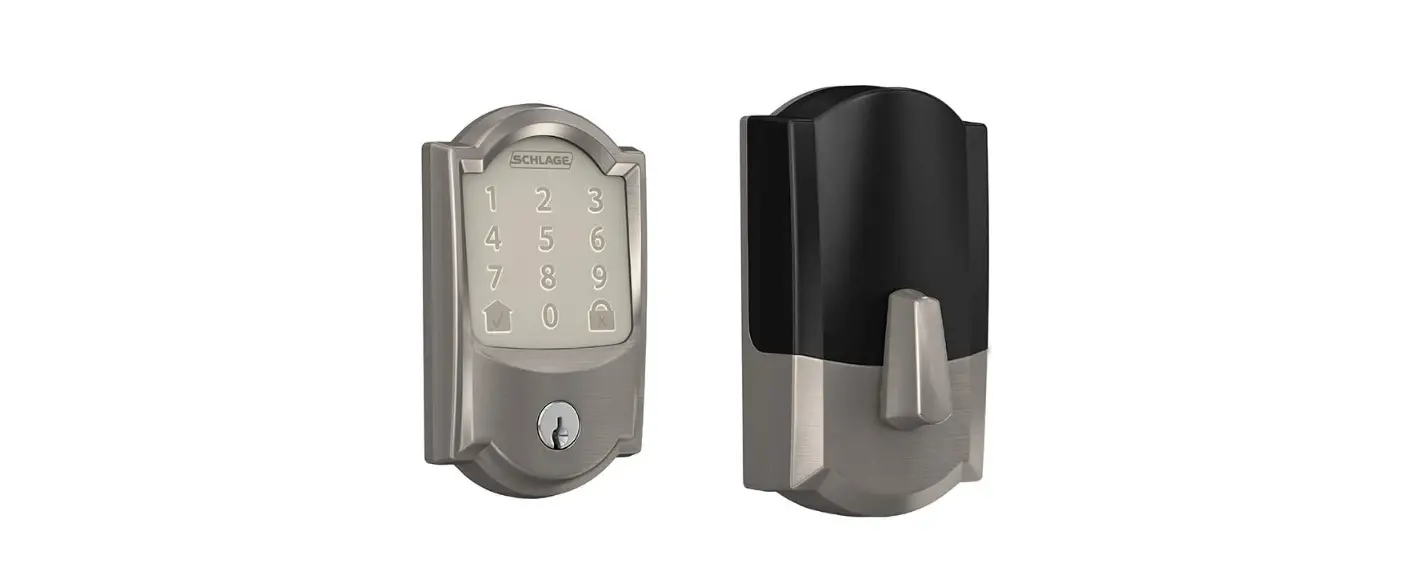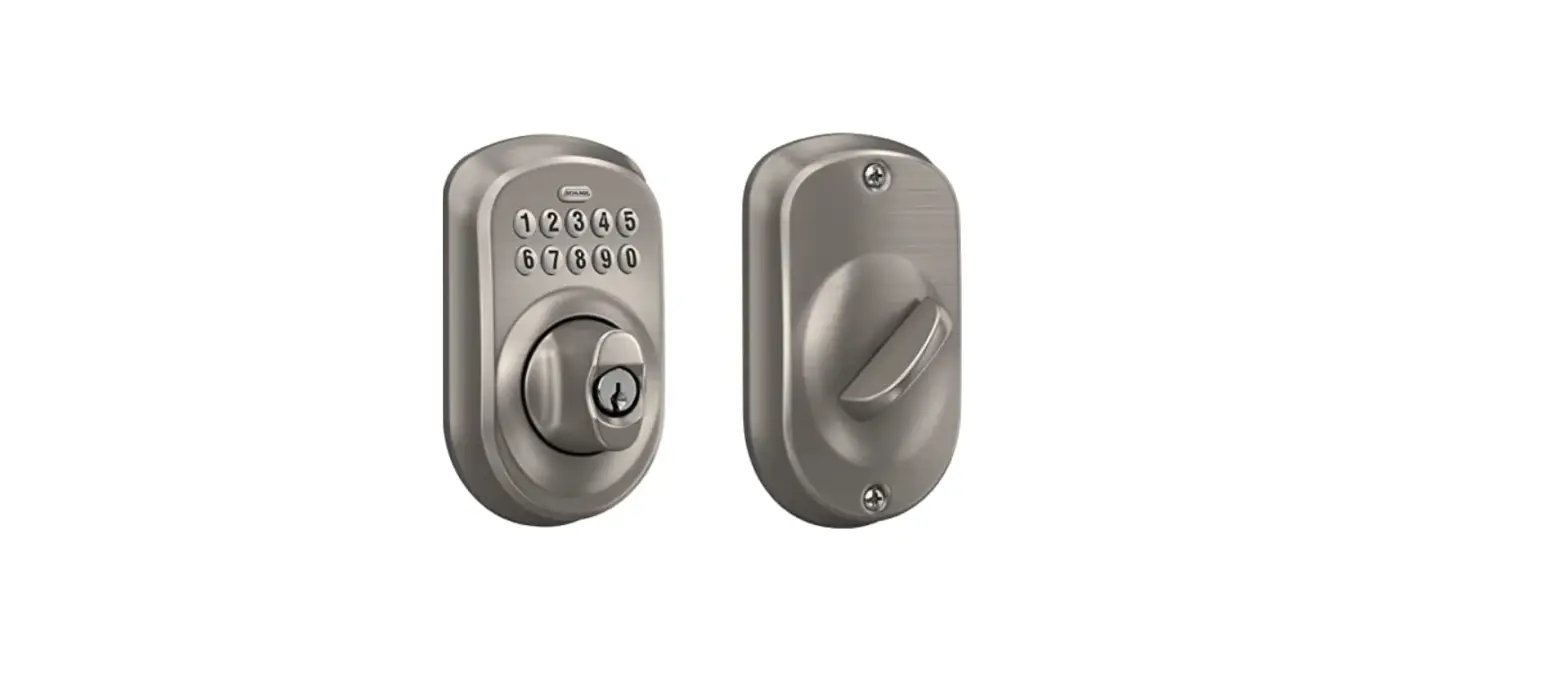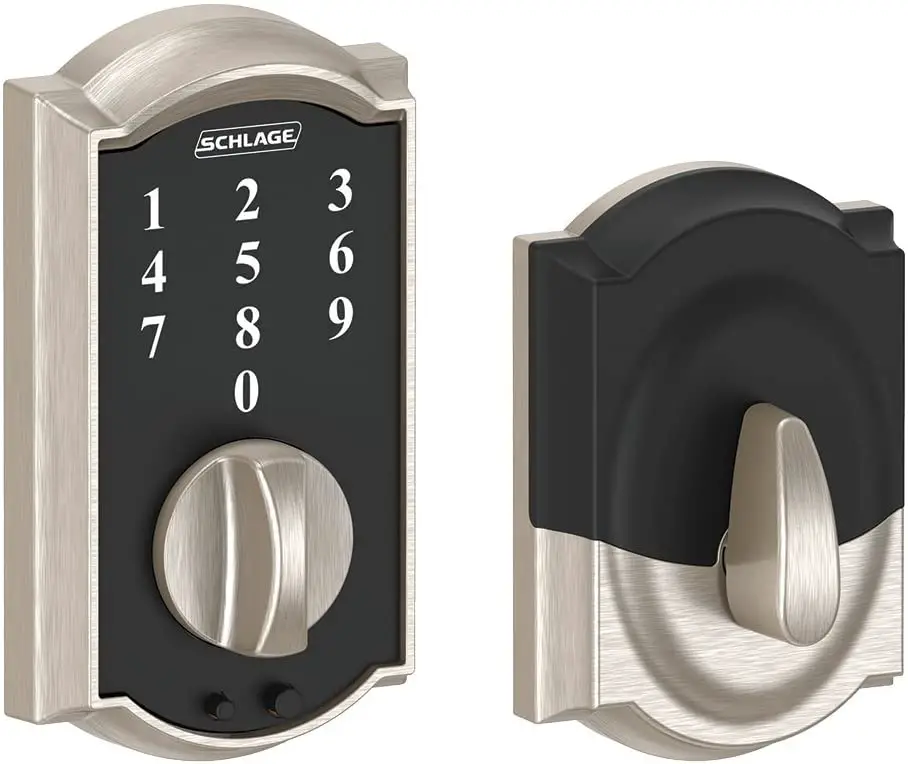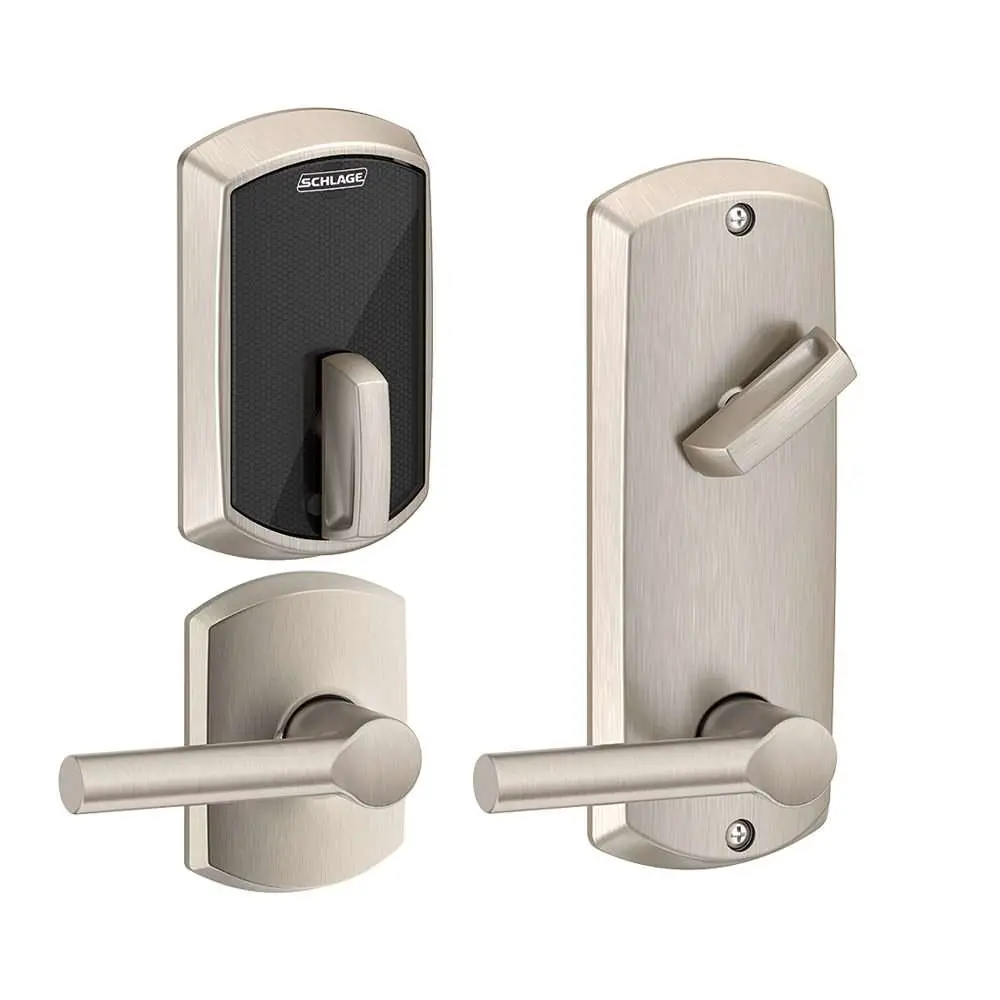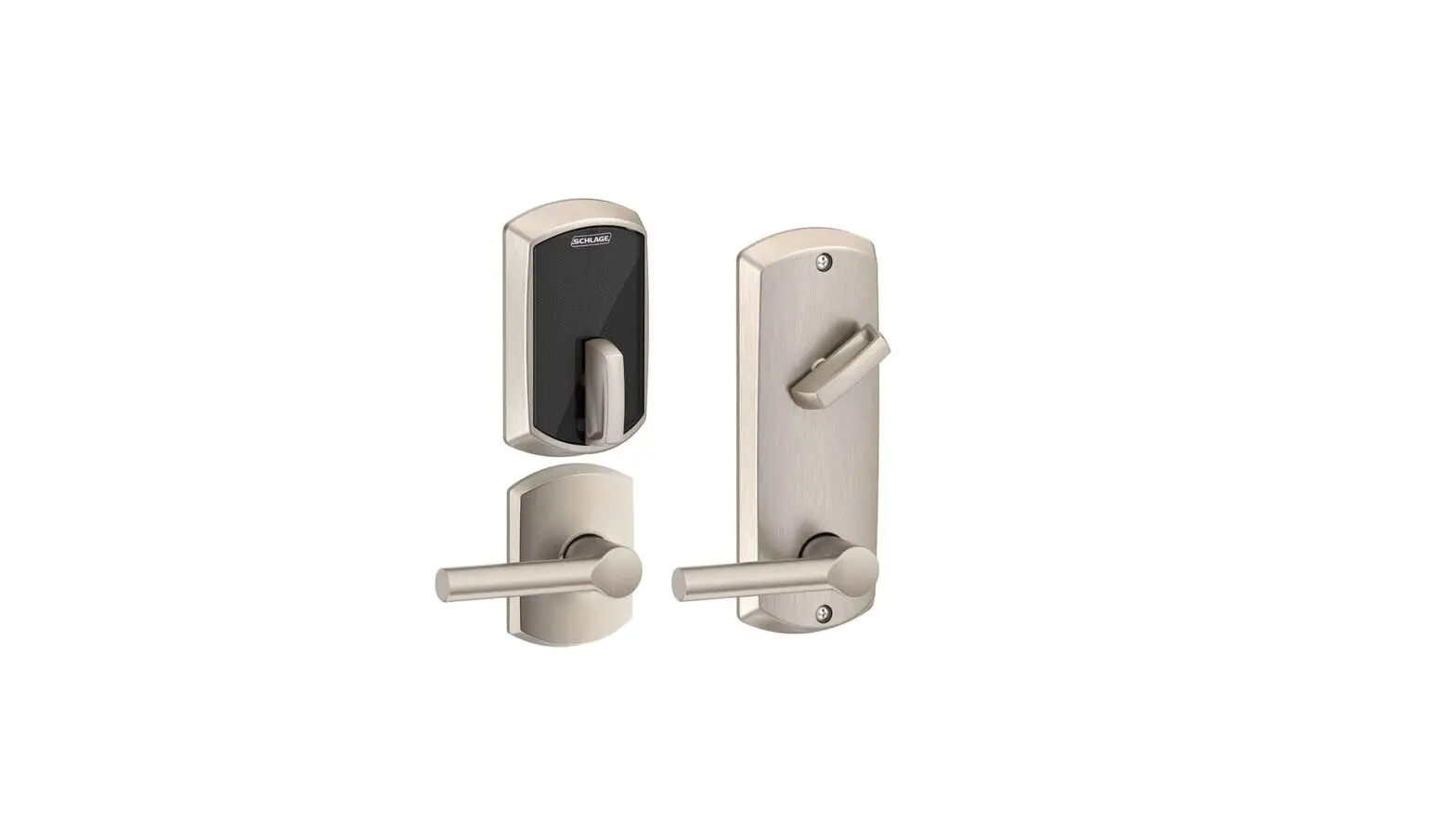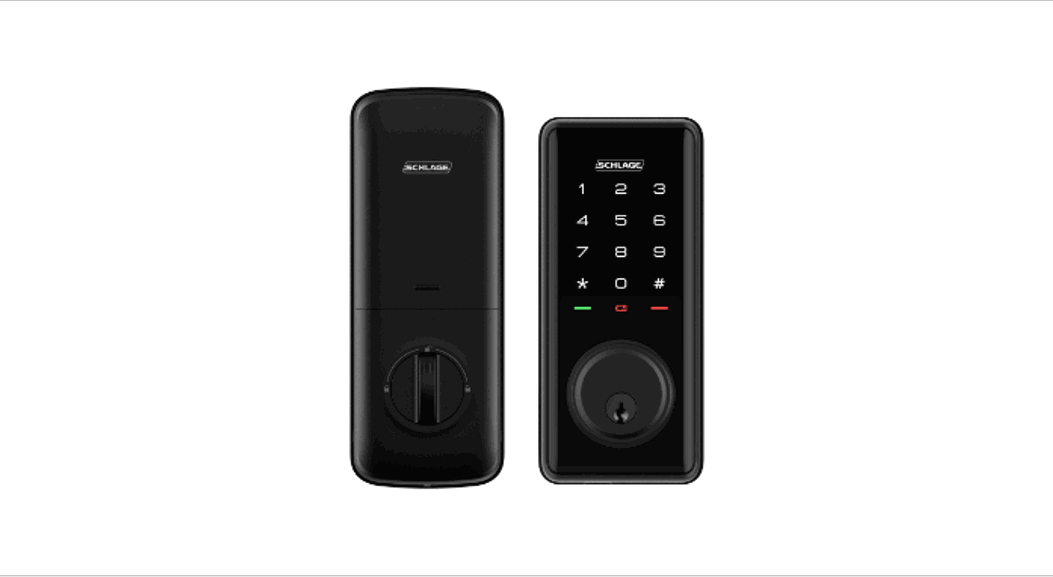

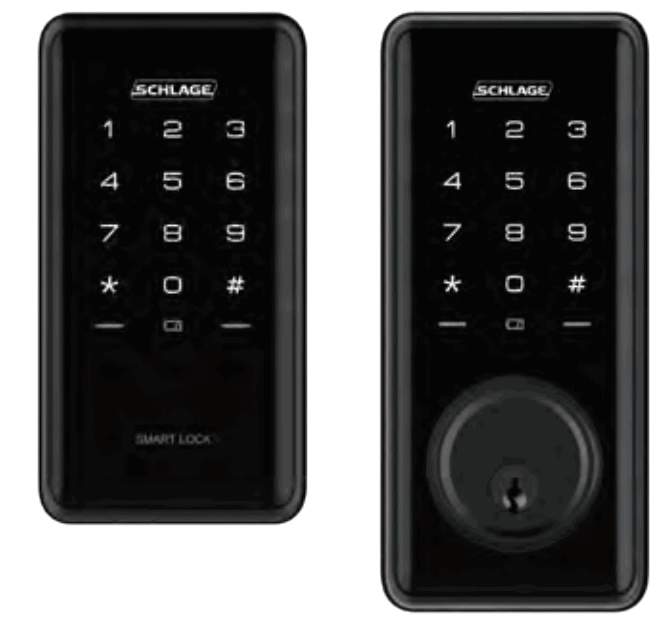

S1 SMART DEADBOLT
S1 KEYLESS SMART DEADBOLT
Quick Start Guide
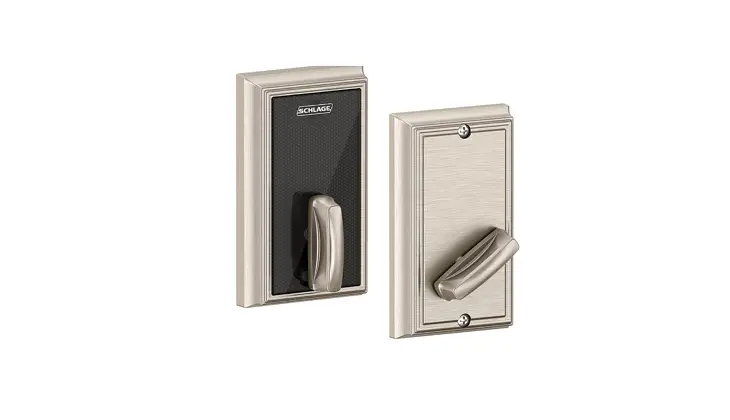
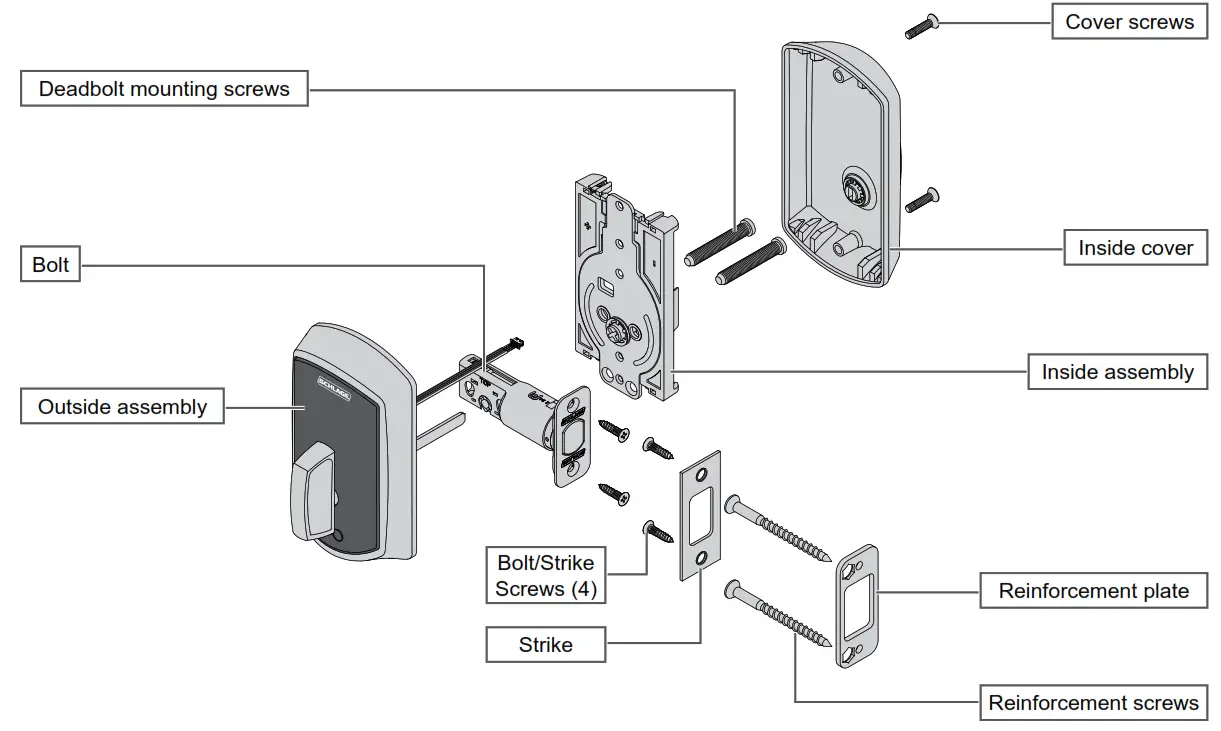
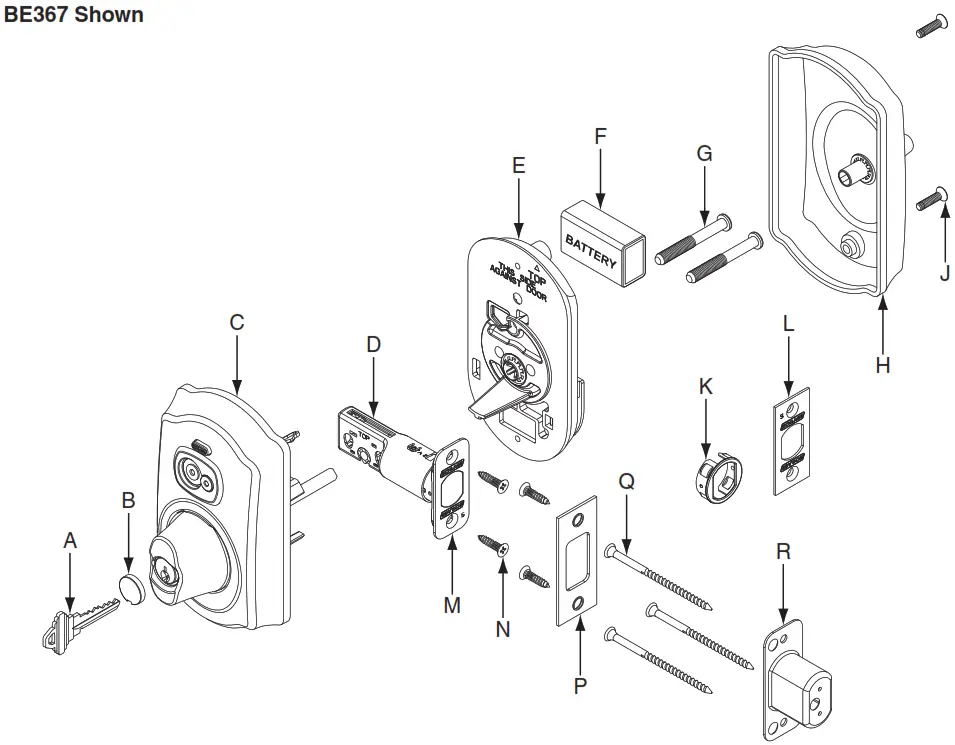
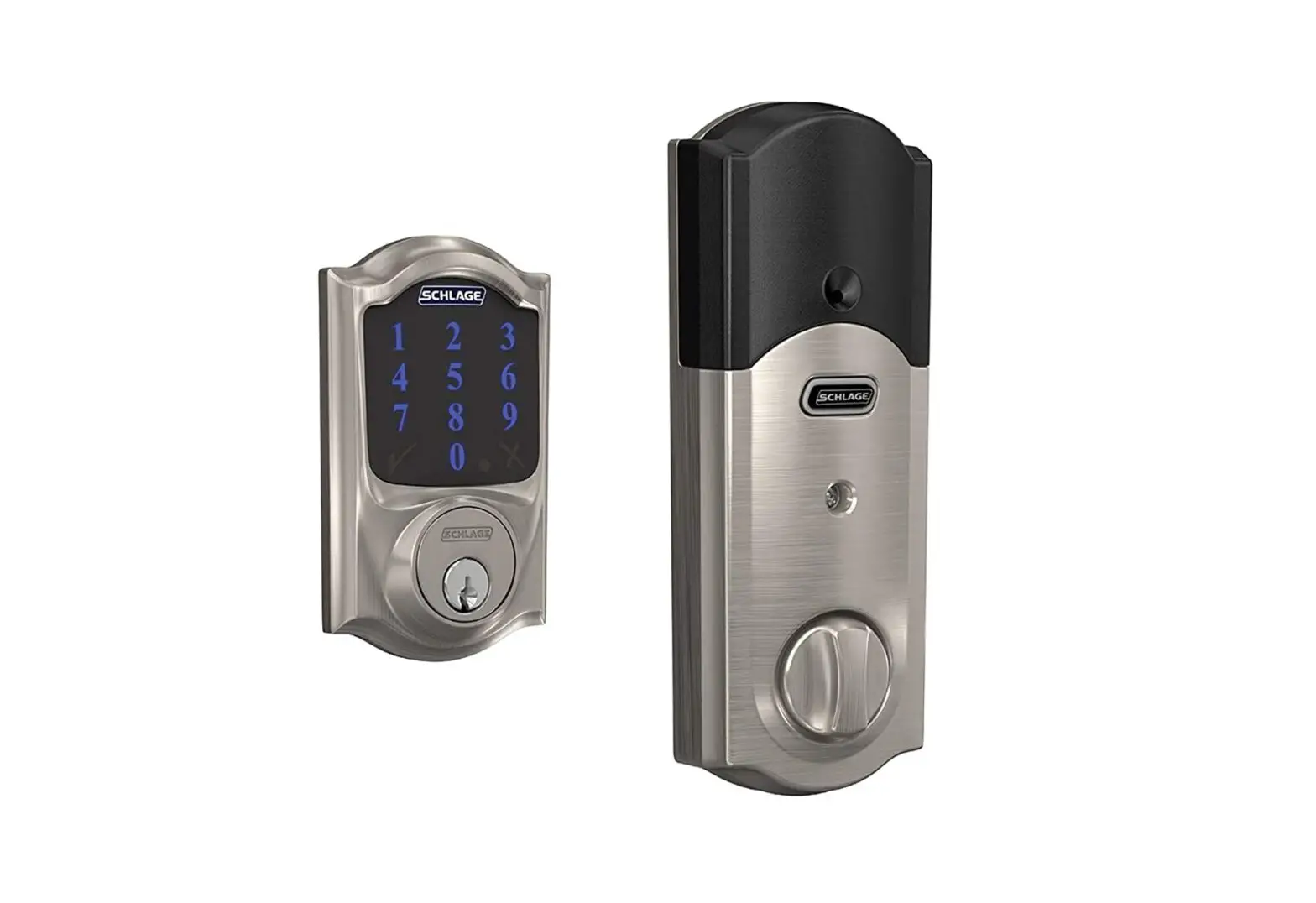
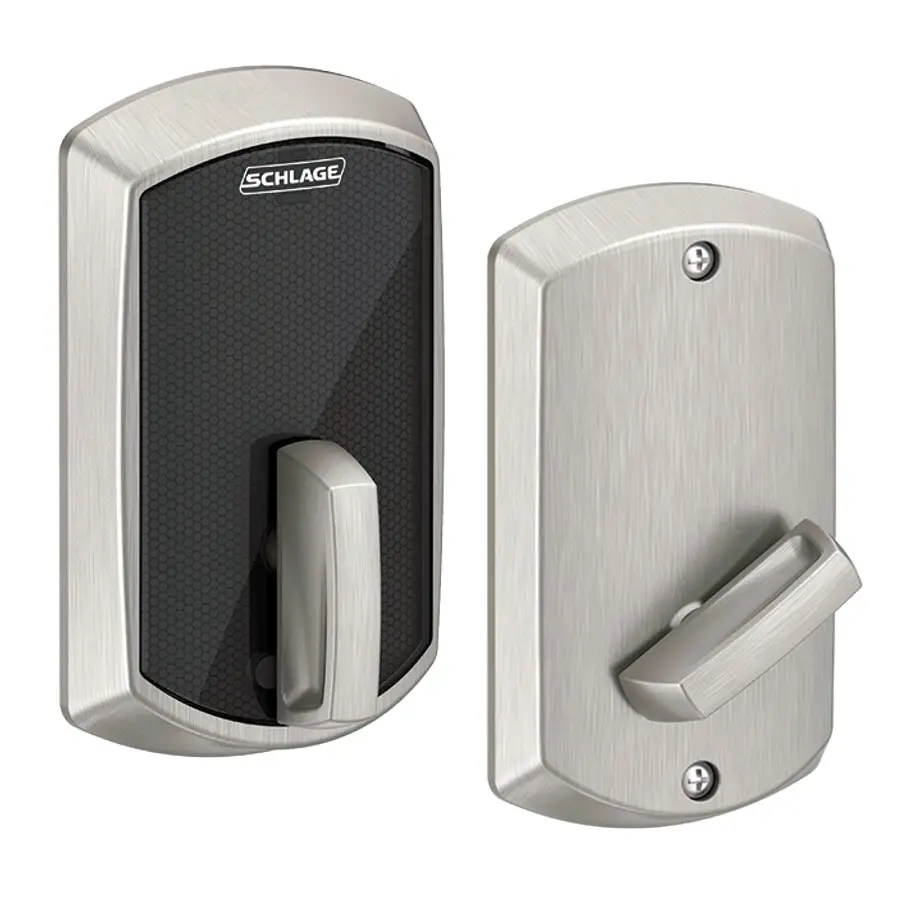
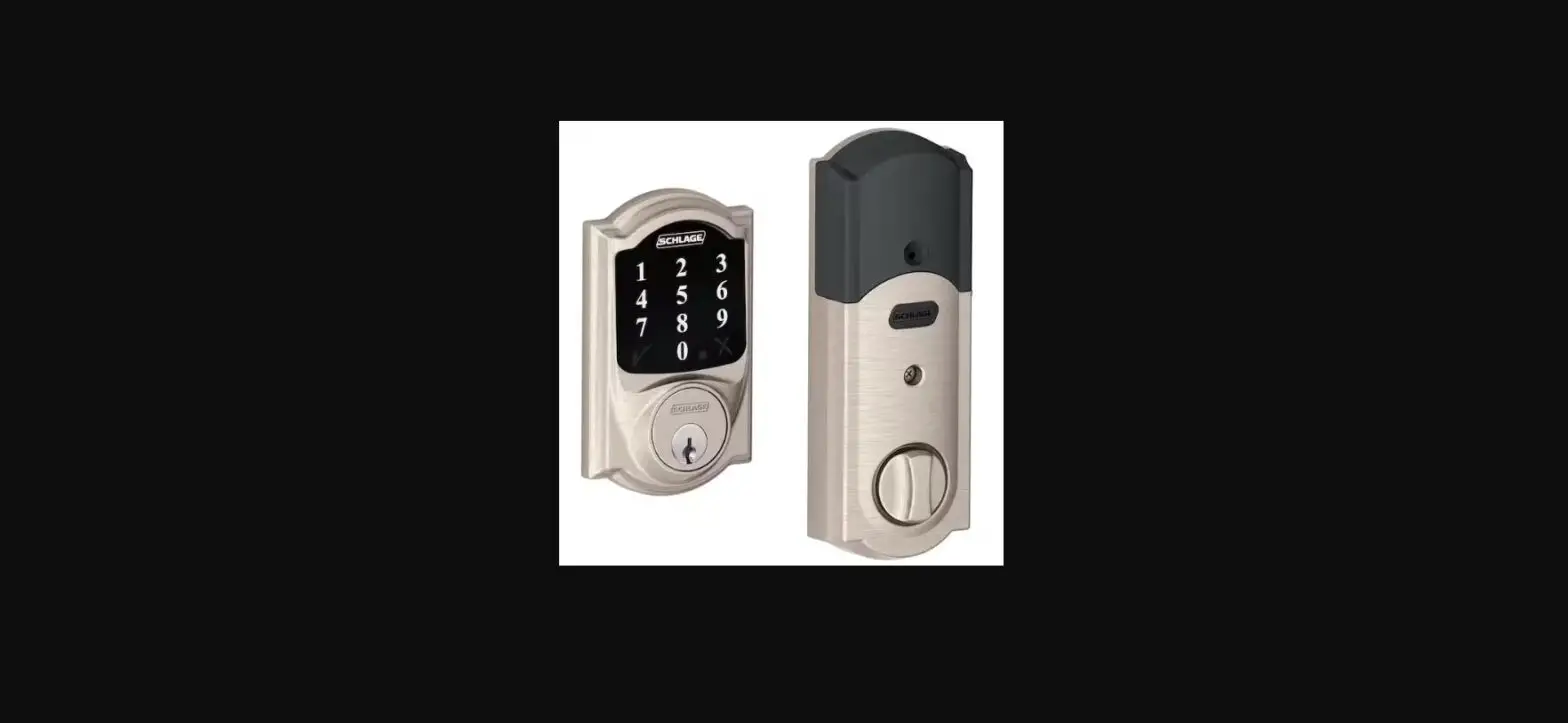
Parts
(S1 Smart Deadbolt shown)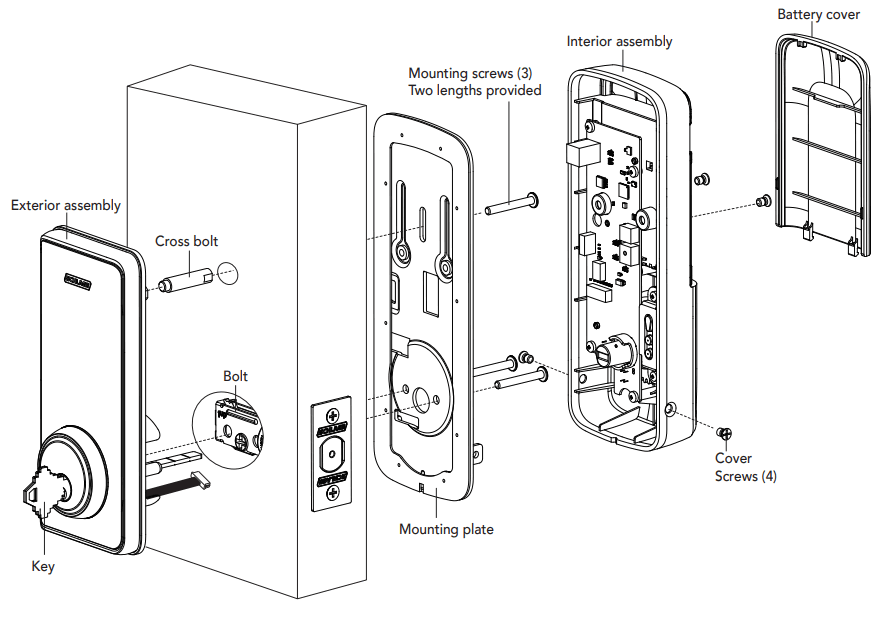
Also includes (not shown):
a) Strike plate & screws
b) Reinforcement plate & screws
c) 4 x AA Alkaline batteries
For more information visit schlage.com.au/ease or schlage.co.nz/ease
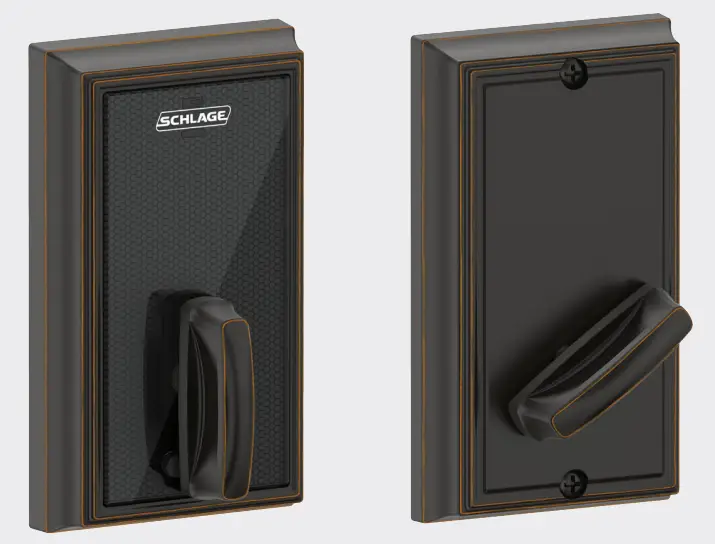
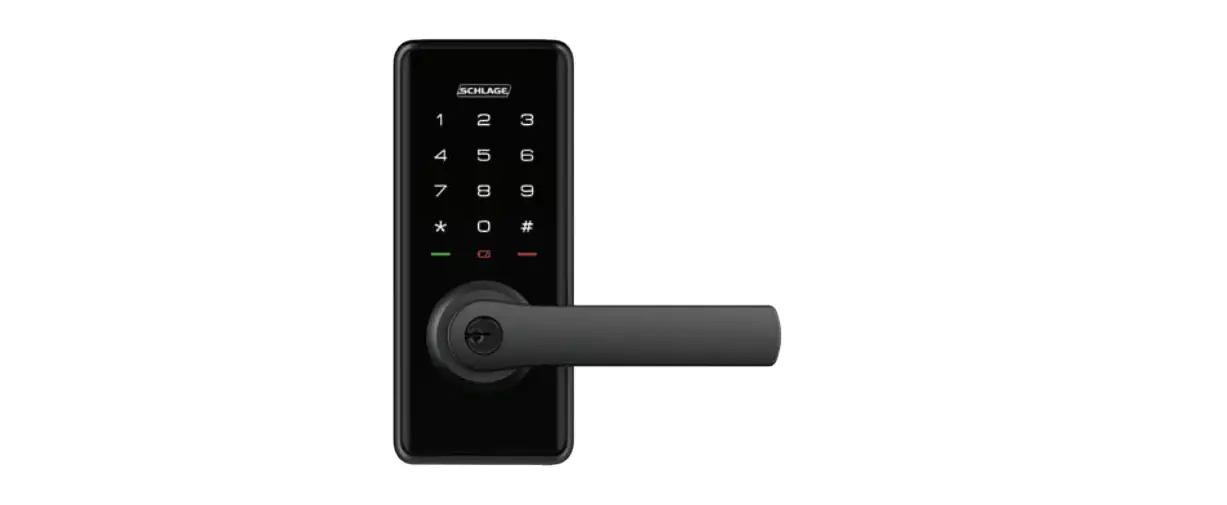
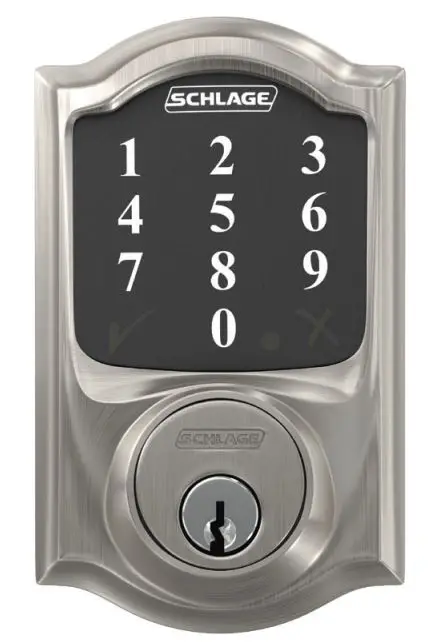
Exterior assembly
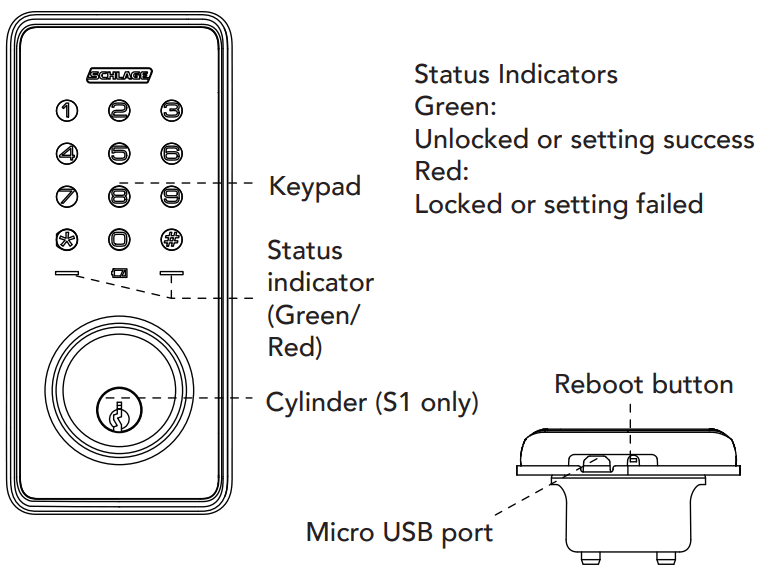
Status Indicators
Green: Unlocked or setting success
Red: Locked or setting failed
Interior assembly
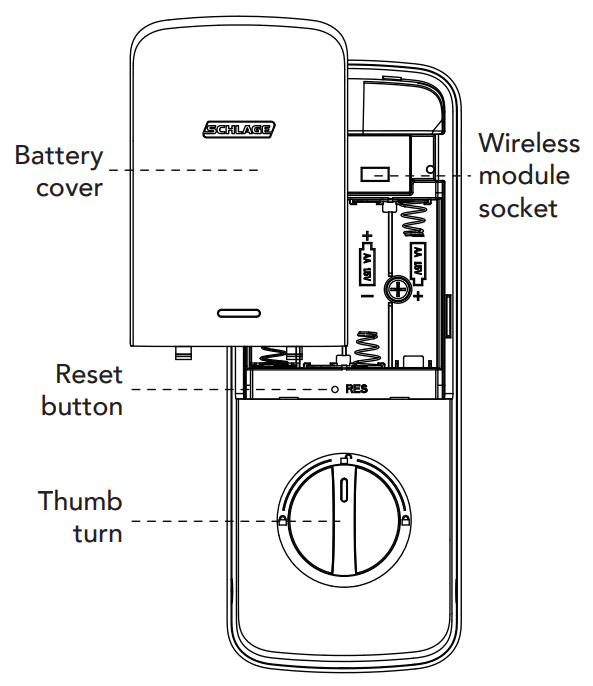
 Master and User PIN codes have 4~10 digits. The default master PIN code is [12345678]. Please change it prior to the programming of the lock.
Preparing for installation
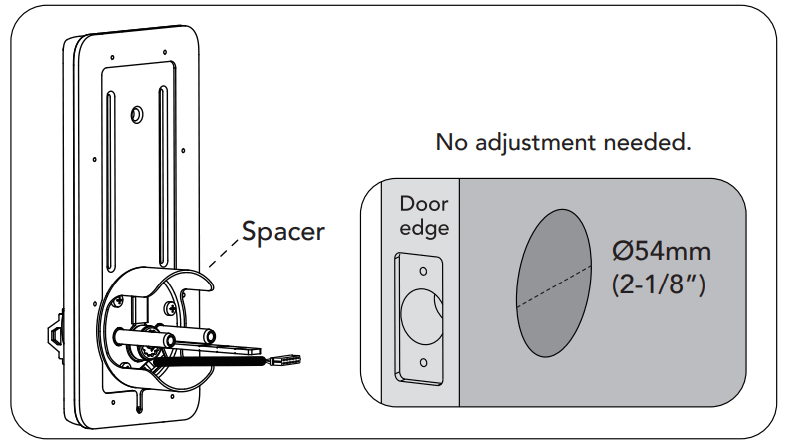
- Measure the dimension of the hole on your door to ensure you have a 54mm hole, or use the drilling template provided.


- Adjust the deadbolt.
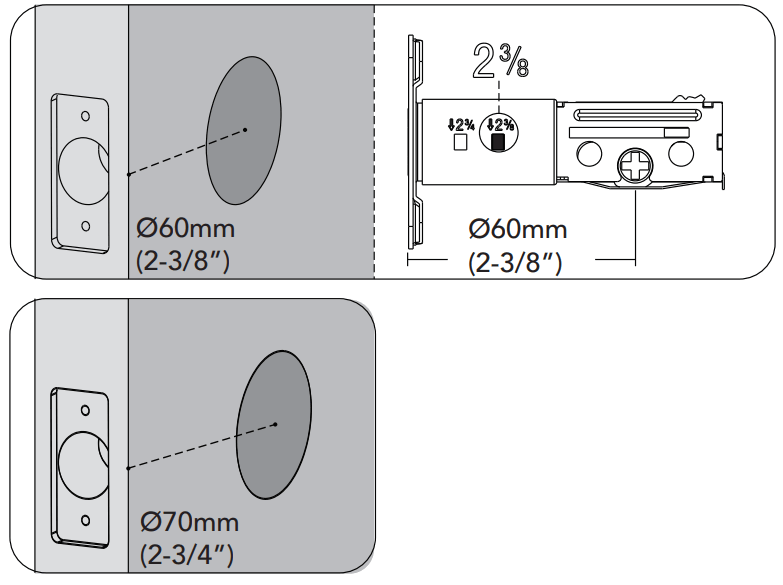
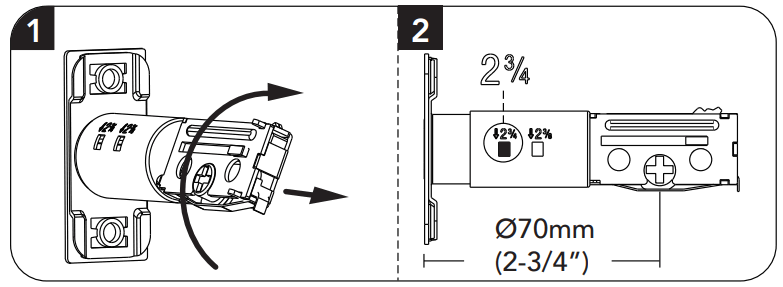
NOTE: Bolt ships with backset in 60mm (2-3/8”) position. If required, turn the bolt case and pull to extend to 70mm (2-3/4”) backset position (pictured below). The bolt must be in a retracted (unlocked) position when you are changing the backset.
Installation
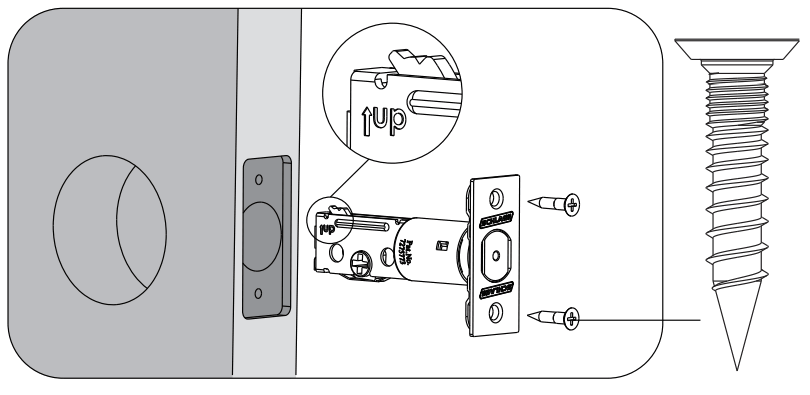
- Install the bolt on the door ensuring the word UP is in the upwards position.

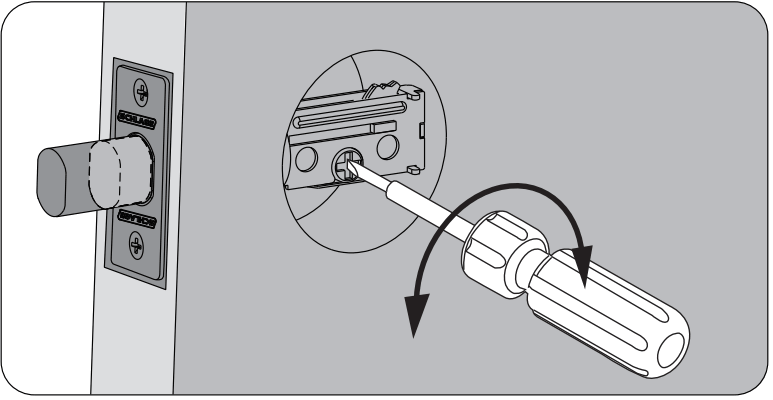
- Use a screwdriver to test if the deadbolt works smoothly.

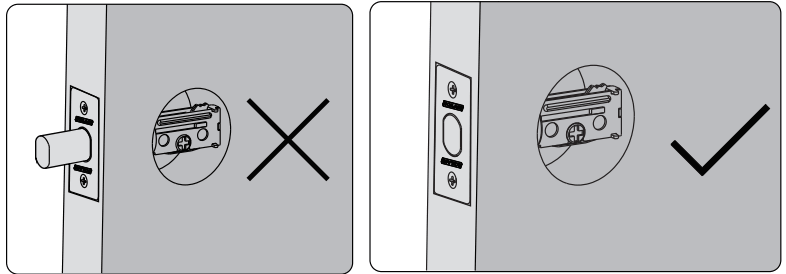
- Make sure the bolt is in the retracted (unlocked) position.
 NOTE: The bolt must be in a retracted (unlocked) position before installing the lockset.
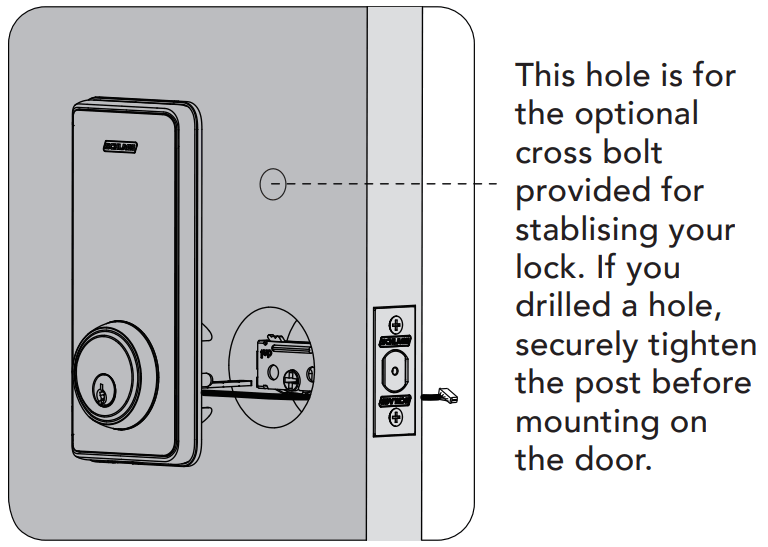
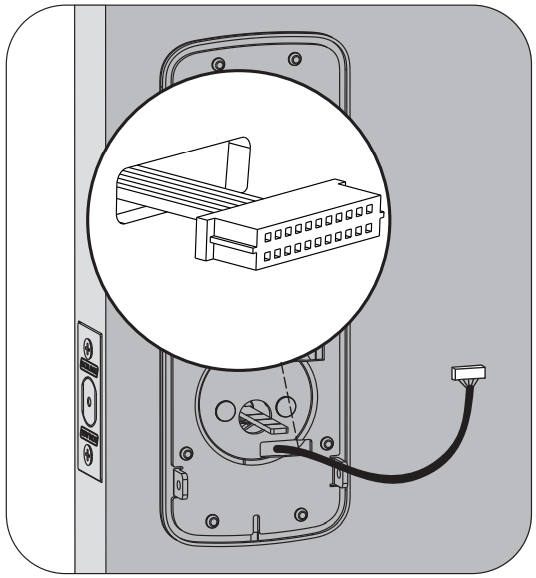
- Hold the exterior assembly flush to the door, pull the key tailpiece, and cable through the door hole. NOTE: Cable must go through door hole under the bolt.
NOTE: The tailpiece should be kept in a horizontal position.
- Position the inside mounting plate to sit flush on the door, ensuring the cable and tailpiece go through the holes in the mounting plate.

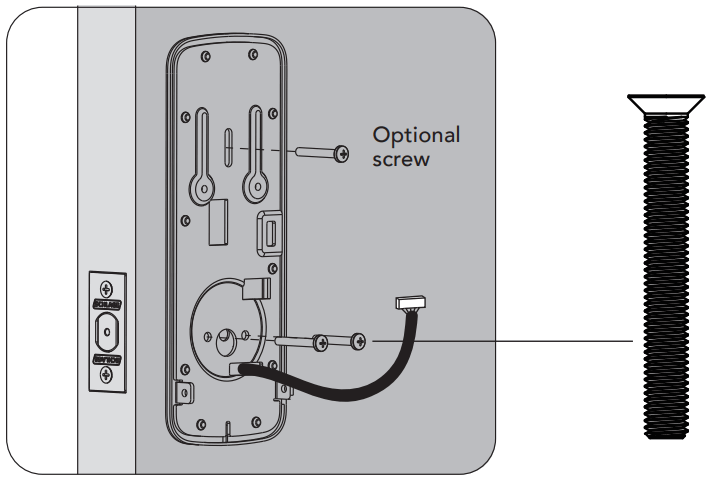
- Secure both assemblies using the screws provided. Make sure the exterior assembly is vertically aligned. If you added the cross bolt, securely tighten the post to the exterior Ease unit with the additional screw provided.

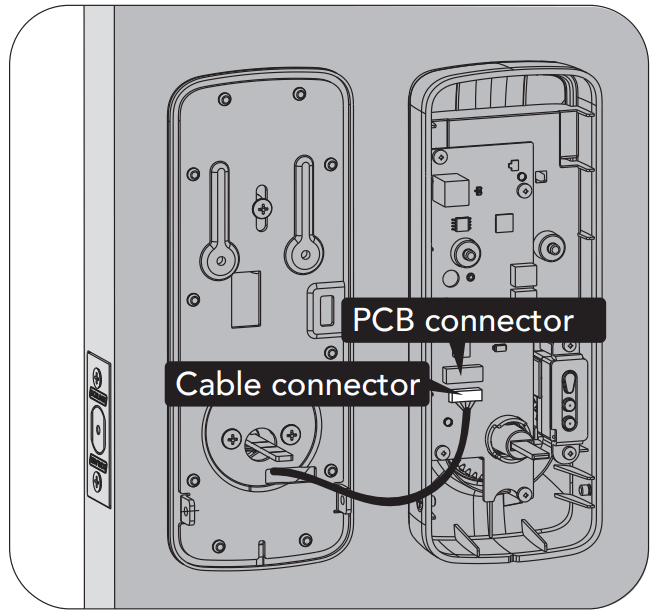
- Attach cable assembly to the interior assembly PCB by lining up notches on top of cable connector to slots on PCB connector. Press the connector firmly until completely connected.

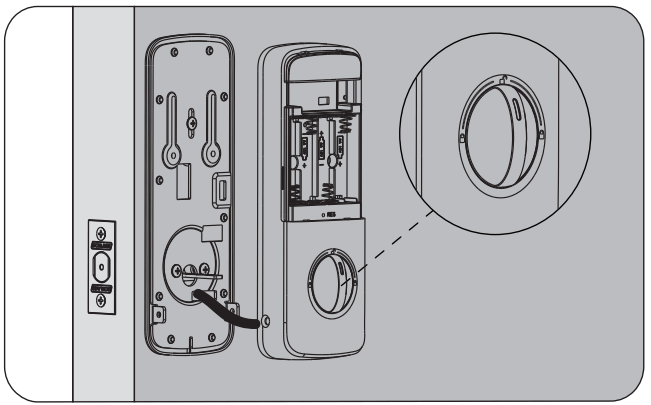
- Install interior assembly on inside mounting plate. NOTE: The horizontal orientation of the tailpiece as you insert the inside escutcheon (thumb turn should be vertical).

- Secure using 4 screws through the interior assembly onto the mounting plate. NOTE: Test operation using backup key and thumb turn before installing batteries, see if bolt extends smoothly.
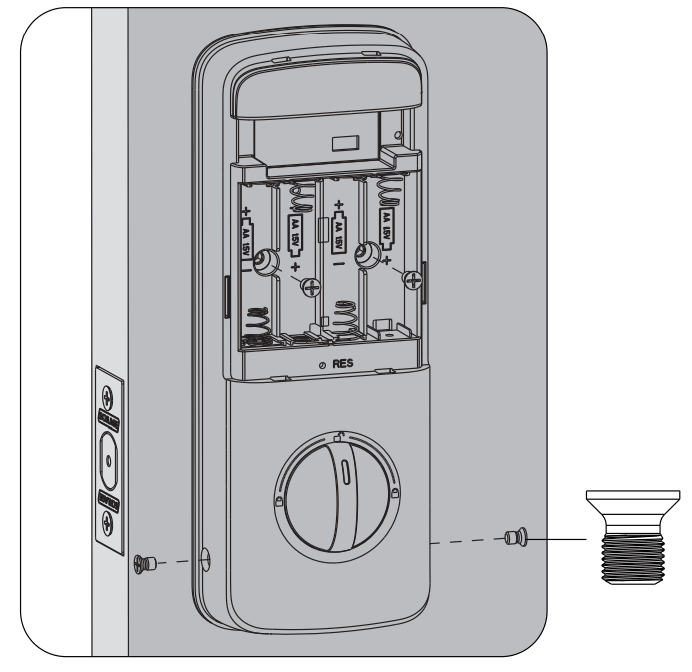
- Reset the lock to learn the orientation of your door. NOTE: Resetting the lock before use is required and crucial for the lock to operate properly.
| Settings | Factory default |
| Master PIN code | 12345678 |
| Auto-lock | Disabled |
| Beeper | Enabled |
| Wrong code entry limit | 5 times |
| Shutdown time | 3 minutes |
| Away mode | Disabled |
| Bluetooth mode | Enabled |
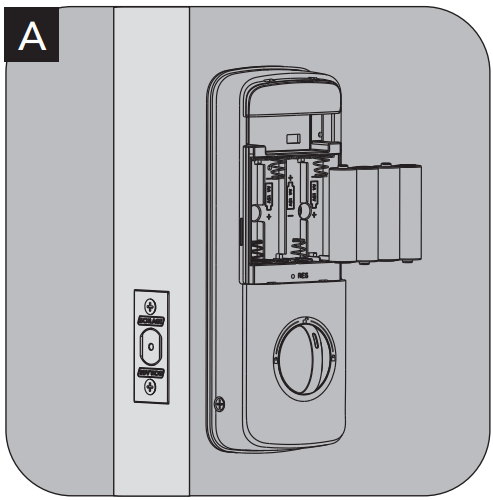
Keep your lock-in “unlock” status, insert 4x AA batteries in the battery pack.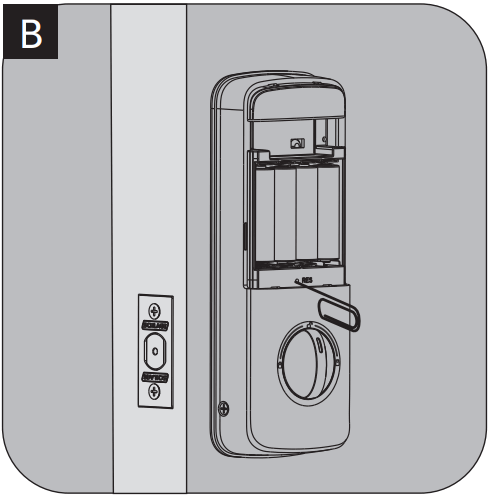
Using a pointed object, press and hold the reset button for over 5 seconds until you hear the voice guide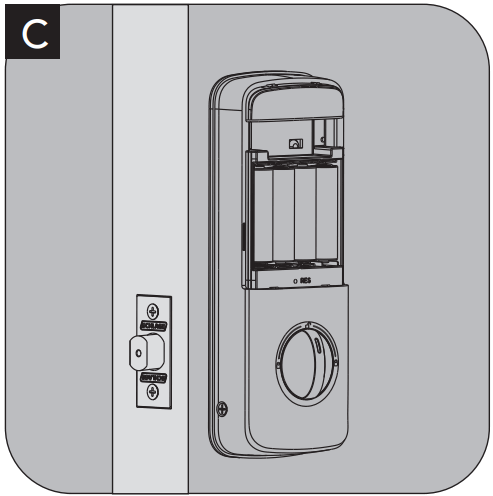
If the reset is successful, the latch bolt will extend on its own to learn the orientation of the door.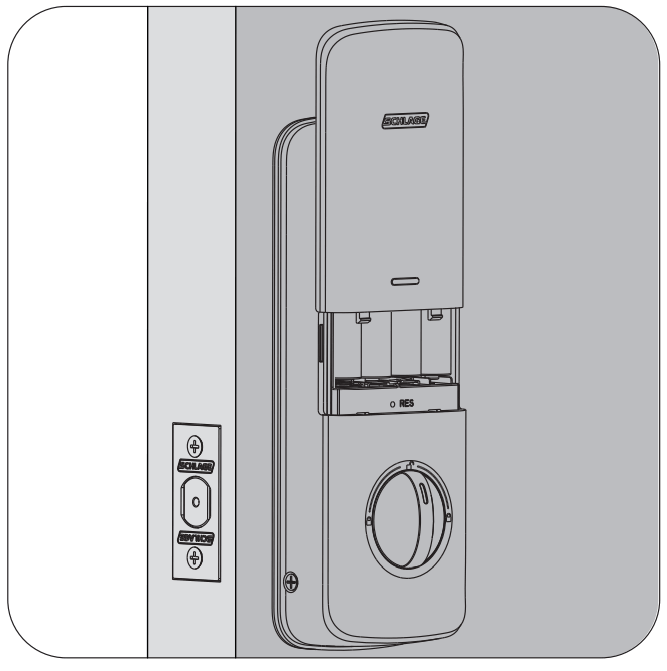
11. Install battery cover.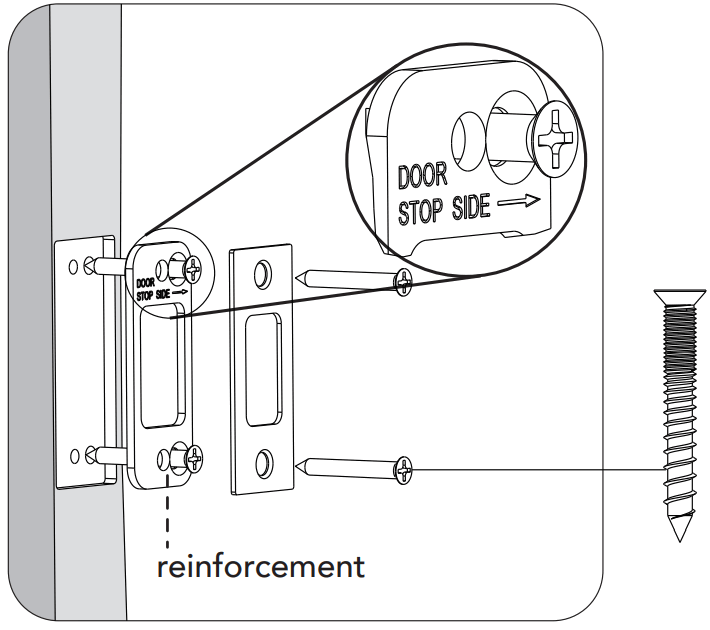
12. Install reinforcement plate and strike into the door jamb.
Warnings
- Do not install batteries until the lock is completely installed on the door.
- Failure to follow these instructions could result in damage to the product and void the factory warranty.
- The accuracy of the door preparation is critical for the functioning and security of this product.
- Misalignment can cause performance degradation and lessening of security.
- Finish Care: This lockset is designed to provide the highest standard of product quality and performance.
Care should be taken to ensure a long-lasting finish. When cleaning is required, use a soft, damp cloth.
Do not use lacquer thinner, caustic soaps, abrasive cleaners, or polishes as these can damage the coating and result in tarnishing.
Definitions
Auto-lock:
After successful code entry and the unit unlocks, it will automatically re-lock after 30 seconds. This feature is disabled in the default setting.
Away mode:
This feature can be activated or deactivated in the Schlage Abode App or the lock itself. Activating away mode will disable all user codes, except master away mode. If the lock is opened with a key or manually from inside, the lock will trigger an alarm. To deactivate the away mode, you have to enter the master code or deactivate it in the app.
Fake PIN code:
Random numbers that are added before or after the user PIN. This prevents the user’s PIN from being exposed.
Manual mode:
Auto-lock function can be adjusted to manual mode. In manual mode, the lock can be locked by pressing any key on the keypad for 2 seconds or using the thumb turn from the internal unit.
Master mode:
The master mode should be entered by entering [** Master PIN Code #] to program the lock.
Master PIN code:
The master PIN code is used for programming and for feature settings.
Reset button:
After reset operation, the lock will be restored to factory default settings, all user credentials will be deleted. Refer to page 6 for instructions on how to reset your lock.
Shutdown time:
The lock will shut down for a default of 3 minutes and not allow operation after the wrong code entry limit (5 times) has been met. When the unit is in shutdown, the light will flash if you are trying to use the keypad.
Silent mode:
Disables the tone sound.
Status indicators:
Located on exterior assembly.
User PIN code:
The user PIN code operates the lock.
The maximum number of user PIN codes is 20.
Hardware specifications
| Item | Specifications | Notes |
| External dimensions | si: 161 mm (L) x 70mm (W) x 25mm (D) 51K: 137mm (L) x 70mm (W) x 15mm (D) | Operation temperature: -20°C to 55°C |
| Internal dimensions | 51: 196mm (L) x 73mm (W) x 33mm (D) 51K: 196mm (L) x 73mm (W) x 33mm (D) | |
| Battery | AA alkaline battery x 4 (Operation voltage: 4.6-6.0V) | Lasts up to one year (10 times open/close per day) |
Lock operation
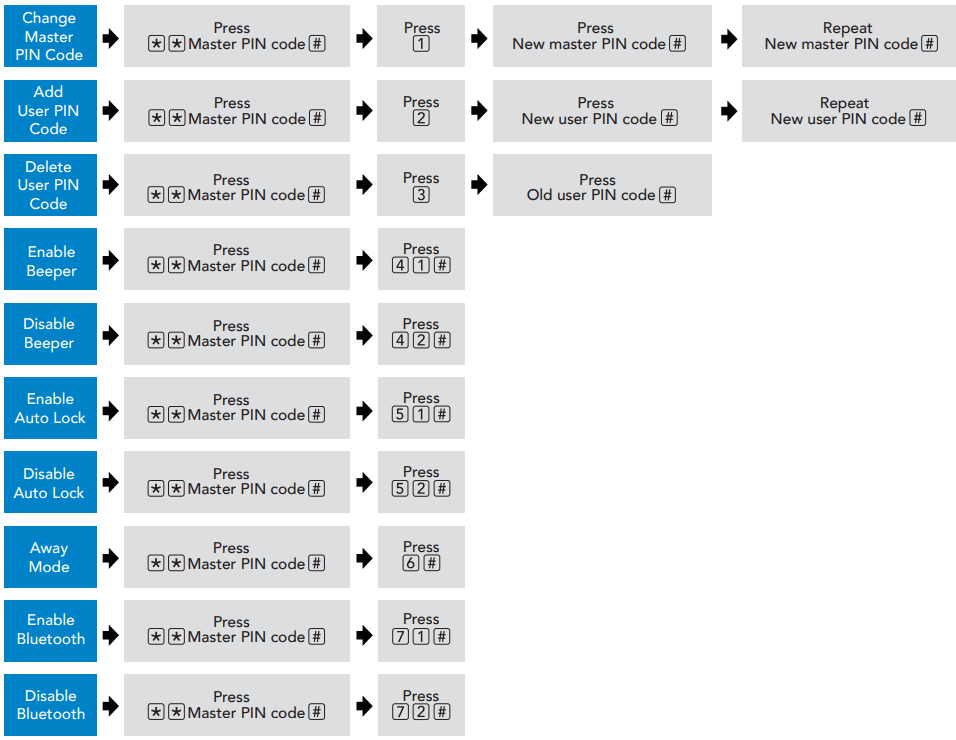
Notes;
- After each successful setting entry, 2 green lights and 2 beep indicators will occur.
- The beeping sound occurs only when sound is enabled.
- If the indicators show 3 red lights and 3 beeps, your setting has failed and the system will exit master mode.
Please enter master mode to try again. - Refer to page 10 for guidelines on setting PIN codes.
Setting PIN codes
- Master PIN code (4~10 digit): The default master PIN code is “12345678”, please modify it after installation.
If you forget your master PIN code, you can reset your lock back to factory settings (refer to page 6 for instructions). - User PIN code (4~10 digit): User PIN codes can be set up through the master PIN code.
Up to 20 user PIN codes can be stored. - Both master and user PIN codes don’t support the following combination of numbers.
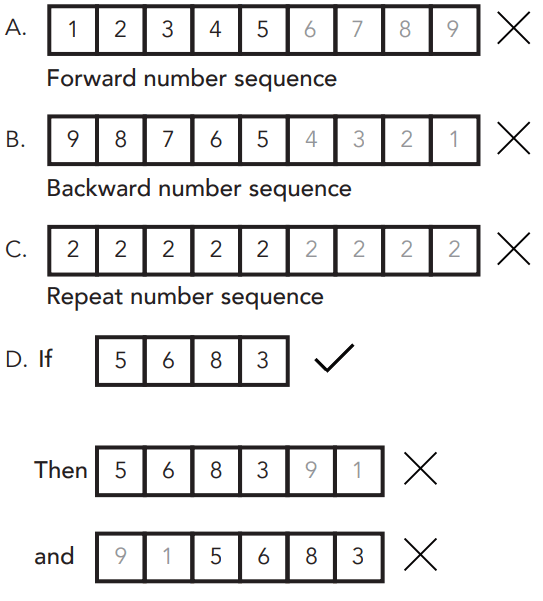
Contain existing code sequence
How to use
Unlock the door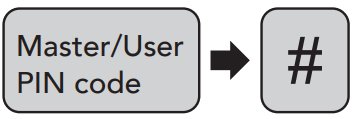
- Unlock the door from outside: Master/User PIN code or key
 Turn the thumb turn on the inside body.
 - Unlock the door from inside: Manual thumb turn
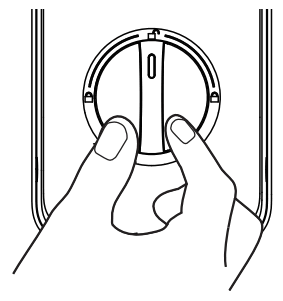 Turn the thumb turn on the inside body.
Lock the door
- ock the door from outside: Auto lock mode: In auto-lock mode, after unlocking, the bolt will extend out automatically after 30 seconds.
Manual mode: Press any key on the keypad for 2 seconds.
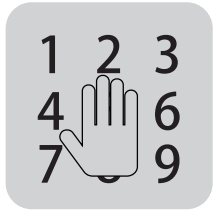 Press any key on the keypad for 2 seconds.
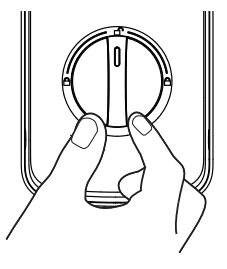 Manual mode:
Unlock with fake PIN code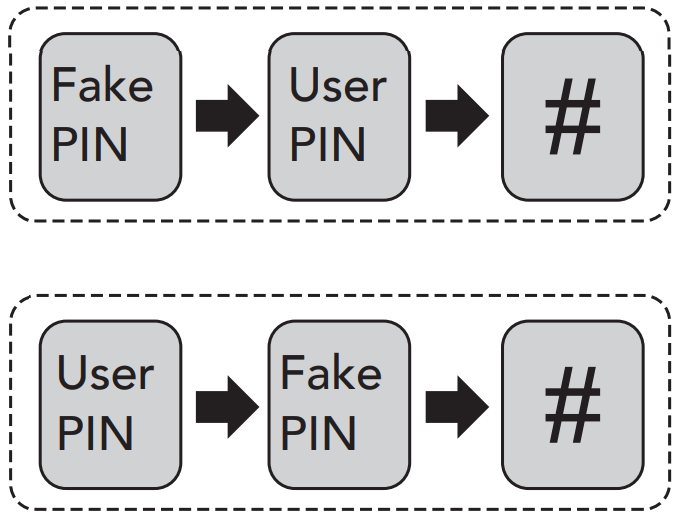
Users can prevent PIN code exposure from strangers by entering random digits before or after the PIN code.
Emergency Power
If the unit is locked and you require emergency battery power, located on the bottom of the external unit is a Micro USB Port (refer to diagram on page 3). Using a micro USB cable and charged power bank, you can power the lock to regain access as required.
Warranty conditions
The Schlage Ease™ provides a 2 year mechanical and electronic warranty. Our goods come with guarantees that cannot be excluded under the local consumer law. You are entitled to a replacement or refund for a major failure and for compensation for any other reasonably foreseeable loss or damage. You are also entitled to have the goods repaired or replaced if the goods fail to be of acceptable quality and the failure does not amount to a major failure.
Get mobile access with Schlage Abode
For an enhanced experience and functionality, try using the Schlage Ease ™ with the Schlage Abode mobile application. Simply download the Schlage Abode app from the Apple App Store or the Google Play Store. Manage and control your lock with the ease of your smartphone for greater control and access.
Schlage Wi-Fi Bridge (AB100)
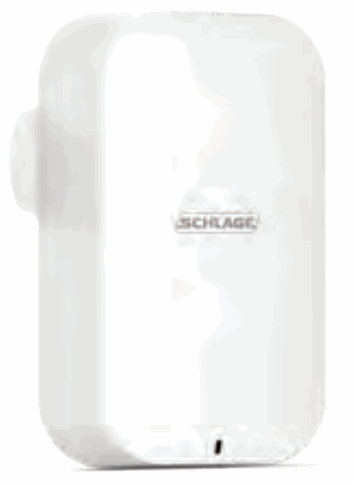
Empower your Schlage Ease™ lock with Wi-Fi capability. The Schlage Wi-Fi Bridge (AB100) pairs to your Schlage Ease ™ lock, to provide you with a real-time connection through your smartphone.
Ask your retailer about the Schlage Wi-Fi Bridge (AB100), sold separately.
For more information visit allegion.com.au/ease or allegation.co.nz/ease
Australia
1800 098 094
[email protected]
www.allegion.com.au
New Zealand
0800 477 869
[email protected]
www.allegation.co.nz
Southeast Asia
+65 6488 2562
sea.[email protected]
www.allegion.com
PDSC0050R1 DEC21
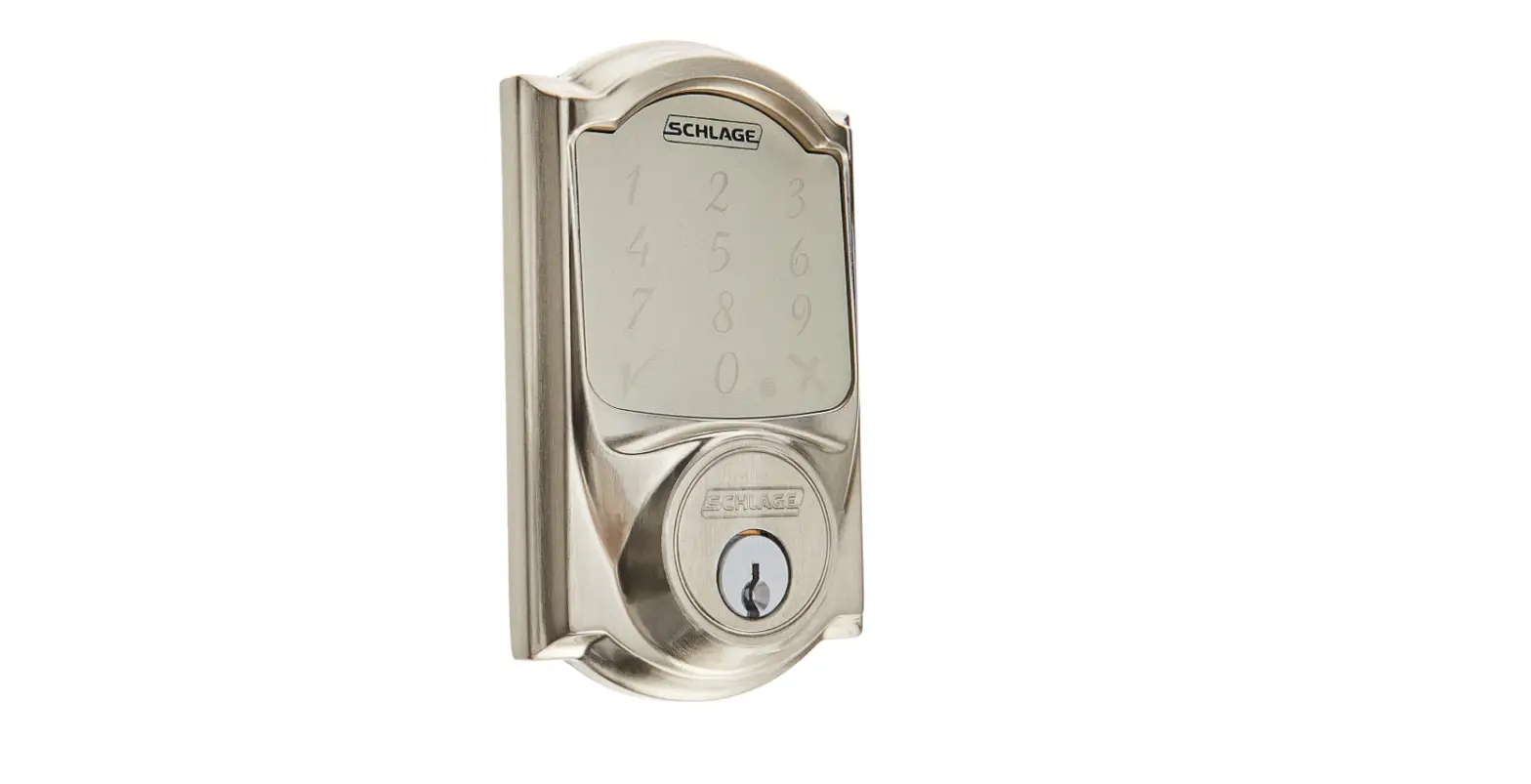
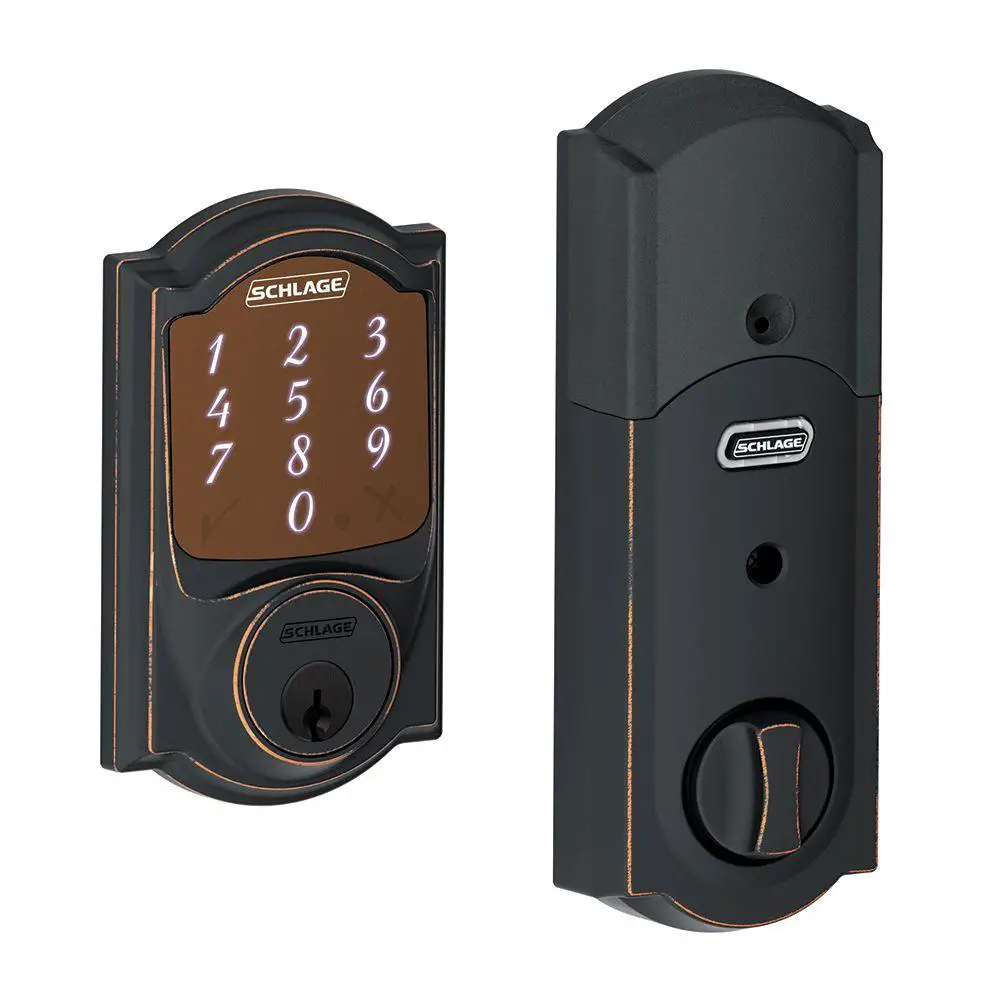
![Schlage Keyless Touchscreen Deadbolt [be375] Instructions Manual](https://static-data1.manualsee.com/1/img/161/20267/2020/12/Schlage-Keyless-Touchscreen-Deadbolt.png "Schlage Keyless Touchscreen Deadbolt [be375] Instructions Manual")