 TENA 8544 SmartCare Change Indicator Gateway
 TENA 8544 SmartCare Change Indicator Gateway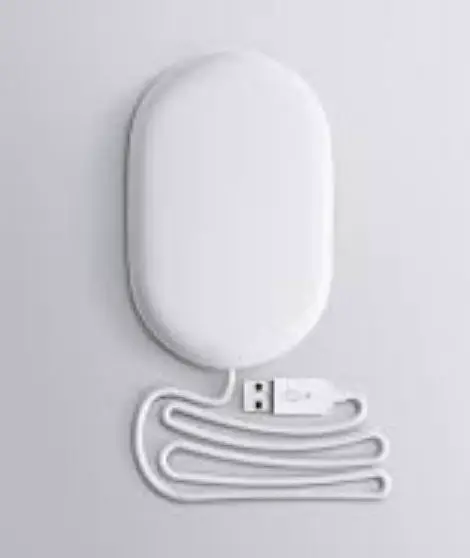
INFORMATION
This guide is intended for Family Caregivers or Professionals using the TENA SmartCare Change Indicator™/MC in a home environment or a nursing home. The Change Indicator system tracks and displays urine saturation levels in an absorbent TENA incontinence product. The TENA SmartCare Change Indicator is a system consisting of:
- An app, installed on one or more smartphones/handheld devices.
- A reusable Change Indicator consisting of two parts;
- A Sensor Strip and a Transmitter.
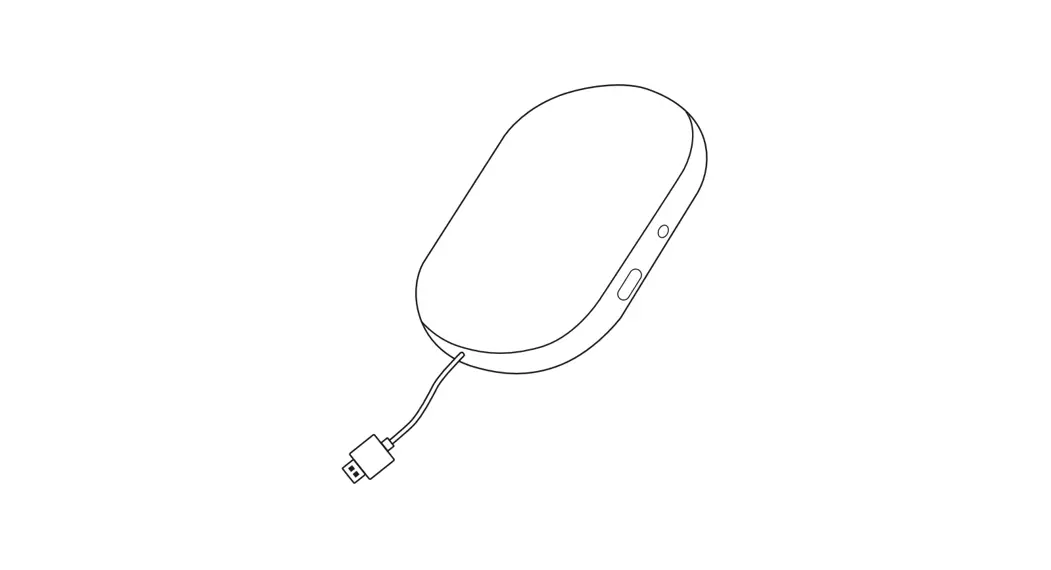
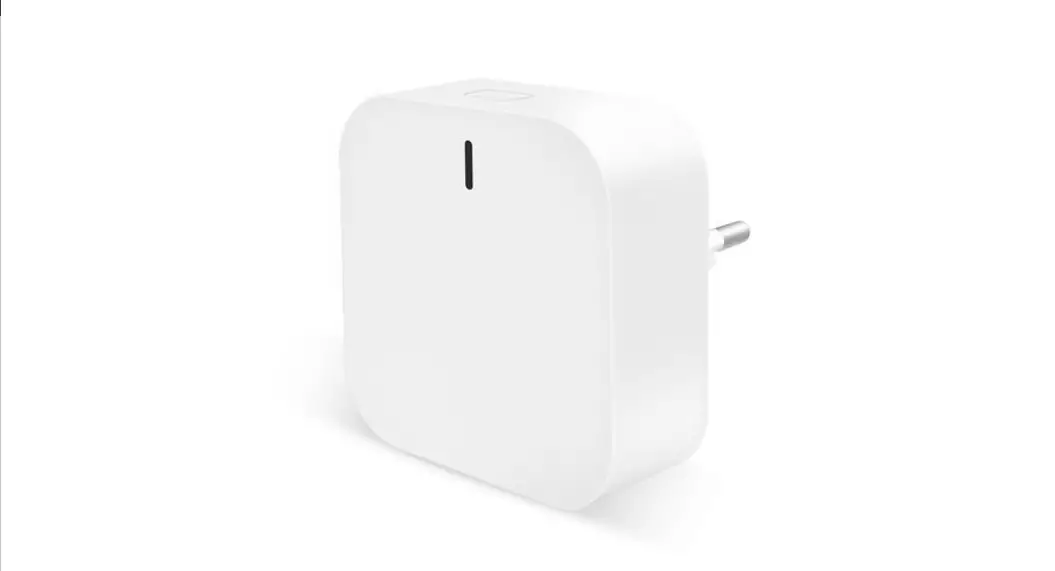
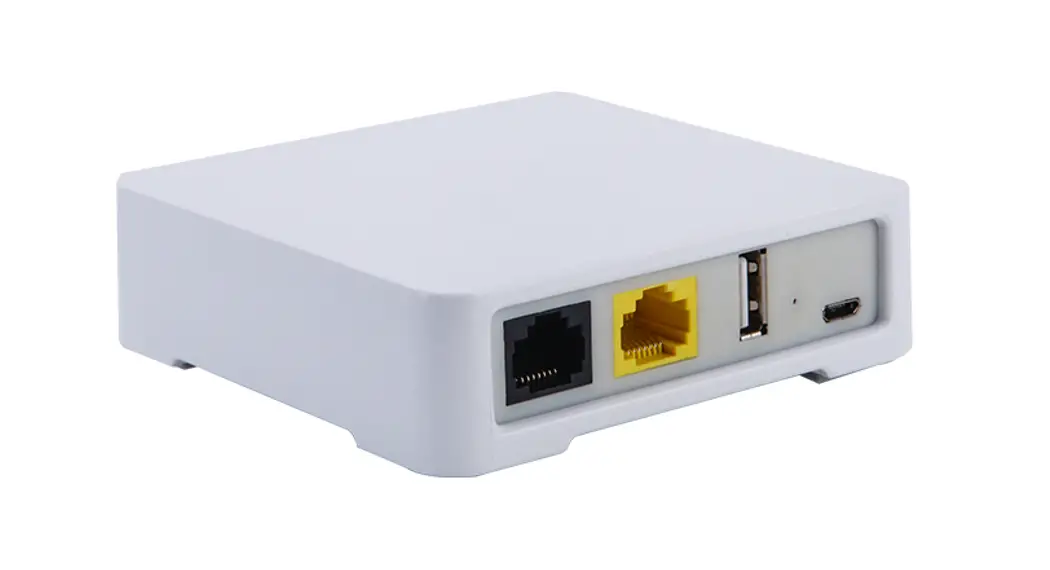
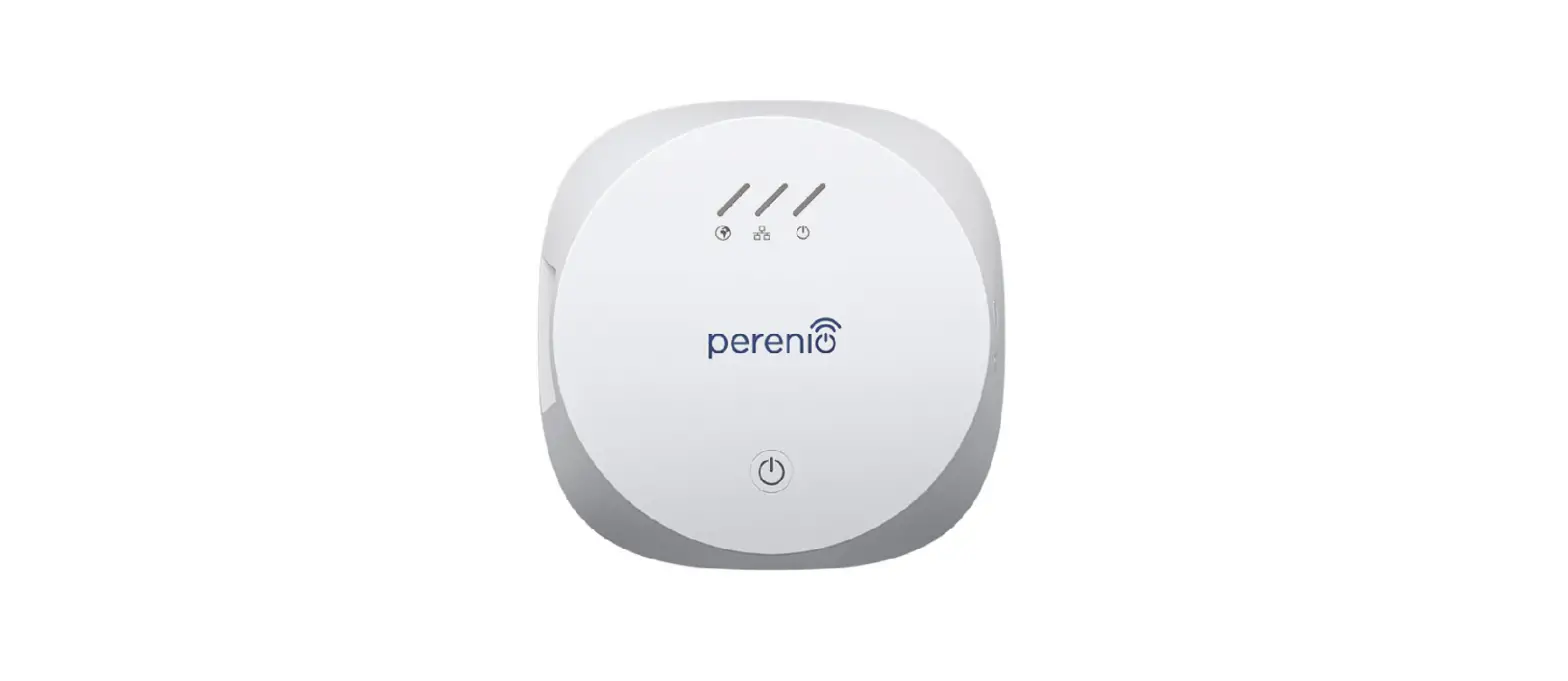
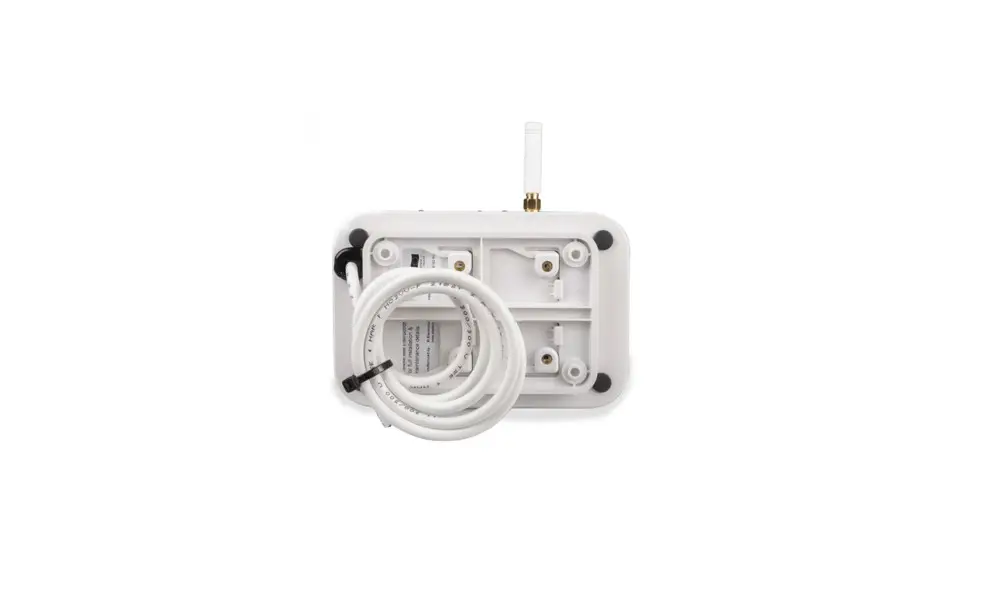
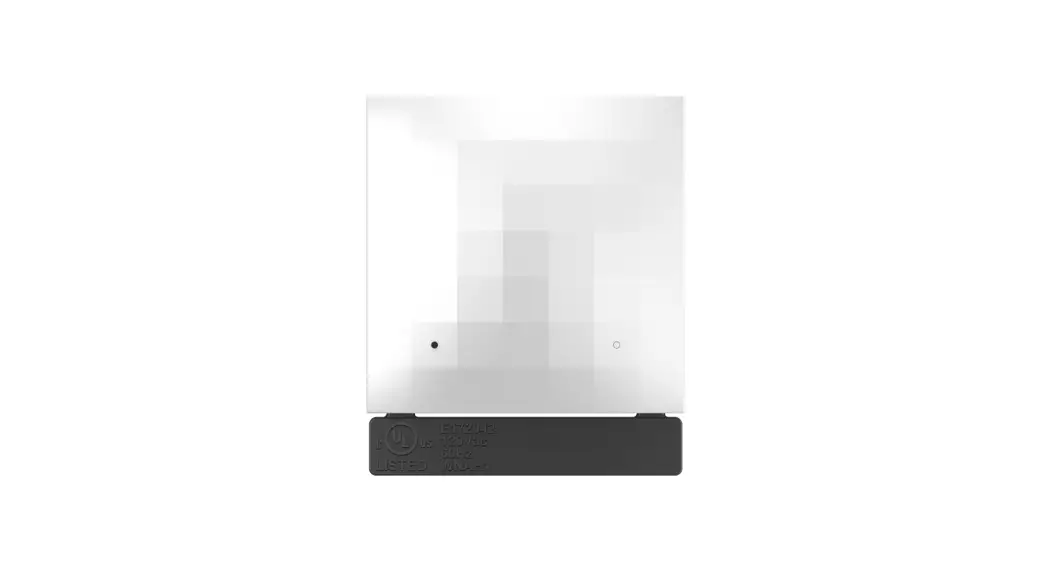
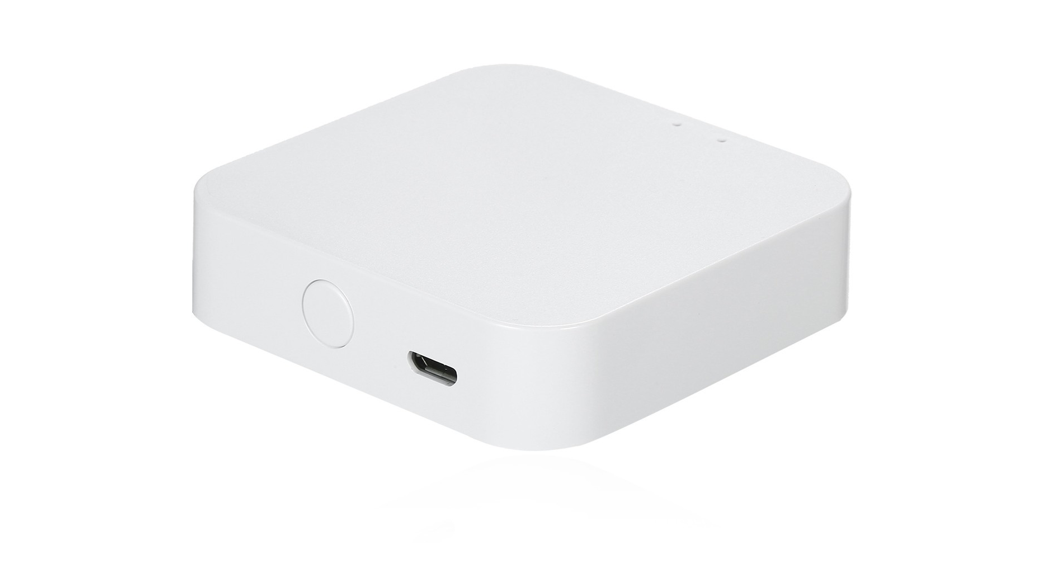
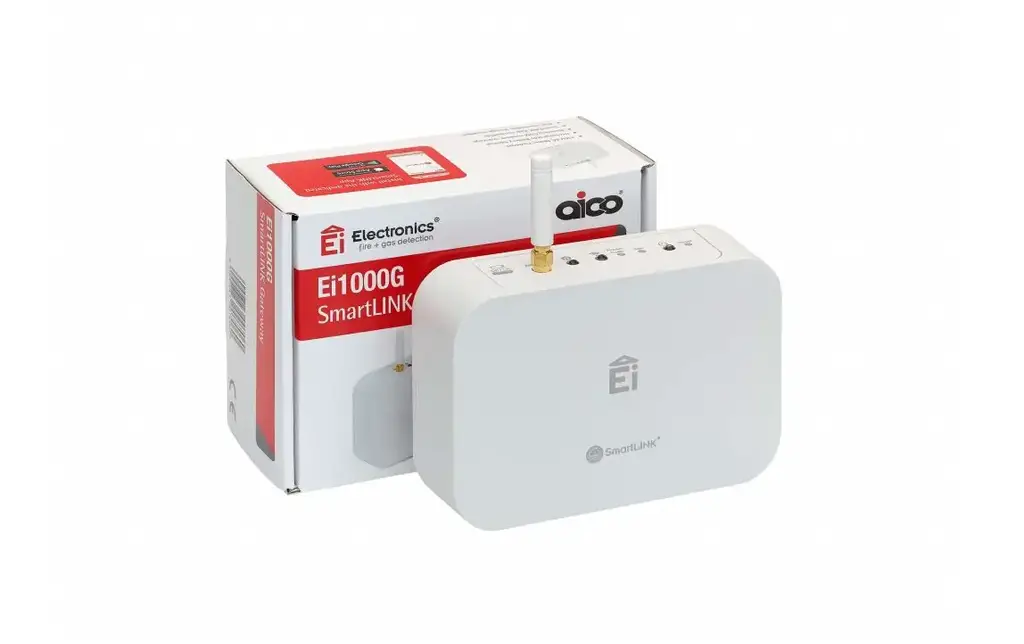
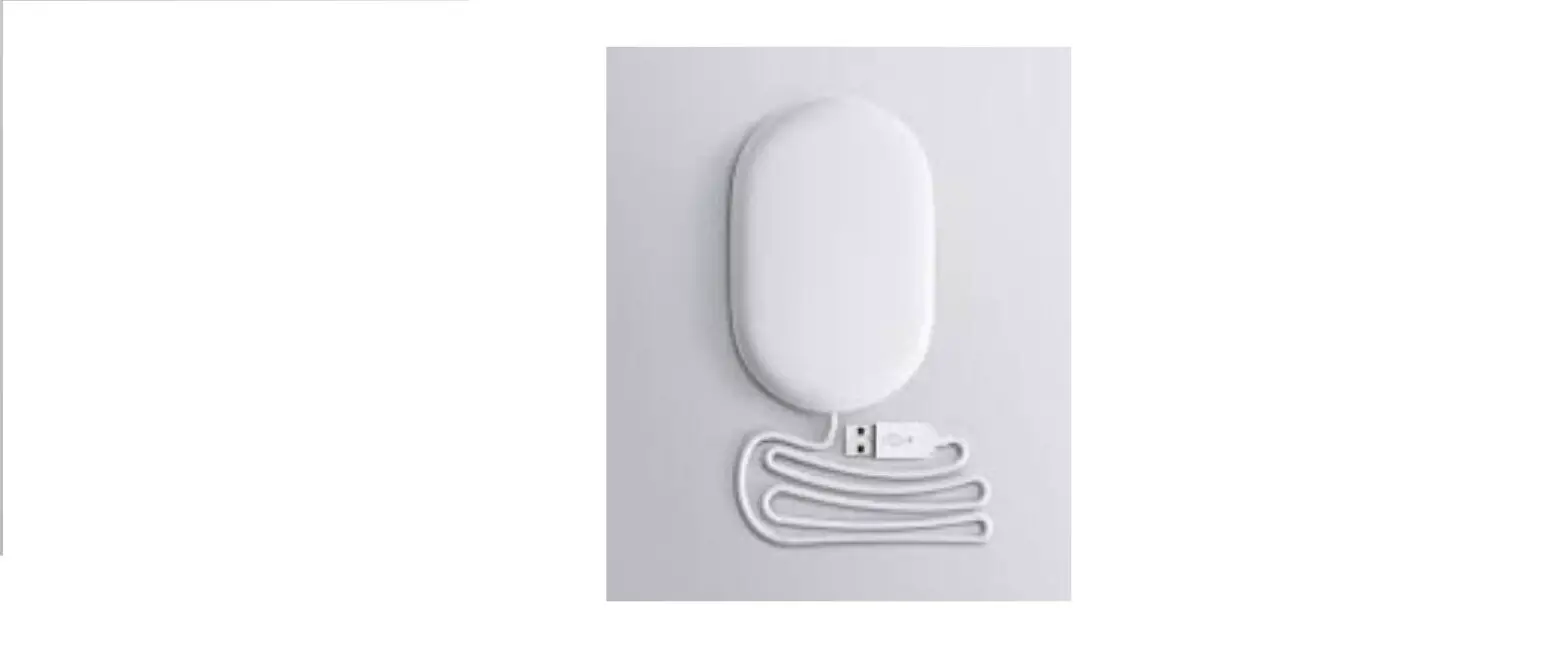
- A gateway that relays data from the Change Indicator.
 Read the full TENA SmartCare Change Indicator Instructions For Use before using the product.
Symbols used in this guide:
 WARNING
Care shall be taken to ensure safety and efficiency. Failure to do so could cause damage to equipment or lead to the receipt of incorrect data.
 NOTE :Important information or advise/tip
SET-UP GATEWAY
Parts you need to set-up gateway: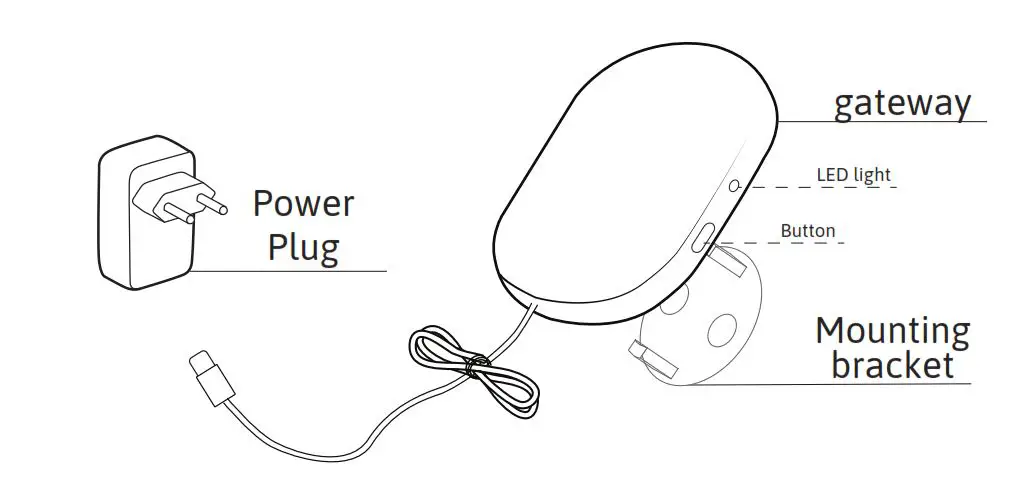 NOTE
NOTE
The gateway should be within 10 m (33 ft) of the user and connected to an electric power outlet to use the TENA SmartCare Change Indicator System.
Placement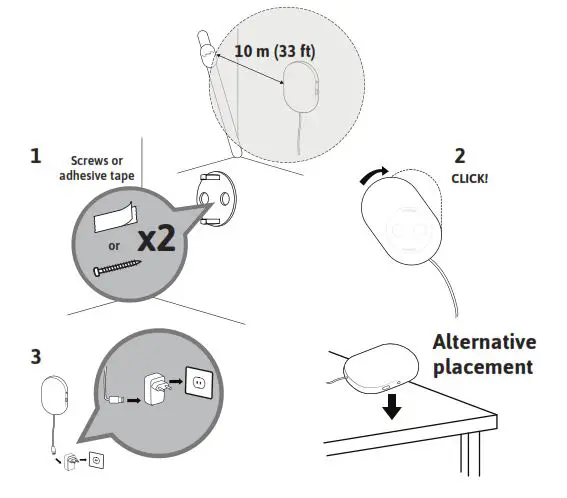 NOTE
NOTE
- If an internet connection cannot be established please try to change location of the TENA SmartCare gateway.
- It is preferred that the gateway is placed so it has clear line of sight towards the Transmitter.
NOTE
The LED light can be difficult to see if it is exposed to e.g. strong sunlight. Try to cover the sunlight to improve readability.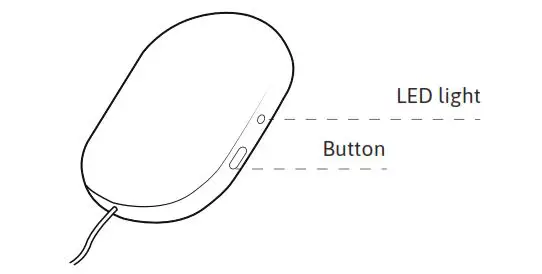 Clean the gateway with a dry cloth when needed.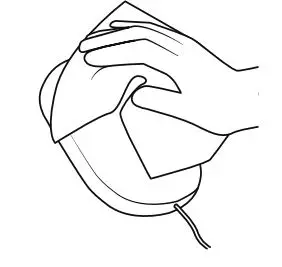
Gateway installation
After attaching the gateway to a power outlet.
| Colour LED light | What it means |
 | Blinking blue light: Wait. The system is connecting. |
 | Steady green light: All is OK. |
 | No light: Green light disappears after a while and the system goes into dark mode. Push the button to see if it has power and connection. If no light goes on, check the power connection. |
 | Steady red light: Error. See Troubleshoot section, p. 8-9, in this guide for more information. |
TECHNICAL SPECIFICATION
 RF communications equipment (including peripherals such as antenna cables and external antennas) should be used no closer than 30 cm (12”) to the Change Indicator. Otherwise, degradation of the performance of this equipment could result. Interference may occur in the vicinity of equipment marked with this symbol.
| Type of communication | BLE, LTE-M, 2 G |
| Frequency BLE | 2.4 GHz |
| Peak Power | 10 Watt |
| Average Power | 0.7 Watt |
| Input Voltage | 5 V |
Product component dimensions (mm/ inch)
| ITEM | LENGTH | WIDTH | HEIGHT |
| Gateway | 134 mm/ 5.28” | 86 mm/ 3.39” | 25 mm/ 0.98” |
Product weight (g/ ounce)
| COMPONTENT | WEIGHT |
| Gateway | 174 g/ 6.14 oz |
| Mounting bracket | 7 g/ 0.25 oz |
Environmental conditions
| CONDITION | MINIMUM | MAXIMUM |
| Storage & transport temp | +10°C / 50°F | +40°C / 104°F |
| Storage & transport humidity | 65% Rh | 90% Rh |
| Operating temp. | +15°C / 59°F | +45°C / 113°F |
| Operating humidity (non-condensing) | 15% Rh | 90% Rh |
| Pressure | 700 hPa | 1060 hPa |
TROUBLESHOOT
| PROBLEM | RESOLUTION |
| What is “Dark mode”?
| The gateway LED light turns itself off after a few seconds = goes into dark mode in order to avoid distur- bance during night. Press the button to wake up the gateway again. If nothing happens at a button-push, please make sure the gateway is connected to a power outlet |
| There is something wrong with the connection to the TENA SmartCare Change Indicator system. |
If it still does not work, please contact TENA SmartCare support.
|
| There is something wrong with the gateway connection. |
If it still does not work, please contact TENA SmartCare support. |
WARNINGS
- The gateway should not be sterilized.
- The gateway should not be used in an oxygen rich environment.
- The gateway should not be used in presence of flammable anaesthetics.
- Do not attempt to repair the gateway by yourself.
- Only use the power supply provided with the gateway.
- If the gateway connection cannot be established it will not be able to send information and work as expected. In such a case, please revert to a manual process for checking the incontinence product. Check the Troubleshooting section in this guide and if needed, contact TENA SmartCare support.
- Do not open or modify the gateway. Doing so will result in a void of warranty and can result in an unidentified risk to patient, operator or third party.
- Changes or modifications not expressly approved by the party responsible for compliance could void the user’s authority to operate the equipment.
IMPORTANT INFORMATION
- Save this user manual for future reference.
- If any changes to the installation are necessary, please contact TENA SmartCare support.
- Devices shown are not actual size.
This device complies with part 15 of the FCC Rules. Operation is subject to the following two conditions:
- This device may not cause harmful interference
- This device must accept any interference received, including interference that may cause undesired operation.
NOTE:
This equipment has been tested and found to comply with the limits for a Class B digital device, pursuant to part 15 of the FCC Rules. These limits are designed to provide reasonable protection against harmful interference in a residential installation. This equipment generates, uses and can radiate radio frequency energy and, if not installed and used in accordance with the instructions, may cause harmful interference to radio communications. However, there is no guarantee that interference will not occur in a particular installation. If this equipment does cause harmful interference to radio or television reception, which can be determined by turning the equipment off and on, the user is encouraged to try to correct the interference by one or more of the following measures:
- Reorient or relocate the receiving antenna.
- Increase the separation between the equipment and receiver.
- Connect the equipment into an outlet on a circuit different from that to which the receiver is connected.
- Consult the dealer or an experienced radio/TV technician for help.
WARNINGS
This device contains licence-exempt transmitter(s)/receiver(s) that comply with Innovation, Science and Economic Development Canada’s licence-exempt RSS(s). Operation is subject to the following two conditions:
- This device may not cause interference.
- This device must accept any interference, including interference that may cause undesired operation of the device.
This equipment complies with the ICES RF radiation exposure limits set forth for an uncontrolled environment. This equipment should be installed and operated with a minimum distance of 20cm between the radiator and any part of the human body.
LABELLING SYMBOLS
The following symbols appear on your TENA SmartCare gateway or accessories and/or packaging:
 WEEE-marking: Dispose of electrical components in accordance with your local regulations.
 Radio Frequency Radiation Symbol
 European Conformity mark
 Instruction manual
 Storage- and transport temperarture
 Humidity limitation
 Atmospheric pressure limitation
 WEEE-marking: Dispose of electrical components in accordance with your local regulations.
 European Conformity mark
 Storage- and transport temperarture
 Humidity limitation
 Atmospheric pressure limitation
Manufactured
 Manufactured by: Essity Hygiene and Health AB SE-405 03 Göteborg, Sweden
 Visiting address: Mölndals Bro 2, Mölndal
Distributed in the US by: Essity HMS North America Inc.
Distributed in Canada by: Essity Canada Inc.Cira Centre, 2929 Arch Street, Suite 2600. Philadelphia, PA 19104
Made in Sweden www.essity.com
FCC ID: 2ABIC3-91285 Contains FCC ID: N7NWP77B
IC:10866A-91285 Contains IC: 2417C-WP77B Version: NA 2020-08-20
 TENA Countries and Regions