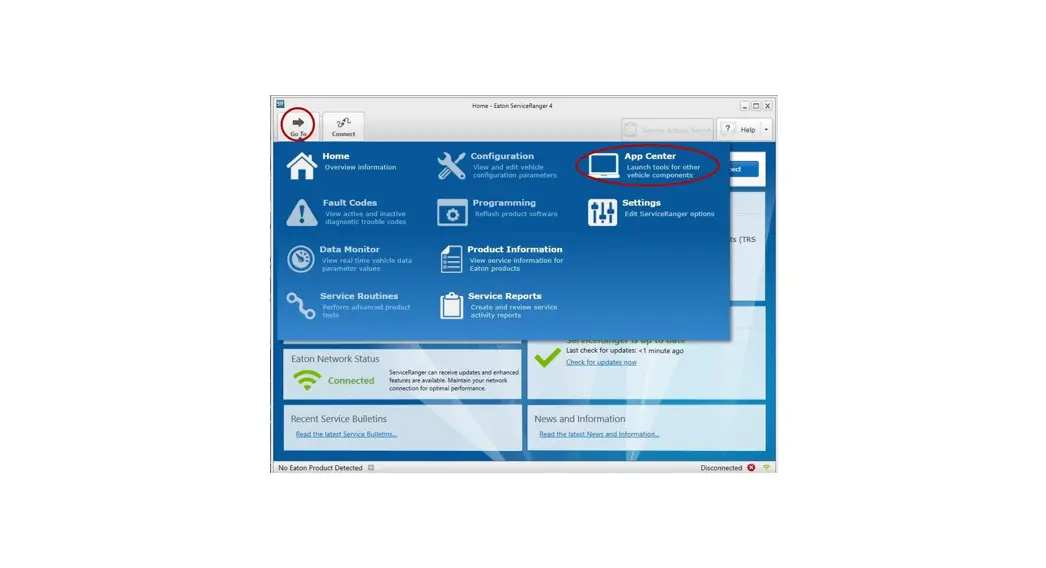
 ServiceRanger 4 Connection
User Guide
ServiceRanger 4 Connection
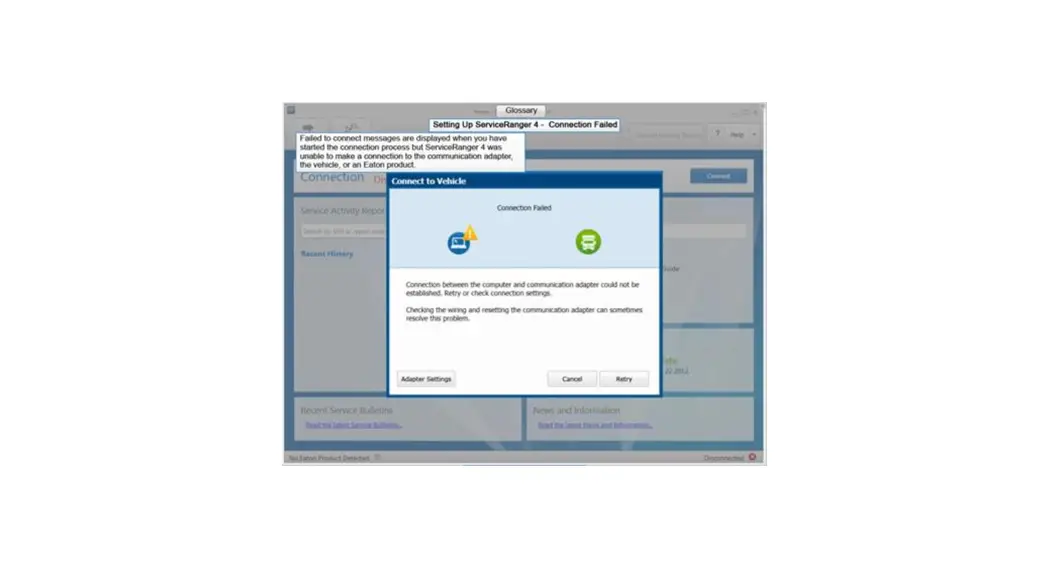
Did ServiceRanger connect to your vehicle but no Eaton product was detected?
Before calling the Roadranger Call Center ensure you are using the correct connection setting.
- Use an approved communication adapter.
Approved Communication Adapters • NEXIQ USB-Link
• DG Technologies DPA 4 Plus
• Noregon JPRO DLA+
• Cummins INLINE 6– Supports CAN Channel 1, 2, and J1587
– Crossover Cable required for CAN Channel 3*• NEXIQ USB-Link 2
• DG Technologies DPA 5
• Noregon JPRO DLA+ 2.0
• Cummins INLINE 7– Supports CAN Channel 1, 2, 3 and J1587
– Crossover Cable NOT required for CAN Channel 3**Crossover Cable
• PACCAR Y – Cable (P/N 42-02848)
• NEXIQ CAN 3 – CAN 1 (P/N 406004)
NOTICE: An approved communication adapter and USB connection is required to program a TECU or TCM. Do NOT use a wireless connection – Bluetooth or WiFi. Failure to use an approved communication adapter and USB connection may result in a damaged TECU or TCM and void component warranty. - Add or edit a Profile in ServiceRanger 4 Connection Settings screen.
OEM Model Year Crossover
CableCAN Channel Connection Recommended Setting PACCAR Kenworth Peterbilt 2006 or older t 1 J1587 USB: Protocol = J1708: Speed = 9600 2007 – 2015 1 J1939 USB: Protocol = J1939: Channel = 1: Speed = Auto 2016 – late 2018 *Yes 3 J1939 USB: Protocol = J1939: Channel = 1: Speed = Auto ** No 3 J1939 USB: Protocol = J1939; Channel = 3; Speed = Auto late 2018 – present *Yes w/ CECU t = 3 J1939 USB: Protocol = J1939; Channel =1; Speed = Auto **No w/ CECU $ = 3 J1939 USB: Protocol = J1939; Channel = 3; Speed = Auto vv/ VECU $ = 1 J1939 USB: Protocol = J1939: Channel = 1: Speed = Auto Navistar International 2006 or older t 1 J1587 USB: Protocol = J1708: Speed = 9600 2007 – present 1 J1939 USB: Protocol = J1939: Channel = 1: Speed = Auto DTNA Freightliner Western Star 2006 or older t 1 J1587 USB: Protocol = J1708: Speed = 9600 2007 – present 1 J1939 USB: Protocol = J1939: Channel = 1: Speed = Auto Volvo
Mack2006 or older t 1 J1587 USB: Protocol = J1708: Speed = 9600 2007 – 2015 1 J1939 USB: Protocol = J1939: Channel = 1: Speed = Auto 2016 – present *Yes 3 J1939 USB: Protocol = J1939; Channel = 1; Speed = Auto ** No 3 J1939 USB: Protocol = J1939; Channel = 3; Speed = Auto Bluebird 2007 – present 2 J1939 USB: Protocol = J1939: Channel = 2; Speed = Auto † Gen2 Transmissions only
‡ Vehicle equipment, refer to OEM.
Note: AutoShift Gen1 Transmissions require ServiceRanger 2.80, click here for more information.