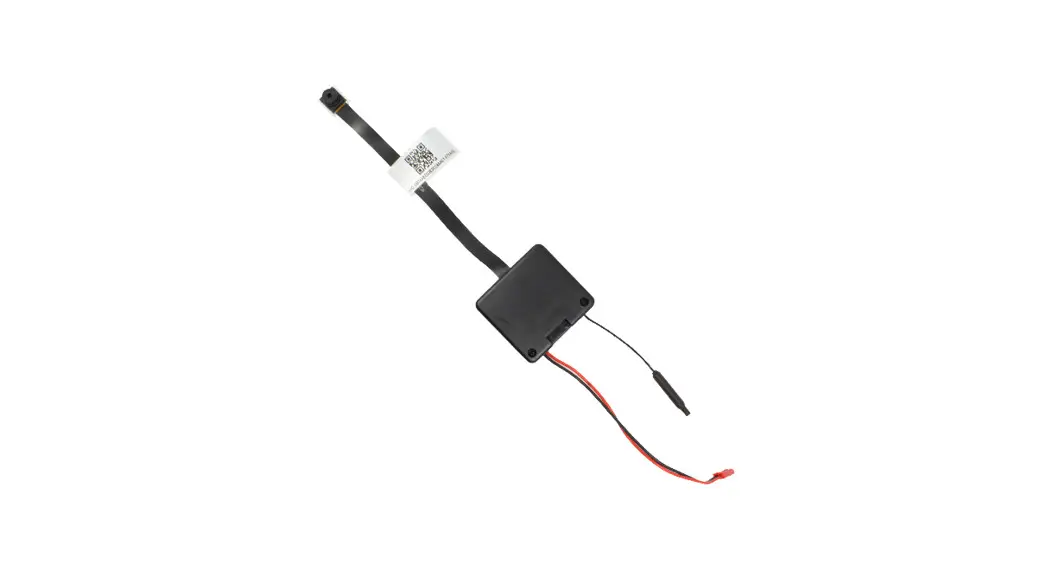

NANO-4K
USER MANUAL
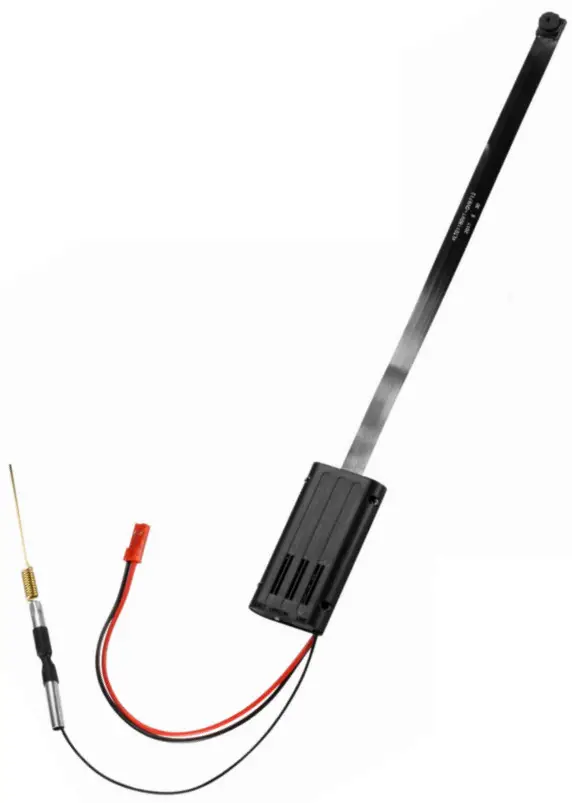
DELUX
IN THE BOX
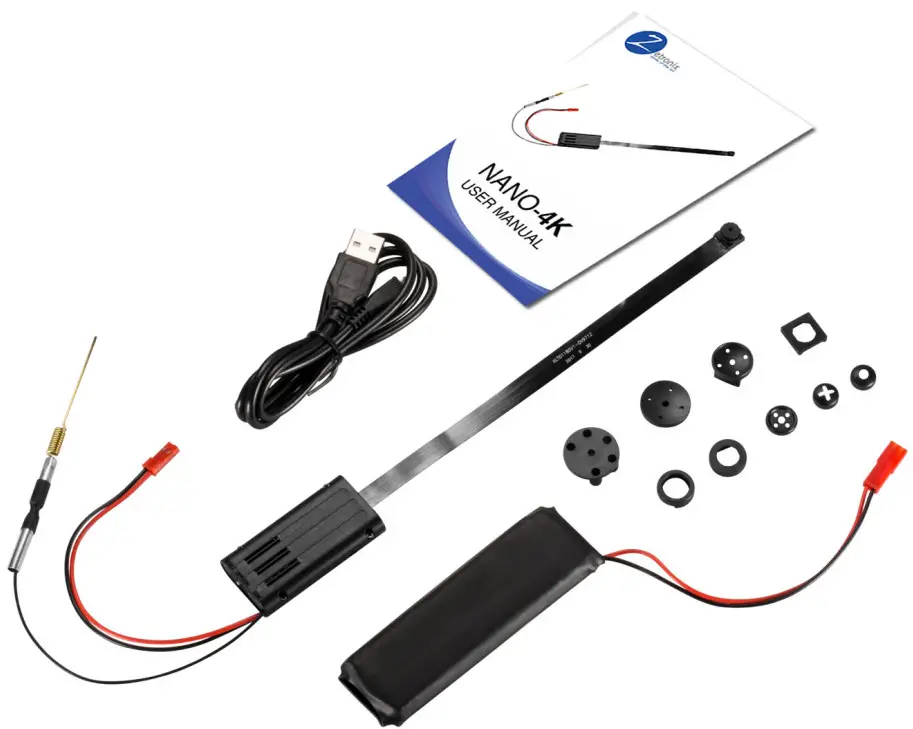
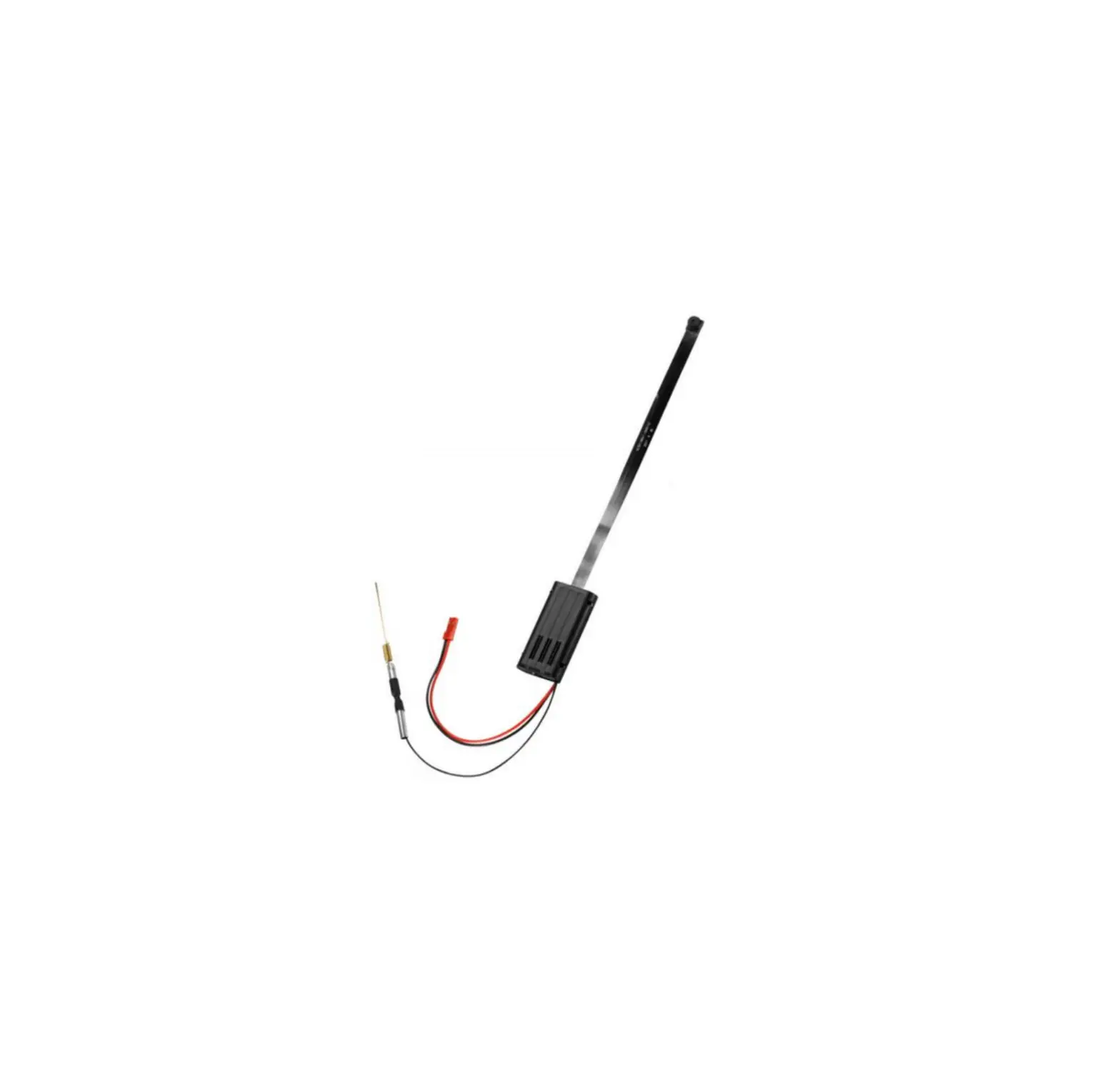
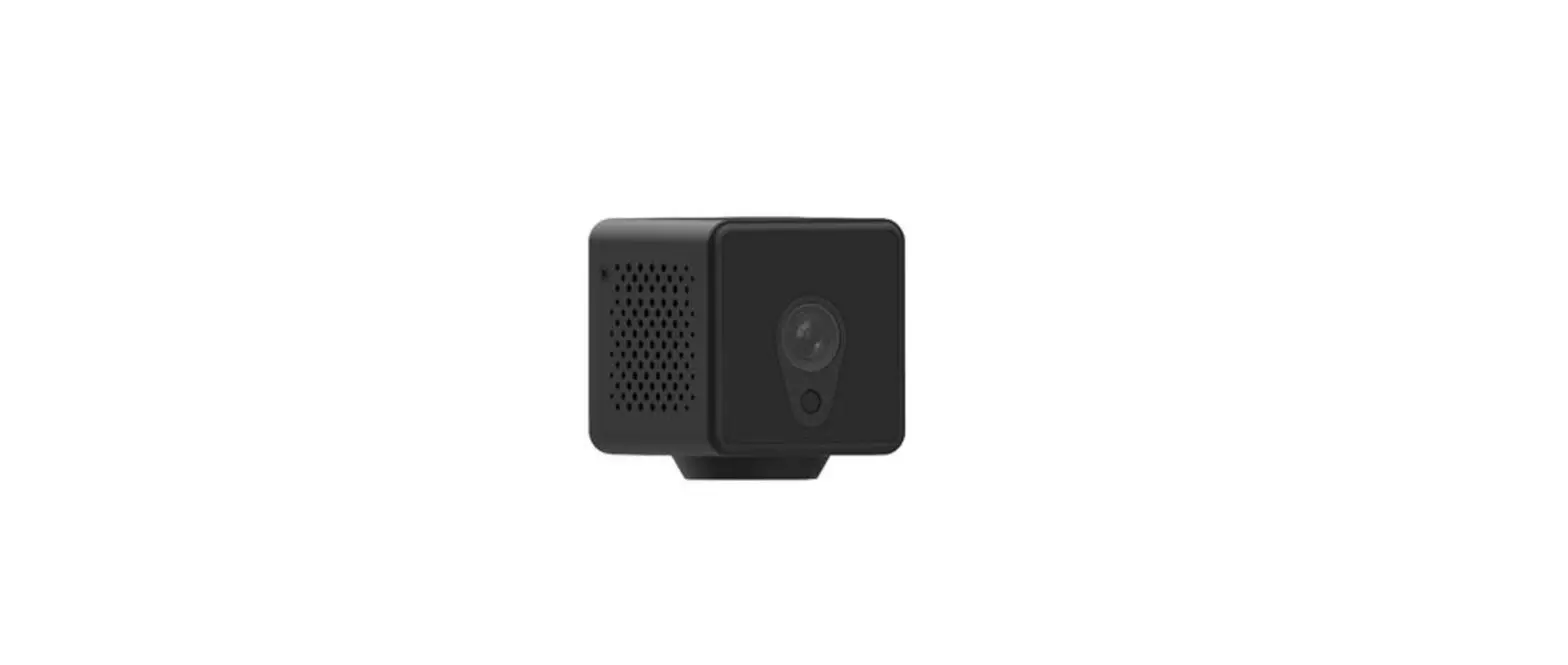
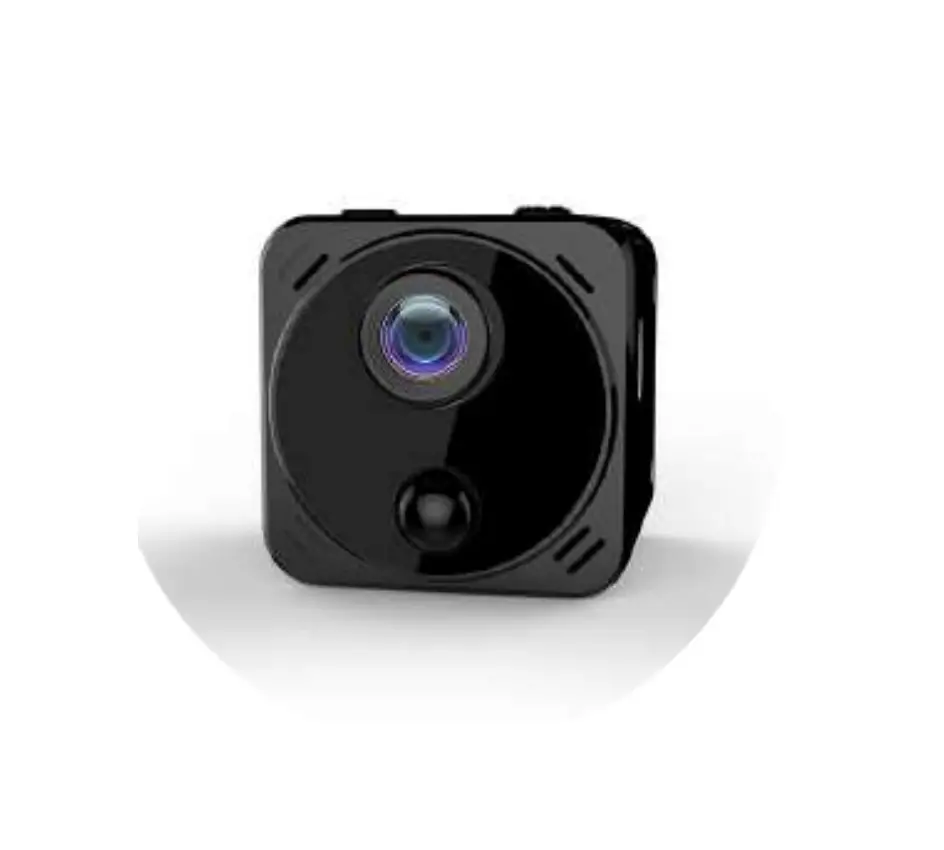
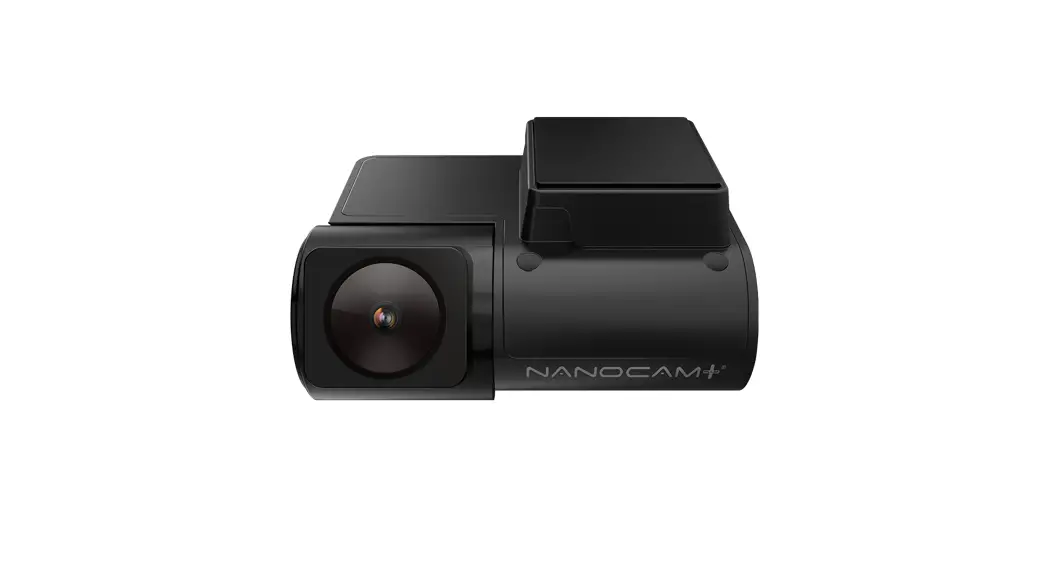
A. NANO 4K camera unit
B. Li-ion battery
C. USB cable
D. 8x shirt buttons
E. This manual
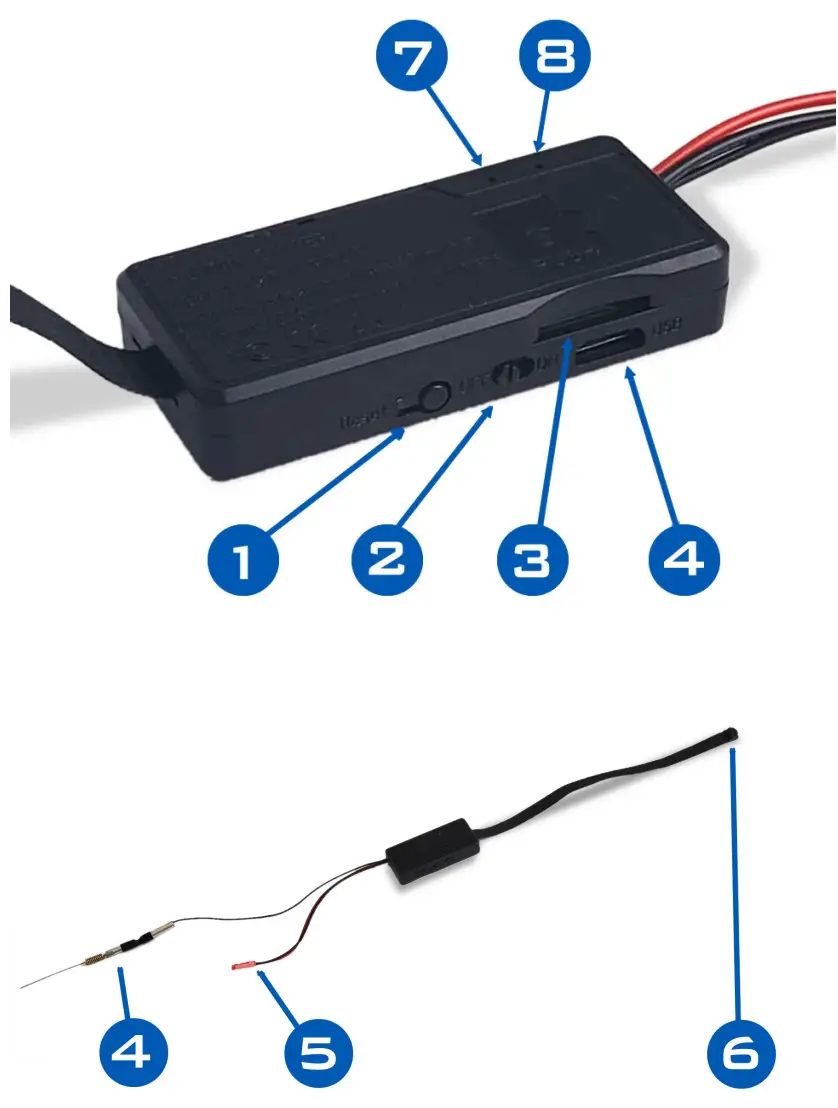
DIAGRAM
SETTING UP THE APP
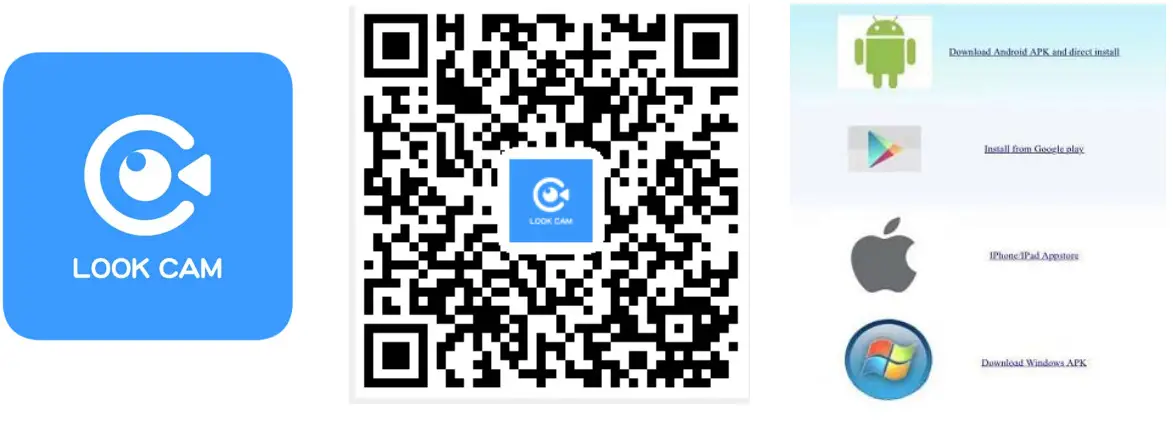
- Download the app – LookCam
Search and download LookCam on the App Store or Google Play. …. you can also scan the QR code below via the QR scanning app for a direct URL link.
- Setup the NANO
Insert a Micro SD card in card slot 3 if you’re planning on recording media directly on the NANO. Push the card in all the way until you feel it click. Plugin the included battery to the NANO’s battery connector 5 . Turn on the camera: move switch 2 to the ON position, wait until the indicator light 8 starts blinking solid blue.
To charge the battery, use the included USB cable to connect to a charger or any live USB port. Then connect to the NANO USB port 4 . The indicator will stay on red while charging and go out once fully charged. - Setup the WIFI
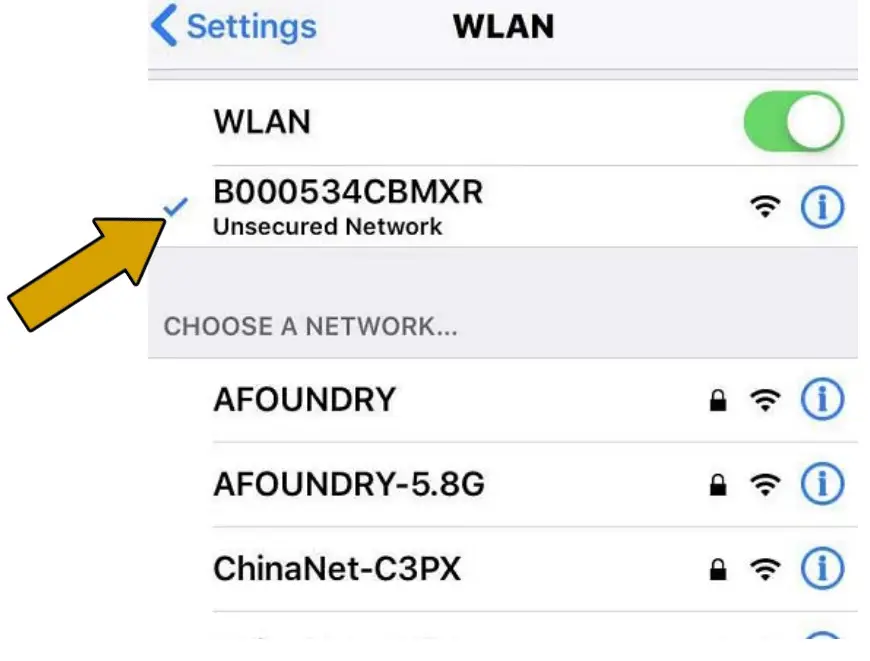
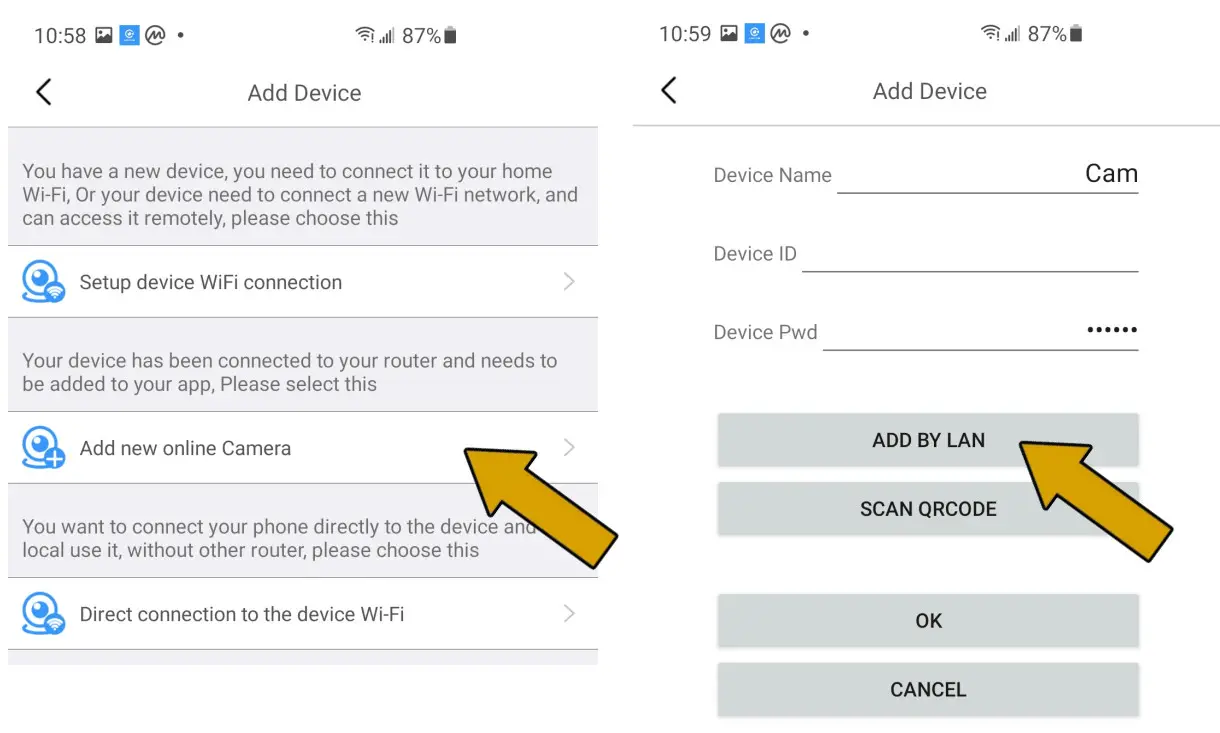
Connect your phone to this camera’s WiFi access from your phone’s WiFi settings, search and connect to the WiFi signal starting with “F###…”. Back in the App, if it hasn’t detected your camera yet, add one by tapping the “+” plus sign, Add a new online camera, then ADD BY LAN. You should see a new device listed.

- Setup remote connection
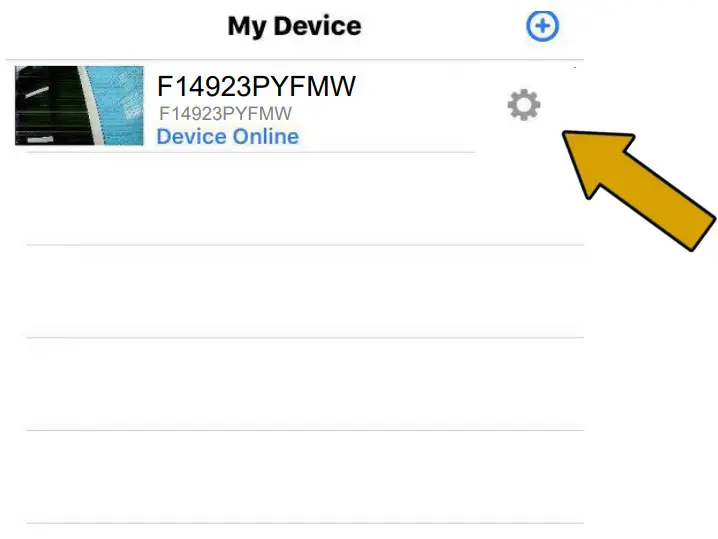
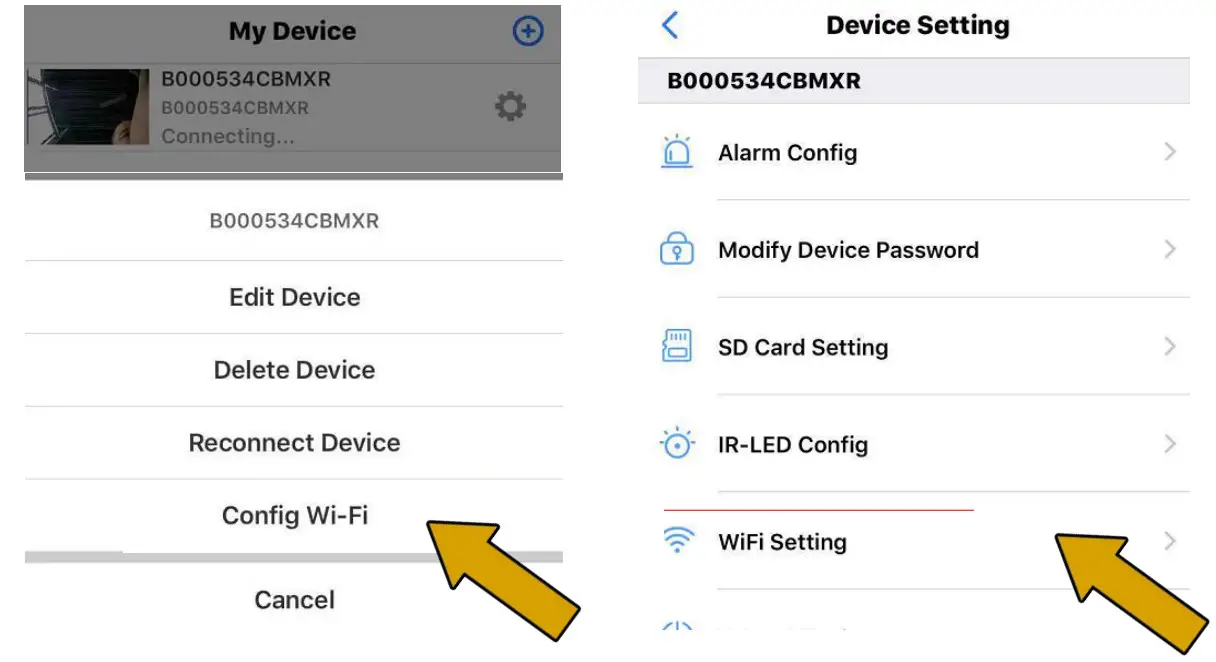
Tap the gear icon from your camera device, then Config Wi-Fi or WiFi Setting if on an Android.
 Finally, choose your local WiFi network and enter the password. If you don’t know your local WiFi password please check with your internet provider.
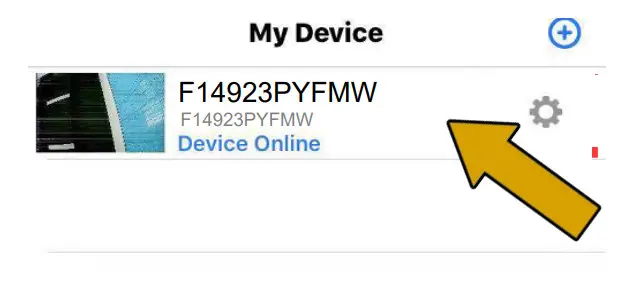
 Back in the App, if it hasn’t detected your camera yet, add one by tapping the “+” plus sign, Add a new online camera, then ADD BY LAN. You should see a new device listed.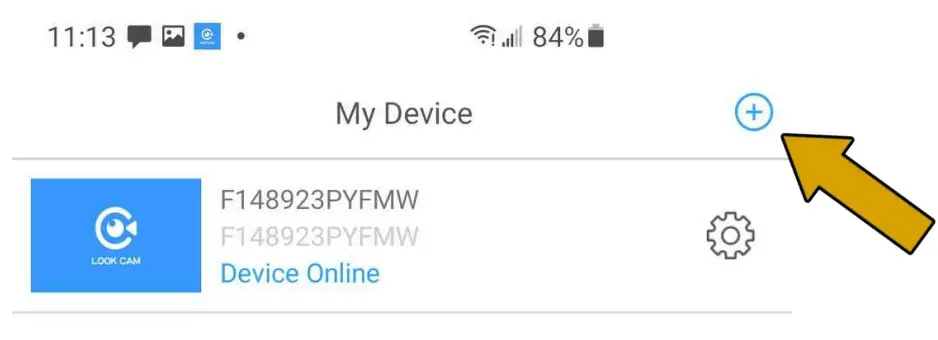
 Finally, choose your local WiFi network and enter the password. If you don’t know your local WiFi password please check with your internet provider.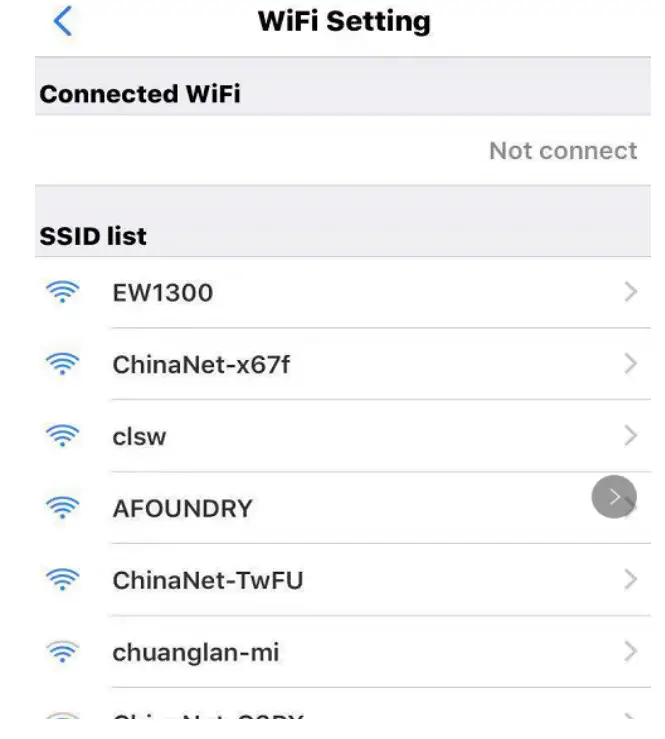
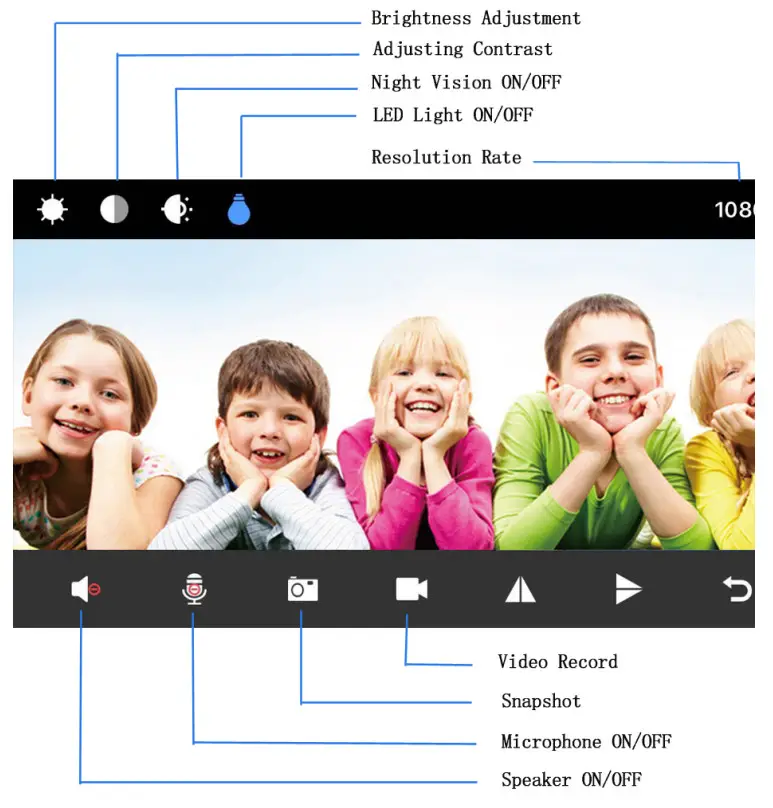
Once connected you will be able to watch and control video recording live from the app remotely.
Tap on the camera device on the list, it may take 30 seconds for the video to come up.
Product Specs
| Resolution Ratio | 1080P/720P/640P/320P |
| Video Format | AVI |
| Frame Number | 25 |
| Visual Angle | 150 /90 degree |
| Motion Detection Camera Shooting | Straight line 6 meters |
| Minimal Illumination | 1LUX |
| Video Duration | Over 1 Hour |
| Compressed Format | H.264 |
| Recording Range | 5m’ |
| Consumption | 380MA/3.7V |
| Storage Temperature | -20-80 degree centigrade |
| Operating Temperature | -10-60 degree centigrade |
| Operation Humidity | 15-85%RH |
| Memory Card Type | TF card |
| Player Software | VLCPlayer/SMPlayer |
| Computer Operating System | Windows/Mac OS X |
| Mobile Phone Operating System | Android/i0S |
| Web browser | 1E7 and above,chrome,firefox safari.etc |
| Largest customer | 4 |